







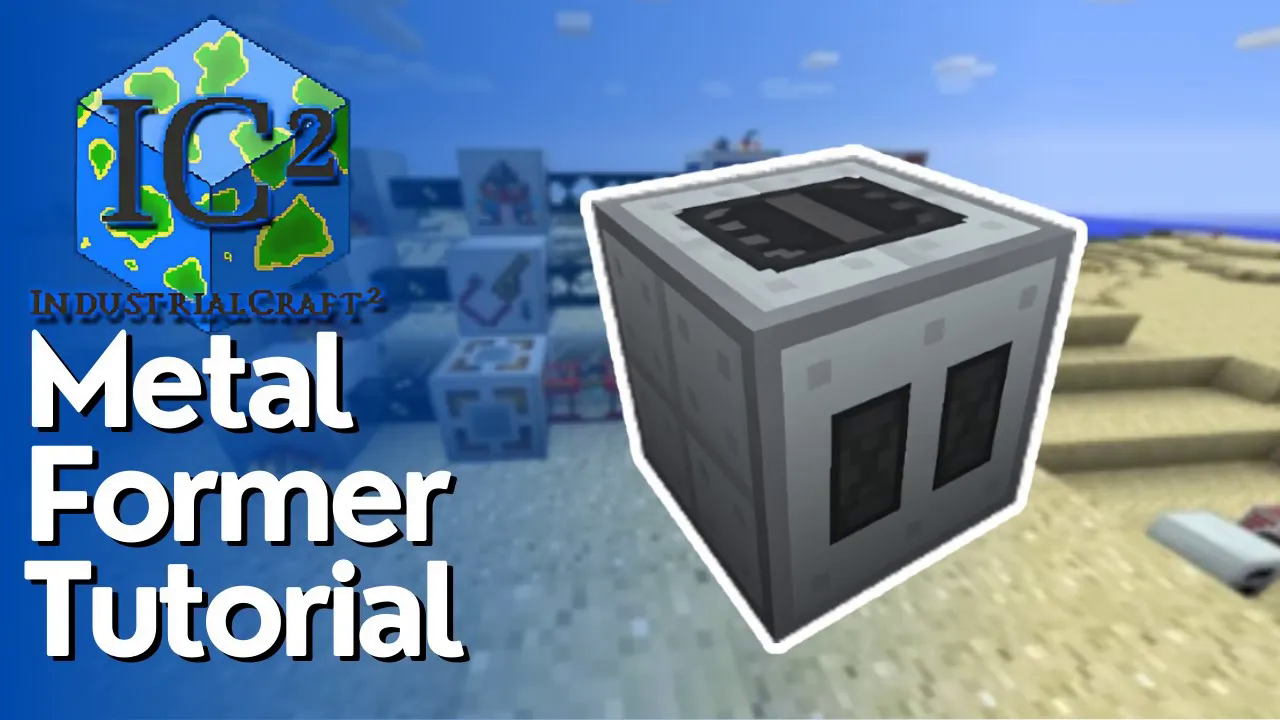
How To Use Metal Formers In IC2
How To Use Metal Formers In IC2
The Metal Former is a versatile machine in Industrial Craft 2 (IC2) that replaces early-game tools like the hammer and cutters. This guide will walk you through everything you need to know about using Metal Formers effectively, from basic operation to advanced upgrades.
What Is a Metal Former?
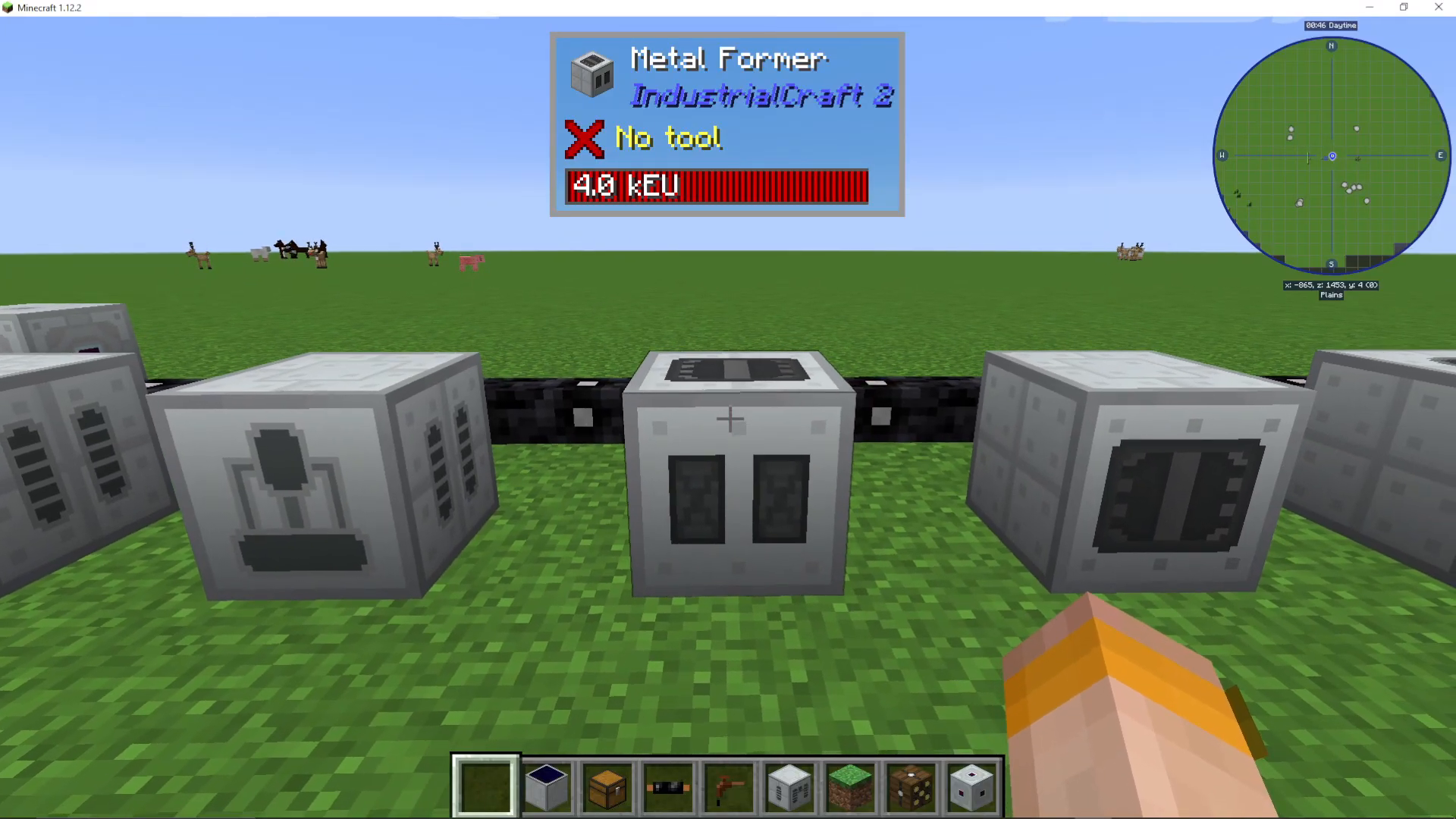
The Metal Former is a low voltage machine in IC2, identifiable by its two rectangular front faces. You can power it using tin cables or higher voltage cables, but you must ensure the current remains at low voltage levels.
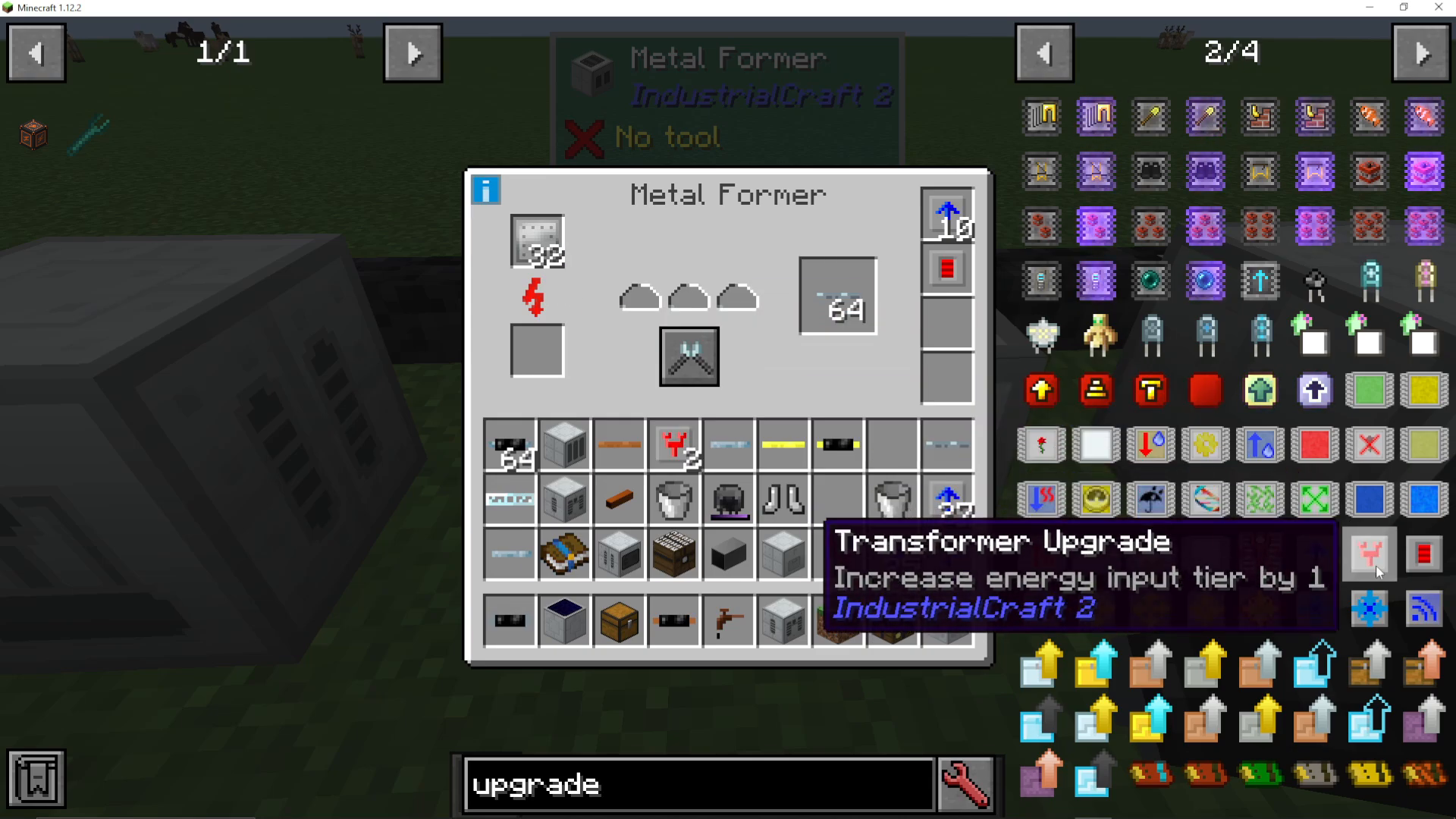
If you’re using high voltage cables, you’ll need to add transformer upgrades to step down the voltage. For example, if you’re running high voltage power, you’ll need an extra two transformer upgrades. Keep in mind that in some mod packs, using higher than low voltage will cause the machine to explode and turn into a machine casing, so exercise caution.
Metal Former Modes
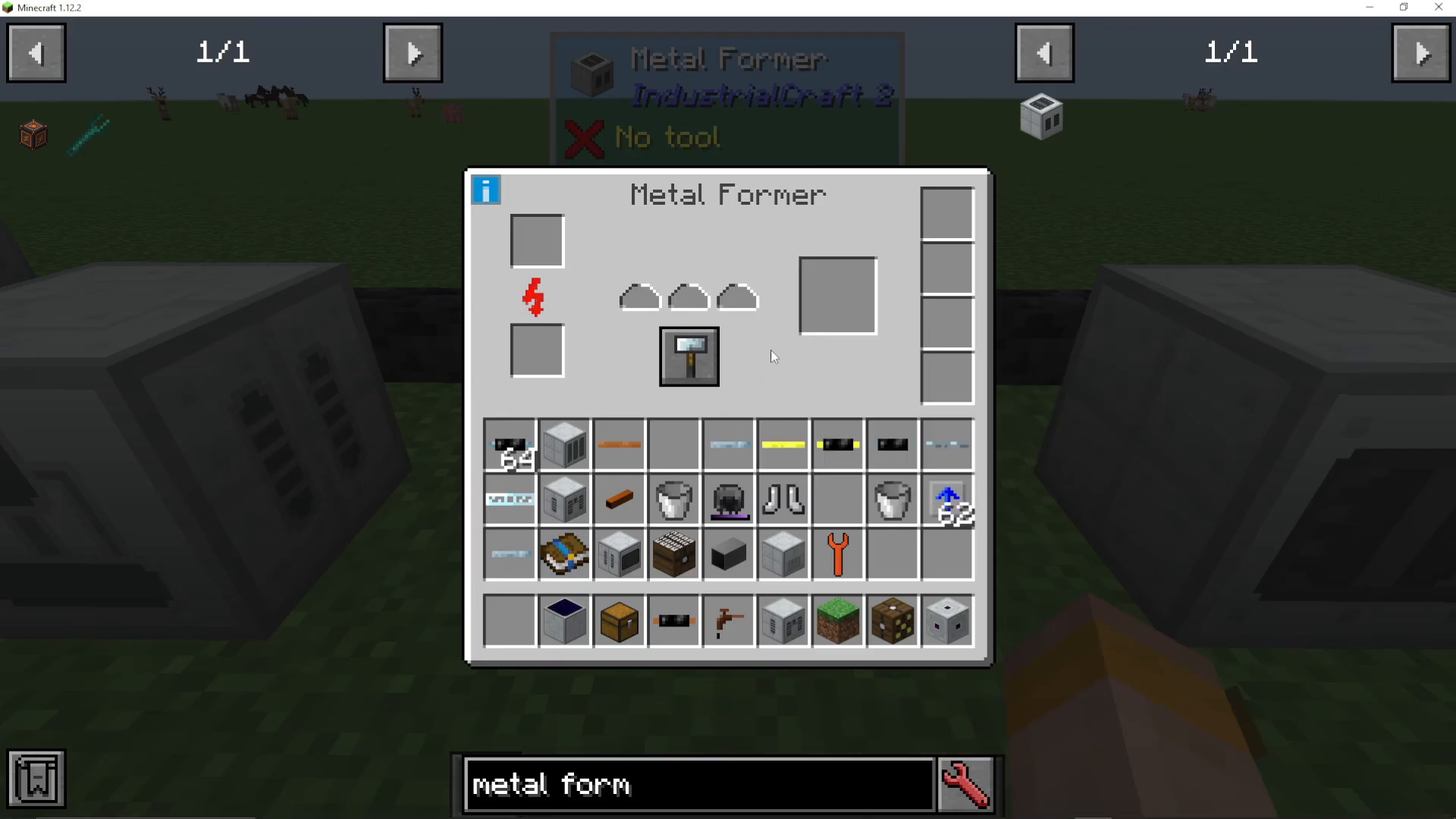
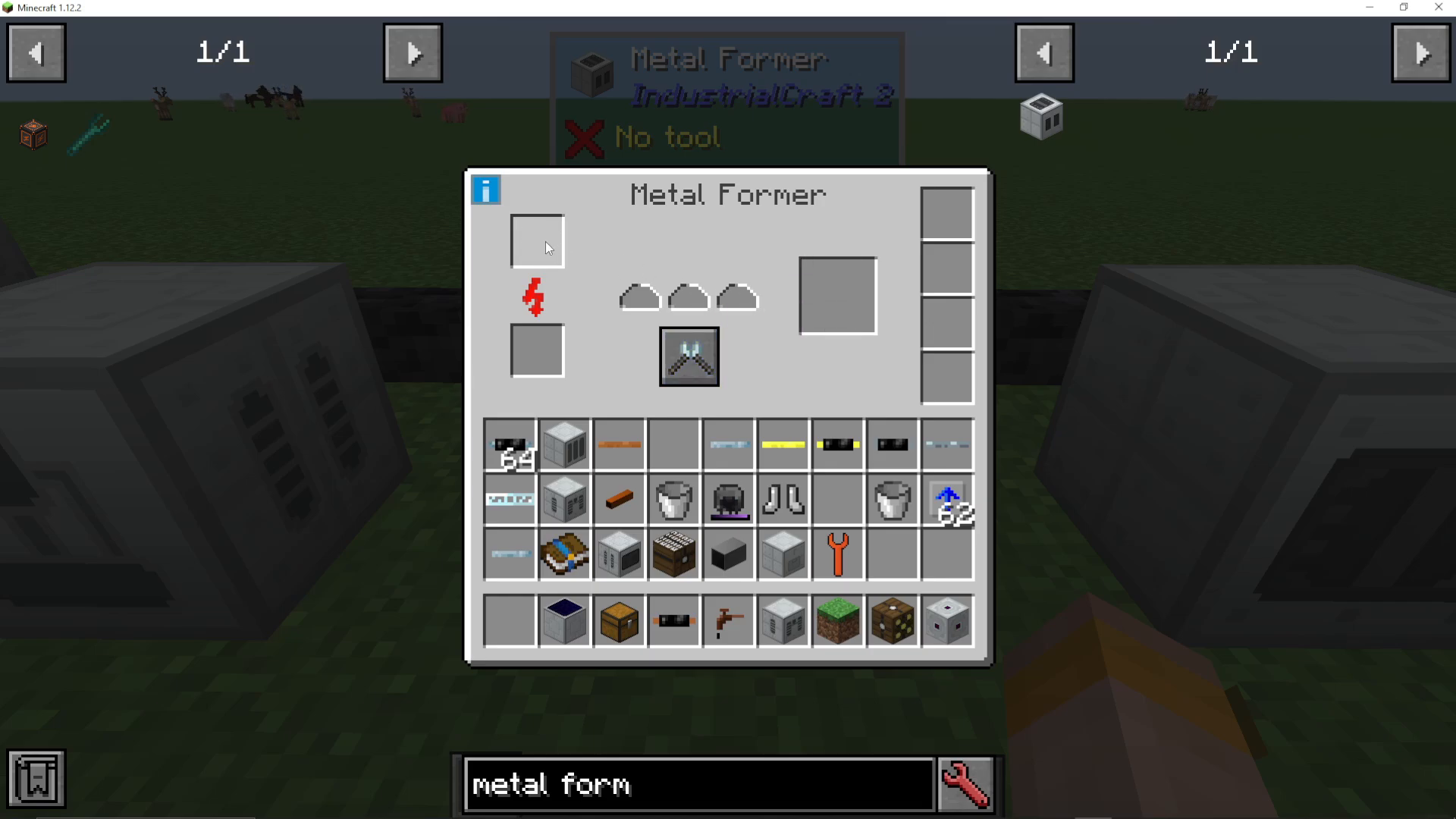
The Metal Former has three primary operating modes that you can switch between using the middle control panel: Extruding, Rolling (Hammering), and Cutting.
Extruding Mode
In extruding mode, you can transform ingots and plates into various components:
Turn iron plates into fuel rods for your reactors
Convert iron ingots into HV cables and other cable types
Create iron casings for defensive structures
Make tin components and shafts
Transform copper ingots directly into copper cables
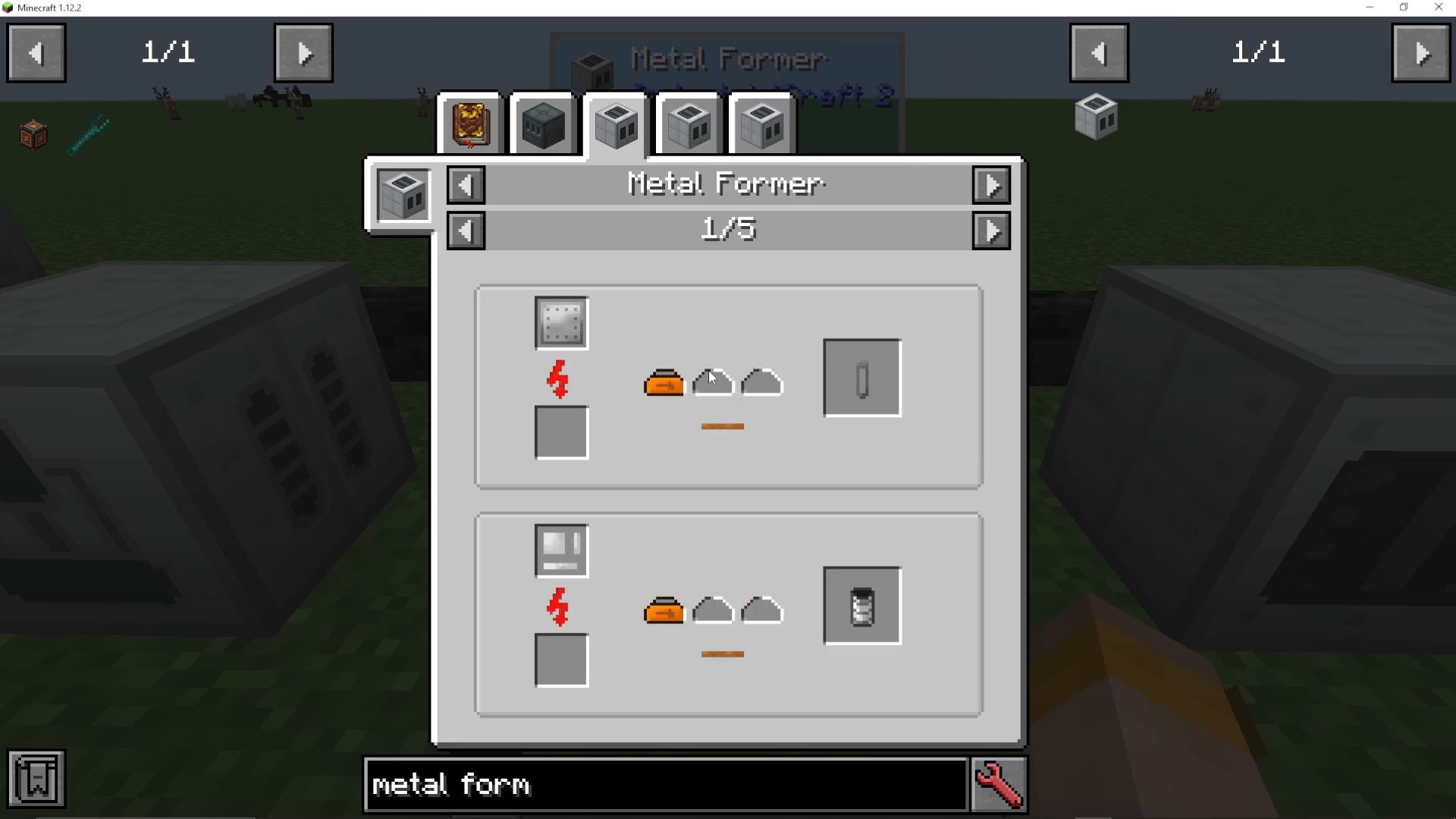
Rolling/Hammering Mode
The rolling mode allows you to:
Convert plates directly into casings
Transform ingots into plates
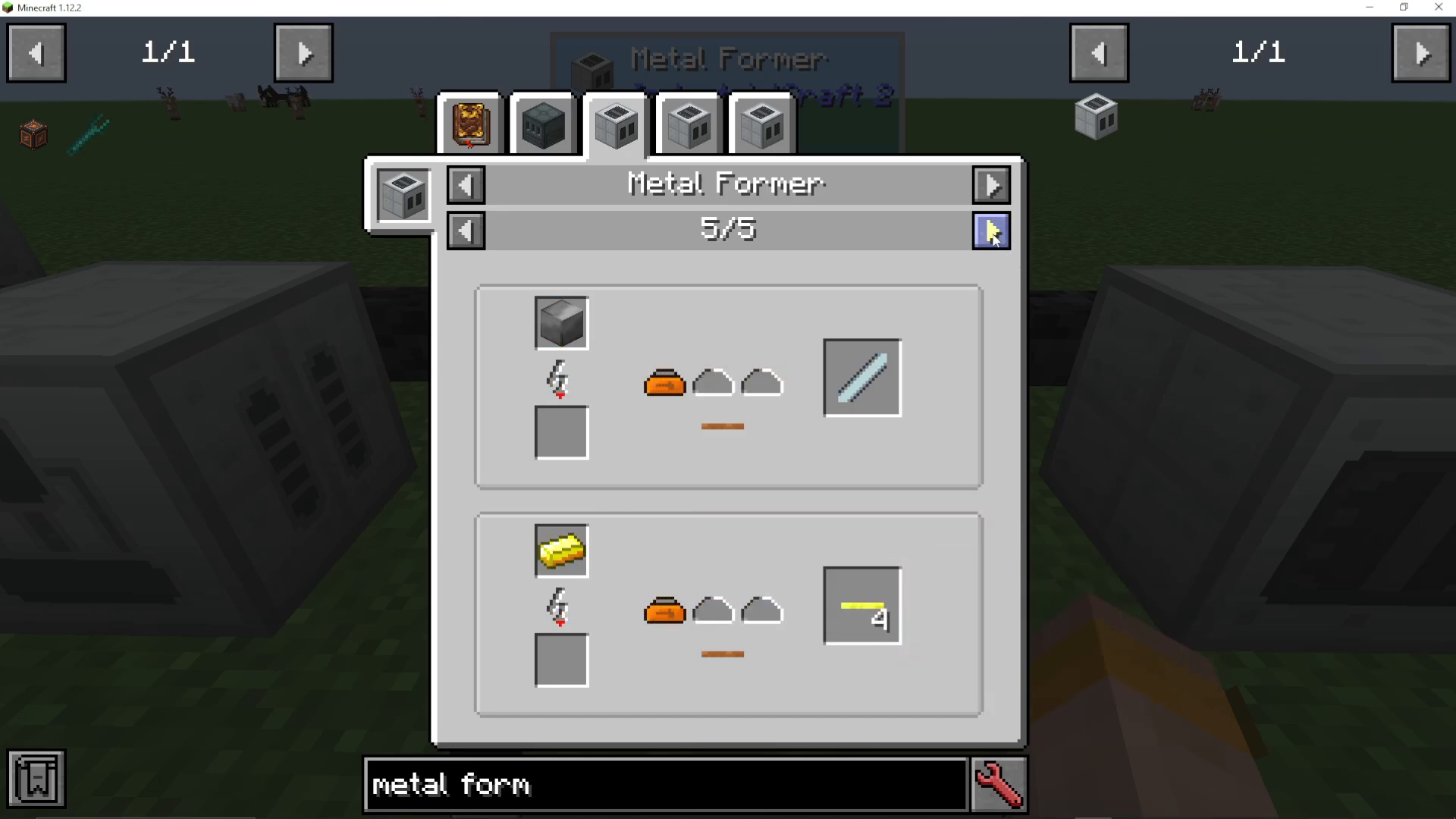
Cutting Mode
With cutting mode, you can:
Cut plates into cables
Convert casings into credits for use with IC2’s trading system
The Metal Former works with plates from other mods as well, so you can use Thermal Expansion plates and similar items without compatibility issues.
Basic Operation
To operate the Metal Former, place the item you want to process in the top input bar. The machine will then fill up the three processing slots below and begin conversion. The converted output will be ready for collection once the process completes.
Upgrading Your Metal Former
Overclocker Upgrades
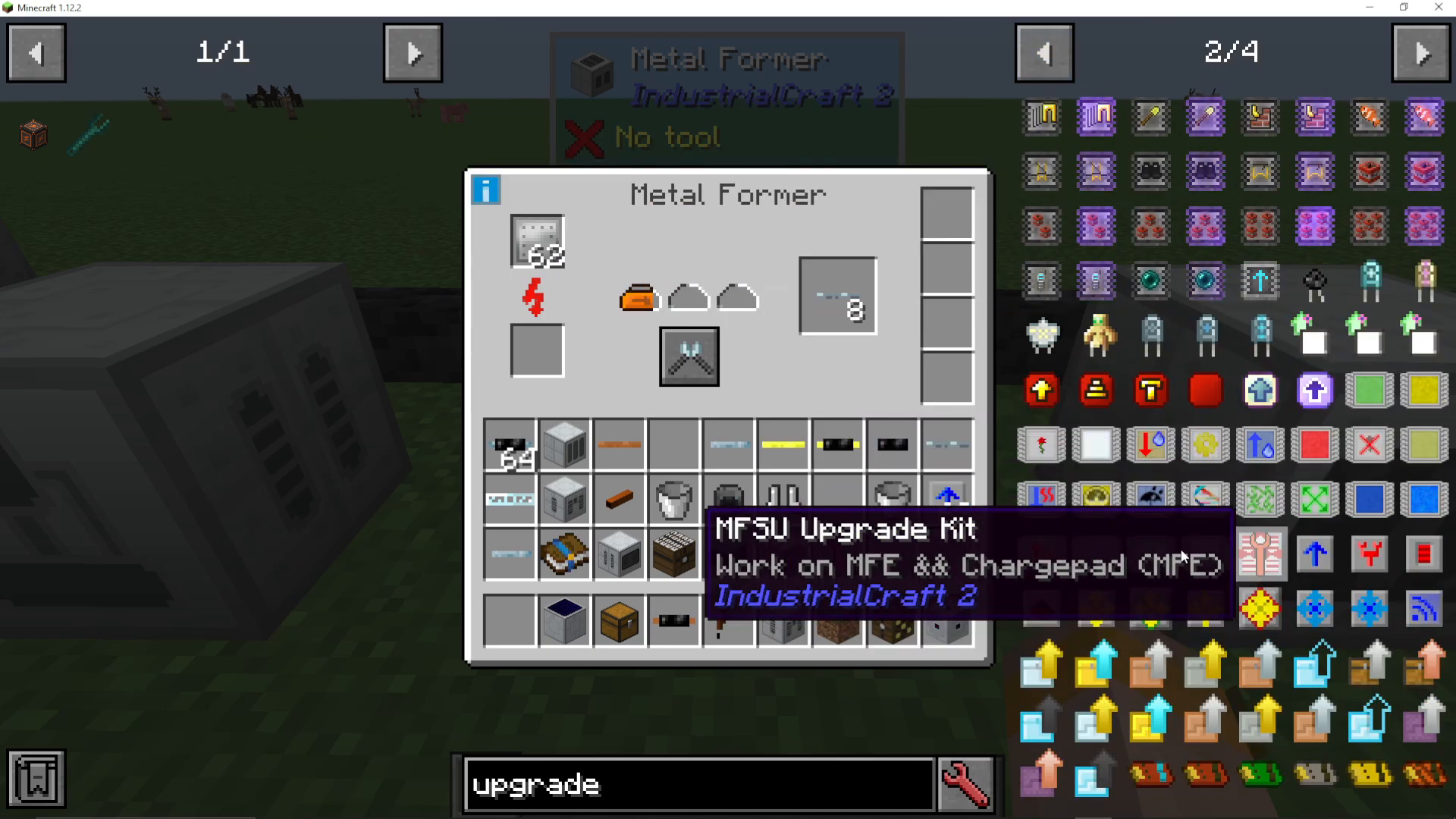
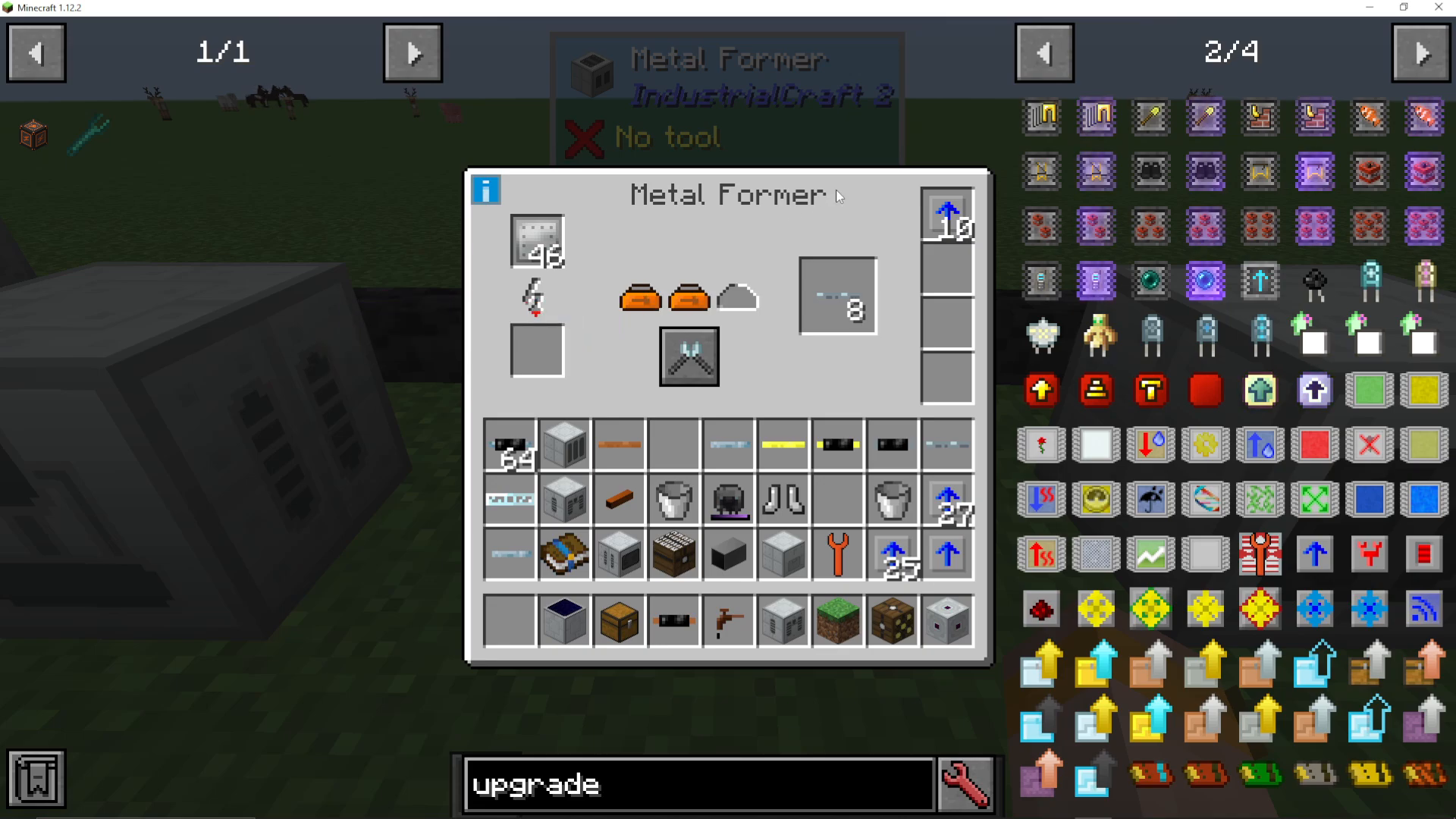
To speed up your Metal Former, use overclocker upgrades from IC2. These upgrades are stackable and work multiplicatively:
1 overclocker upgrade: Reduces process time to 70%, power consumption increases to 160 EU/t
2 overclocker upgrades: Process time drops to 49%, power consumption rises to 256 EU/t
5 overclocker upgrades: Significantly faster operation, but power consumption jumps to 1000% more than baseline
The more overclocker upgrades you add, the faster the machine runs, but power consumption increases exponentially. Be prepared to supply substantial energy if you want extreme speed.
Energy Storage Upgrades
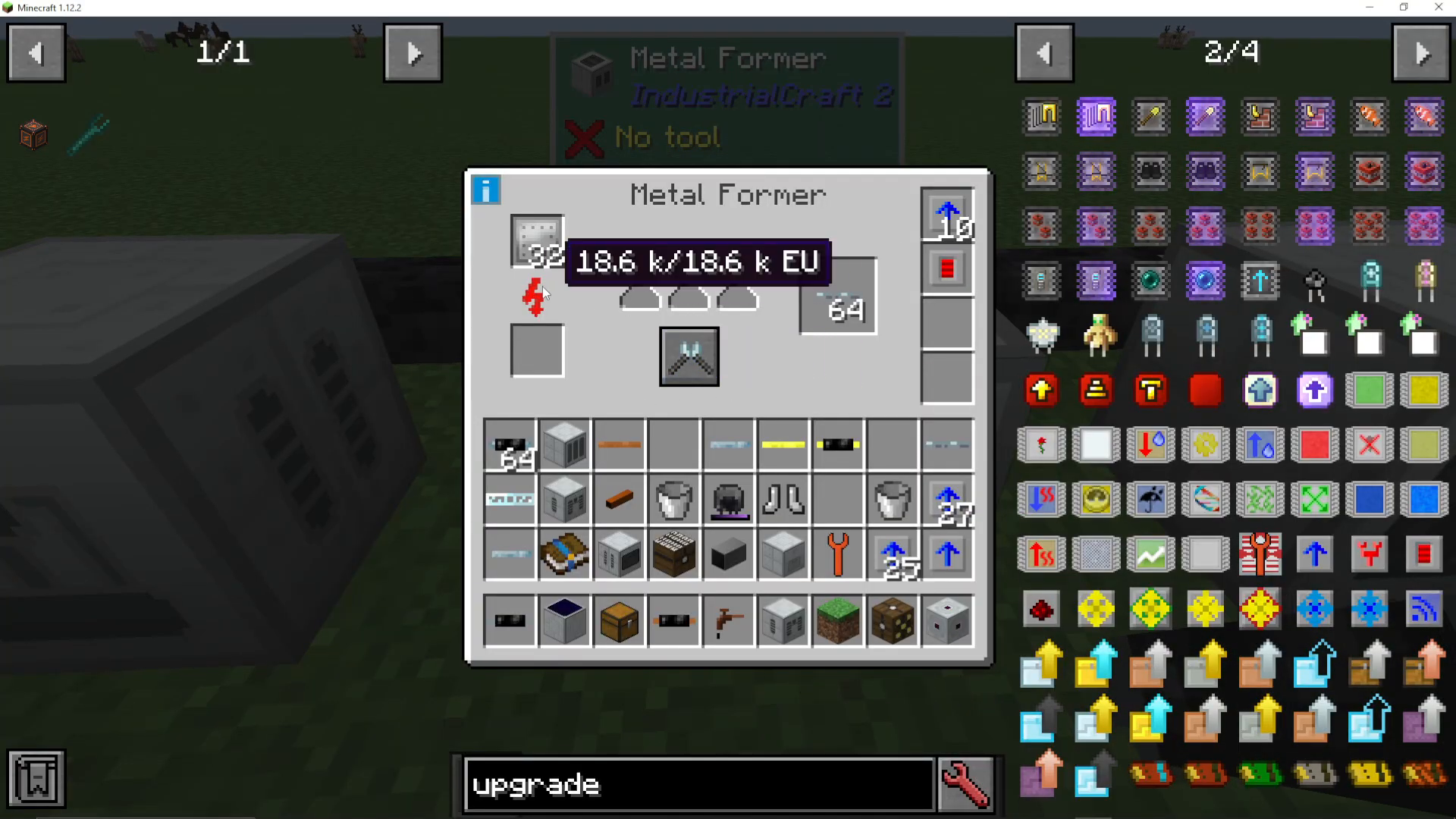
If you’re running multiple overclocker upgrades and your machine struggles to keep up with energy demand, add energy storage upgrades. These increase the maximum energy capacity the Metal Former can hold internally. For example, an energy storage upgrade can increase capacity to 18,000 EU.
Transformer Upgrades
If you want to use high voltage cables to pump more energy into your Metal Former, you’ll need transformer upgrades. These upgrades step down the voltage while allowing higher EU per tick (EU/t) to enter the machine. With three transformer upgrades, you can safely use high voltage power on a Metal Former.
Power Management Tips
Understanding voltage versus EU per tick is crucial. Voltage is the type of current (low, medium, high), while EU per tick is the amount of energy flowing. You can increase EU/t by using higher voltage cables with the appropriate transformer upgrades. However, always ensure your cables can handle the voltage, or use transformer upgrades to step it down to low voltage.
For heavily upgraded Metal Formers with ten or more overclocker upgrades, upgrading from low voltage tin cables to high voltage cables with transformer upgrades becomes necessary to supply enough power.
Conclusion
The Metal Former is an essential machine in IC2 that replaces multiple early-game tools and offers incredible versatility through its three operating modes. By understanding how to properly upgrade and power it, you can create the components you need efficiently. Whether you’re just starting out or building an industrial setup with extreme overclocker upgrades, the Metal Former is a reliable workhorse for your crafting needs.
— Want to Support? —
If you would like to help us continue making these guides – please consider joining our patreon here – https://www.patreon.com/c/JaviHeals
Alternatively – we host a group of MC Servers you can join here – https://discord.gg/zD7Gjt6MHF



