







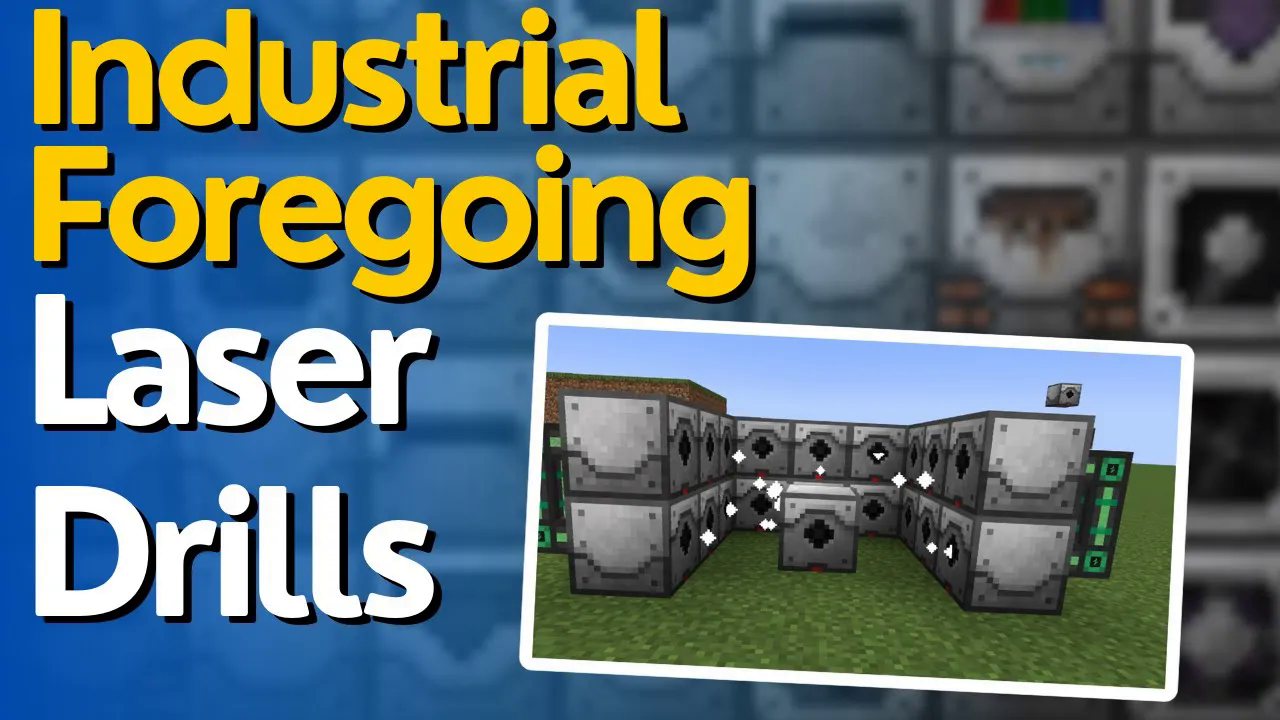
How to Use Laser Drills in Industrial Foregoing 1.21.1
How to Use Laser Drills in Industrial Foregoing 1.21.1
In this comprehensive guide, you’ll learn everything you need to know about laser drills, laser bases, and fluid laser bases in Industrial Foregoing. While this tutorial focuses on Minecraft 1.21.1, the mechanics have remained largely unchanged over the past several versions, making this guide applicable across most Industrial Foregoing installations. We’ll cover the complete setup process, from configuring your ore laser base to optimizing your mining operation with laser lenses and upgrades.
Understanding the Laser Base Setup
The basic mining laser setup consists of an ore laser base (also available as a fluid laser base), laser drills, and laser lenses. These components work together to extract ores and fluids from your world.
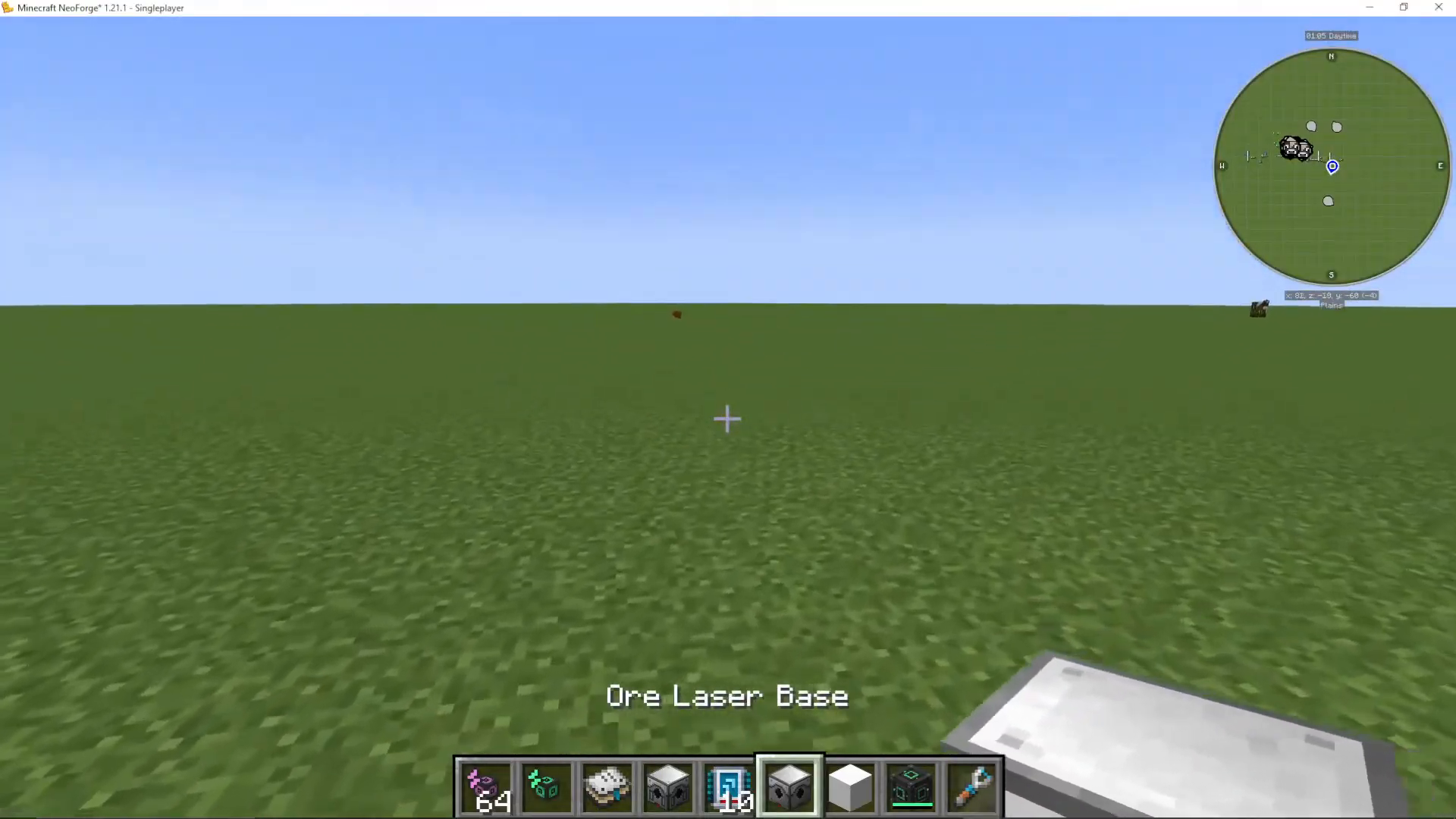
Configuring Output Ports
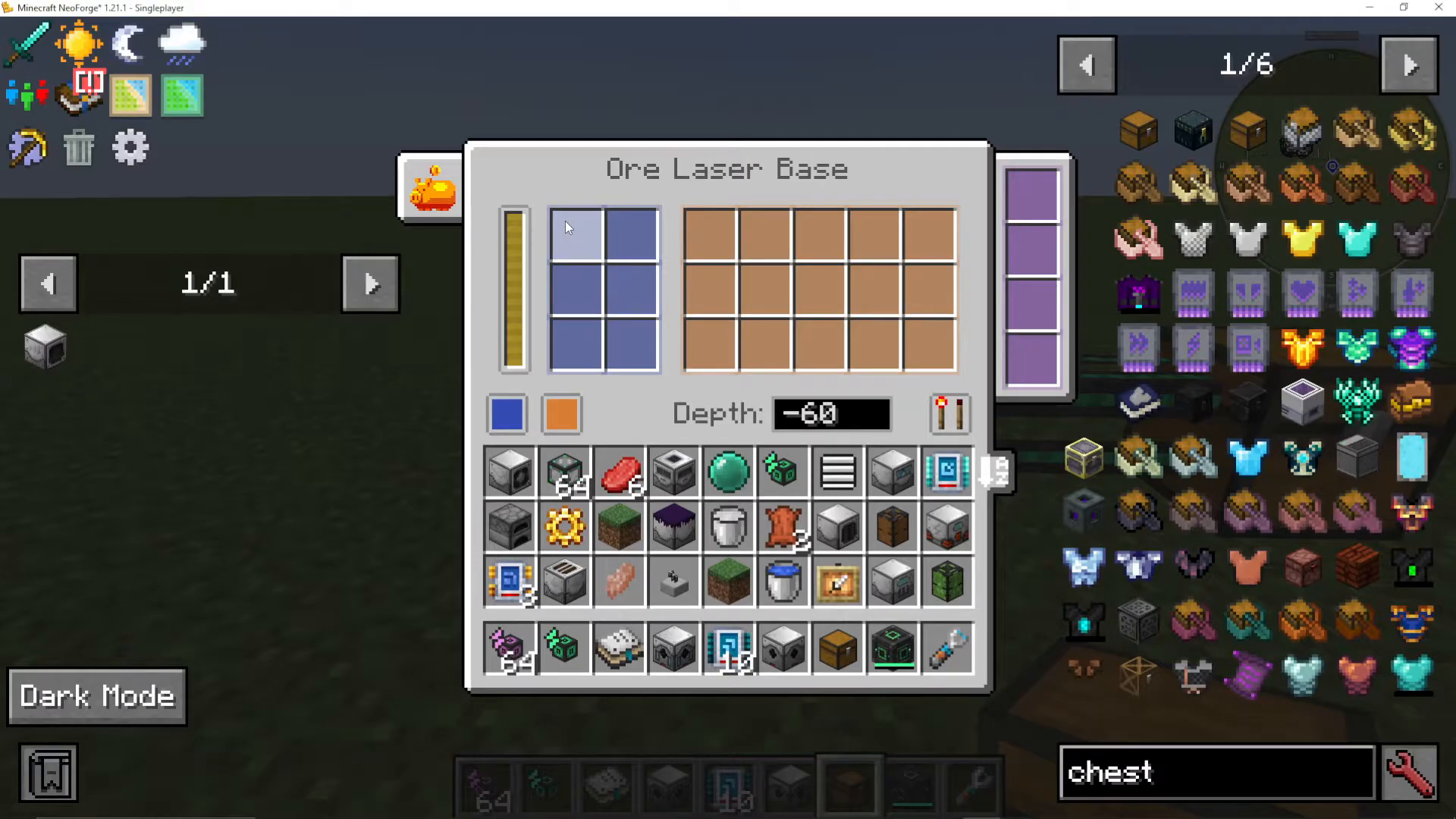
The ore laser base has color-coded ports for managing resources. The orange part on the laser base serves as your output port. Click on it to access the output configuration menu, where you can choose between three modes: disabled, enabled, push, or pull.
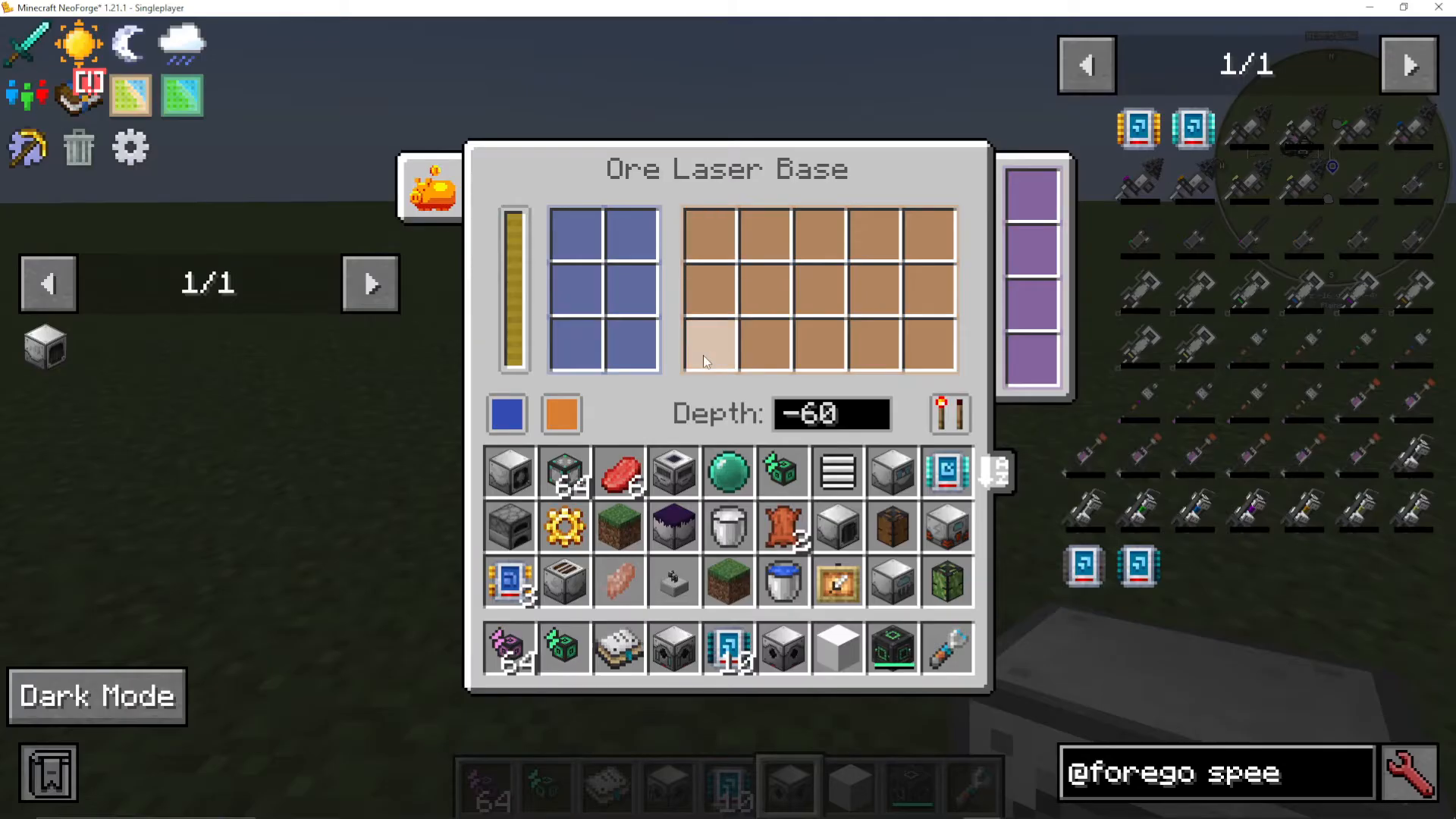
To set up output, select “push” mode and connect a logistical cable from Mechanisms to the output port. Attach a chest at the end of the cable. Once configured, any items extracted by your laser drill will automatically push into the connected chest.
Installing Laser Lenses
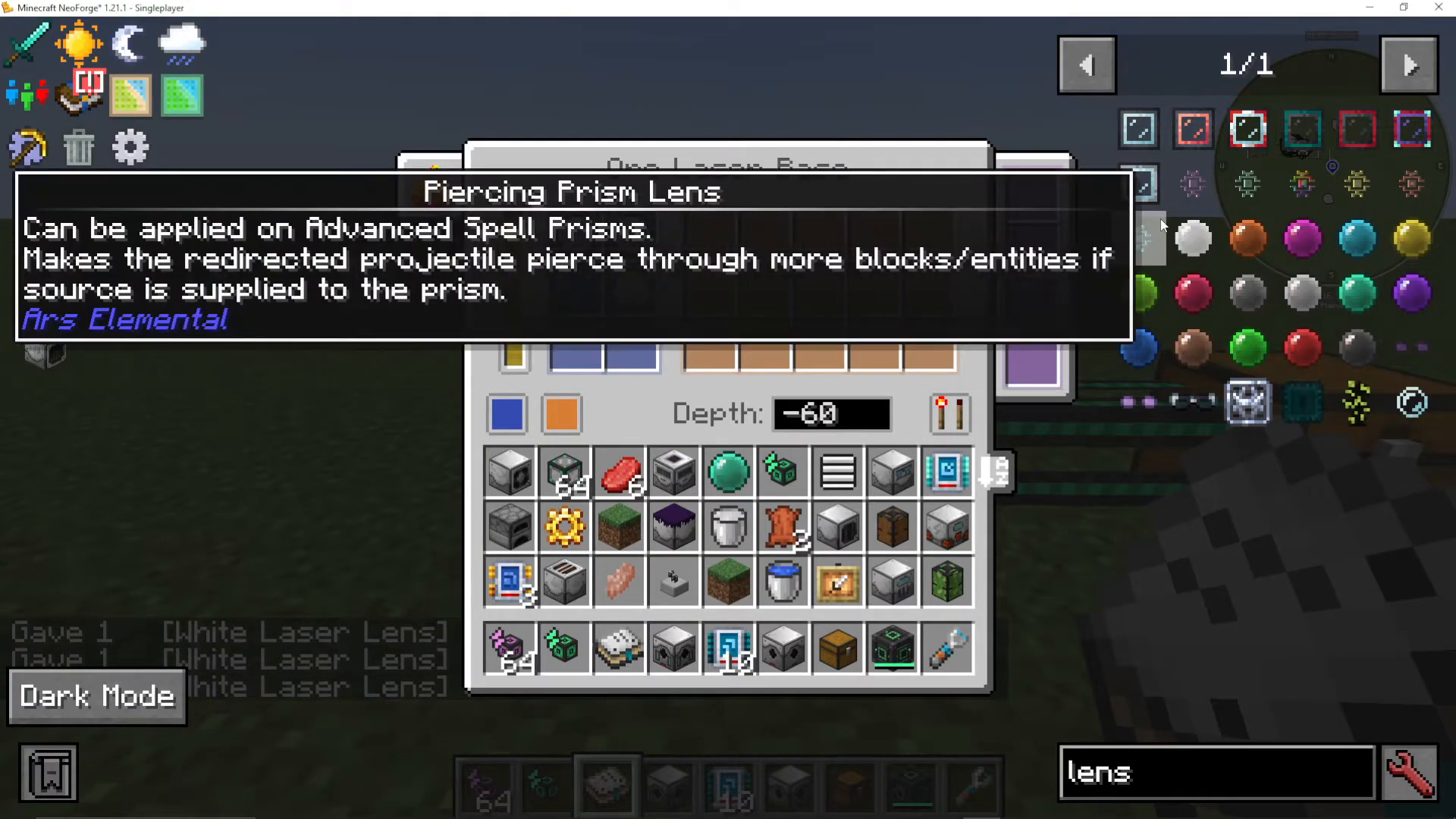
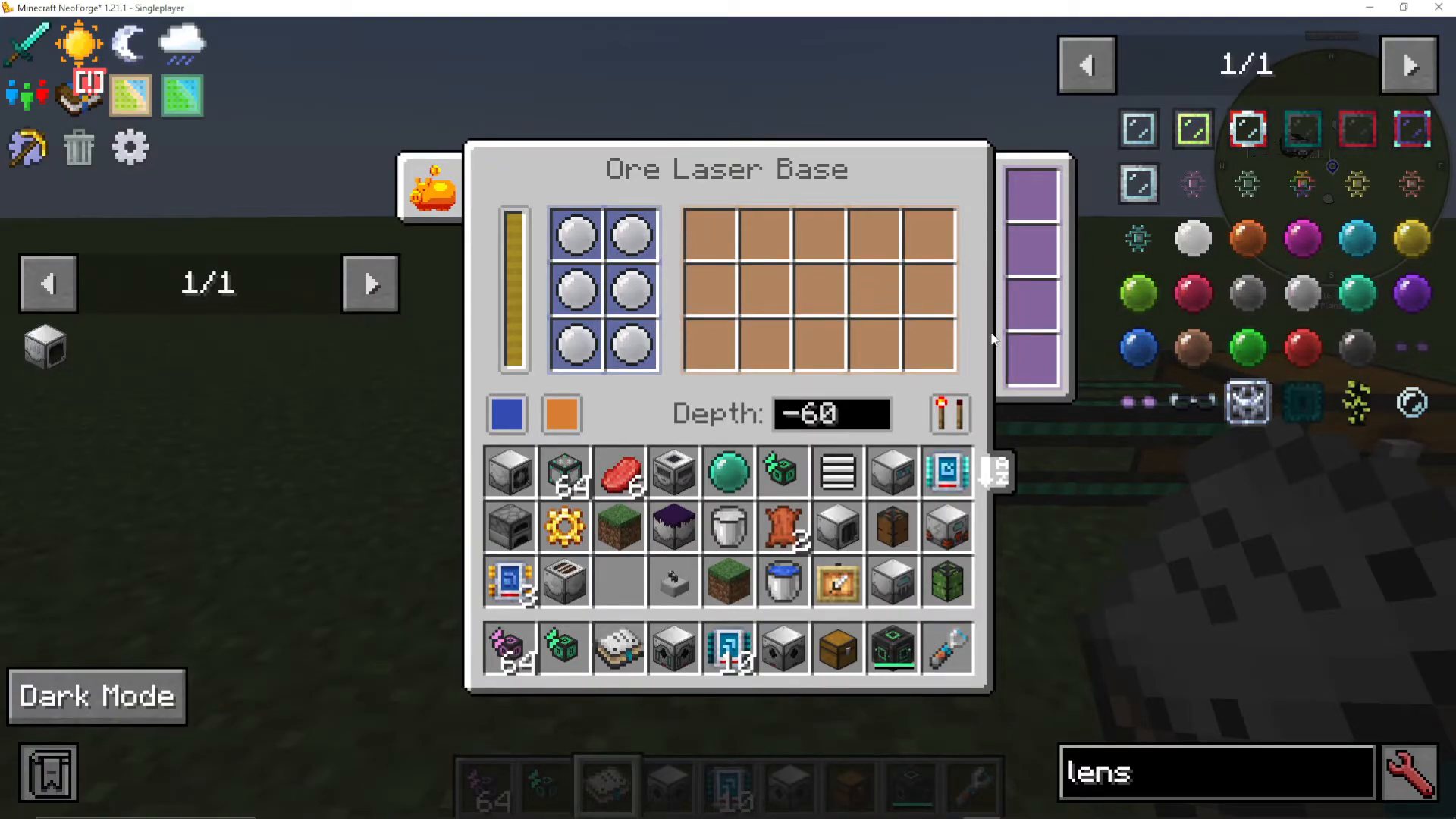
The left side of the ore laser base is the laser lens slot. Laser lenses are essential components that determine what ores you can extract. White laser lenses can be dyed with various colors using dyes to create different colored lenses for different ore types.
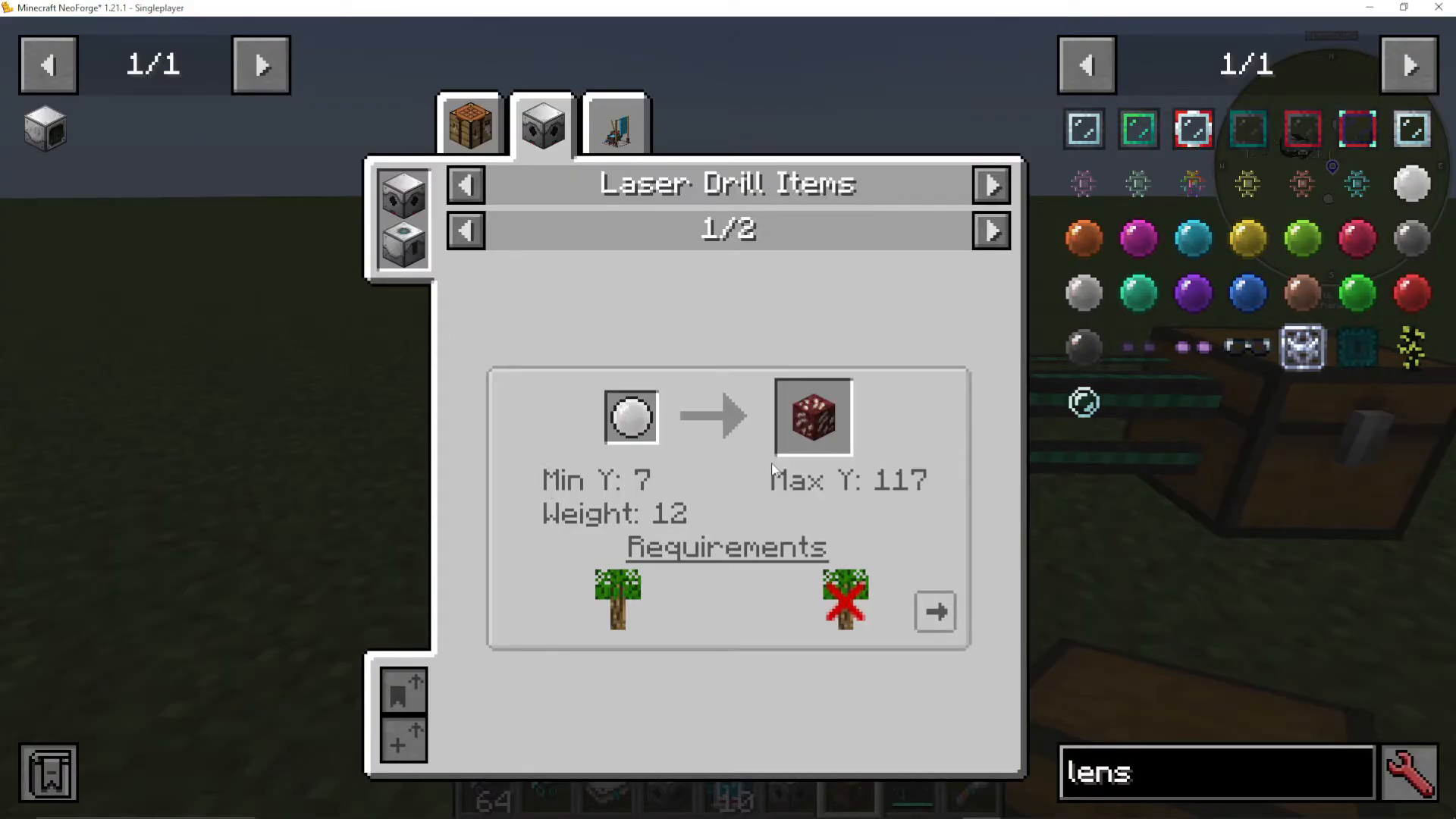
To view which ores a lens can extract, open JEI and search for “laser drill items.” This displays a detailed chart showing:
Available ore drops for each lens color
Weight values (higher weight = higher rarity)
Minimum and maximum Y-level depths for extraction
Biome requirements
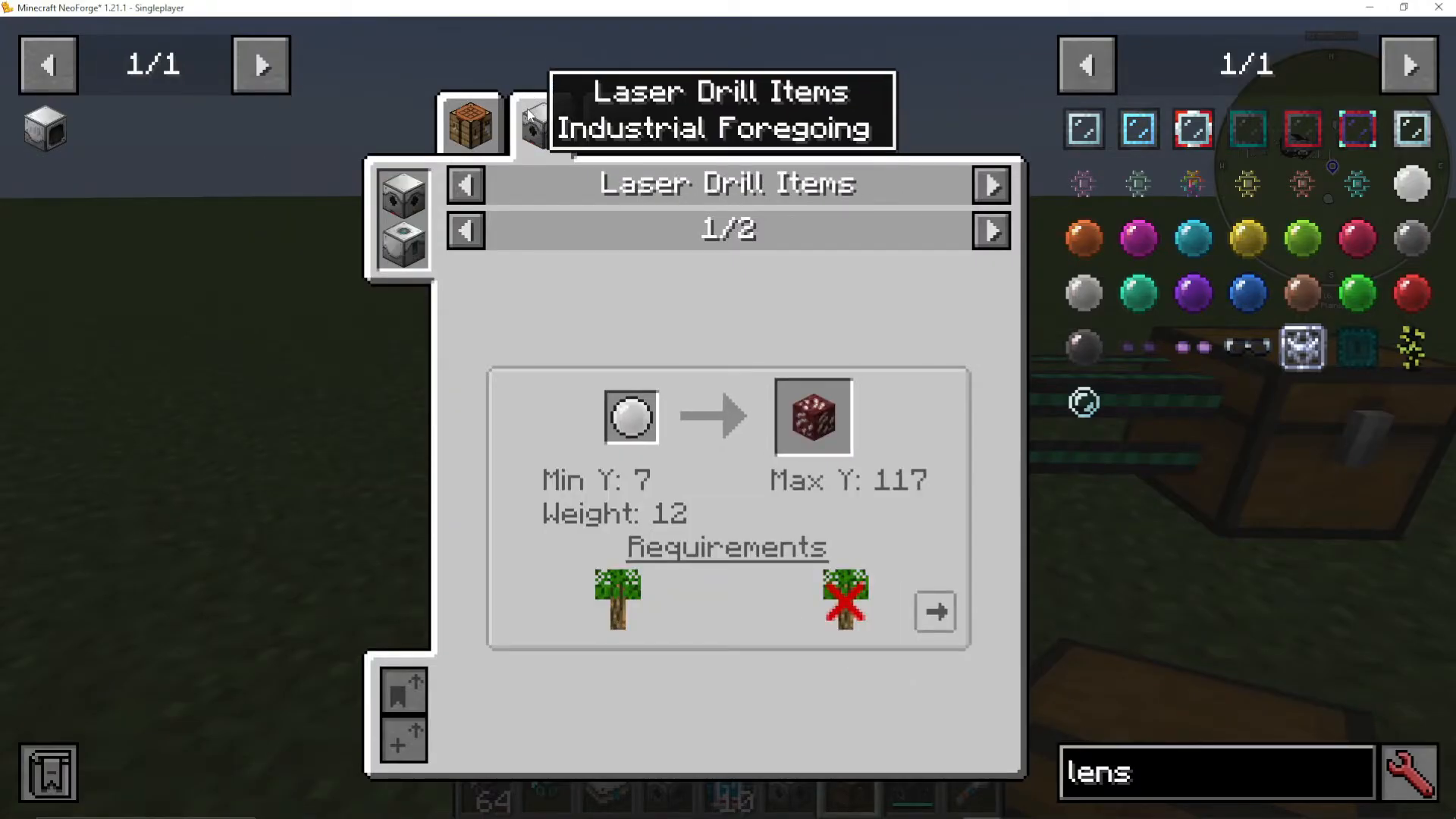
For example, a white laser lens can extract Nether Quartz or Raw Iridium, but Raw Iridium requires you to be in the Nether biome and operate between Y-levels 5 and 68. The weight value indicates rarity—higher weights mean more difficult extraction but potentially higher-quality ores.
Optimizing Ore Selection with Multiple Lenses
To increase your chances of extracting specific ores, you can install multiple laser lenses of the same color into a single ore laser base. The more lenses you add, the higher the probability of obtaining the desired ore.
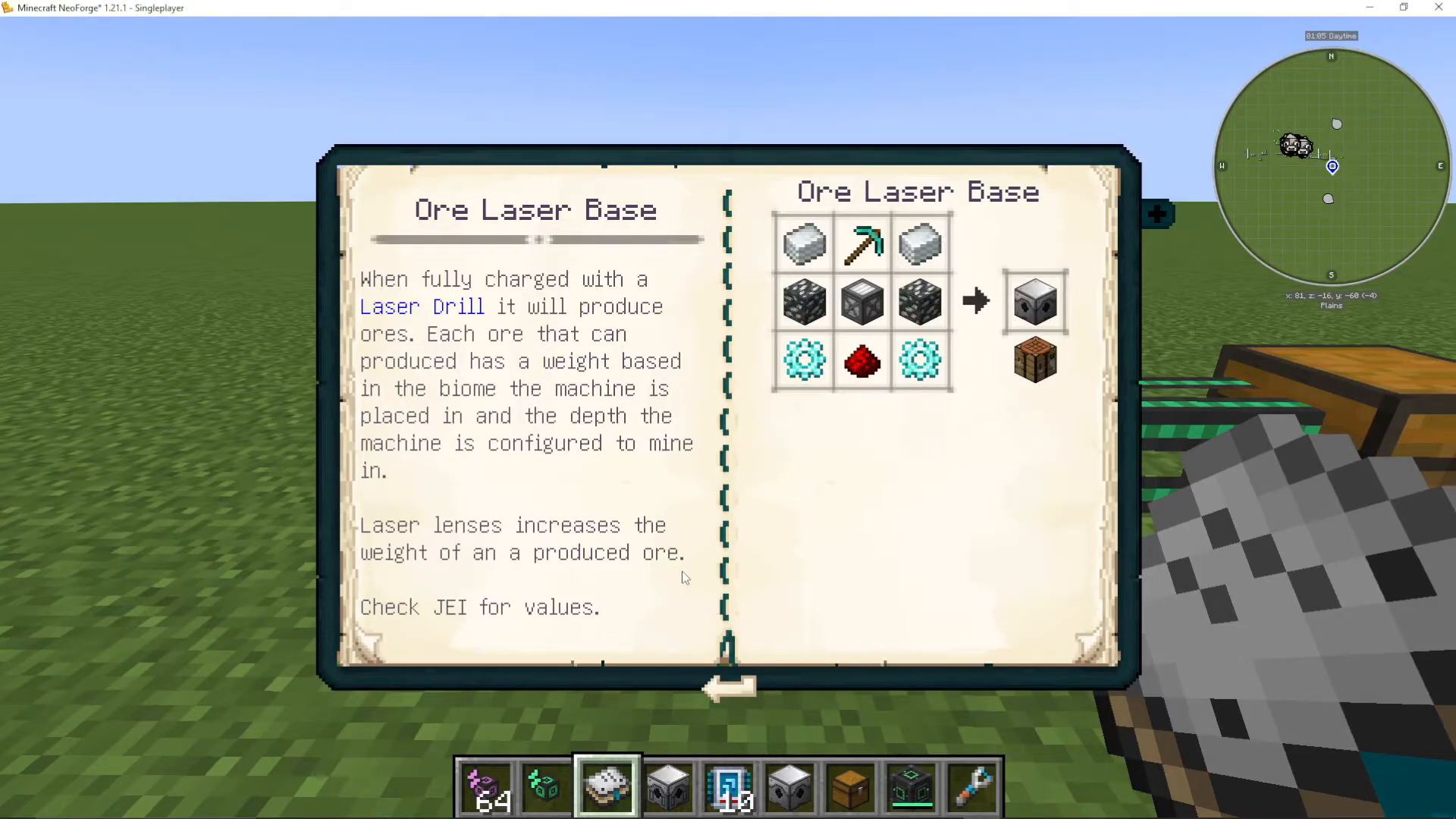
It’s important to note that laser lenses act as a probability filter, not a guarantee. While adding more lenses significantly increases your chances of getting the targeted ore, you may still receive other ores based on your current dimension and biome. Consult the Industrial Foregoing manual entry on laser lenses for weight information—higher weight values correlate directly to better drop rates.
Installing Upgrades and Add-ons
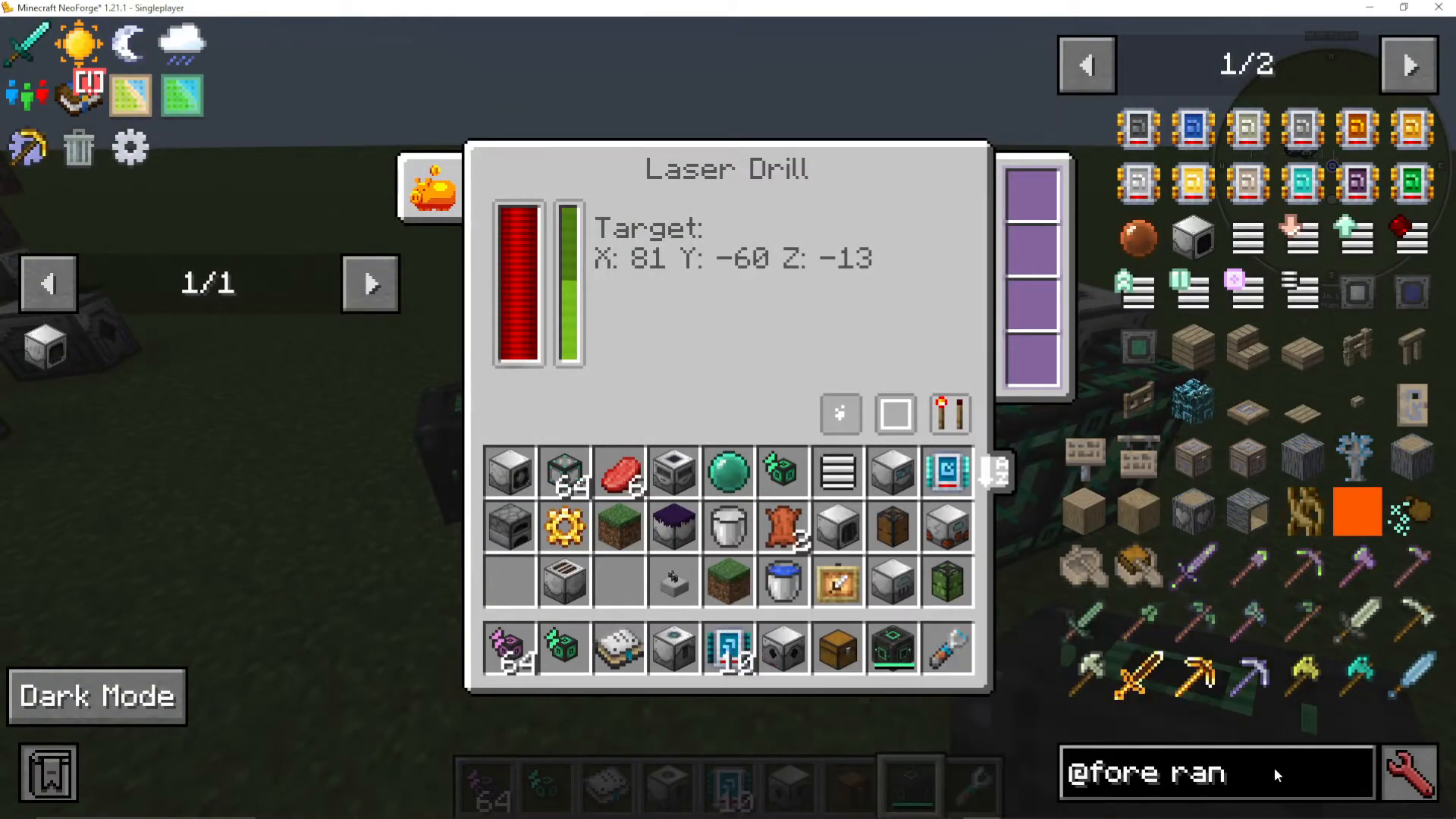
The right side of the ore laser base contains slots for upgrades called add-ons. These modifications enhance your laser drill’s performance. The progress bar fills as your laser drills work; every time it reaches 100%, the system attempts to mine a new ore block.
Speed add-ons are particularly useful upgrades that dramatically increase your mining speed. When you install a speed add-on, you’ll notice the green progress bar depletes much faster, resulting in quicker mining cycles.
Placing and Positioning Laser Drills
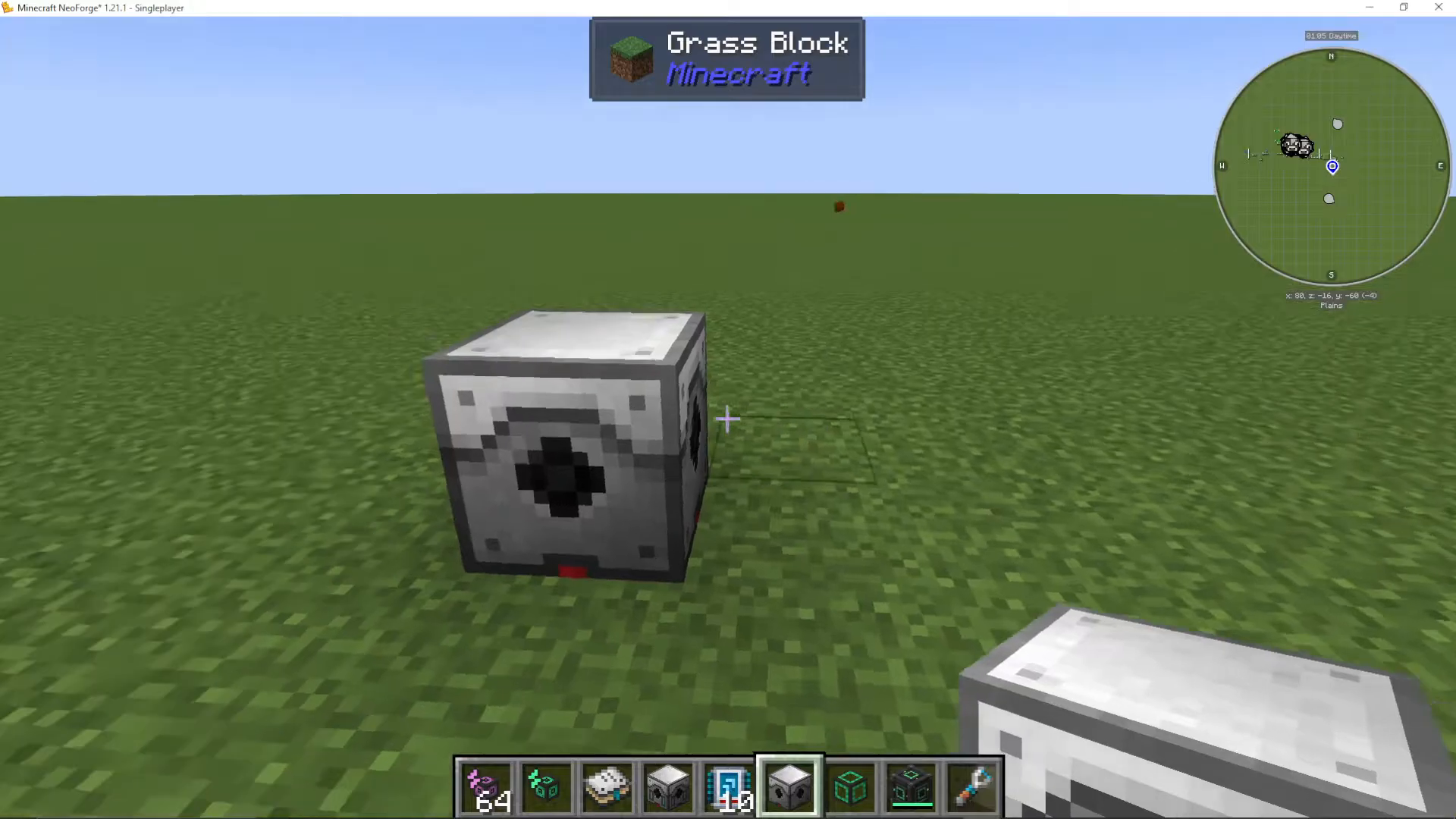
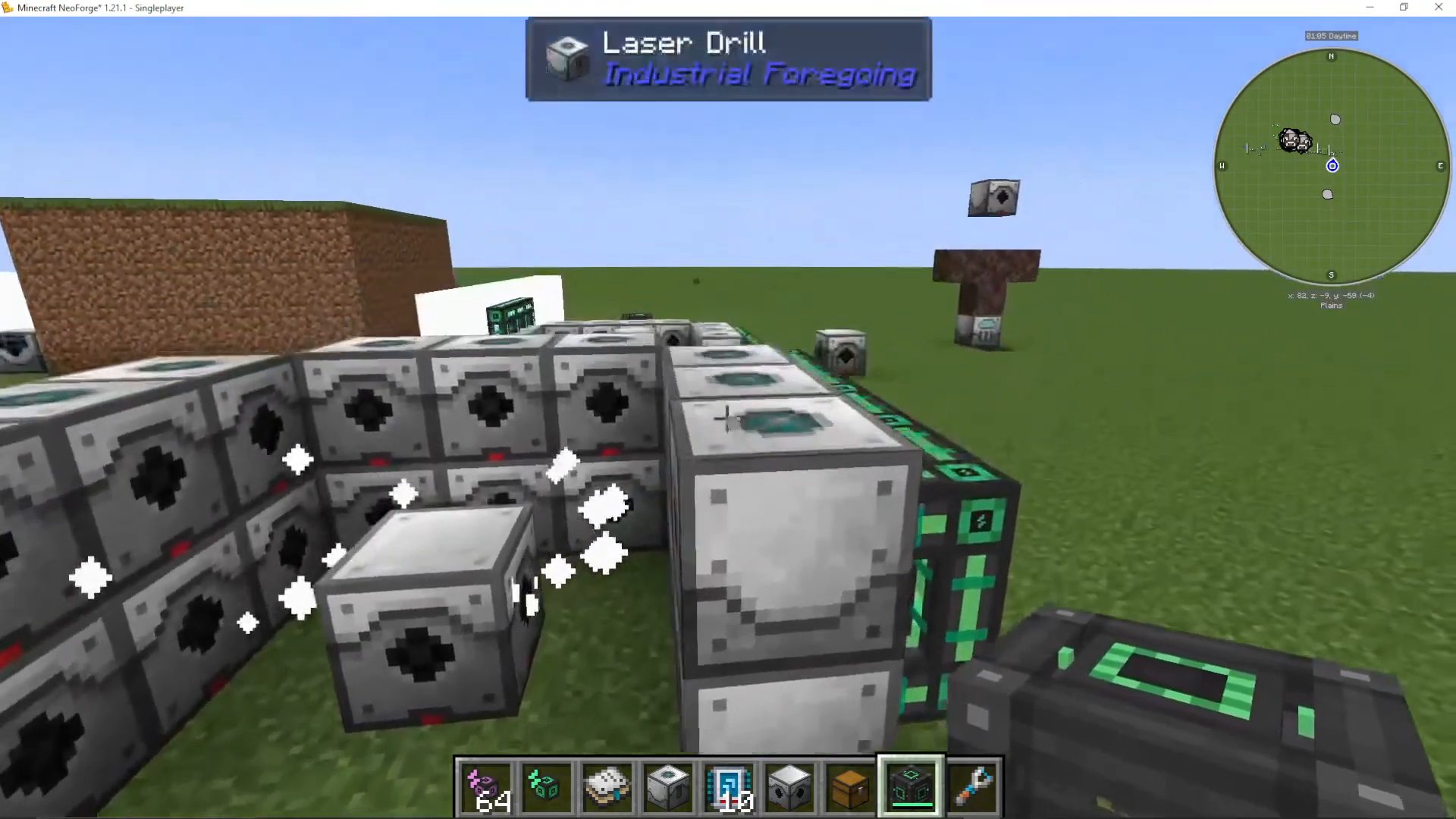
Laser drills are the power-consuming components that generate the mining progress. When placed, the black hole opening should face toward your ore laser base. Use the “show working area” function to verify the laser base is within detection range.
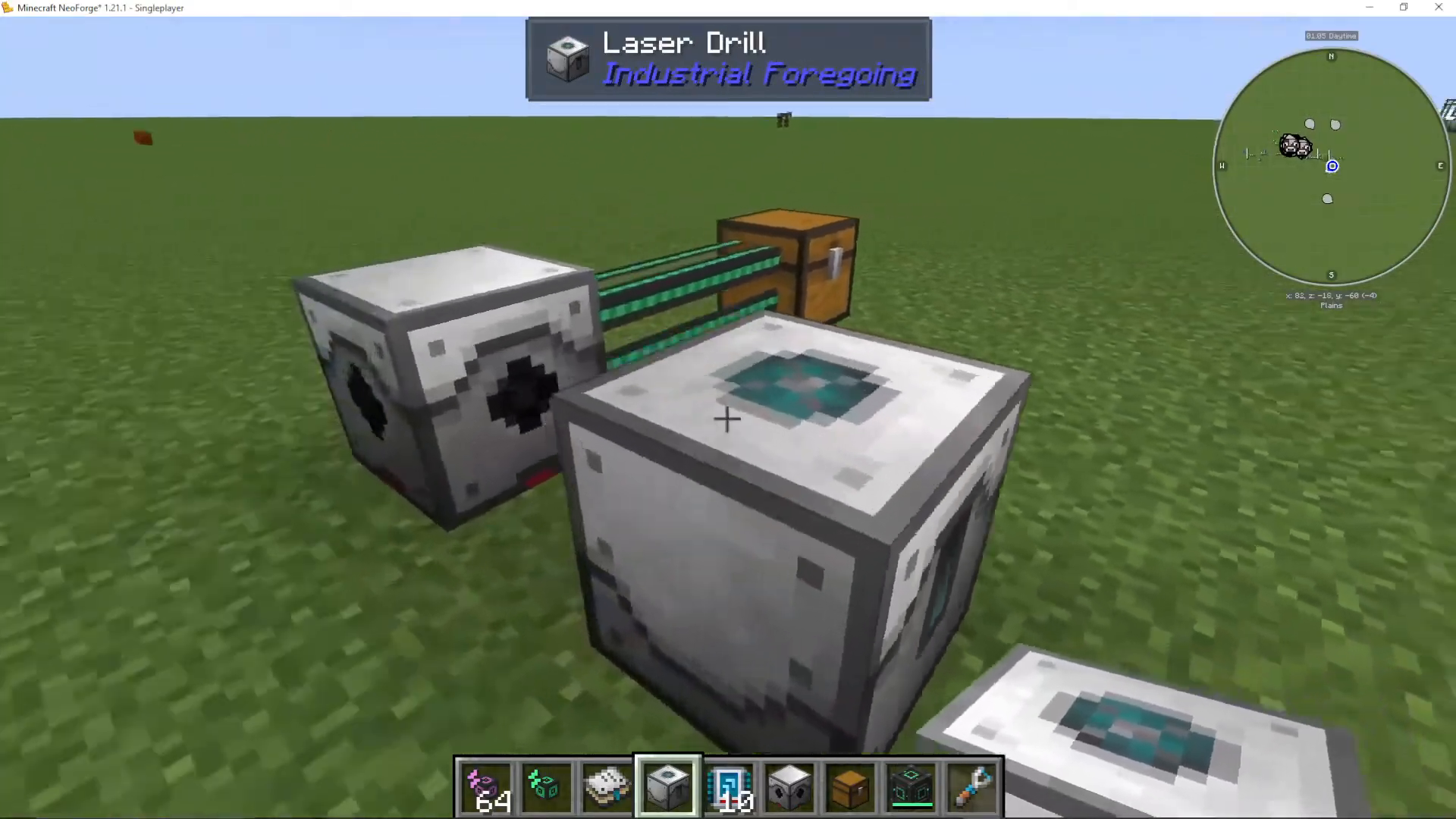
You can arrange laser drills in a grid pattern around your ore laser base, but ensure they’re positioned on the same Y-level and within the detection radius. Placement can be finicky—you may need to reposition yourself to face the correct direction when placing drills.
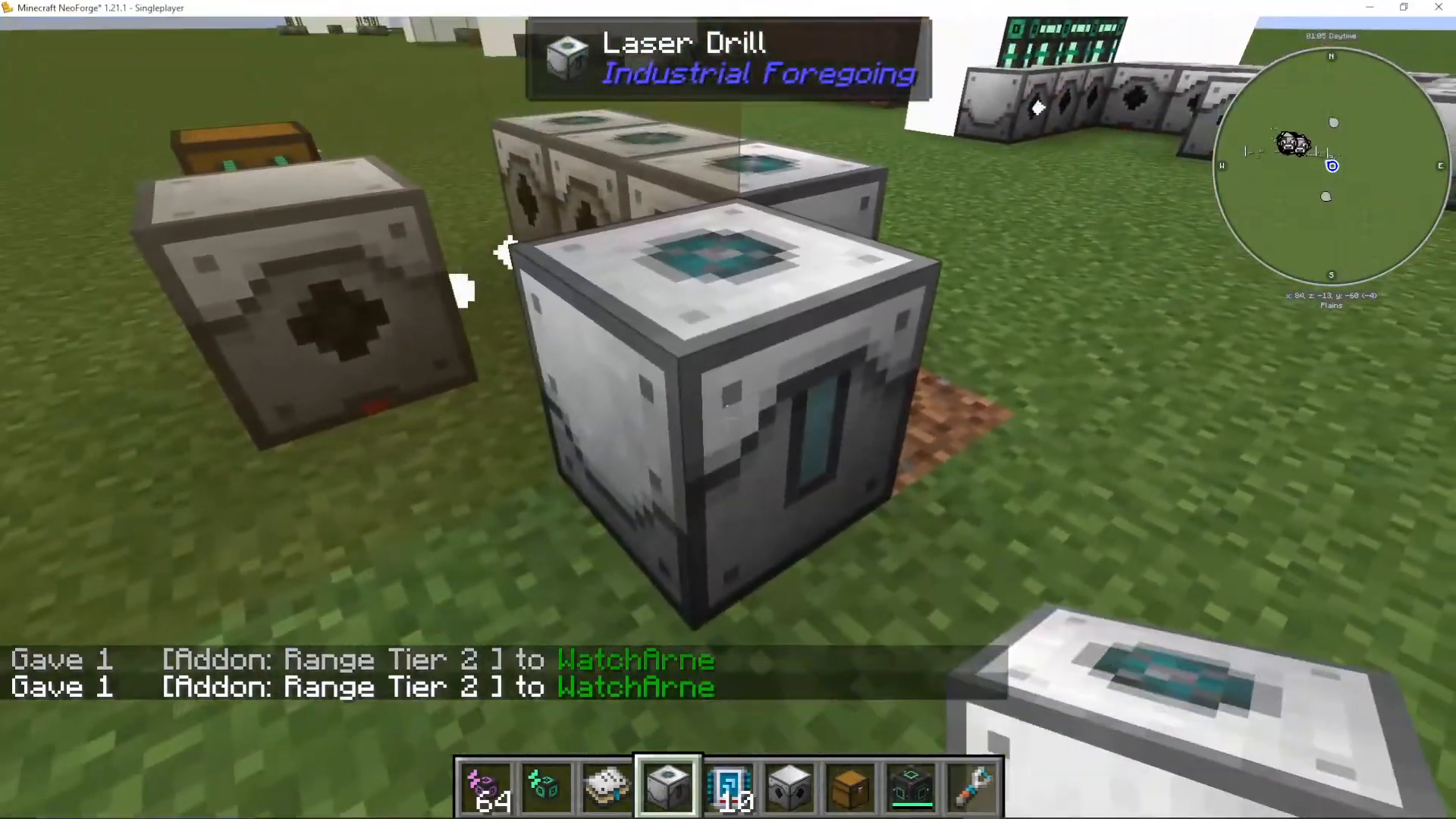
Important note: You only need to power the laser drills themselves, not the central ore laser base. The drills generate the energy that powers the mining operation.
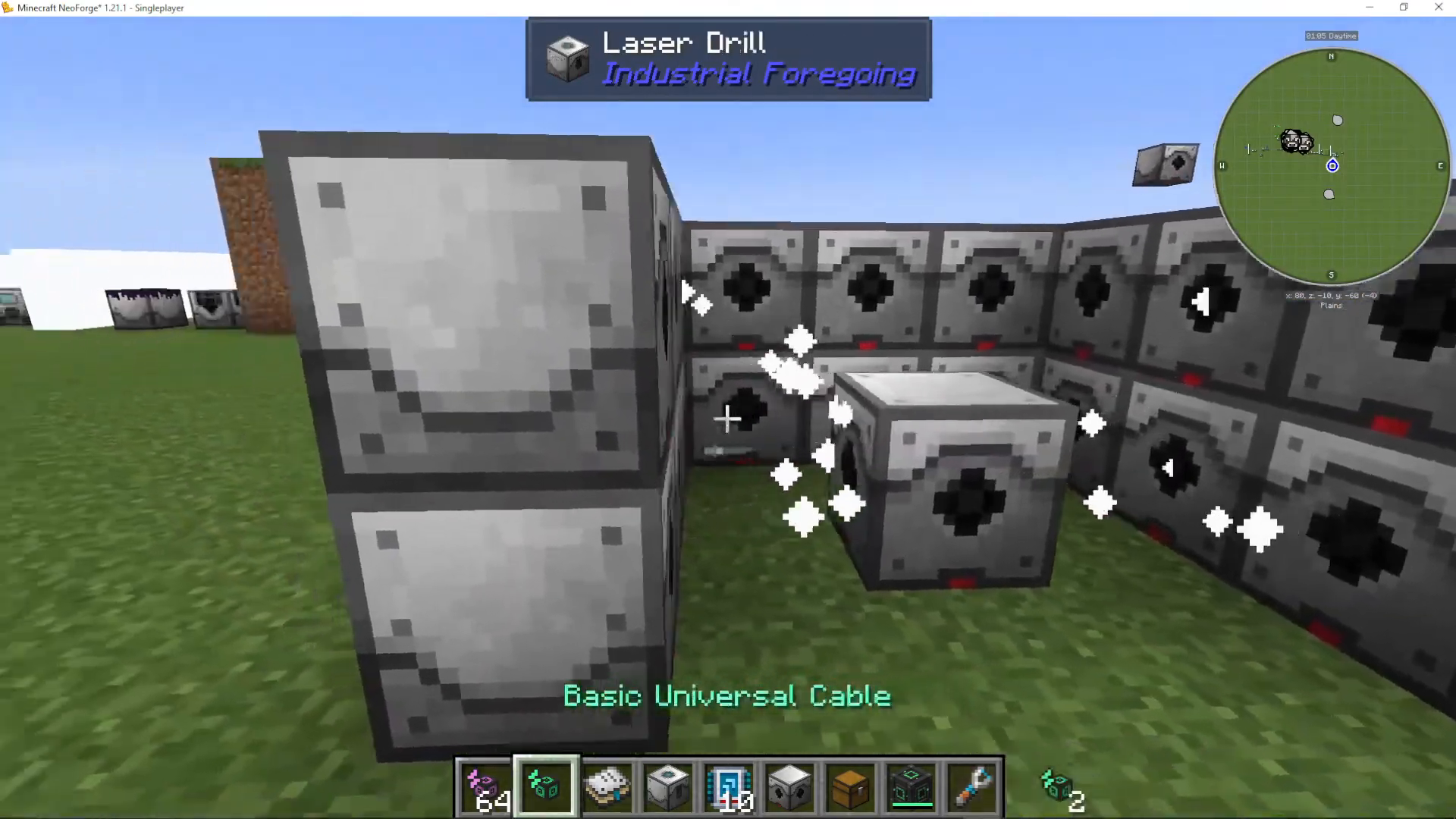
Powering Your Laser Drill Setup
Laser drills require continuous power to function. For testing and demonstration purposes, a Creative Energy Cube provides unlimited power. For survival mode, use appropriate power generation and storage systems compatible with Industrial Foregoing.
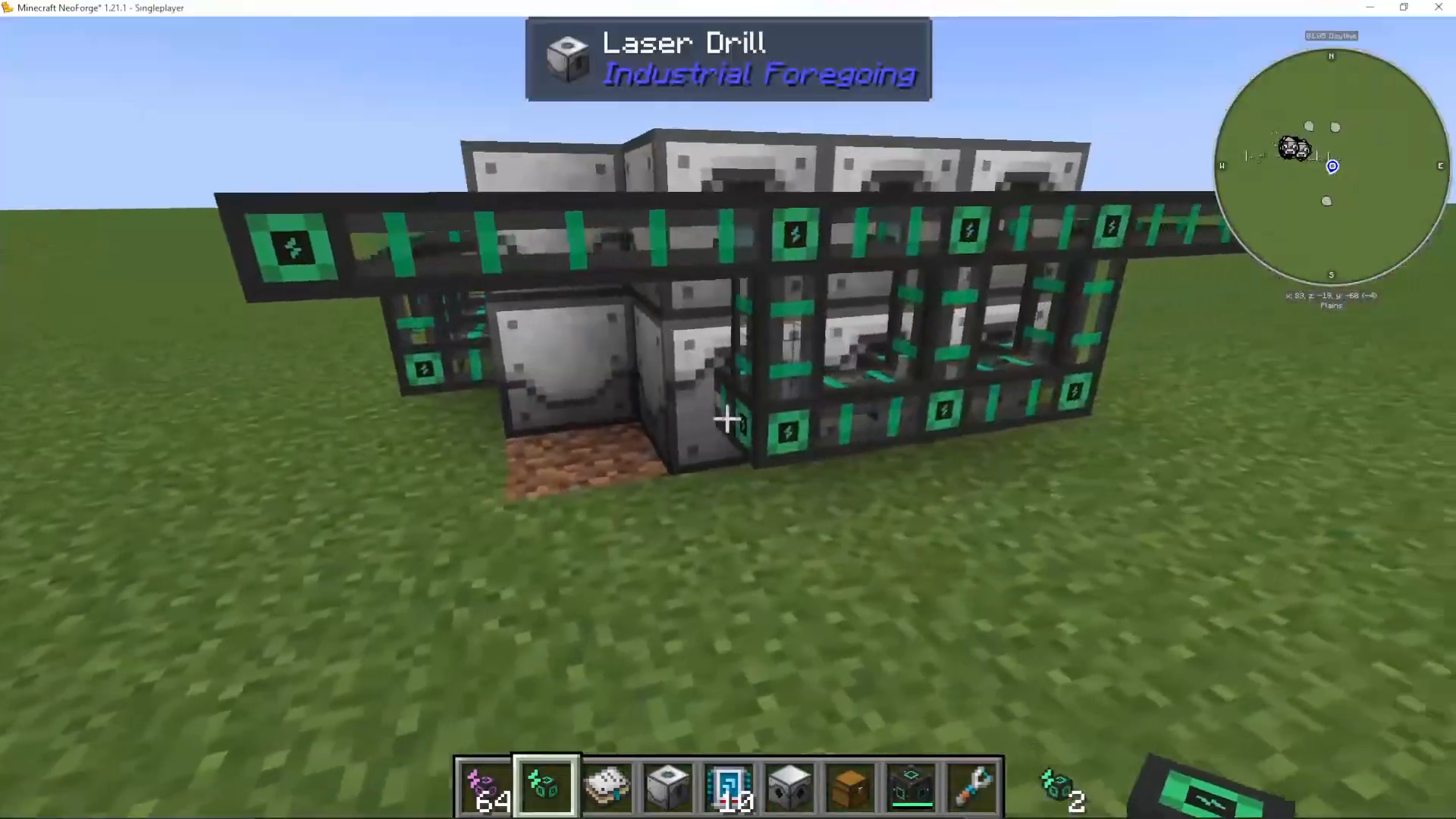
Once powered, your laser drills will begin accumulating progress toward extracting ores. The speed of progress depends on your power supply and any speed add-ons installed in your ore laser base.
Depth and Ore Availability
The depth at which your laser base is positioned affects which ores you can extract. Different ores have specific Y-level requirements. For example, Raw Iridium requires a minimum Y-level of 5, while other ores may have different requirements.
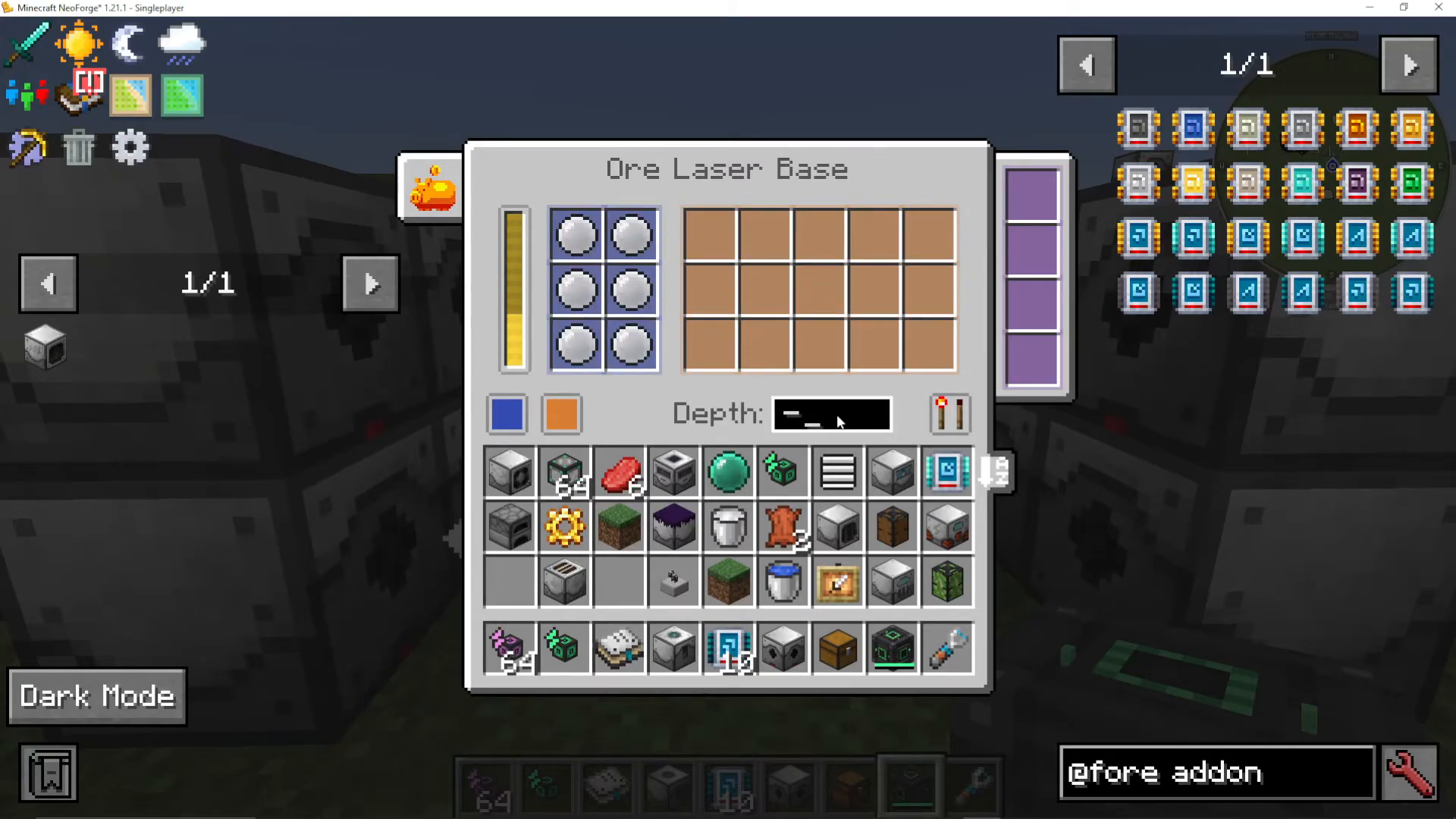
If your laser base is positioned at a depth that doesn’t meet an ore’s Y-level requirements, the system may produce no ore or different ores based on what’s available at your current depth. Always check the laser drill items chart in JEI to determine optimal positioning for your target ore.
Using Fluid Laser Bases
Fluid laser bases operate on the same principle as ore laser bases but extract fluids instead of solid ores. They use the same laser drill setup and are surrounded by laser drills in identical configurations.
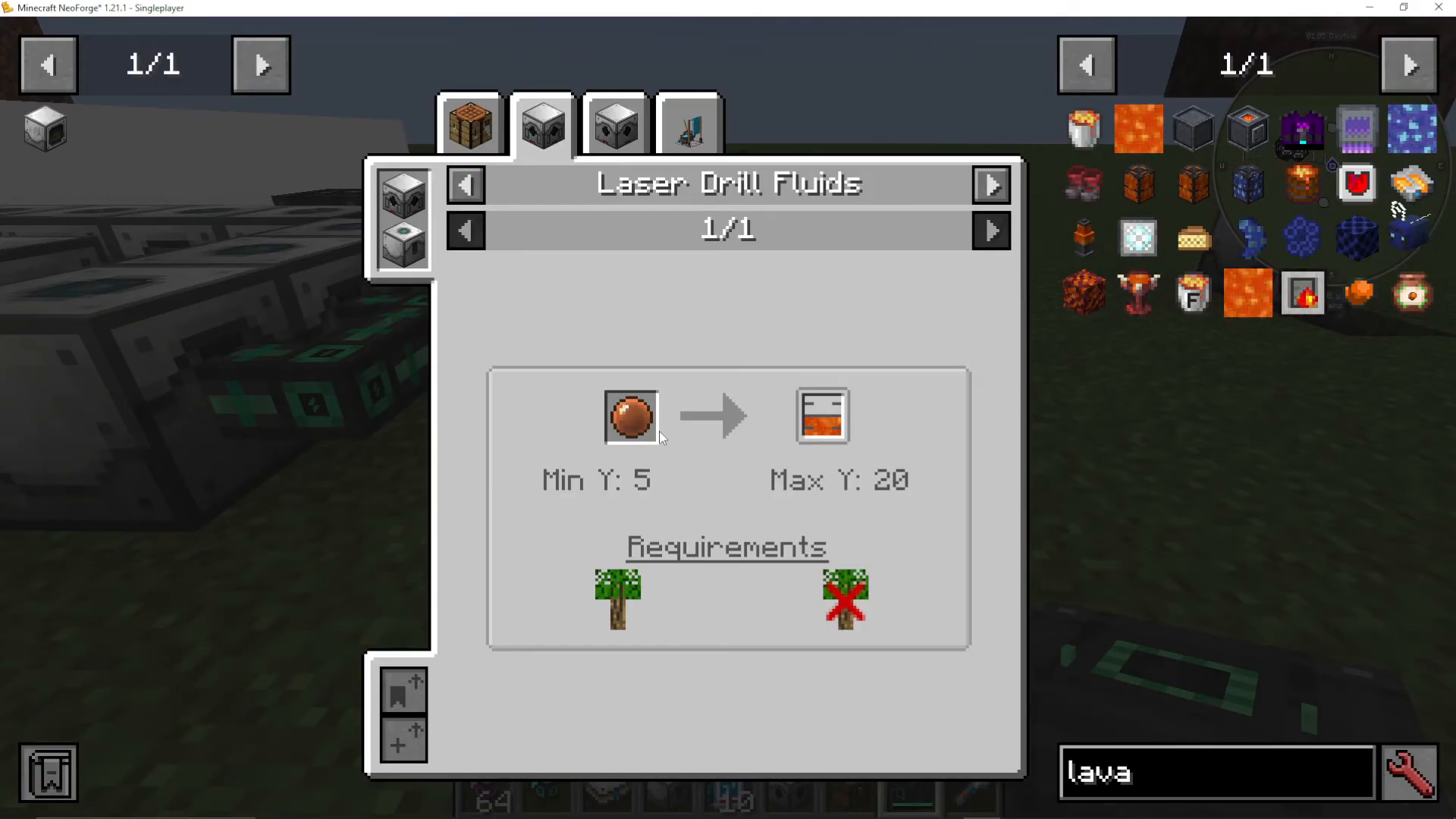
For fluid extraction, check the JEI entry for “fluid laser base” to see which fluids correspond to each lens color. For instance, an orange laser lens in a fluid laser base will extract lava. You can create specialized fluid farms by using colored lenses in specific dimensions and biomes.
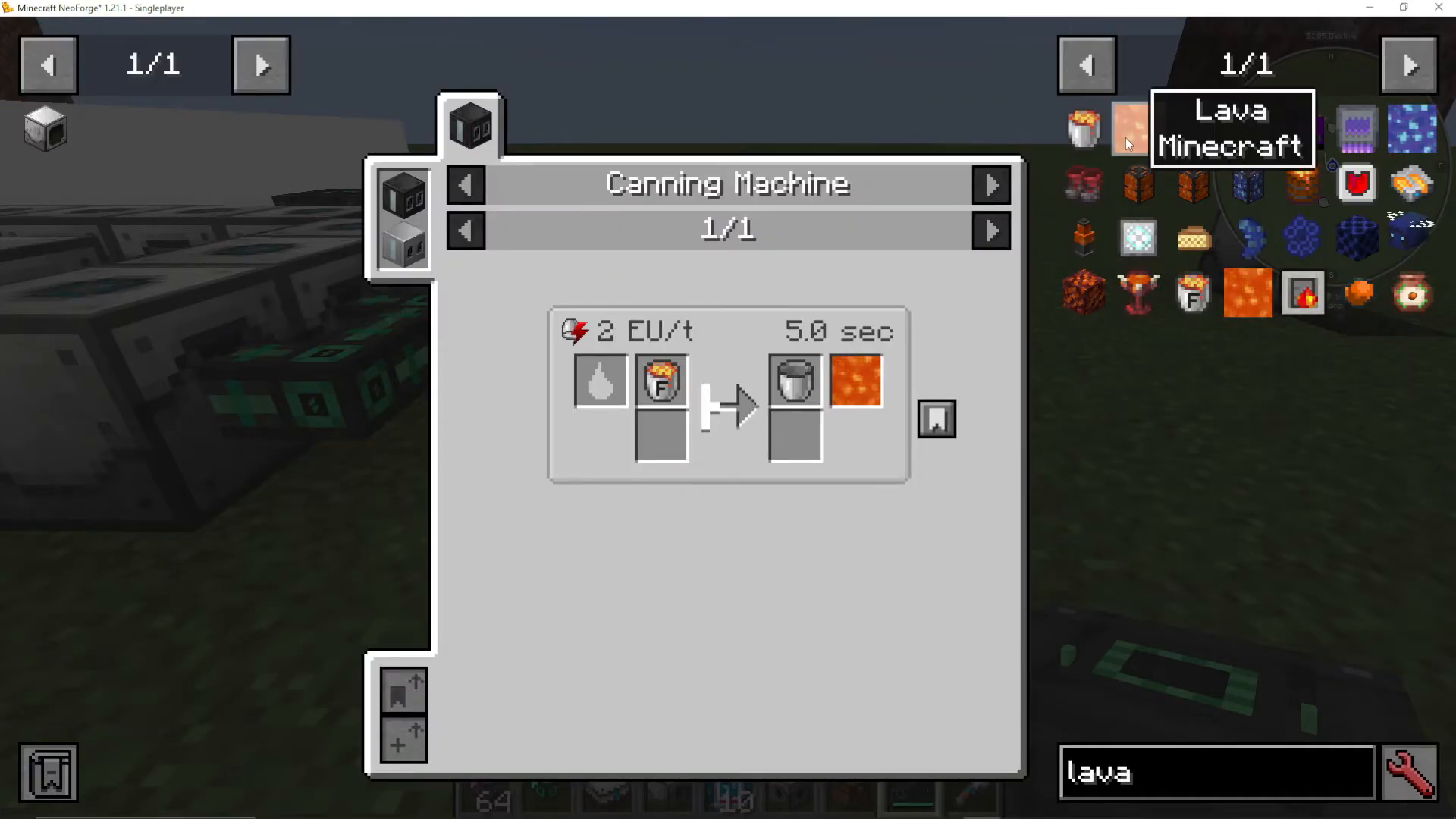
To create a lava farm, install an orange laser lens in your fluid laser base and position it in the Nether (which accepts any biome). Surround it with powered laser drills, just as you would with an ore laser base.
Summary and Next Steps
Laser drills and laser bases are powerful tools for automated ore and fluid extraction in Industrial Foregoing. By understanding lens colors, weight values, Y-level requirements, and biome restrictions, you can create efficient mining operations tailored to your specific resource needs. Start with a basic setup using a single colored lens, then expand with multiple lenses and speed add-ons as your power infrastructure grows.
For complete coverage of Industrial Foregoing and other Minecraft mods, visit the Minecraft playlist on our channel. New mod tutorials are released regularly—subscribe to stay updated!
Want to Support?
If you would like to help us continue making these guides – please consider joining our patreon here – https://www.patreon.com/c/JaviHeals
Alternatively – we host a group of MC Servers you can join here – https://discord.gg/zD7Gjt6MHF



