







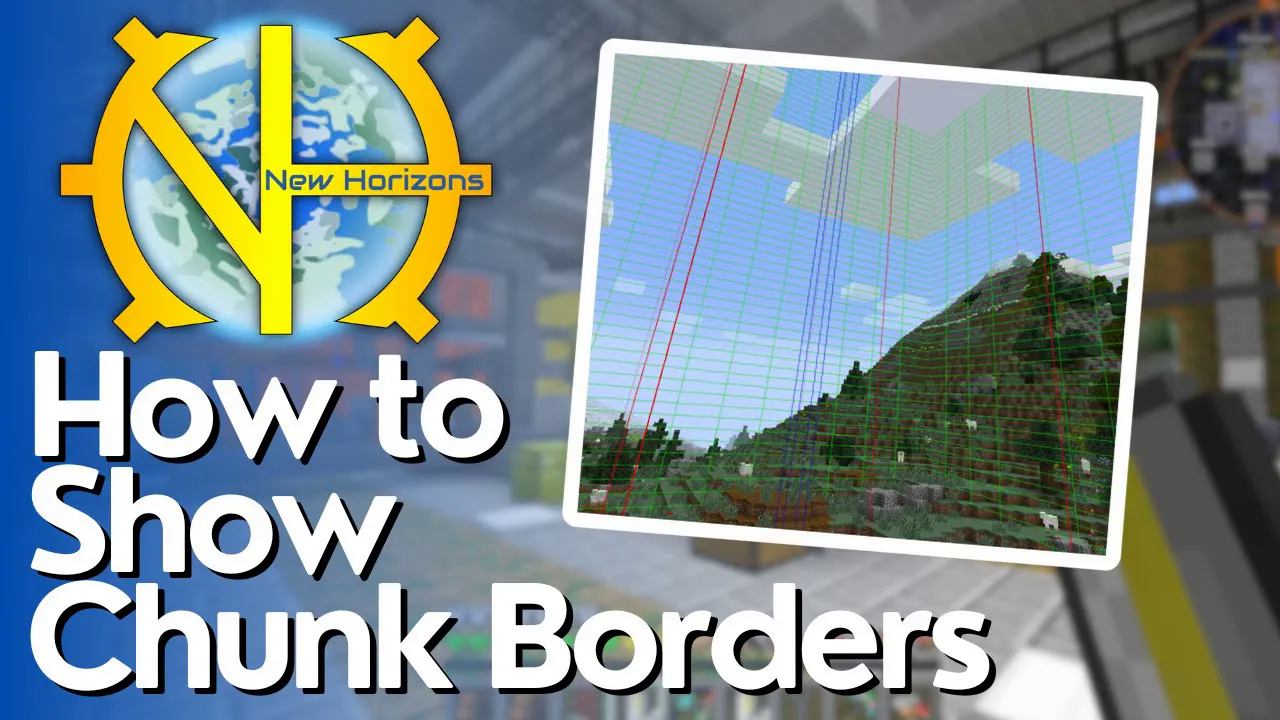
How to See Chunk Borders in Gregtech New Horizons
How to See Chunk Borders in Gregtech New Horizons
Chunk borders are essential for efficient mining and multi-block machine placement in Gregtech New Horizons (GTNH). This guide will show you how to toggle chunk visualizations using a simple keyboard shortcut and how to use them effectively in your gameplay.
Enabling Chunk Borders
To display chunk lines in Gregtech New Horizons, simply press F9 on your keyboard. This will bring up the chunk border visualization on your screen.
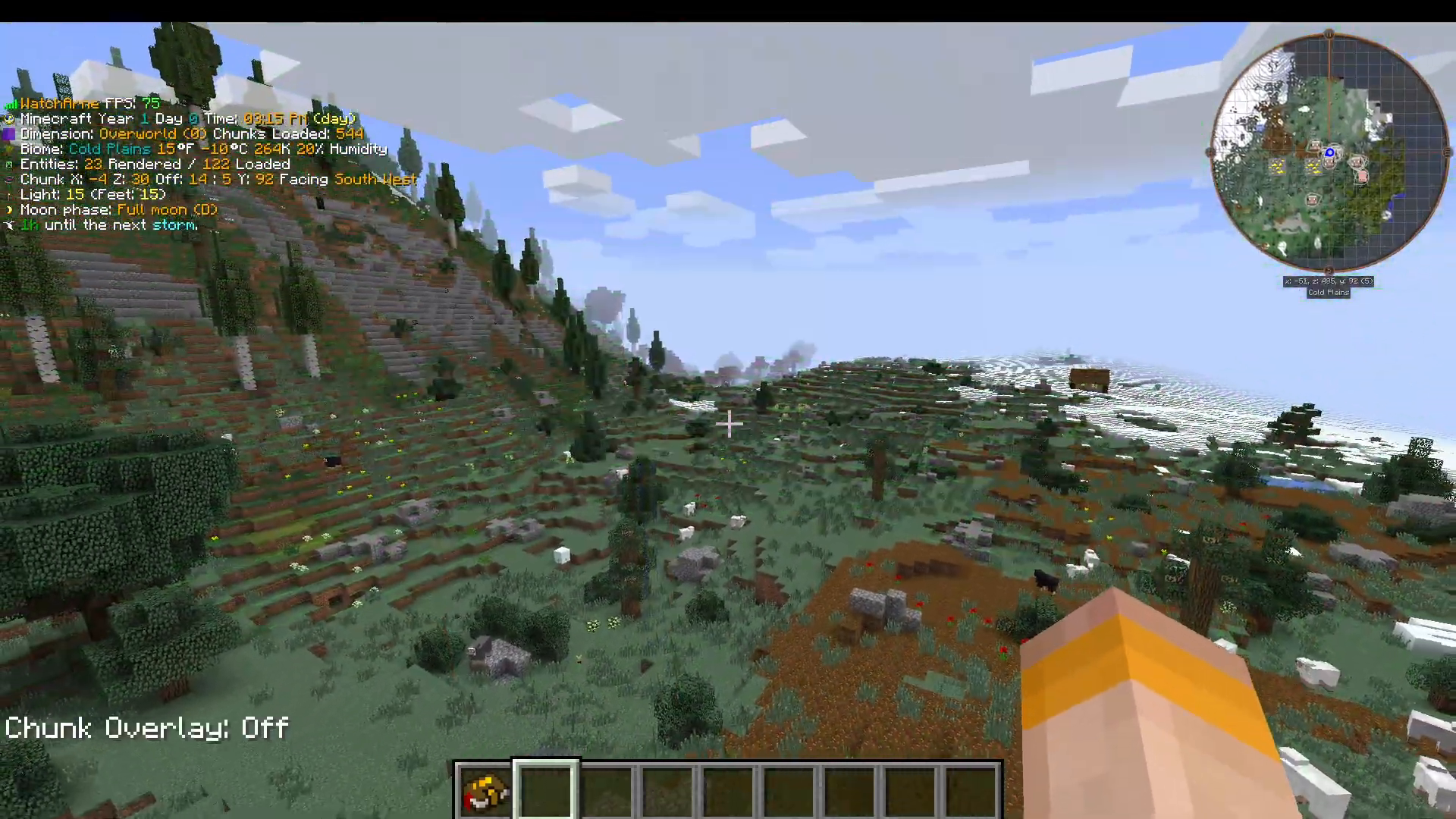
Cycling Through Chunk Display Modes
Pressing F9 cycles through different chunk visualization modes, each serving a different purpose:
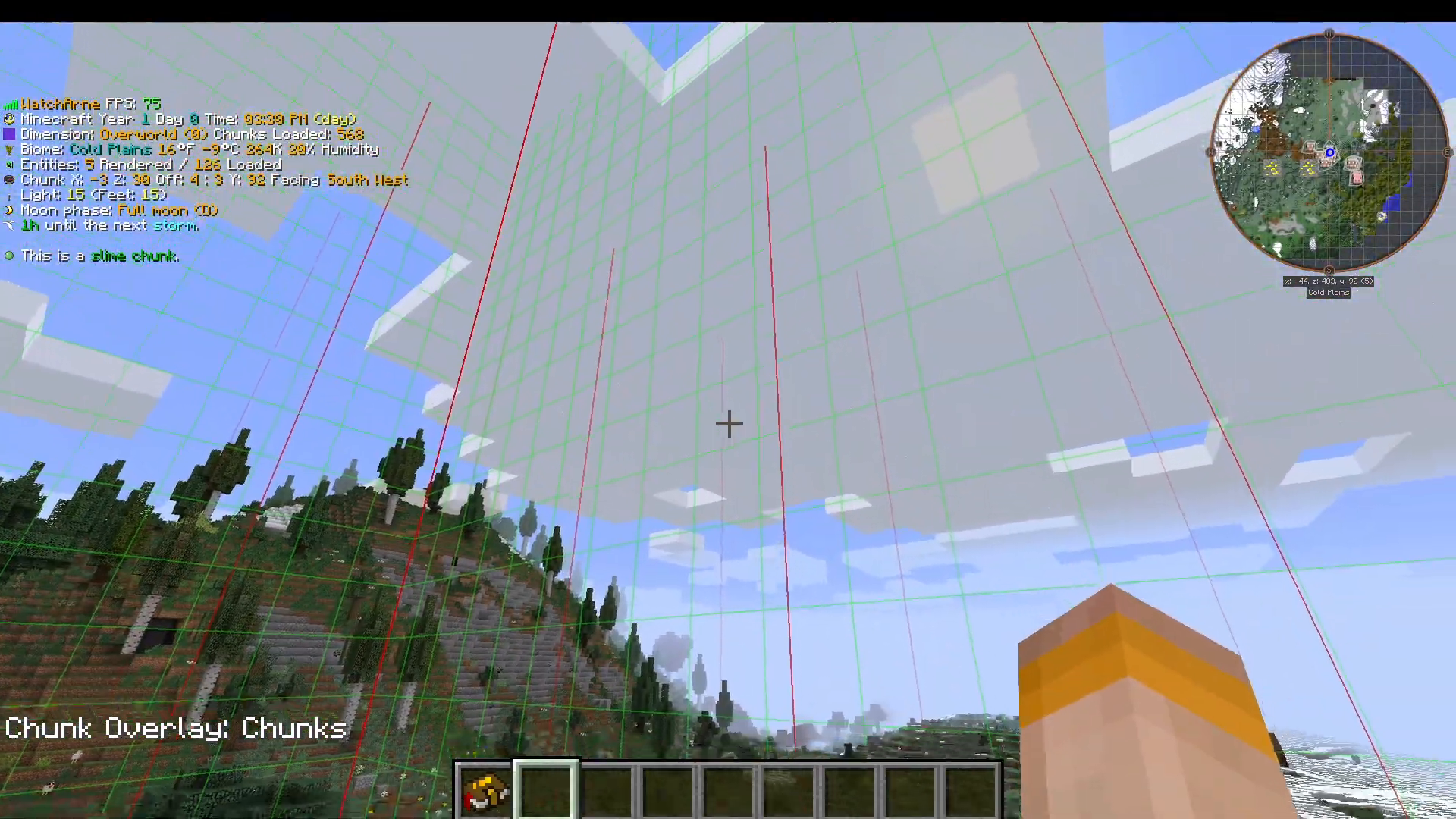
Mode 1: Basic Chunk Lines
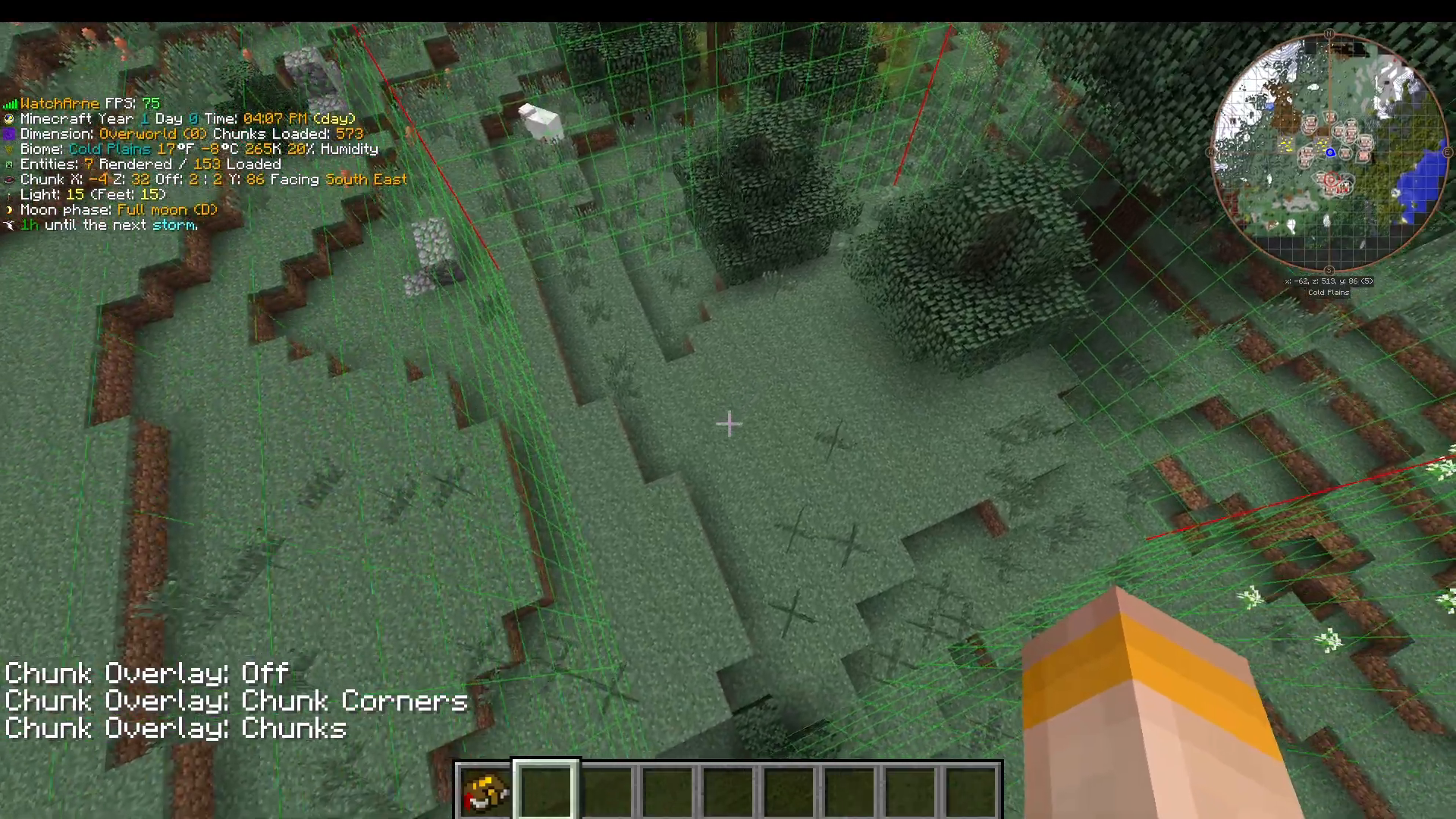
The first press of F9 displays standard chunk lines across your visible area.
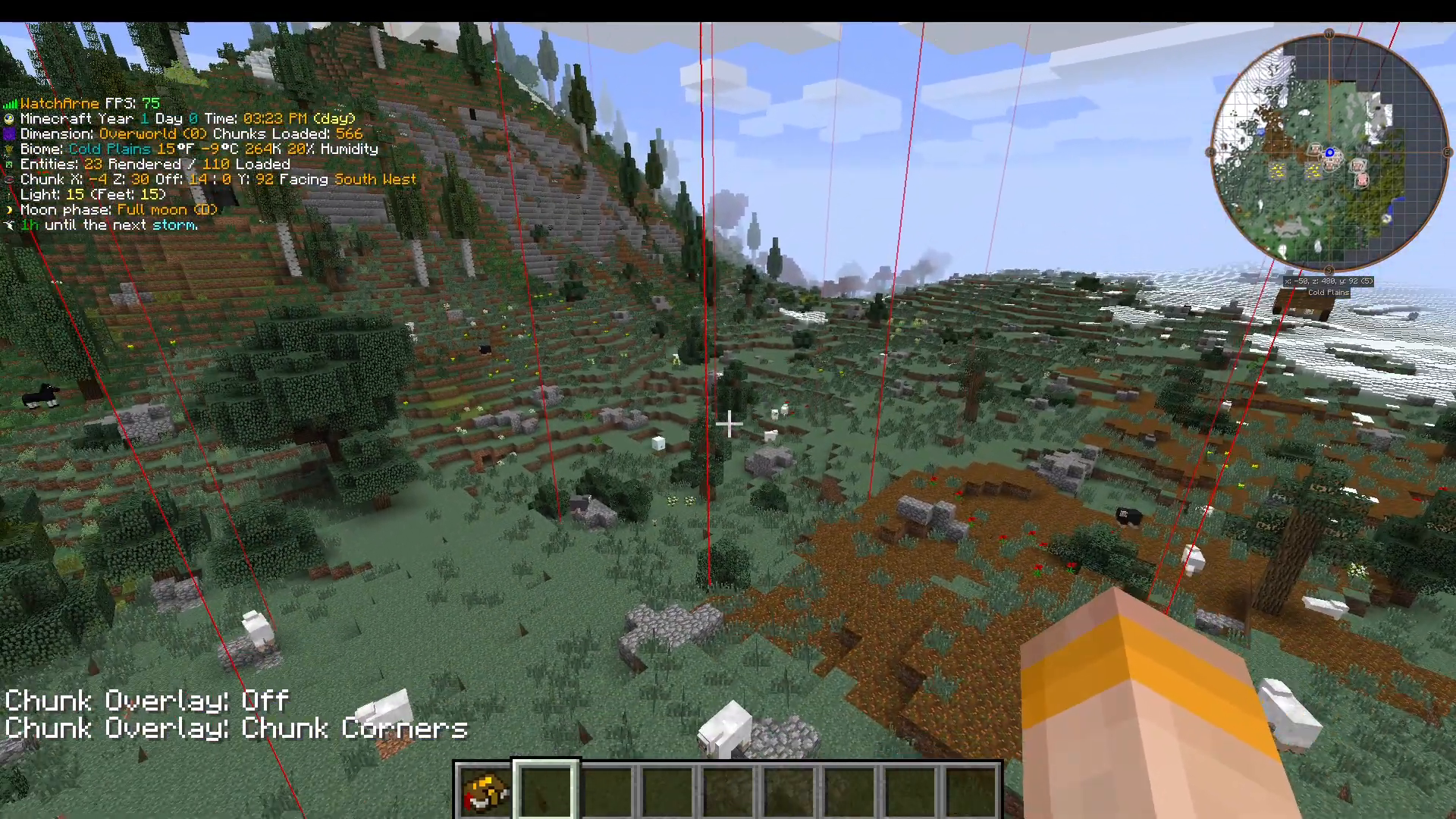
Mode 2: Current Chunk Borders
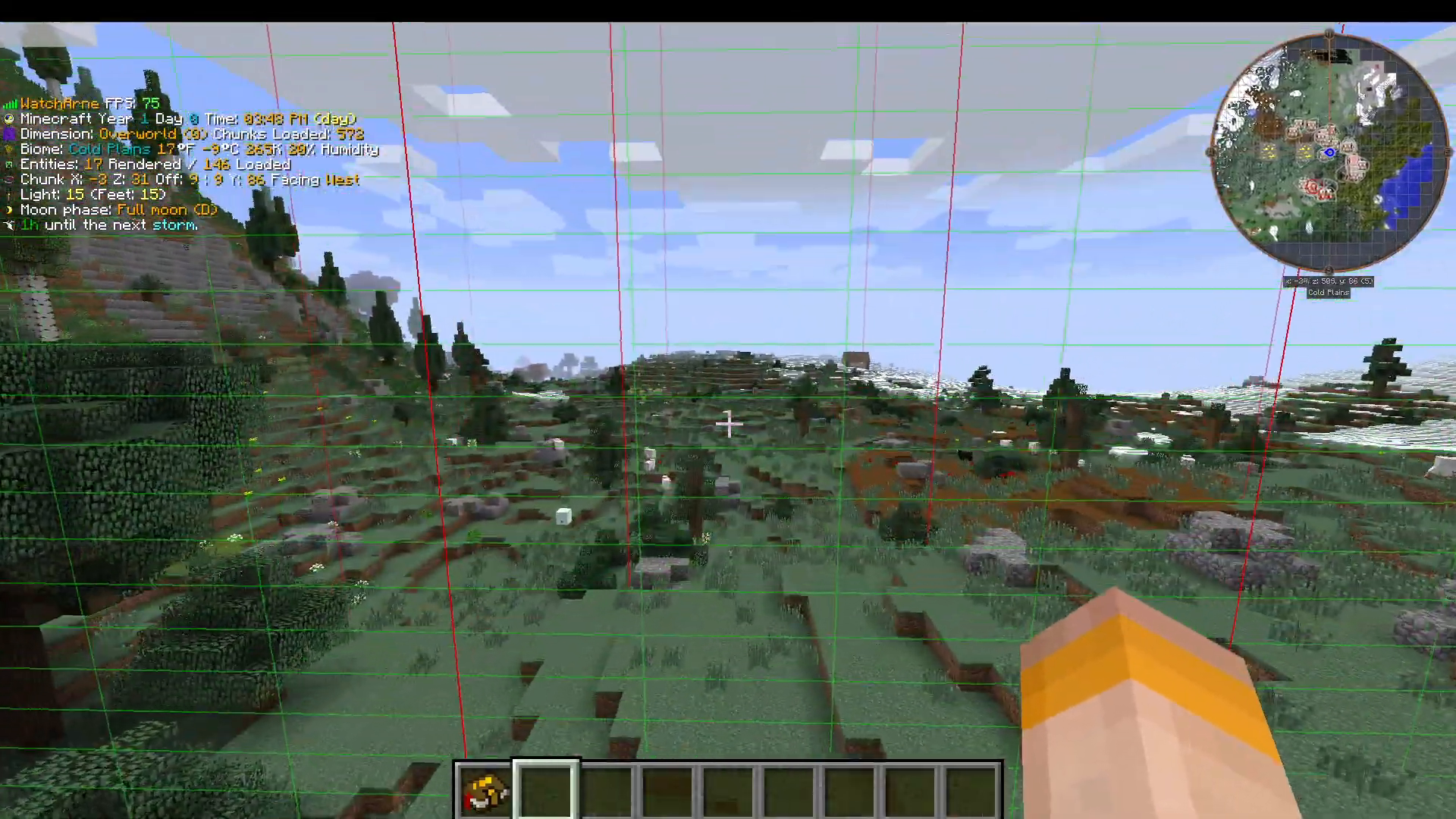
Press F9 a second time to view the chunk borders for the specific chunk you are currently standing in. This mode displays your current chunk with red lines marking the boundaries of adjacent chunks.
Mode 3: 3×3 Chunk Area (Recommended)
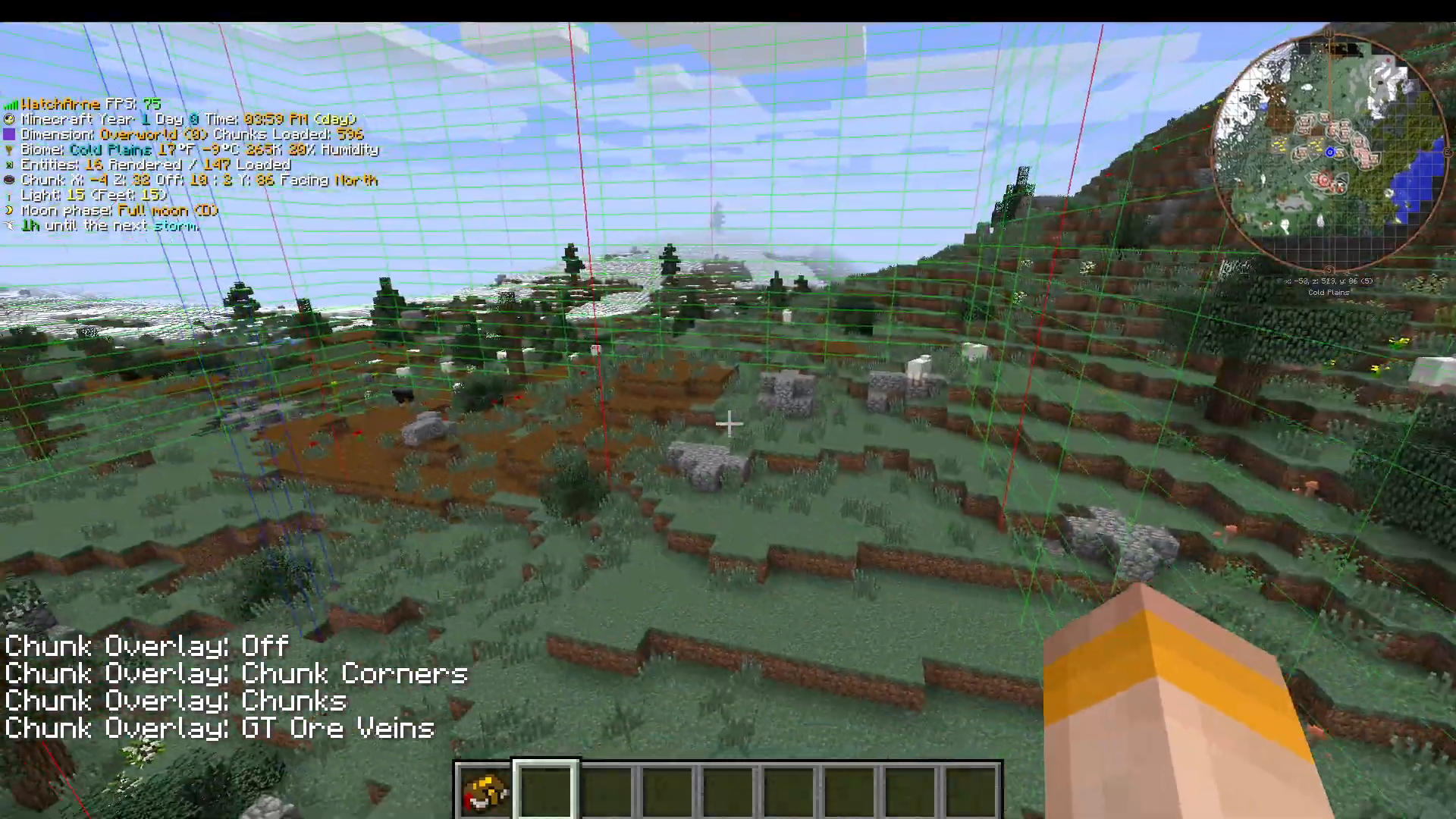
Press F9 a third time to display the 3×3 chunk area, which is the most useful visualization for mining ore veins. This mode shows a 3-by-3 chunk grid with a blue highlighted area in the middle. The blue area in the center is where you should focus your mining efforts to find ore veins.
Finding Ore Veins
Once you locate an ore vein while using the 3×3 chunk mode, the vein will be marked on your map. After marking, press F9 to disable the chunk border visualization and continue working with your ore vein location clearly identified.
Multi-Block Machine Placement
In Gregtech New Horizons, proper multi-block machine placement is critical for avoiding errors and world corruption. Always use the second chunk border visualization mode (with green and red lines) when constructing multi-block machines.
Why Chunk Alignment Matters
Multi-block machines must be constructed entirely within a single chunk. If your machine structure overlaps across chunk borders (extending through the red lines), the machines can break, generate errors, and cause issues with your world. This is especially important in older versions of Minecraft like those used in GTNH.
Summary
Mastering chunk borders in Gregtech New Horizons is essential for efficient gameplay. Use F9 to toggle between visualization modes, focus your mining in the blue central area of the 3×3 chunk grid, and always align multi-block machines within chunk boundaries using the green and red line overlay. This simple tool will help you avoid costly errors and optimize your GTNH experience.
Support Us
If you would like to help us continue making these guides – please consider joining our patreon here – https://www.patreon.com/c/JaviHeals
Alternatively – we host a group of MC Servers you can join here – https://discord.gg/zD7Gjt6MHF



