







How To Replicate Items With UU Matter In IC2
How To Replicate Items With UU Matter In IC2
Industrial Craft 2 (IC2) is one of the most versatile mods in Minecraft, and one of its most impressive features is the ability to duplicate items using UU Matter. This comprehensive guide will walk you through the entire process of replicating items, from setting up the Matter Fabricator to using the Replicator to create rare and otherwise unobtainable items.
Understanding the Matter Fabricator
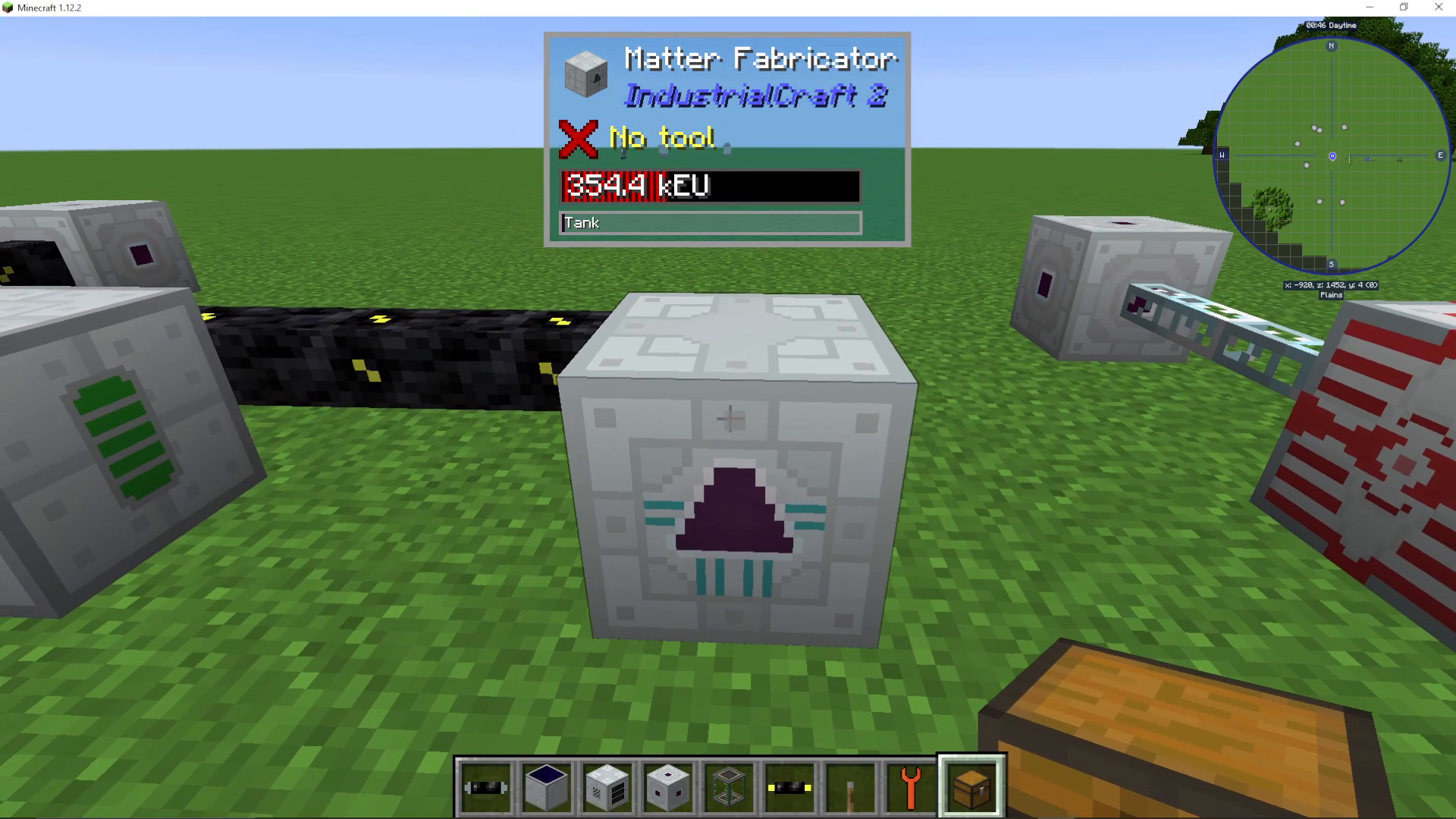
The first machine you’ll need for item replication is the Matter Fabricator, which was previously known as the Mass Fabricator. Be careful when searching for this component, as the name change can cause confusion. The Matter Fabricator will slowly produce UU Matter over time, though the process is extremely energy-intensive.
By default, the Matter Fabricator consumes massive amounts of electricity to generate UU Matter. However, you can significantly reduce the energy requirements by using scrap as a fuel source.
Using Scrap to Speed Up Production
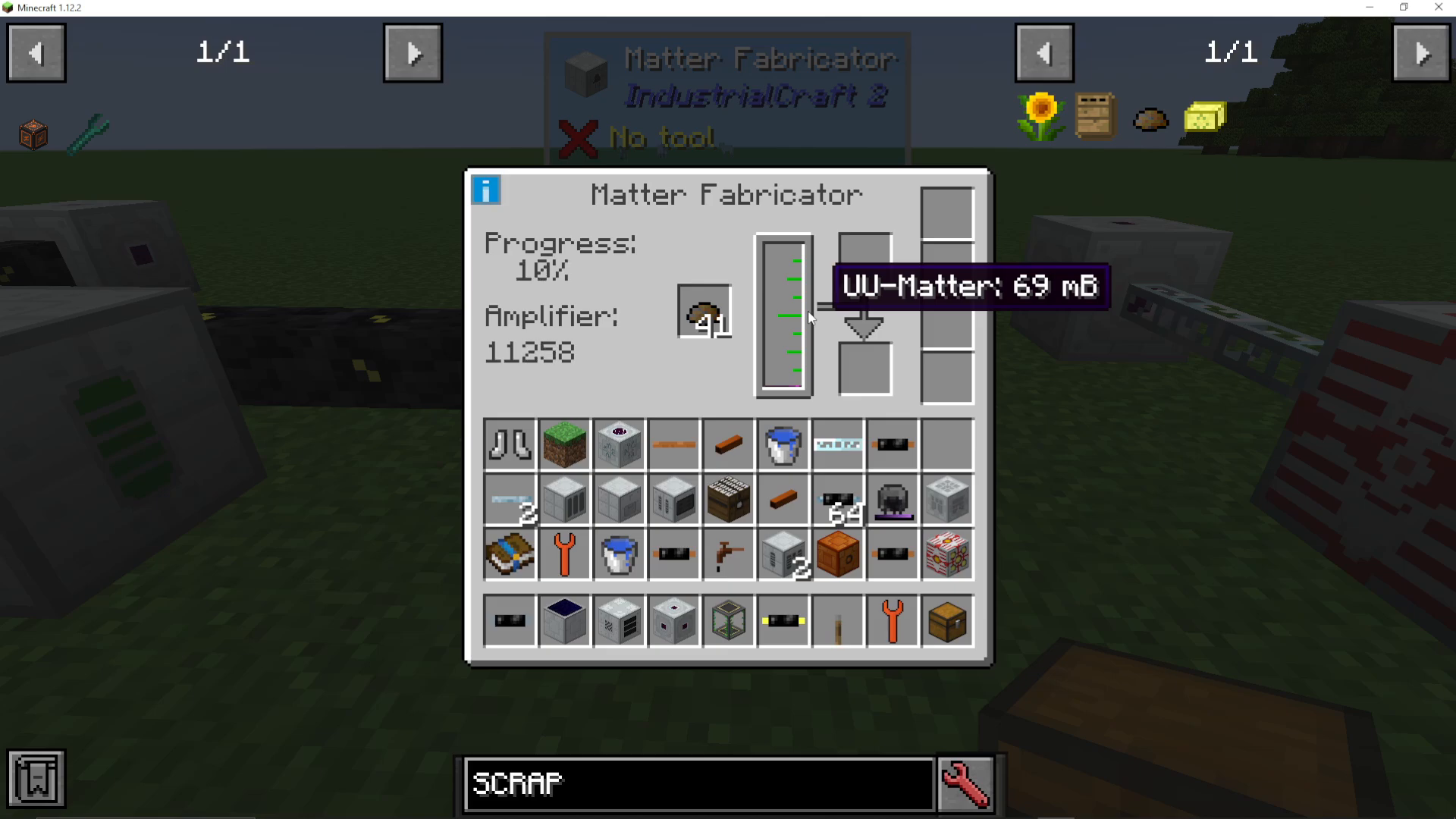
If you place scrap into the Matter Fabricator, you’ll notice the production process accelerates dramatically. The amplifier will decrease as the scrap burns, and the progress bar will move much faster. For example, you might see the millibucket count increase from 68 to 69 millibuckets much more quickly with scrap added.
The Matter Fabricator produces UU Matter in millibucket increments. Each time the progress reaches 100%, you’ll gain one additional millibucket of UU Matter. This is an extremely slow process, so patience is essential.
For a tutorial on crafting scrap using the Recycler, check out the dedicated guide on this channel.
Scanning Items with the Scanner
Once you have UU Matter production underway, you’ll need a Scanner to create templates for duplication. The Scanner allows you to scan items and convert them into recipes that the Replicator can use.
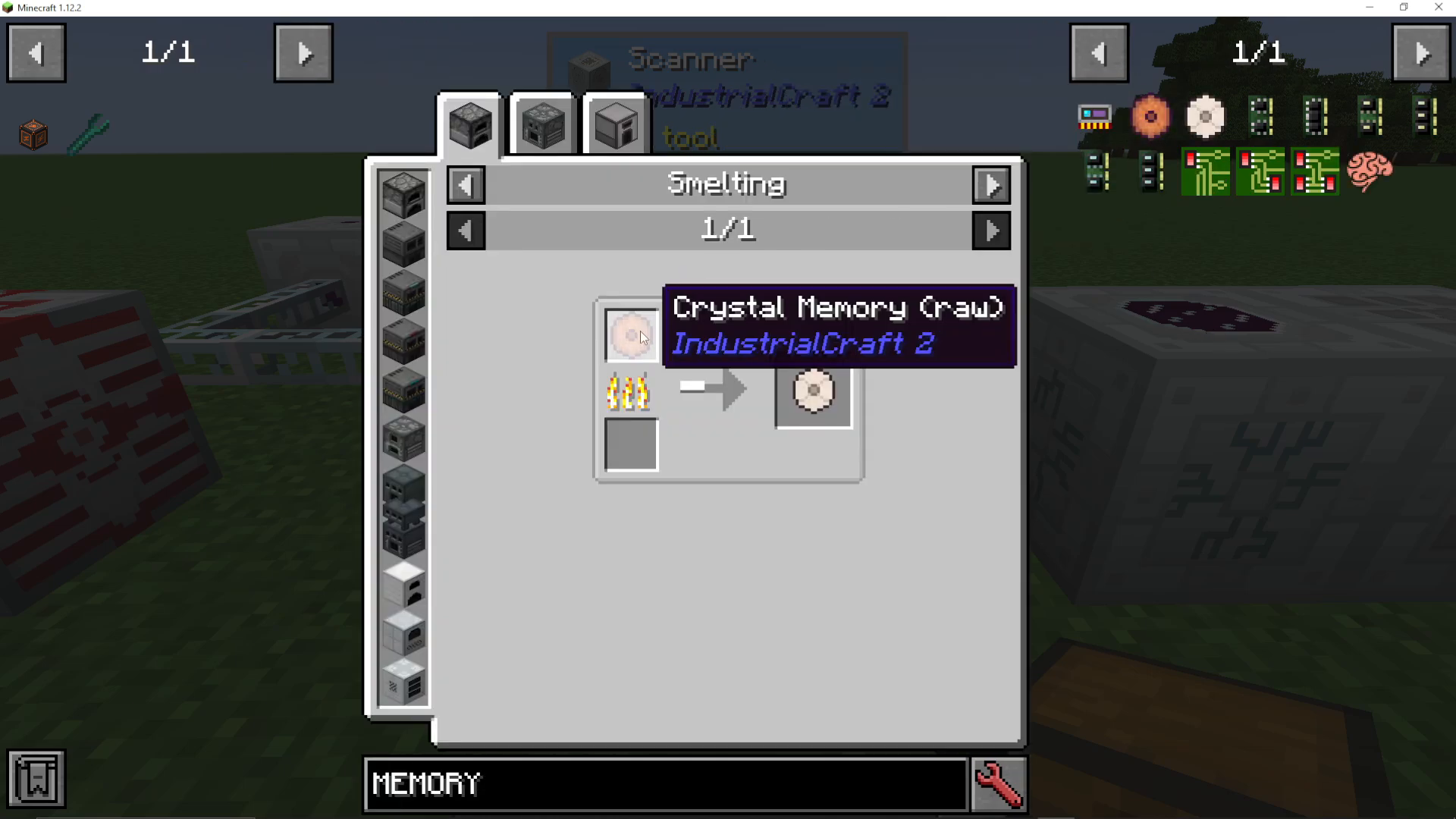
Before you can scan items, you must craft a Crystal Memory. This is essential storage for the item data.
Crafting a Crystal Memory
To create a Crystal Memory, you’ll need:
Silicon dioxide
Pulverized obsidian and clay dust (processed in a thermal centrifuge)
Once you’ve gathered these materials, smelt the raw crystal memory in a smelter to obtain the finished Crystal Memory.
Scanning Your First Item
Place your Crystal Memory into the Scanner along with the item you wish to duplicate. For example, if you want to replicate a grass block, insert both the Crystal Memory and the grass block into the Scanner.
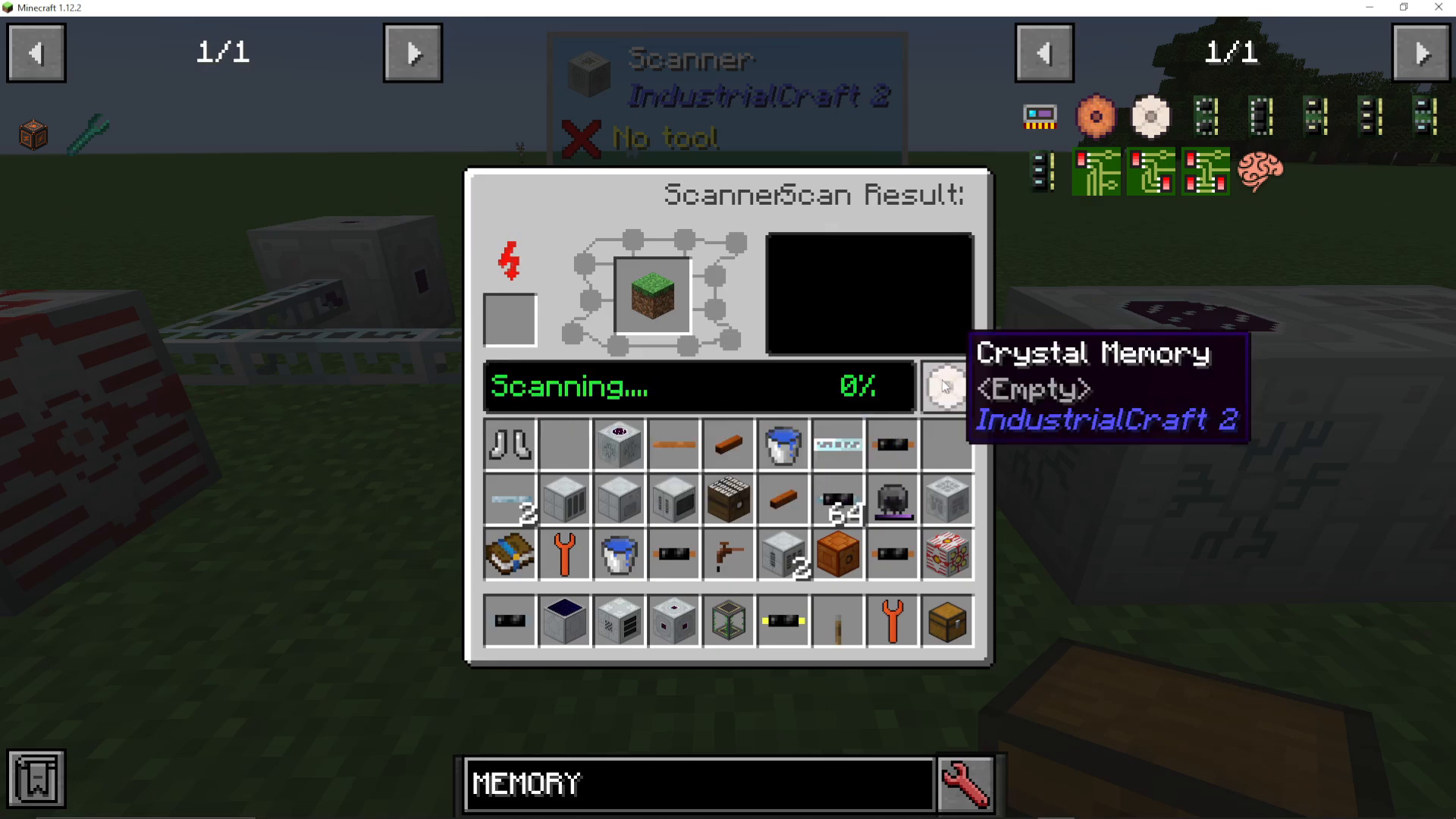
The Scanner will begin the scanning process. Once it reaches 100% completion, you’ll receive a Crystal Memory labeled with the item name (such as “item oak chest” for a chest). This Crystal Memory now contains the blueprint for duplicating that item.
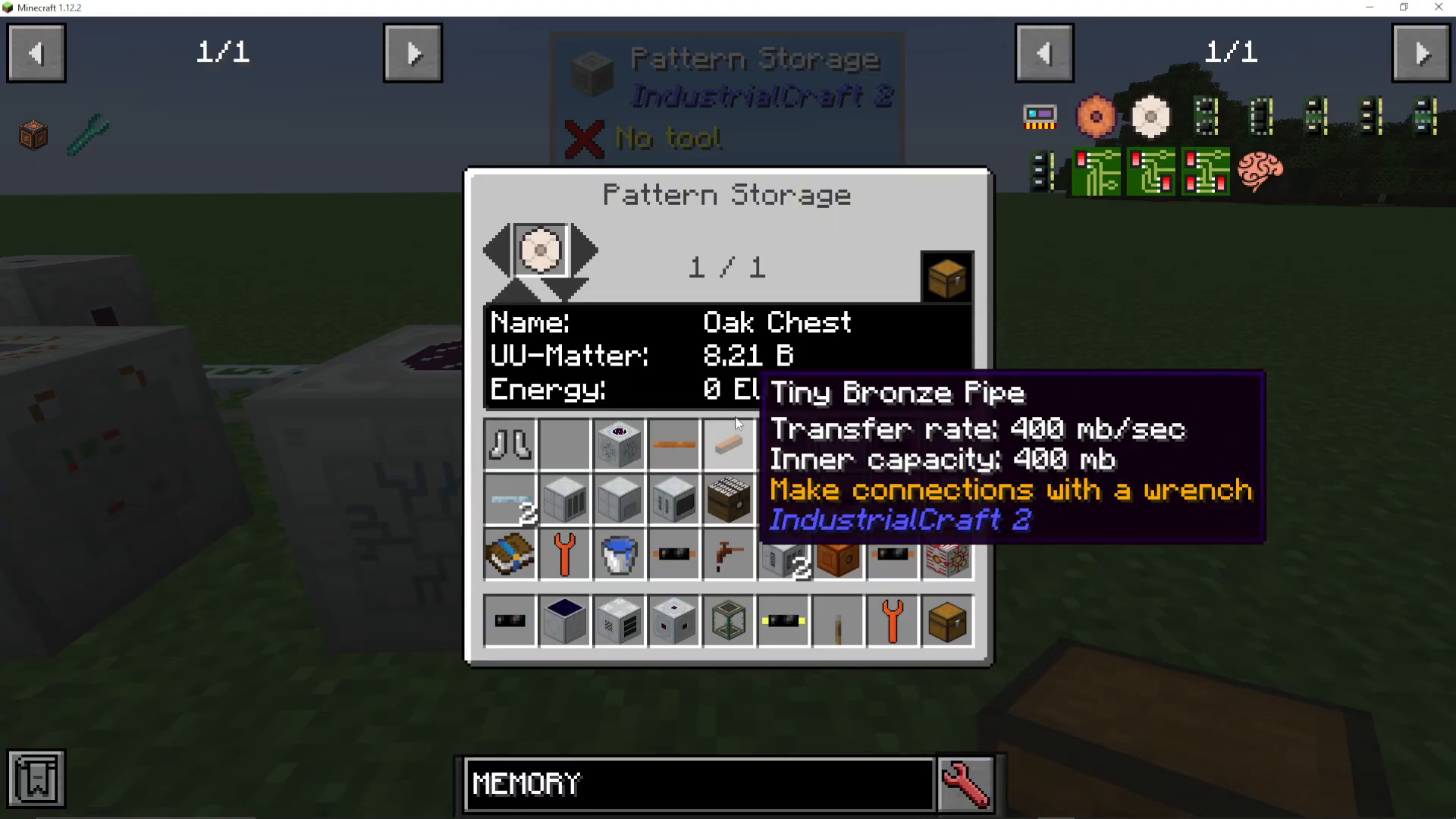
Setting Up the Pattern Storage and Replicator
The next step involves transferring your scanned Crystal Memory to a Pattern Storage unit. When you place the Crystal Memory in the Pattern Storage, you’ll see the UU Matter cost displayed. For example, duplicating a chest requires 8.21 buckets of UU Matter.
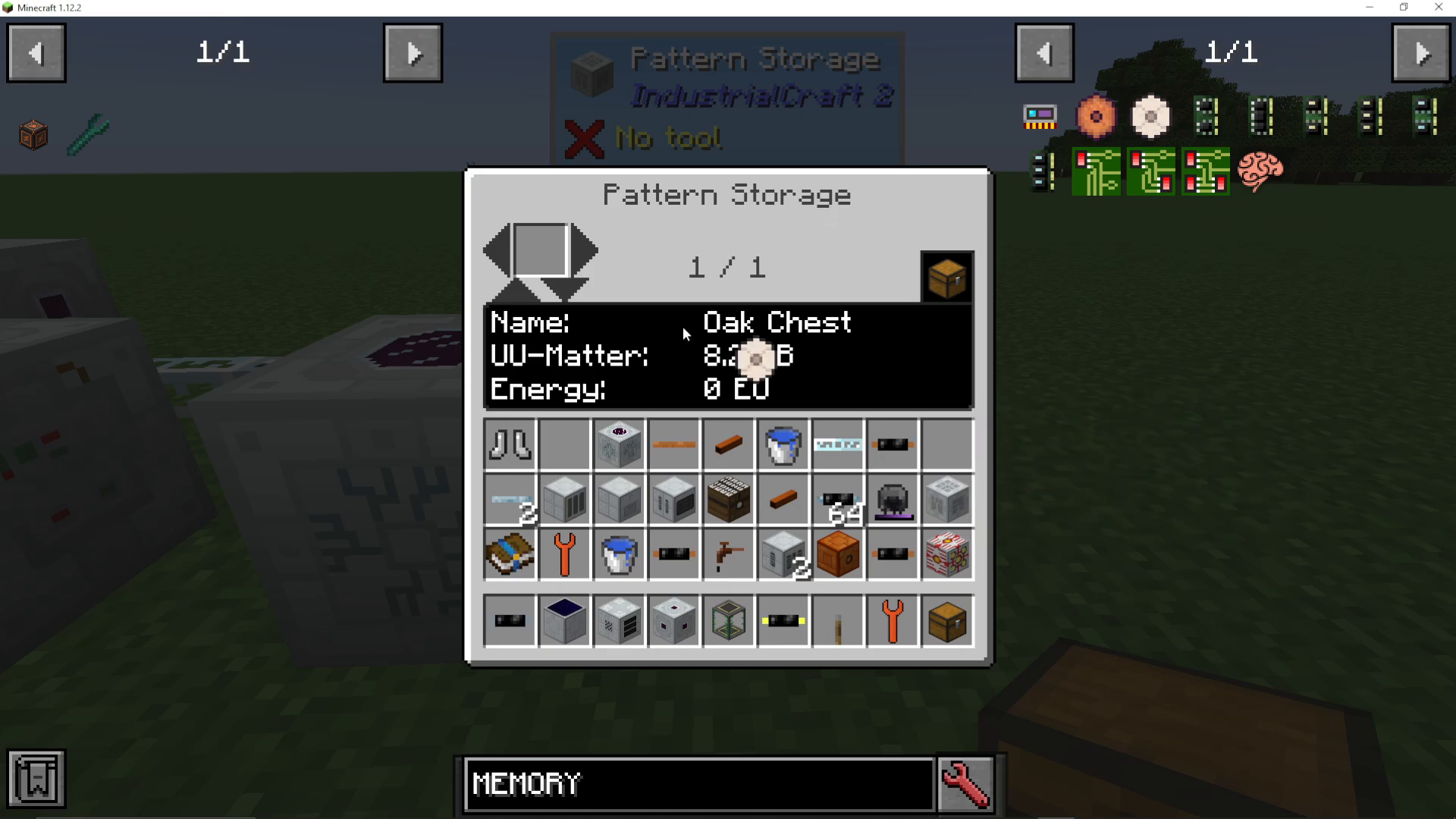
Using the Pattern Storage
The Pattern Storage allows you to store multiple Crystal Memories for different items. Simply insert your Crystal Memories and use the arrow buttons to add more patterns. You can accumulate a library of items ready for replication.
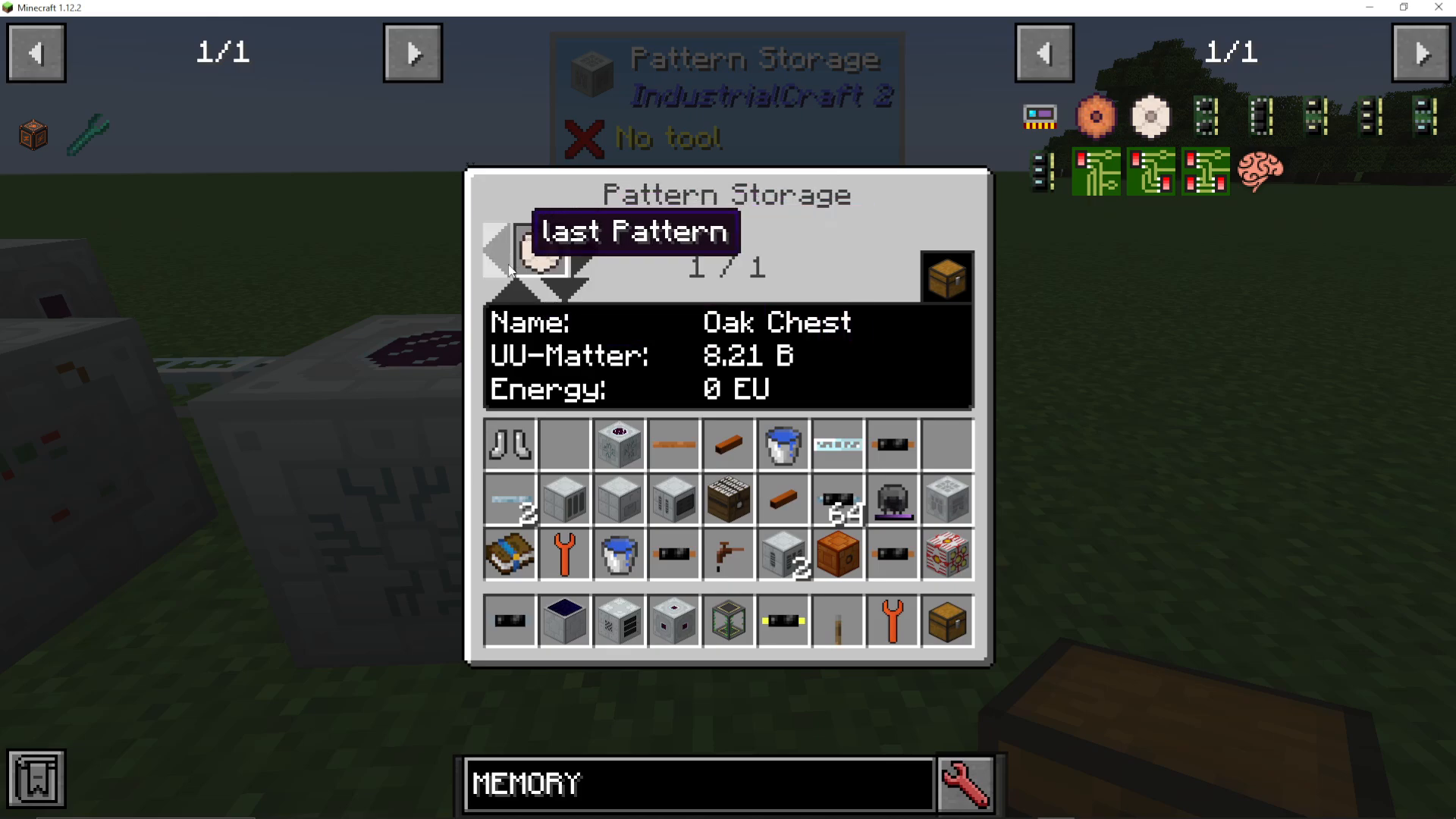
Installing and Operating the Replicator
The Replicator must be placed directly adjacent to the Pattern Storage. It should be touching the Pattern Storage to function properly.
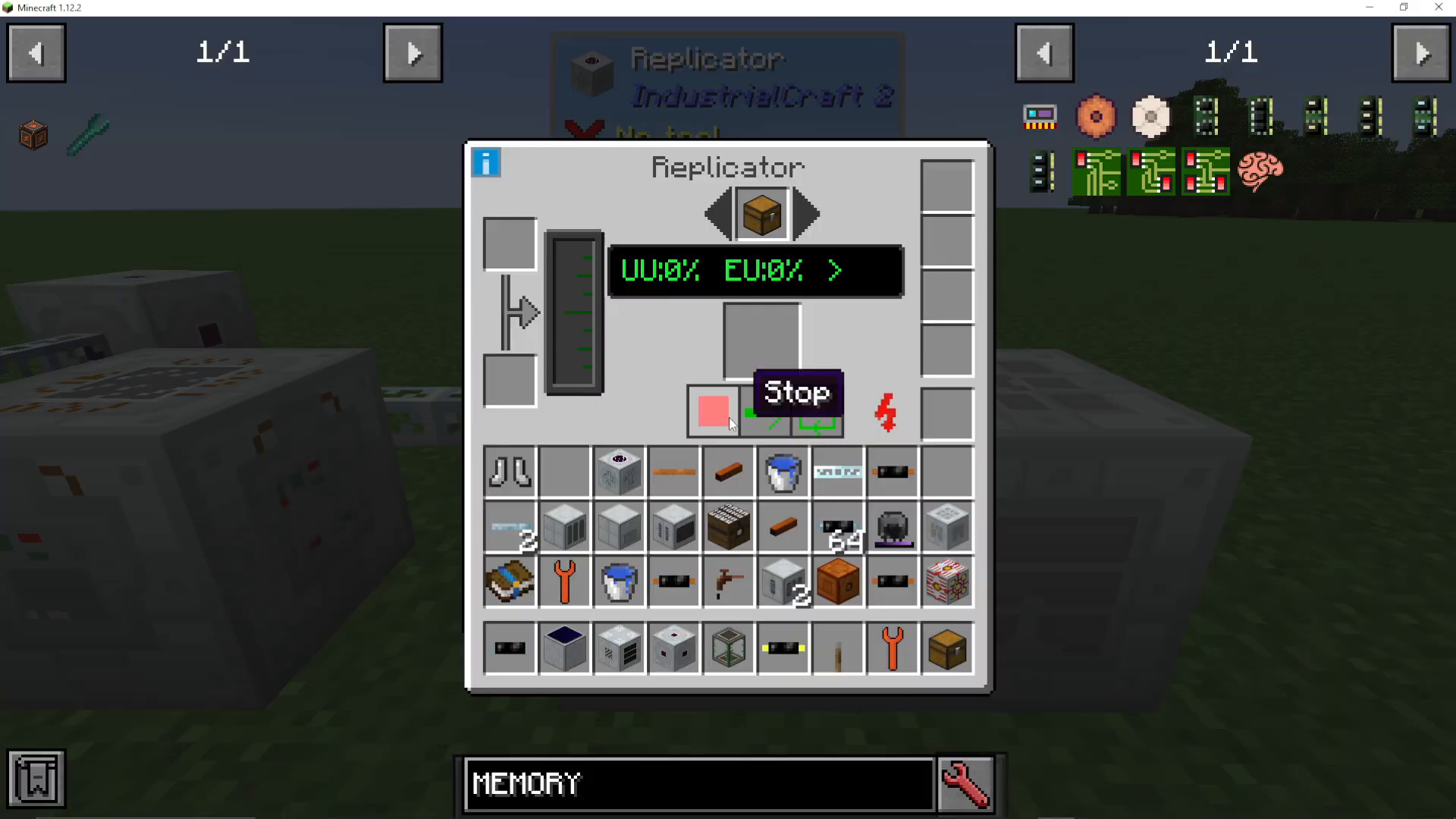
Inside the Replicator, you can use the arrow buttons to cycle through all available patterns stored in the adjacent Pattern Storage. The display will show you both the UU Matter cost and energy cost for each item.
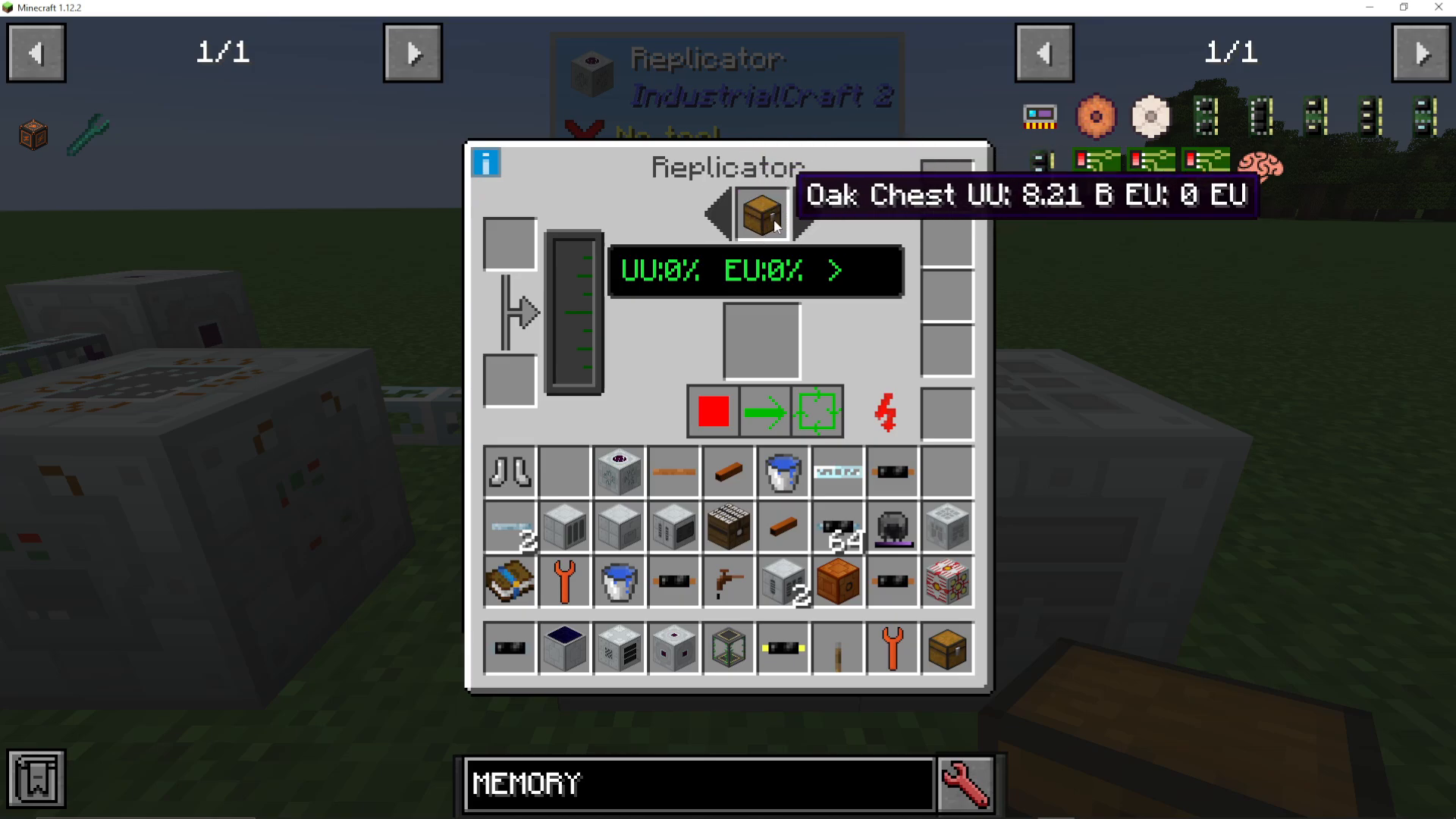
Filling the UU Matter Tank
Before replication can occur, you must fill the Replicator’s UU Matter tank. You have several options:
Use buckets of UU Matter
Pump in UU Matter directly
Use cans from Forestry mod if available
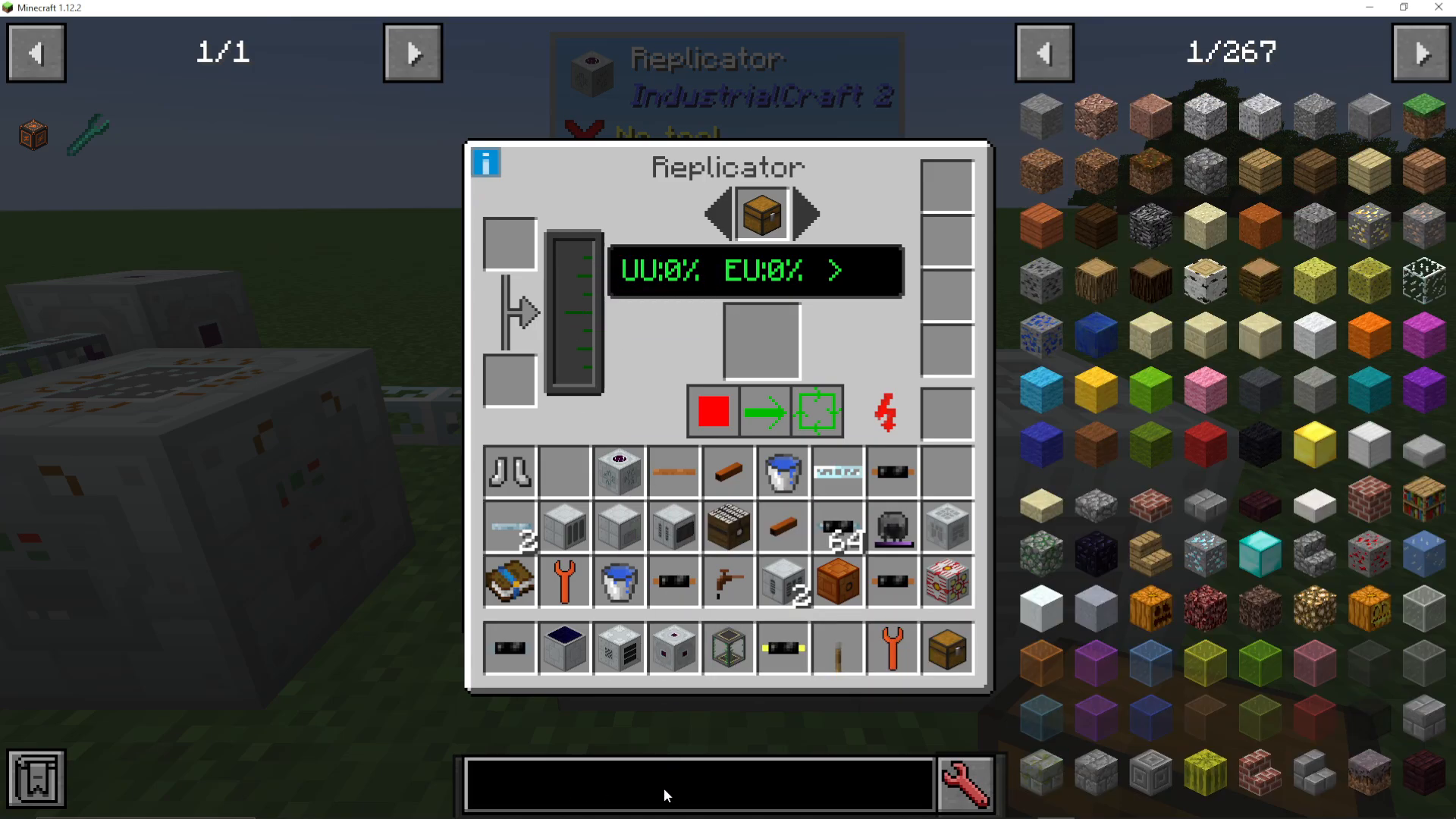
Running a Replication Cycle
Once your UU Matter tank is filled and you’ve selected the item you want to replicate, you have two operating modes:
Single Run: Replicate just one item
Repeat Run: Continuously replicate items until you stop the process
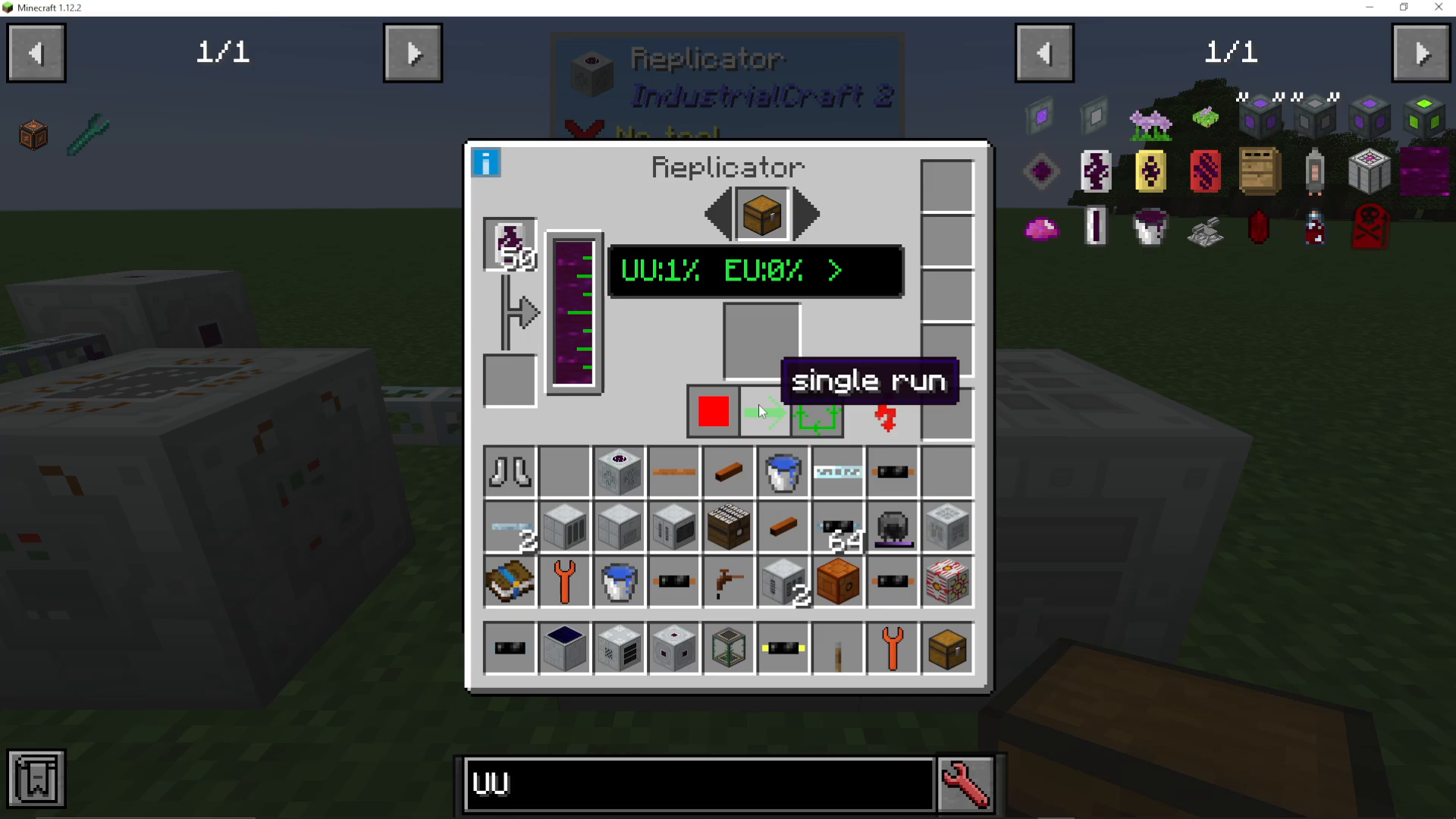
When you initiate a single run, the Replicator will begin consuming both UU Matter and energy. Be warned: the replication process is extremely slow and energy-intensive. You’ll see the UU Matter percentage increase gradually (for example, reaching only 1% after some time).
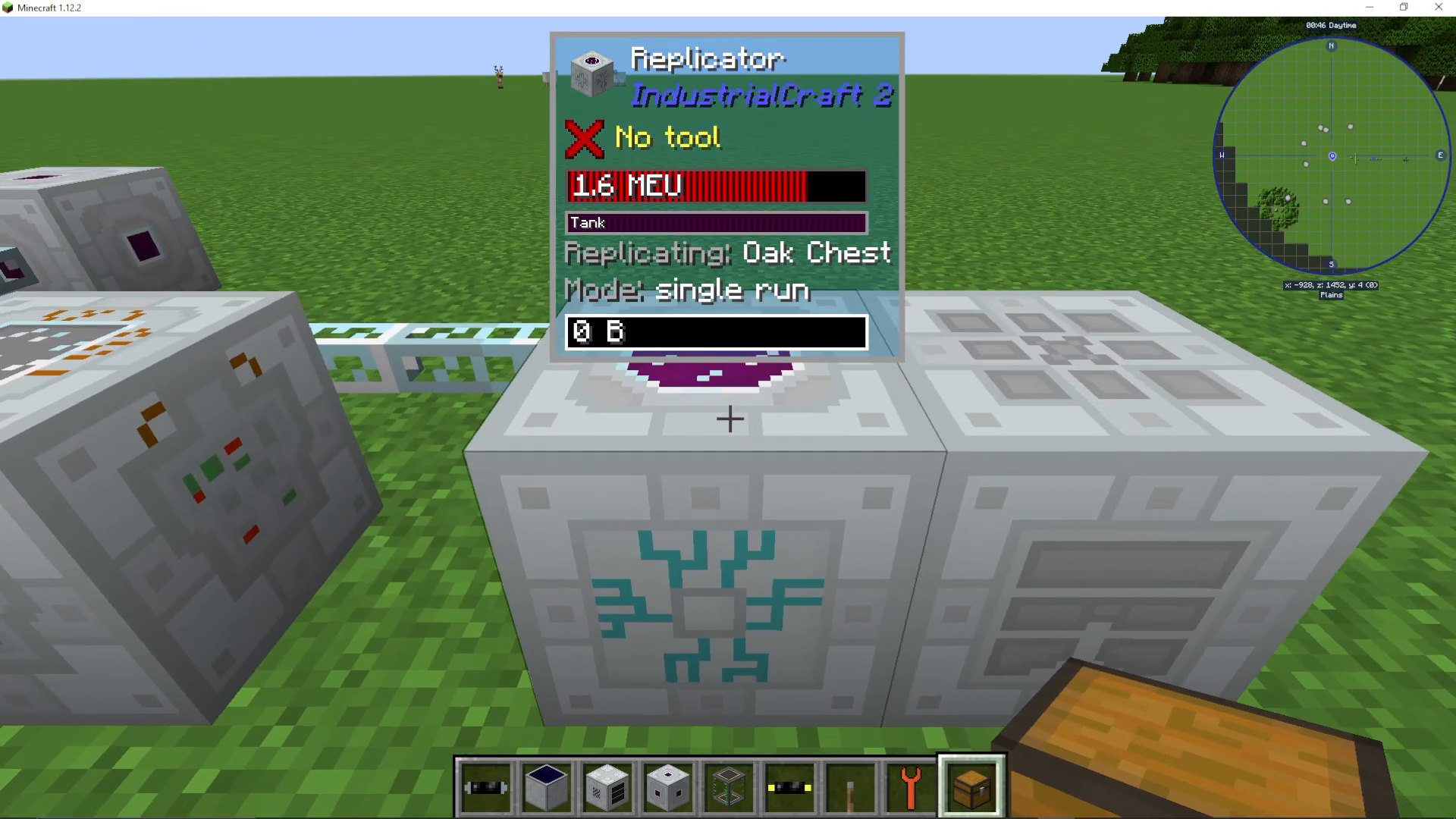
The Replicator requires substantial amounts of power to operate. If you don’t provide enough energy, the progress will stall. Plan your power infrastructure accordingly before attempting large replication projects.
Why Replication Matters
The most valuable aspect of the UU Matter replication system is its ability to duplicate items that are otherwise unobtainable or extremely rare in survival mode. This includes:
Creative-only items like Iridium
Exceptionally rare materials
Items found only in dungeon chests or other rare structures
Replication provides a legitimate progression path to obtain these items, transforming what would otherwise be impossible into a challenging but achievable goal.
Summary
Item replication in Industrial Craft 2 involves a multi-step process: producing UU Matter in the Matter Fabricator, scanning items with the Scanner into Crystal Memories, storing patterns in the Pattern Storage, and finally using the Replicator to create duplicates. While the process is slow and energy-intensive, it unlocks access to rare and creative-only items that would otherwise be unavailable in survival mode.
— Want to Support? —
If you would like to help us continue making these guides – please consider joining our patreon here – https://www.patreon.com/c/JaviHeals
Alternatively – we host a group of MC Servers you can join here – https://discord.gg/zD7Gjt6MHF



