







How To Oritech Mob Spawners – Minecraft 1.21.1
How To Use OriTech Mob Spawners – Minecraft 1.21.1
In this tutorial, you’ll learn how to set up and use the OriTech Mob Spawners to create your own custom mob farm in Minecraft 1.21.1. This guide covers the essential components, setup process, and important mechanics you need to know to get spawning mobs efficiently.
What You Need
To create an OriTech mob spawner, you’ll need two main components:
A Spawner Controller
One or more Spawner Cages
Setting Up Your Spawner Controller
The first step is to build your Spawner Controller. For this example, we’ll use zombies as the target mob.
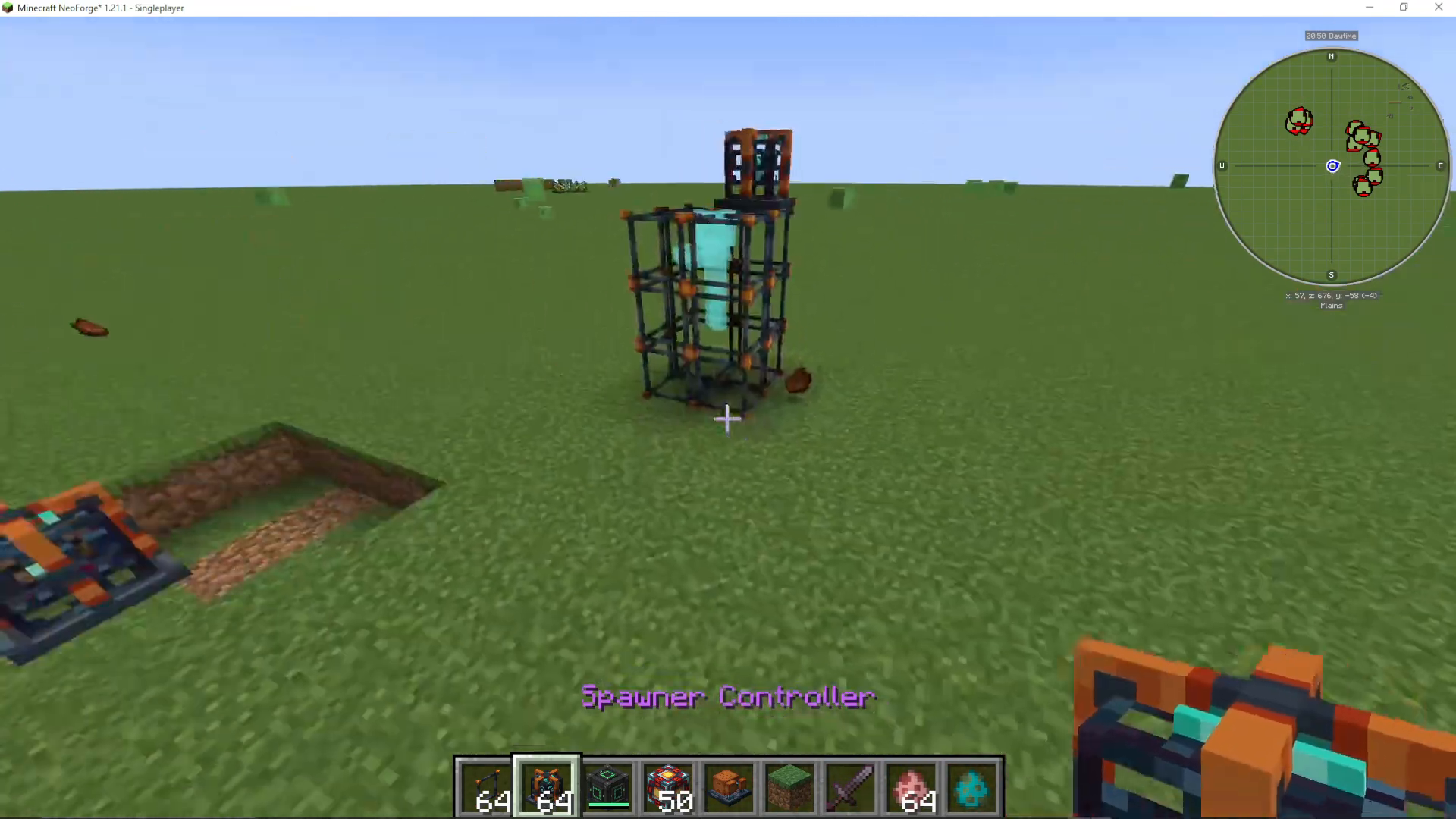
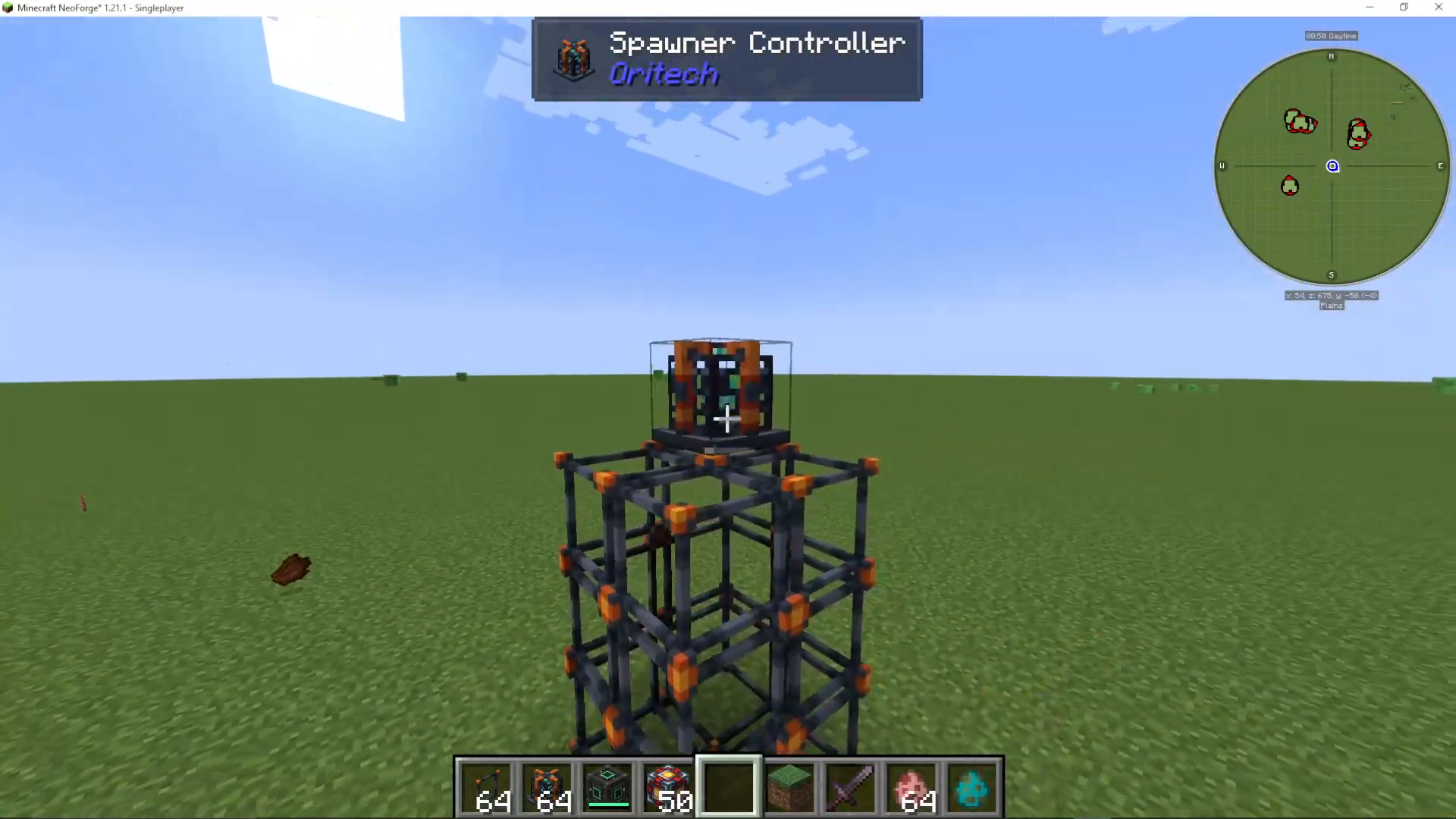
If you want to spawn mobs on the ground level, you need to place your Spawner Controller at a height of 4 blocks. This height requirement exists because you’ll need space to build the spawner cage structure beneath it.
Start by building upward: place blocks 1, 2, 3 high, then place your Spawner Controller on top.
Loading a Mob into the Controller
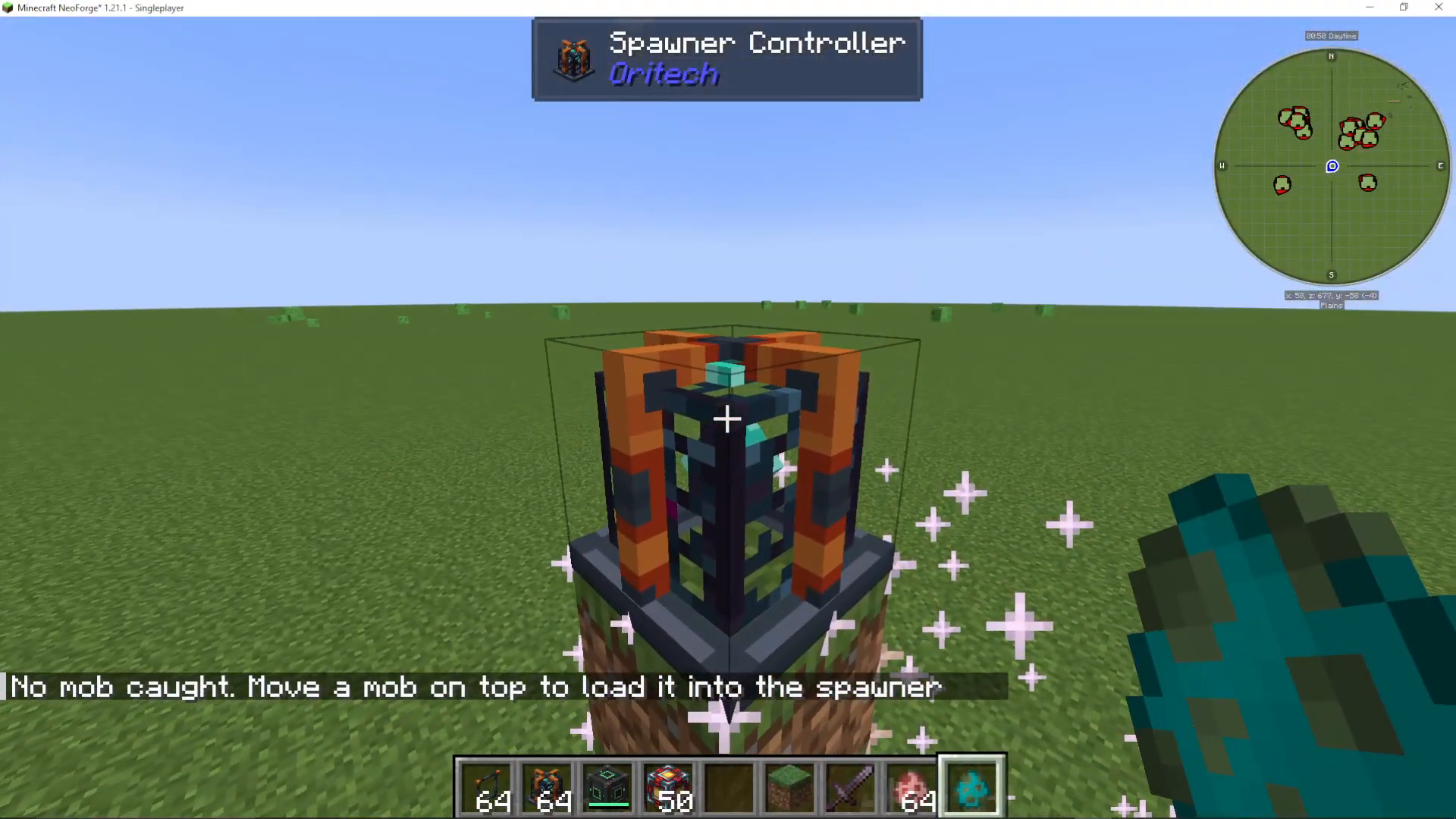
When you right-click on the Spawner Controller initially, it will display “No mob court” and tell you to “Move a mob on top to load it into the spawner.”
To load a mob, you need to get the specific mob you want to spawn to walk across the top of the controller. In creative mode, you can shift right-click on a mob to place it on top. In survival mode, you’ll need to engineer a way for a mob to naturally walk over the controller.
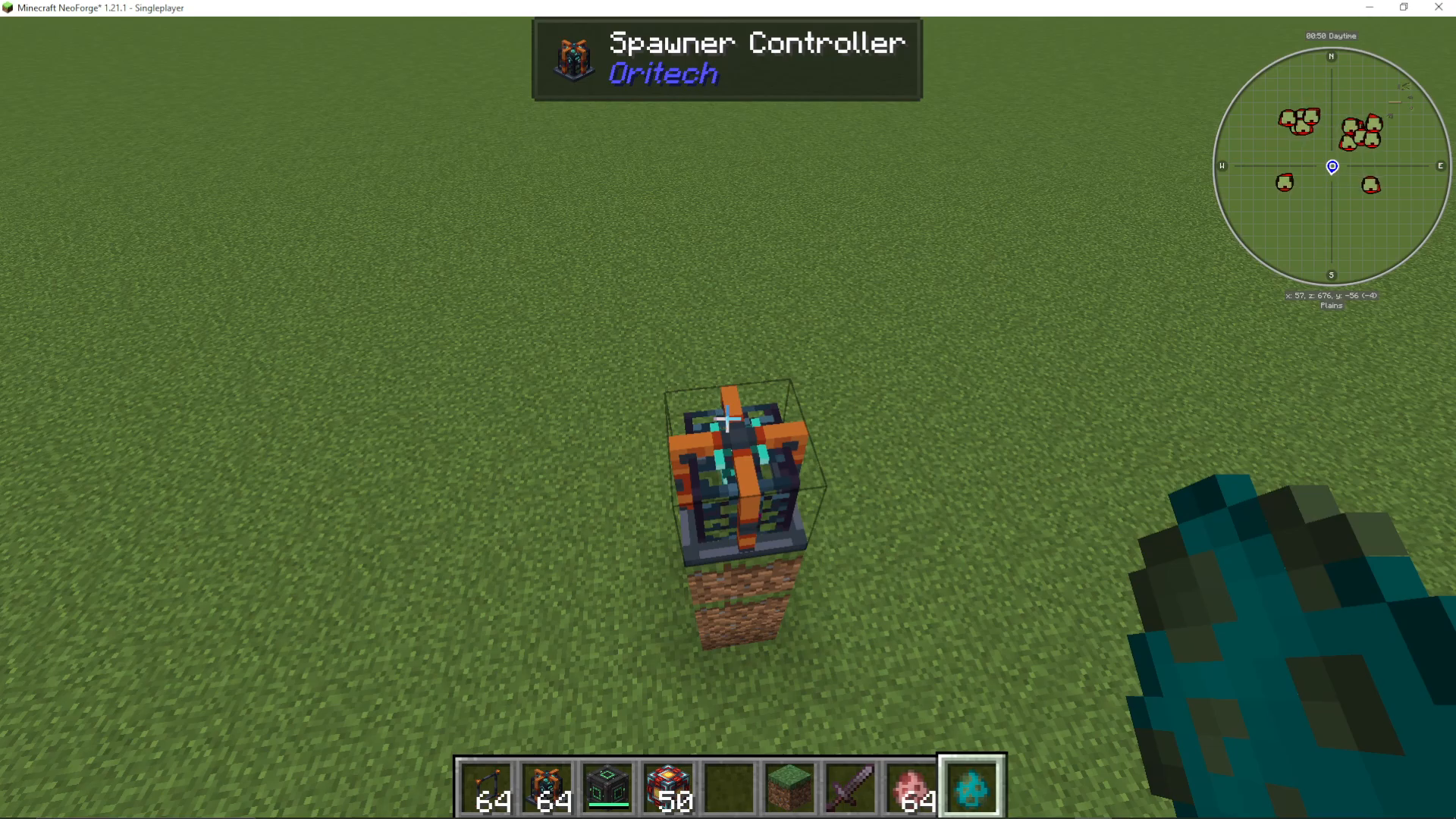
Once a mob walks over the controller, it will be loaded into the system and disappear from the surface.
Building Your Spawner Cage
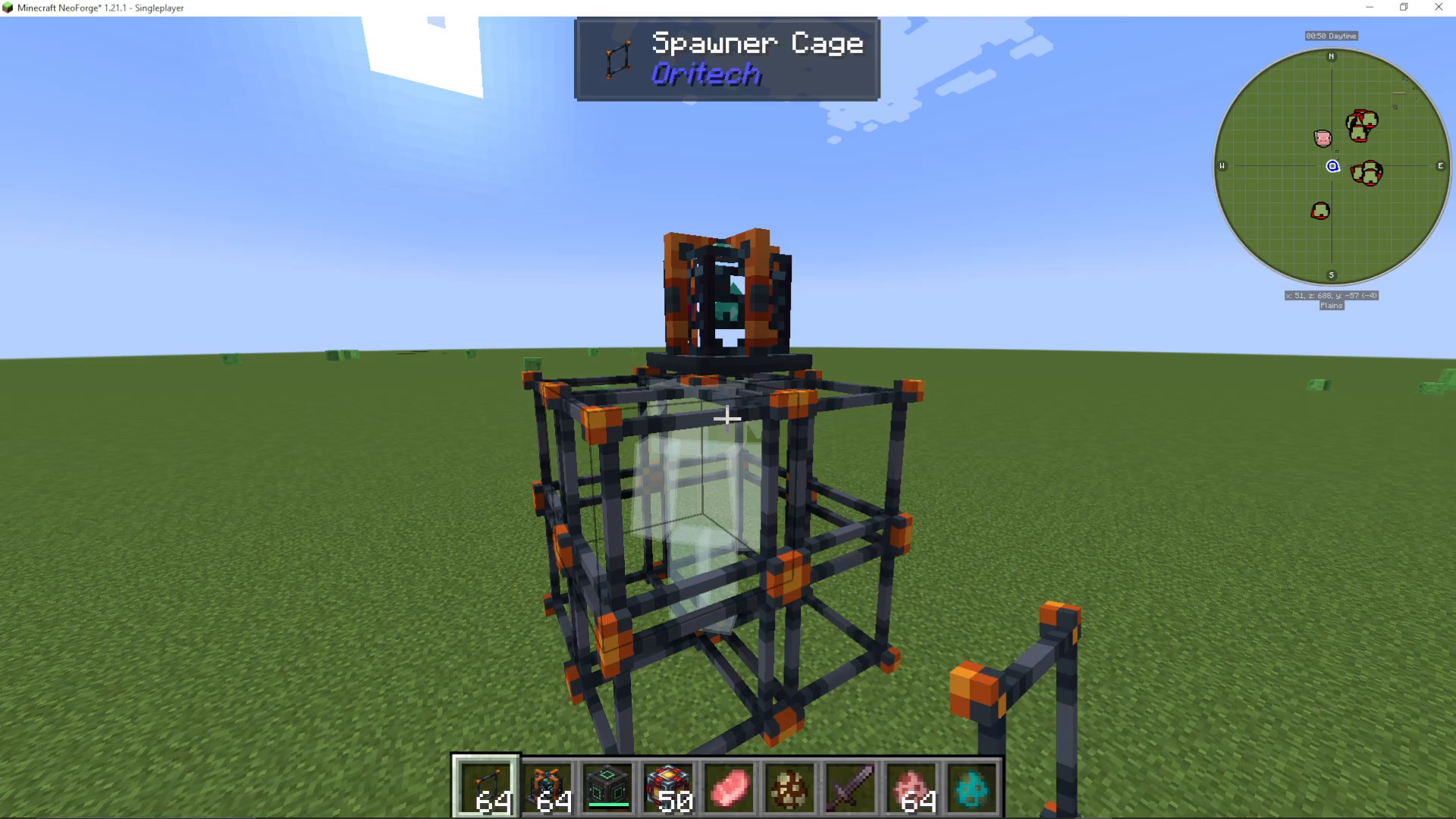
After loading a mob, your next step is to construct the Spawner Cage. When you right-click the controller again, it will display “Missing mob cage” and show you where the cage needs to be positioned.
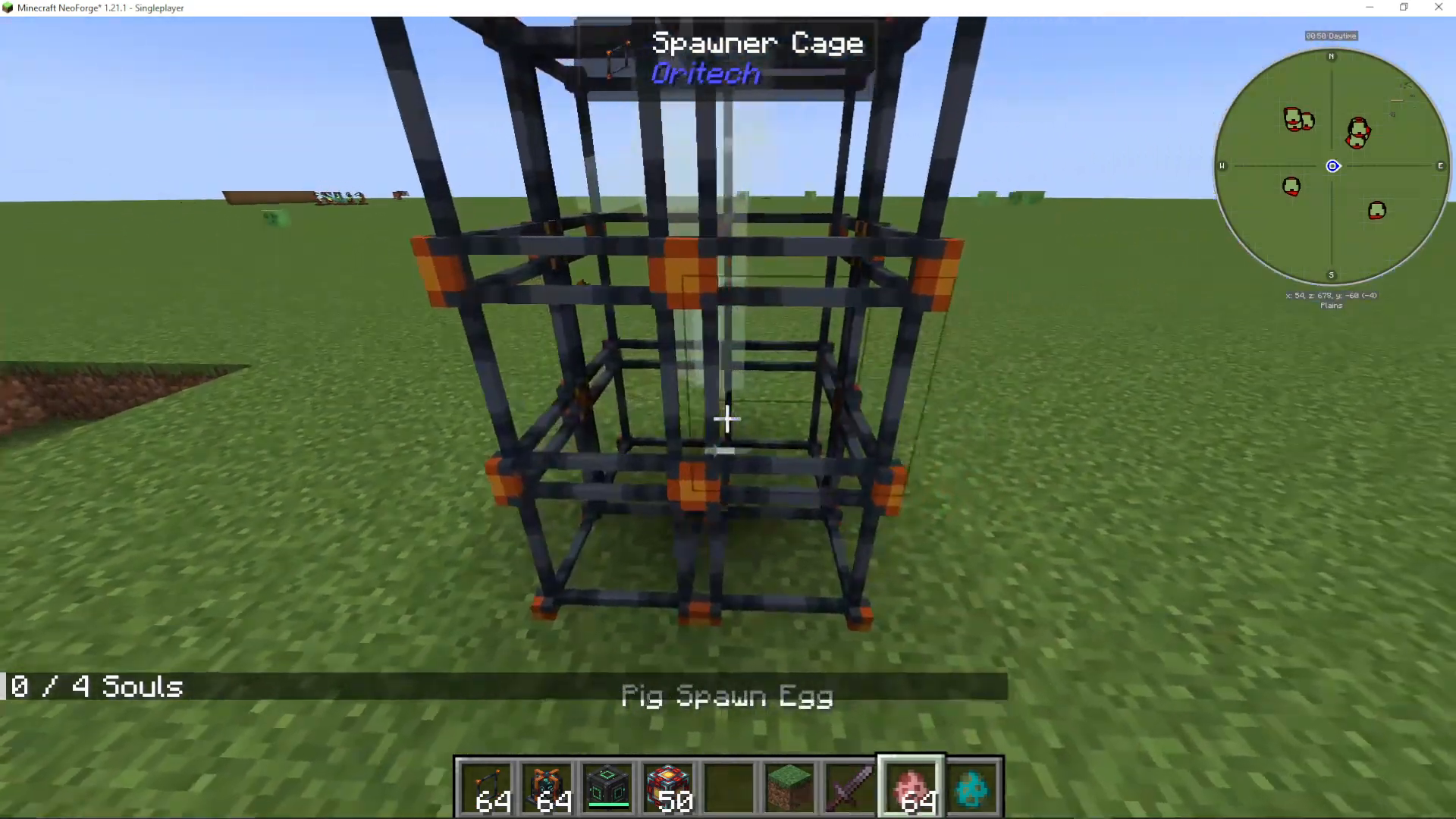
The cage structure needs to be built around the controller in a specific configuration. For most mobs like zombies, you’ll need a 1x1x2 or similar sized cage directly adjacent to the controller.
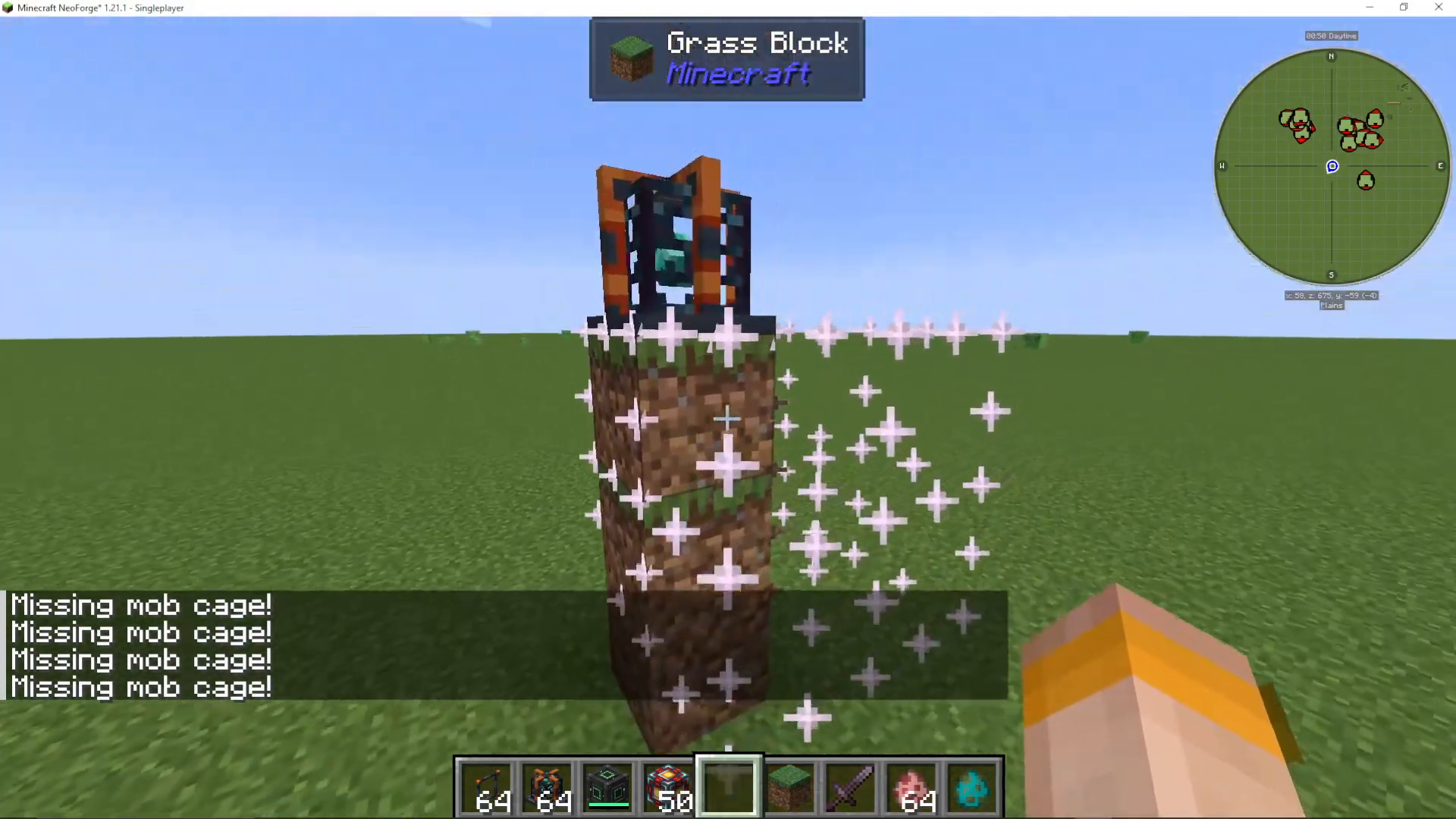
Once your cage is properly positioned and right-clicked, the spawner will be ready to function. At this point, you’ll see a soul counter appear (for example, “0 out of 4 souls” for zombies).
Understanding the Soul Mechanic
The OriTech Mob Spawner uses a soul-based system to function. This is the key mechanic that powers your mob farm.
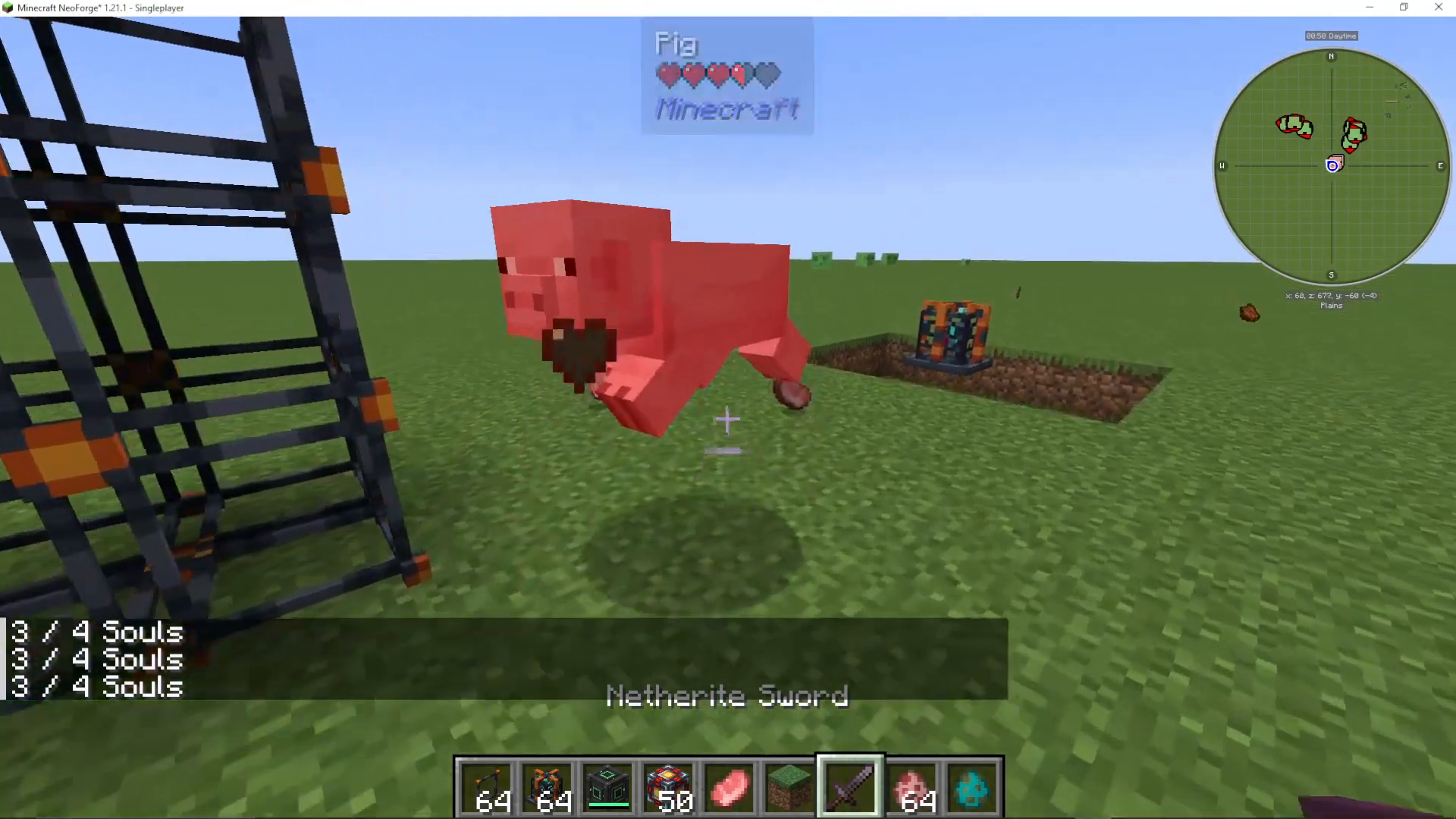
When you kill mobs, they drop souls that are collected by the spawner. These souls are consumed to spawn new mobs. The spawner will display a soul counter (for example, “3 out of 4 souls”) showing how many souls you have versus how many are needed.
Soul Cost by Mob Health
Different mobs require different amounts of souls based on their health values. Mobs with more health require more souls to spawn:
Zombies require 4 souls each
Pigling Brutes require 7 souls each (due to higher health)
Planning Your Soul Supply
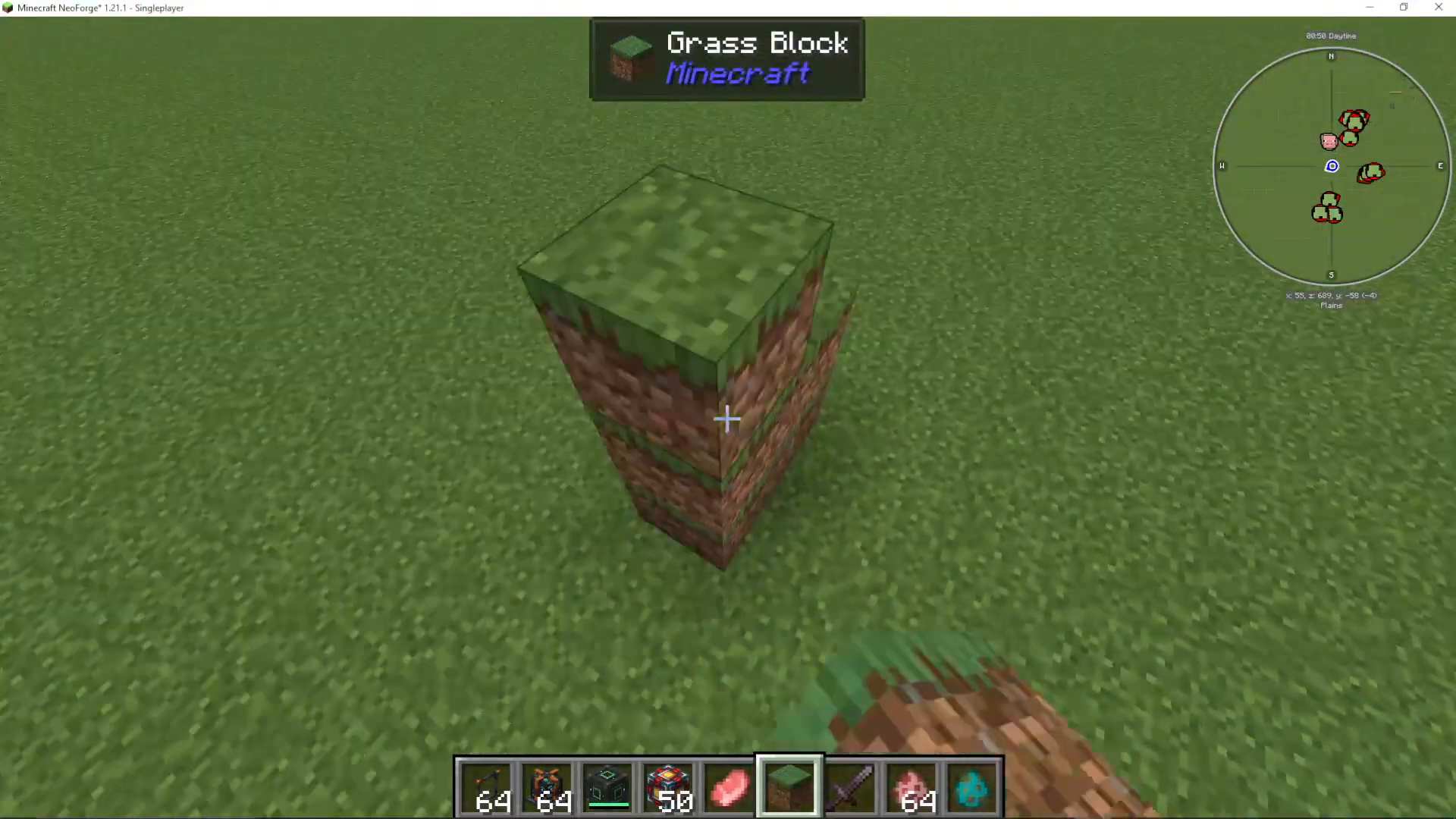
Since spawning mobs consumes souls, you’ll need a constant supply. This creates an interesting design challenge: you may need to create a separate mob farm to power your spawner. For example, you could set up an automatic pig breeding and killing facility to generate souls, which would then power your zombie spawner (or any other mob you want to spawn).
Mob Compatibility and Blacklist
Not every mob in Minecraft can be spawned using the OriTech Mob Spawner. Some mobs are tagged with the “OriTech spawner blacklist” and cannot be used with this system.
Most mobs are compatible with the spawner, but if you find that a specific mob won’t work, it’s likely blacklisted. Always test your chosen mob before investing heavily in infrastructure.
Summary
The OriTech Mob Spawner is a powerful tool for creating custom mob farms with these key steps:
Build your Spawner Controller at the correct height (4 blocks for ground-level spawning)
Load your desired mob by having it walk across the controller
Construct the Spawner Cage in the specified location
Supply souls by killing mobs to power the spawner
Plan your soul generation around the health of the mob you’re spawning
While the soul requirement means you can’t spawn mobs completely independently, it opens up creative possibilities for multi-stage mob farms that power each other.
— Want to Support? —
If you would like to help us continue making these guides – please consider joining our patreon here – https://www.patreon.com/c/JaviHeals
Alternatively – we host a group of MC Servers you can join here – https://discord.gg/zD7Gjt6MHF



