







How To Oritech Enchanting – Minecraft 1.21.1
How To OriTech Enchanting – Minecraft 1.21.1
This guide covers everything you need to know about enchanting in the OriTech mod, one of the most popular tech mods for Minecraft. Whether you’re looking to enhance your gear or explore advanced hyper-enchanting mechanics, this tutorial will walk you through the process step by step. Note that this guide assumes you already have basic knowledge of setting up Enderic Lasers and using them with machines—if you need a refresher, check out the complete OriTech playlist on the channel.
Getting Started with OriTech Enchanting
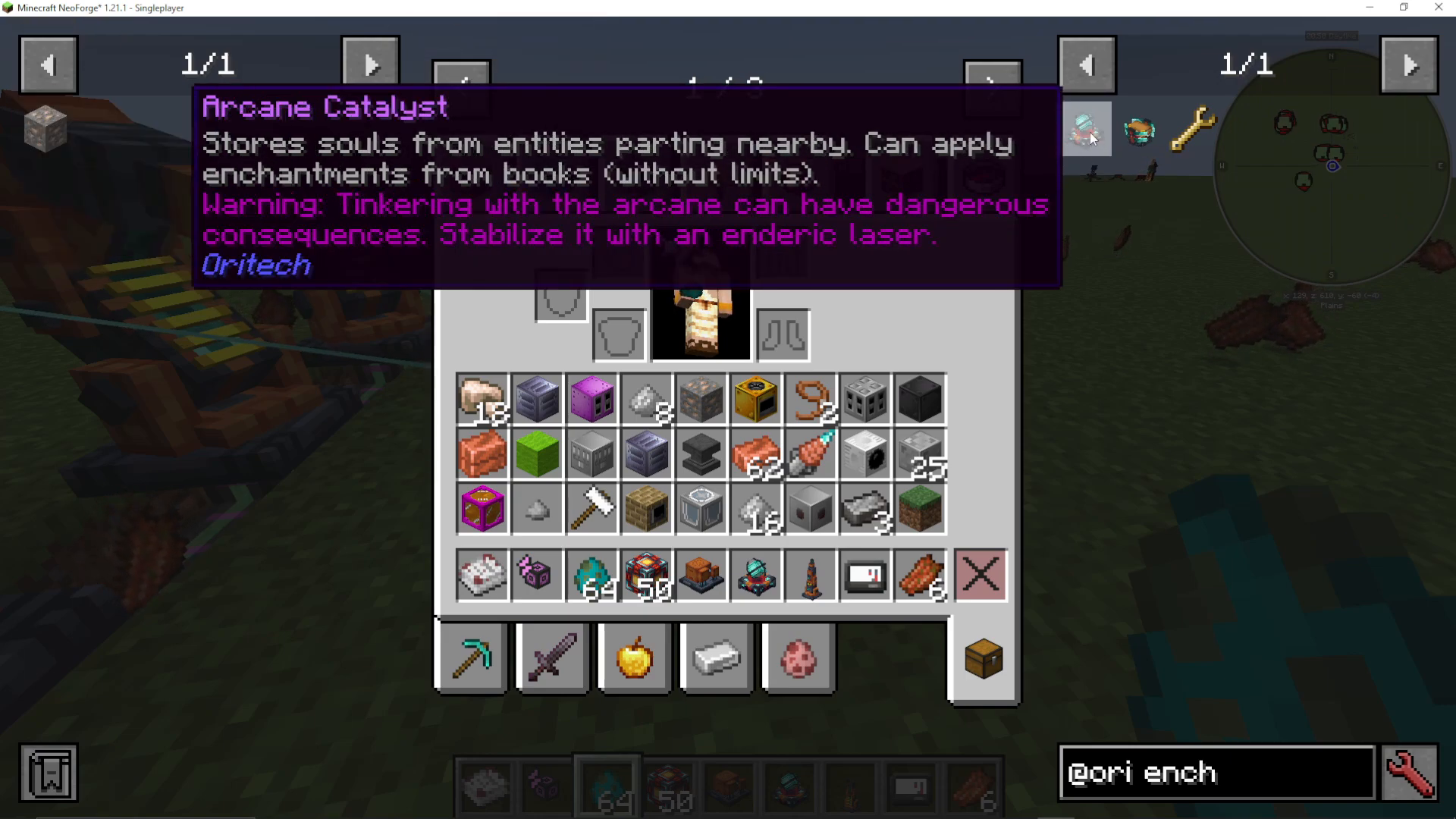
OriTech offers two main items for enchanting: the Arcane Catalyst and the Stabilized Enchanta. The Arcane Catalyst is the primary enchanting tool you’ll be using, as it’s stable and reliable. The Stabilized Enchanta is an alternative enchanting machine, though it may experience bugs depending on your modpack configuration.
Understanding the Arcane Catalyst
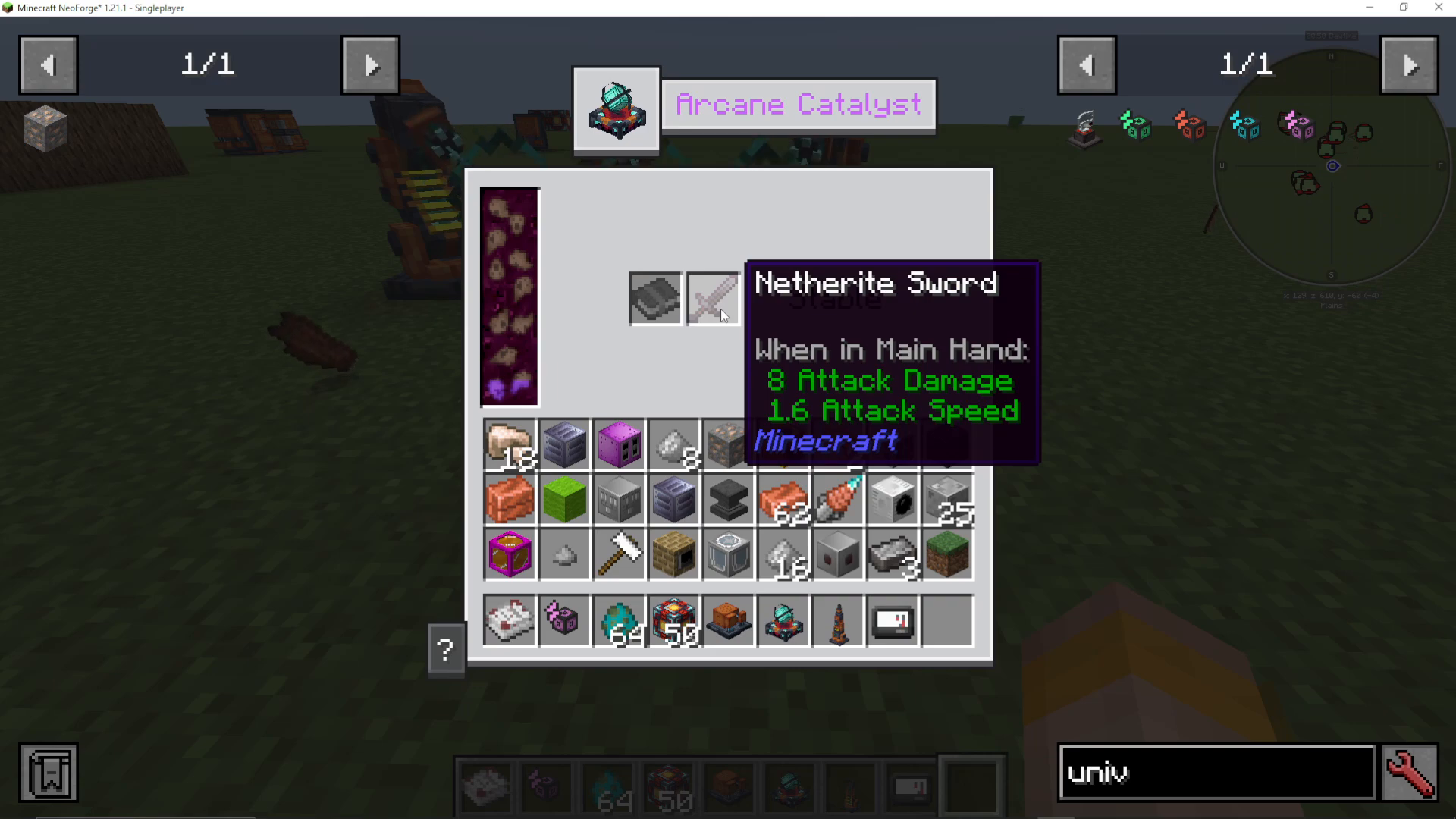
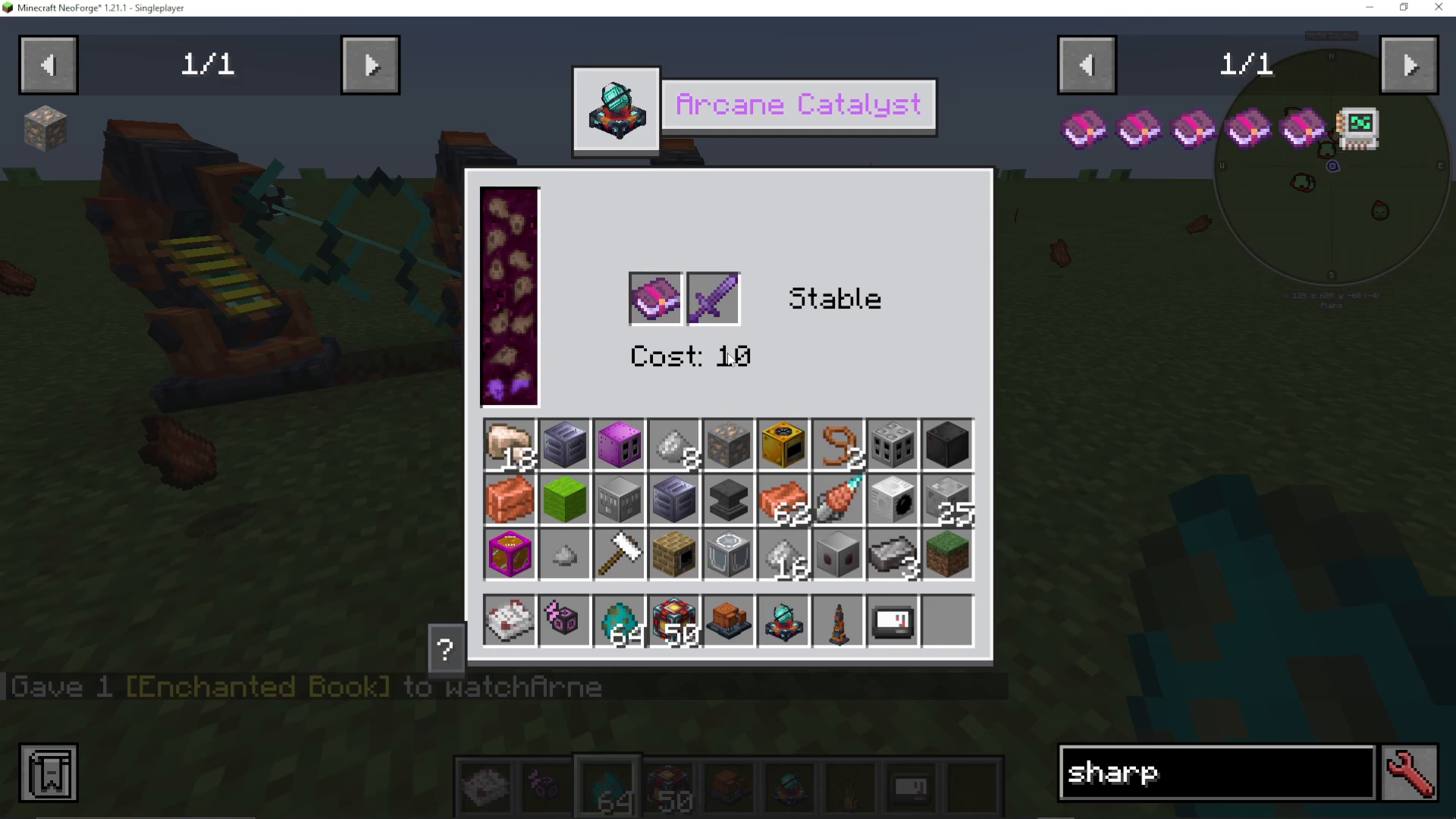
The Arcane Catalyst is your main enchanting interface. When you right-click on it, you’ll see several key elements:
Souls – The primary resource needed for enchanting
Book slot – Where you place enchanted books
Item slot – Where you place the item to be enchanted
Stable indicator – Shows if the catalyst is properly stabilized
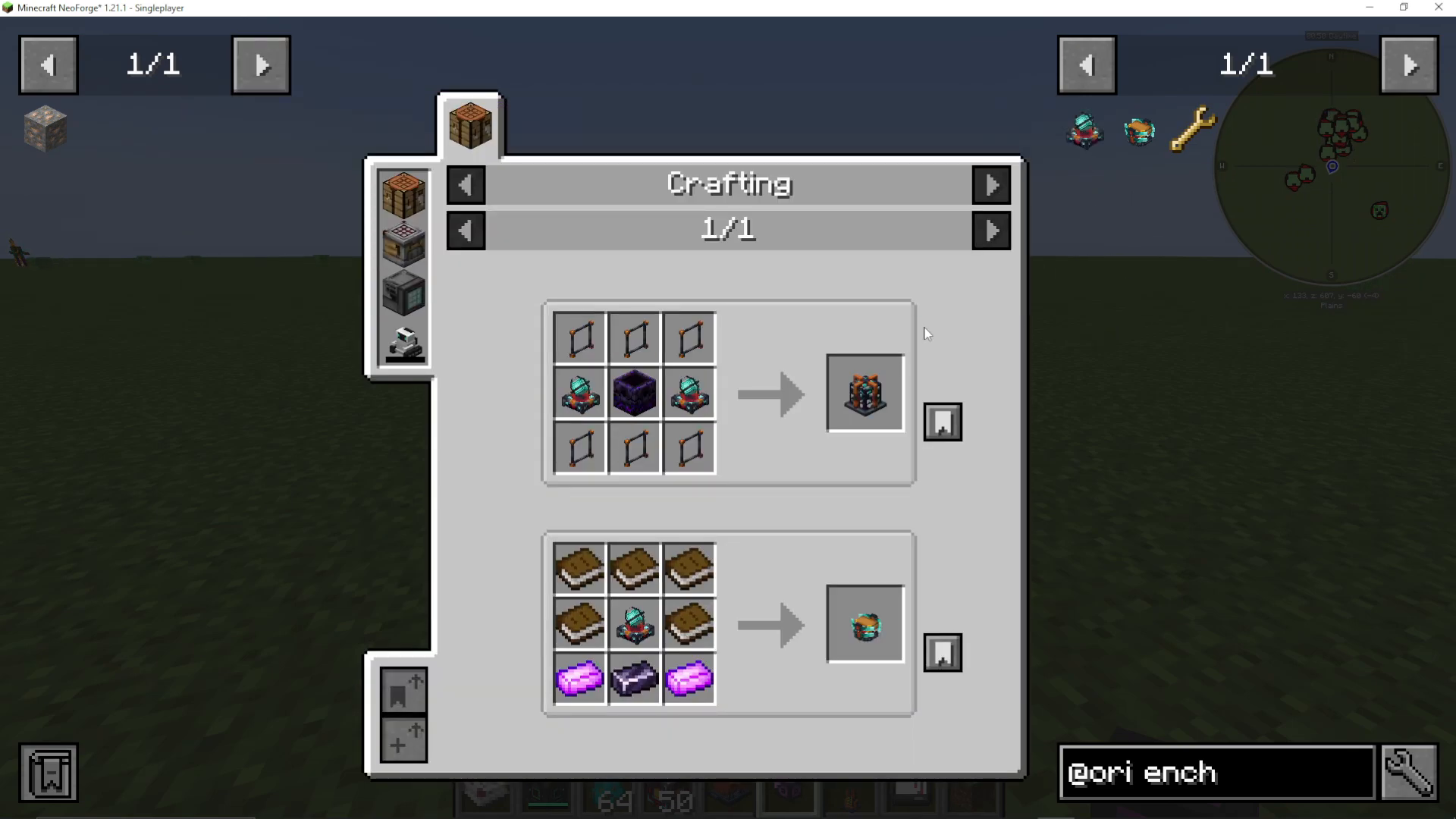
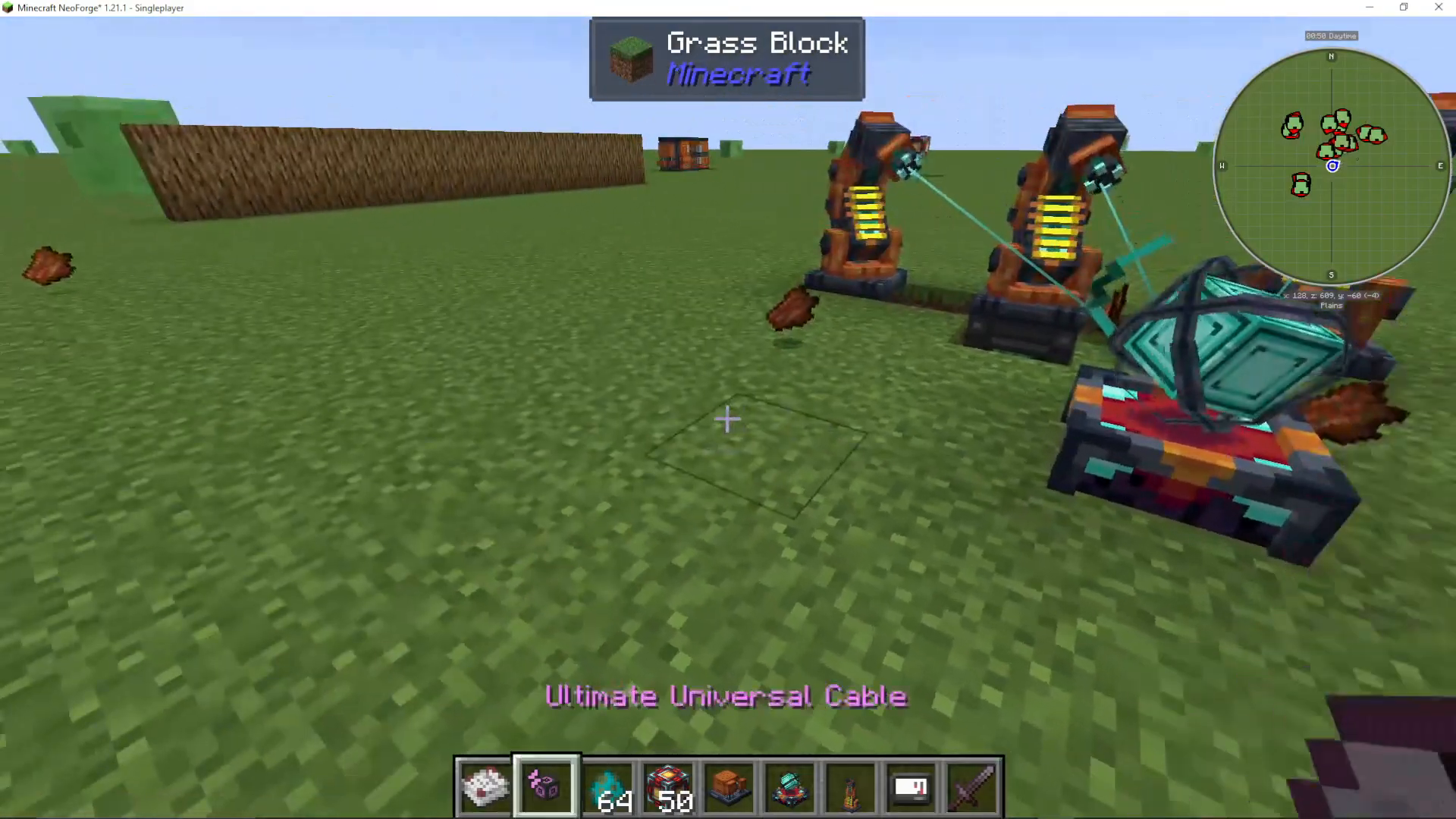
To stabilize the Arcane Catalyst, you’ll need to set up Enderic Lasers. Use your target designator to shift right-click and aim the Enderic Lasers at the Arcane Catalysts.
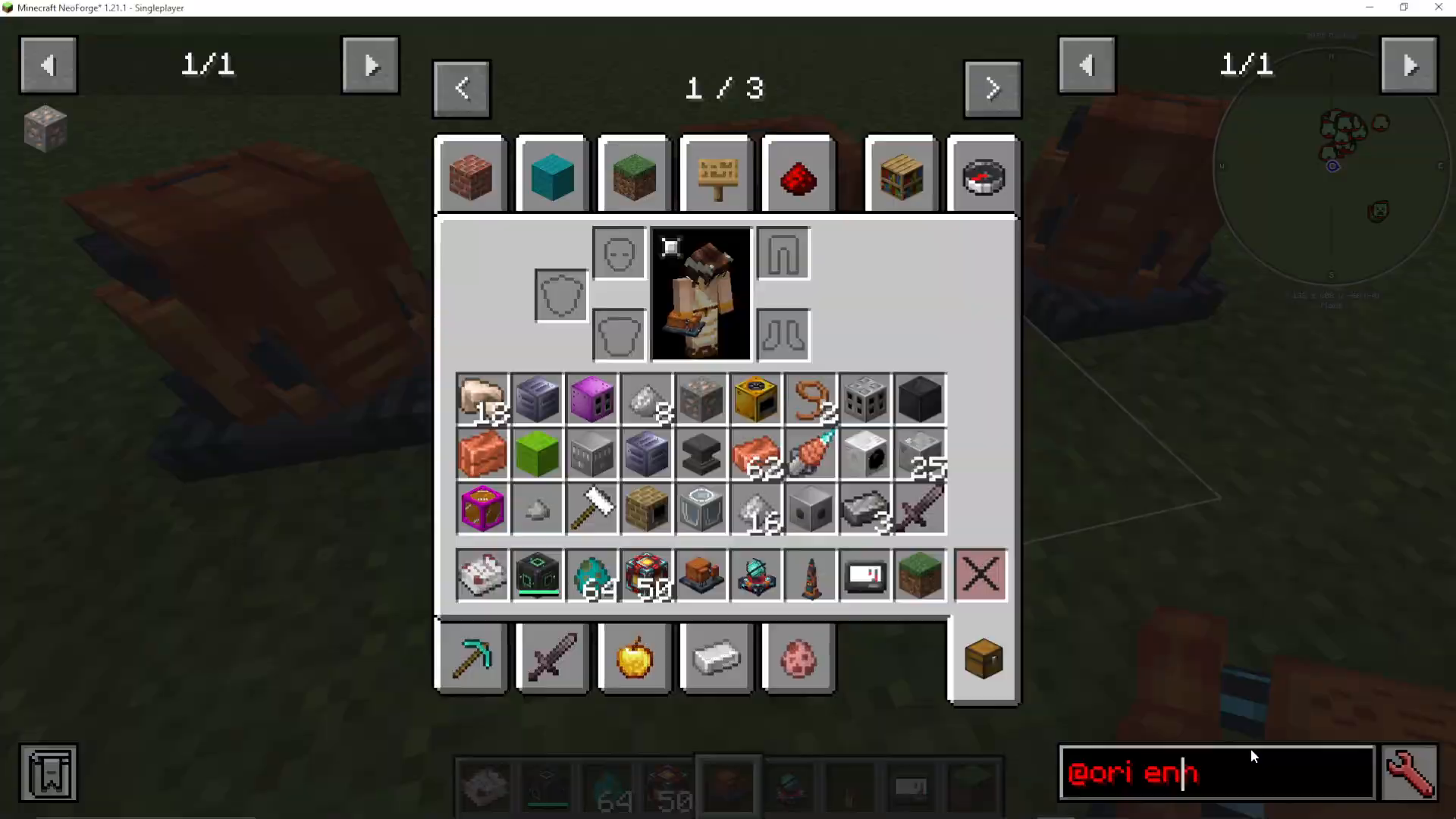
Collecting Souls
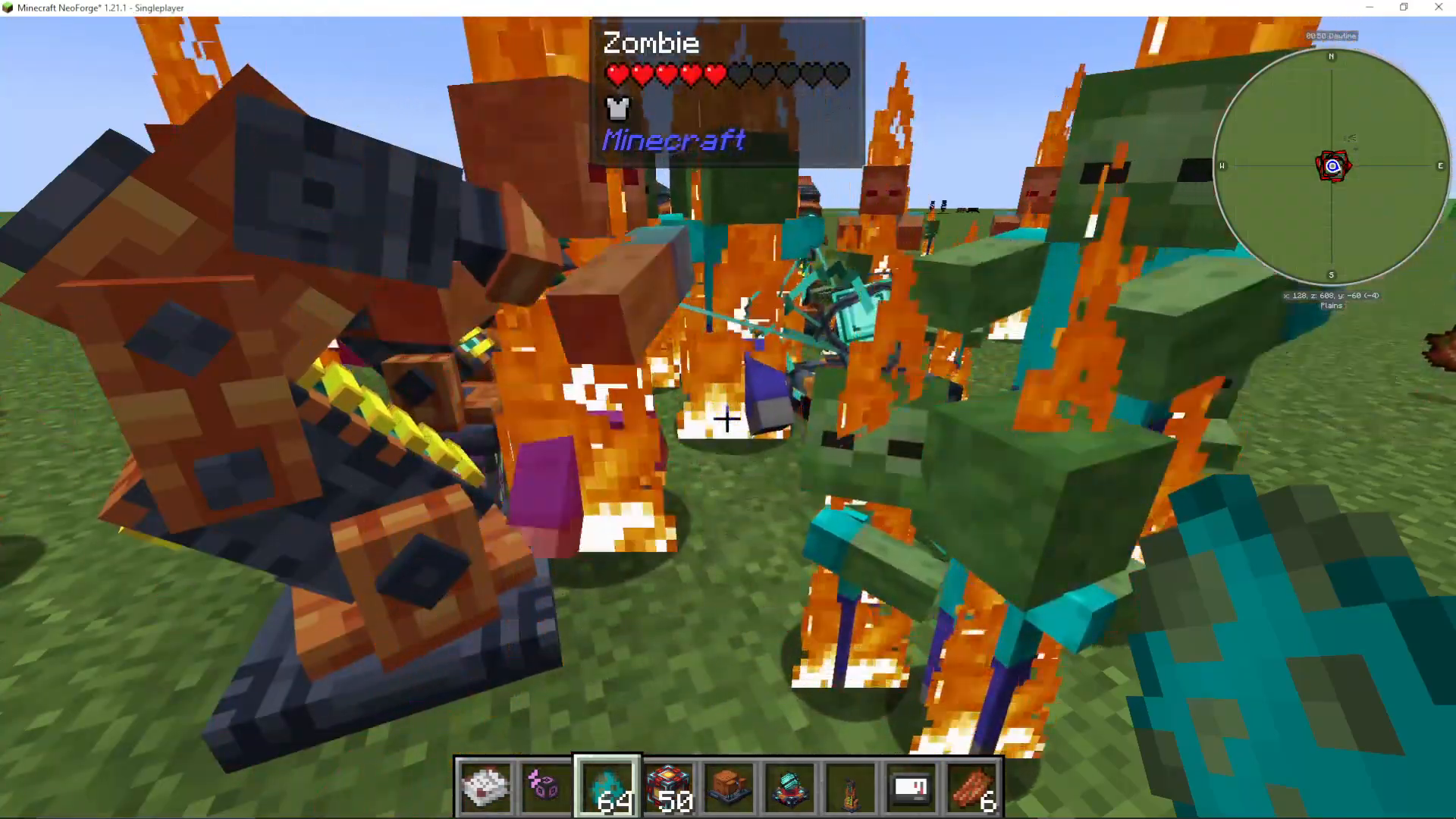
Souls are the core resource for OriTech enchanting. Any mob that dies within a 16-block radius of an Arcane Catalyst will contribute souls to it. Importantly, the mob does not need to be killed by you—environmental damage (such as sunlight damage) counts toward soul collection.
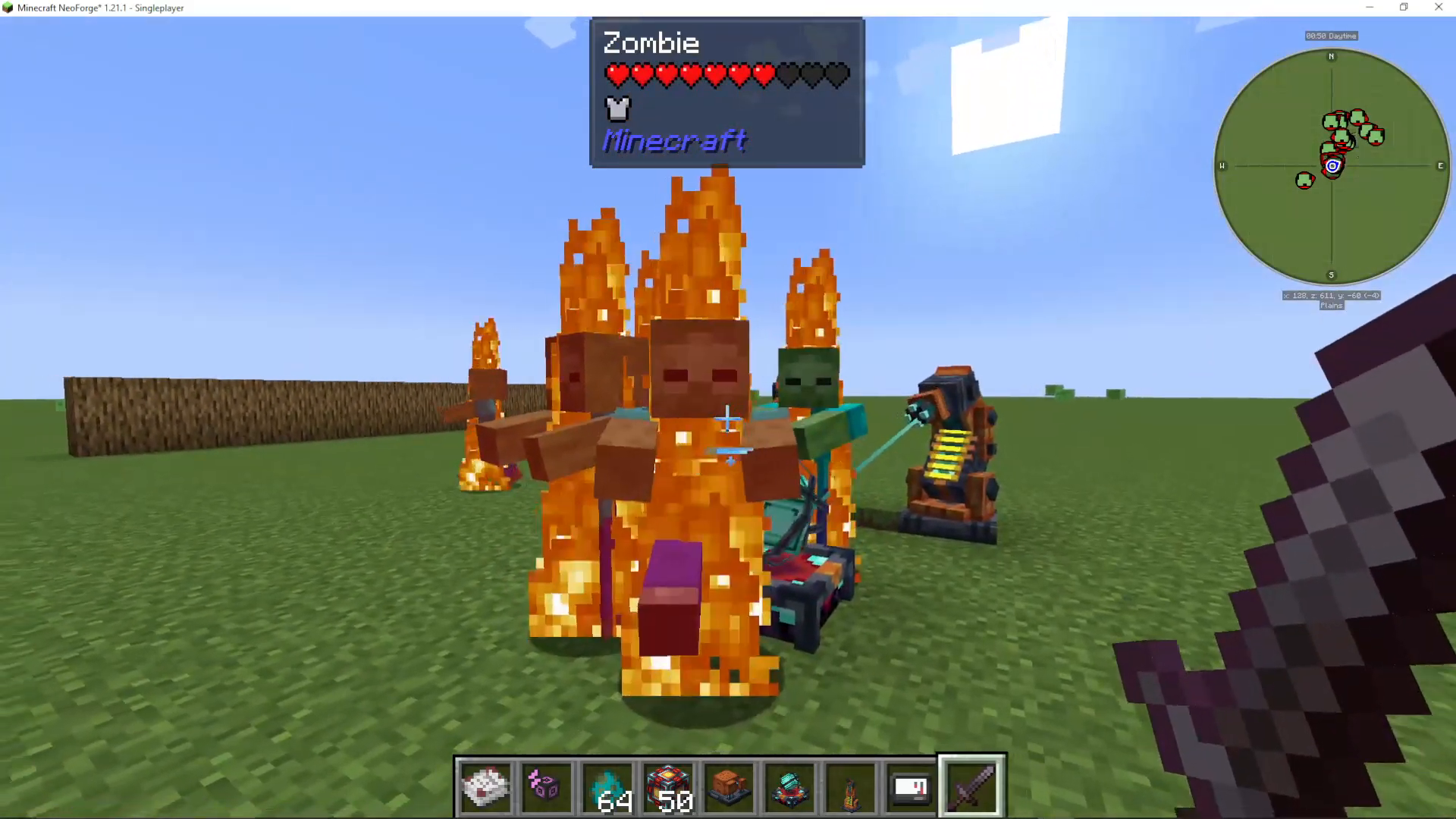
As mobs die near the catalyst, you’ll see a visual effect of souls being absorbed into the Arcane Catalyst. You can have multiple Arcane Catalysts in your setup to gather souls more efficiently.
Basic Enchanting with the Arcane Catalyst
To enchant an item with the Arcane Catalyst:
Place an enchanted book (for example, Sharpness I) into the book slot
Place the item you want to enchant (such as a sword) into the item slot
Ensure you have enough souls collected
The enchantment will be applied, consuming souls in the process
The cost in souls varies depending on the enchantment level. For example, upgrading from Sharpness I to Sharpness V may require progressively more souls as you increase the level.
Understanding Soul Capacity and Enderic Lasers
The default maximum soul storage in an Arcane Catalyst is 50 souls. However, adding more Enderic Lasers to stabilize the catalyst increases its soul storage capacity. Each laser you add raises the maximum number of souls that can be stored.
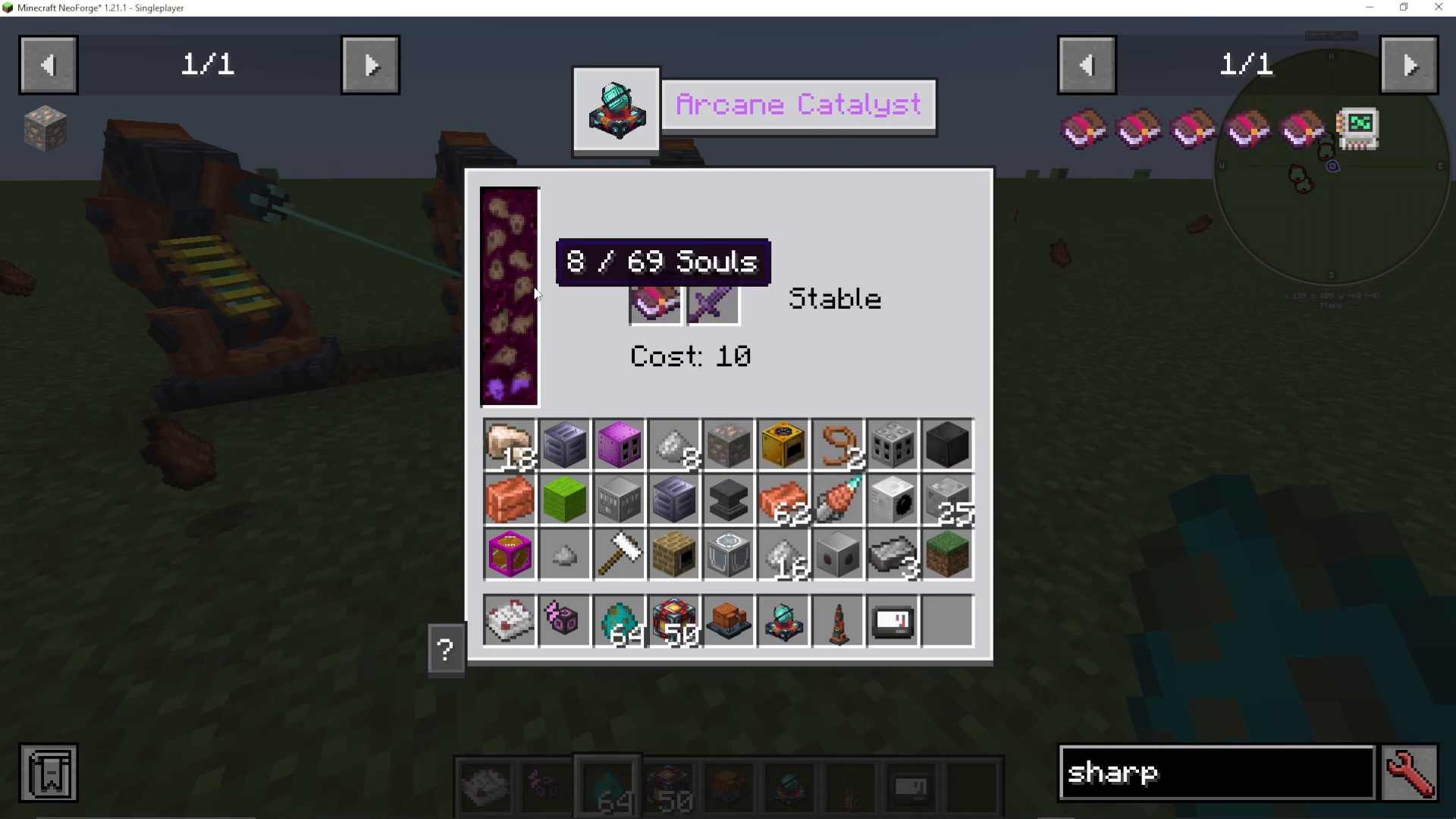
If you don’t have enough Enderic Lasers powering the catalyst, it will display as “unstable,” preventing enchanting operations. Ensure your lasers are properly configured and powered before attempting to enchant items.
Hyper-Enchanting in OriTech
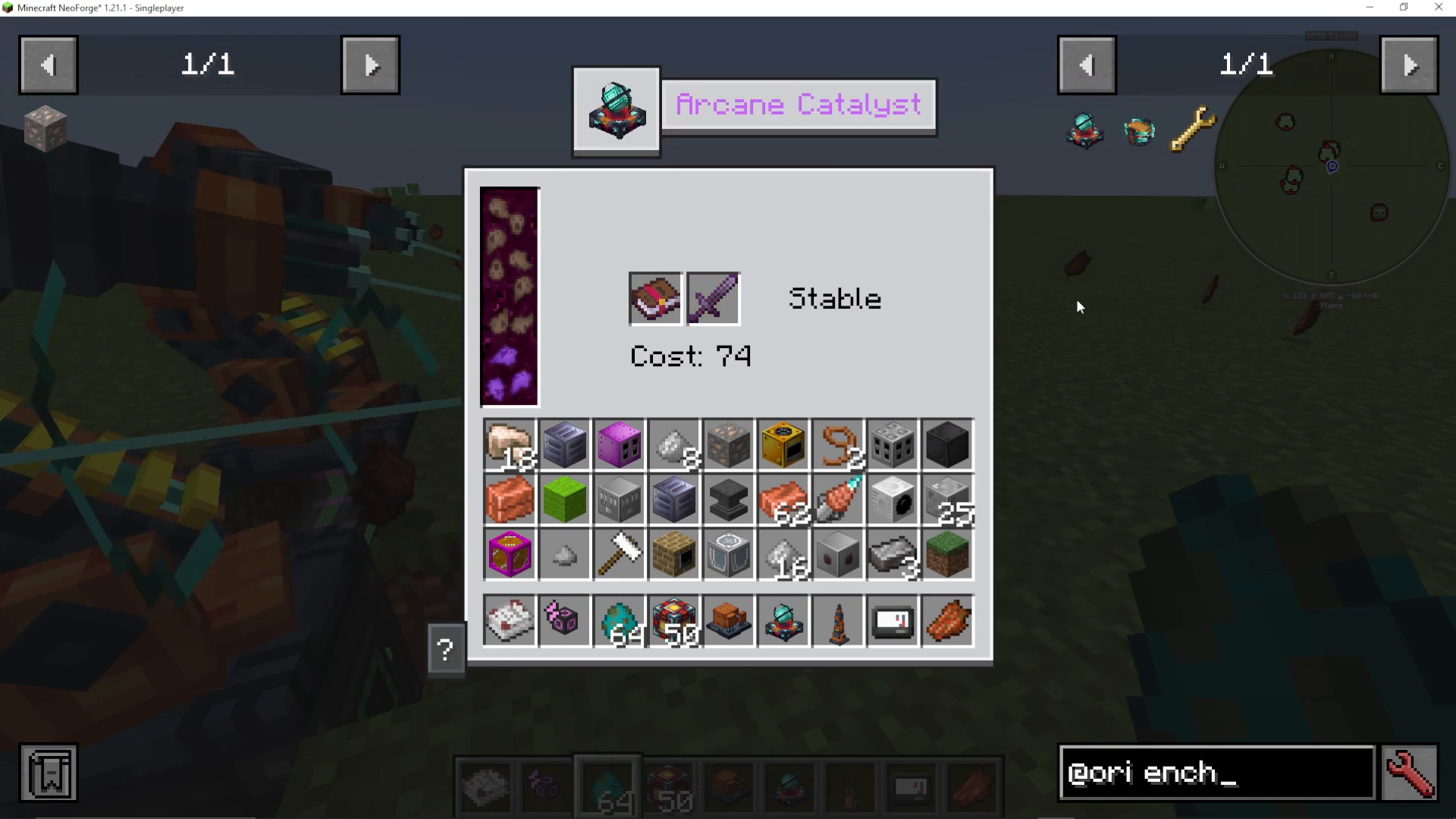
One of the most advanced features in OriTech enchanting is hyper-enchanting. By adding additional Enderic Lasers, you can stabilize the Arcane Catalyst at higher power levels, allowing enchantment levels to exceed the normal maximum. For example, you can achieve Sharpness VI or higher instead of the standard Sharpness V cap.
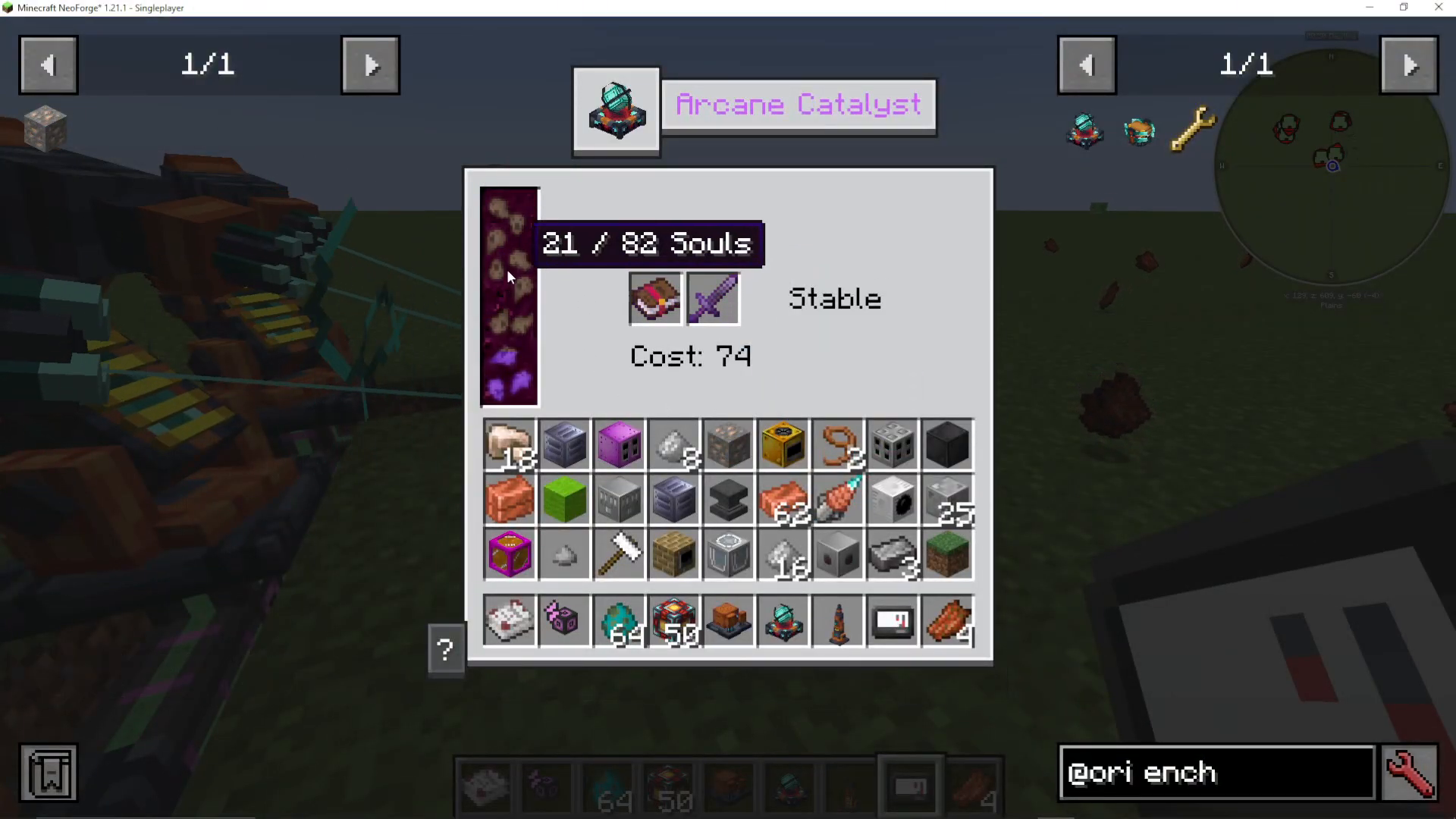
The cost scaling for hyper-enchanting increases significantly—where a normal Sharpness V might cost 50 souls, pushing beyond that threshold requires substantially more souls. As you add more lasers, the soul capacity increases, enabling higher enchantment levels.
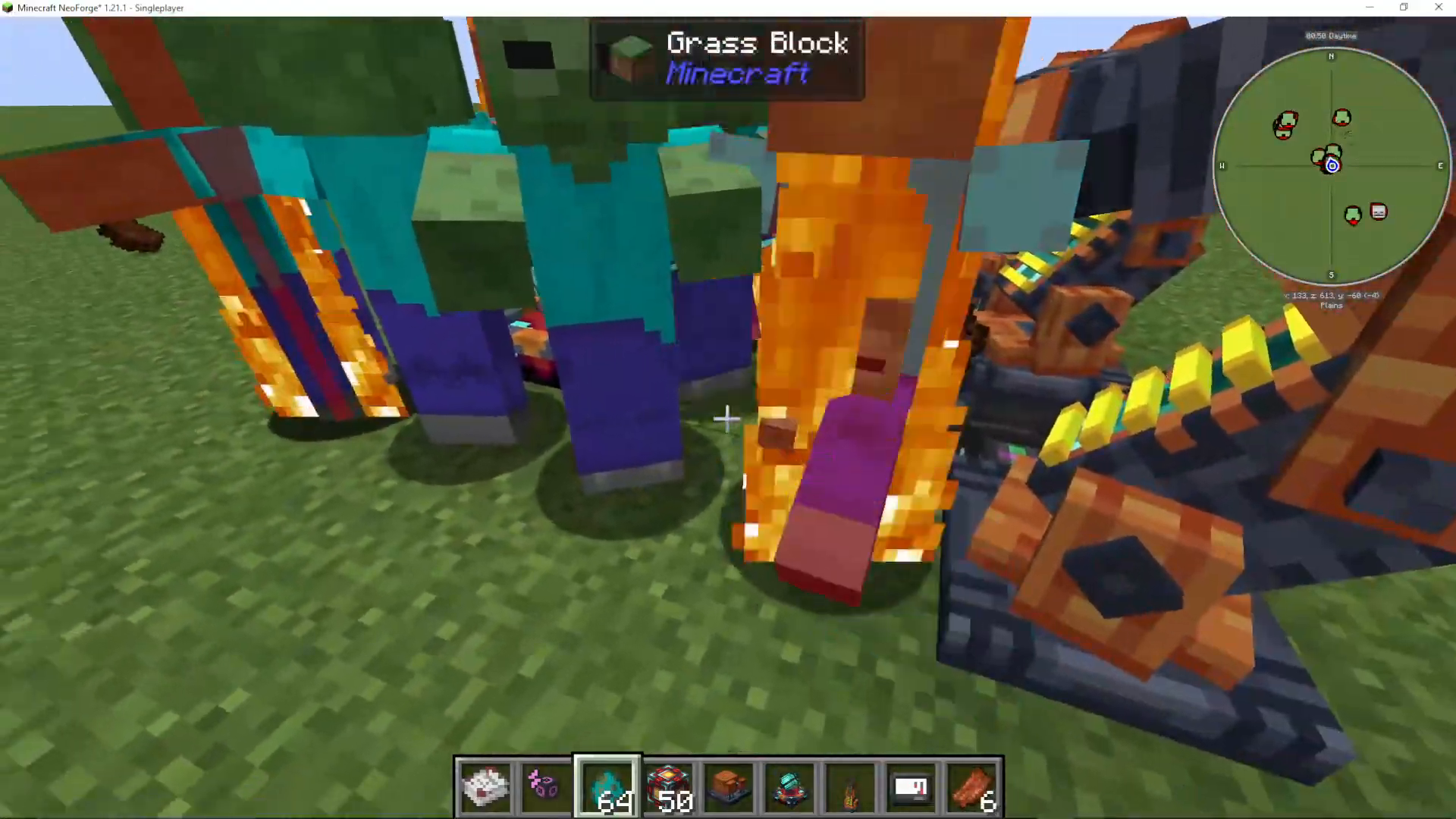
Important Warning About Stabilization Loss
When performing hyper-enchanting with high soul counts stored in an Arcane Catalyst, be extremely cautious. If stabilization is lost while souls are stored, the consequences can be catastrophic. Always ensure your Enderic Lasers remain powered and properly configured to avoid this risk.
The Stabilized Enchanta Machine
The Stabilized Enchanta is an alternative enchanting machine that works differently from the Arcane Catalyst. Instead of using enchanted books directly, you can select which enchantments to apply from the GUI interface. The enchantment selection is stored and can be changed as needed.
Key features of the Stabilized Enchanta:
Allows selection of specific enchantments from the interface
Requires both energy and souls to operate
Stores your enchantment selection for use on multiple items
Applies enchantments without the need for enchanted books
Note: The Stabilized Enchanta may experience bugs in certain modpack configurations, so verify compatibility before building your enchanting setup around it.
Comparing the Two Enchanting Methods
The Arcane Catalyst is straightforward and reliable—place a book, place an item, and enchant. It works with the souls you’ve collected and scales with your Enderic Laser setup.
The Stabilized Enchanta offers more control by letting you choose enchantments from a menu, but it requires stable operation of the machine. For most setups, the Arcane Catalyst is recommended as the primary enchanting tool.
Tips for Efficient OriTech Enchanting
Set up mob farms or afk zones near your Arcane Catalysts to generate souls passively
Use environmental damage (like sun damage to undead mobs) to collect souls without active engagement
Place multiple Arcane Catalysts in different locations to increase soul collection rates
Add Enderic Lasers gradually to increase soul capacity without overdoing it initially
Stabilize your setup completely before attempting hyper-enchanting
Always keep Enderic Lasers powered when storing large soul quantities
Summary
OriTech enchanting combines simple mechanics with advanced possibilities. The Arcane Catalyst serves as your primary enchanting tool, powered by souls collected from nearby mob deaths and stabilized by Enderic Lasers. As you expand your setup with more lasers, you unlock hyper-enchanting capabilities, allowing enchantments to exceed normal caps. Whether you’re creating basic enchanted gear or pushing the limits of hyper-enchanting, OriTech provides a robust and engaging enchanting system for your Minecraft world.
For more detailed tutorials on OriTech and other tech mods, check out the complete playlist on the channel. If you have questions about specific aspects of the mod or want to see tutorials for other mods, feel free to comment below or join the community streams held every Wednesday evening and Saturday.
— Want to Support? —
If you would like to help us continue making these guides – please consider joining our patreon here – https://www.patreon.com/c/JaviHeals
Alternatively – we host a group of MC Servers you can join here – https://discord.gg/zD7Gjt6MHF



