







How To Oritech Centrifuge – Minecraft 1.21.1
How To Use Oritech Centrifuge – Minecraft 1.21.1
The Oritech Centrifuge is one of the most useful machines you’ll craft early in your Oritech progression, typically right after building an assembler. This comprehensive guide walks you through the centrifuge’s setup, functionality, and practical applications—from basic item processing to advanced fluid separation.
Getting Started: Placing and Activating the Centrifuge
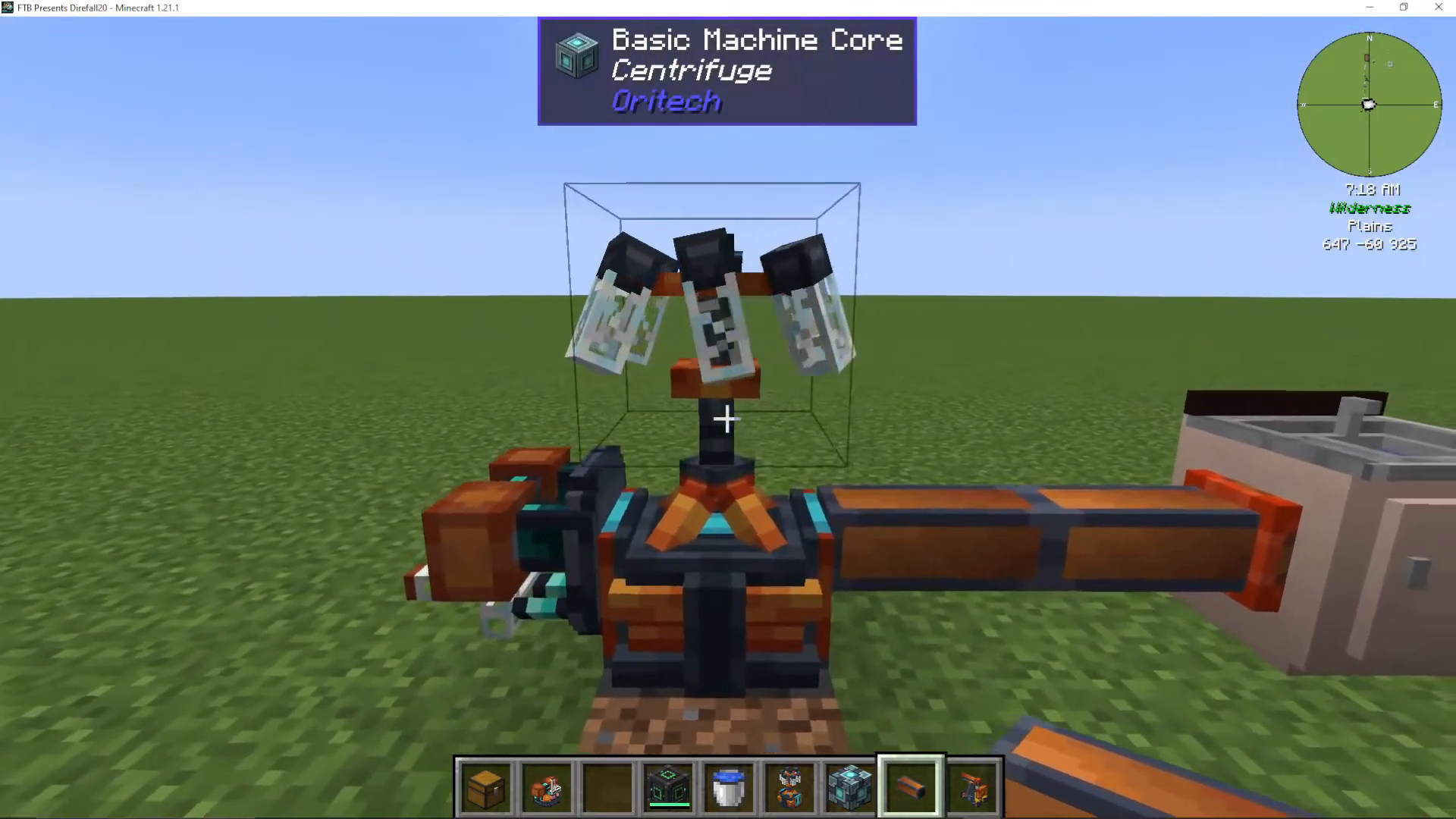
Begin by placing a centrifuge block in your world. At first glance, it may not look fully functional. To activate it, you’ll need to add machine calls to enhance its capabilities.
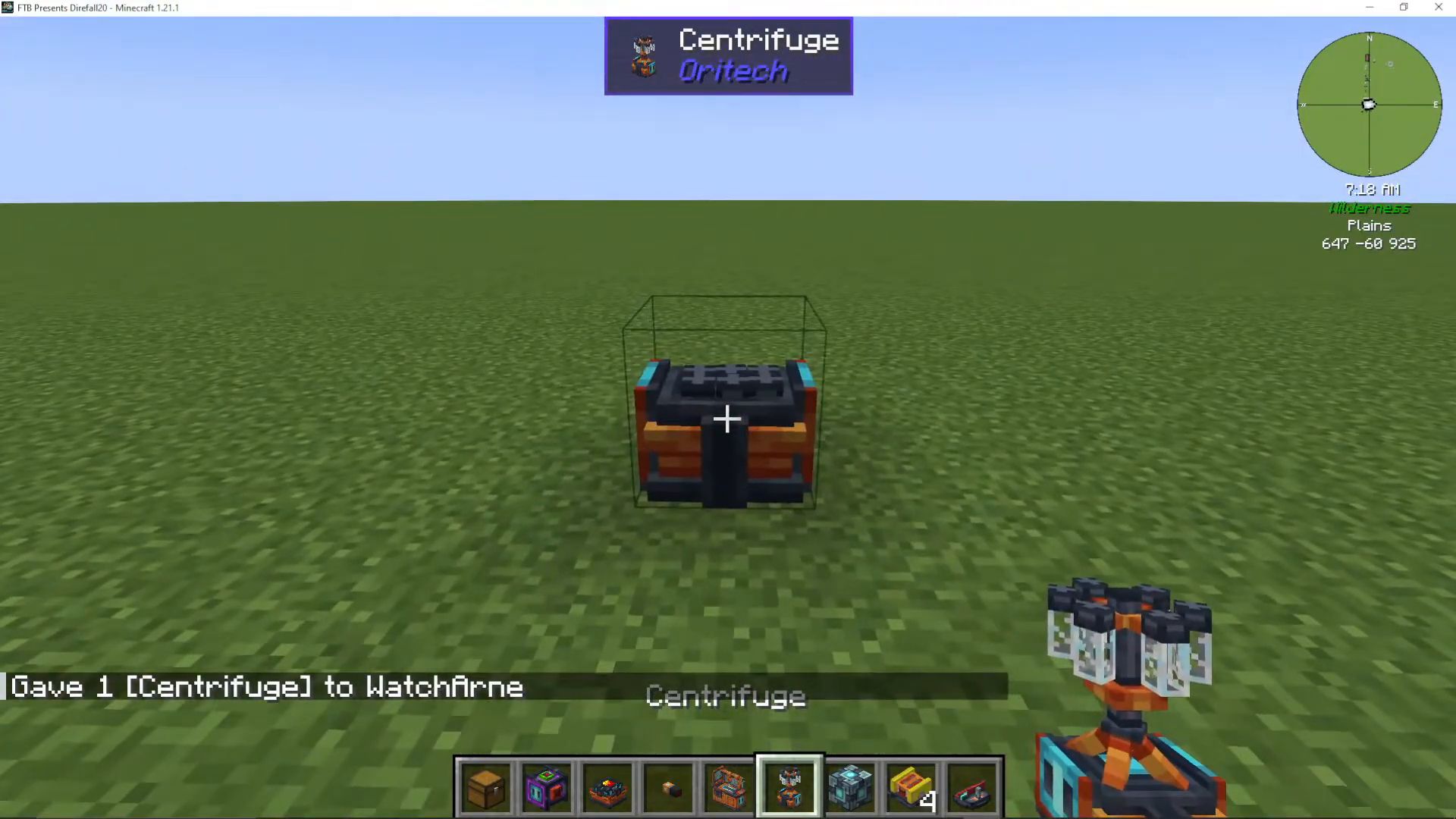
Understanding Machine Calls and Add-ons
Machine calls are essential upgrades that unlock additional features on your centrifuge. Right-click the machine twice with machine calls to activate them. Each machine call increases the machine’s quality level.
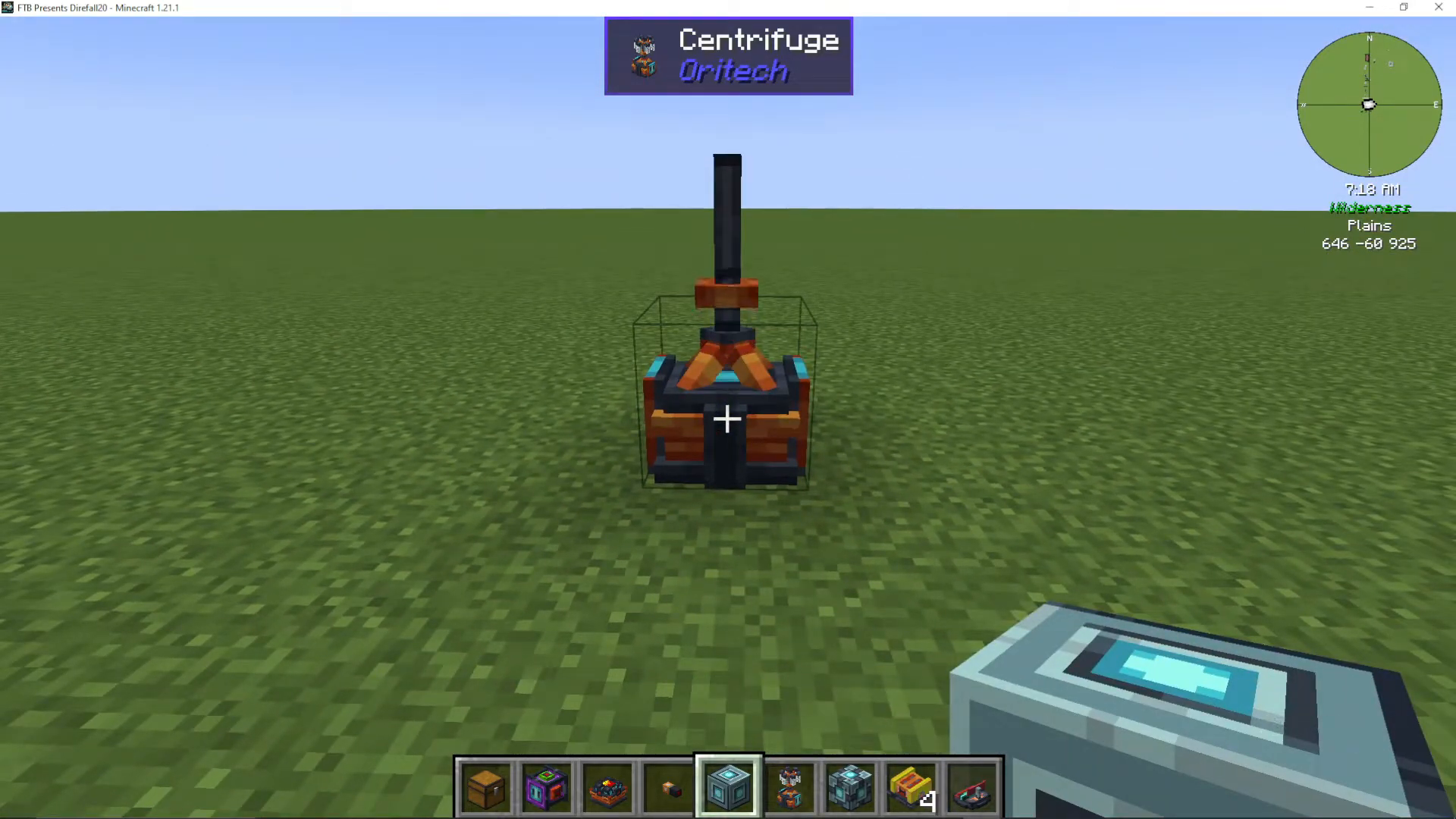
How Machine Quality Works
Once activated, you’ll notice the machine displays its current quality level in the top left corner. You’ll also see blue plug sockets where you can attach add-ons. The higher your machine quality, the more add-on layers you can attach. For example, a machine call level 2 centrifuge can support multiple efficiency add-ons, but only up to its quality limit. If you try to add more add-ons than your machine quality allows, they simply won’t function.
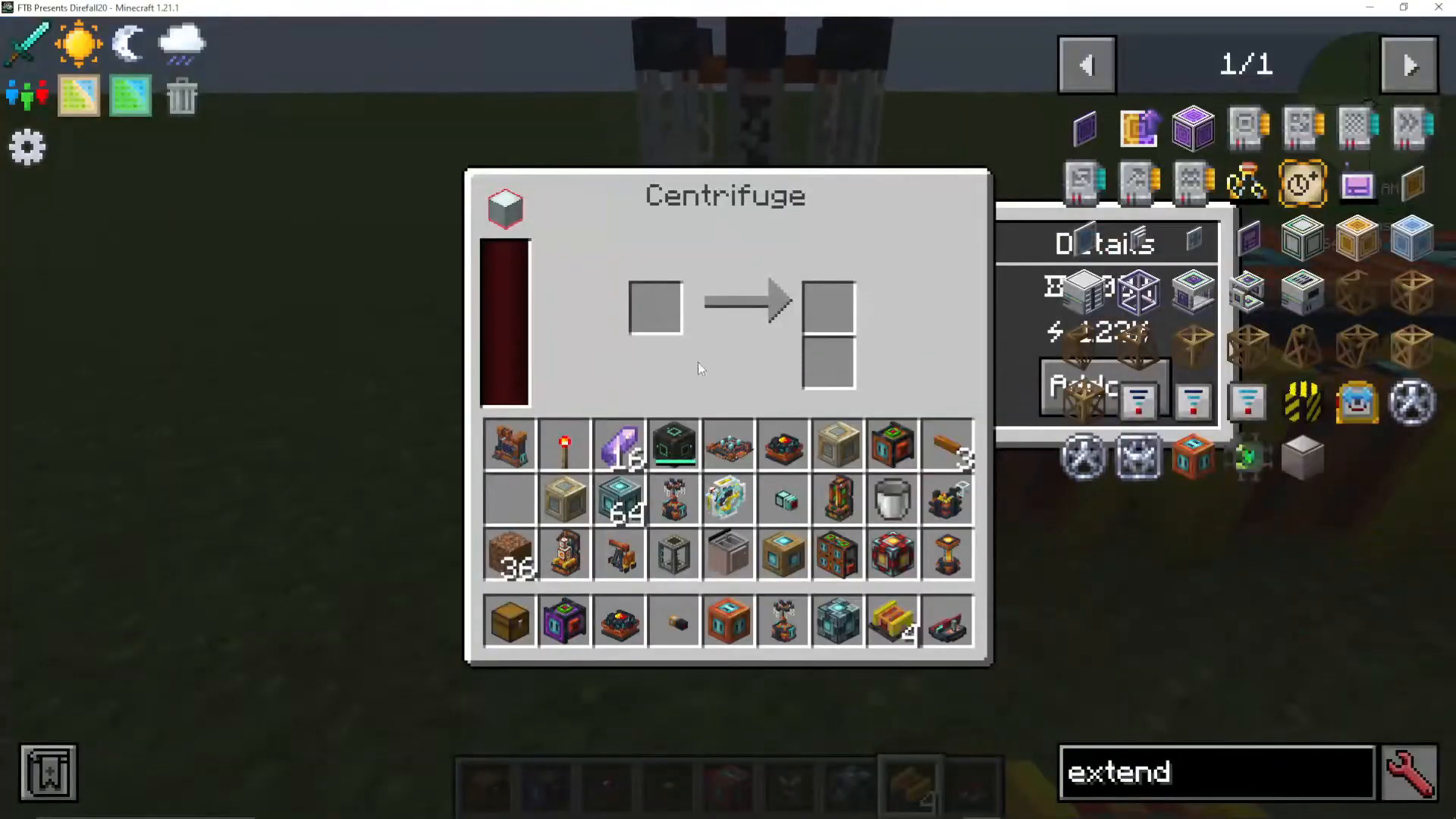
Installing Add-ons
You have two installation options: use add-on extenders to chain multiple add-ons together, or plug them directly into the available sockets. Both methods work equally well—choose whichever fits your setup preference.
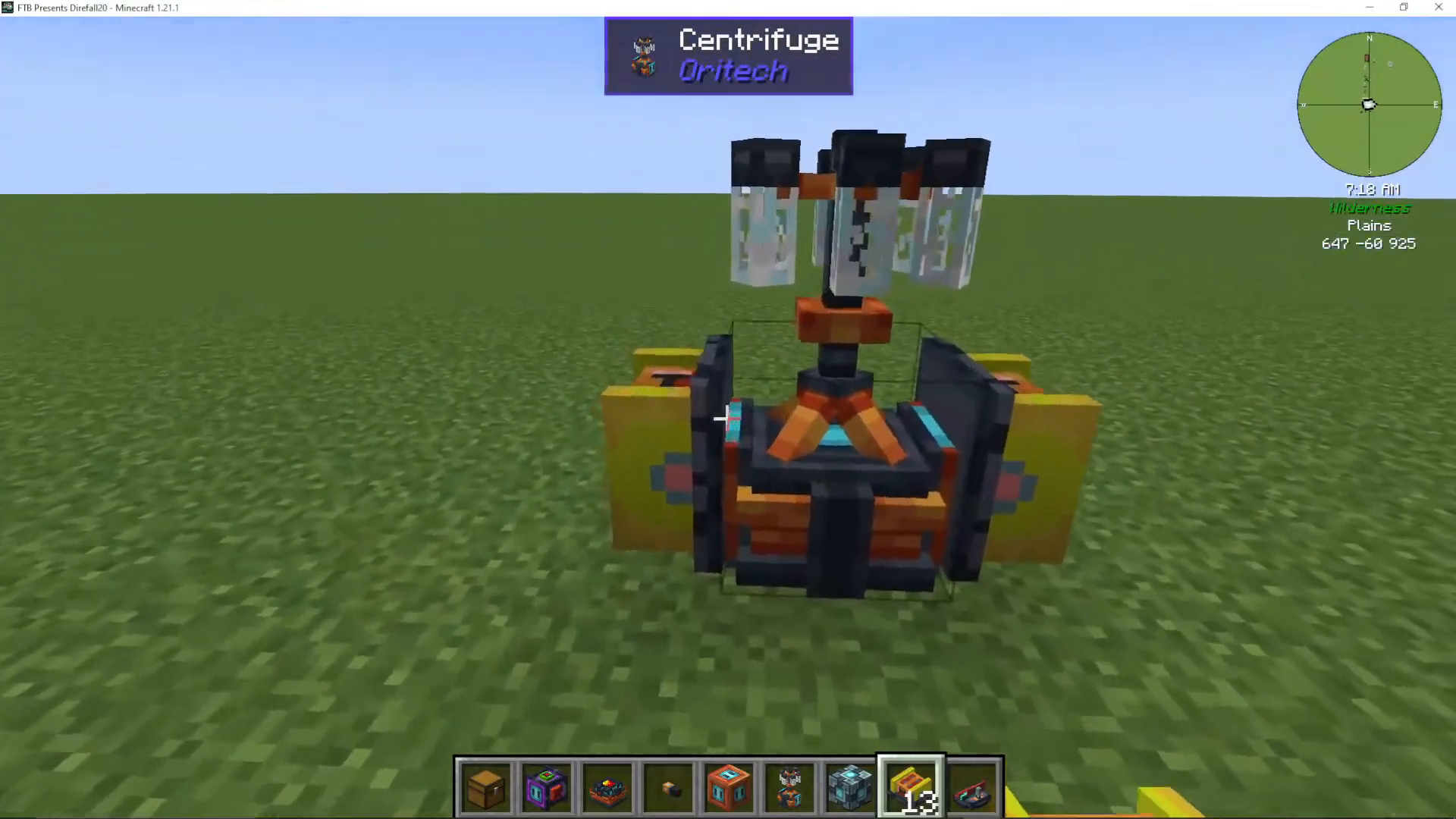
Powering Your Centrifuge
The centrifuge requires energy to operate. You can use any power source available in Oritech, such as a basic generator, or integrate it with larger power networks using mechanisms for convenience.
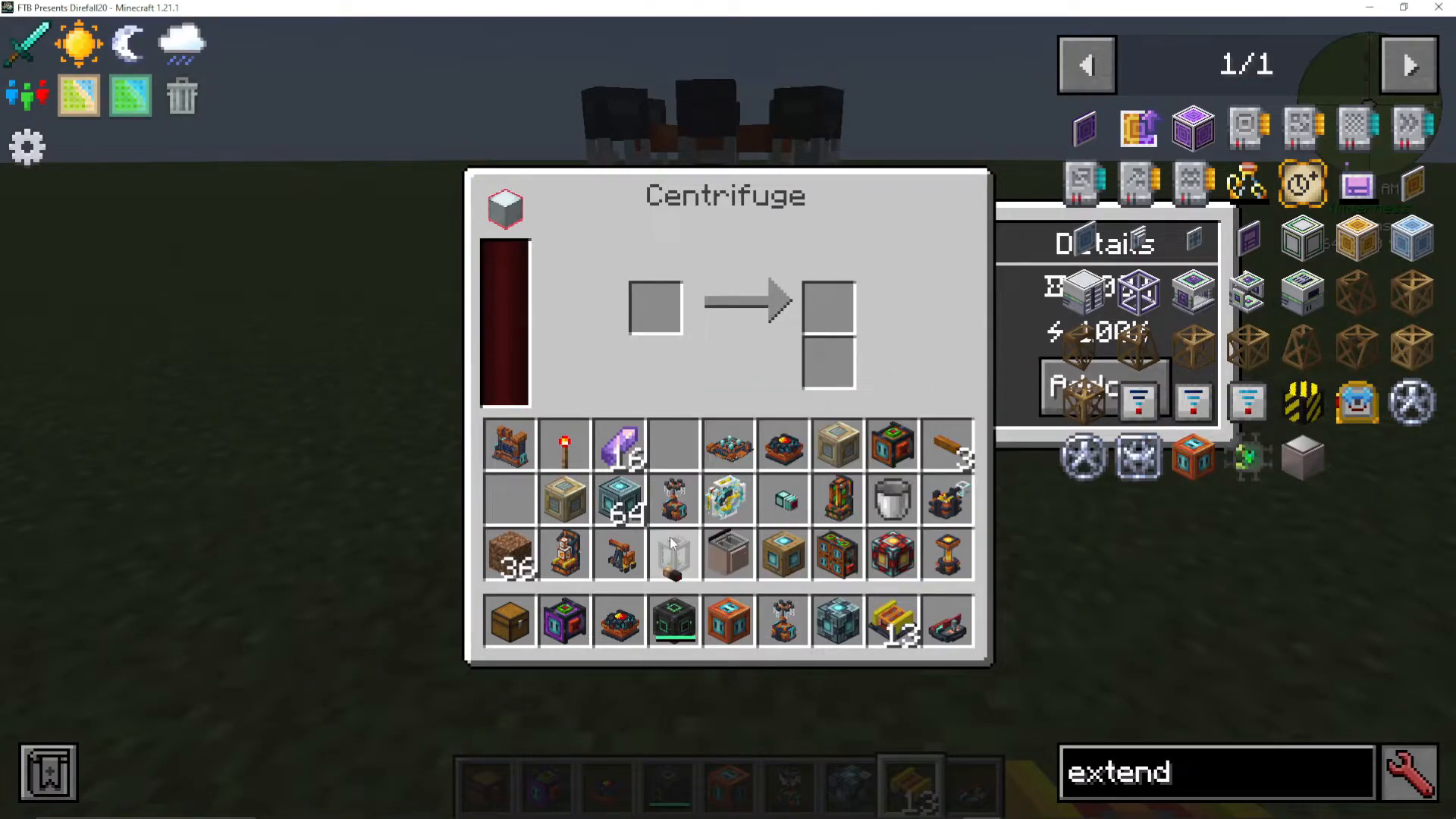
Basic Item Centrifugation
The centrifuge can process various items to extract valuable materials. Some of the primary uses include:
Iron Clump: Yields an iron gem and small nickel dust
Gold Clump: Yields a gold gem and small copper dust
Coal Dust: Converts into carbon fiber strands (essential for many Oritech recipes, including machine efficiency upgrades)
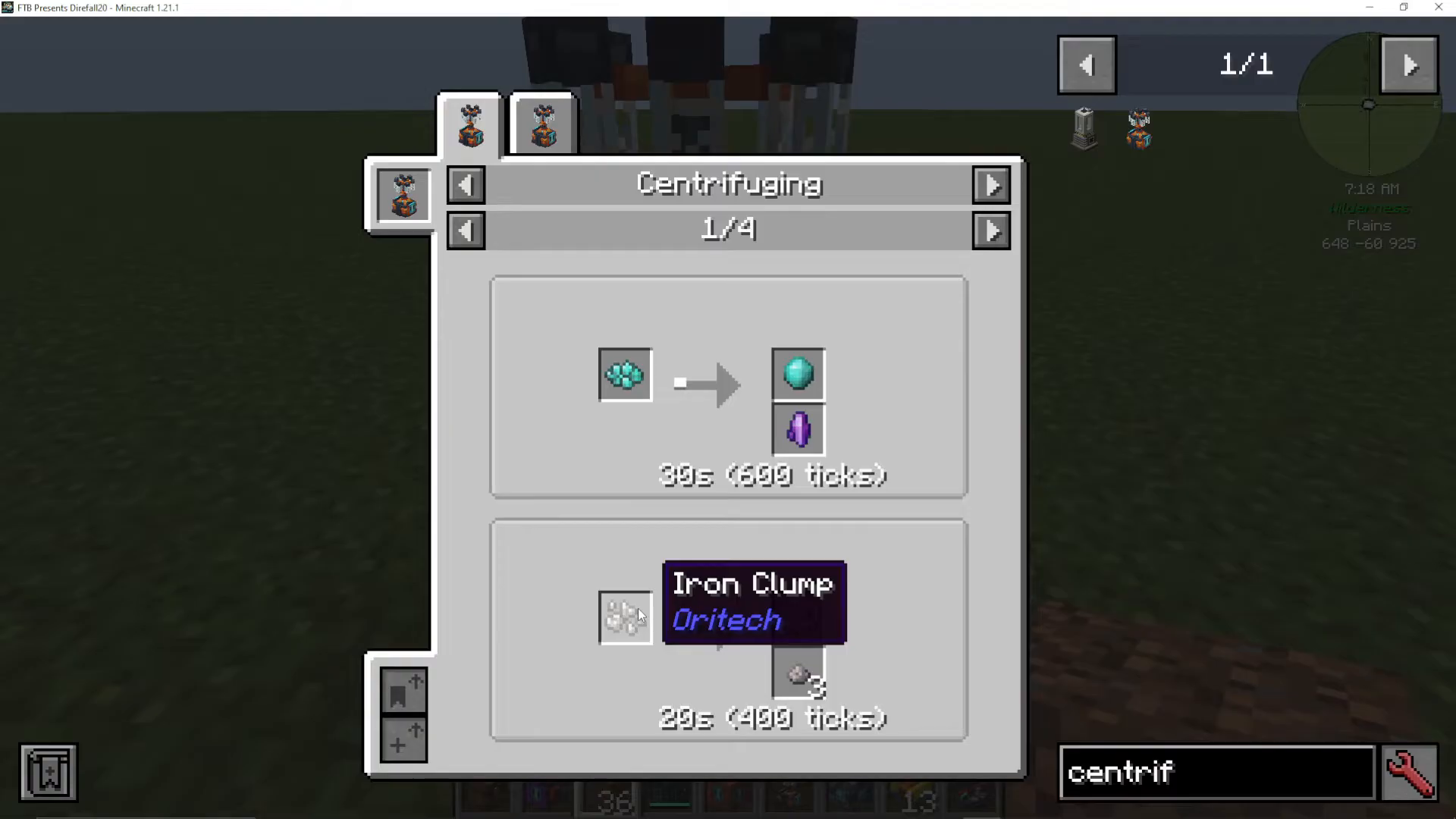
Advanced: Fluid Separation
Setting Up Fluid Processing
The centrifuge can also separate fluids from solid materials. To enable this capability, you’ll need to install a machine fluid add-on to your centrifuge. This add-on creates internal tanks where you can input liquids.
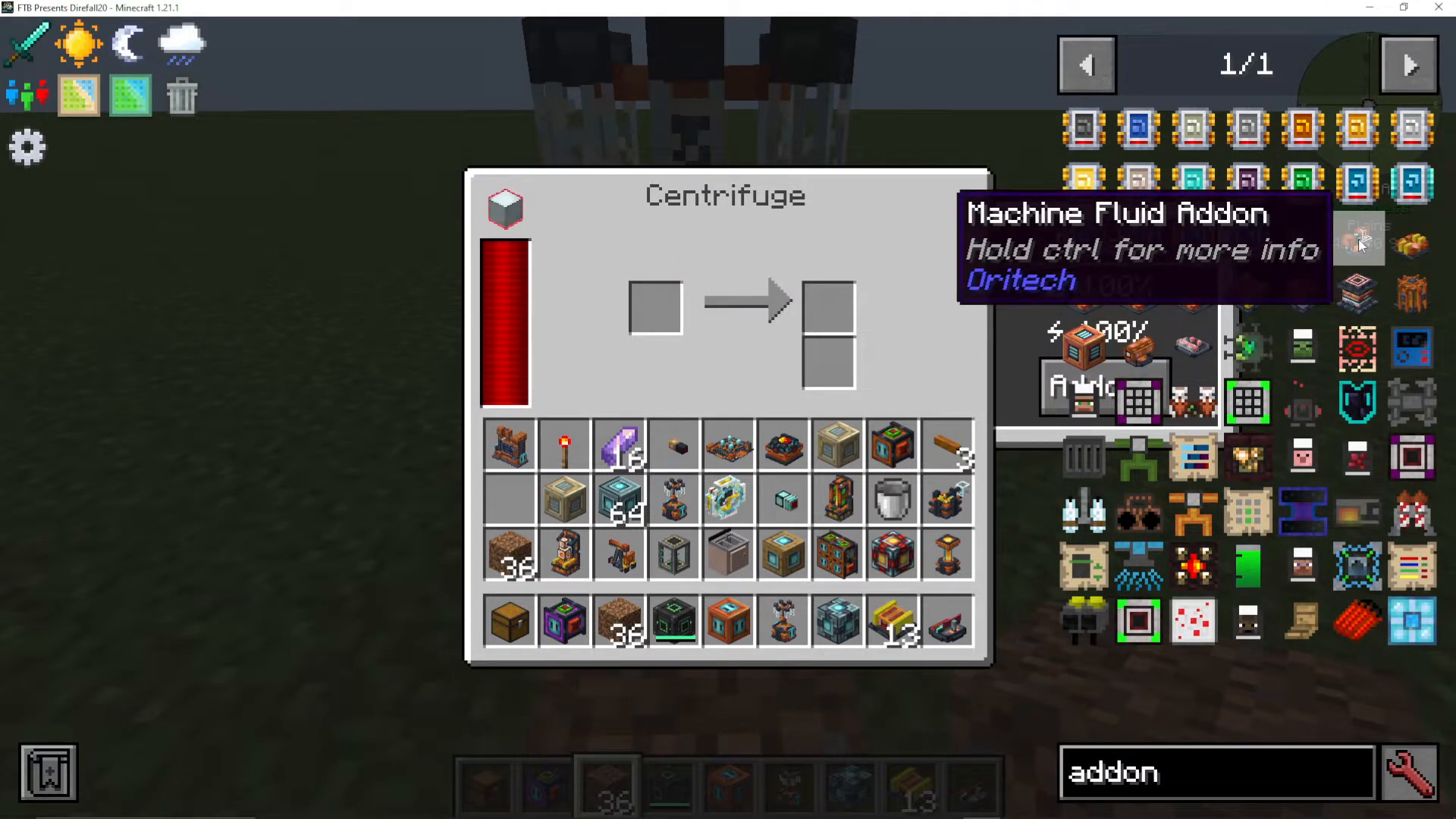
Adding Water to the Centrifuge
While you cannot directly bucket water into the centrifuge, you have two reliable methods:
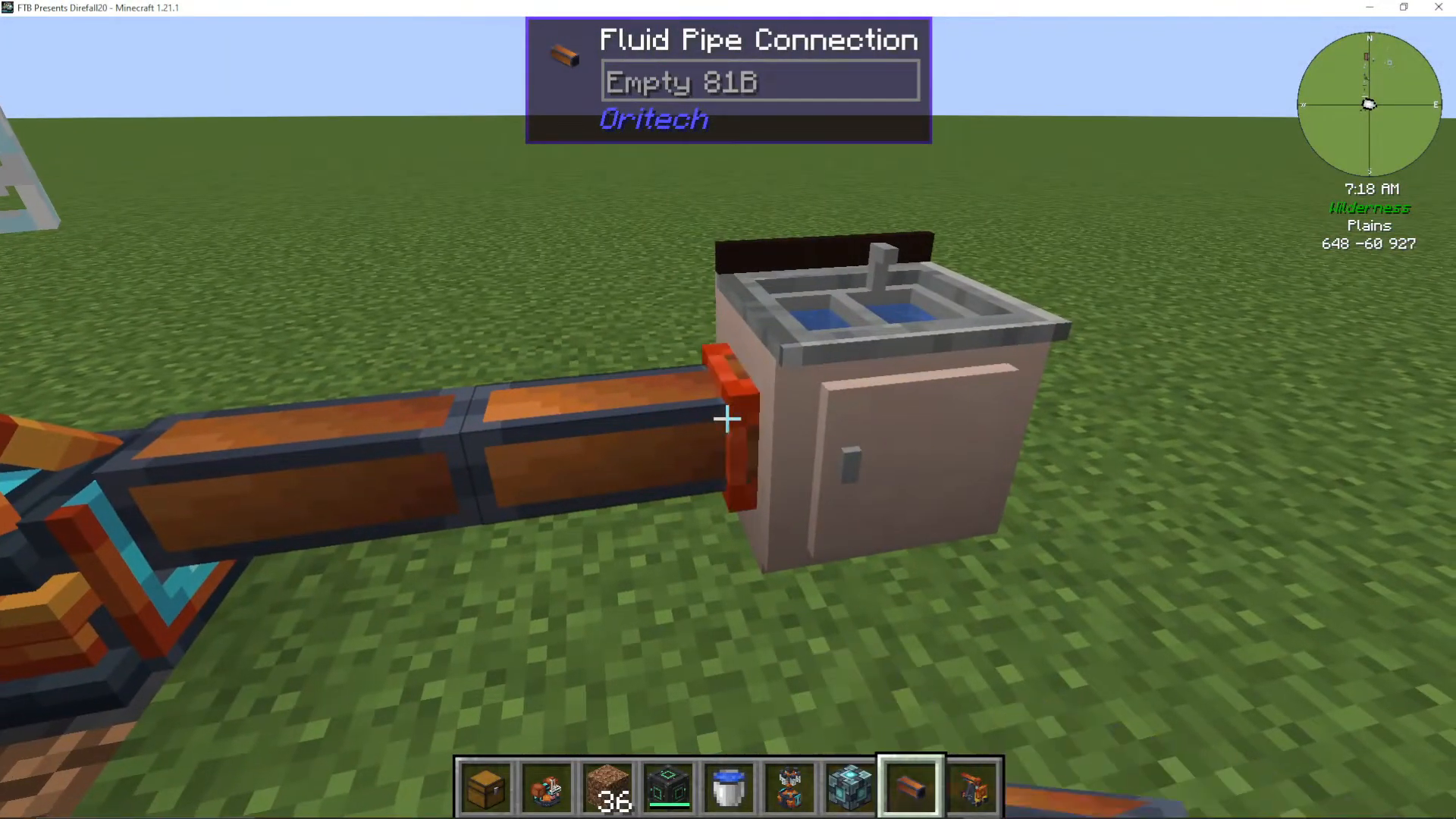
Fluid Pipes: Craft a simple fluid pipe from Oritech and connect it from a water source (such as a sink from Cooking for Blockheads) to the centrifuge tank
Oritech Pump: Place an Oritech pump above a water source; it will automatically pump the liquid directly into connected machines
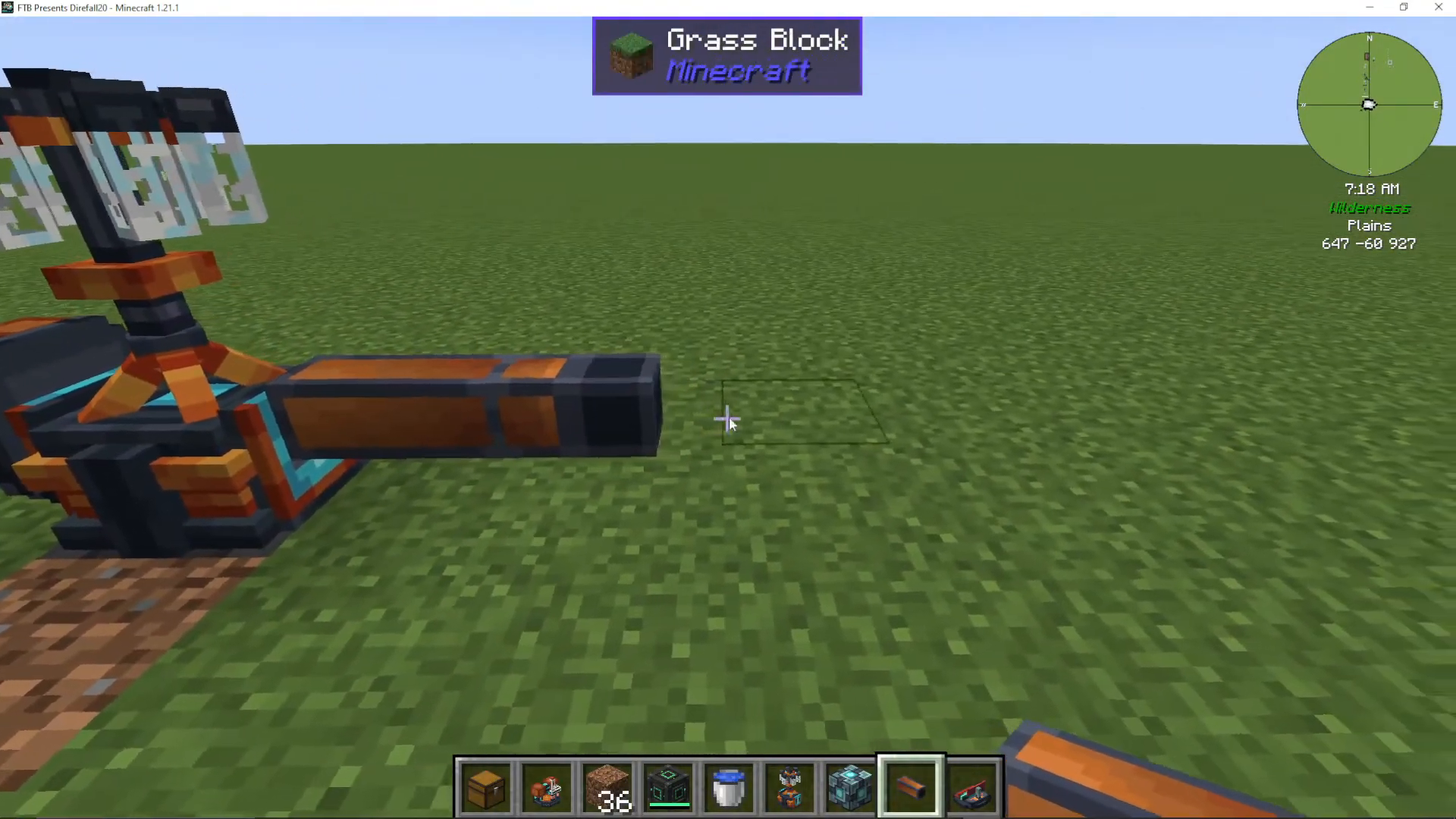
Extracting Fluids with Pipes
To set up fluid extraction, right-click on the source block (such as your sink) with the fluid pipe. A small border indicator will appear, showing that extraction is active. The fluid will then flow into your centrifuge’s tanks.
Processing with Fluids: Water and Dirt to Clay
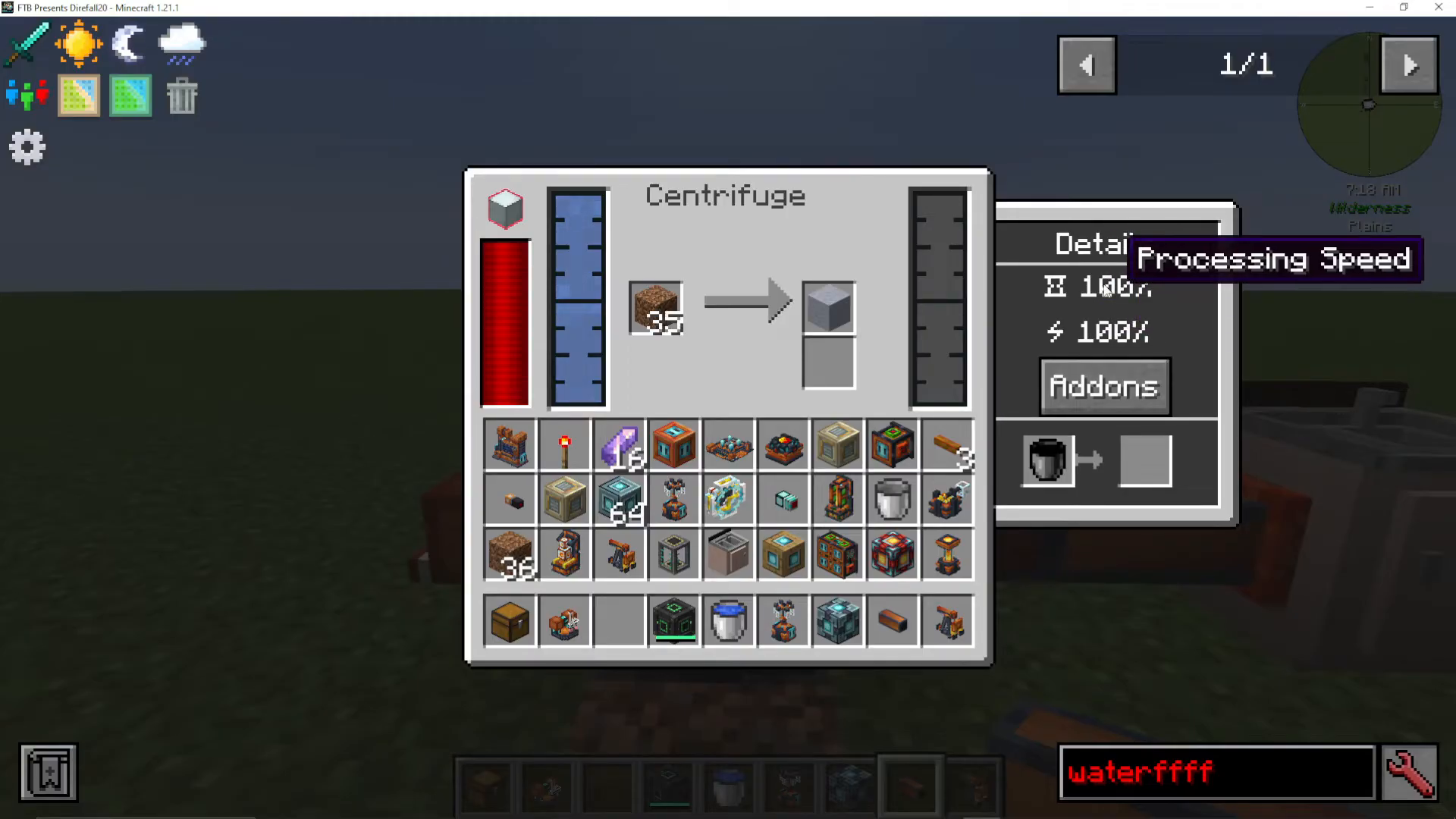
Once water is flowing into your centrifuge and dirt is added to the processing chamber, the machine will begin centrifuging. After the process completes, you’ll receive clay as output. This is one of the most practical applications of fluid-based centrifugation.
Monitoring Performance Metrics
Your centrifuge displays two important metrics that can be modified through add-ons:
Energy Efficiency: Reduces power consumption per operation
Processing Speed: Increases the speed at which items are centrifuged
Summary
The Oritech Centrifuge is a versatile machine capable of both basic item processing and advanced fluid separation. By understanding machine calls, add-ons, and fluid pipes, you can set up an efficient centrifuge operation that will support your Oritech progression for hours to come. Experiment with different add-on configurations and power sources to optimize your setup for your specific needs.
— Want to Support? —
If you would like to help us continue making these guides – please consider joining our patreon here – https://www.patreon.com/c/JaviHeals
Alternatively – we host a group of MC Servers you can join here – https://discord.gg/zD7Gjt6MHF



