







How To Applied Energistics 2 Beginner’s Guide (Minecraft 1.20 – 1.21.1)
Applied Energistics 2 Beginner’s Guide: Minecraft 1.20 to 1.21.1
Applied Energistics 2 (AE2) is one of the most comprehensive storage mods available for Minecraft, and this guide will walk you through everything you need to know to get started. Whether you’re playing on Minecraft 1.20 or the latest 1.21.1, this tutorial covers the fundamental concepts, world generation, setting up your first ME network, and understanding how channels work. By the end, you’ll have a fully functional storage system ready for expansion.
Understanding Applied Energistics 2
At its core, AE2 is a storage mod that works fundamentally differently from traditional chests. Instead of storing items physically in blocks, think of AE2 like a computer’s hard drive. Just as your computer stores files digitally rather than physically, AE2 stores your items in a digital network called an ME system.
A traditional chest is like a paper notebook—items are stored physically inside. An AE2 ME drive, on the other hand, is like a hard drive or cloud storage. Your items are stored digitally in the network, and you access them through terminals rather than opening containers. This allows you to store vastly more items in a much more organized way.
Finding Meteorites and Certus Quartz
Locating Your First Meteorite
To begin your AE2 journey, you’ll need to find Certus Quartz, which only appears in meteorites that generate during world creation. The easiest way to locate a meteorite is by crafting a meteorite compass.
To make a meteorite compass, start with a normal compass and place it in a charger. Use a wooden crank to manually power it by turning it approximately 10 times. The wooden crank is the most early-game power source in AE2 and requires only sticks and copper. Once charged, right-click the compass to convert it into a meteorite compass that will point toward the nearest meteorite.
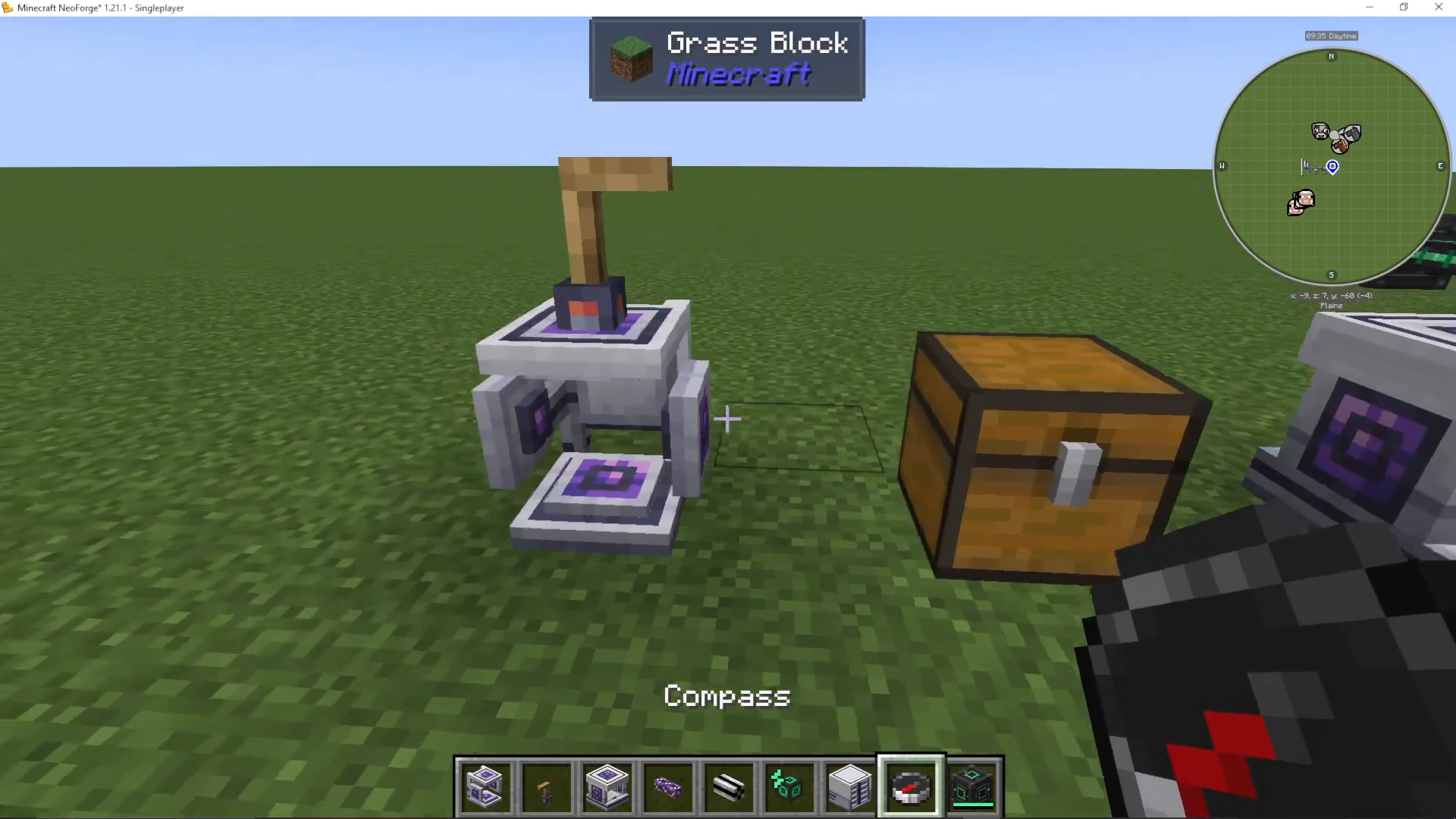
Follow the compass until you locate a meteorite in the world. Meteorites are made of Sky Stone and generate as structures during world creation. They won’t fall from the sky—they’re permanent fixtures generated at world spawn.
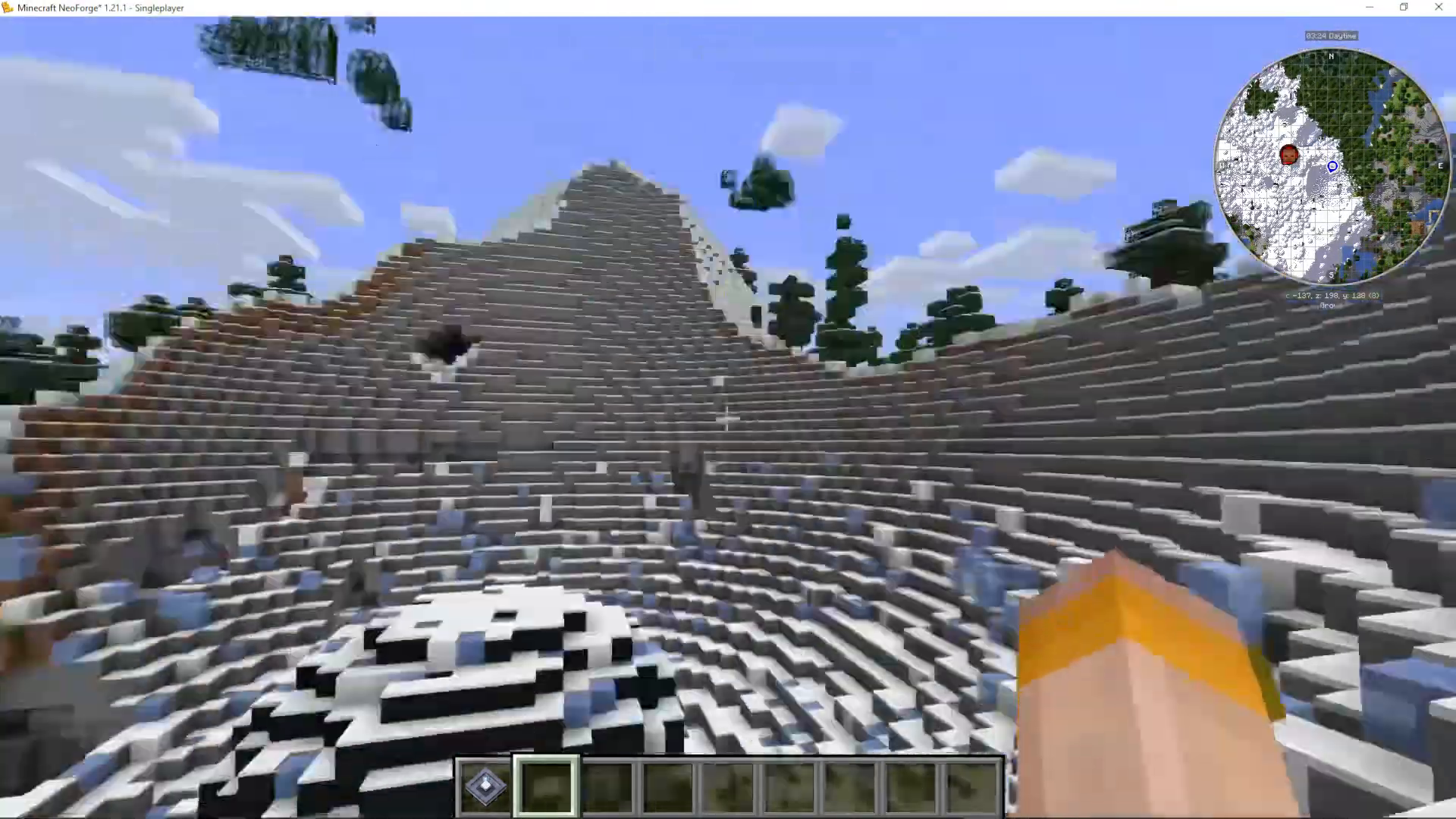
Mining the Mysterious Cube
Once inside the meteorite, you’ll find various Certus Quartz formations and, most importantly, a mysterious cube (in versions 1.20 and 1.21.1). This cube contains all four presses you’ll need for AE2:
Inscriber Calculation Press
Inscriber Engineering Press
Inscriber Logic Press
Inscriber Silicon Press
This is a major change from earlier AE2 versions, where you might need to find multiple meteorites to get all the presses. In versions 1.20 and 1.21.1, you only need one meteorite.
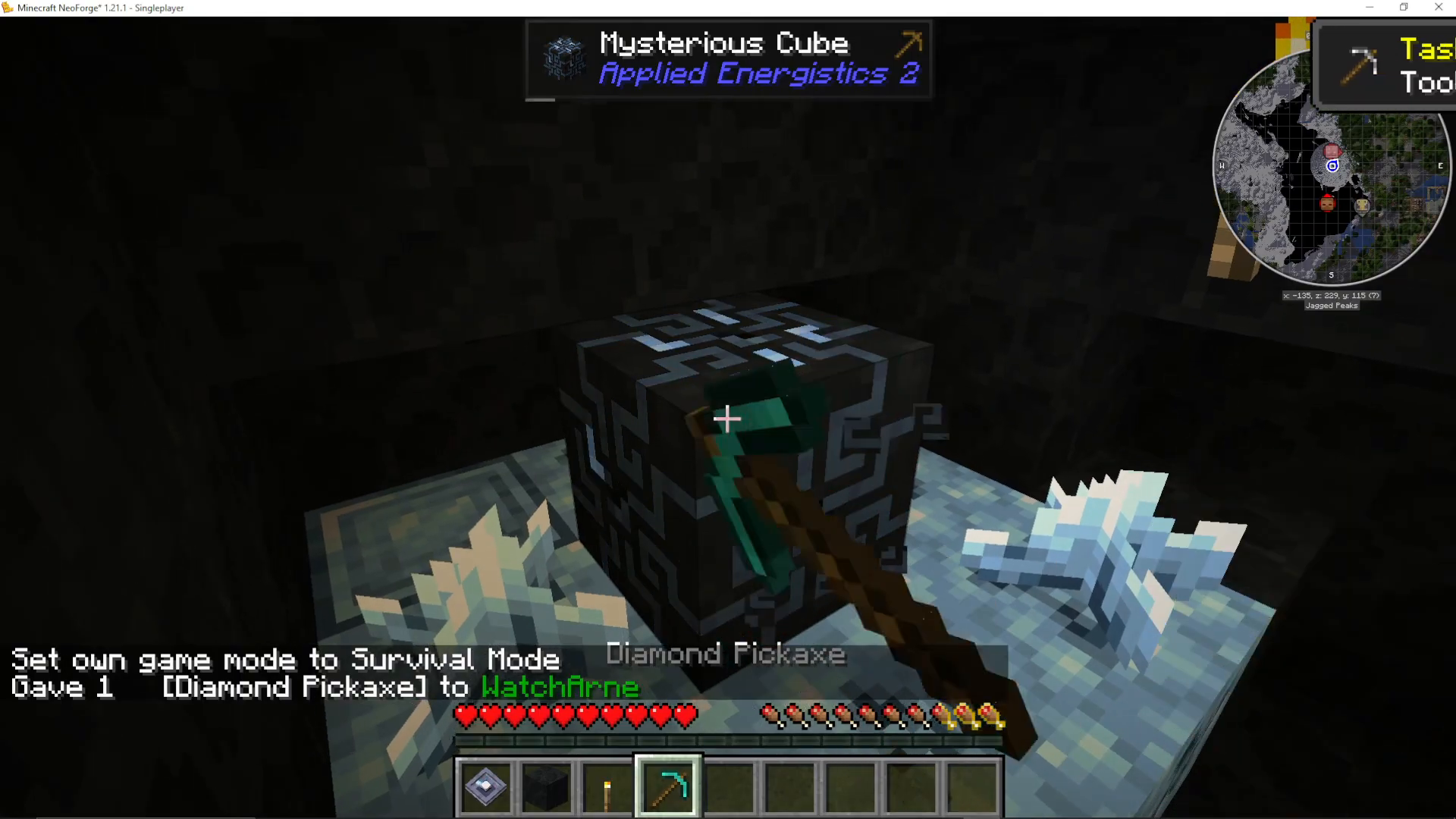
Mine the mysterious cube with a diamond pickaxe to obtain these essential items. You’ll also receive an AE2 guide book, which is invaluable for reference throughout your playthrough.
Harvesting Certus Quartz Crystals
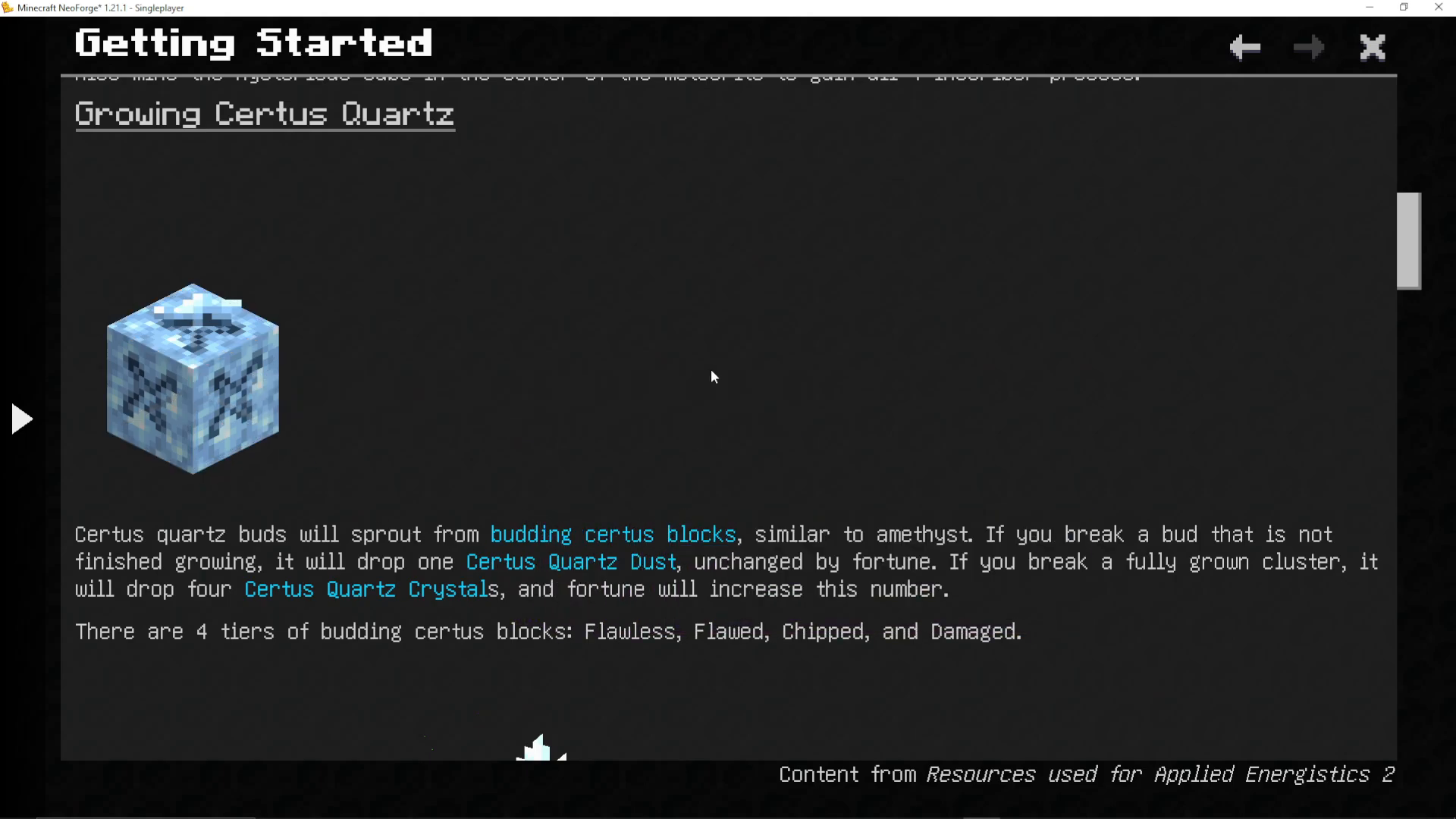
While in the meteorite, collect Certus Quartz clusters and blocks. According to the guide:
Break unfinished buds: Drops 1 Certus Quartz Dust (unaffected by Fortune)
Break fully grown crystals: Drops 4 Certus Quartz Crystals (affected by Fortune)
Pick up budding blocks: Without Silk Touch, they will degrade by one tier. Never break flawless budding blocks, as they cannot be repaired to flawless status.
Setting Up Crystal Growth
Understanding Budding Blocks
Budding Certus Quartz blocks come in four tiers: flawless, flawed, chipped, and damaged. Crystals grow on these blocks in stages, but each time a crystal fully grows, the budding block has a chance to degrade by one tier. Eventually, budding blocks become plain Certus Quartz blocks.
Repairing and Creating Budding Blocks
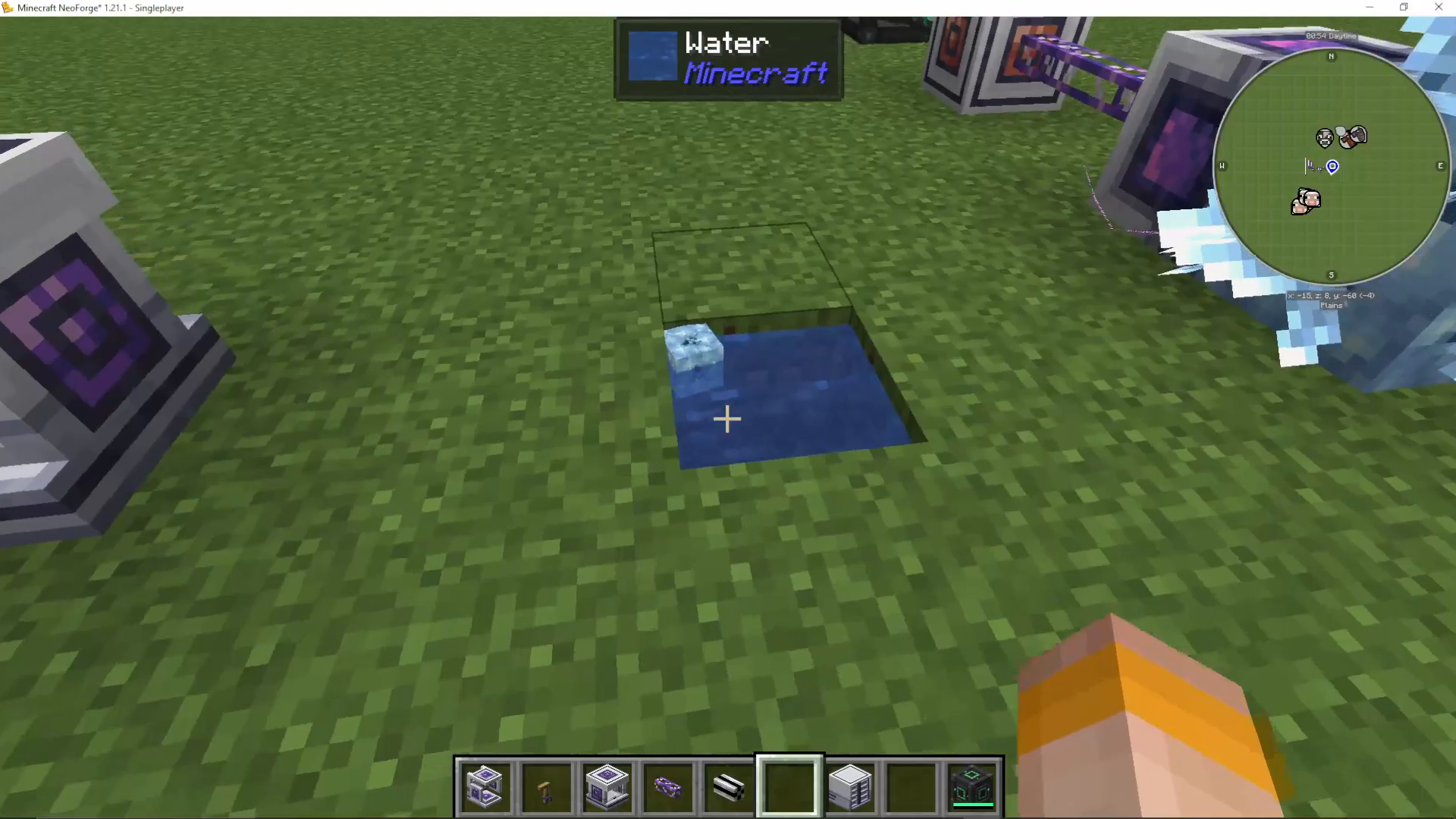
You can repair degraded budding blocks or create new ones by submerging them in water with a charged Certus Quartz crystal. To charge a Certus Quartz crystal, place it in a charger and turn the crank 10 times until it automatically stops.
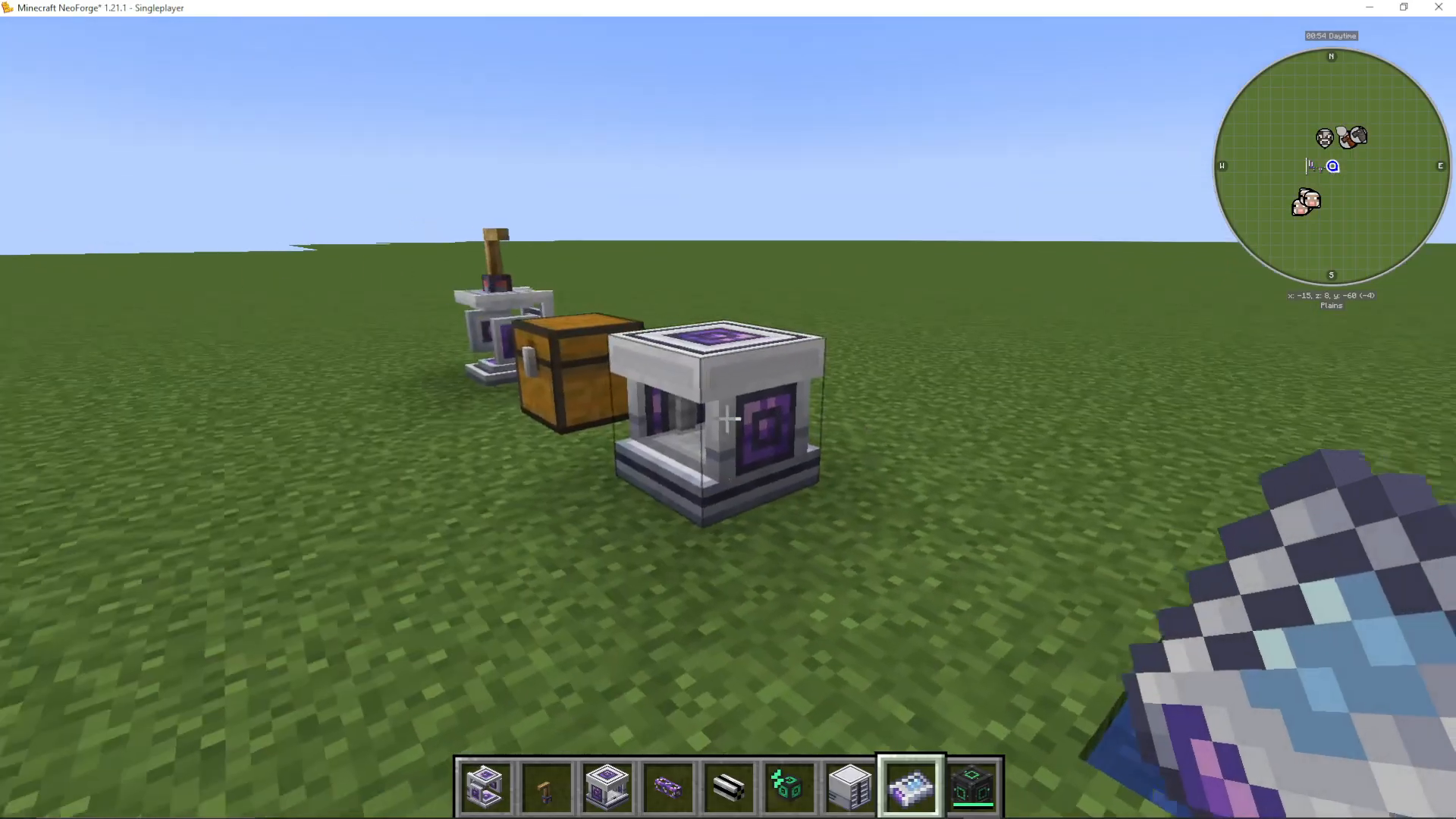
Once you have both a Certus Quartz block and a charged Certus Quartz crystal, throw them into water together. You’ll see lightning effects, and the block will become a damaged budding Certus Quartz block, ready to grow new crystals.
Accelerating Crystal Growth with Growth Accelerators
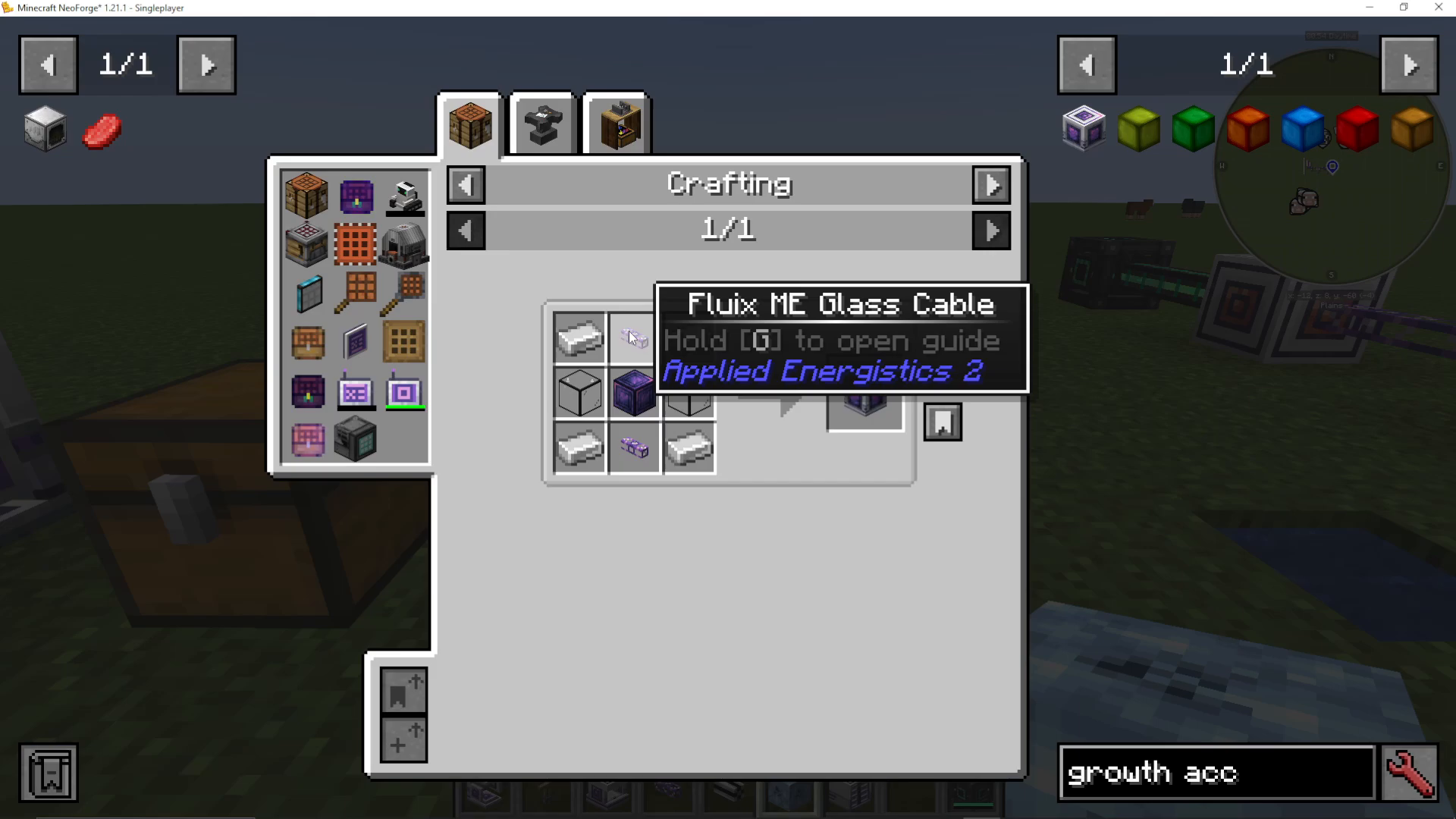
To speed up crystal growth, craft a Growth Accelerator using:
Quartz Glass (made from Certus Quartz Dust)
Fluix ME Glass Cable
Fluix Block
To make Fluix crystals, throw three items into water: a charged Certus Quartz crystal, Redstone, and Nether Quartz. This creates Fluix crystals, which combine with Certus Quartz Dust to make Quartz Fiber. The Quartz Fiber then combines with other components to create the Fluix ME Glass Cable.
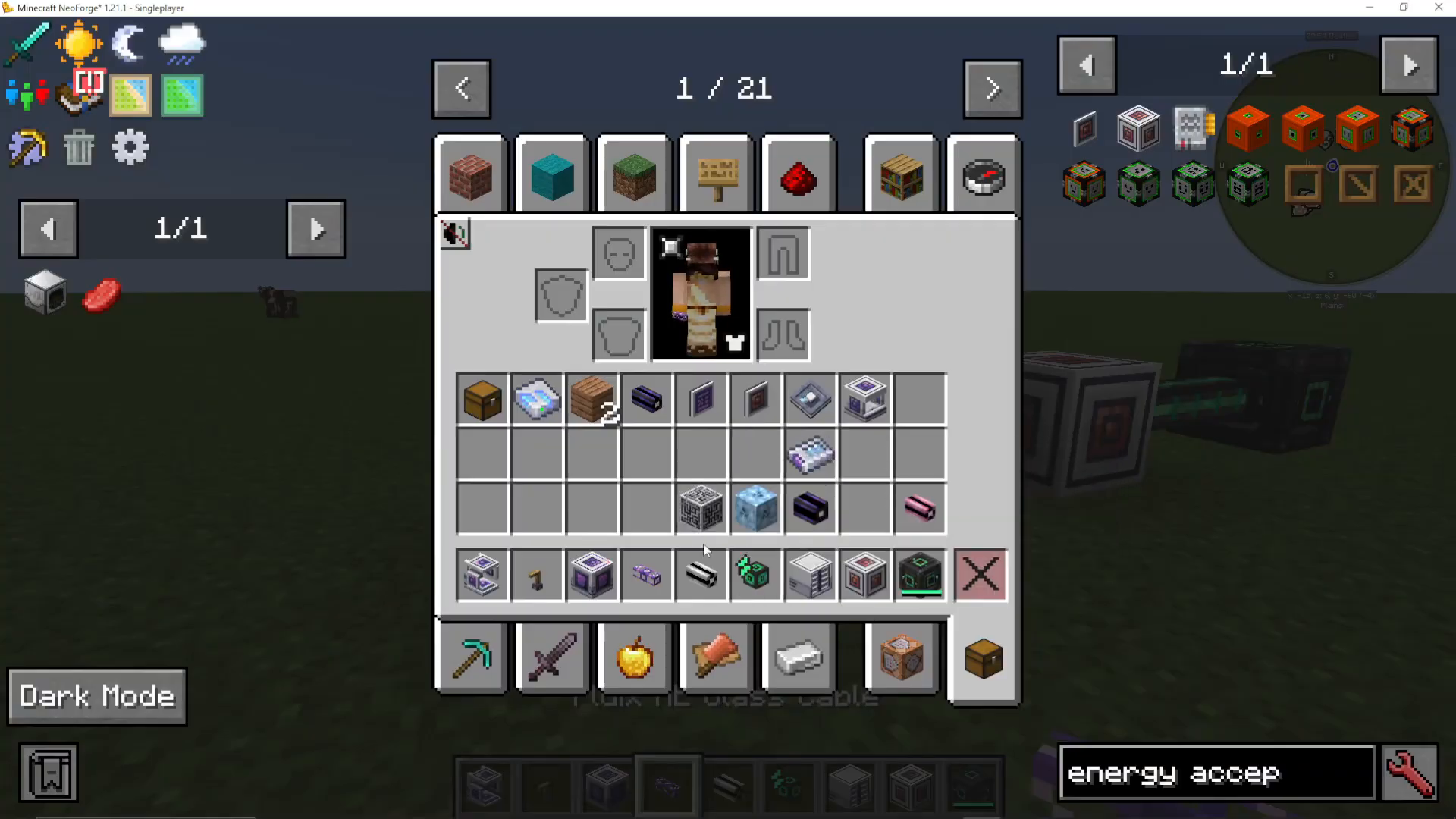
Place the Growth Accelerator against a budding block. Make sure the darker side of the accelerator faces the quartz block. Once powered with an Energy Acceptor connected to your main power grid, the accelerator will dramatically speed up crystal growth. You’ll see sparks, and crystals will grow from stage 1 to fully mature in seconds rather than minutes.
Understanding Inscribers and Presses
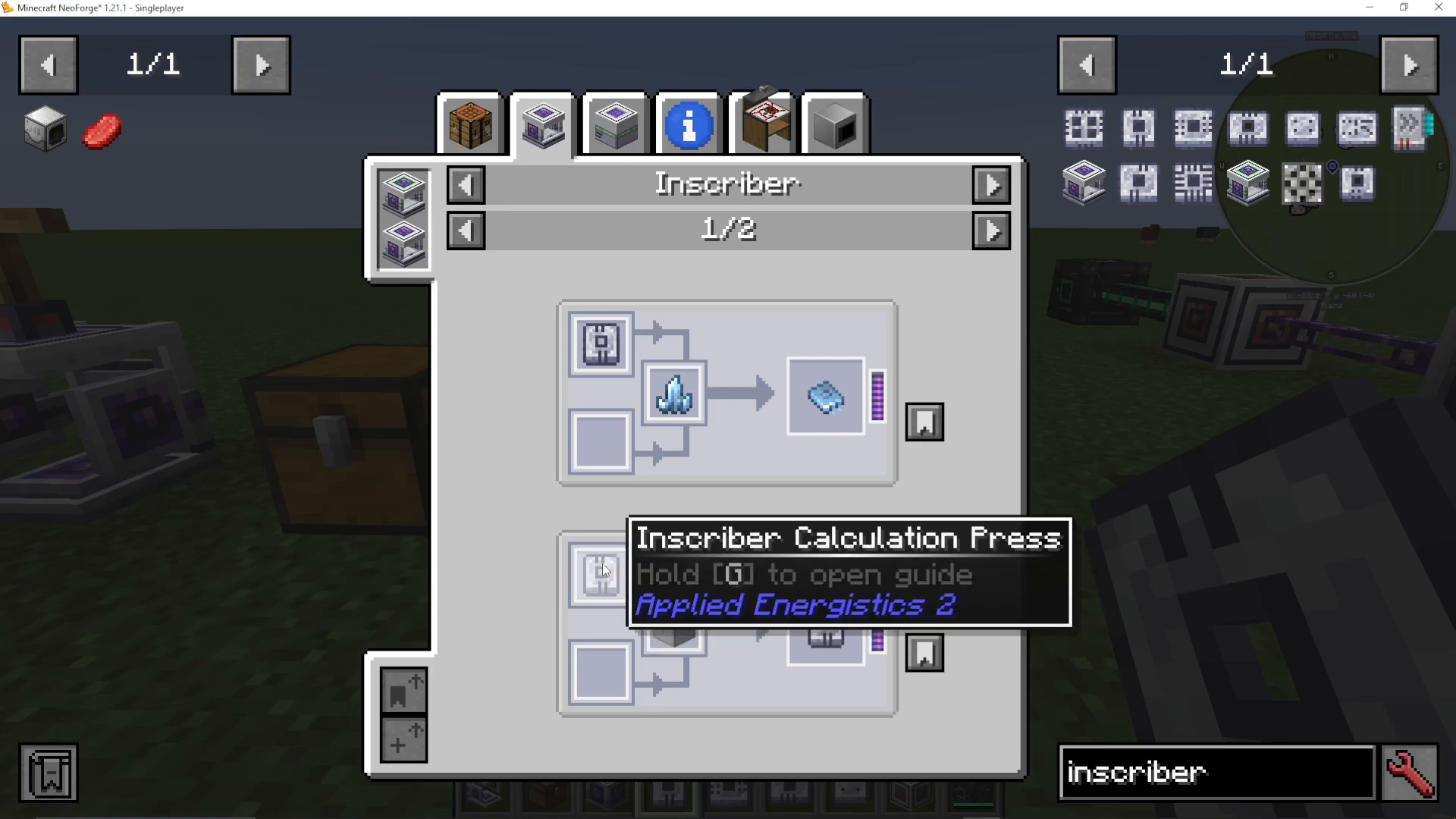
The inscriber is a critical machine in AE2 that uses presses to create printed circuits—the circuit boards for your hard drives and computers. The four presses obtained from the meteorite are:
Calculation Press: Creates printed calculation circuits from Certus Quartz
Engineering Press: Creates printed engineering circuits from diamonds
Logic Press: Creates printed logic circuits from gold
Silicon Press: Creates printed silicon from smelted Certus Quartz Dust
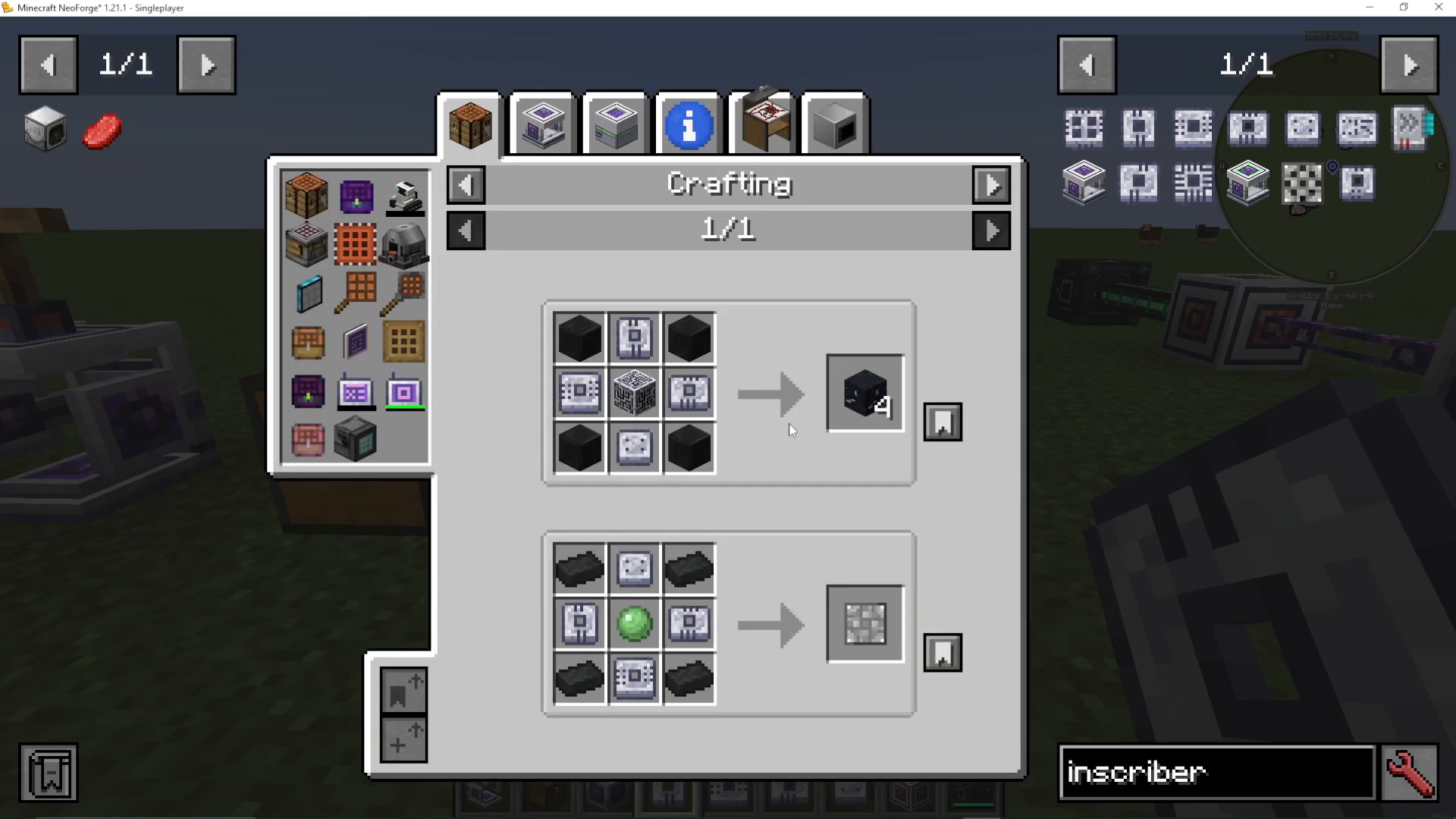
Each press goes into an inscriber with the appropriate material in the center slot. The inscriber has multiple configuration options:
Automation Access Mode: Controls which slots automation can access
Input Slot Stack Size: Determines how many items the inscriber accepts at once (1 or 64)
Auto Export: Automatically pushes finished items into adjacent containers
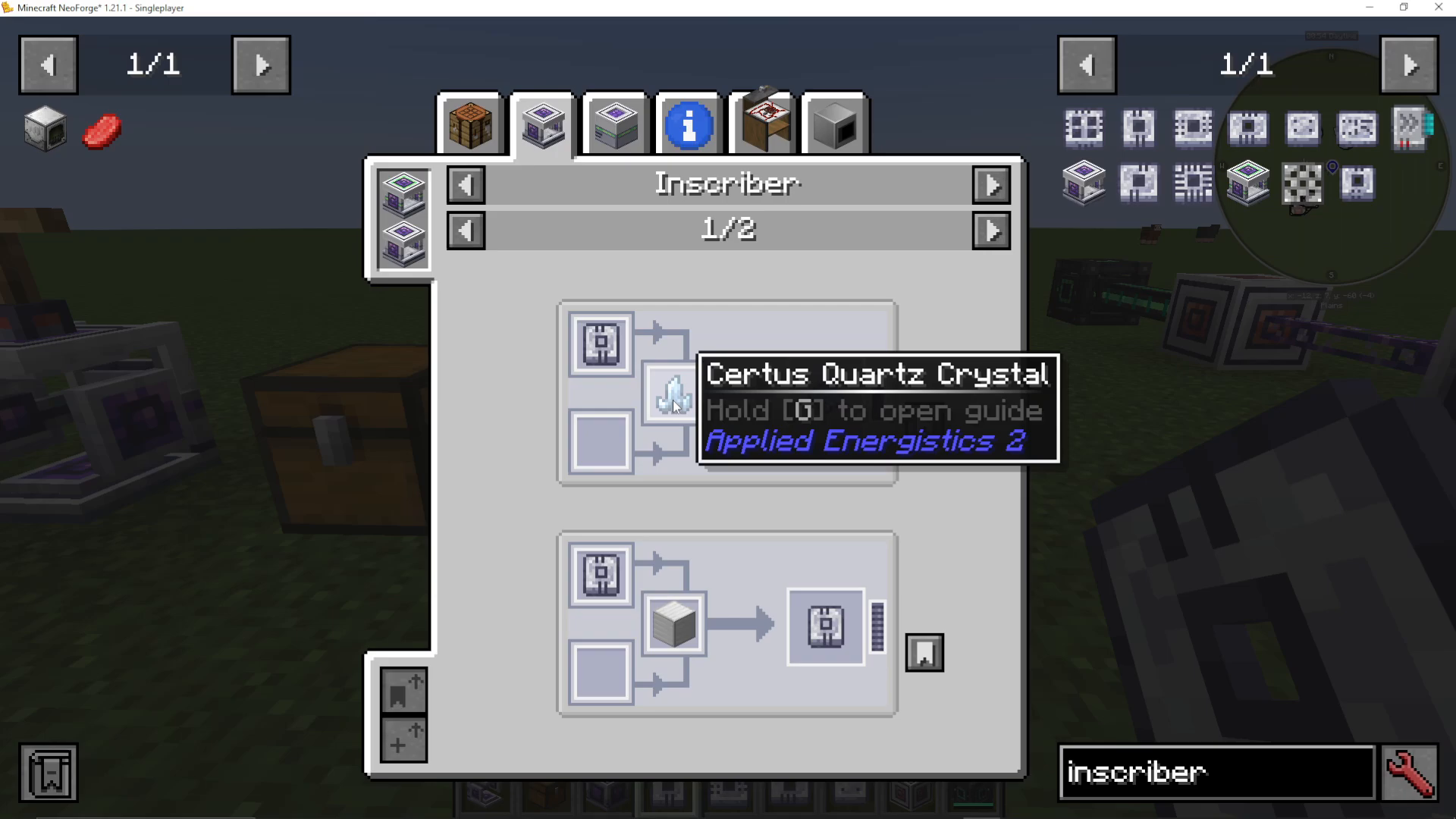
You can duplicate presses by placing an existing press in the inscriber with a block of iron to create a copy. This allows friends on multiplayer servers to obtain presses without finding additional meteorites.
Building Your First ME System
Creating an ME Chest
An ME Chest is the simplest form of digital storage in AE2. To craft one, you’ll need:
Fluix cables
ME Terminal
Illuminated panel
Logic processors (made from printed logic circuits, printed silicon, and Redstone)
Formation and Annihilation cores
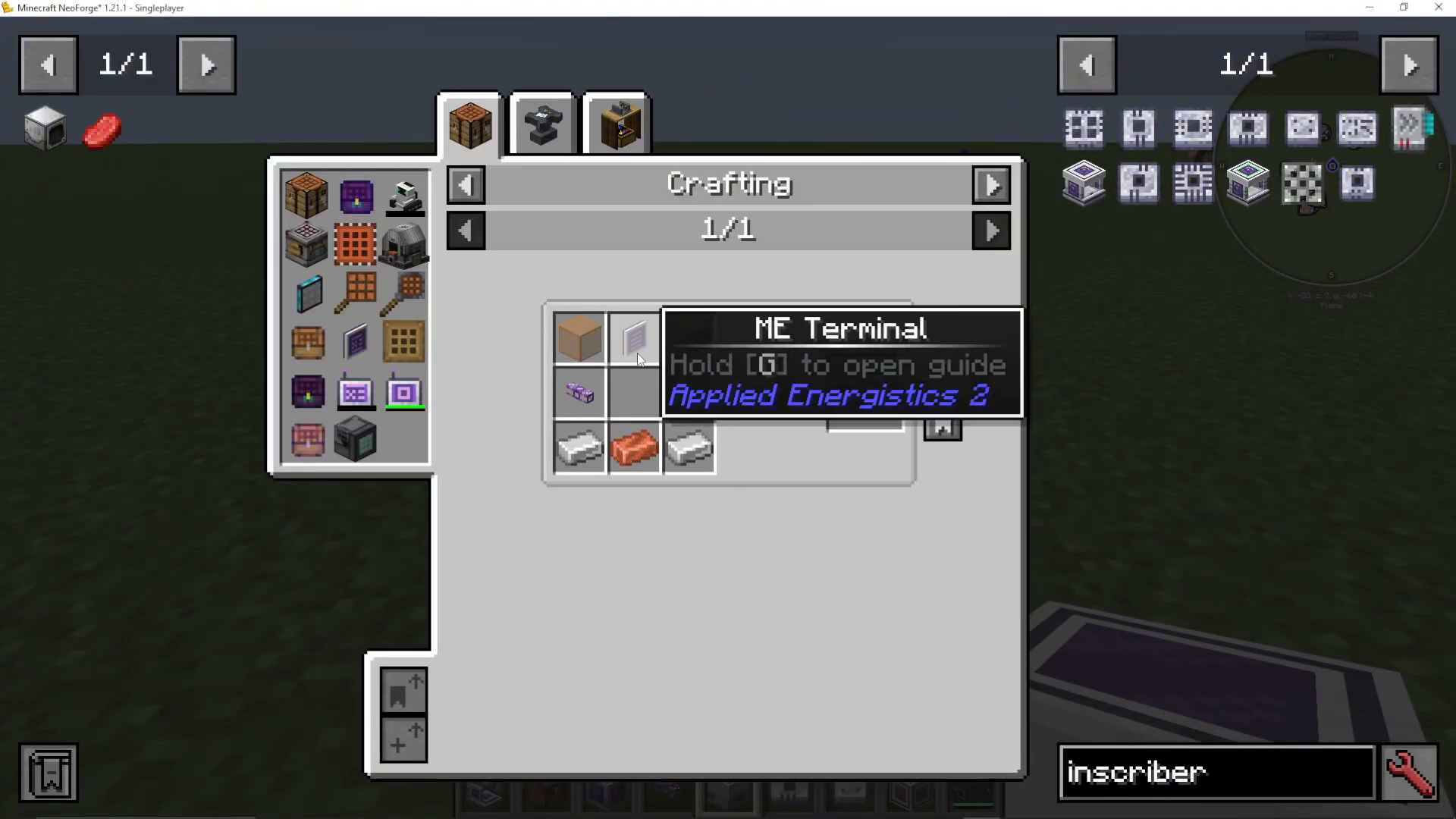
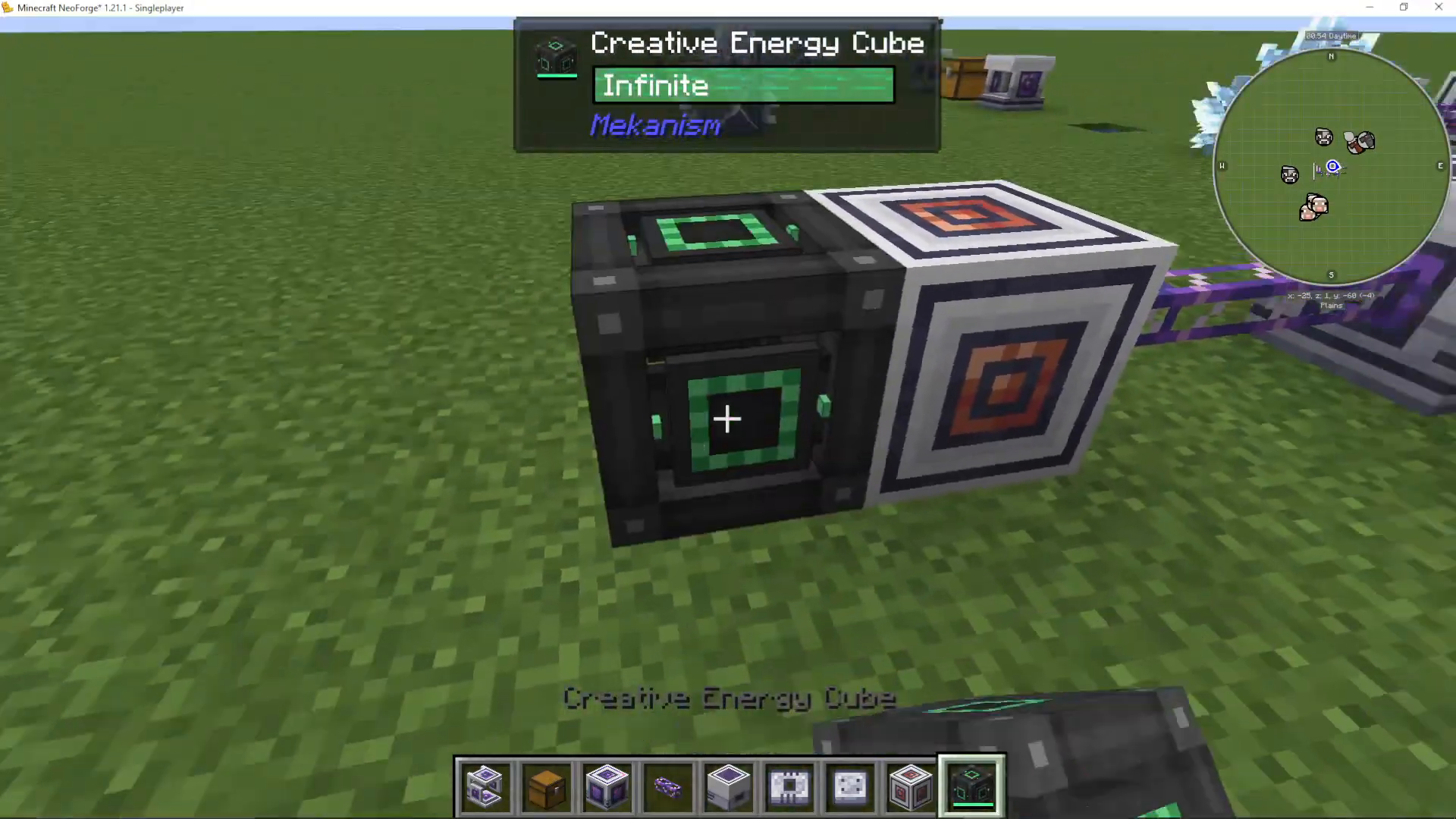
Once crafted, place the ME Chest and connect it to your power supply using Fluix ME Glass Cable and an Energy Acceptor. The Energy Acceptor allows your AE2 system to use power from other mods. When powered, the chest will show “Device Online.”
Storage Cells Explained: Bytes and Types
Storage cells are the digital “hard drives” of your ME system. They store items using a system of bytes and types. Common cells include:
1K ME Storage Cell: 1,024 bytes, up to 63 item types
4K ME Storage Cell: 4,096 bytes, up to 63 item types
16K ME Storage Cell: 16,384 bytes, up to 63 item types
64K ME Storage Cell: 65,536 bytes, up to 63 item types
Types: Each storage cell can hold up to 63 different item types. For example, if you have one stack of jungle planks and one stack of acacia planks, that’s 2 types.
Bytes: Bytes measure how much data is used. A single stack (64 items) of one type uses a certain amount of bytes. Once you’ve used all available bytes, you can’t add more items, even if you have room for more types.
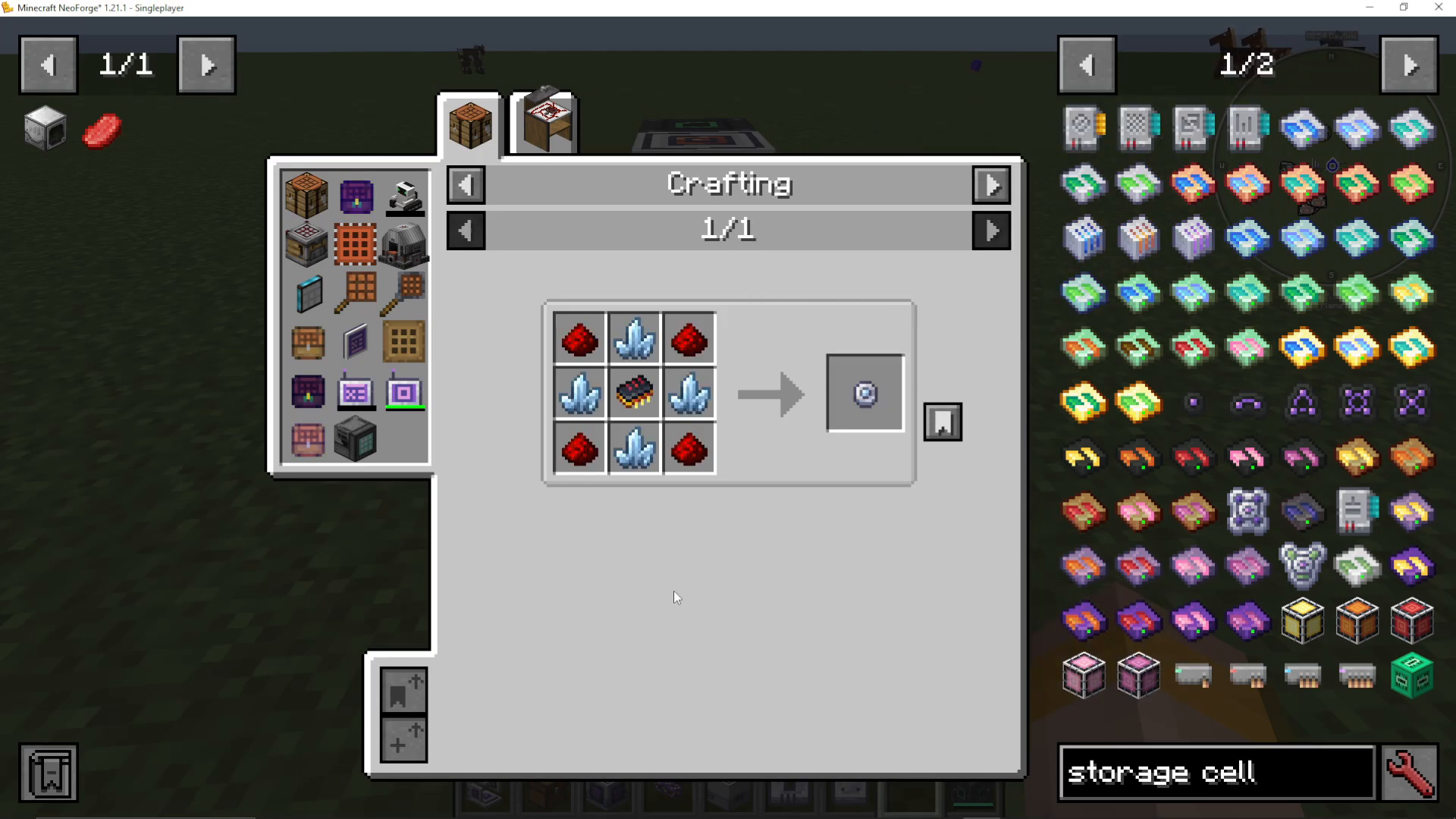
Larger cells are made from smaller cells and processors. A 4K cell requires three 1K cells and a Calculation Processor. A 16K cell requires three 4K cells and additional components.
Accessing Your Storage with Terminals
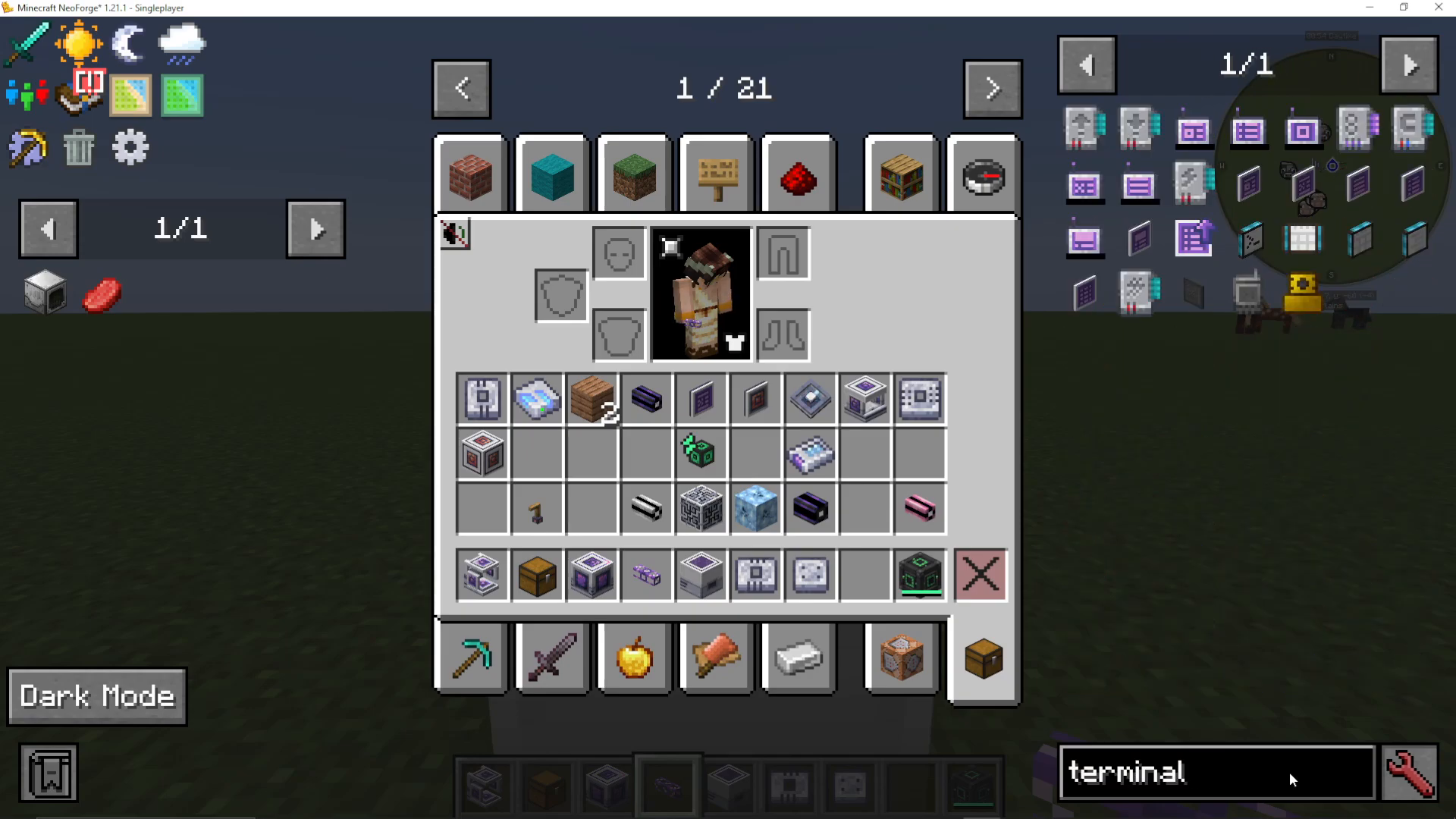
Place a Fluix ME Glass Cable on the ME Chest and attach a terminal. The two primary terminals are:
ME Terminal: Allows viewing and accessing stored items
ME Crafting Terminal: Allows viewing, accessing, and crafting recipes
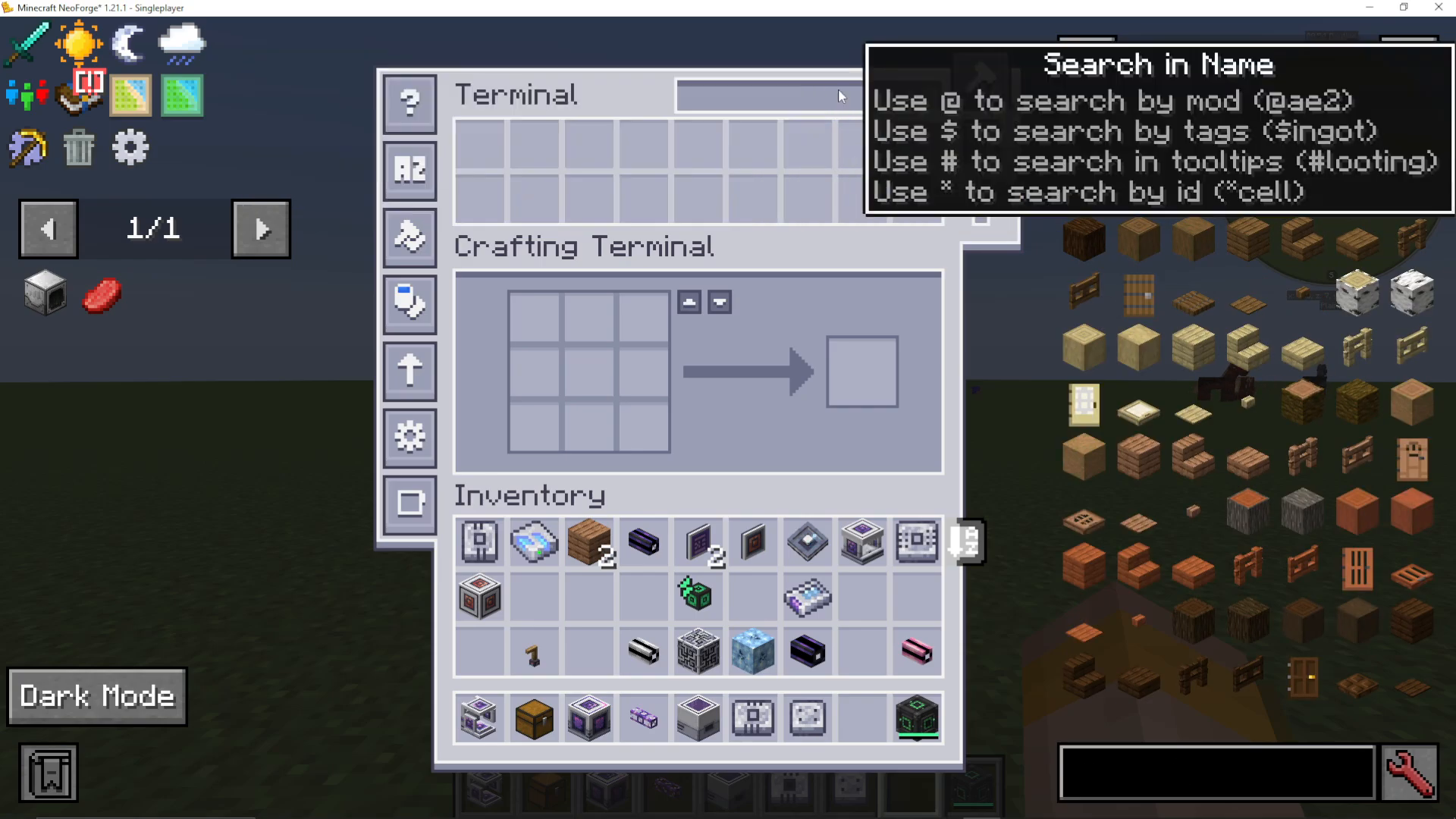
Right-click the terminal to open its interface. You can search for items, sort by name or quantity, filter by item type, and configure display settings. The crafting terminal shows an additional crafting area for recipes.
Expanding with ME Drives
An ME Drive is a multi-slot storage block that can hold up to 10 storage cells simultaneously. When you place storage cells in a drive and connect it to your network, all items are accessible from any terminal on that network.
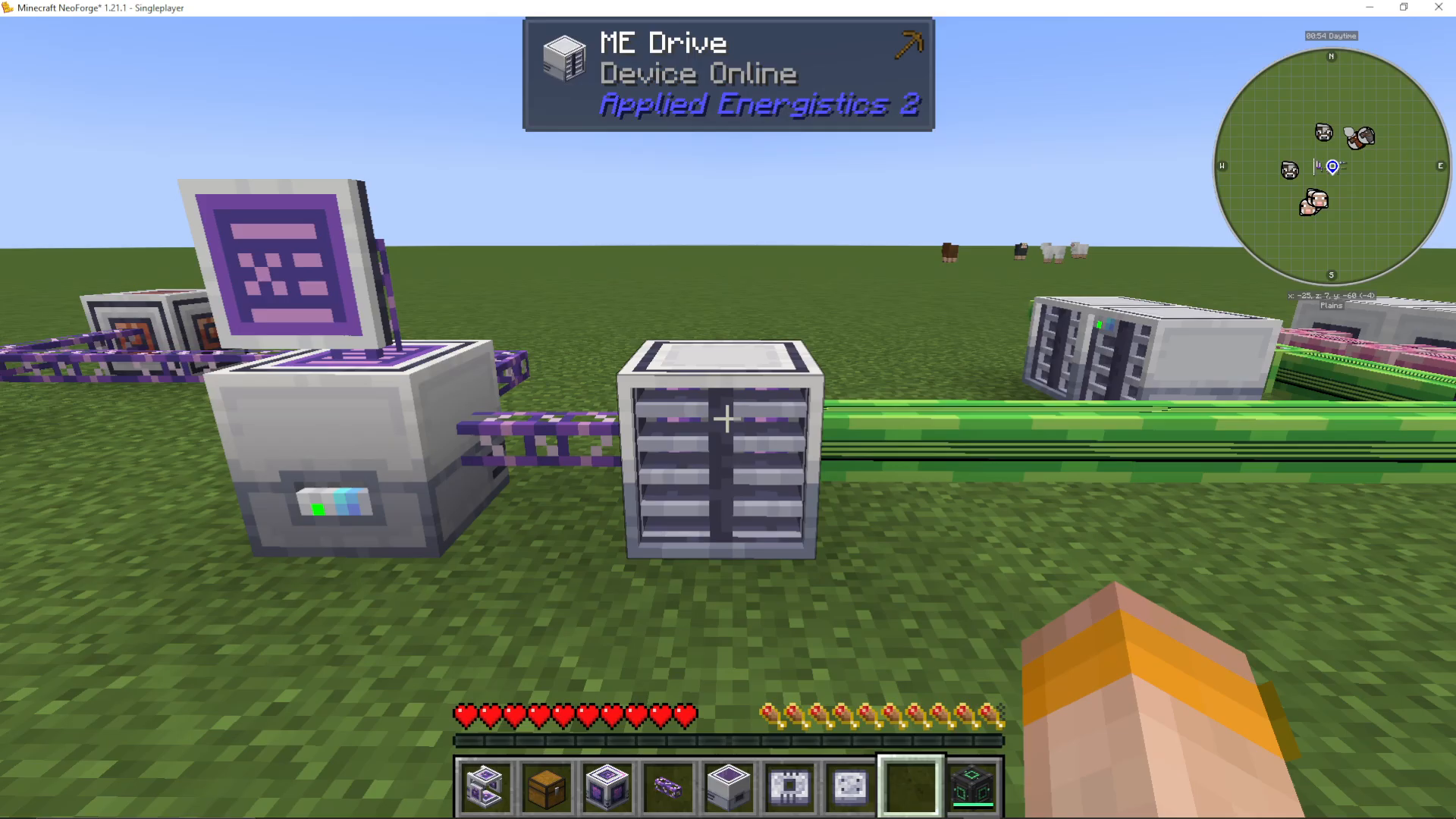
Different colored dots on the drive indicate status:
Green: Empty or available space
Blue: Contains items
Red: Full
Breaking a cable section from the main network will disconnect those devices, but they’ll automatically reconnect when the cable is replaced.
Understanding Channels
What Are Channels?
Channels are a fundamental mechanic in AE2 that limit how many devices can connect to a single cable. Think of channels like electrical outlets—you only have a limited number, so you need to plan your network layout carefully.
Basic Networks (No Controller)
Without an ME Controller, a basic network can support only 8 channels per cable. Each device you connect uses one channel. Common devices that consume channels include:
ME Chests
ME Drives
Terminals
Various ME machines and interfaces
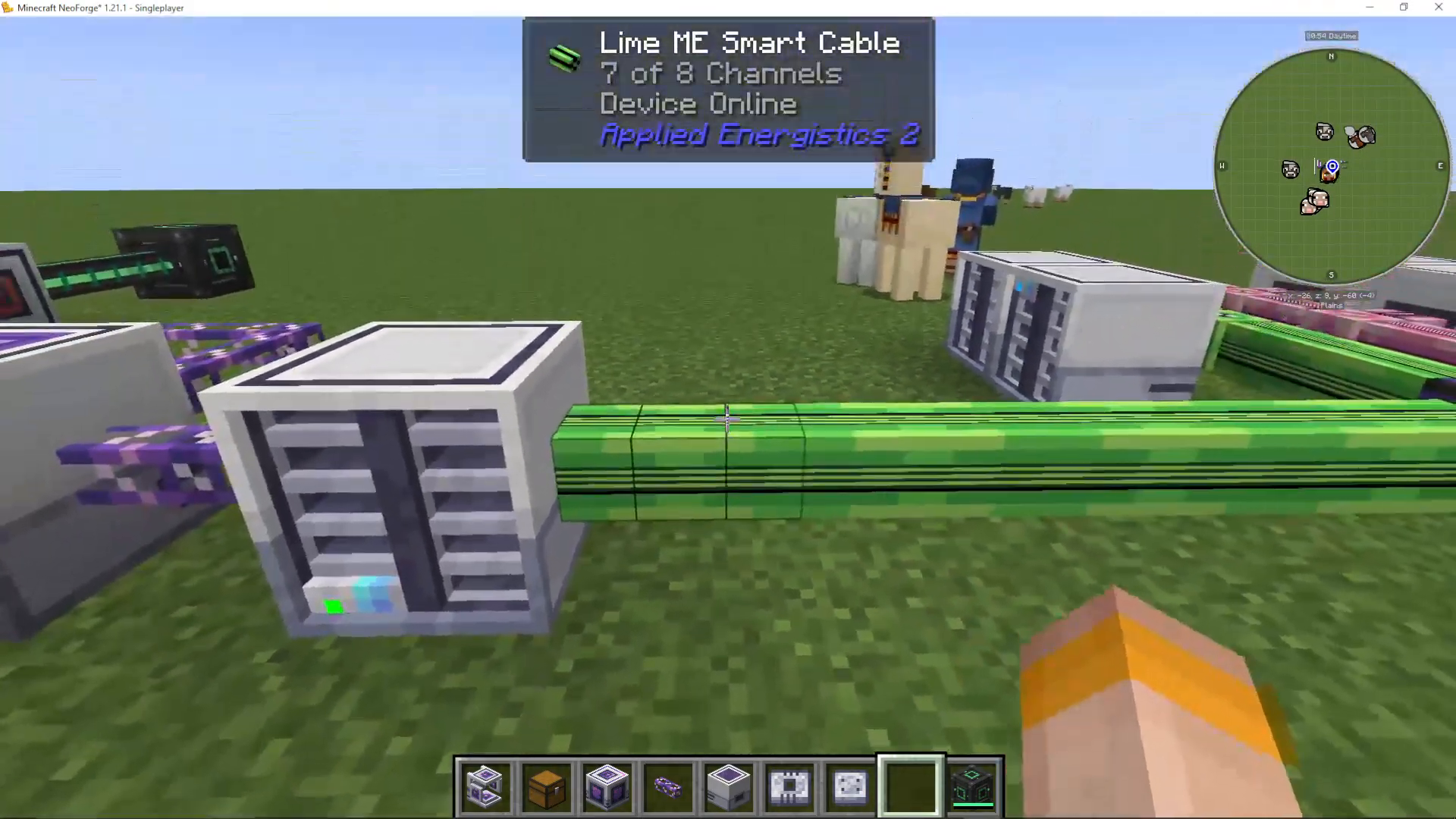
If you try to connect more than 8 devices to a single cable, the network will display “Missing Channel” and those devices will go offline.
Smart Cables vs. Glass Cables
Regular Fluix ME Glass Cables don’t display channel information. To see how many channels you’re using, upgrade to Smart Cables by adding Redstone and Glowstone to covered cables. Smart Cables display colored stripes indicating channel usage.
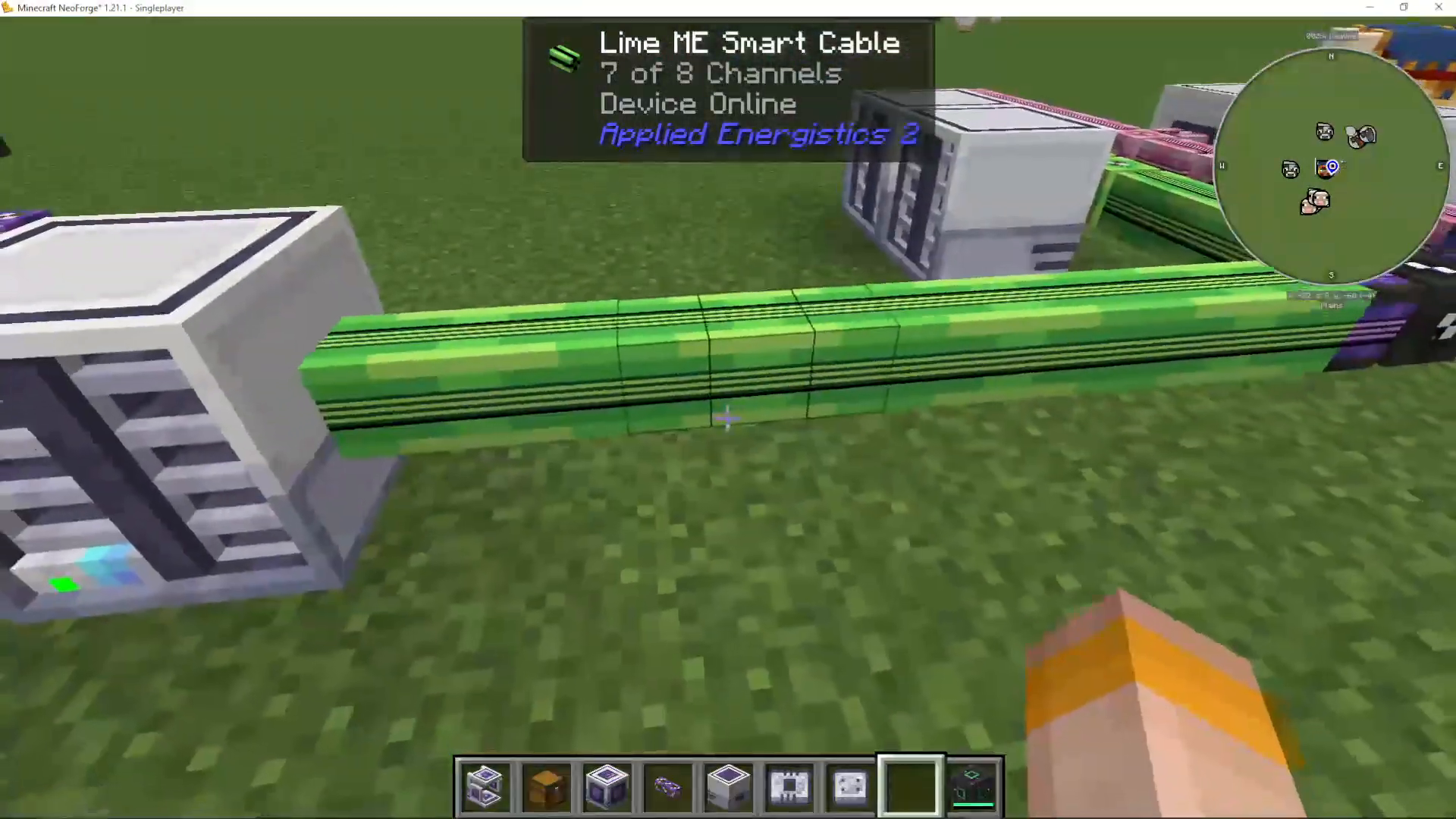
You can also use different dyed Smart Cables to create separate networks on the same physical cables. Different colors won’t connect to each other—only to Fluix cables.
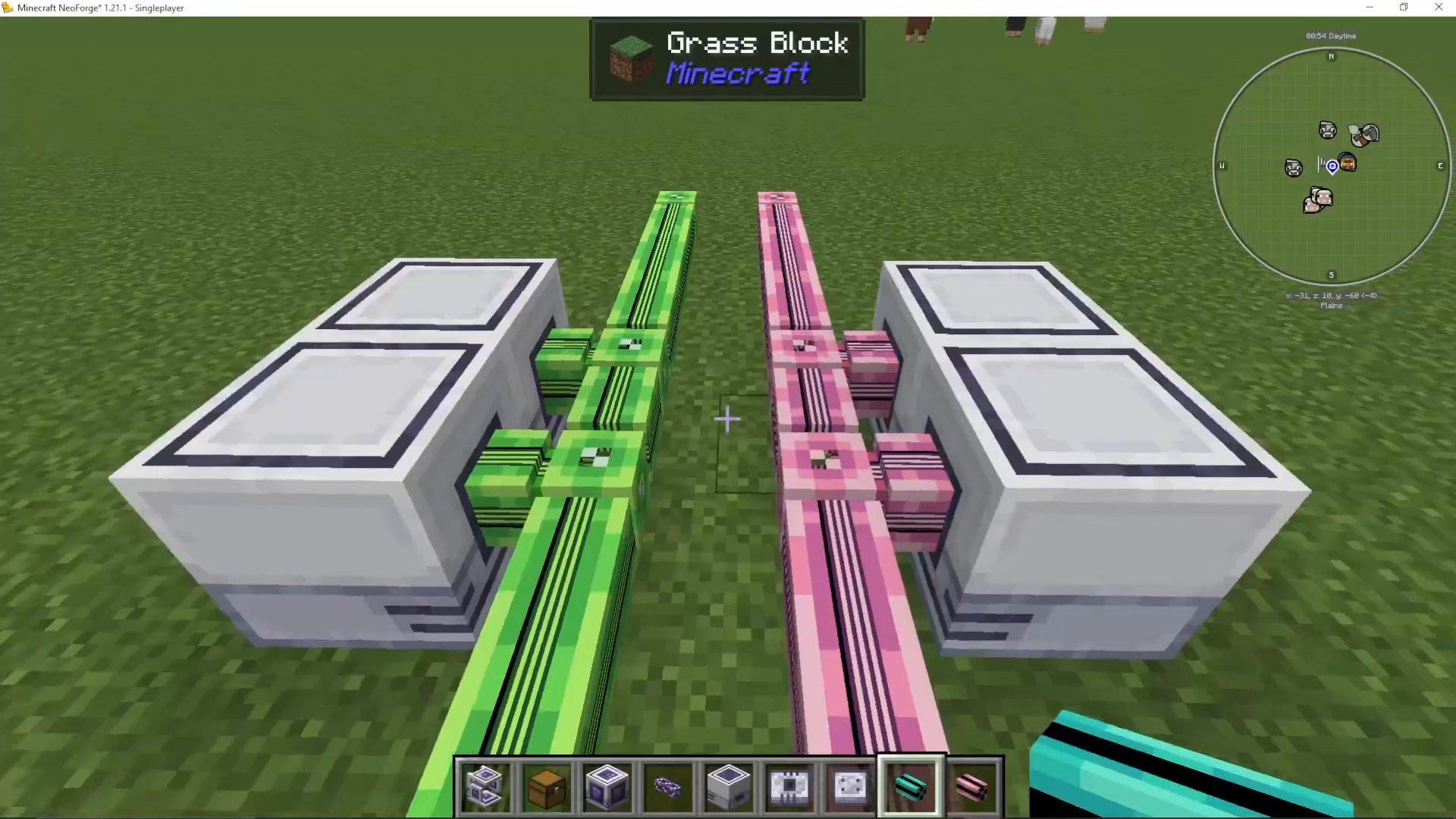
Cable Anchors for Separation
Use Cable Anchors to prevent cables from connecting to each other. This allows you to run multiple networks side-by-side without them interfering.
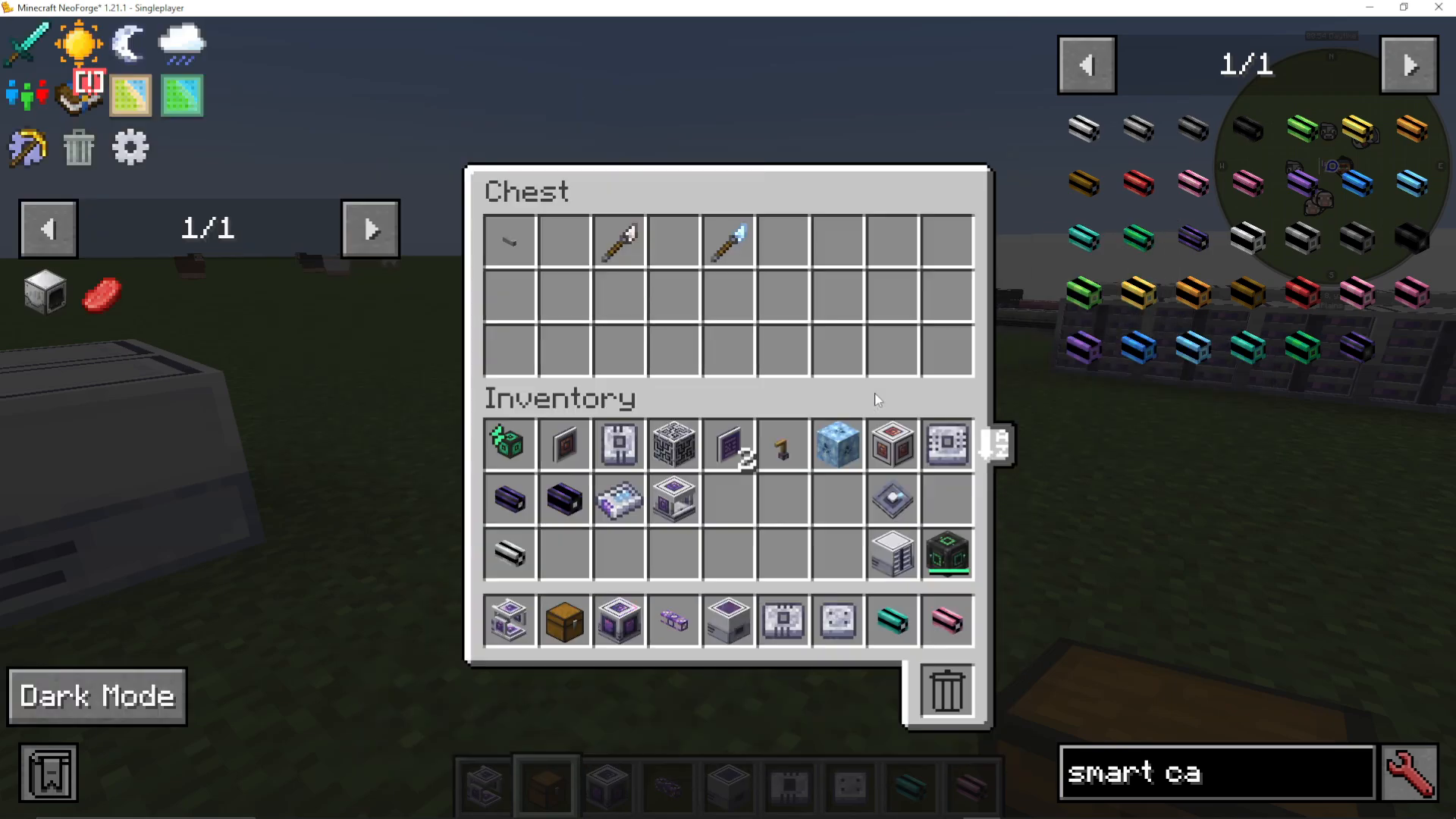
Adding an ME Controller for More Channels
Once you outgrow 8 channels, craft an ME Controller. Key facts about controllers:
Only one controller is allowed per network
Controllers can be built as multi-block structures ranging from 1x1x1 to 7x7x7
Controllers must form a hollow cube shape (devices cannot be placed inside the cube itself)
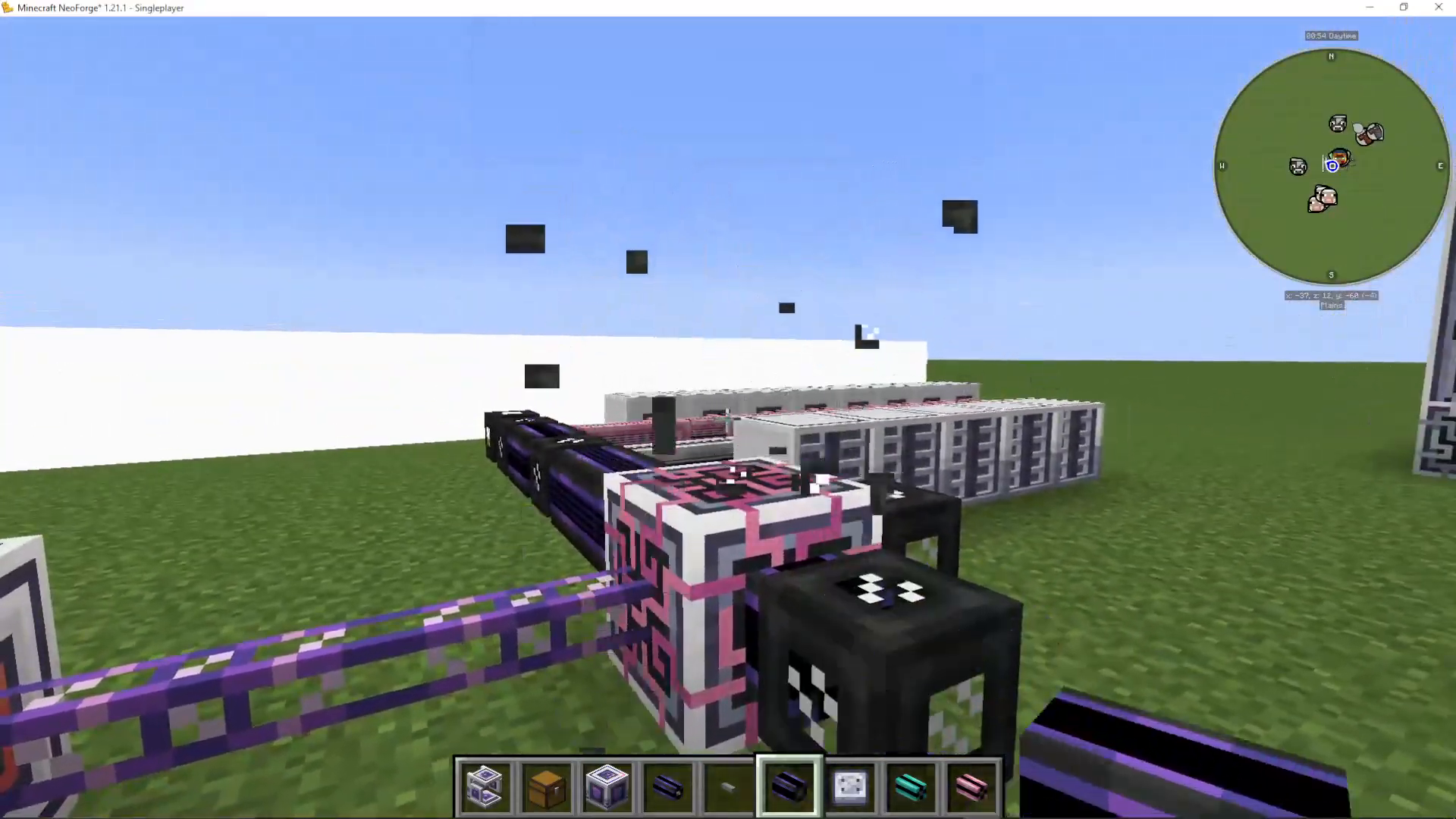
Each face of a controller can output 32 channels using Dense Cables
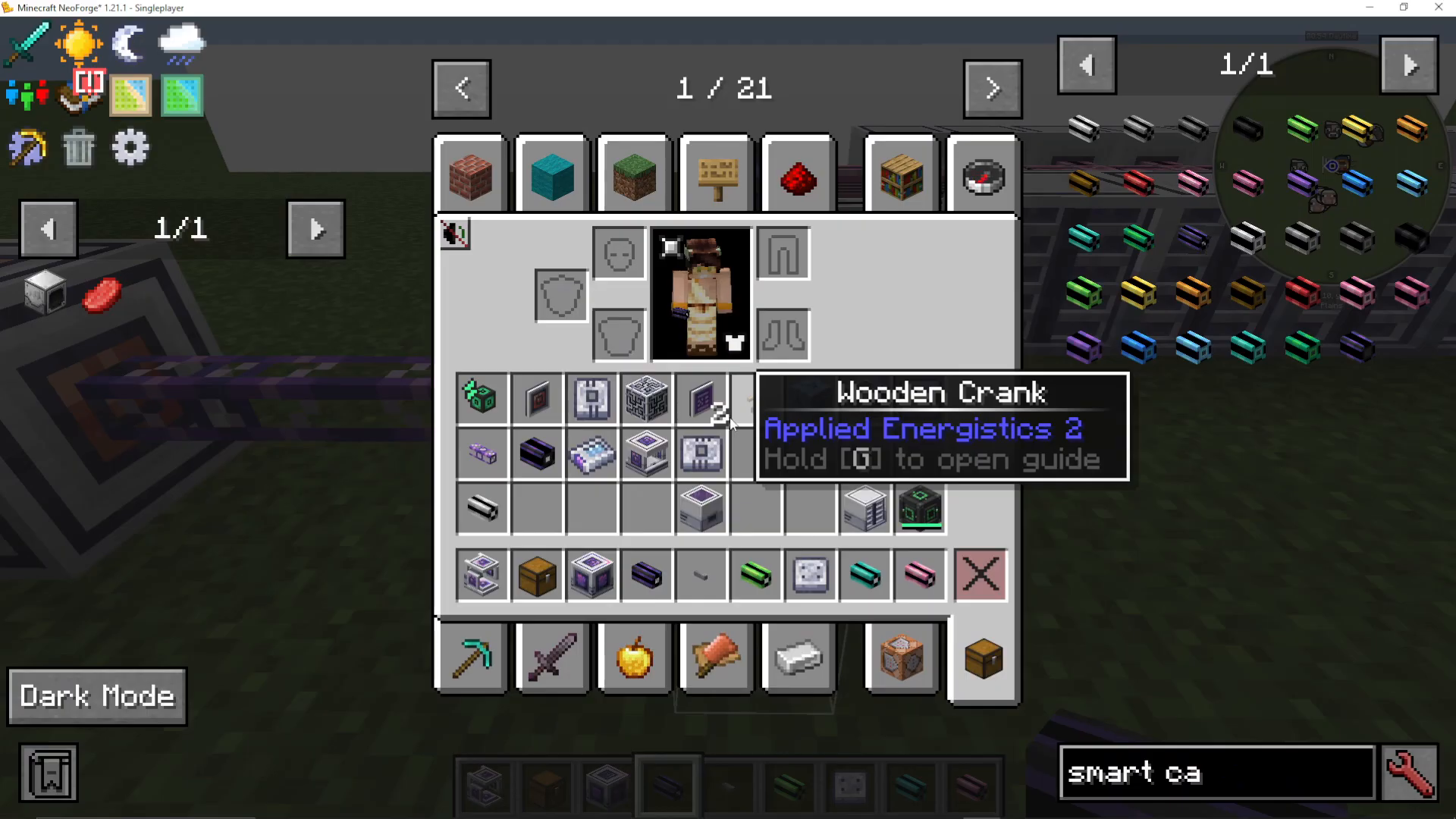
Dense Cables are upgraded cables made by combining four Fluix ME Glass Cables together. They can carry 32 channels instead of 8.
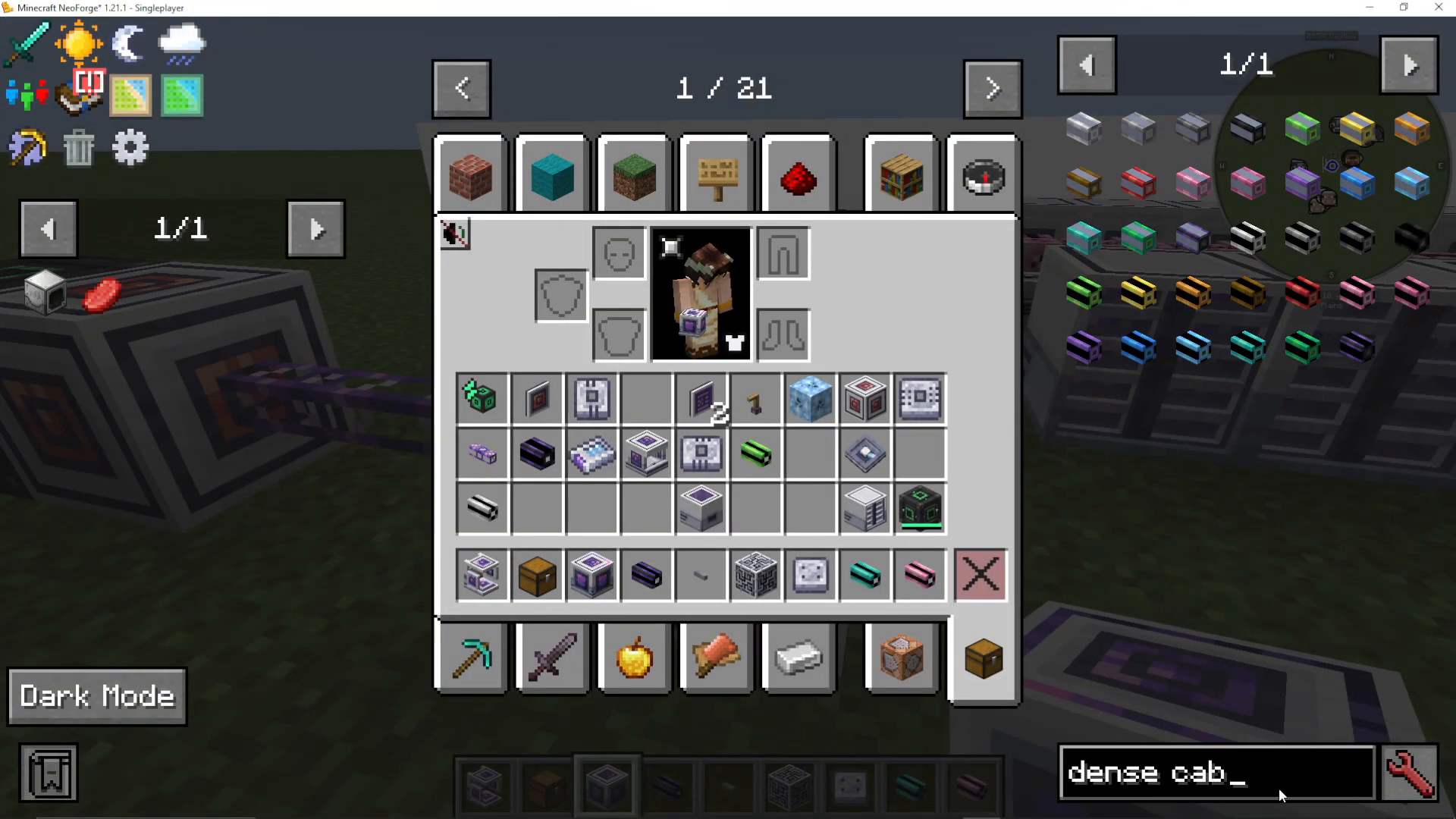
With a 1x1x1 controller, you get 6 faces × 32 channels = 192 total channels. Larger controllers provide exponentially more capacity. For example, a 7x7x7 controller offers vastly more channels than you’ll likely ever need for a single network.
What’s Next?
This beginner’s guide covers the fundamentals of AE2, but the mod has much more to offer. Once you’ve mastered basic storage and channels, explore these advanced topics:
Importers and Exporters
Storage Buses
Annihilation and Formation Planes
Auto Crafting with CPUs
Wireless ME Systems with P2P Tunnels
Spatial Storage for large items
Upgrades and efficiency modules
Summary
Congratulations! You now understand the core concepts of Applied Energistics 2 for Minecraft 1.20 through 1.21.1. You’ve learned:
How to find meteorites and harvest Certus Quartz
How to set up crystal growth with Growth Accelerators
How to use inscribers and presses to create circuit boards
How to build your first ME storage system with chests, drives, and terminals
How channels work and when you need an ME Controller
Basic network planning and cable management
AE2 is one of the most versatile and powerful mods in Minecraft, enabling complex automation and organization. While this guide covers the essentials, the mod becomes even more exciting as you progress to advanced features. Happy storing!
— Want to Support? —
If you would like to help us continue making these guides – please consider joining our patreon here – https://www.patreon.com/c/JaviHeals
Alternatively – we host a group of MC Servers you can join here – https://discord.gg/zD7Gjt6MHF



