







Fluidizer Tutorial – Extreme Reactors
Fluidizer Tutorial – Extreme Reactors
Once you’ve mastered basic reactor operation with Lorium and reprocessed your materials into Cyanite and Plutonium, you’re ready for the next step: creating Verdirium using the Fluidizer. This advanced fuel dramatically increases power output and prepares you for active cooling systems. This guide walks you through setting up and operating the Fluidizer to create Verdirium from Uranium (also called Lorium) and Plutonium.
Understanding Fuel Progression and Power Output
Before diving into the Fluidizer, it’s important to understand why you’d want to create Verdirium in the first place. Let’s compare the power output difference between standard fuels:
Lorium Performance
When running a reactor with Lorium blocks, you can expect approximately 167,000-168,000 forge energy per tick at around 2,100 degrees Celsius, while consuming about 0.3 millibuckets per tick.
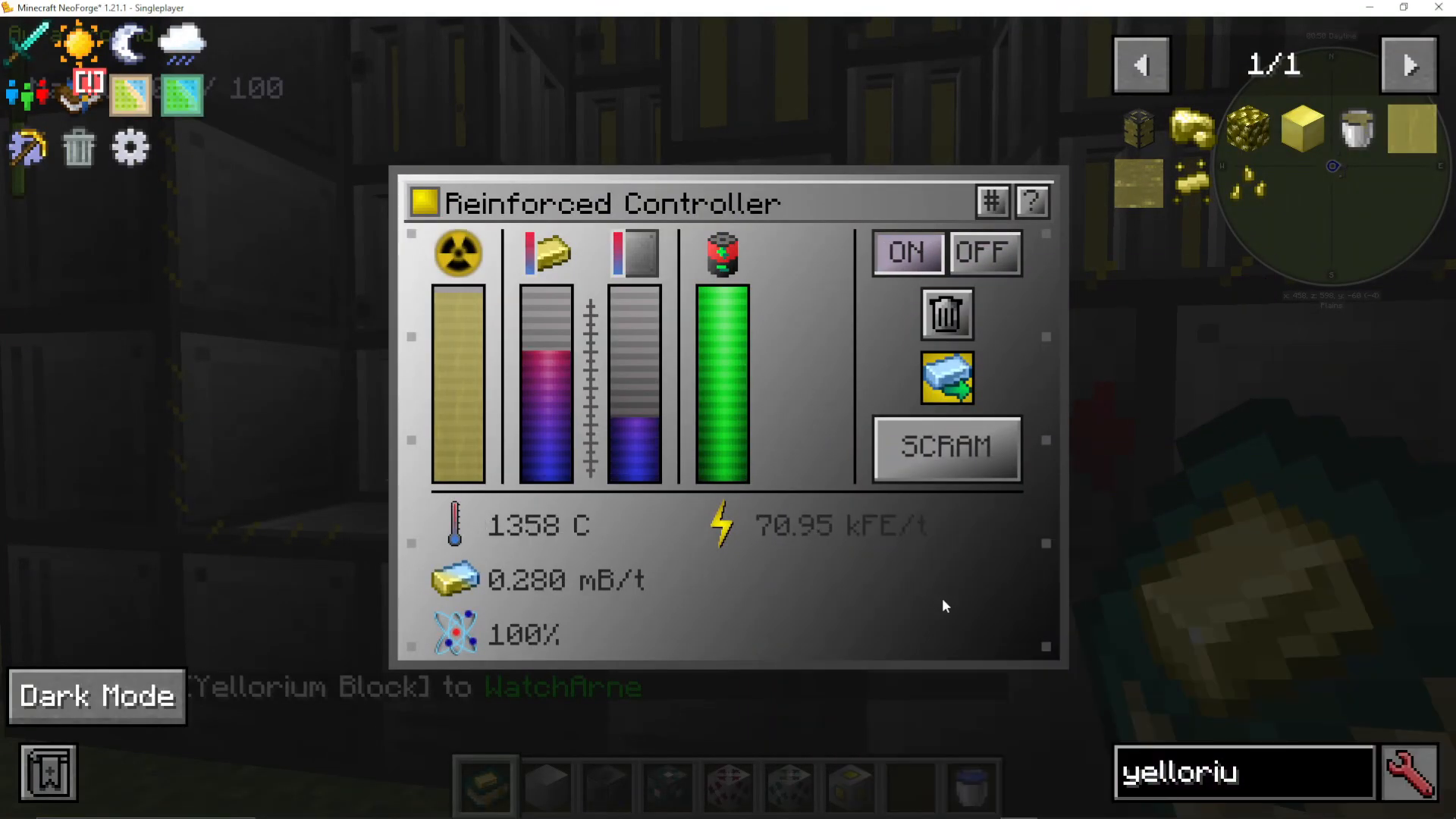
Plutonium Performance
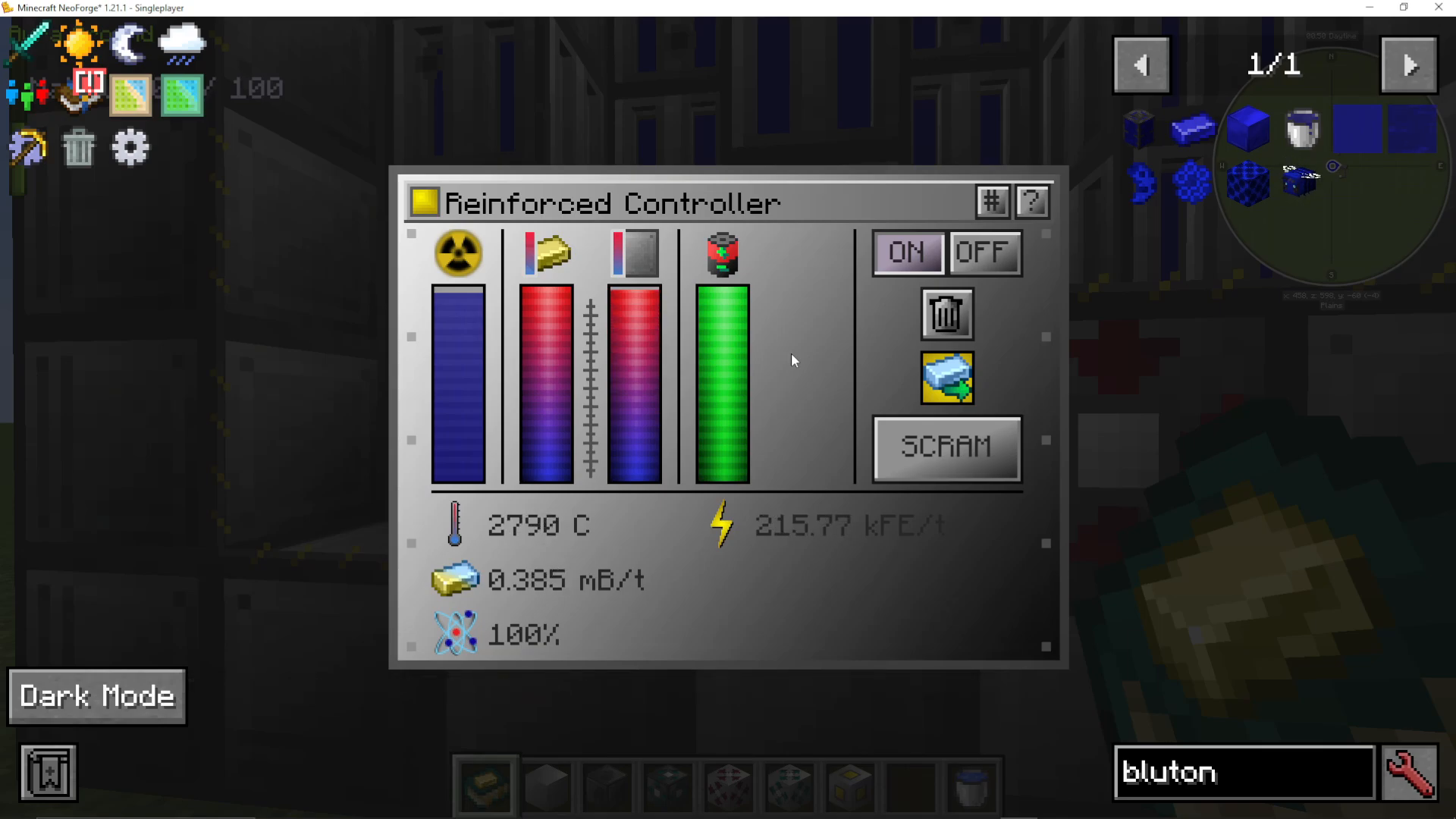
Switching to Plutonium substantially increases output. A reactor running Plutonium will reach approximately 227,000 forge energy per tick—roughly 60,000 more per tick than Lorium—while running hotter at around 2,900 degrees Celsius. The fuel consumption rate remains the same for the same reactor size.
Why Verdirium Matters
Creating Verdirium marks the transition from passive cooling (where plutonium heat naturally dissipates through the casings) to active cooling systems. This next evolutionary step in reactor design requires Verdirium as your third-tier fuel, made possible by the Fluidizer.
Fluidizer Setup and Configuration
Basic Requirements
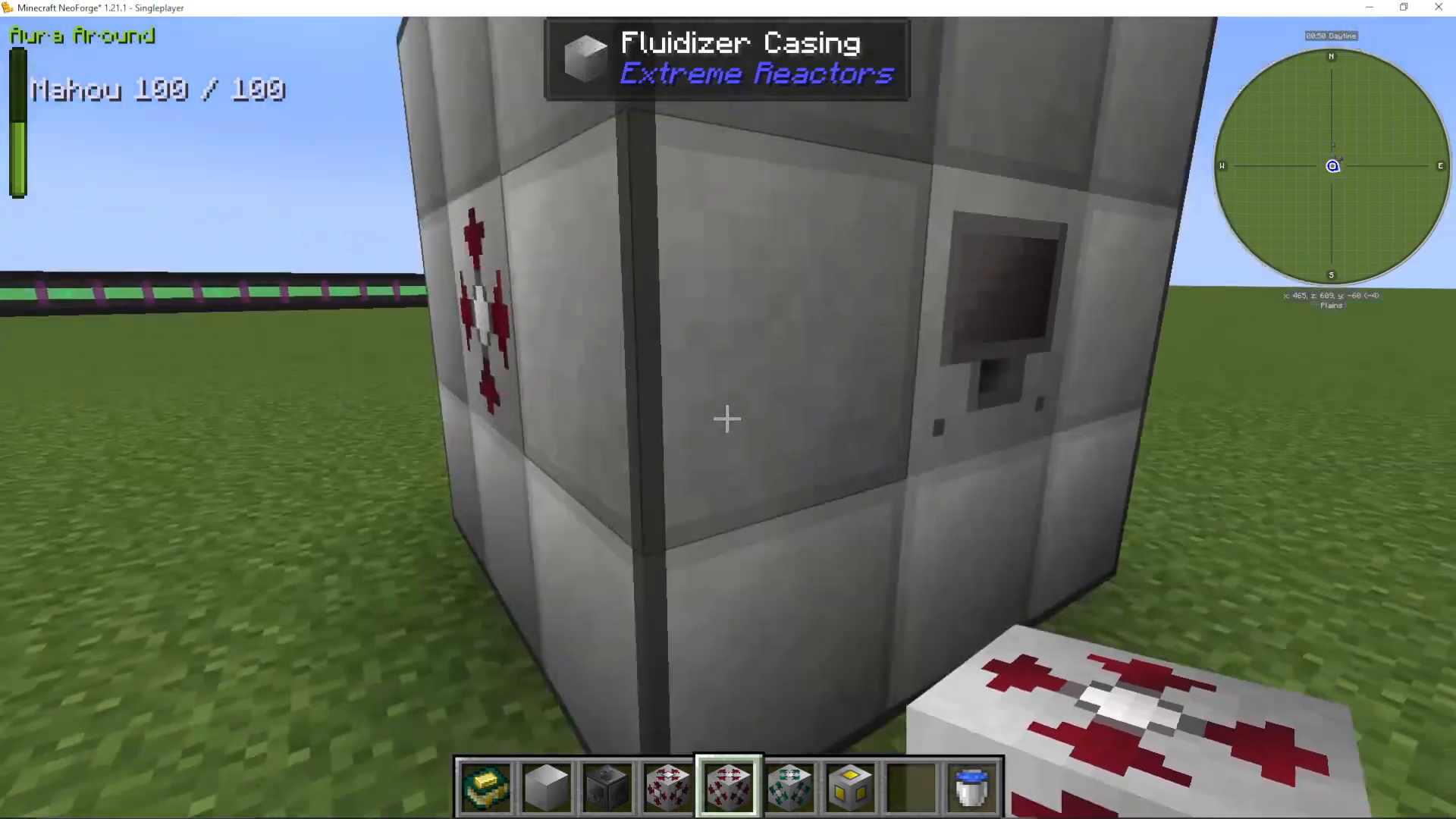
The Fluidizer can be built at any size, though a 3x3x3 configuration is sufficient for most purposes. You’ll need the following components for a basic setup:
Controller: Required on all Extreme Reactors machines
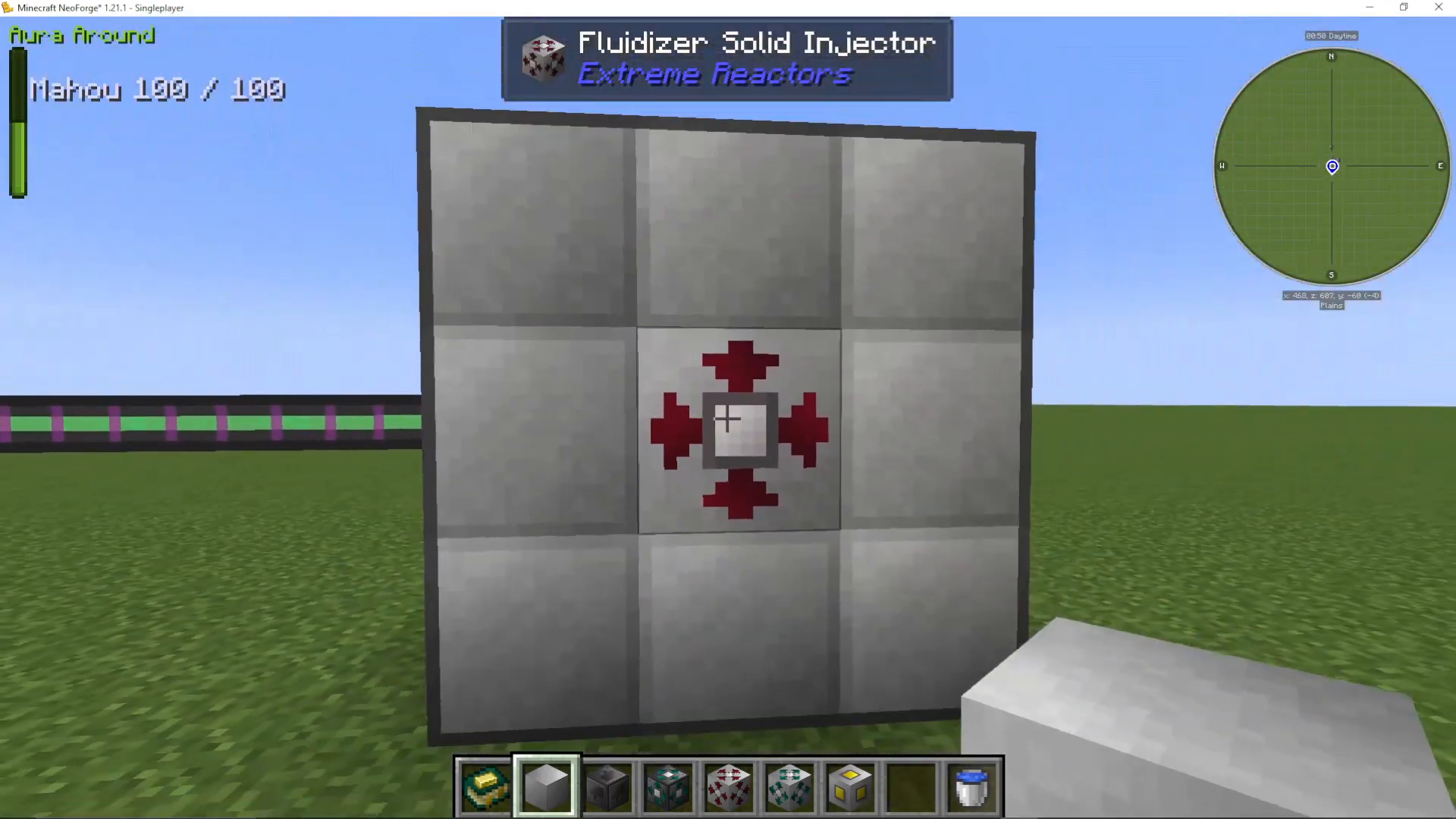
Solid Injectors: For inputting solid materials (blocks)
Fluid Injectors: For inputting liquid materials
Power Port: To supply forge energy to the Fluidizer
Output Port: To extract the finished products
Input Configuration Options
The Fluidizer’s flexibility allows multiple input configurations depending on your source materials:
Two Fluids: Converts a fluid + fluid combination into a fluid output
Two Solids: Converts a solid + solid combination into a fluid output
Single Solid: Converts one solid block type into its liquid equivalent
Creating Verdirium: Step-by-Step
Understanding Your Options
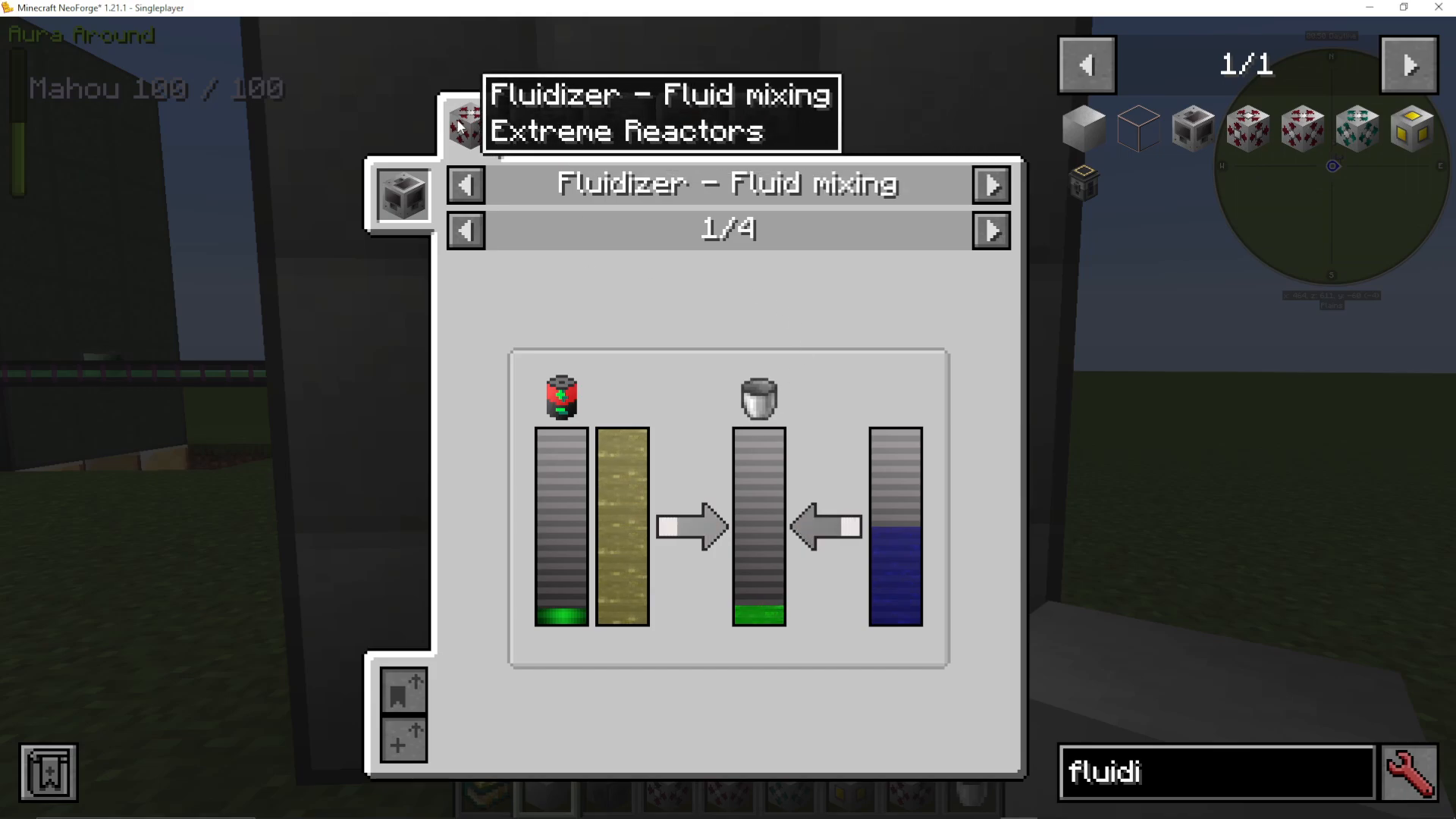
When you open the Fluidizer controller, you’ll see multiple recipe categories:
Fluid Mixing: Combines liquid Lorium and liquid Plutonium into liquid Verdirium
Solid Mixing: Combines solid Uranium/Lorium and solid Plutonium into liquid Verdirium (recommended for beginners)
Solid to Solid: Converts single materials like Plutonium into liquid Plutonium, or Cyanite into liquid Cyanite
Setting Up Your First Verdirium Batch
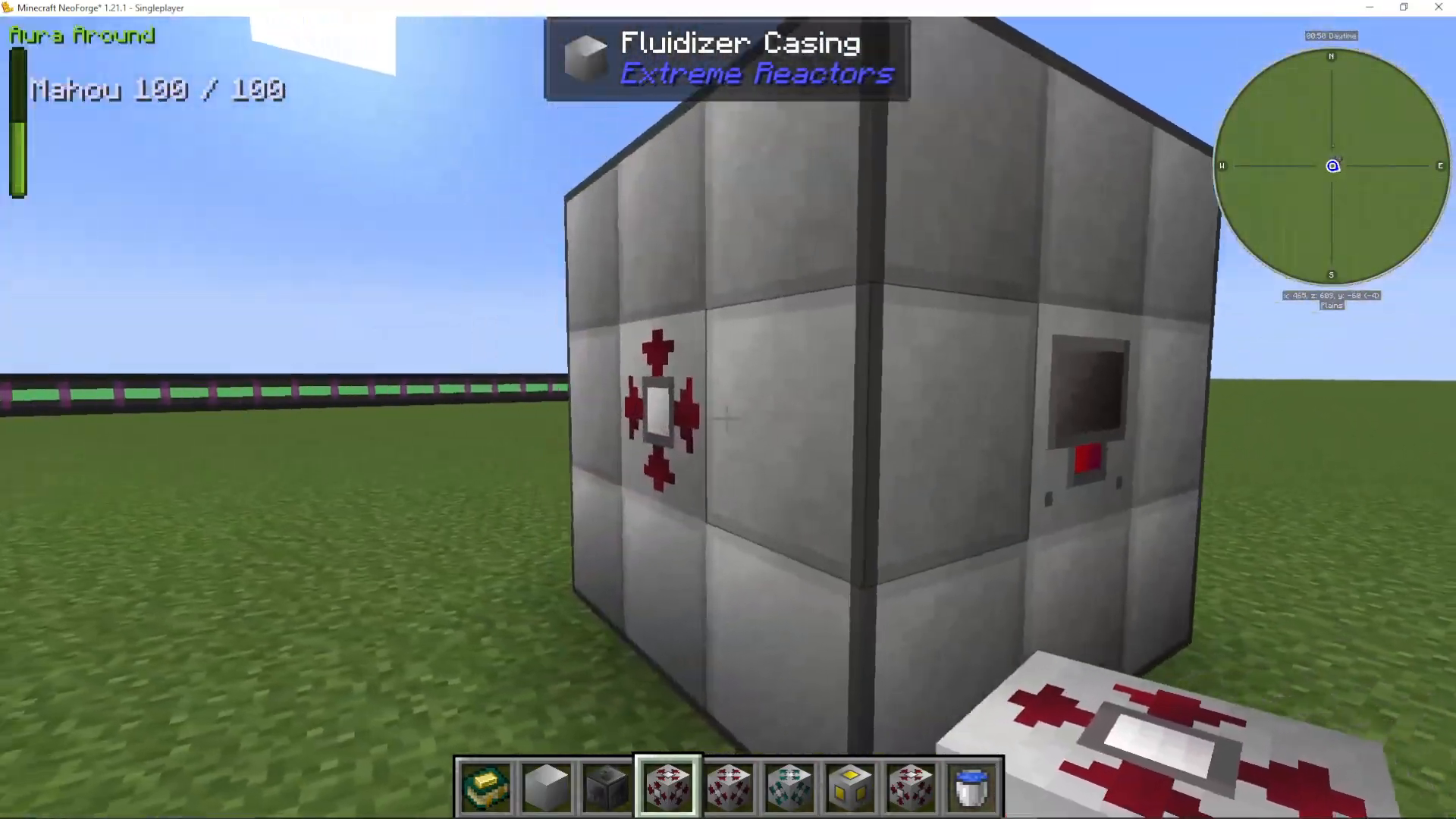
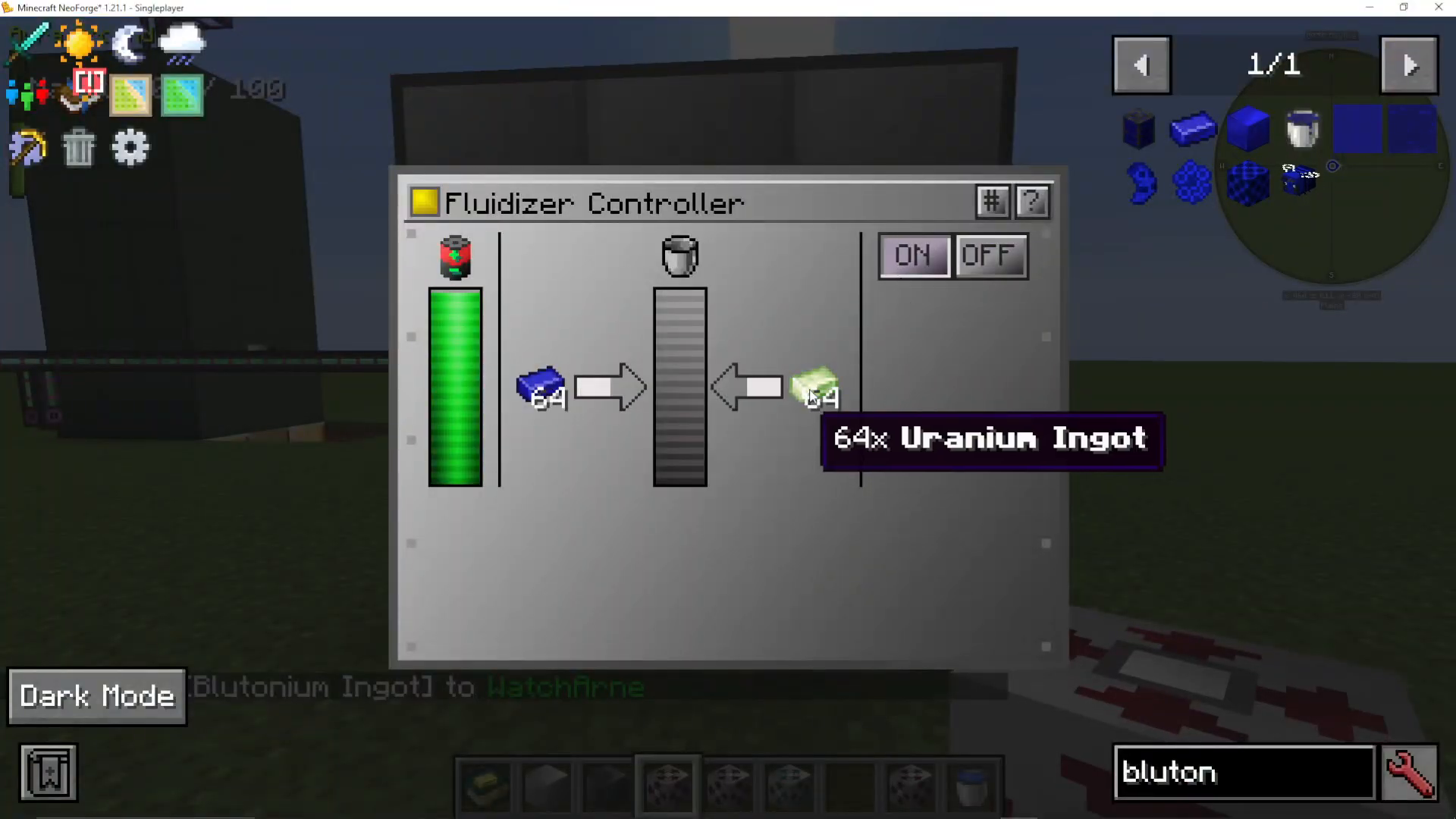
For your first Fluidizer operation, the solid mixing approach is most straightforward. Use two solid injectors—one for Lorium blocks (or Uranium, depending on your modpack) and one for Plutonium blocks. This configuration will produce liquid Verdirium.
Inputting Materials
Insert your solid materials into the designated injectors. Hold Shift and click to input blocks from your inventory into each solid injector port. In this setup, you’ll be inputting Lorium/Uranium blocks into one injector and Plutonium blocks into the other.
📸 [ASSISTANT: TAKE SCREENSHOT AT SCREENSHOT AT TIMESTAMP 04:19]
Starting the Process
Once both inputs are loaded, open the Fluidizer controller and toggle it on. The machine will begin processing your Lorium and Plutonium into liquid Verdirium. You’ll see the materials being consumed and the Verdirium fluid accumulating in the output port.
Exploring Advanced Fluidizer Recipes
The Fluidizer offers more recipes beyond Verdirium creation. After mastering basic solid mixing, you can explore:
Single-Material Conversion: Transform Plutonium blocks into liquid Plutonium, or Cyanite into liquid Cyanite—useful for various applications
Fluid Mixing: Once comfortable with operations, progress to liquid-based recipes combining liquid Lorium and liquid Plutonium for more efficient Verdirium production
Finding Recipes In-Game
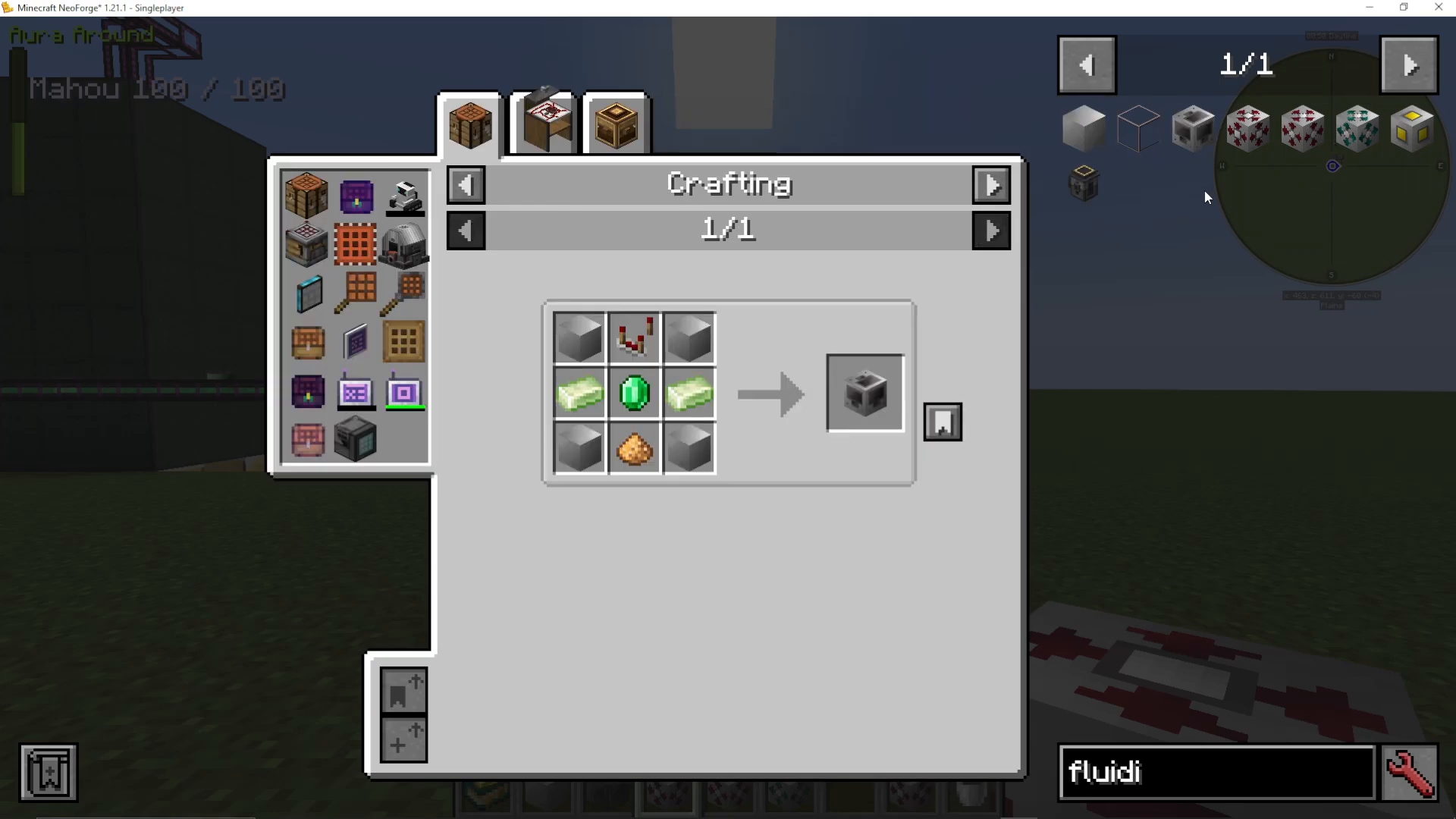
To view all available recipes within the game, open the Fluidizer controller and use the JEI (Just Enough Items) interface. Press Shift+Click on the controller, then press the U and J keys simultaneously to pull up the recipe list for the Fluidizer.
Conclusion
The Fluidizer is your gateway to advanced reactor cooling and fuel optimization. By converting Lorium and Plutonium into Verdirium, you unlock the potential for significantly higher power output and the ability to implement active cooling systems. Start with simple solid-to-solid mixing, master the basics, and gradually explore more complex fluid recipes as you become comfortable with the machine’s operation.
Want to Support?
If you would like to help us continue making these guides – please consider joining our patreon here – https://www.patreon.com/c/JaviHeals
Alternatively – we host a group of MC Servers you can join here – https://discord.gg/zD7Gjt6MHF



