
Occultism Janitor & Transporter Folio Guide
Occultism Janitor & Transporter Folio Guide – Automate Ore Processing
If you’ve been using the Occultism mod and wondering whether you can fully automate your ore crushing and processing pipeline — the answer is yes. In this guide, we’ll walk you through two powerful Folio-tier demons: the Folio Transporter and the Folio Janitor. Together, these two demons can move items between inventories, pick up dropped items from the ground, and feed them into furnaces — giving you a completely hands-off ore processing system.
What Is the Folio Transporter?
The Folio Transporter is a demon that can take items from one chest or inventory and deposit them into another. Its most useful application is feeding raw ores from a chest directly into your Folio Crusher demon — fully automating the input side of your crushing operation.
How to Summon the Folio Transporter
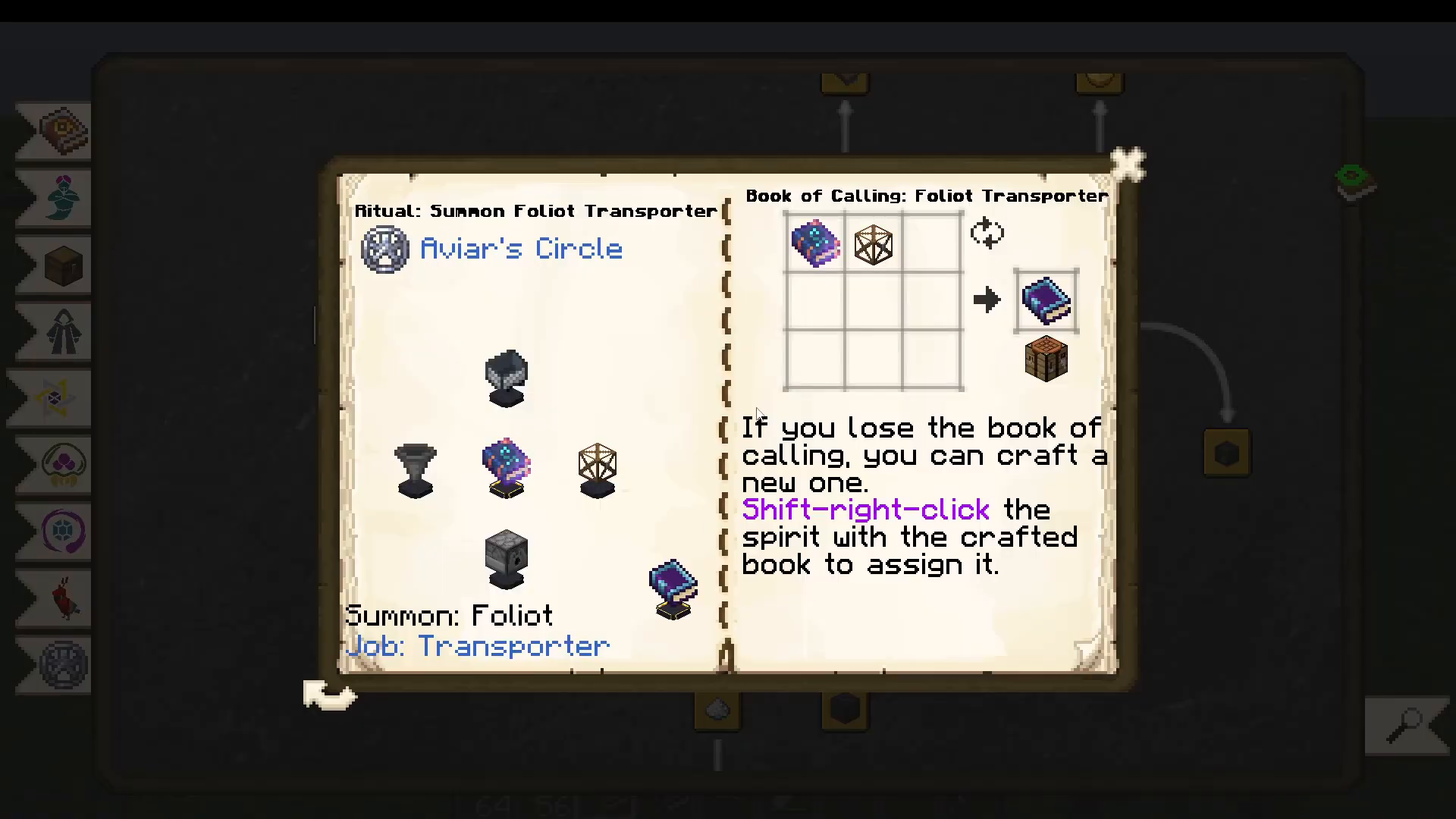
To summon the Folio Transporter, you will need a minecart, dispenser, chest, and hopper. Use a Book of Binding Folio in the ritual. Unlike some other demons, the Transporter does not require a Genie-tier ritual — a standard Folio ritual is all you need. Once the ritual completes, the demon is summoned and you will automatically receive a Book of Calling Folio Transporter in your inventory.
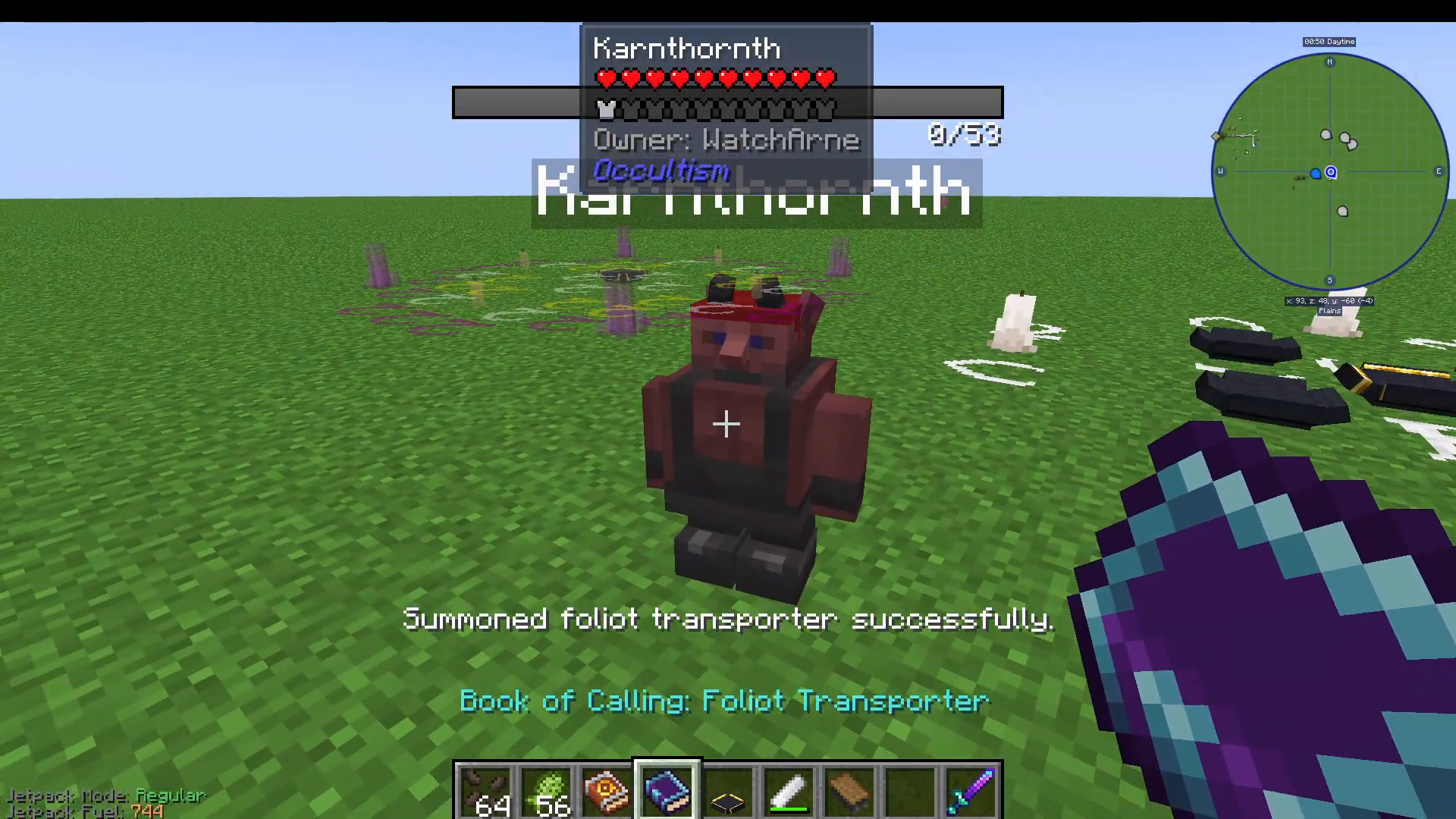
If you ever lose your Book of Calling, don’t panic. Simply use your Book of Binding Folio with a chest to generate a new one. You can also look up the Folio Transporter entry inside the in-game book — it will show you the ritual circle layout and confirm that the Golden Sacrificial Bow is the item you receive after the ritual completes.
Configuring the Folio Transporter
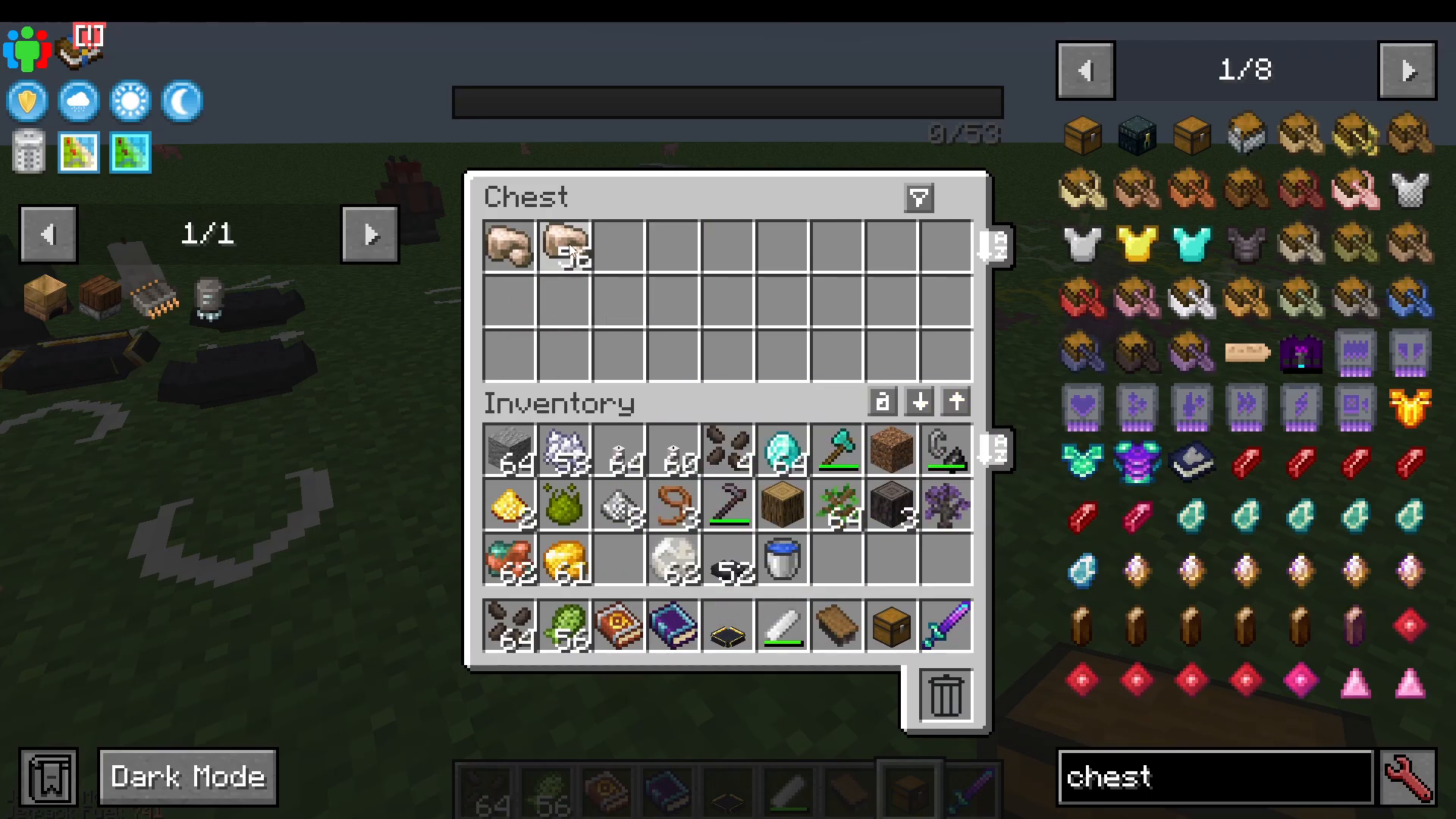
Once summoned, place a chest nearby and put your raw ore (for example, iron ore) inside it. Then shift right-click on the Transporter demon to open its configuration menu. By default, it operates on a whitelist, meaning it will only move items you specifically add to the list. Click your iron ore to add it, and the demon will exclusively transport iron ore — ignoring everything else.
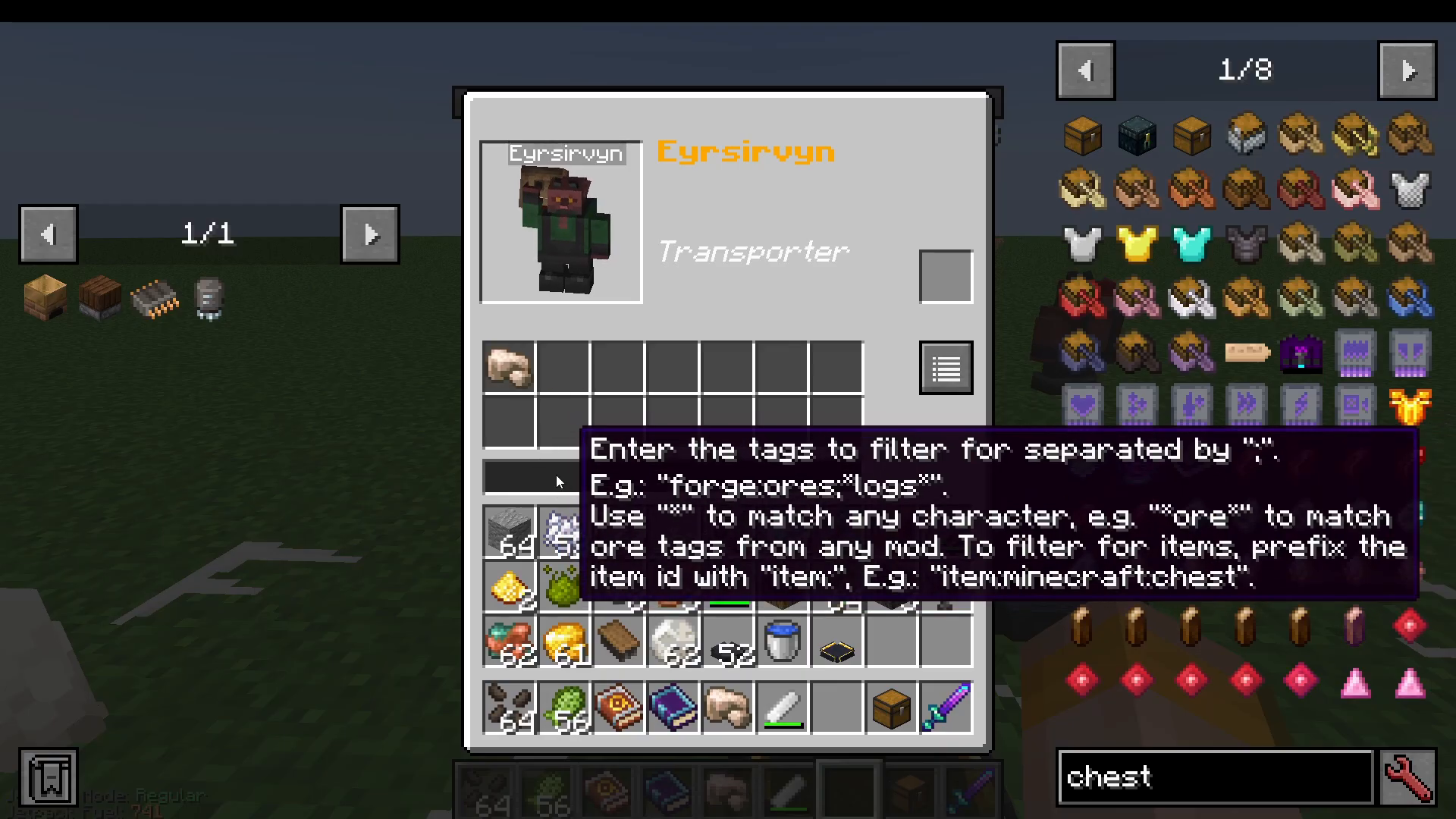
You can also use tags such as forge:ores to whitelist entire categories of items rather than individual types. This is useful if you want the Transporter to handle multiple ore types at once.
Setting Extract and Deposit Locations
With your whitelist configured, take your Book of Calling and shift right-click on the chest you want the Transporter to pull items from. This sets the extract location. The Transporter works with sides — it will extract from the side of the chest or machine you click, which means it is also compatible with machines, not just chests.
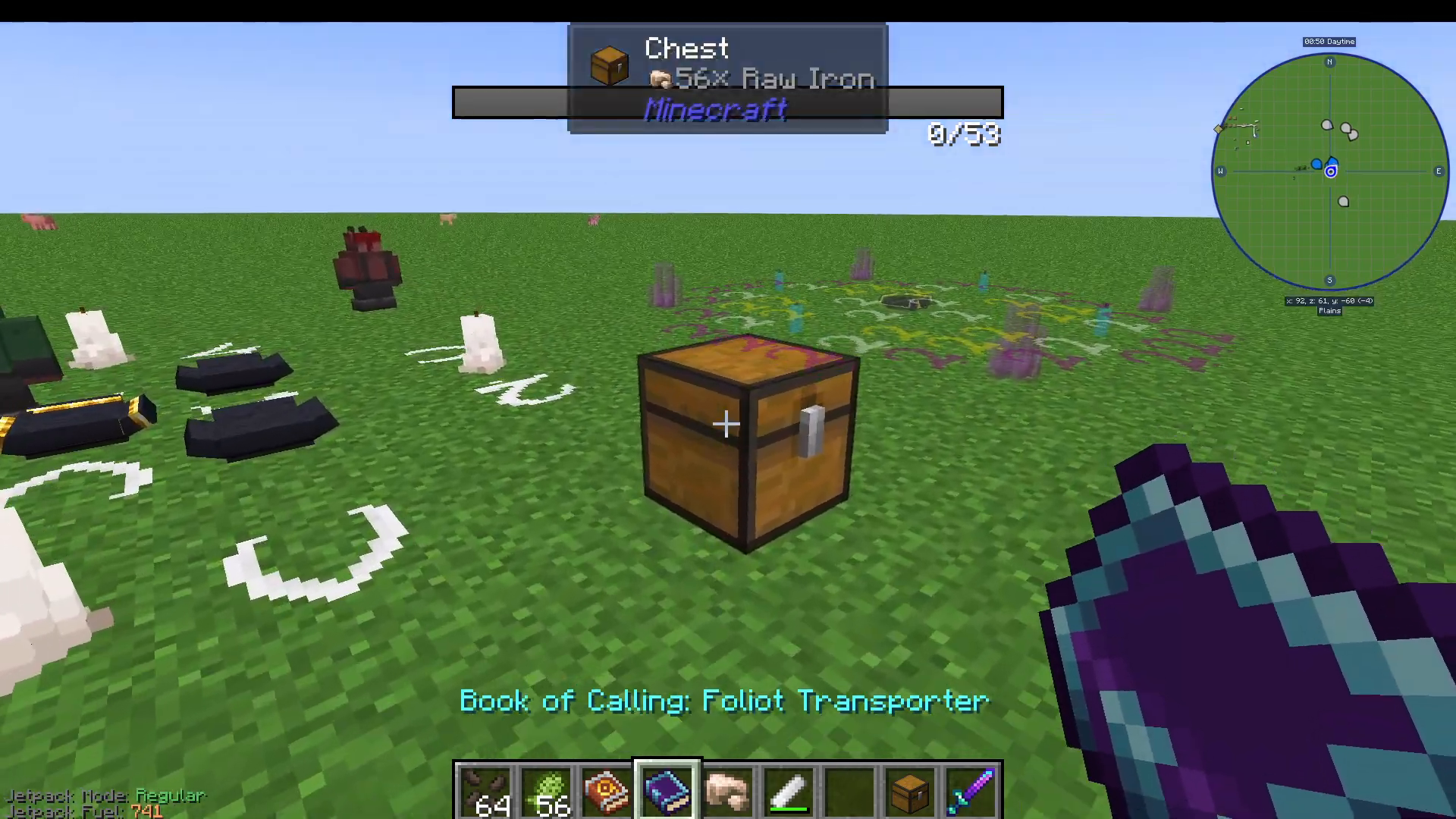
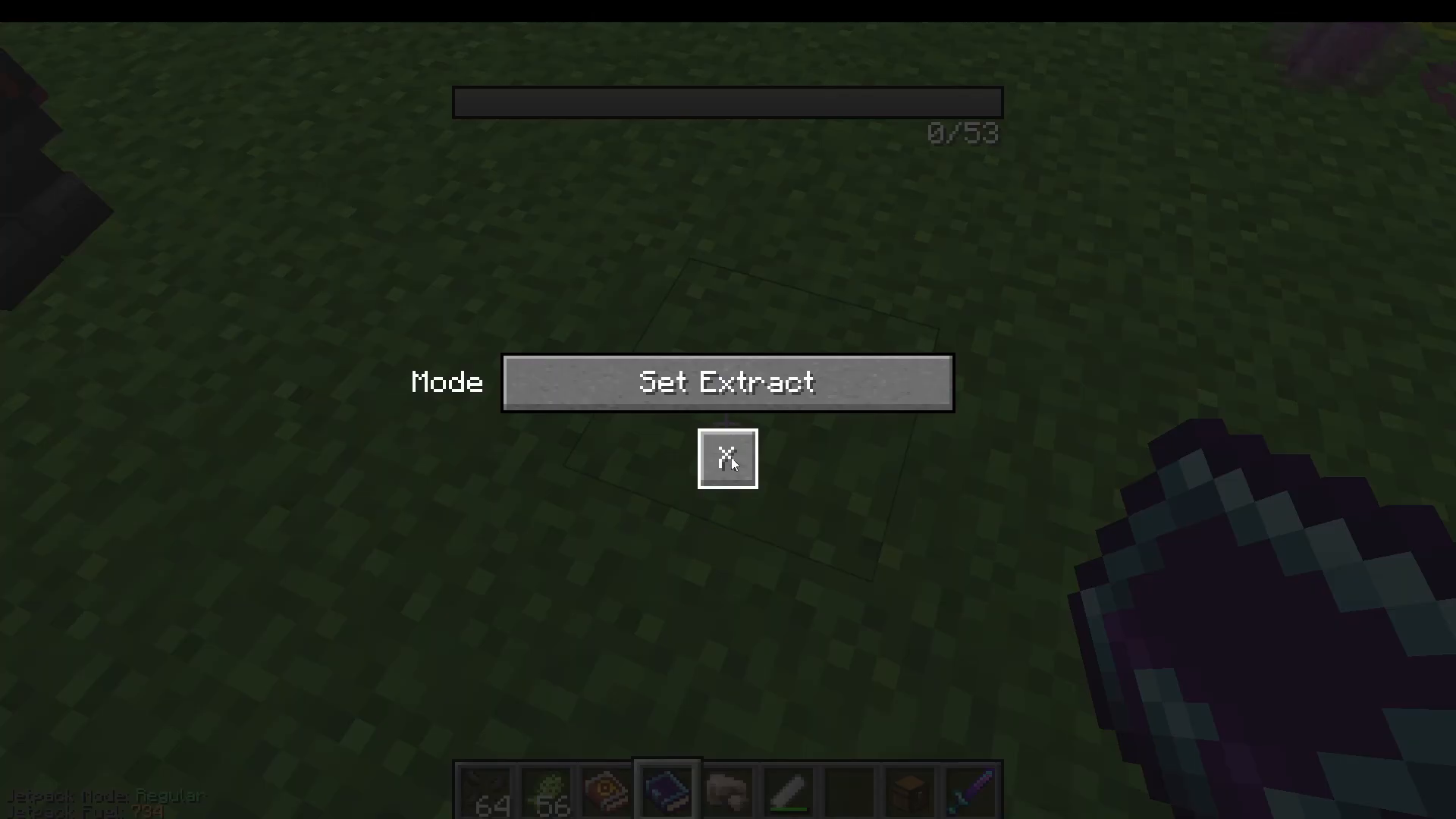
Next, look at the ground, right-click with the Book of Calling, and select Set Deposit. Then shift right-click the destination inventory — such as your Folio Crusher demon — to tell the Transporter where to deliver the items. Once configured, the Transporter will automatically begin moving items from the chest into the crusher.
Decay Rate – How Long Does It Last?
The Folio Transporter is a Tier 1 demon, which means it will eventually disappear over time. However, the decay rate is surprisingly slow. After roughly one to two hours of operation, the demon had only decayed by approximately 10%. So while these demons are not permanent, they will last much longer than you might initially expect.
What Is the Folio Janitor?
The Folio Crusher drops processed items directly onto the ground — and that’s where the Folio Janitor comes in. The Janitor demon’s job is to pick up dropped items from the ground and deposit them into a designated inventory. It also supports whitelist and blacklist configuration, so you can control exactly which items it collects.
How to Summon the Folio Janitor
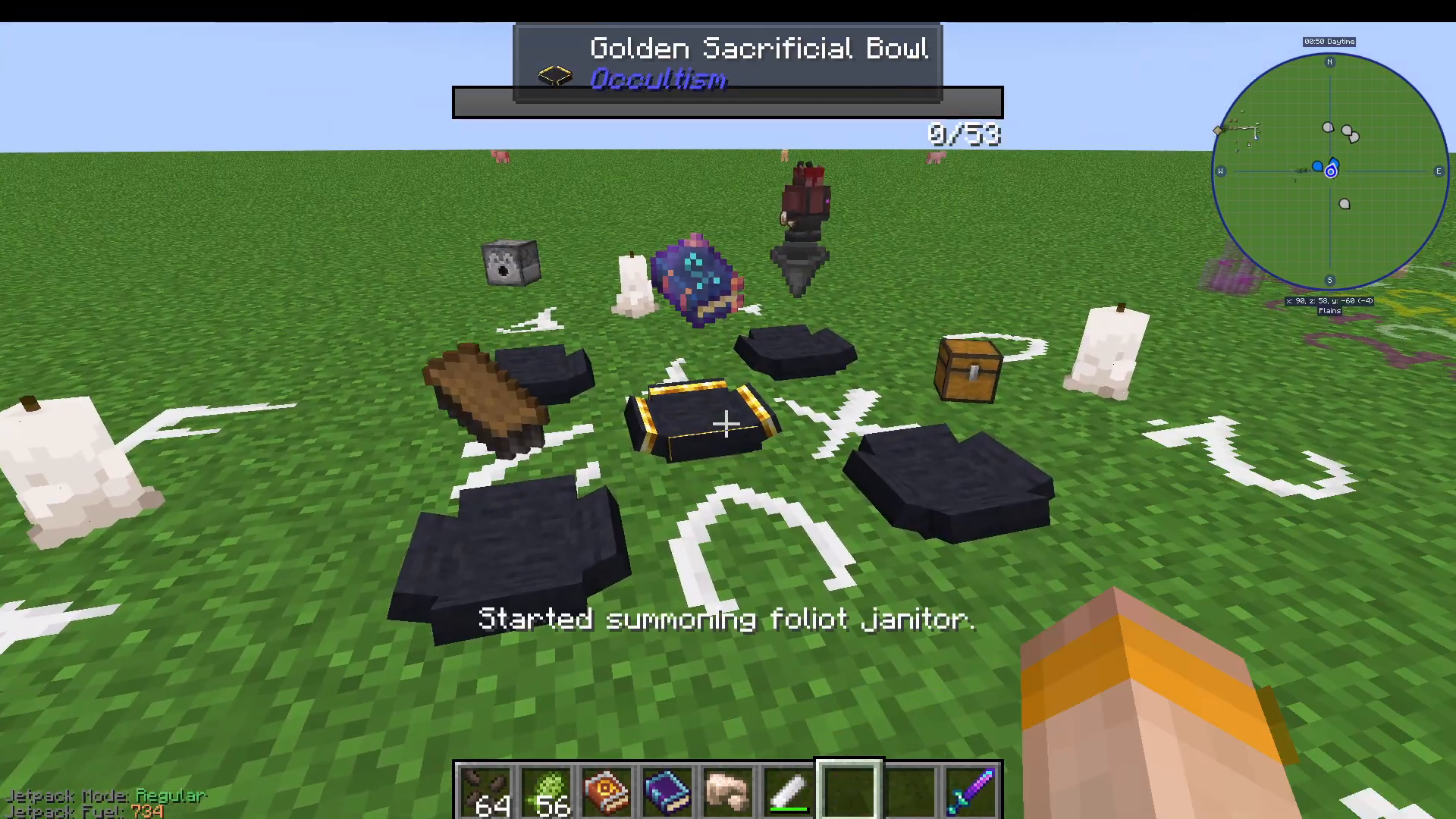
To summon the Folio Janitor, you will need a chest, chalk brush, hopper, and dispenser. Just like the Transporter, this uses the same standard Folio ritual — place a Book of Binding Folio in the ritual setup to begin the summoning. After the ritual completes, your Janitor demon will appear and you will receive a Book of Calling Folio Janitor.
Picking Up and Placing the Janitor
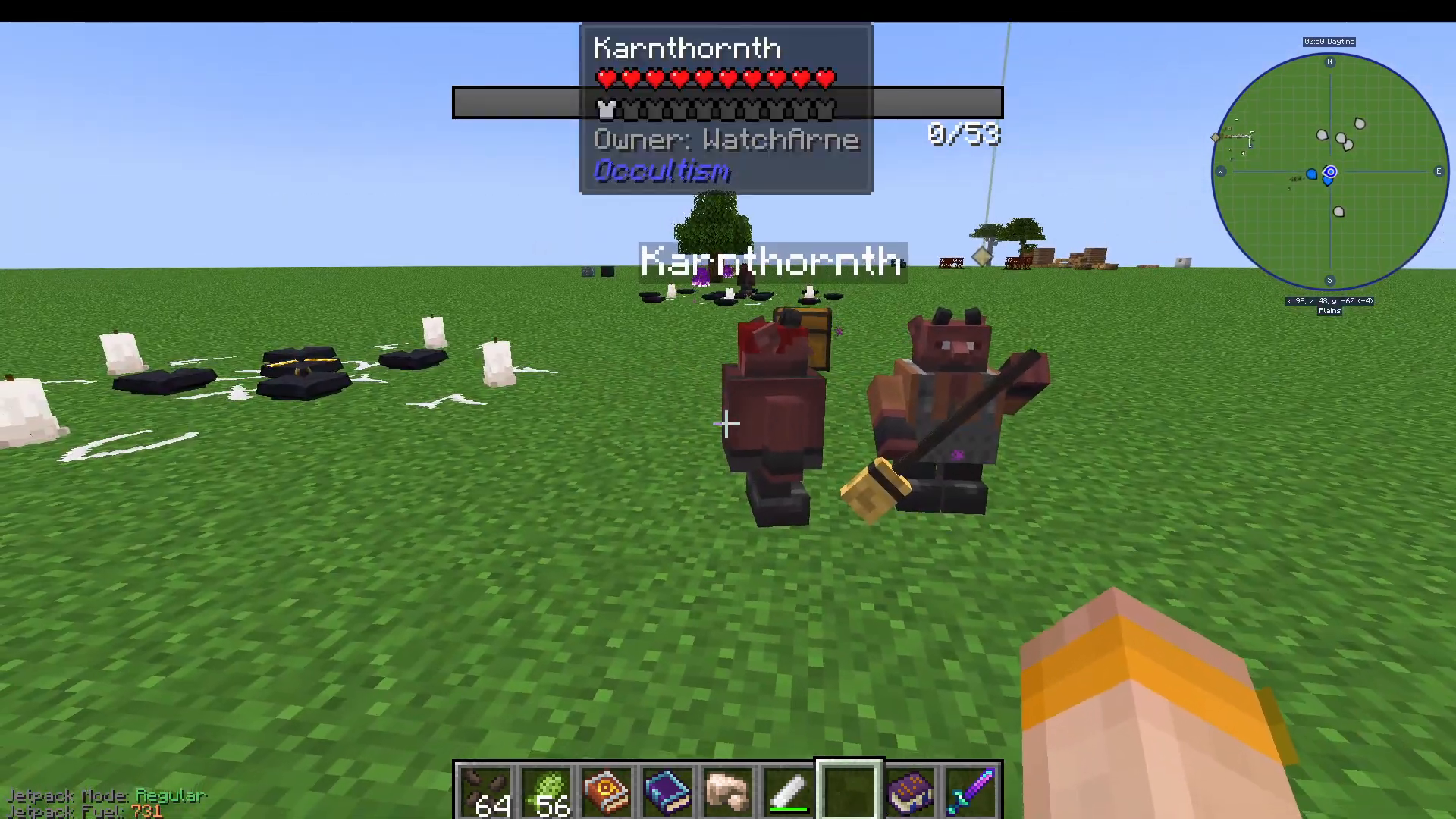
You can shift right-click the Janitor demon with the Book of Calling to pick it up and reposition it. Simply right-click to place it back down in a new location. This works the same way for the Transporter demon — shift right-click with an empty hand to pick it up. This lets you fine-tune placement without having to resummon the demon.

Configuring the Folio Janitor
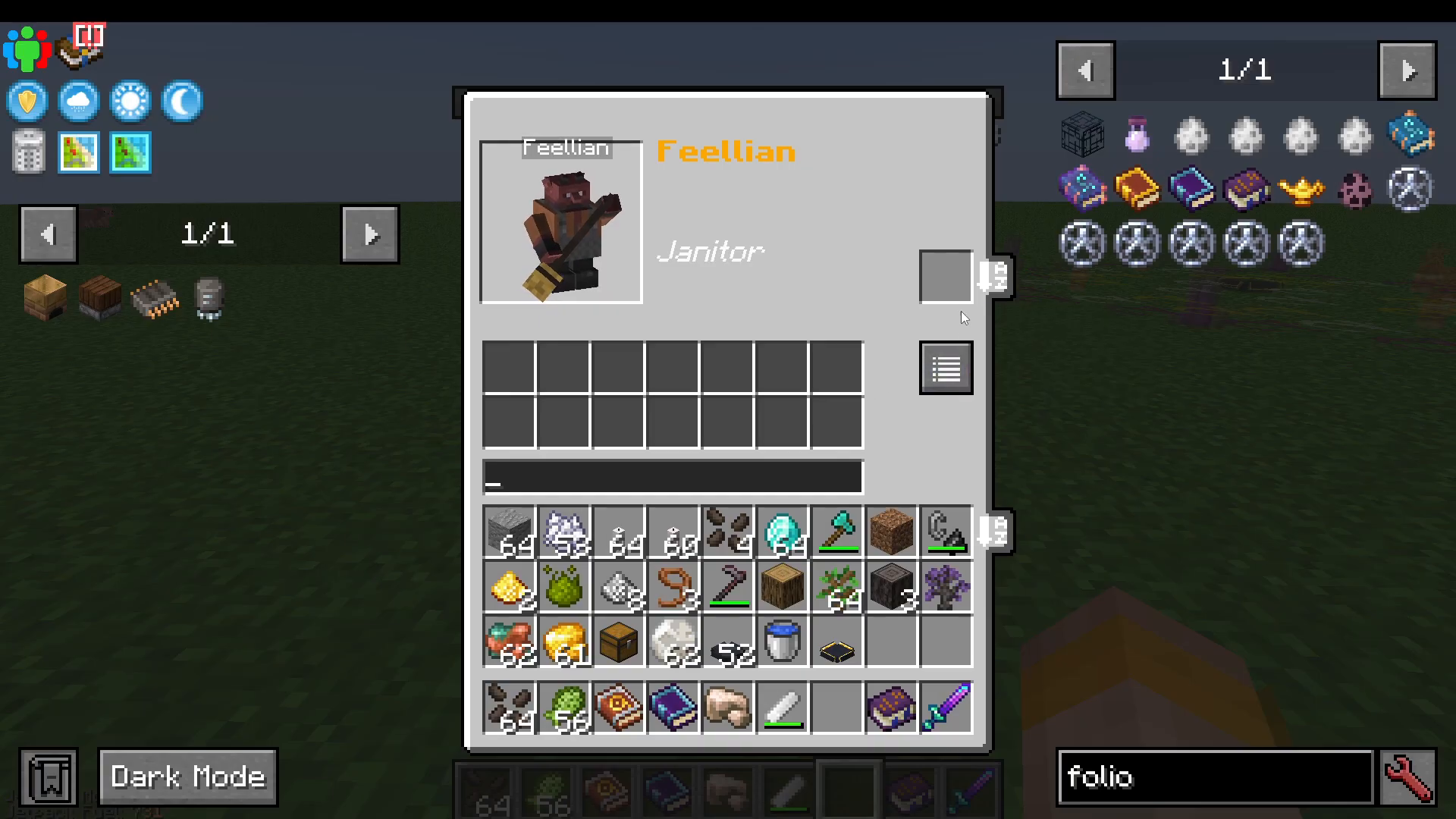
Shift right-click the Janitor to open its configuration. You can whitelist specific items for it to collect — for example, Iron Dust (the output of your Folio Crusher). This ensures the Janitor only picks up the items you care about and ignores everything else on the ground.
Setting Deposit and Base Locations
With the Janitor configured, take your Book of Calling Janitor and right-click on the ground to access two important options: Set Deposit and Set Base Location.
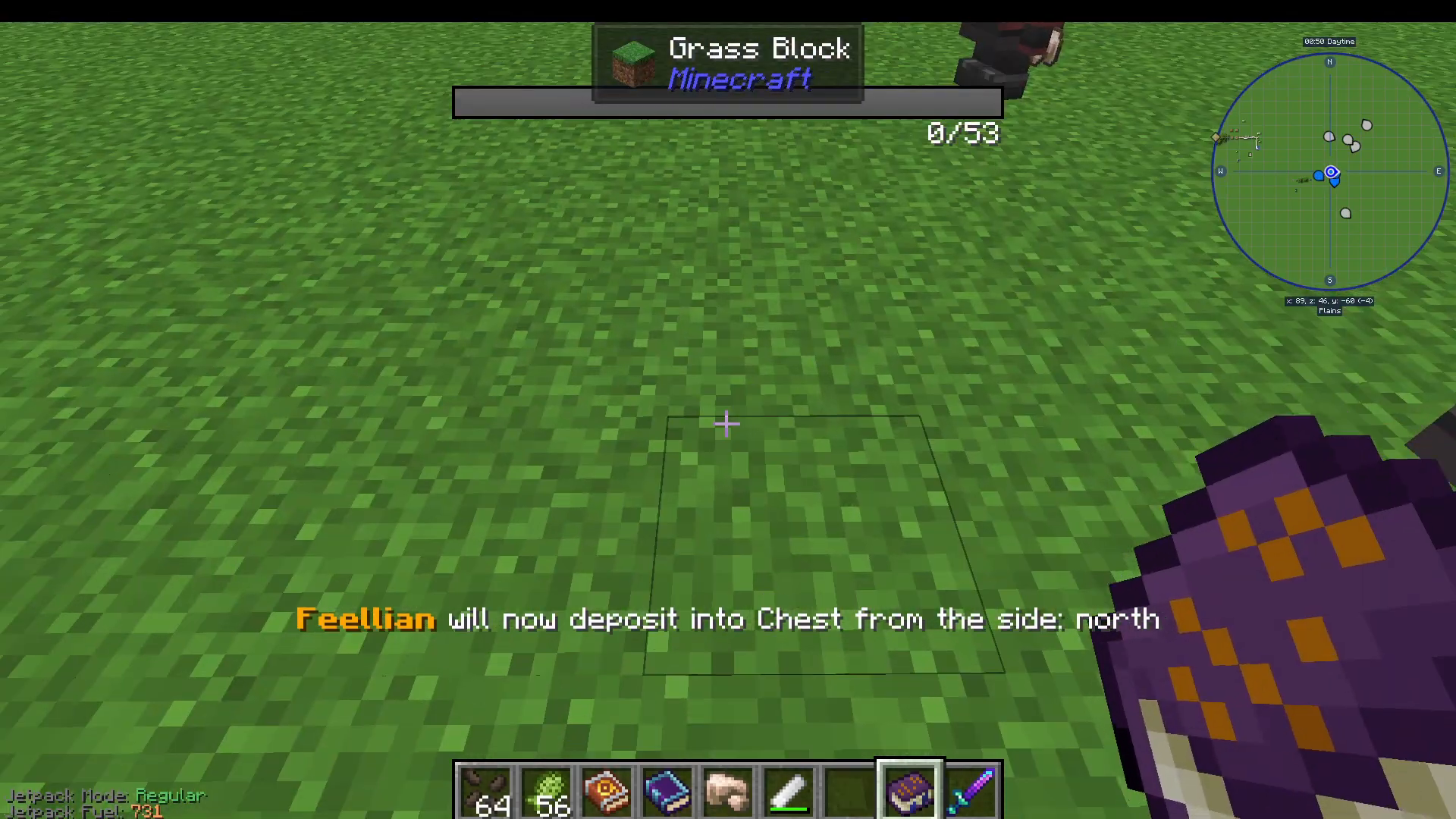
Use Set Deposit and then shift right-click your target chest or furnace to tell the Janitor where to deliver collected items. If you are depositing into a furnace, make sure to shift right-click the top of the furnace so items are imported into the correct slot.
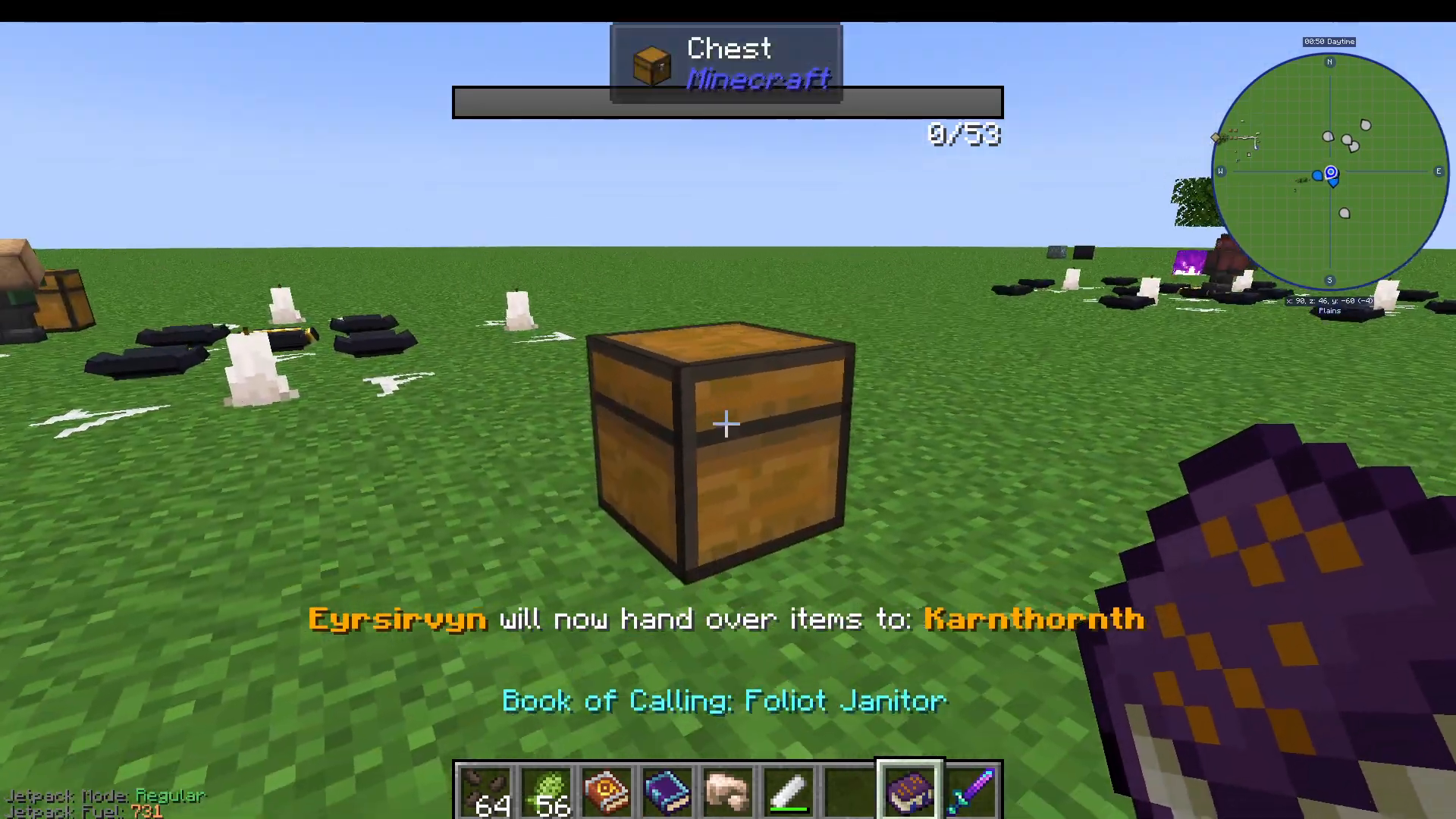
Use Set Base Location and then shift right-click a spot near your Folio Crusher. This tells the Janitor where to stand and patrol, keeping it close to where the crushed dust is being dropped so it can collect items quickly and efficiently.
Building a Fully Automated Ore Processing Line
By combining the Transporter and Janitor demons together with a furnace, you can build a complete, automated ore processing pipeline. Here is the full workflow:
Step-by-Step: Full Ore Processing Automation
Place a chest and fill it with your raw ore (e.g., raw iron ore).
Summon a Folio Transporter, whitelist your raw ore, set it to extract from the chest, and deposit into your Folio Crusher demon.
The Folio Crusher processes the ore and drops the output (e.g., Iron Dust) on the ground.
Summon a Folio Janitor, whitelist Iron Dust, set its base location near the crusher, and set its deposit location to a furnace (shift right-click the top of the furnace).
The furnace smelts the Iron Dust into Iron Ingots (or doubles/triples yield depending on which crusher tier you are using).
Summon a second Folio Transporter, whitelist forge:ingots or specifically iron ingots, set it to extract from the furnace, and deposit into a final output chest.
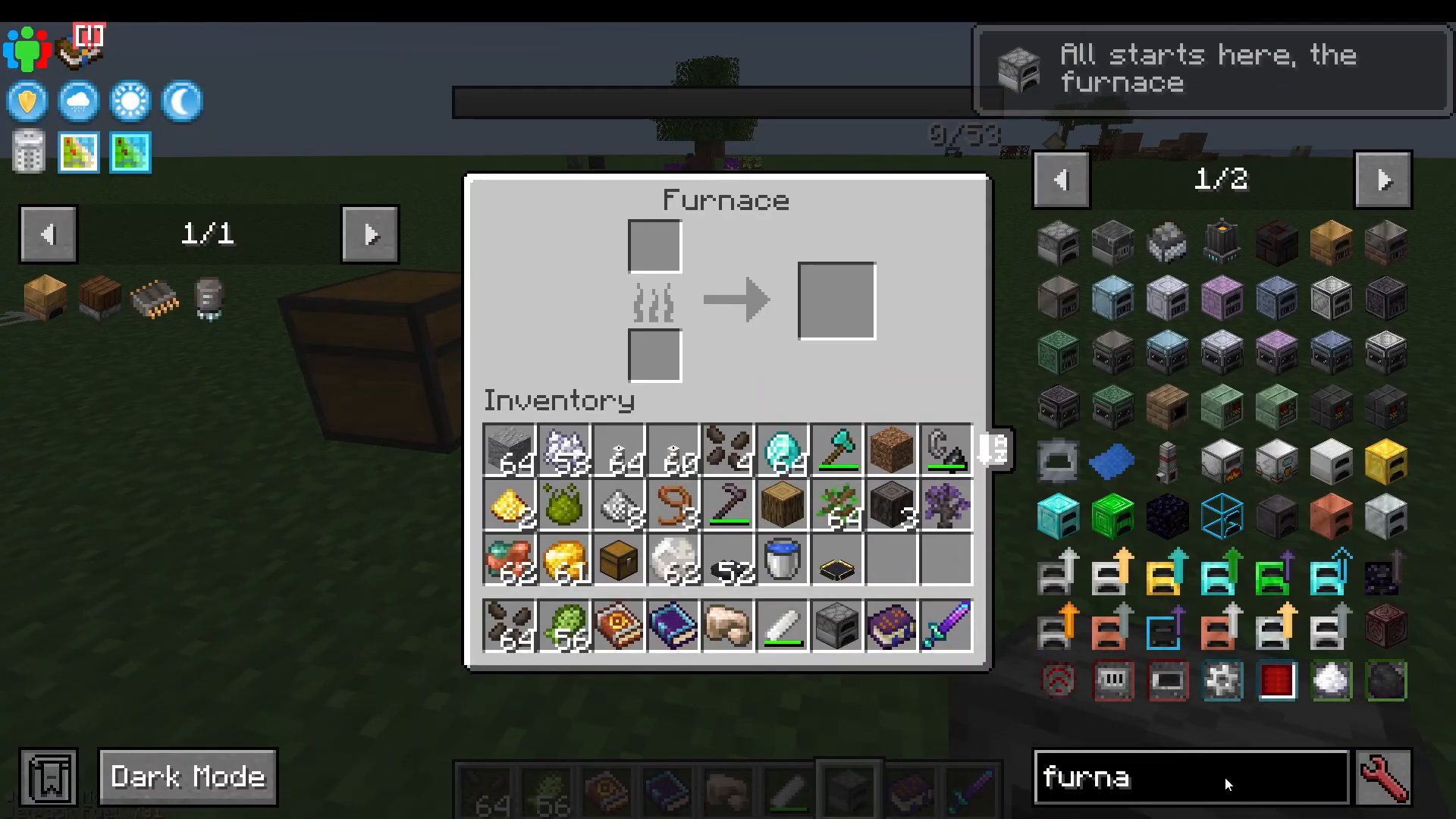
Place some coal in the furnace to keep it running, and the entire pipeline will operate automatically — from raw ore all the way to finished ingots sitting in your output chest, ready to use.
Scaling Up with Higher-Tier Demons
Keep in mind that this guide covers the Folio Tier 1 demons. Higher-tier demons available later in the Occultism progression can process ores up to six times, dramatically increasing your resource output from the same raw materials. The automation pipeline structure remains the same — you simply swap in more powerful demons as you progress.
Summary
The Folio Transporter and Folio Janitor are two essential Occultism demons for any player looking to automate their resource processing. The Transporter moves items between inventories on a configurable whitelist, while the Janitor picks up ground drops and delivers them to a target inventory or furnace. Together, they form the backbone of a fully automated ore-to-ingot pipeline that runs entirely on its own — giving you more time to focus on exploring, building, and progressing further into the Occultism mod.
Want to Support?
If you would like to help us continue making these guides – please consider joining our patreon here – https://www.patreon.com/c/JaviHeals
Alternatively – we host a group of MC Servers you can join here – https://discord.gg/zD7Gjt6MHF