Weather Gate Quick Guide
Weather Gate Mod Guide: Control Snow, Sun & Terrain in Minecraft
Ever wondered why your grass is red instead of green? That’s the Weather Gate mod (also known as the Functional Blocks mod) at work. This handy Minecraft mod adds three powerful blocks that let you manipulate snow formation, client-side sunlight, and even the color of grass, foliage, and water in your world. Here’s a quick breakdown of each block and exactly how to use them.
The Snow Capture Block
The Snow Capture block prevents snow from forming in the surrounding area. Place it down and snow will no longer accumulate on the ground nearby. It’s important to note that it will not remove snow that has already formed — it only stops new snow from appearing. This means dropping one on an already snow-covered mountain won’t have much visible effect. Plan ahead and place it before the snowfall for best results.
The Sun in a Box Block
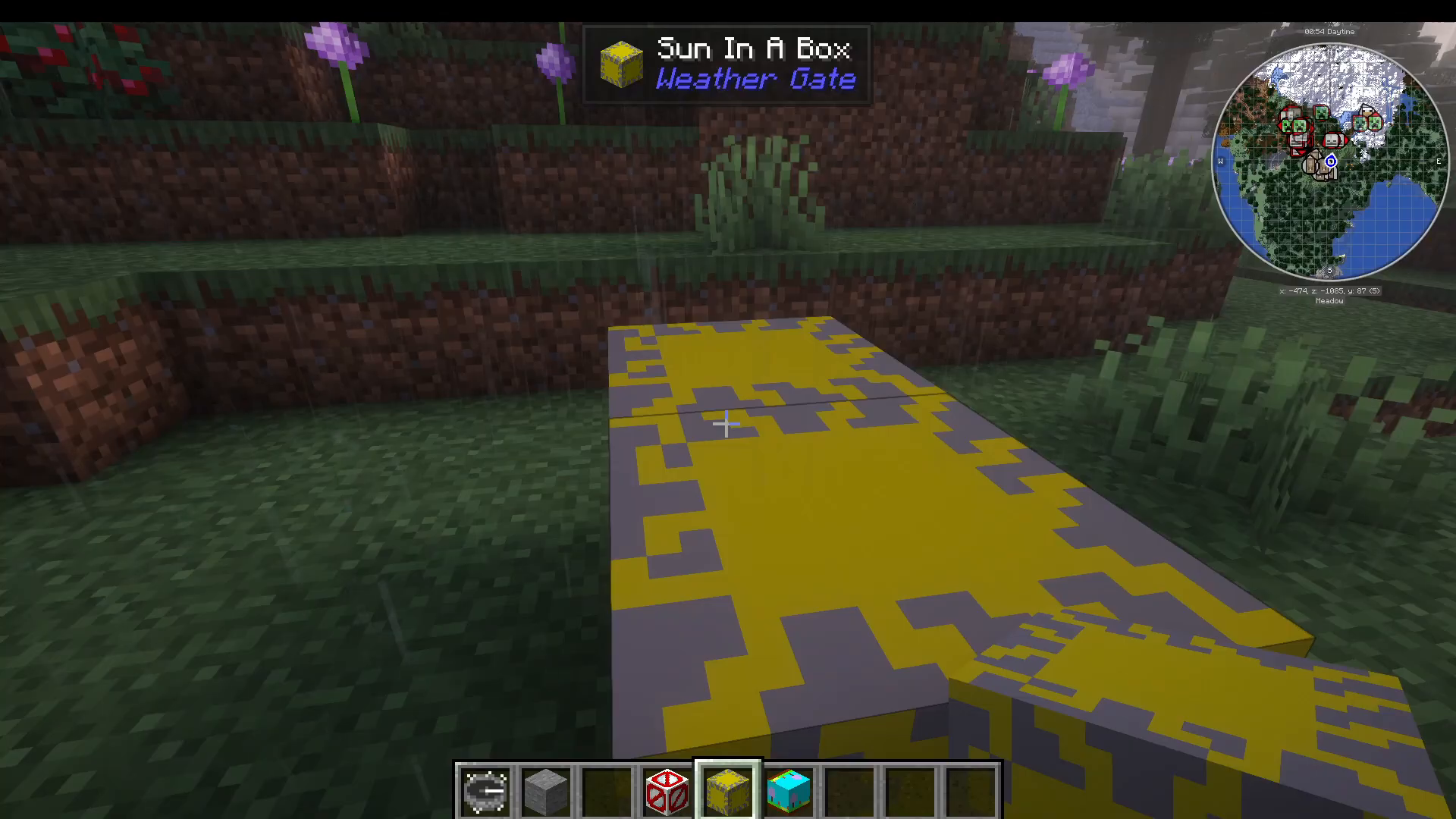
The Sun in a Box block forces the sunlight value in your area to always read as full daylight. This is a purely client-side effect — meaning only you will see the change. It will not alter the actual light level on the server, so other players and server-side mechanics remain unaffected. It’s a useful quality-of-life tool if you personally want to avoid dealing with darkness in certain areas.
The Terrain Controller Block
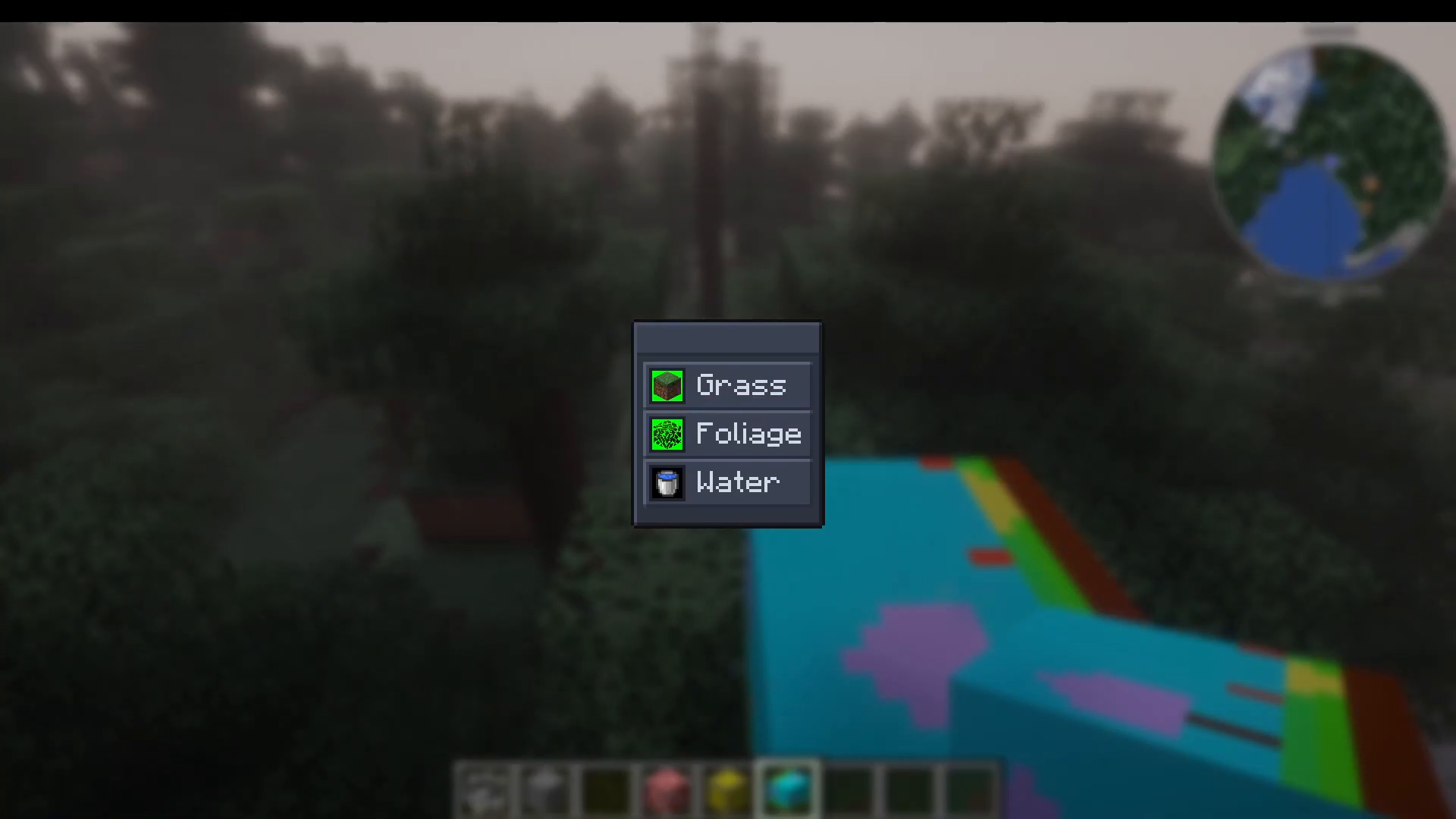
The most exciting block in the mod is the Terrain Controller. It’s very simple to craft and gives you the ability to change the color of grass, foliage, and water in the surrounding area. Here’s how to use it step by step.
Changing Grass Color
Place the Terrain Controller block down in the area you want to affect. Open its interface and select Grass as the target type. From there, you can choose from a wide range of colors. For example, selecting White and confirming with a tick will immediately turn all the grass in the surrounding area white.
Changing Foliage Color
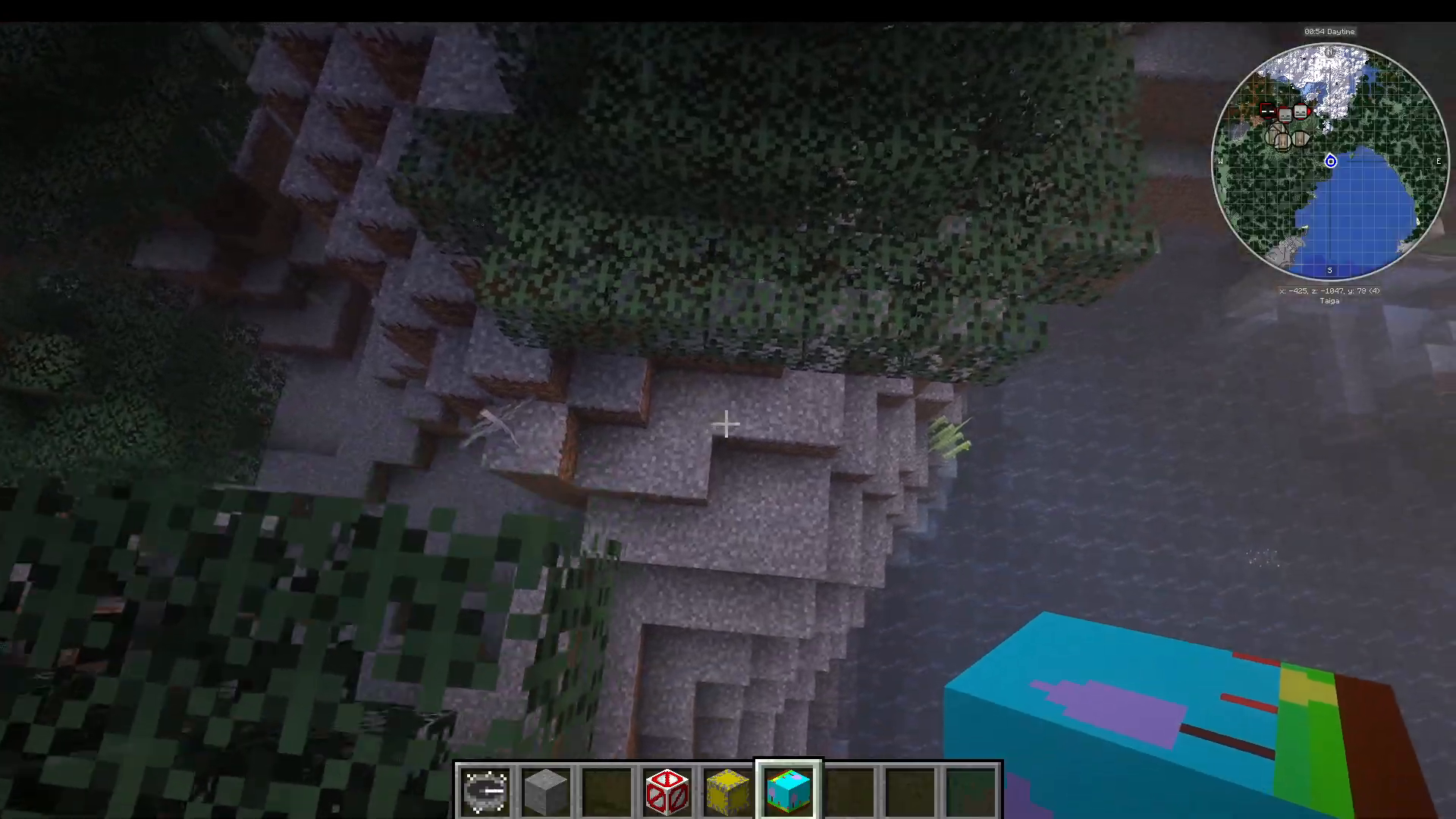
You can also target Foliage as the color type and select a color such as Magenta. During testing, the foliage color change appeared inconsistent — possibly due to having another Terrain Controller block already placed nearby. If the foliage color doesn’t apply on the first attempt, try placing a fresh Terrain Controller in a new location without any overlapping blocks.
Changing Water Color
The Terrain Controller also supports changing Water color. Setting it to Black, for instance, will attempt to recolor nearby water. In practice, the result can appear more green than true black, so results may vary depending on your biome and rendering settings. It’s still a fun tool for creating visually unique builds and environments.
Summary: Is the Weather Gate Mod Worth It?
The Weather Gate mod is a compact but creative mod that gives you surprising control over your Minecraft environment. The Snow Capture block is perfect for keeping builds snow-free, the Sun in a Box is a handy client-side lighting fix, and the Terrain Controller opens up a world of visual customization with colored grass, foliage, and water. While foliage and water color changes can be a little finicky, the grass recoloring works reliably and can create some truly striking landscape effects. Definitely worth adding to your mod list for builds that demand a unique aesthetic.
“`