How to Use the Mincer in Lets do Farm & Charm
How to Use the Mincer in Let’s Do Farm & Charm
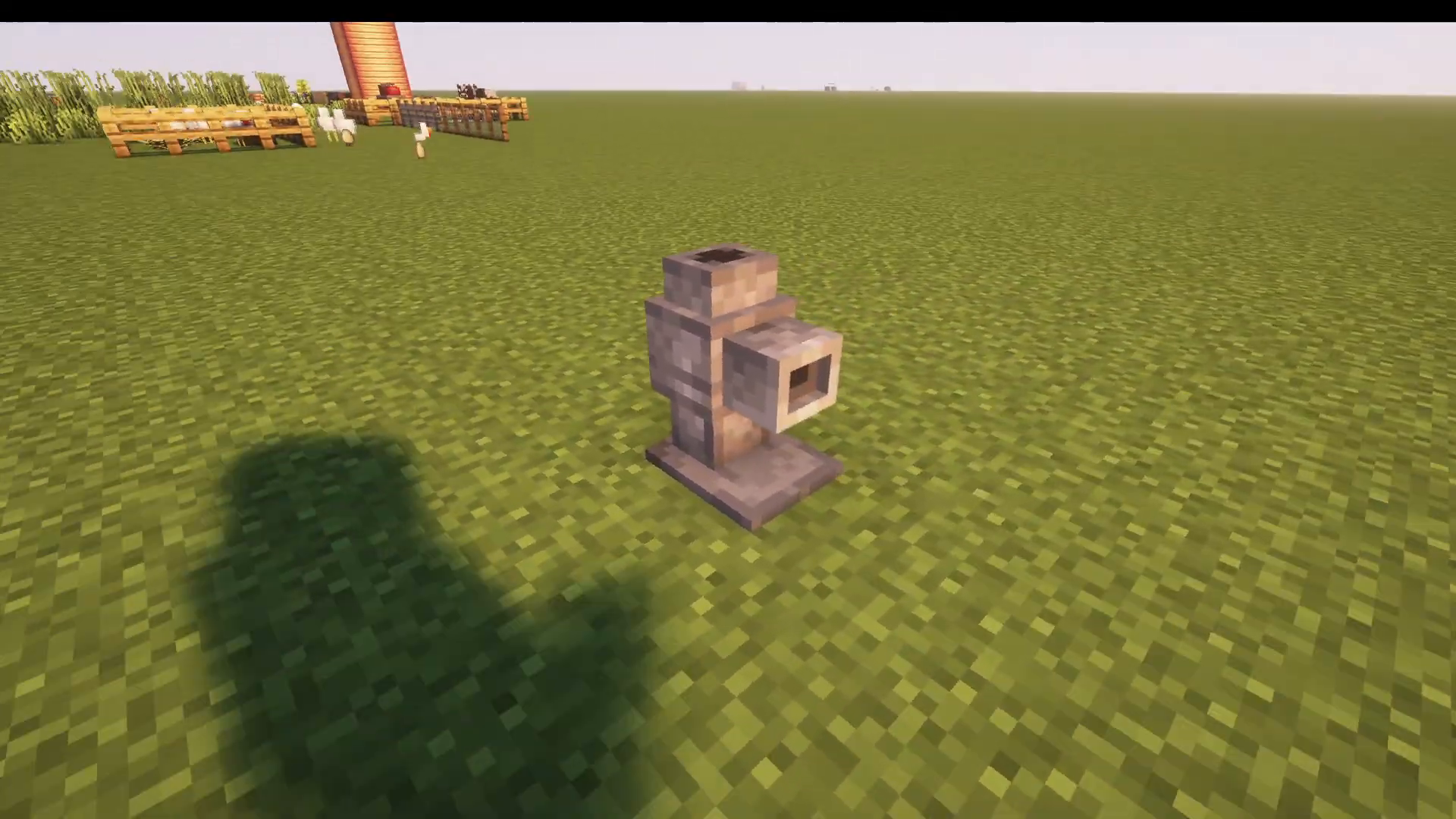
The Mincer is one of the most useful tools in the Let’s Do Farm & Charm mod. This guide will walk you through everything you need to know about operating the Mincer, from viewing available recipes to processing your items efficiently.
Viewing Available Recipes
If you have Just Enough Items (JEI) or Just Enough Information installed, you can easily view all the Mincer’s recipes. Simply click the U key while looking at the Mincer to display uses. You can cycle through all available recipes in this menu.
The Mincer supports a wide variety of recipes, including:
Strawberries into seeds
Melons into melon slices
Gold into free gold
Stripped wood from logs (e.g., oak log into stripped oak log)
Diamond horse armor into diamonds
Farm & Charm Exclusive Recipes
The Mincer also features special recipes from the Let’s Do Farm & Charm mod itself, allowing for more efficient crafting:
Raw mutton into lamb ham
Bone into five bone meal (instead of the standard three bone meal)
Raw chicken into juicy chicken bits
How to Use the Mincer
Using the Mincer is straightforward. Let’s walk through a practical example using raw chicken:
Step 1: Add Your Item
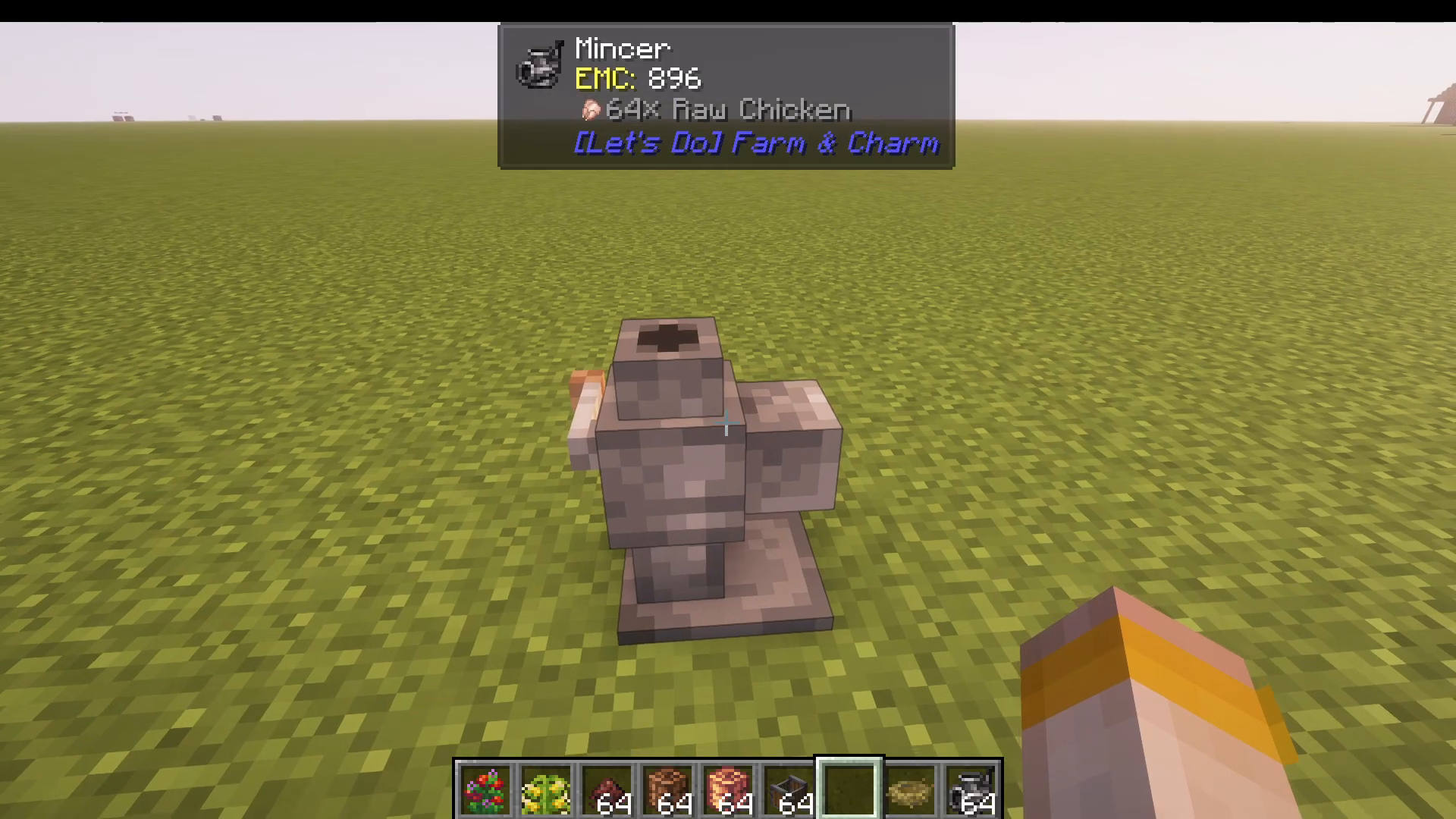
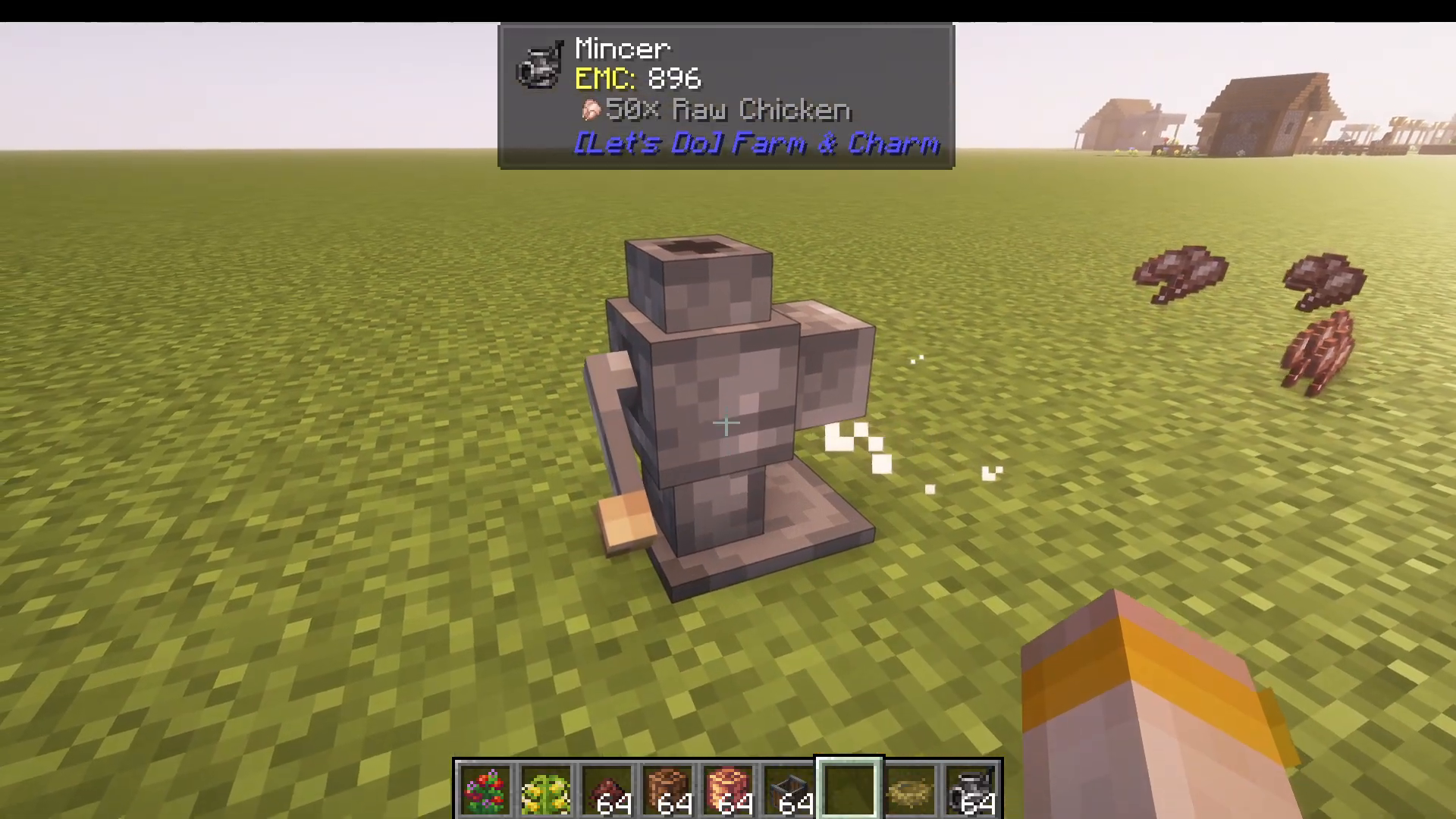
Right-click your chosen item into the Mincer. For example, right-click raw chicken into the Mincer. The item will be stored inside.
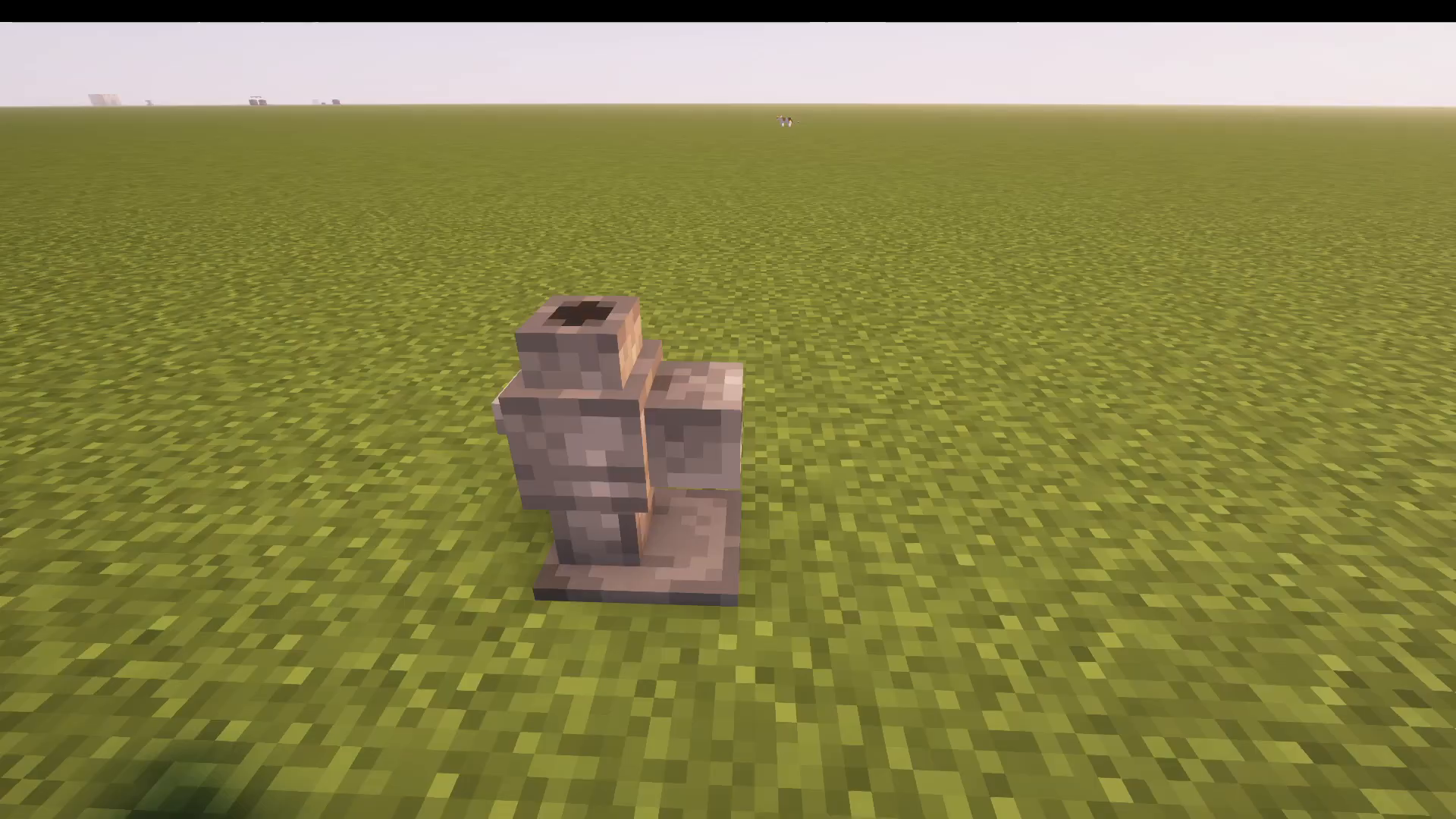
Pro Tip: The mod Jade (J.A.D.E.) displays the contents of the Mincer at the top of your screen, making it easy to track what’s inside.
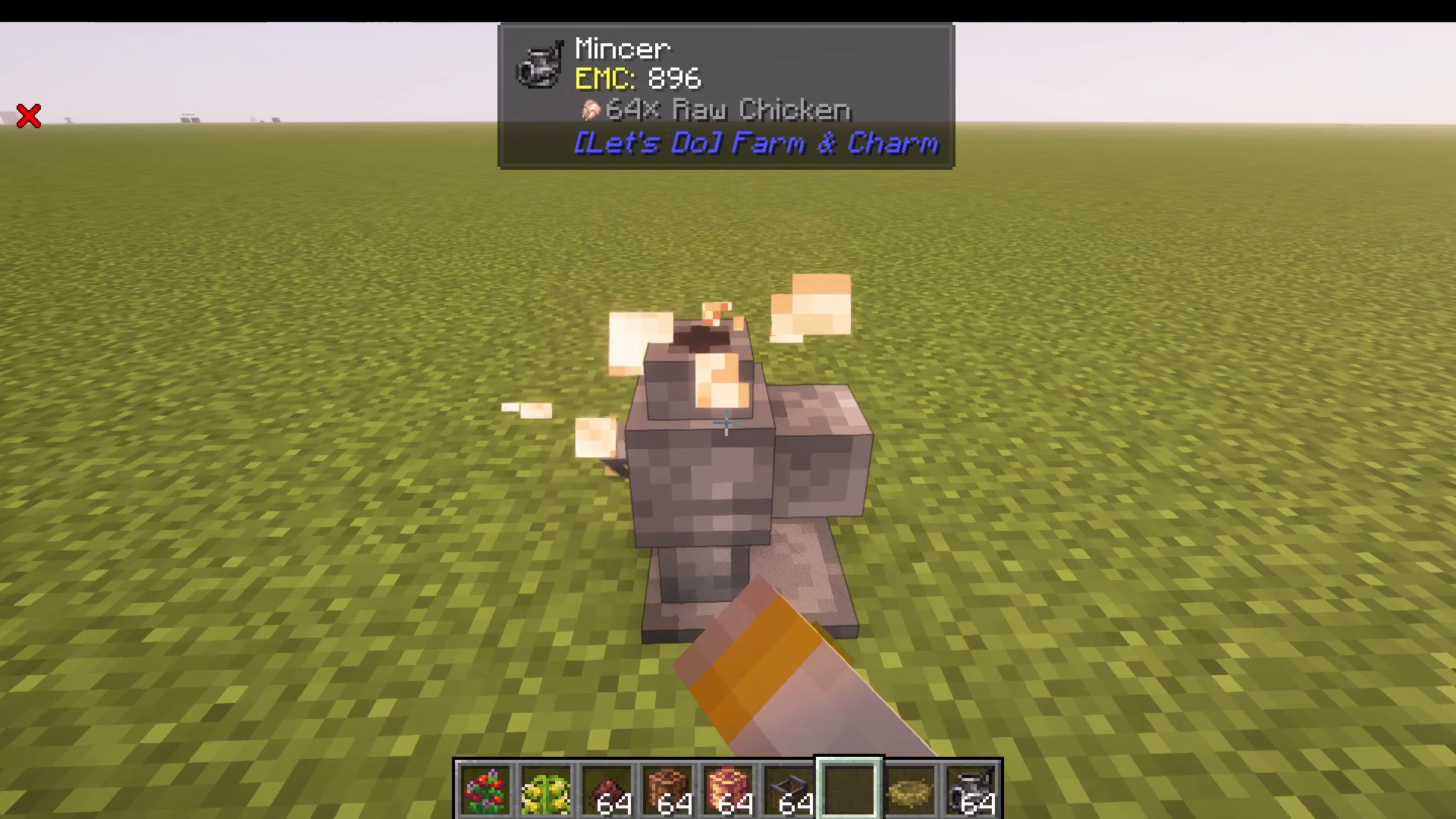
Step 2: Process Your Items
Right-click the Mincer again to process the contents and receive your finished product. In this example, the raw chicken will be converted into juicy chicken bits.
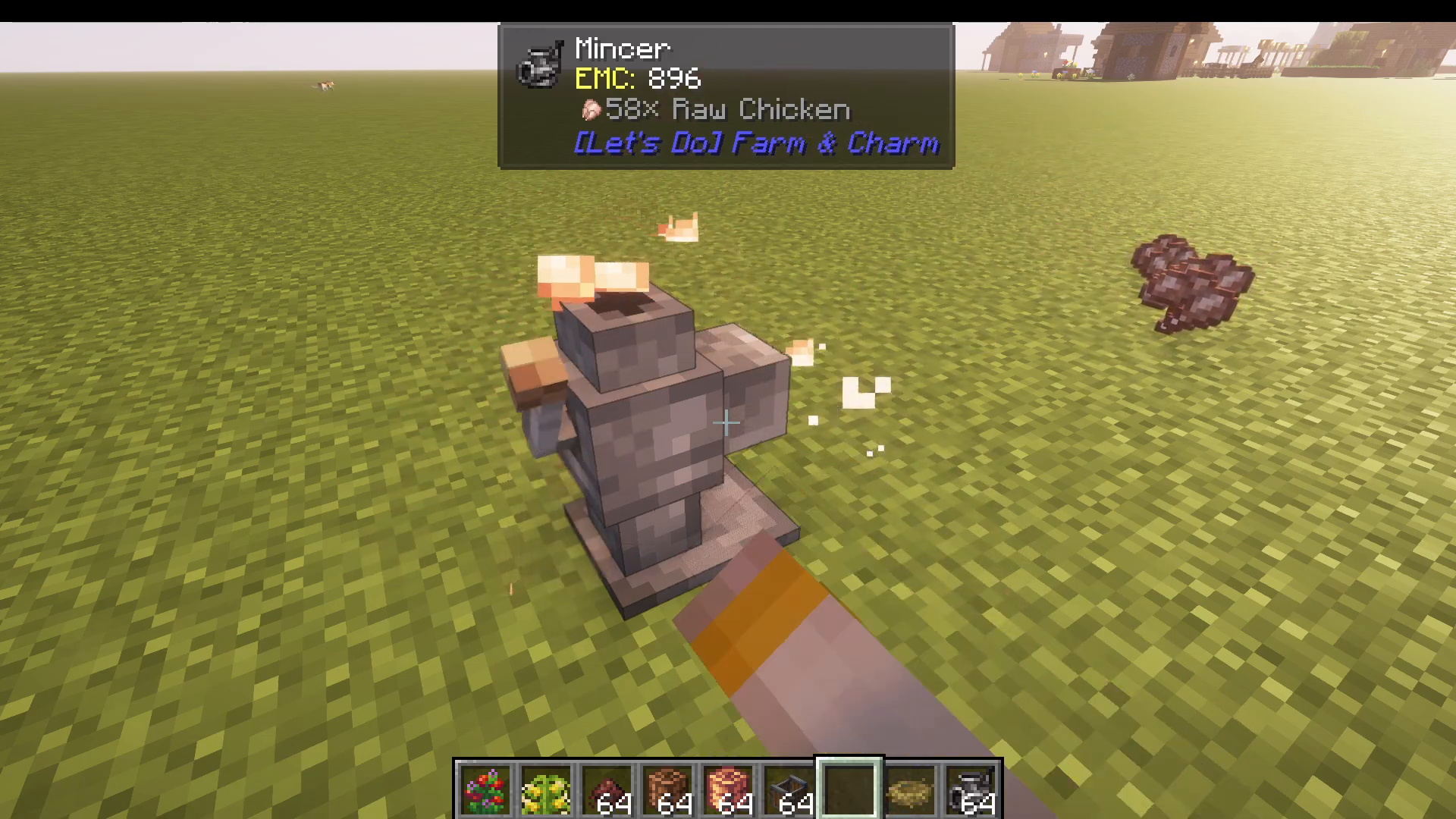
Step 3: Retrieve Your Output
The processed items will be ejected from the Mincer, ready for use.
Removing Items Without Processing
If you need to remove an item from the Mincer without processing it, use Shift + Right-click. This is useful if you accidentally placed the wrong item inside. For example, if you place a chicken nest in the Mincer by mistake, shift right-click to extract it immediately without processing.
Works with Multiple Item Types
The same simple process applies to all items the Mincer can process: ores, logs, and more. Simply right-click your item in and right-click again to retrieve your finished product.
Summary
The Mincer is an essential tool in Let’s Do Farm & Charm that streamlines crafting for many common recipes. Whether you’re processing food, converting ores, or stripping logs, the Mincer handles it all with just a few right-clicks. Remember to use JEI or Jade to view available recipes, and don’t forget shift right-click if you need to remove items without processing them.
Want to Support?
If you would like to help us continue making these guides – please consider joining our patreon here – https://www.patreon.com/c/JaviHeals
Alternatively – we host a group of MC Servers you can join here – https://discord.gg/zD7Gjt6MHF