How to Tame & Use Crows in Hexerei
How to Tame & Use Crows in Hexerei – Complete Guide
Every witch needs a crow in the Hexerei mod — and taming one is easier than you might think. In this guide, we’ll walk you through everything you need to know: crafting the right items, taming your crow, configuring its behaviour, setting up coffers and herb jars, and even commanding an entire army of crows using a crow flute. Whether you’re brand new to Hexerei or just need a refresher, this tutorial has you covered.
What You’ll Need to Tame a Crow
Crafting Seed Mixture with a Pestle and Mortar
The key item for taming crows is a seed mixture. To make it, you’ll first need a pestle and mortar, which is crafted inside the mixing cauldron.
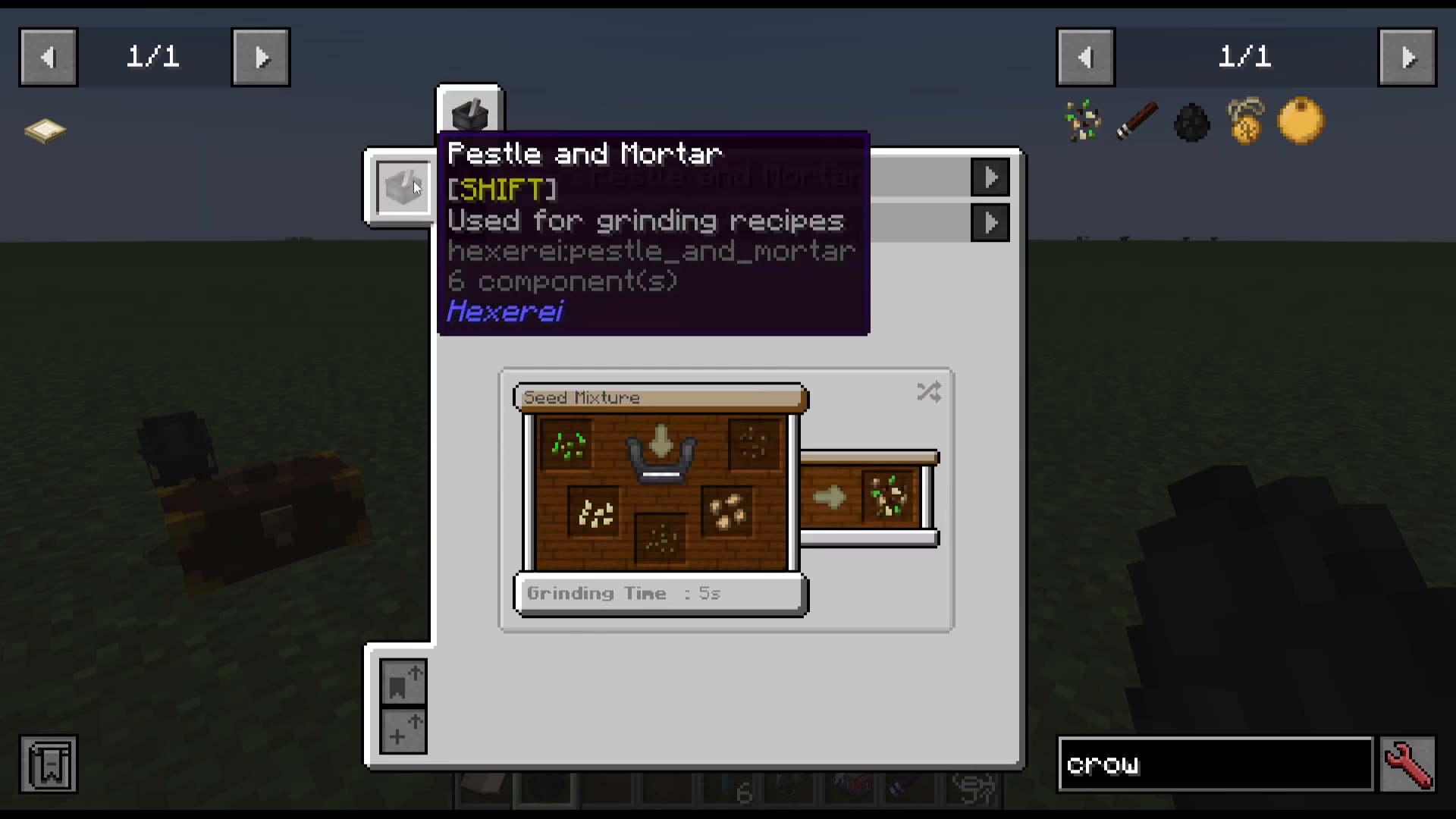
Once you have your pestle and mortar, gather one of each of the following seeds: wheat, pumpkin, beetroot, melon, and sage. Right-click each seed into the pestle and mortar — it will automatically begin grinding once all ingredients are placed inside. Note that once all ingredients are in, the recipe locks and you cannot remove them individually. When complete, right-click to retrieve your seed mixture.
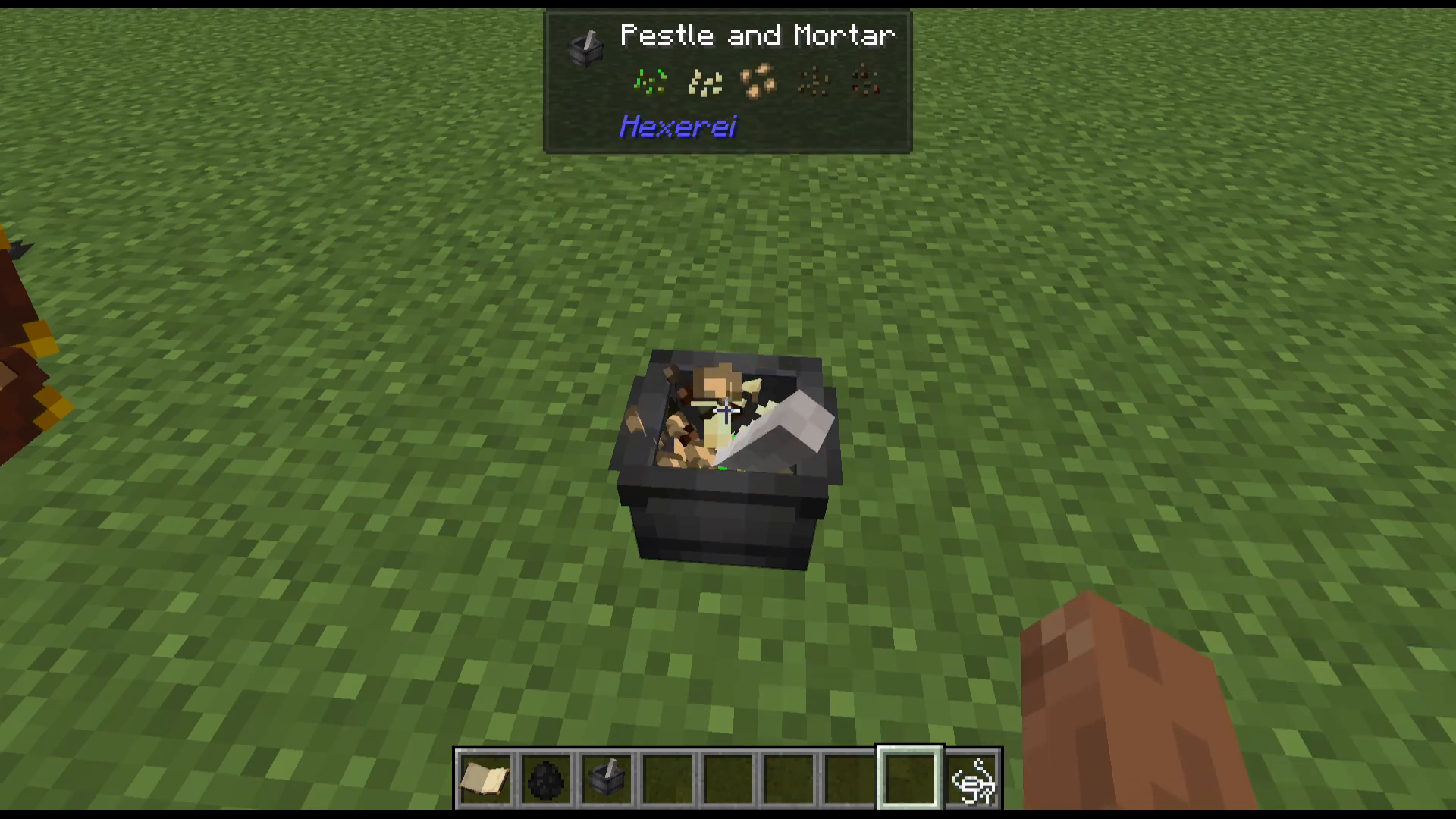
It’s a good idea to craft a full stack of seed mixtures before you start taming, since taming isn’t guaranteed on the first attempt.
How to Tame a Crow
Once you have your seed mixture and a crow in front of you, you have two options:
Right-click directly on the crow with the seed mixture in hand.
Throw the seed mixture on the floor near the crow — this method gives you a higher taming chance.
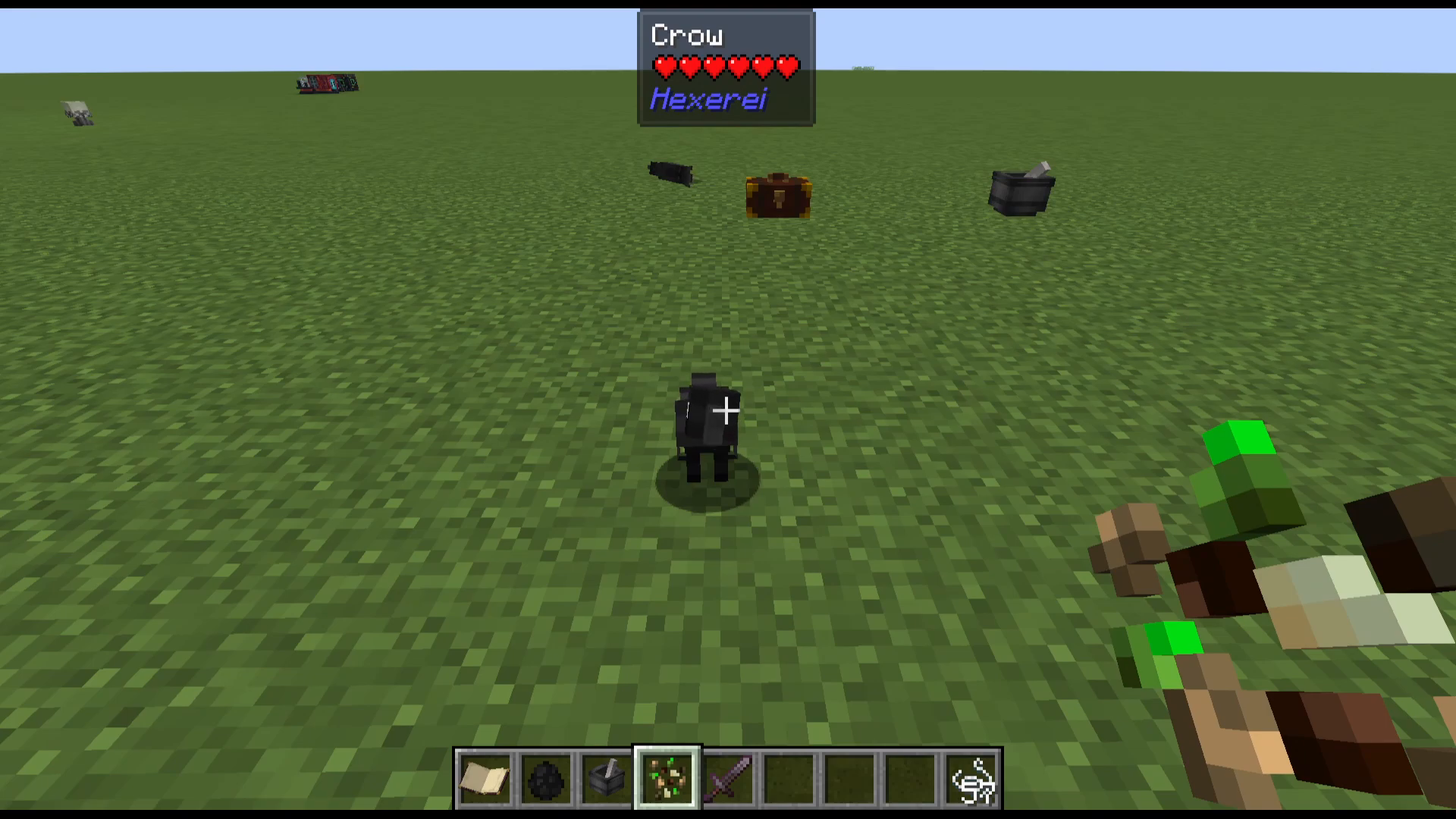
The crow will pick up the seed from the ground. Taming is not guaranteed, so keep trying — throw more seeds on the floor or right-click repeatedly until you see heart particles appear above the crow, confirming it has been tamed.
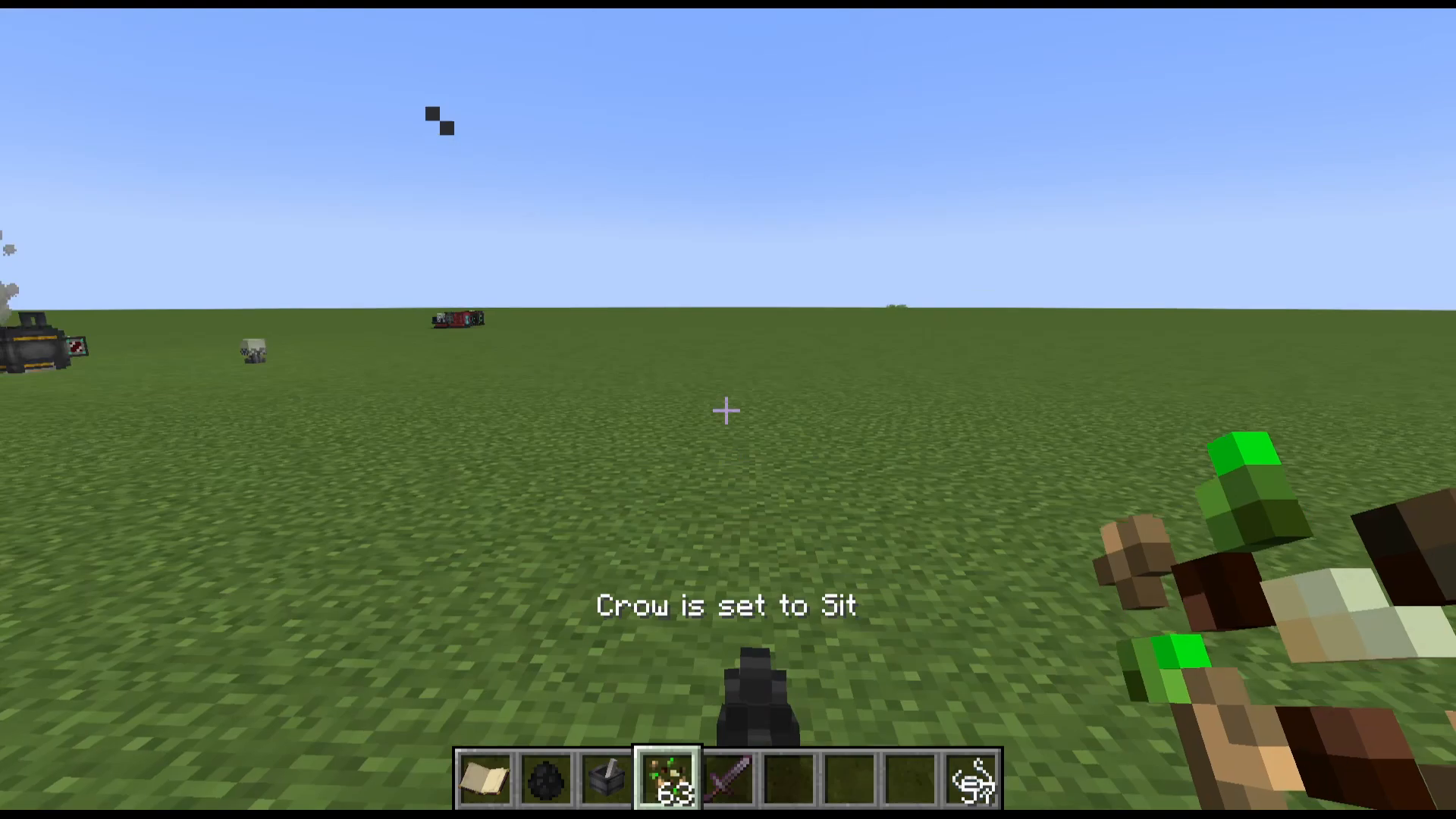
You can tame as many crows as you like — building up a whole army of crows is absolutely possible!
Crow Behaviour Modes
Basic Commands
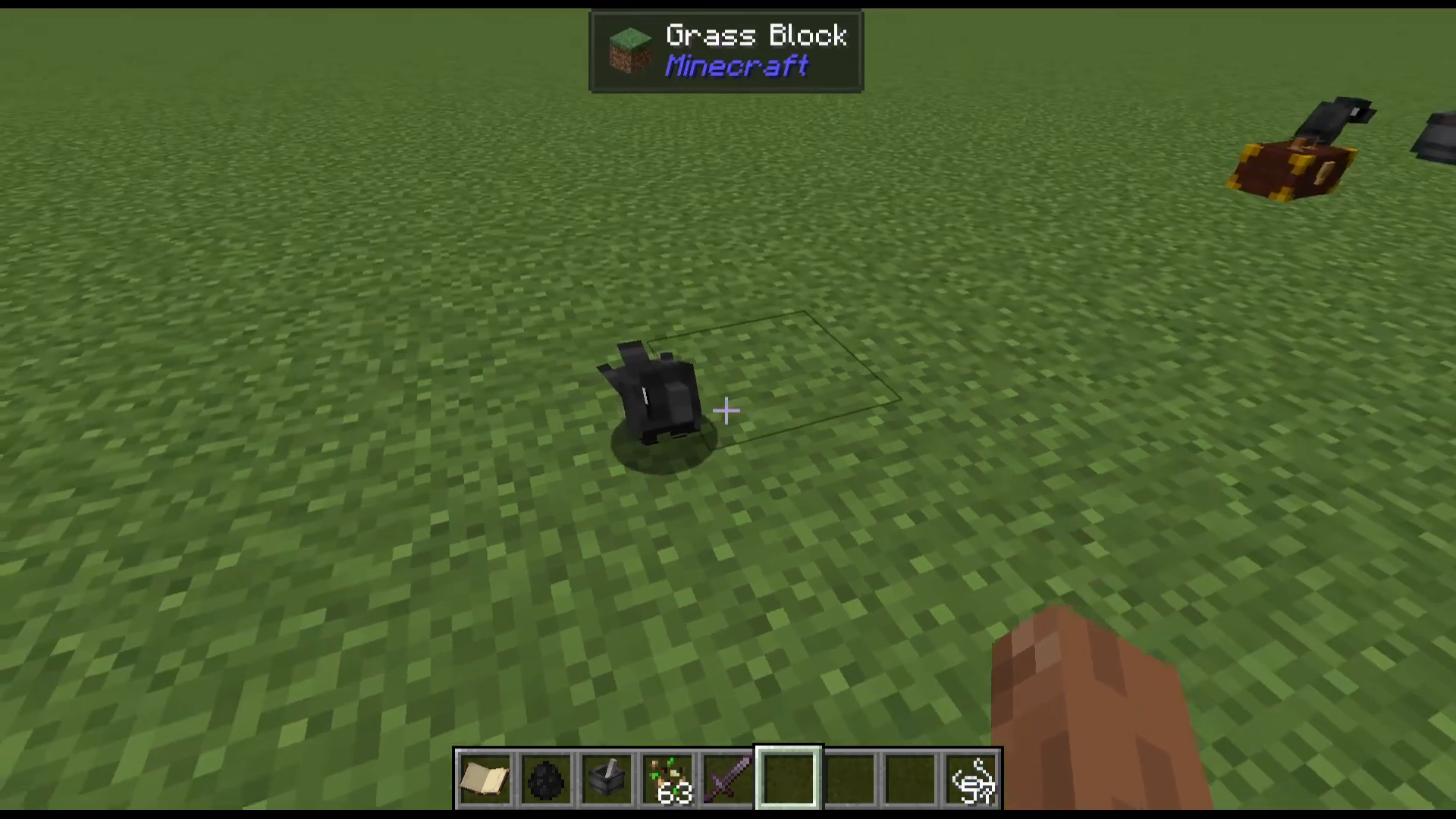
Once tamed, right-clicking a crow lets you cycle through its behaviour modes:
Wander — the crow roams freely nearby.
Help Gathering — the crow assists with tasks (more on this below).
Follow — the crow follows you around.
Sit — the crow stays in place.
Opening the Crow’s GUI
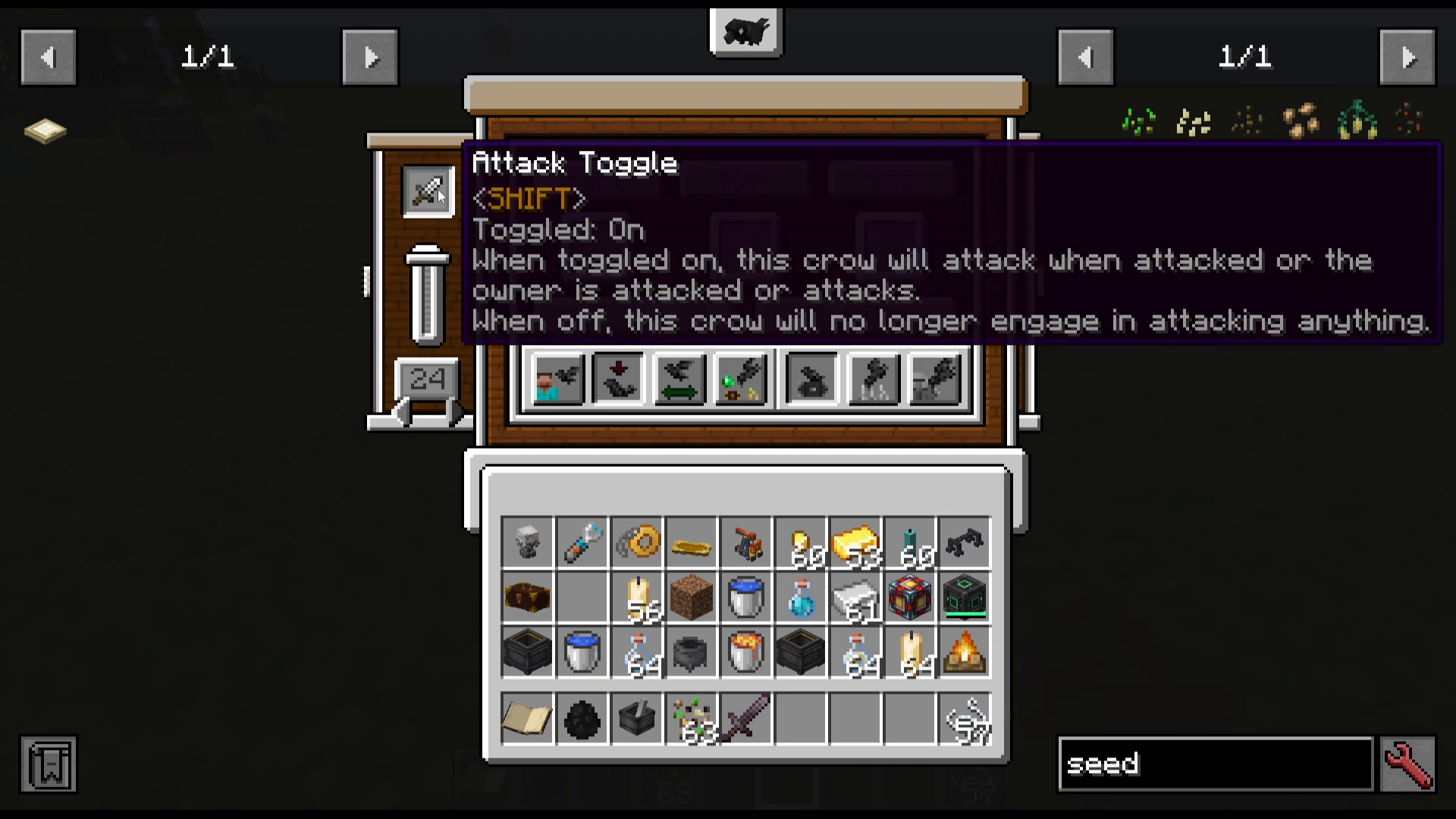
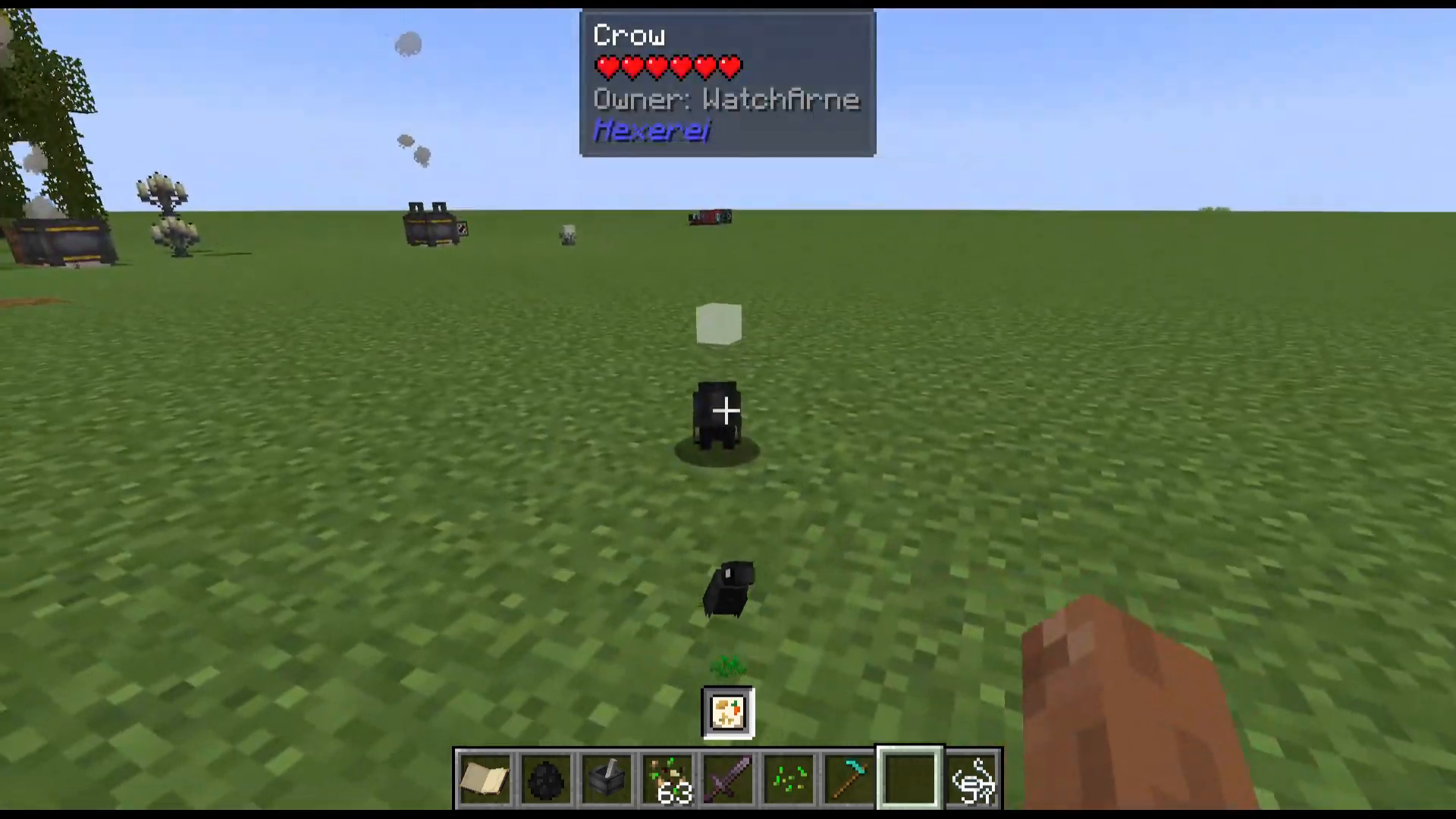
Shift right-clicking a crow opens its inventory and settings screen (the GUI). Inside you’ll find two panels — one on the left and one on the right.
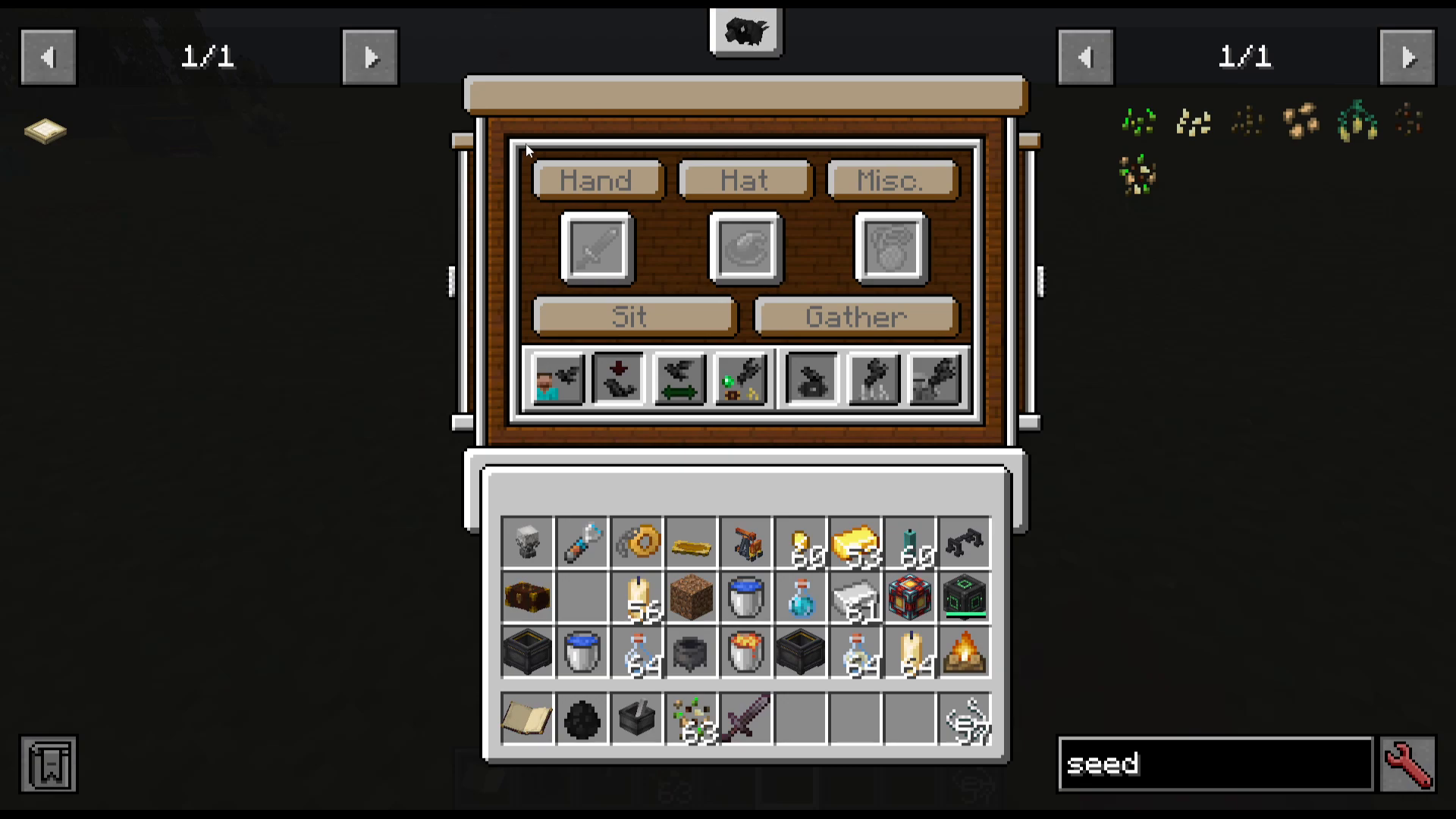
Left Panel – Attack Toggle
The left panel contains the attack toggle. When the button is active (not greyed out), the crow will attack when it, you (the owner), or a target is attacked. You can also adjust the range at which the crow will defend you.
Right Panel – Harvest Whitelist
The right panel contains the harvest whitelist. When toggled on, you enter a special mode where you can right-click on any crow-harvestable block to add it to the crow’s whitelist. If the whitelist is not empty, the crow will only harvest those specific blocks.
To set it up: shift right-click the crow to open the GUI, enable the whitelist, then exit and right-click on the block type you want (for example, wheat). You’ll notice a small crow icon above your action bar indicating whitelist mode is active, and a small cube icon above the crow showing which crow you’re configuring.
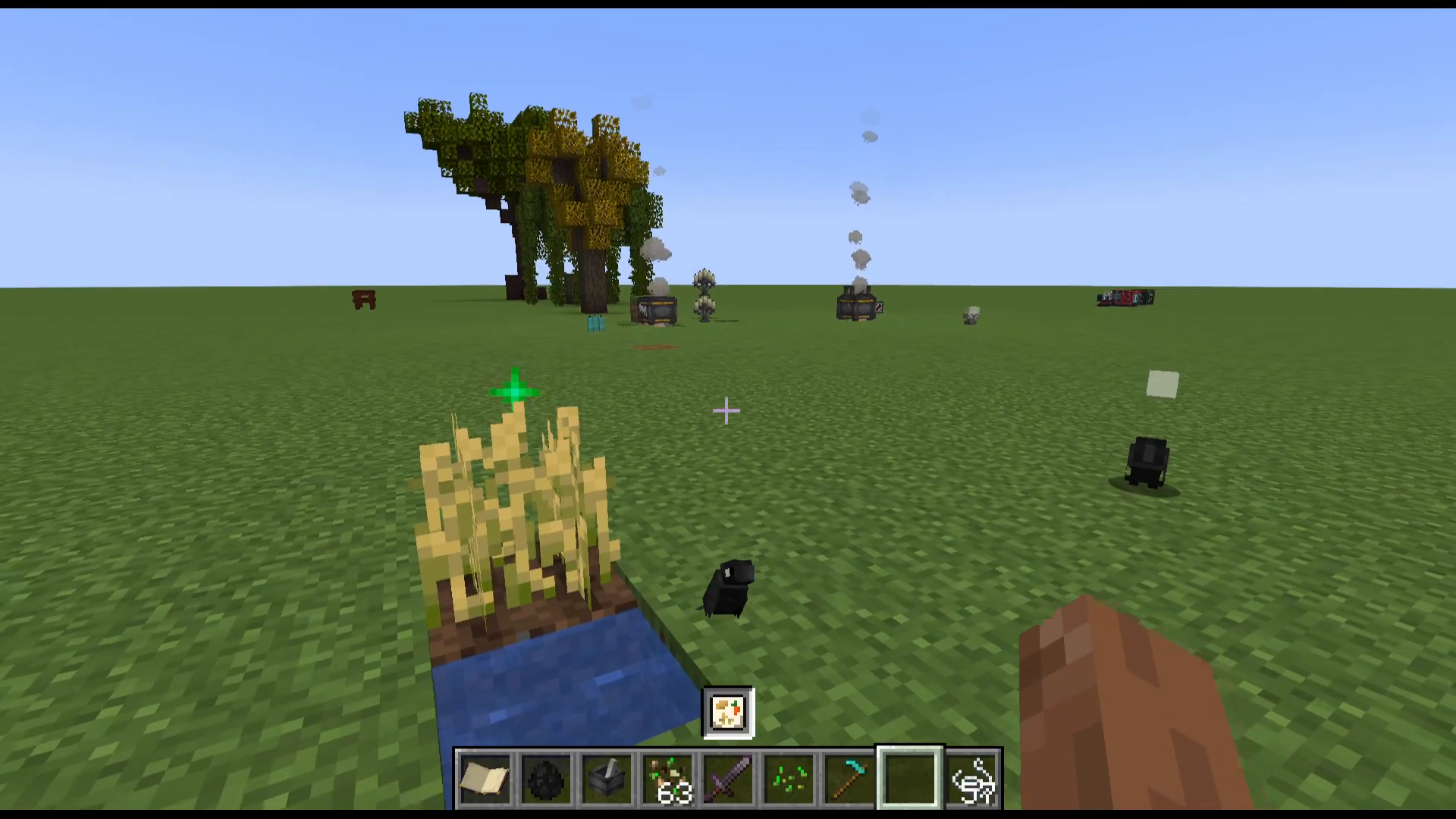
Once configured and set to Help Gathering mode, the crow will exclusively harvest that crop type and replant it automatically.
Crow Inventory – Weapons, Hats & Miscellaneous
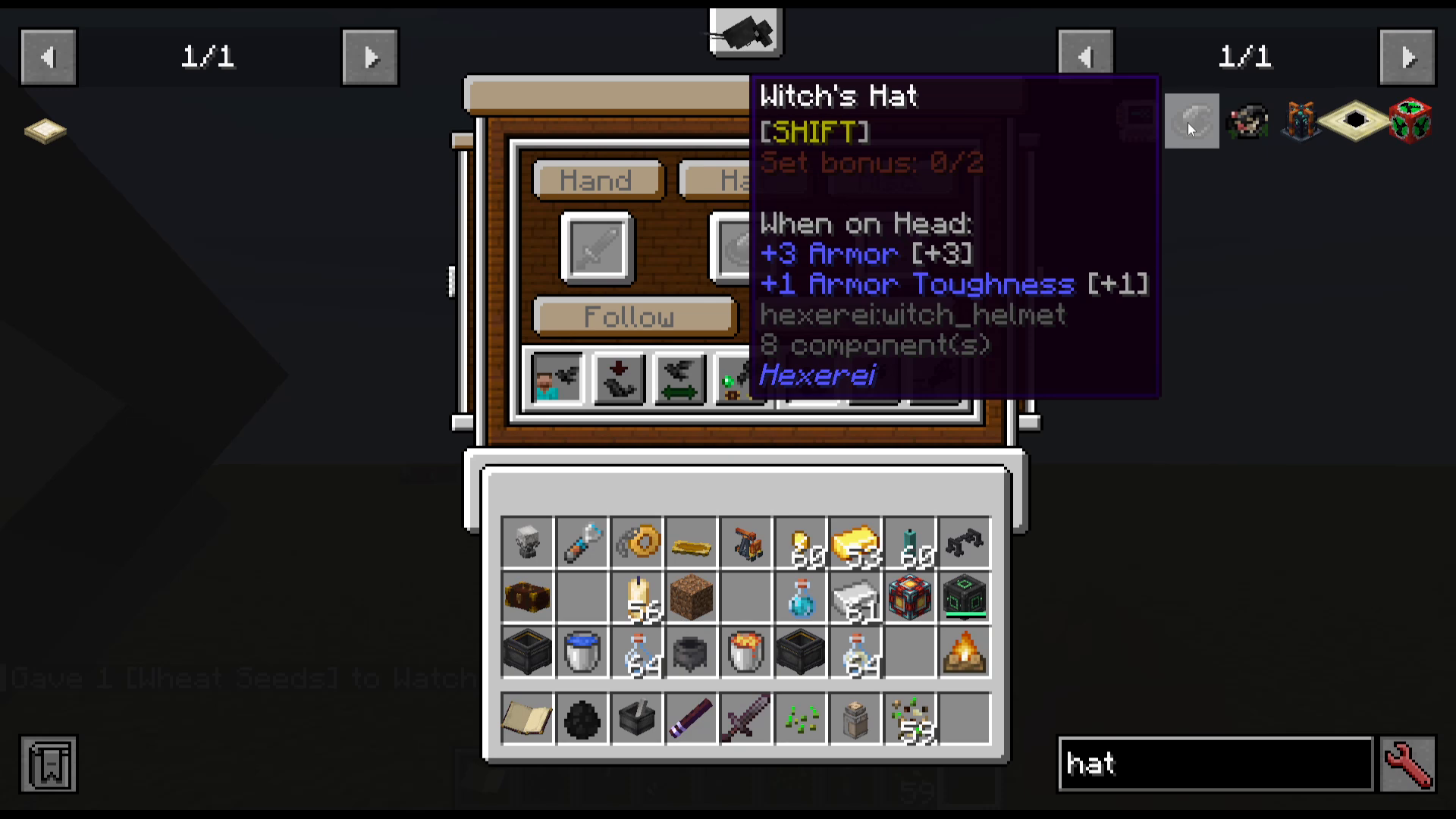
Inside the crow’s GUI, you can equip your crow with:
Weapons — such as a netherite sword, which the crow can actively attack with.
Hats — including a witch’s hat for style and armour purposes.
Miscellaneous items — this slot can also double as extra storage space while the crow is set to Follow.
Help Mode – Gather, Harvest & Pickpocket
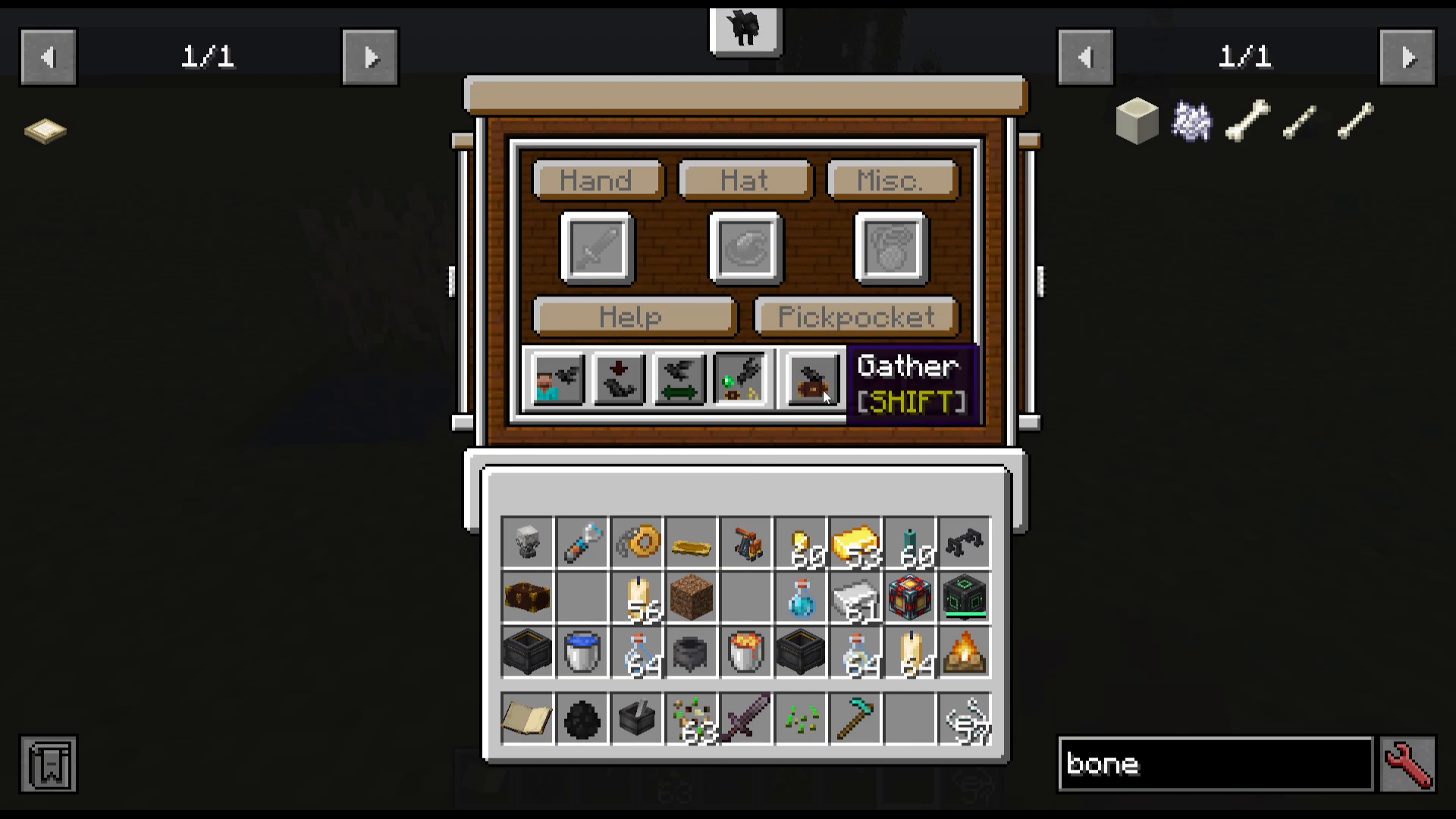
When you set a crow to Help mode, you must also choose what kind of help it provides. There are three sub-options:
Harvest
The crow will fly around harvesting nearby crops and automatically replant them. If the crow has a perch set, it will stay within that area.
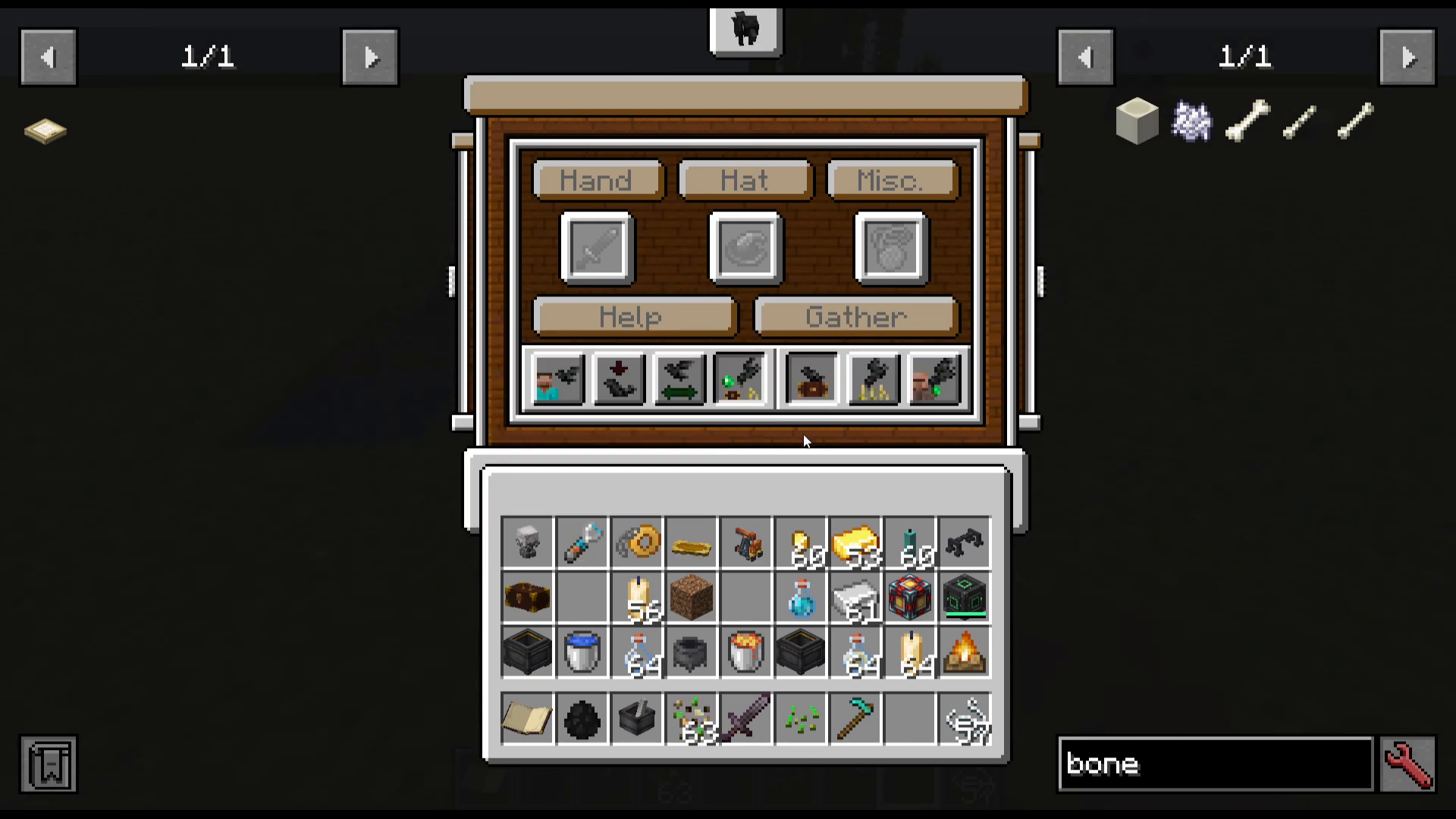
Gather
The crow will pick up items from the ground that match items stored inside a nearby coffer (when crow gathering is toggled on for that coffer), and return those items to it.
Pickpocket
Yes — crows can pickpocket villagers! Farmer villagers may yield food, blacksmiths may yield ingots or emeralds. This feature works exactly as described.
Using a Coffer with Your Crows
What is a Coffer?
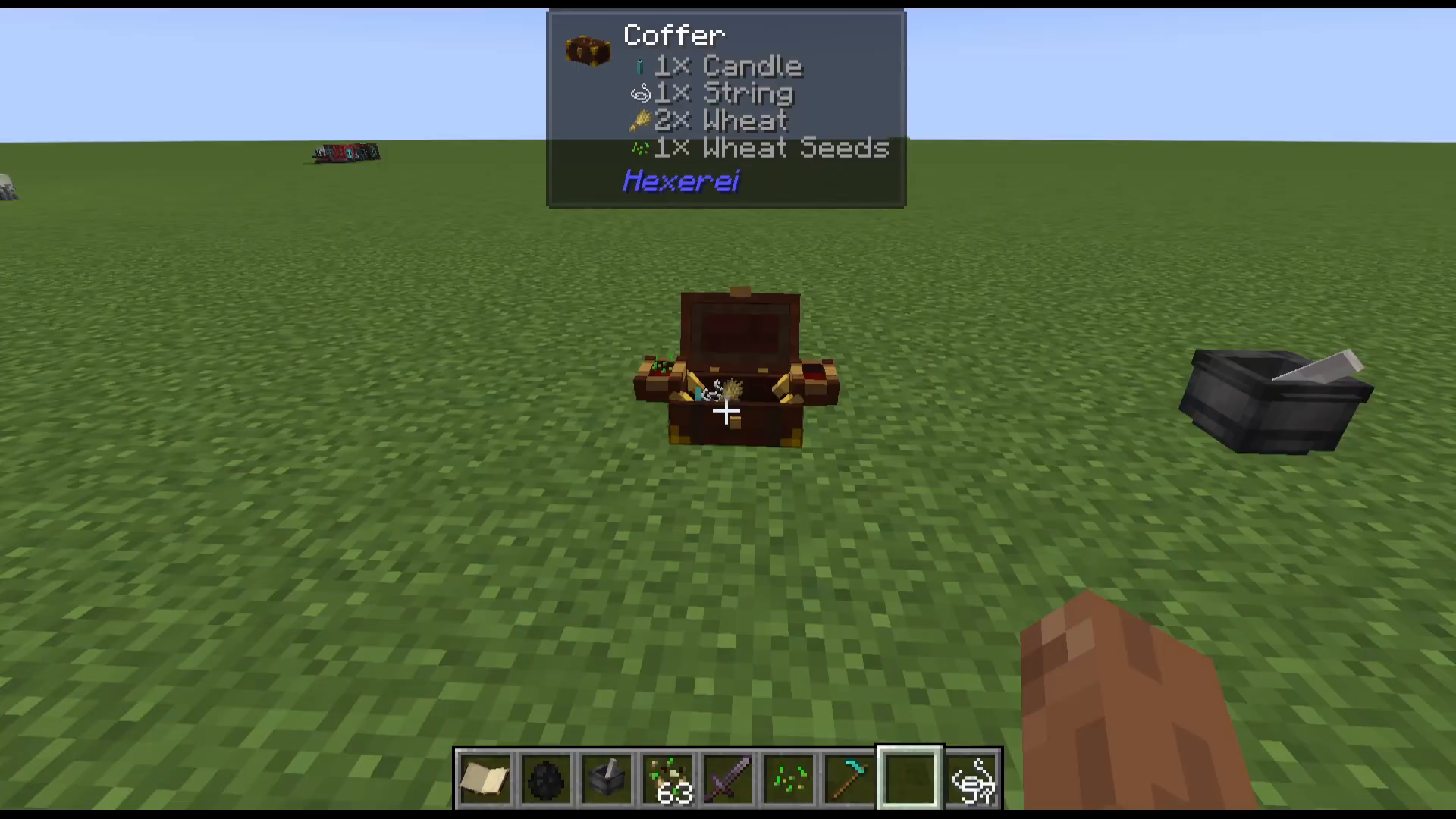
A coffer is a special storage container designed to work with crows. It is crafted in the mixing cauldron. To place it in the world, shift right-click with it in hand. You can also open it directly from your inventory to use it on the move.
Configuring Crow Gathering on a Coffer
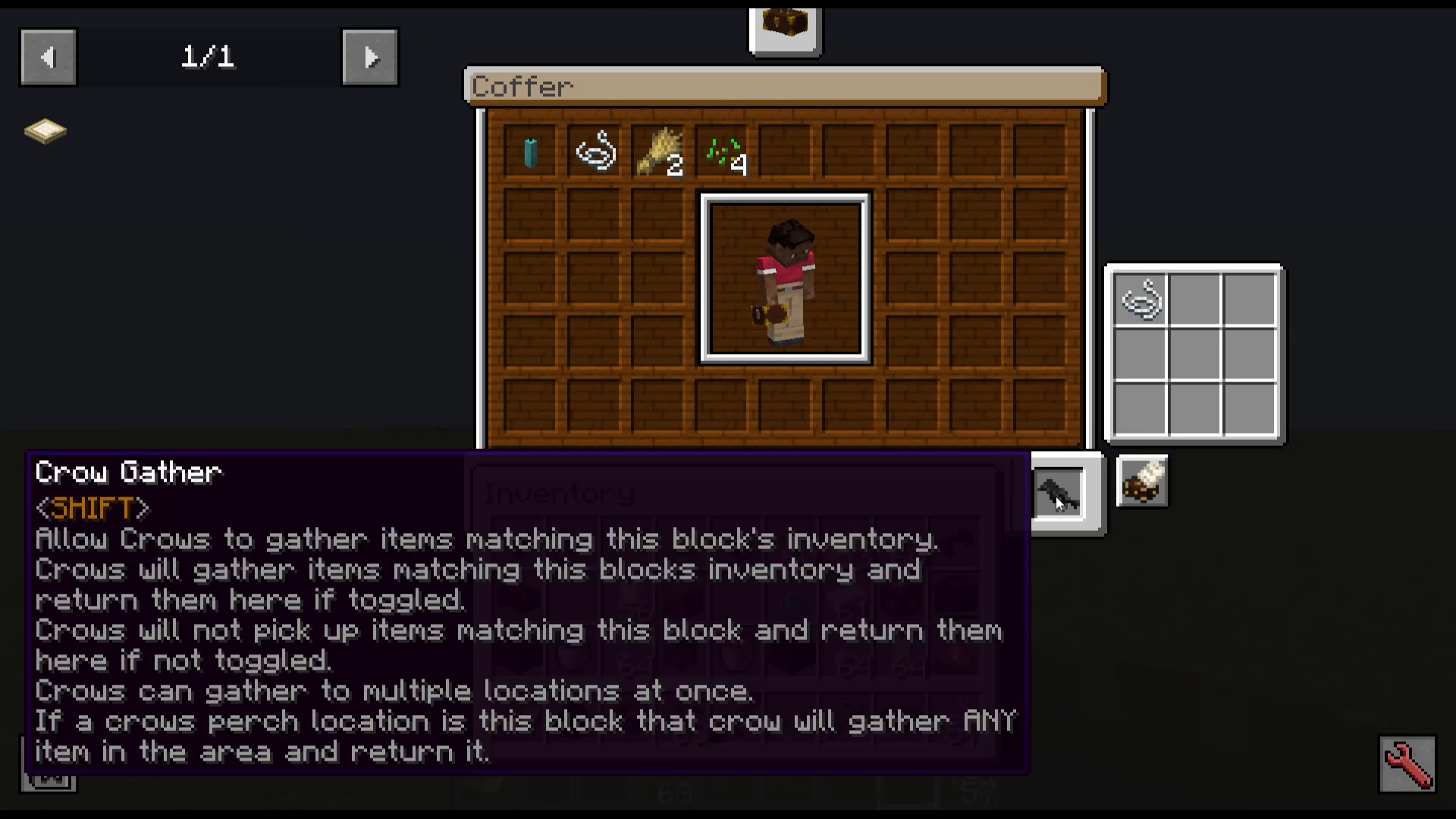
When you open the coffer’s GUI, you’ll find a Crow Gather toggle. Enabling it unlocks additional filtering options for how crows interact with it:
Whitelist & Inventory — crows gather items that are already in the coffer’s inventory and are on the whitelist.
Whitelist Only — crows only gather items on the whitelist, regardless of what’s already in the inventory.
Blacklist & Inventory — crows gather items already in the inventory, but exclude anything on the blacklist.
Setting a Crow’s Perch to a Coffer
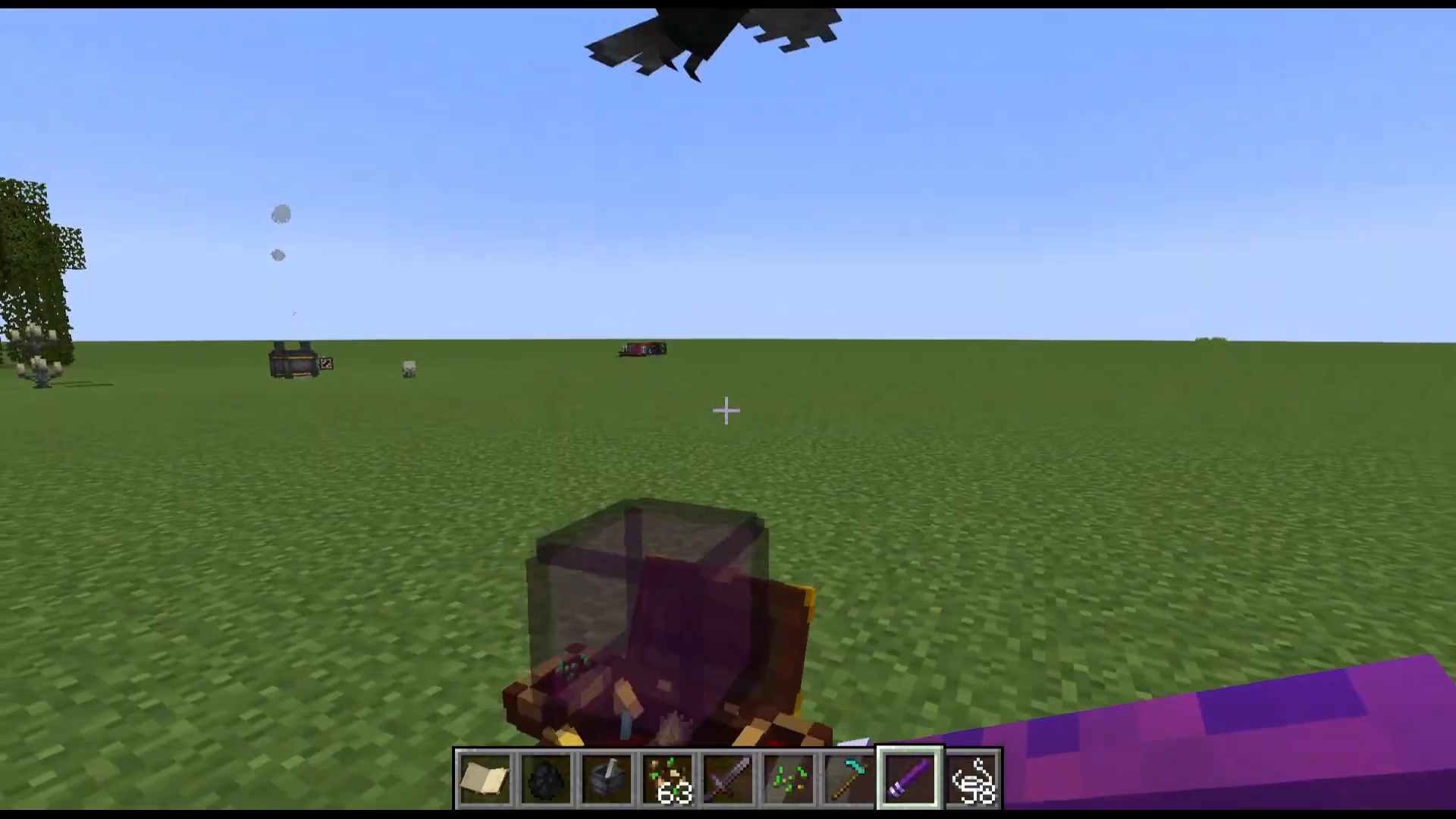
For a crow to deliver items to a coffer, you need to assign the coffer as the crow’s perch location. This is done using the crow flute (covered in the next section). Once the perch is set, crows assigned to Gather mode will pick up matching items nearby and return them to that coffer.
You can also dye coffers for easy identification. When a placed coffer is punched, it will be picked up and returned to your inventory — keeping its name, items, and colour intact.
Using the Crow Flute to Command Multiple Crows
Crafting the Crow Flute
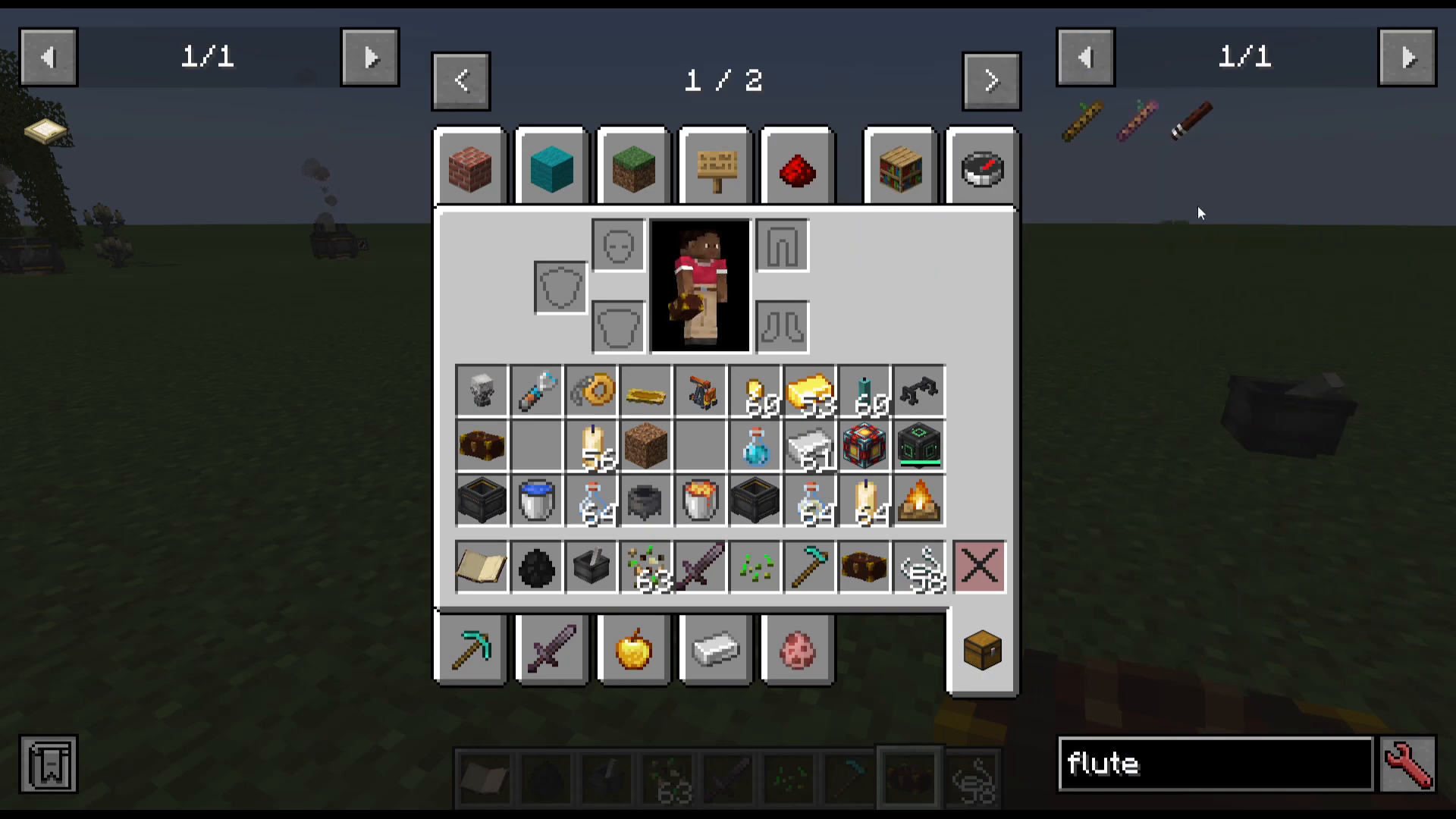
The crow flute is crafted in the mixing cauldron using mahogany planks. It allows you to give commands to nearby crows without needing to interact with each one individually.
Setting Commands with the Flute
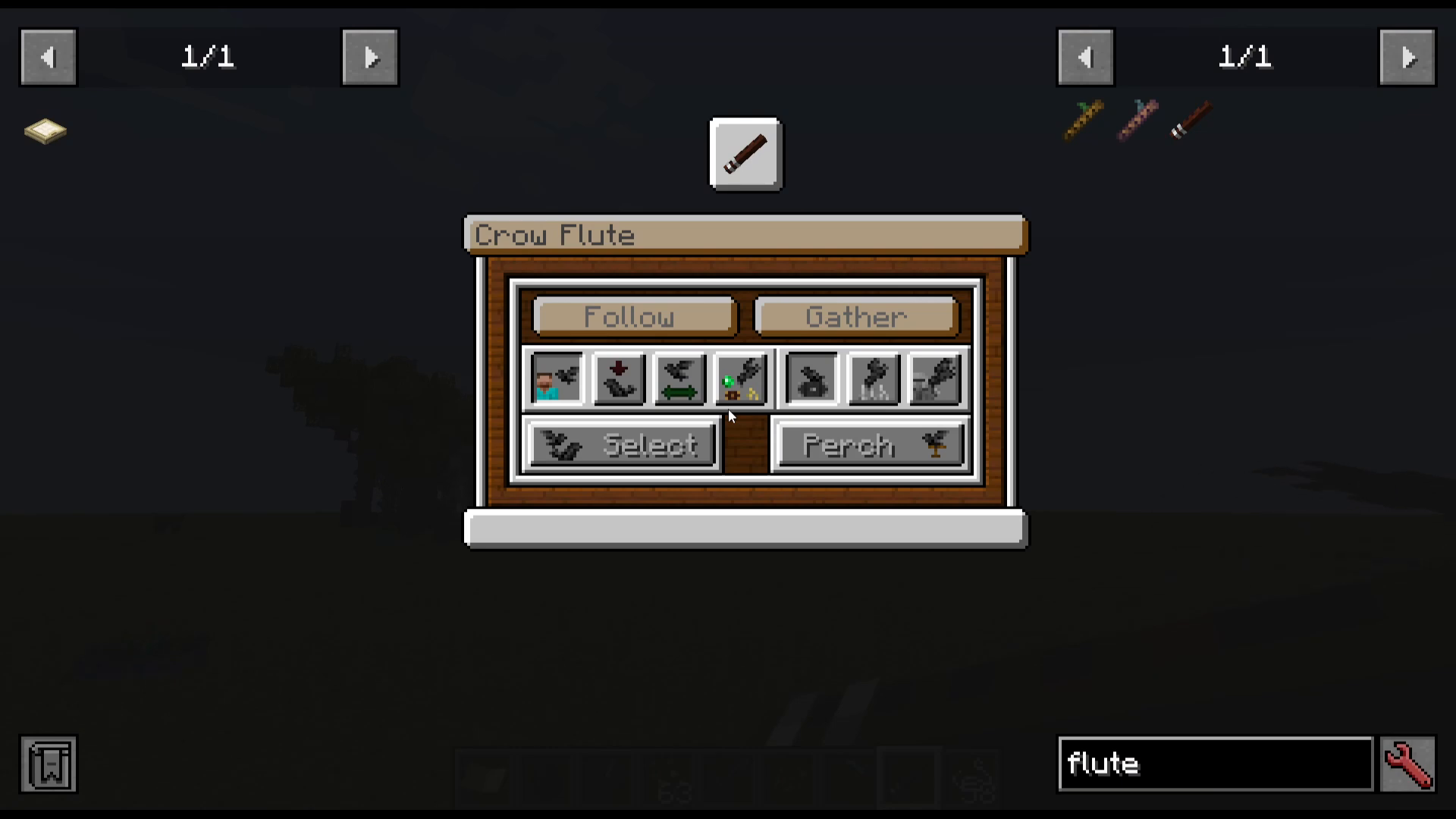
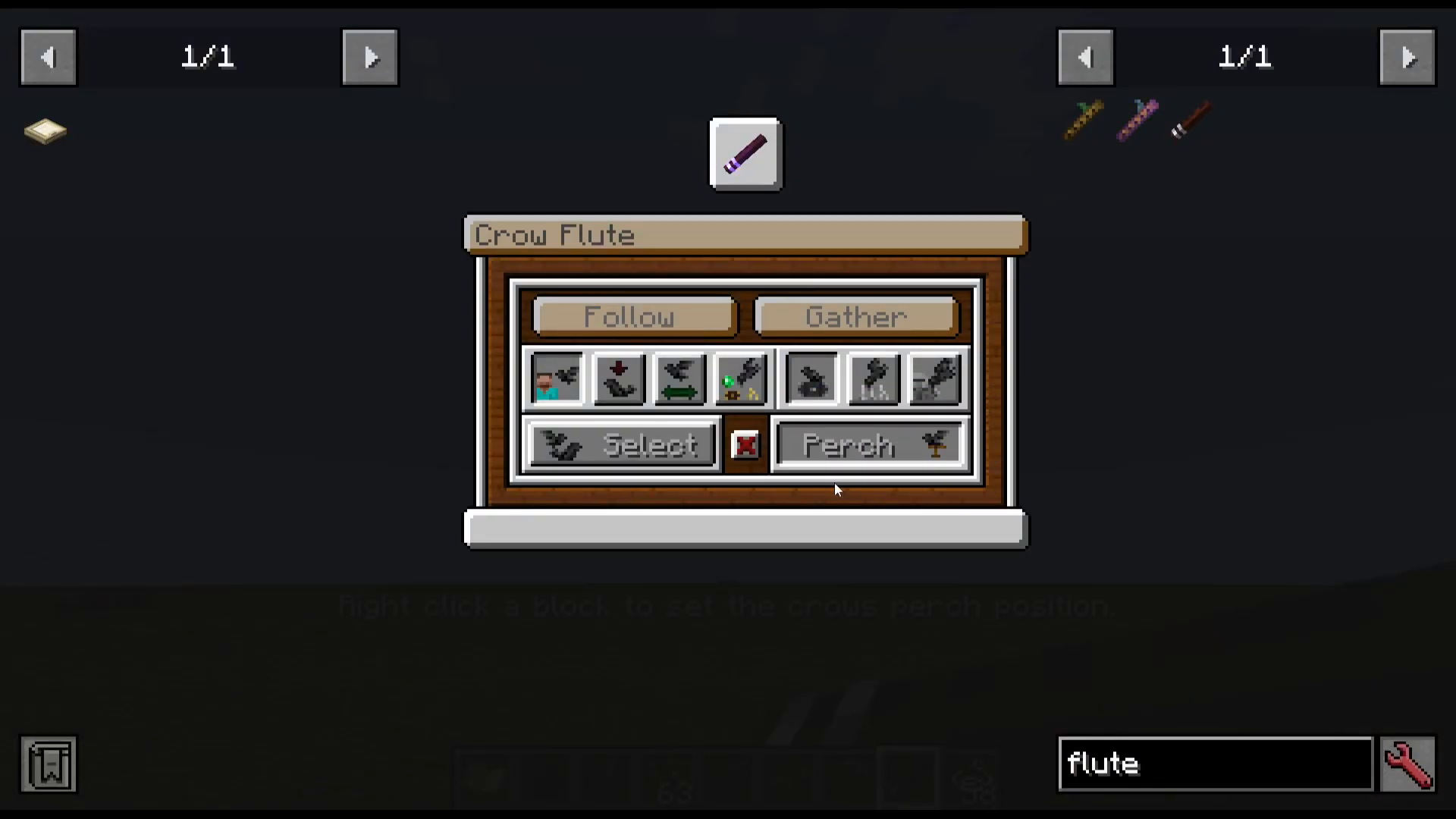
Shift right-click with the crow flute to open its settings. Here you can choose the command to broadcast: Follow, Sit, Wander, Help, and the sub-options Gather, Harvest, or Pickpocket. Once a command is chosen, right-click to send that command to all nearby (or selected) crows.
Selecting Specific Crows
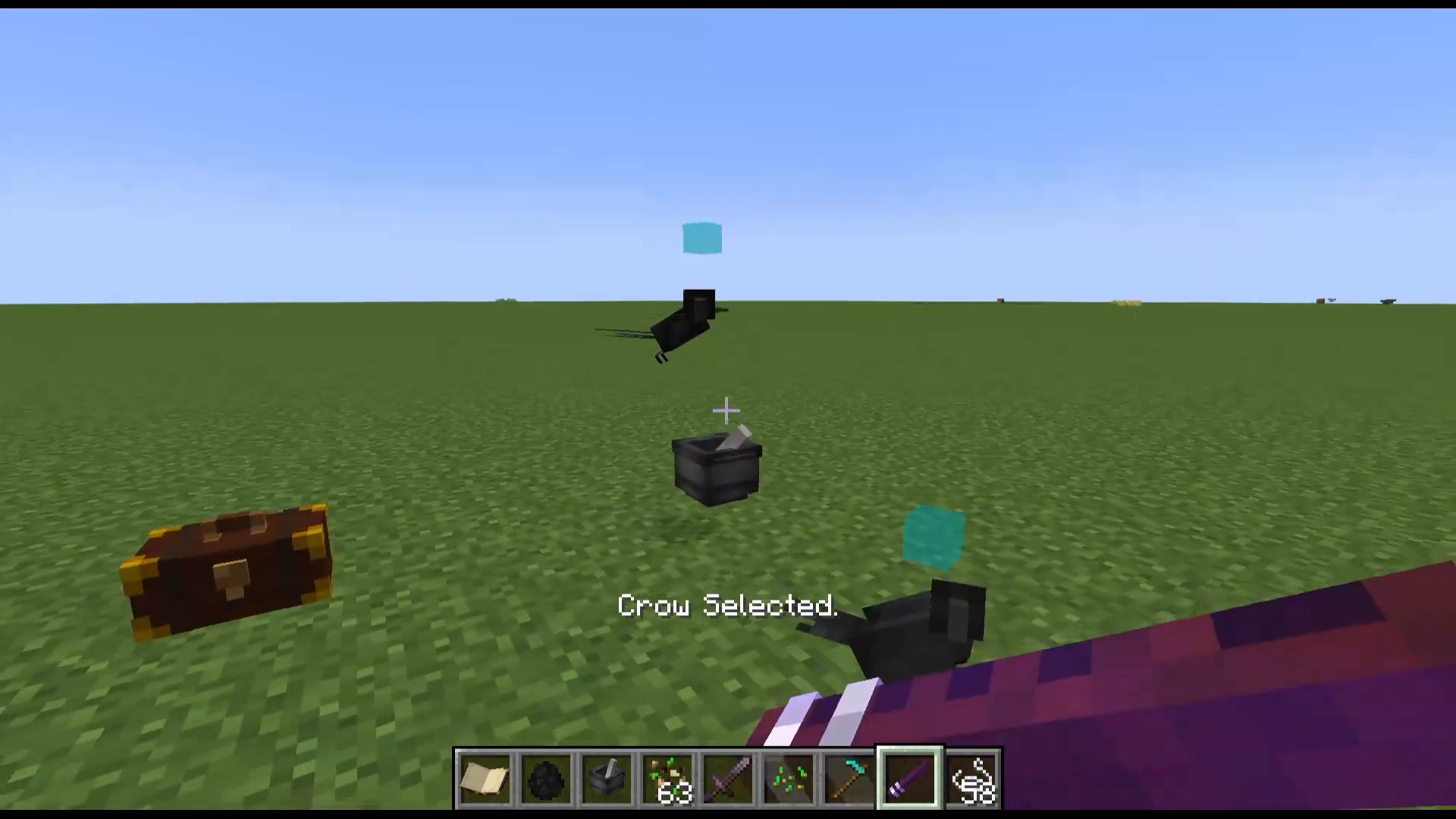
By default, the flute affects all nearby tamed crows. To target specific crows, shift right-click with the flute and choose Select. You’ll enter selection mode — right-click individual crows to select or deselect them. Selected crows will display a blue indicator above their heads.
Once you’ve made your selection, shift right-click again to exit select mode. Any commands you now issue will only apply to those selected crows. If you deselect all crows, the flute will revert to affecting any nearby crow.
Setting a Perch with the Flute
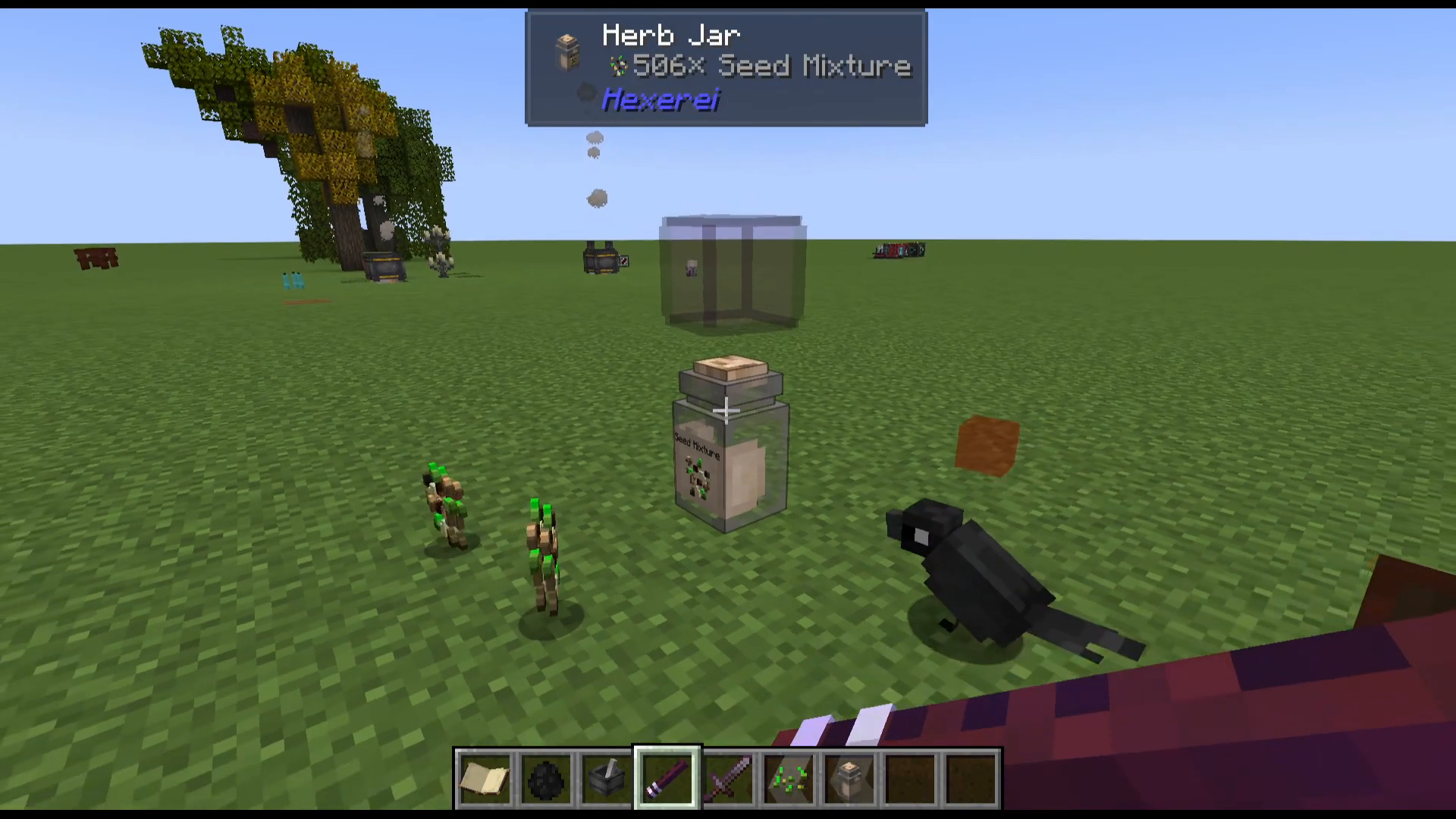
To assign a crow’s perch location using the flute: shift right-click and choose Perch, then right-click on the target block (such as a coffer or herb jar). The crow’s perch is now set to that location. After that, shift right-click again and set the mode to Help > Gather — the crow will now fly to its perch area, pick up matching items, and return them.
Purging Crows to a Location
The flute also has a Purge option. After selecting specific crows and choosing Purge, right-click on a coffer to send those crows directly to it. This is useful for quickly repositioning crows to a new gathering point.
Using Herb Jars with Crows
An herb jar is another storage block that crows can interact with. Place it down and open its interface to configure it. Herb jars are designed to store Hexerei-specific ingredients — such as seed mixture — and can hold up to 1,024 of a single item type.
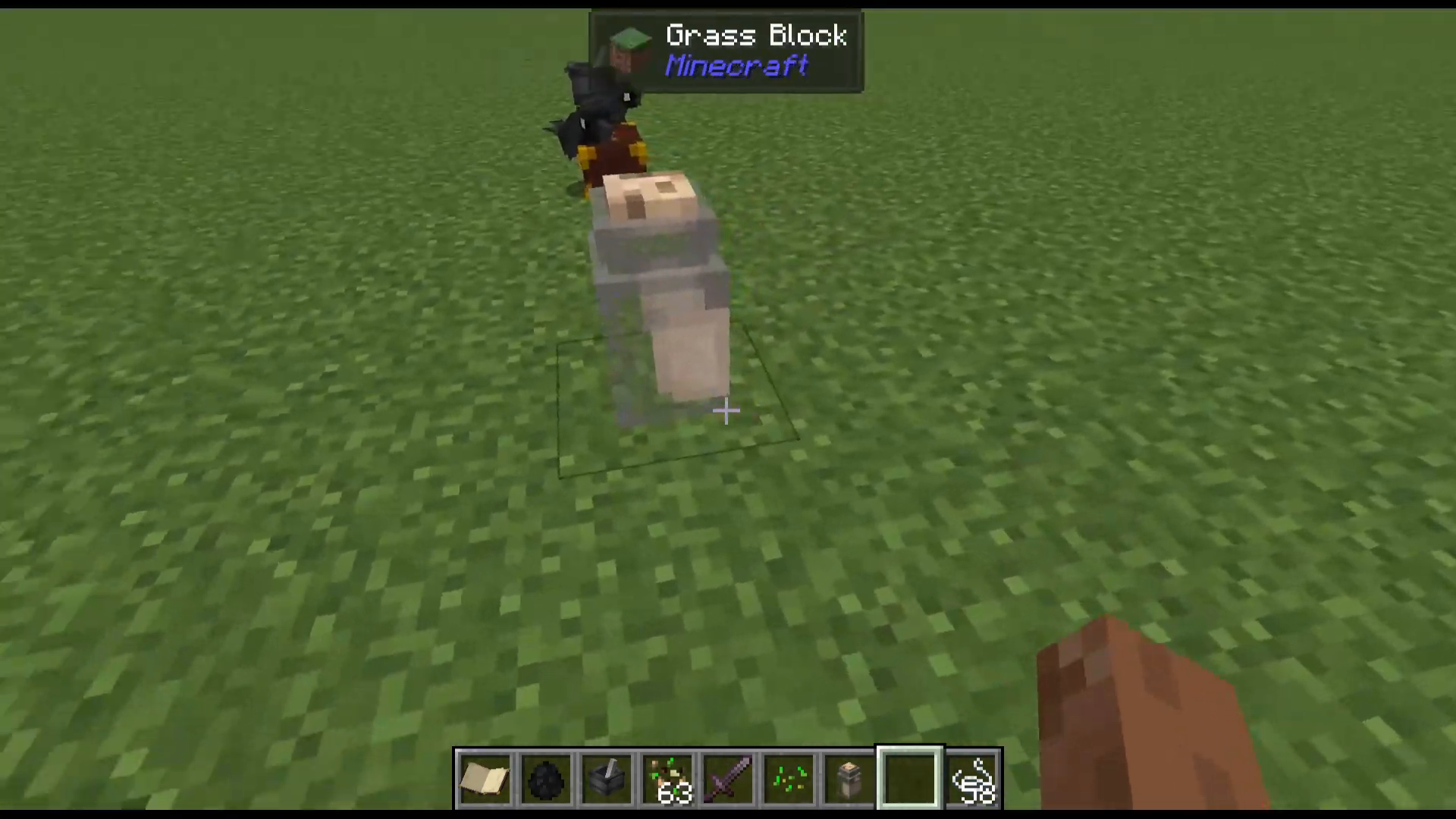
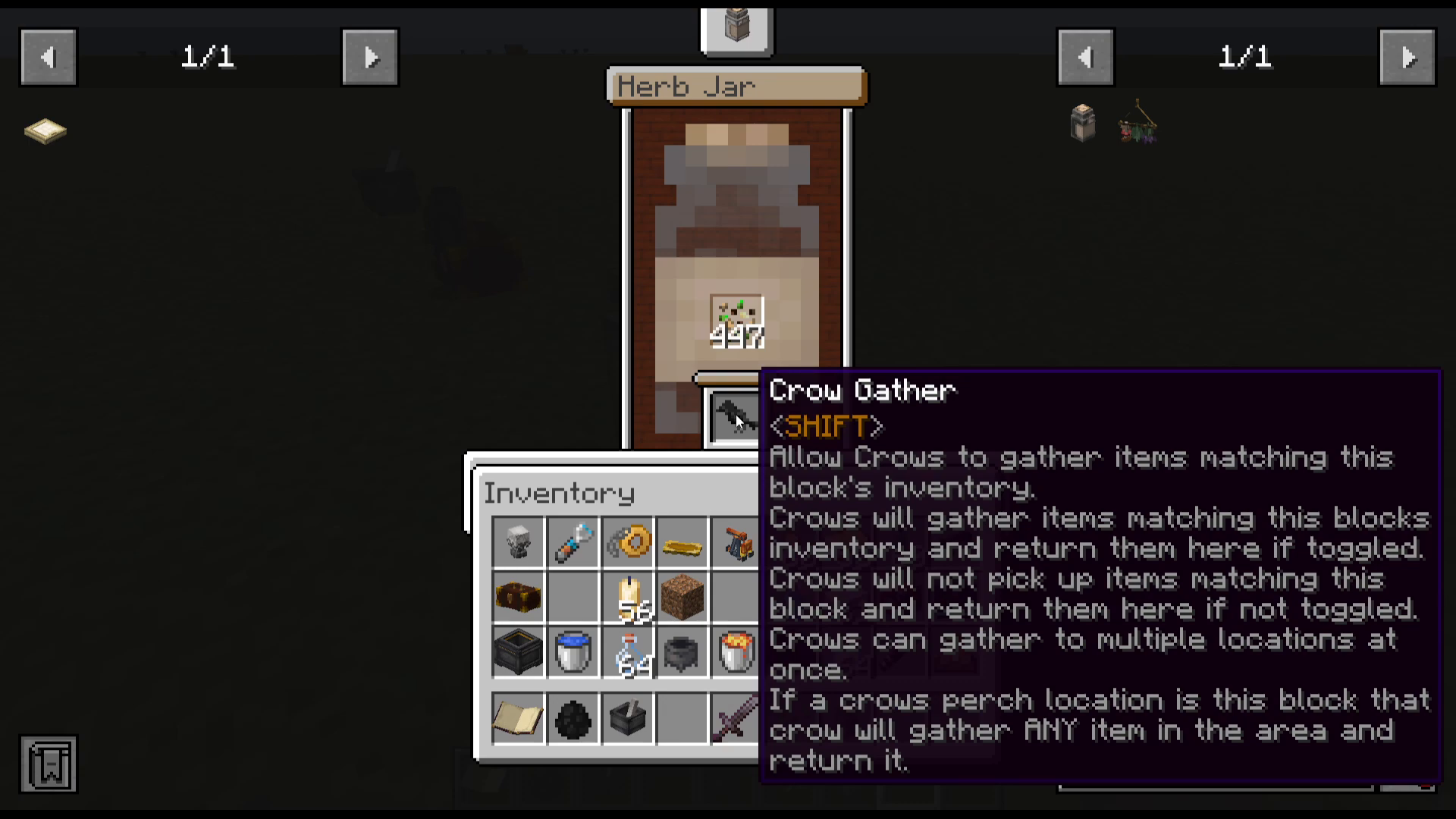
Like the coffer, the herb jar has a Crow Gather toggle. When enabled:
Crows will gather items matching the jar’s contents and return them to it.
If toggled off, crows will not pick up items matching the jar.
Crows can gather to multiple locations at once.
If a crow’s perch is set to the herb jar, it will collect any matching item in the area and bring it back.
To set a crow’s perch to an herb jar: use the crow flute to enter Perch mode, then right-click the jar. Set the crow to Help > Gather, and it will begin collecting the matching ingredient and depositing it into the jar automatically.
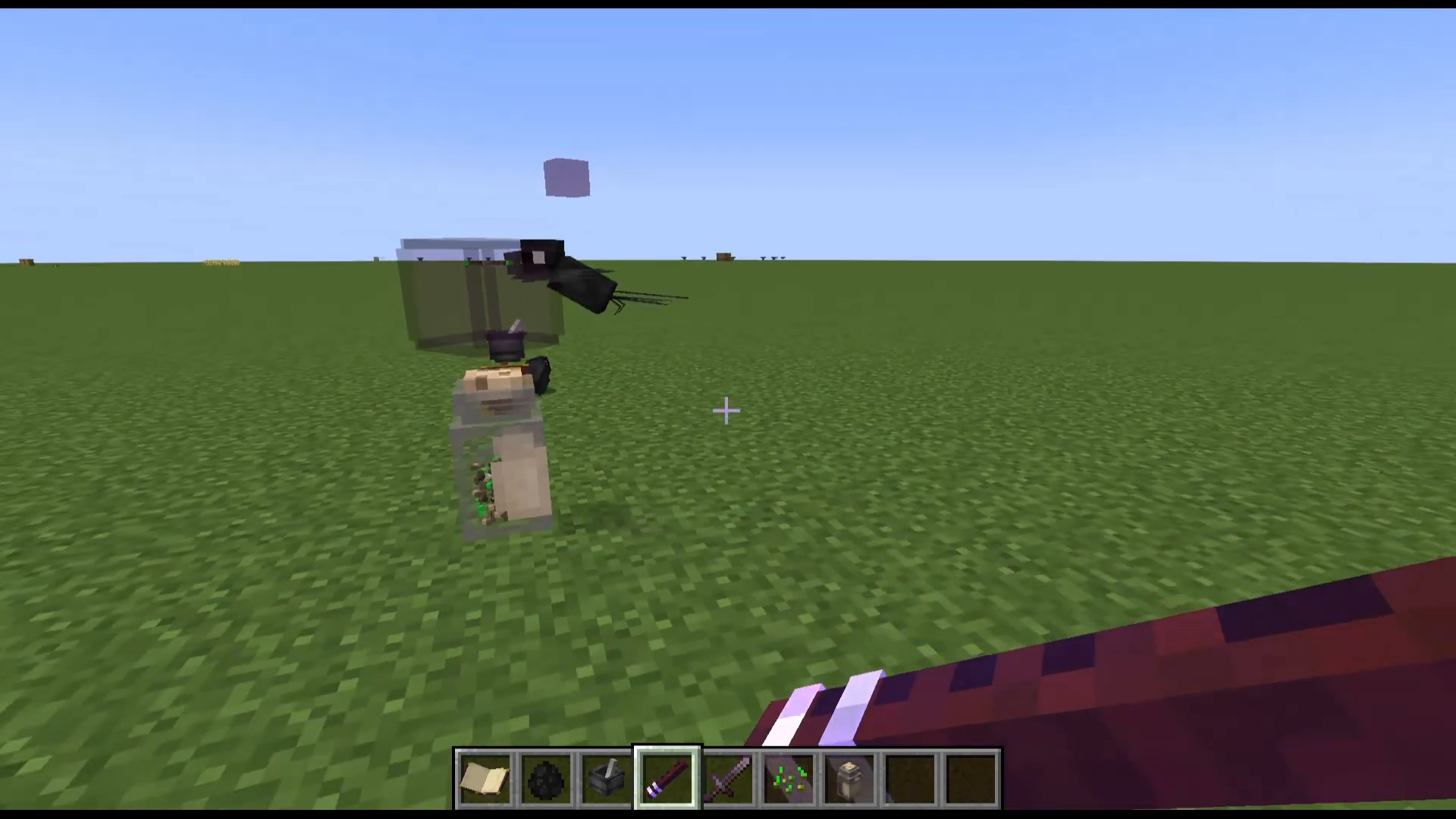
Interestingly, seed mixture is also the crow’s favourite treat — the very same item you use to tame them!
Quick Tips to Remember
If a crow lands on your shoulder, simply sneak (crouch/shift) to dismount it.
Crows that are perched on a coffer will prioritise that coffer and ignore other items on the ground.
You can tame as many crows as you like and assign each one a different job.
Coffers can be dyed, named, and picked back up without losing their contents.
Always set the perch before setting the Help > Gather mode, or the crow won’t know where to deliver items.
Summary
Crows in the Hexerei mod are one of the most versatile and well-designed companions in any Minecraft magic mod. From crafting seed mixture in a pestle and mortar to building an automated farming system with coffers, herb jars, and a crow flute — there’s a lot of depth here. Start by taming a single crow, get comfortable with its GUI, and then scale up to a full crow workforce handling harvesting, gathering, and even pickpocketing for you. Happy witching!
Want to Support?
If you would like to help us continue making these guides – please consider joining our patreon here – https://www.patreon.com/c/JaviHeals
Alternatively – we host a group of MC Servers you can join here – https://discord.gg/zD7Gjt6MHF