Hexerei Mixing Cauldron Full Tutorial
Hexerei Mixing Cauldron Full Tutorial – Complete Beginner’s Guide
The Mixing Cauldron is one of the most important early-game blocks in the Hexerei mod for Minecraft. From crafting magical items to making enchanted candles and brewing potions, mastering it will unlock a huge portion of the mod’s content. This guide walks you through everything you need to know — how to build it, how to add ingredients, and all the different things you can do with it.
Crafting and Setting Up the Mixing Cauldron
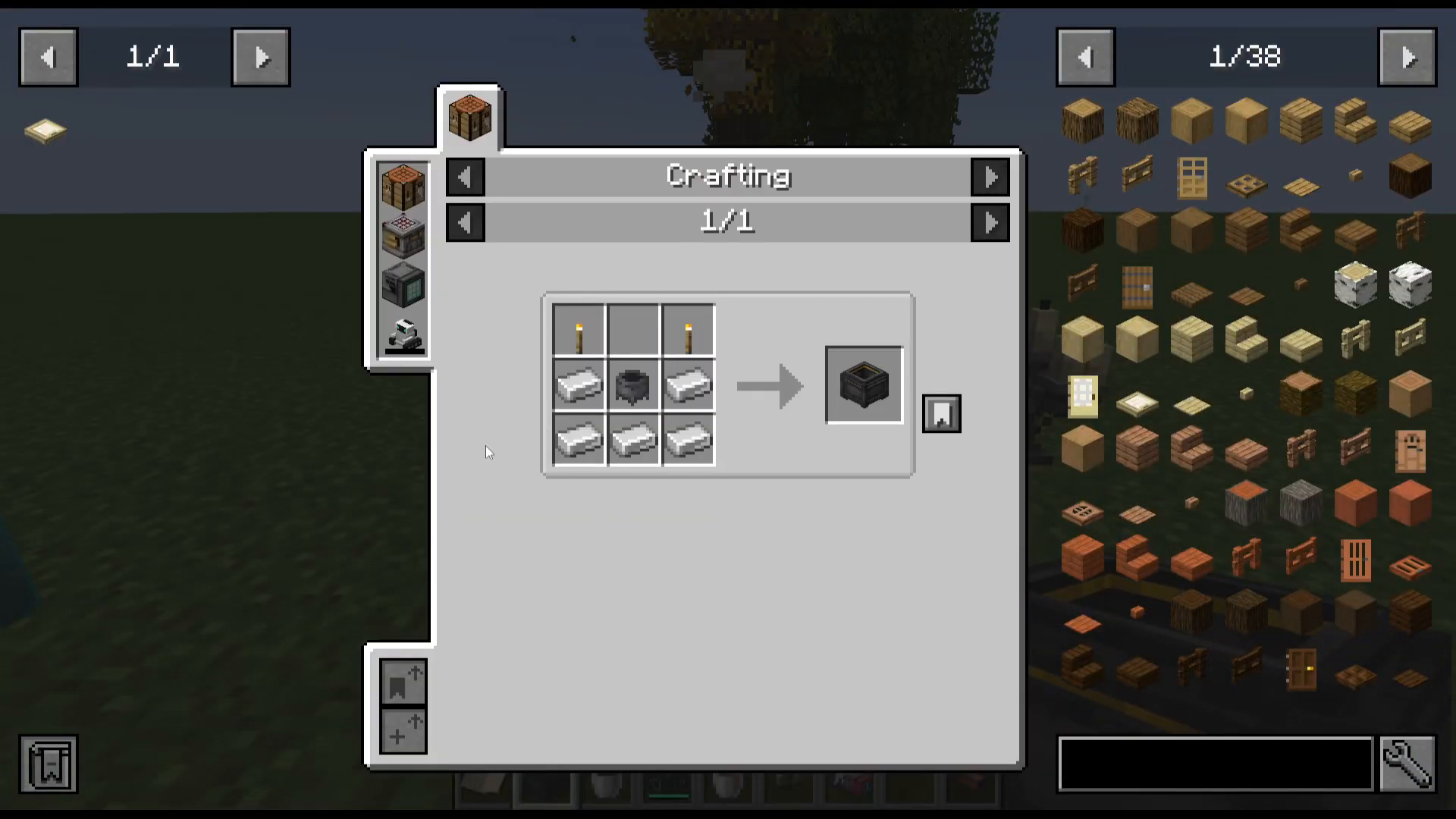
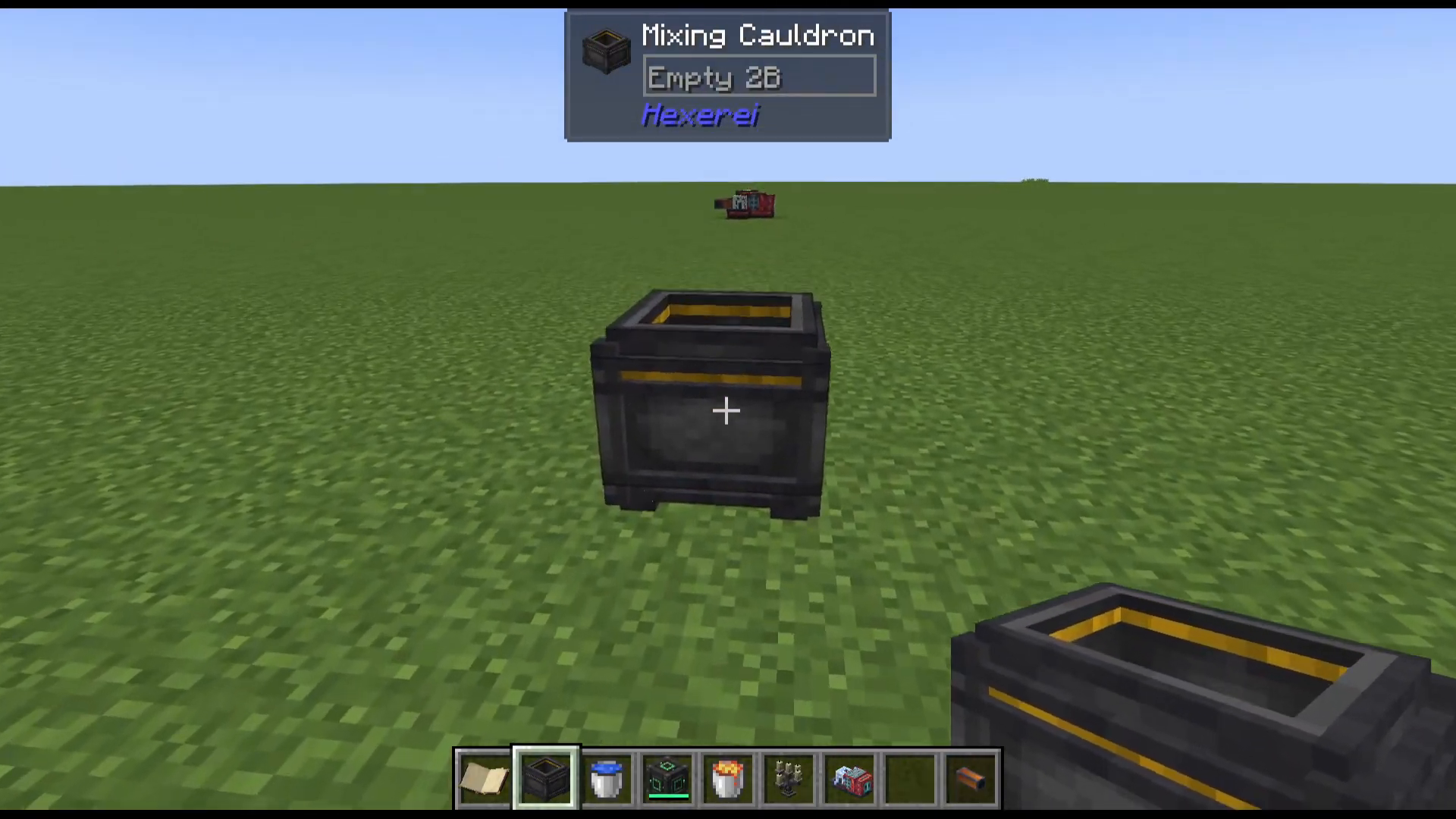
The Mixing Cauldron is crafted using a standard Minecraft cauldron along with a few additional ingredients. Once crafted, simply place it down in your world.
Before diving into recipes, it’s highly recommended that you craft a Book of Shadows. This in-mod guide will help you navigate Hexerei’s systems and is a great companion alongside this tutorial.
Adding Items to the Cauldron
There are three ways to get items into the Mixing Cauldron:
Throw items on top of the cauldron and they will drop in automatically.
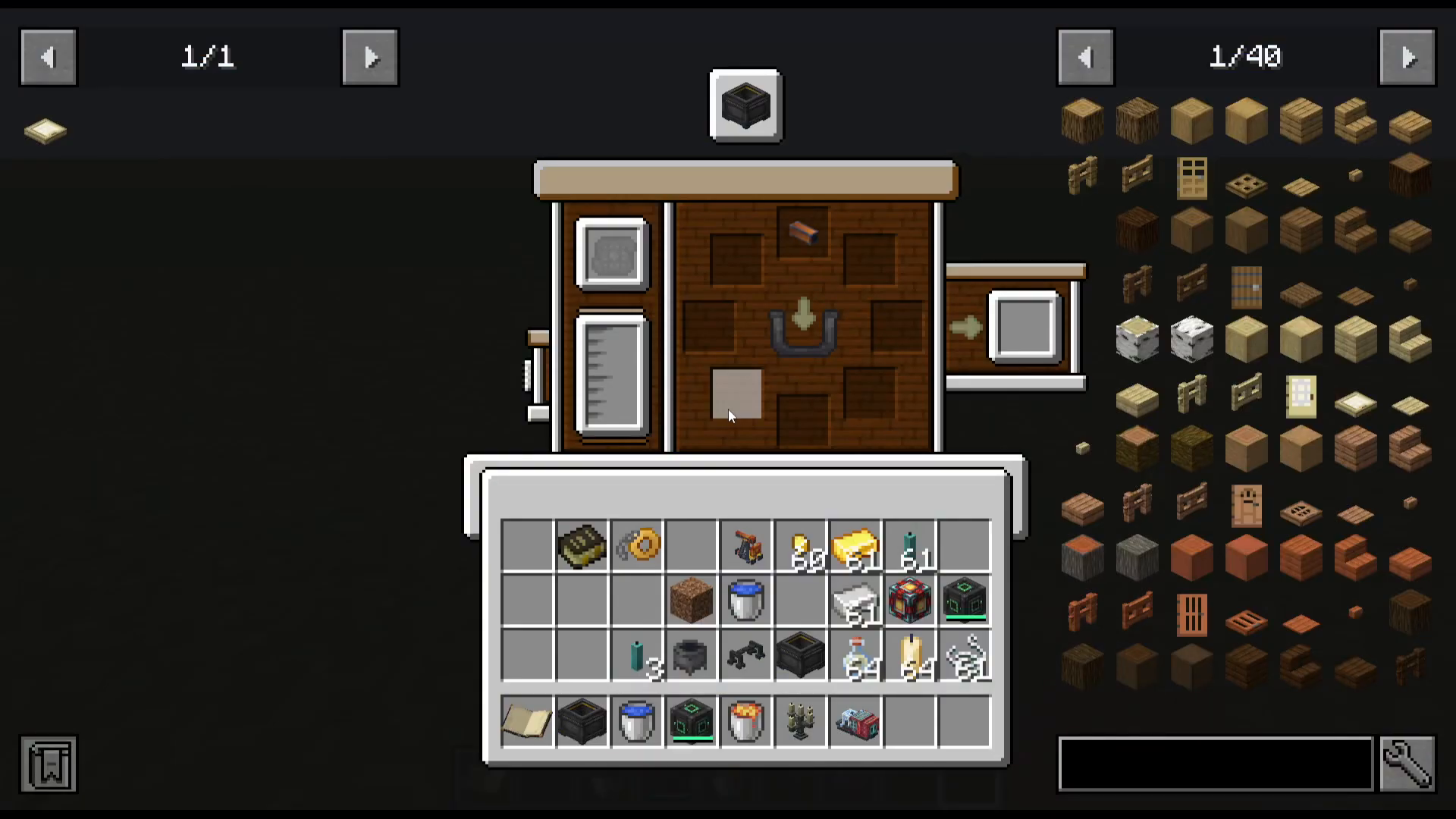
Right-click the cauldron to open its UI and manually click items into the slots.
Use hoppers on top of the cauldron to feed items in automatically.
Viewing Recipes with JEI
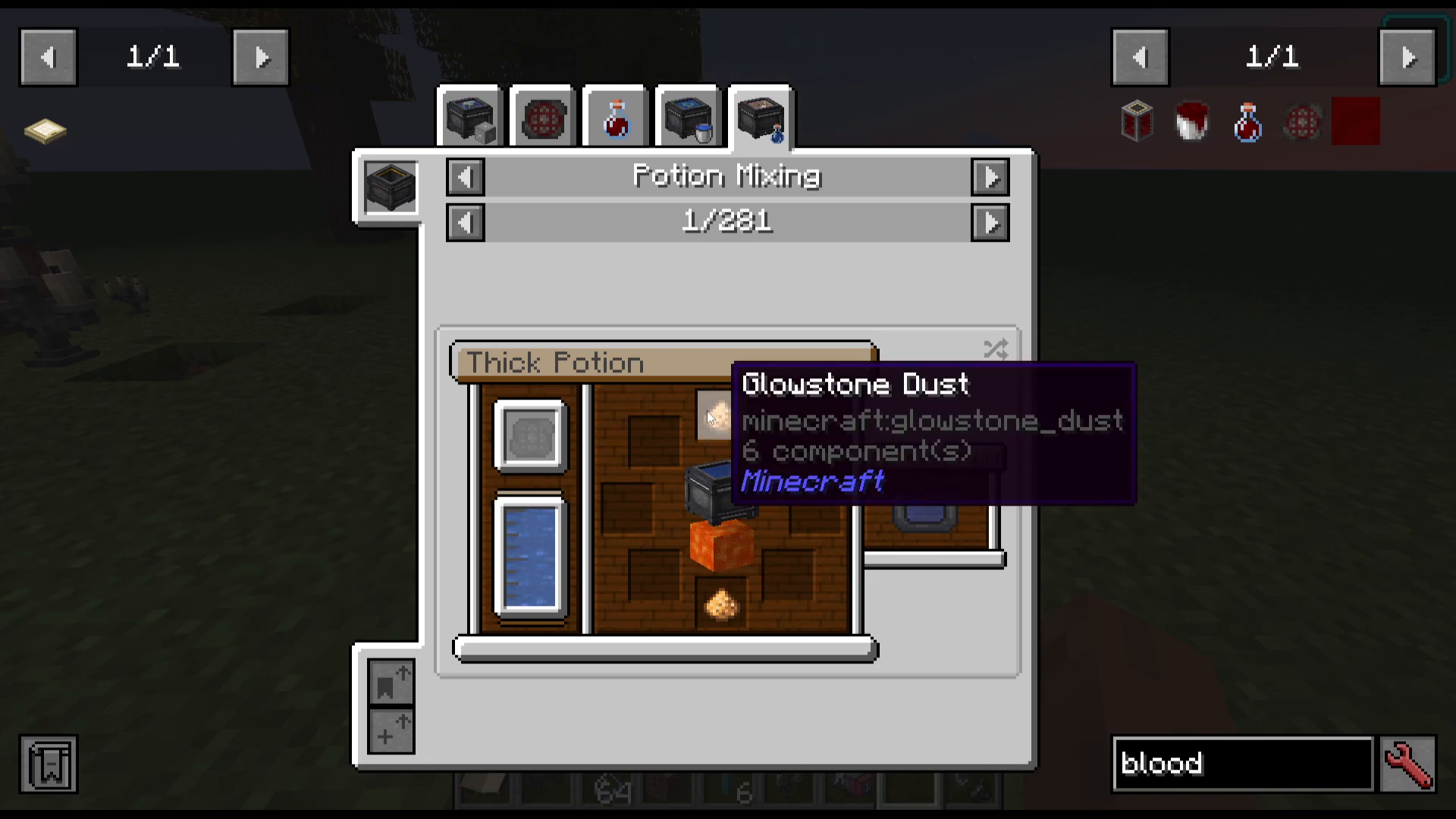
To see all available Mixing Cauldron recipes, open your inventory, hover over the cauldron, and press U (Uses) in JEI (Just Enough Items). This will display every recipe the cauldron can perform, including what fluids and conditions are required.
Item Mixing
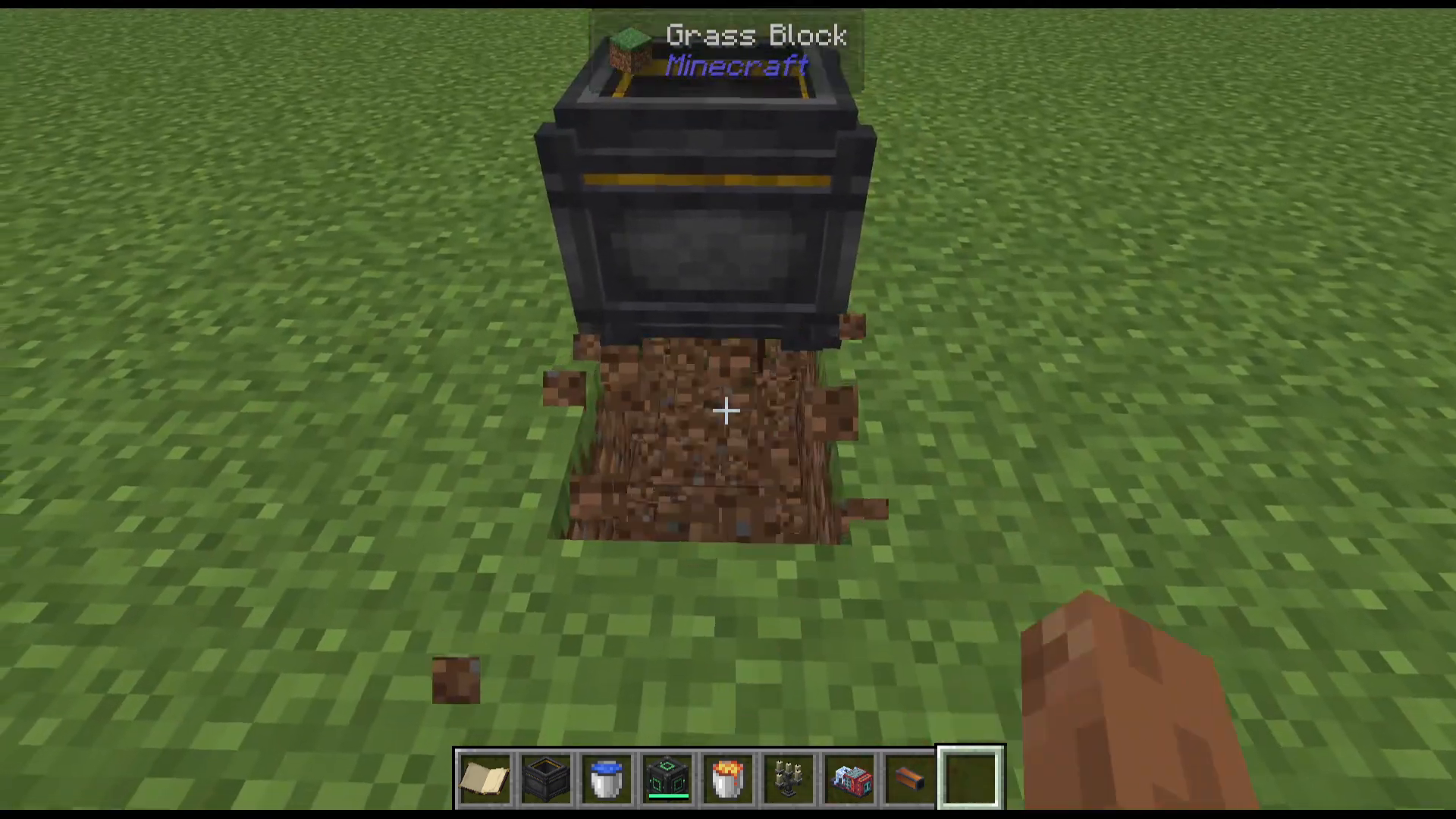
Item mixing is the core function of the Mixing Cauldron. Recipes will require either water or lava in the cauldron as a fluid. Pay close attention to the JEI recipe display — if lava is shown, it means you need lava inside the cauldron as well as a heat source underneath it.
Adding a Heat Source
To heat the cauldron, place a campfire (or any valid heat source) directly underneath it. Once heated, it stays heated permanently. Recipes that don’t require heat are completely fine with the cauldron being heated — it won’t cause any issues.
Adding Fluids — and Fixing Mistakes
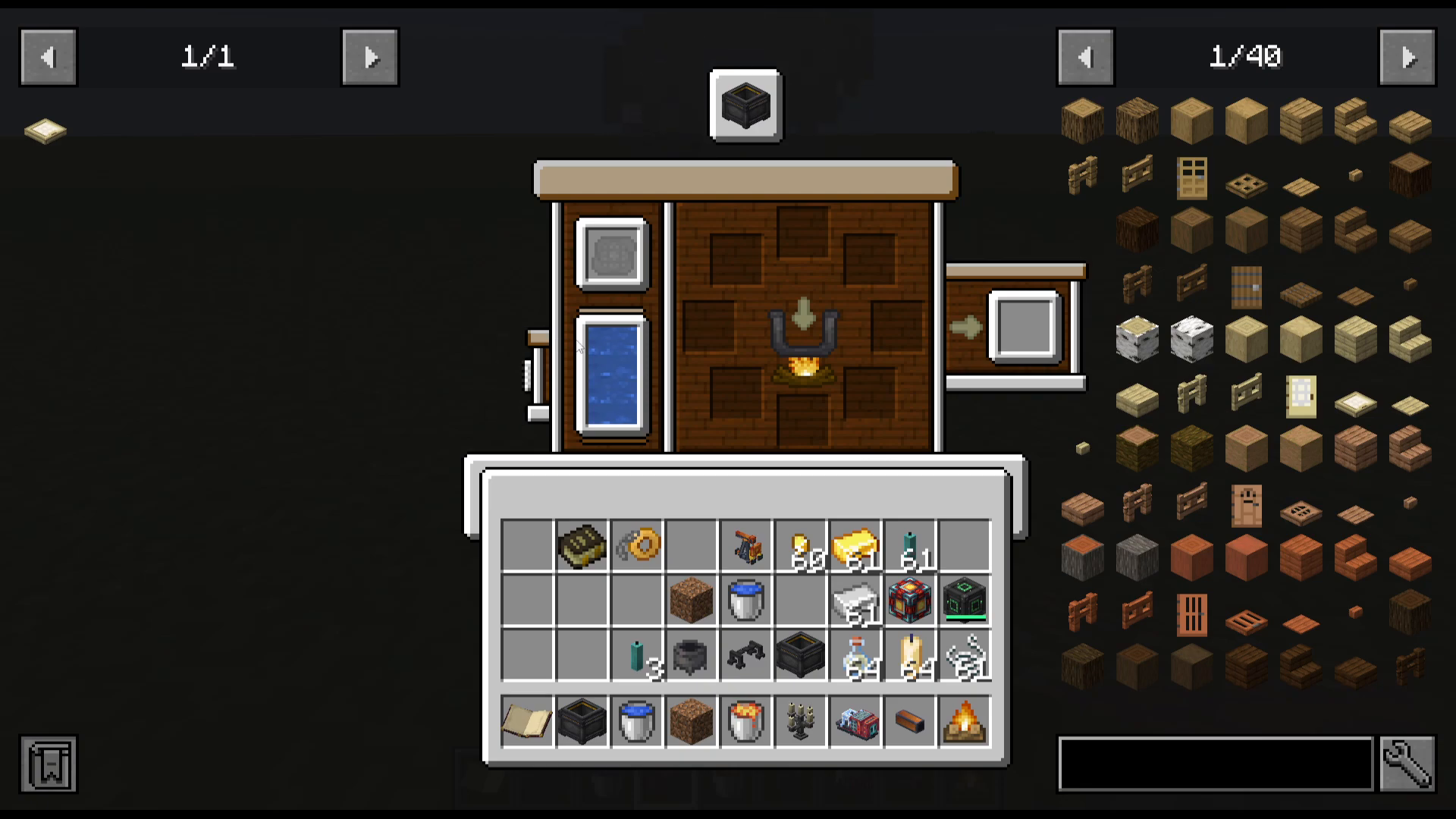
To add water, simply right-click the cauldron with a water bucket. If you add the wrong fluid by mistake, right-click the cauldron to open the UI. You’ll see a small button on the left side — hover over it and it will say “Dump”. Clicking this will remove whatever liquid is currently in the cauldron.
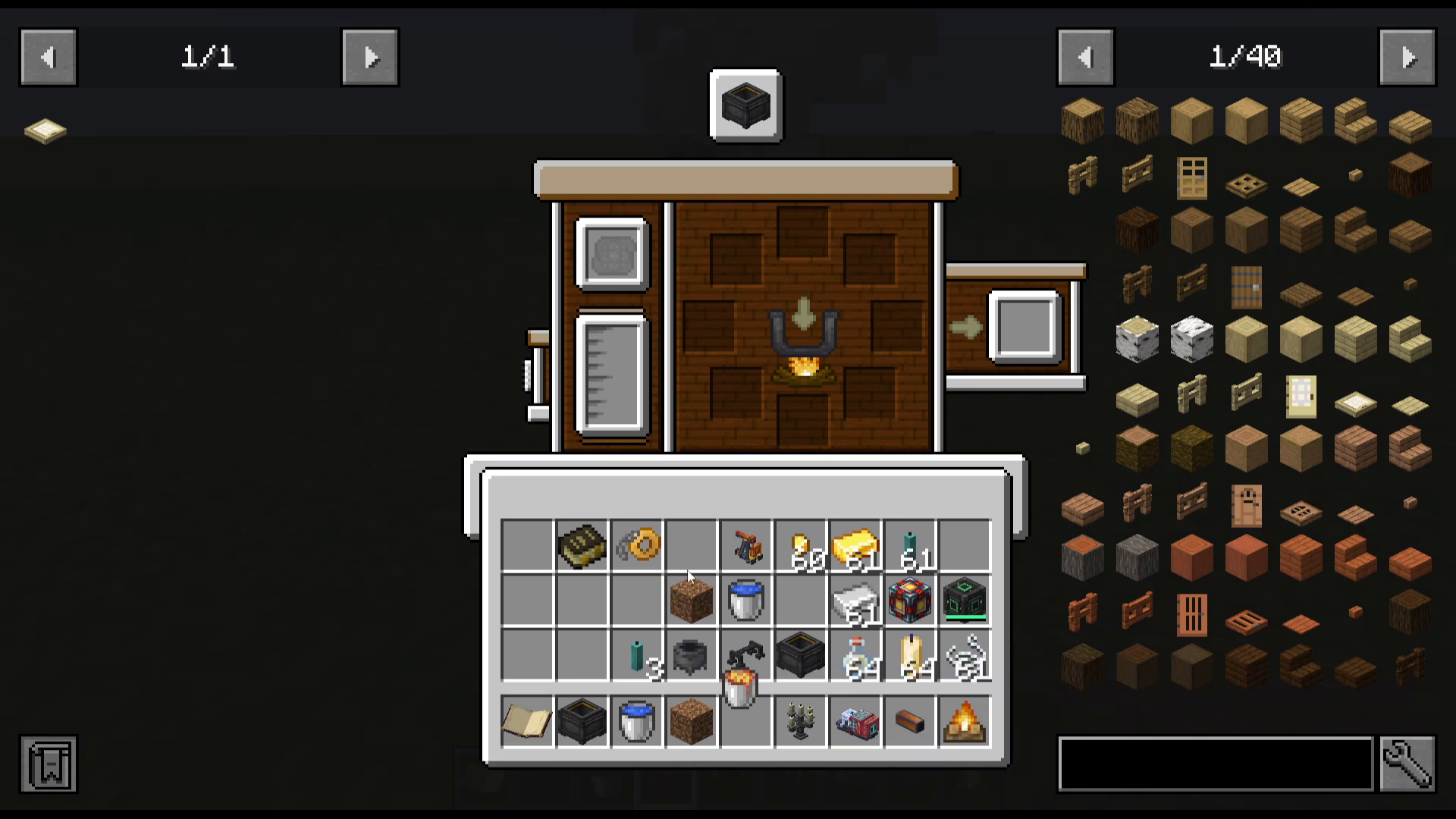
To add lava, use a lava bucket and right-click the cauldron. Fluid is added one bucket at a time.
Crafting an Item — Example: Sage Burning Plate
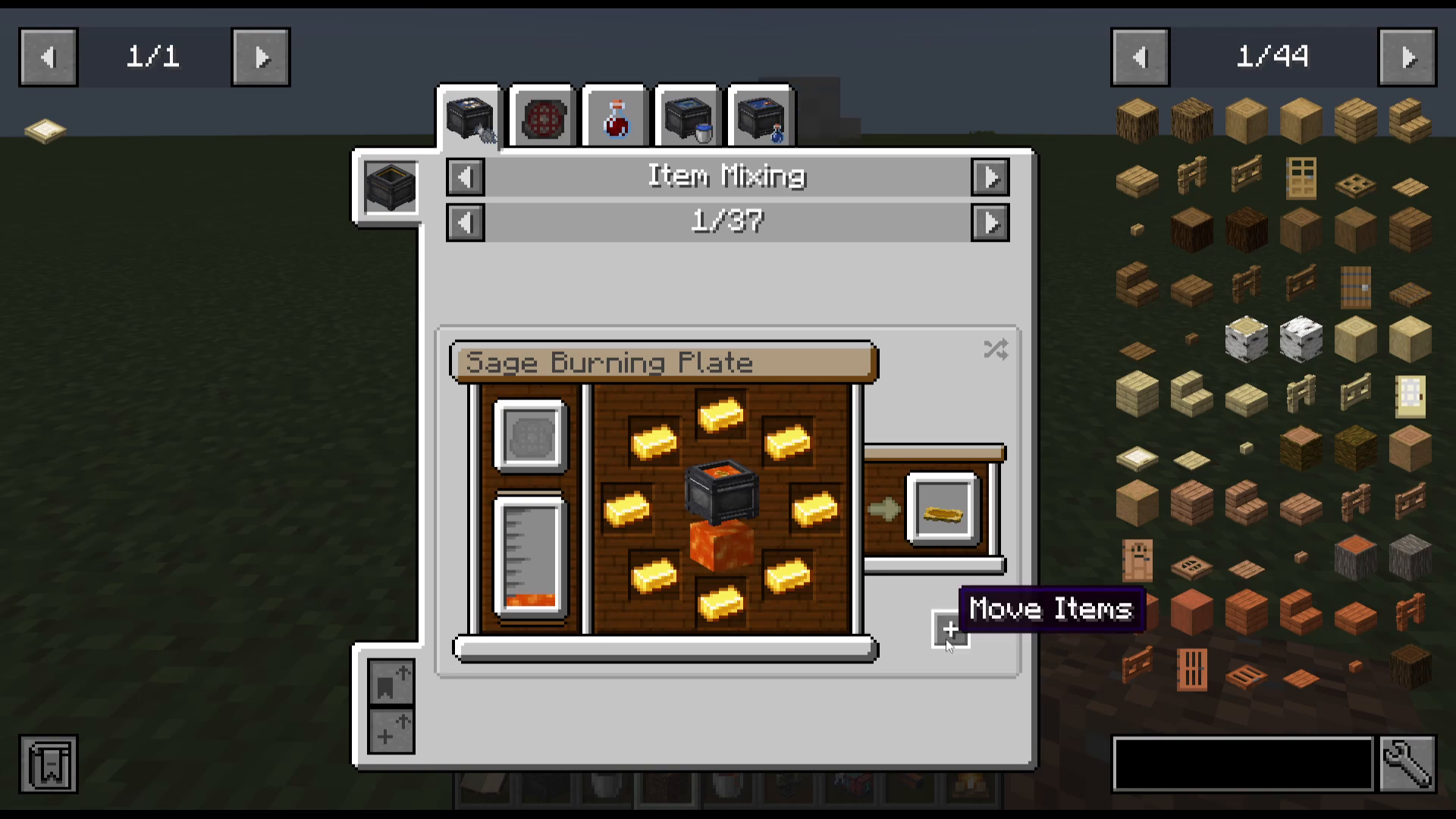
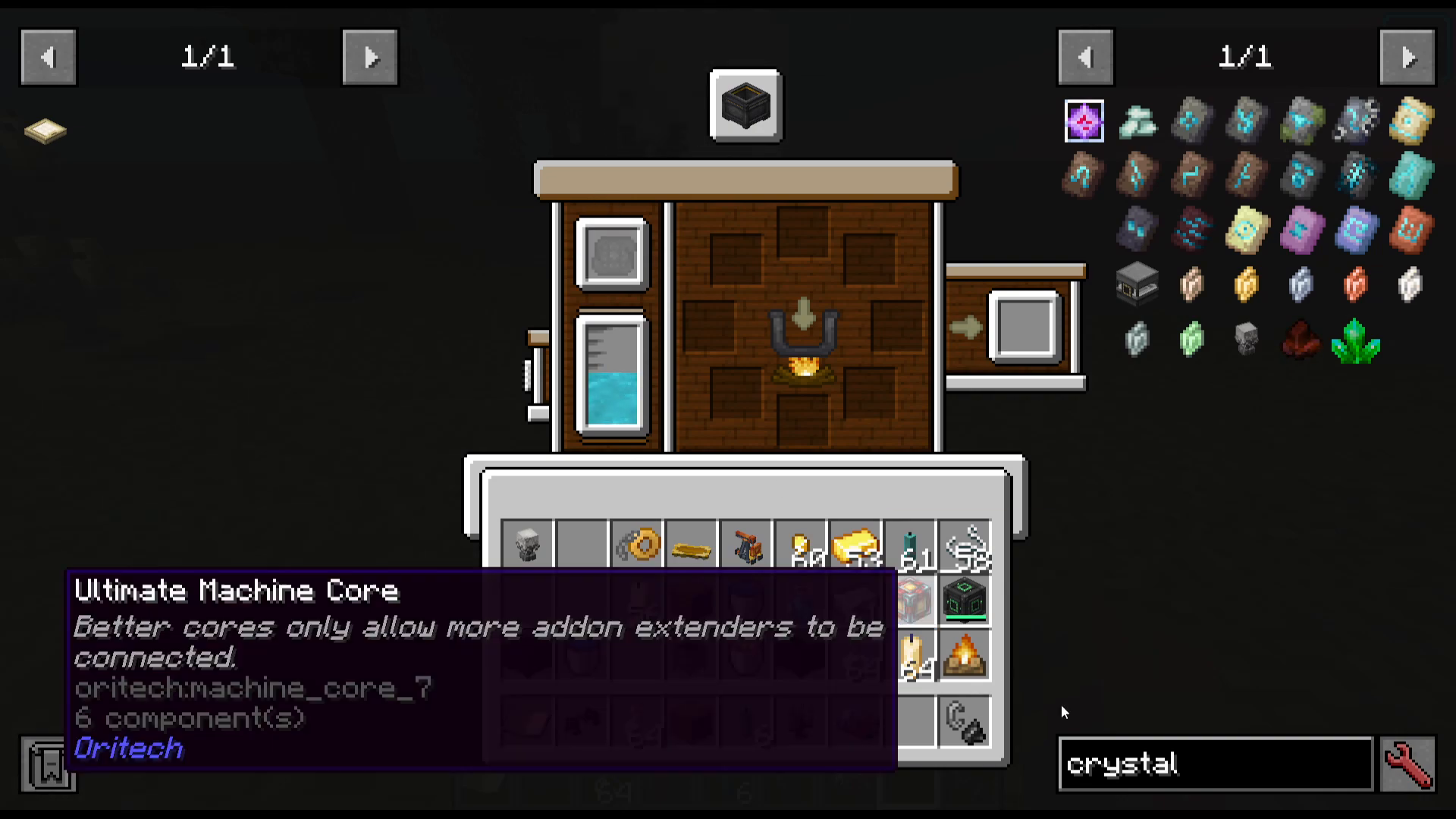
You can view recipes directly inside the cauldron UI by clicking the recipe button. For example, to craft a Sage Burning Plate, you simply add eight gold ingots to the cauldron. If you already have the items in your inventory, press the Move Items arrow button and the cauldron will pull them in automatically. The finished item will appear in the output slot on the right.
Special Recipe Conditions
As you scroll through the JEI recipe list, you’ll notice that some recipes have additional requirements:
Some need water in the cauldron.
Some need a specific potion (e.g. Potion of Regeneration).
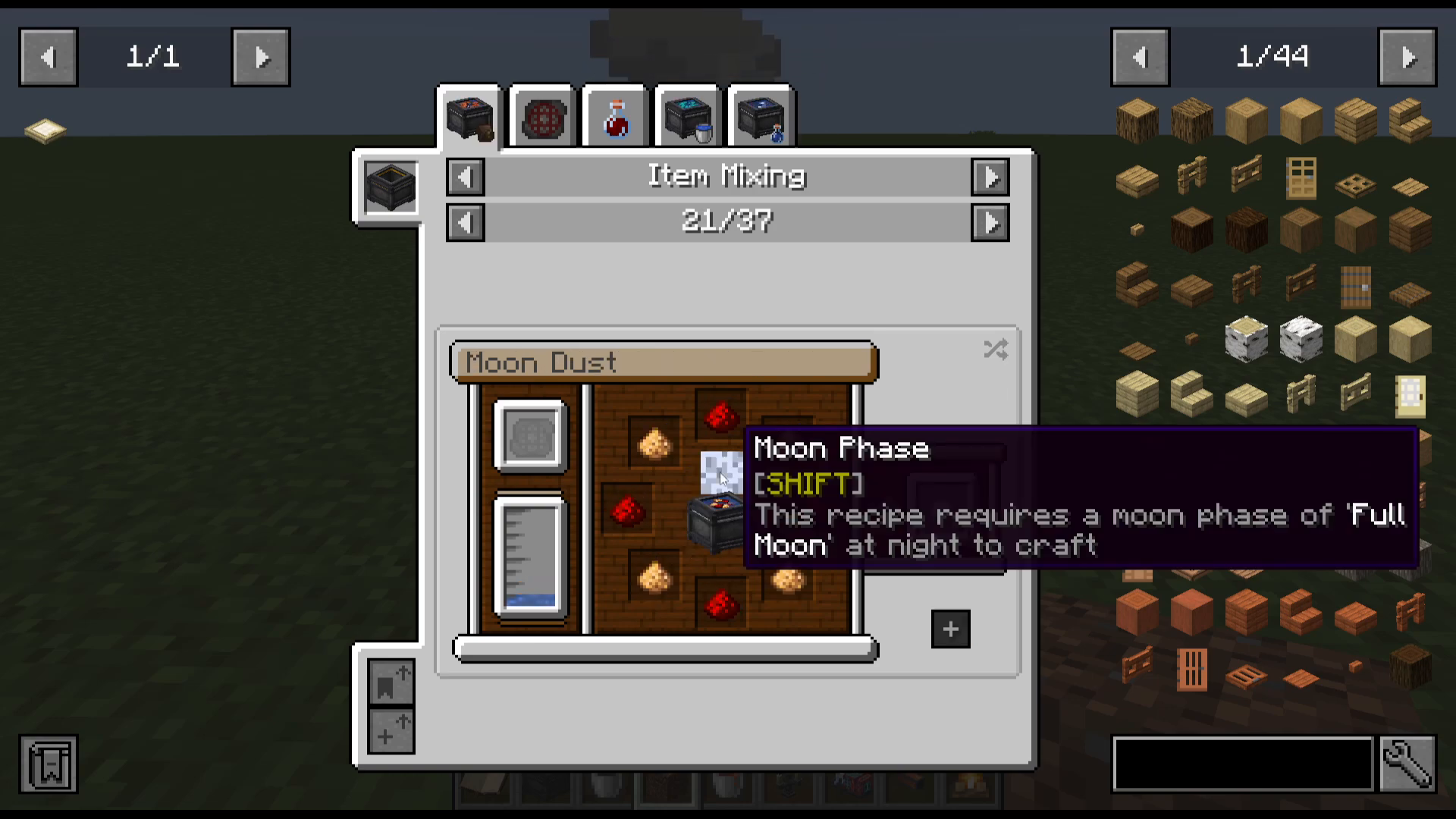
Some can only be crafted during a specific moon phase — for example, a full moon — and only at night time.
Bottling
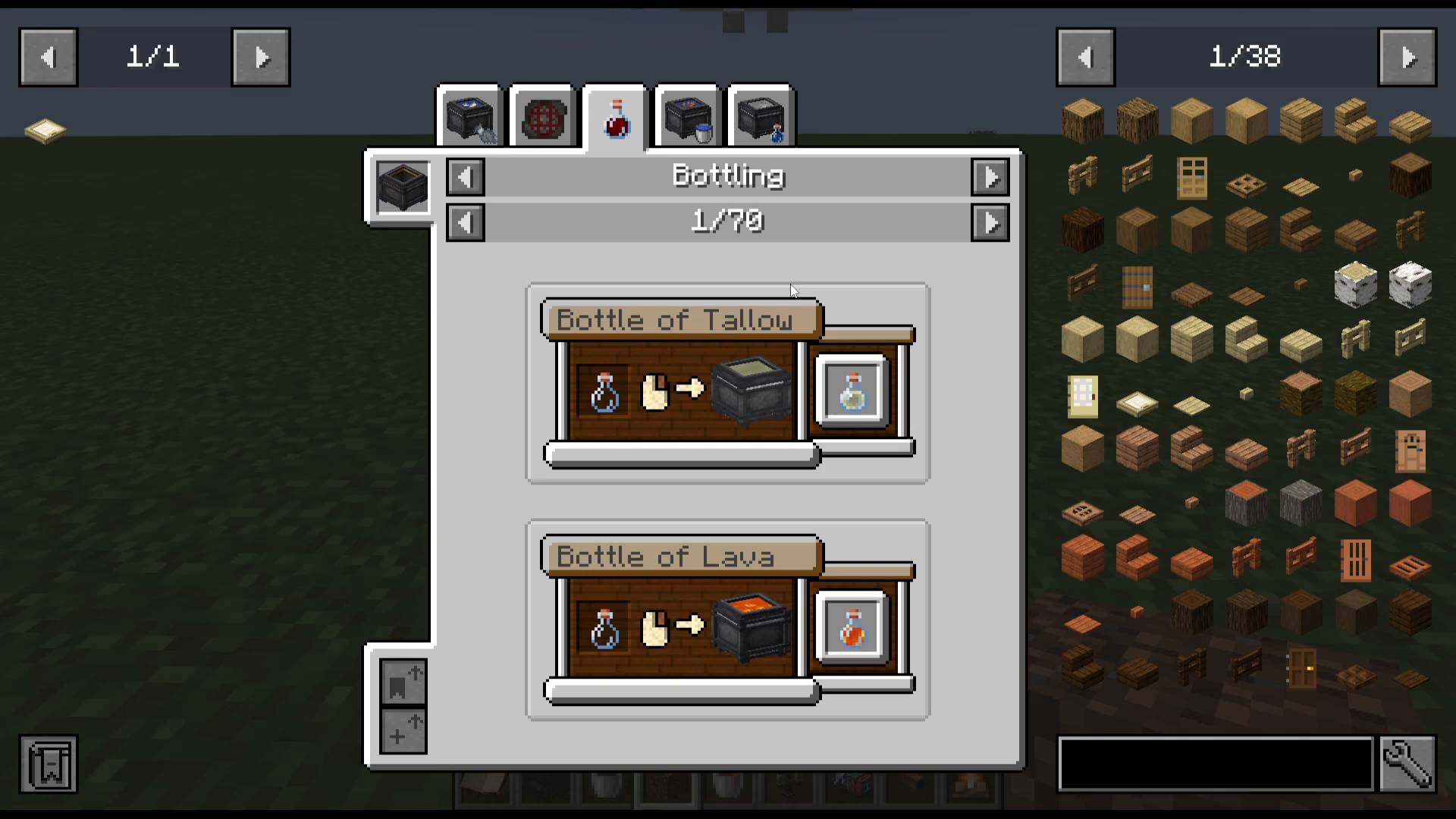
The Mixing Cauldron also supports bottling. Simply have glass bottles in your inventory and right-click the cauldron while it contains a liquid. The cauldron will fill the bottles with the fluid inside. This is fairly self-explanatory once you try it — the cauldron will empty as you bottle the liquid.
Candle Making
Candle making is one of the most powerful and unique features of the Mixing Cauldron. The process involves two main stages: rendering tallow, then dipping wicks or candles into fluids.
Step 1 — Making Tallow
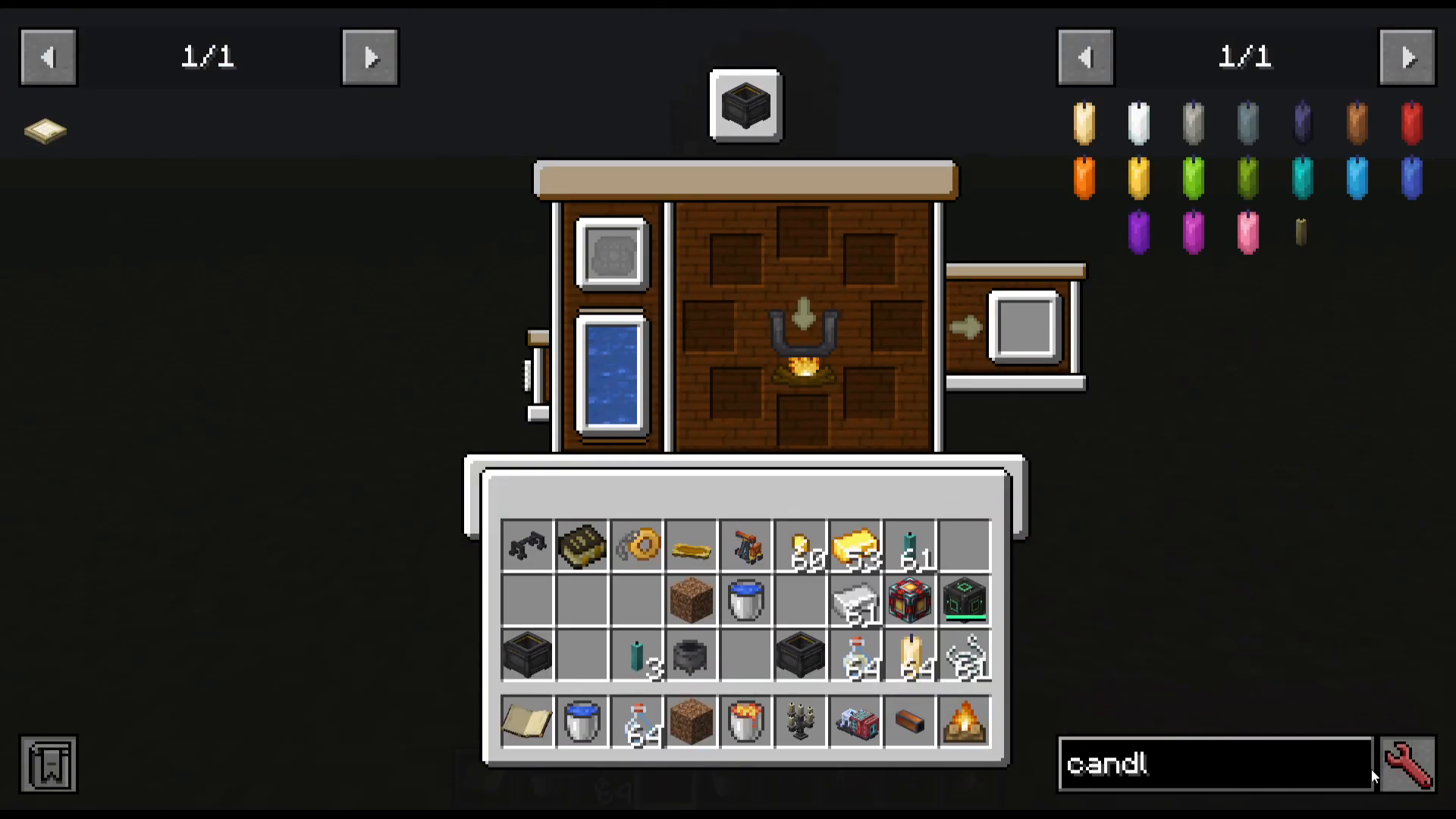
First, add water to the cauldron and make sure it is heated. Then place standard Minecraft candles into the cauldron. The candles will begin breaking down into liquid form, converting the water into tallow. Use up all your candles to make the most of the tallow produced.
Step 2 — Setting Up the Dipper
The Dipper is a tool crafted in the Mixing Cauldron itself. Once crafted, place two blocks of dirt beside the cauldron to act as supports, then shift right-click the dipper against the dirt blocks so it sits on top of the cauldron. You can then remove the dirt.
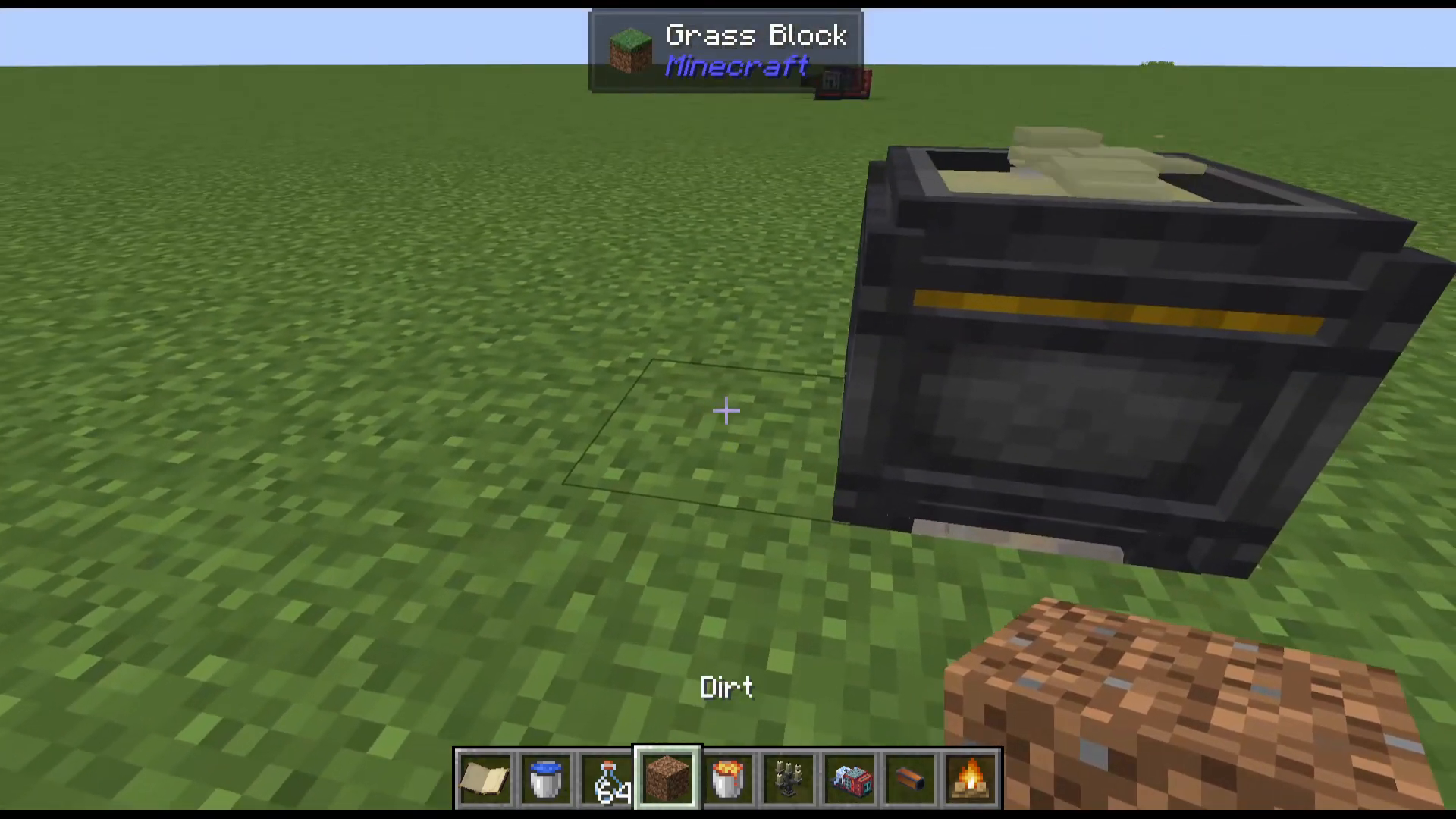
Step 3 — Dipping String into Tallow
With the dipper positioned and tallow in the cauldron, take some string and attach it to the dipper’s modules — slots one, two, and three. The dipper will automatically dip the string into the tallow, producing Hexerei candles. Some candles require multiple dips — you can check the exact number of dips, dipping time, and drying time by looking up the candle in JEI, pressing R for recipe, and selecting Dipper.
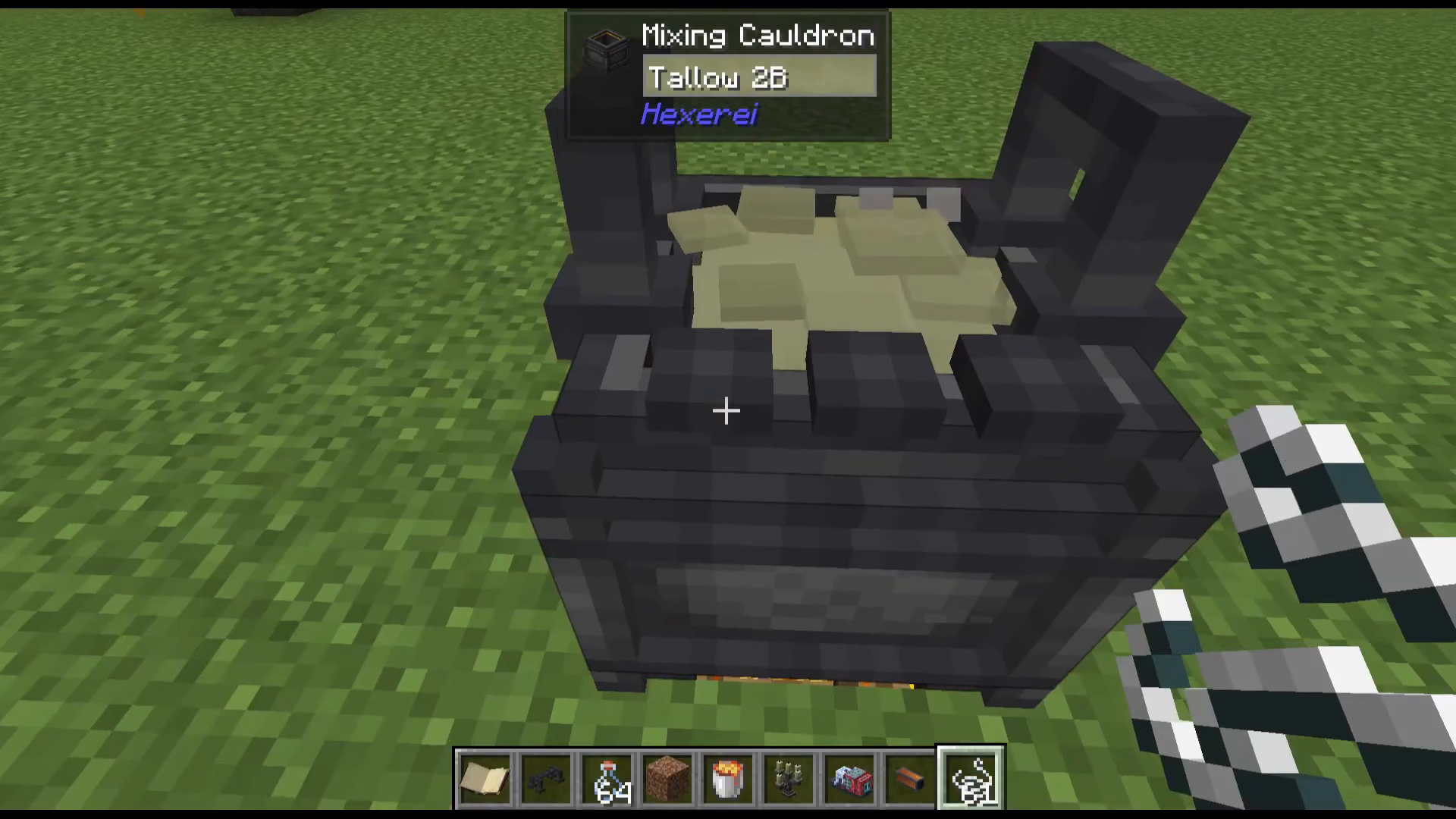
Step 4 — Infusing Candles with Potion Effects
This is where Hexerei candles become truly useful. Once you have plain Hexerei candles, you can infuse them with potion effects. To do this:
Dump out the tallow from the cauldron.
Right-click the cauldron with Potions of Swiftness (or any desired potion) to fill it.
Attach your Hexerei candles to the dipper in slots one, two, and three.
The dipper will dip the candles into the potion mixture, infusing them with the effect.
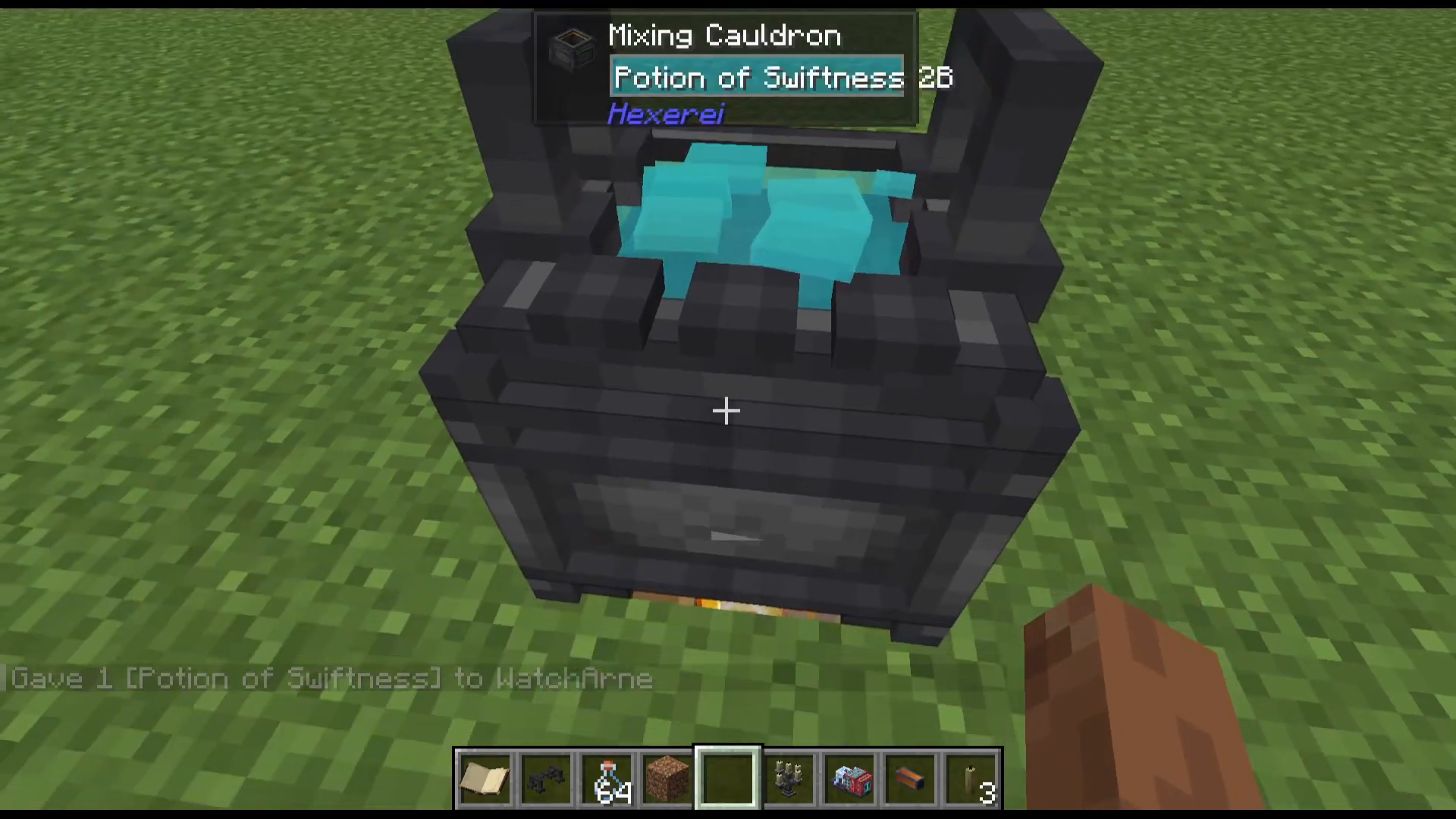
Using Enchanted Candles
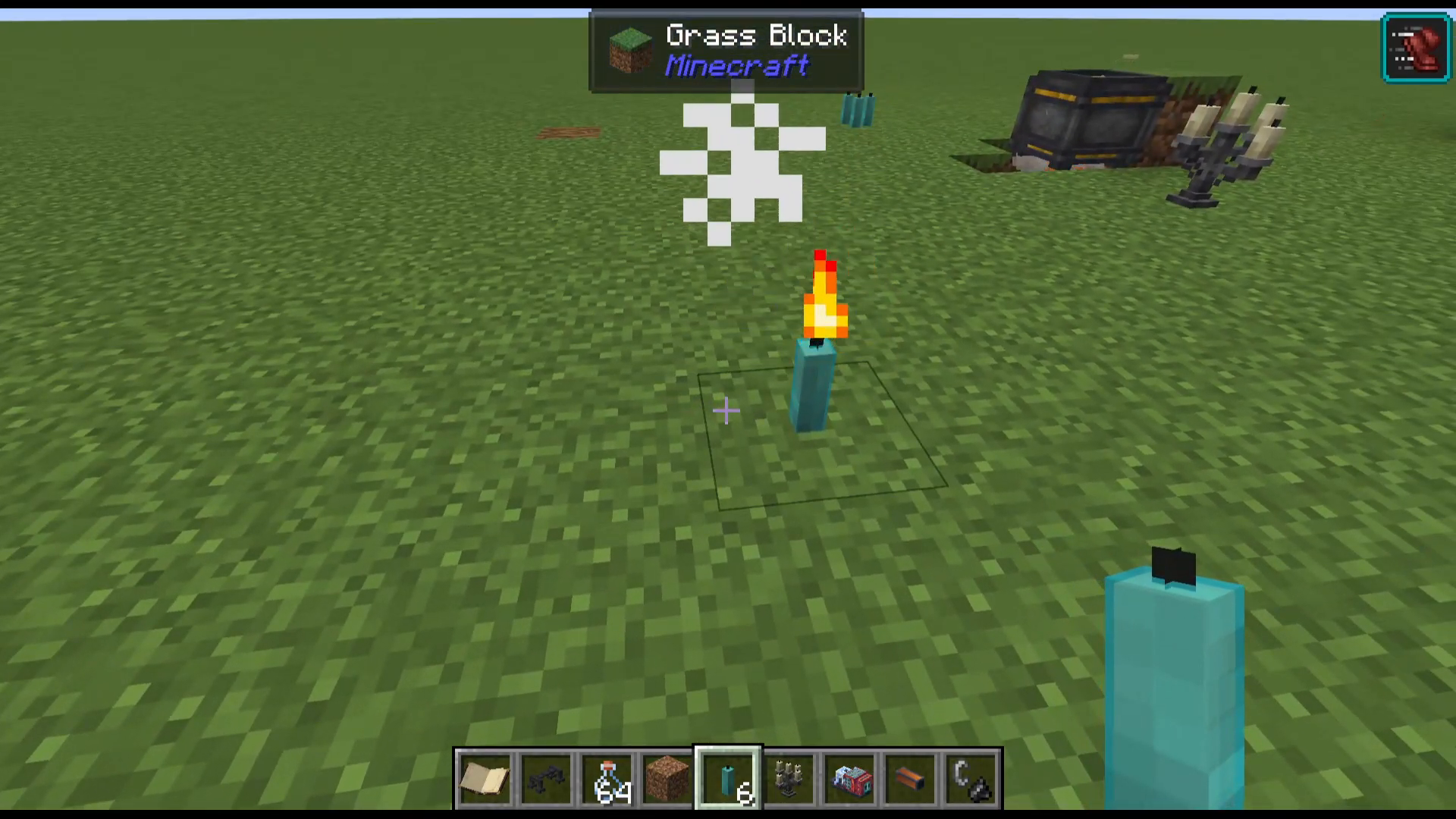
Once the dipping is complete, right-click the dipper to collect your finished candles. Place them in the world and light them with a flint and steel. You’ll see particle effects appear, and the candle’s potion effect — such as Speed — will be applied to nearby players. Candles stay lit for approximately 35 minutes.
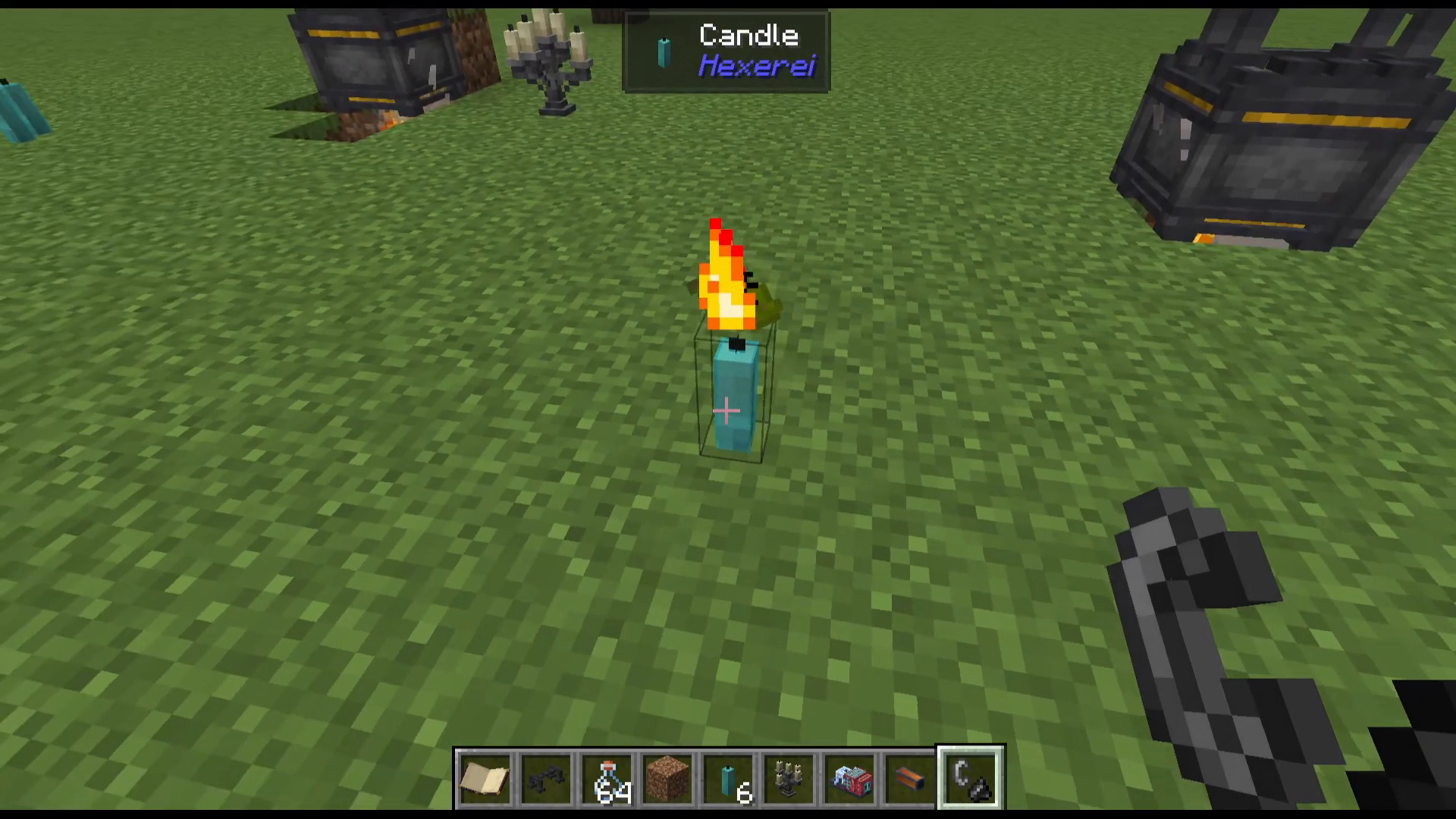
You can stack up to four candles in the same block. They will activate in the order they were placed when right-clicked. This means you can have multiple different effects — or the same effect stacked for a faster refresh — all from one block.
Candelabras
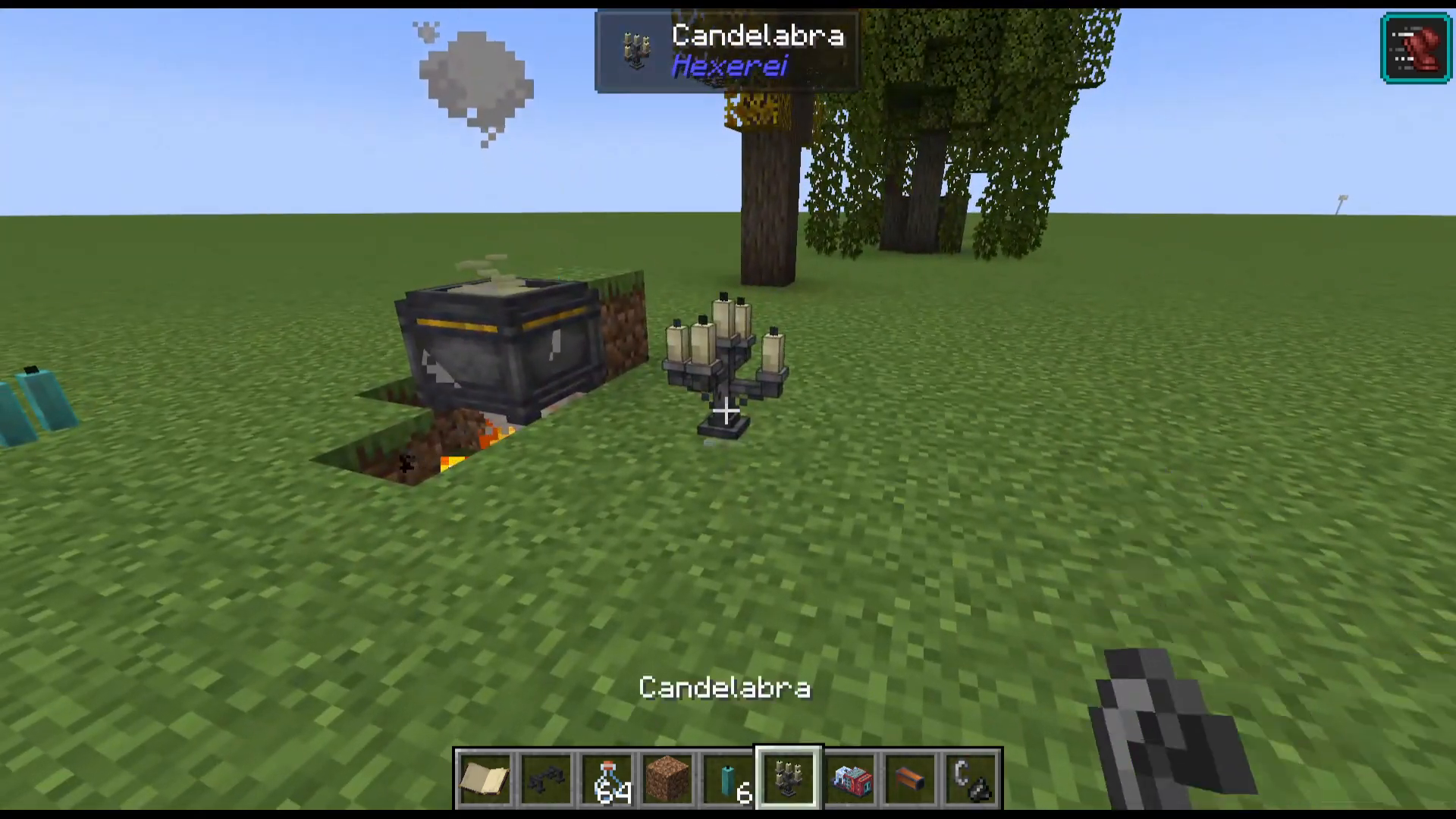
You can also craft a Candelabra in the Mixing Cauldron. Note that candelabras cannot be made using candles that already have effects on them — use plain candles only. Candelabras can be attached to chains and will stay lit indefinitely.
The Crystal Bowl — Tracking Moon Phases
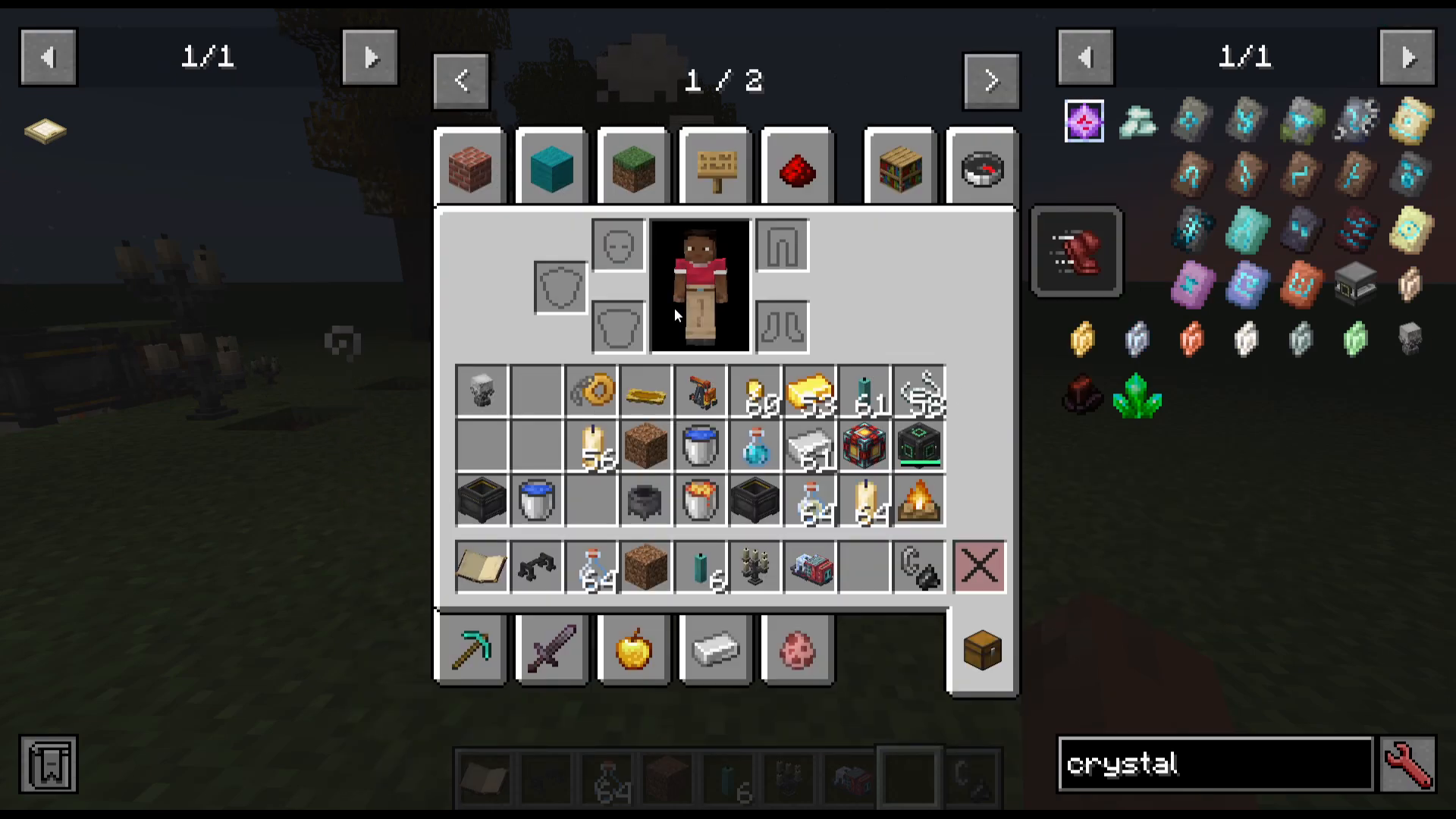
Some Mixing Cauldron recipes require a specific moon phase. To keep track of the current moon phase, craft a Crystal Bowl in the cauldron. Once placed, right-click it and it will display the current moon phase — essential for timing those special recipes correctly.
Filling the Cauldron with Blood
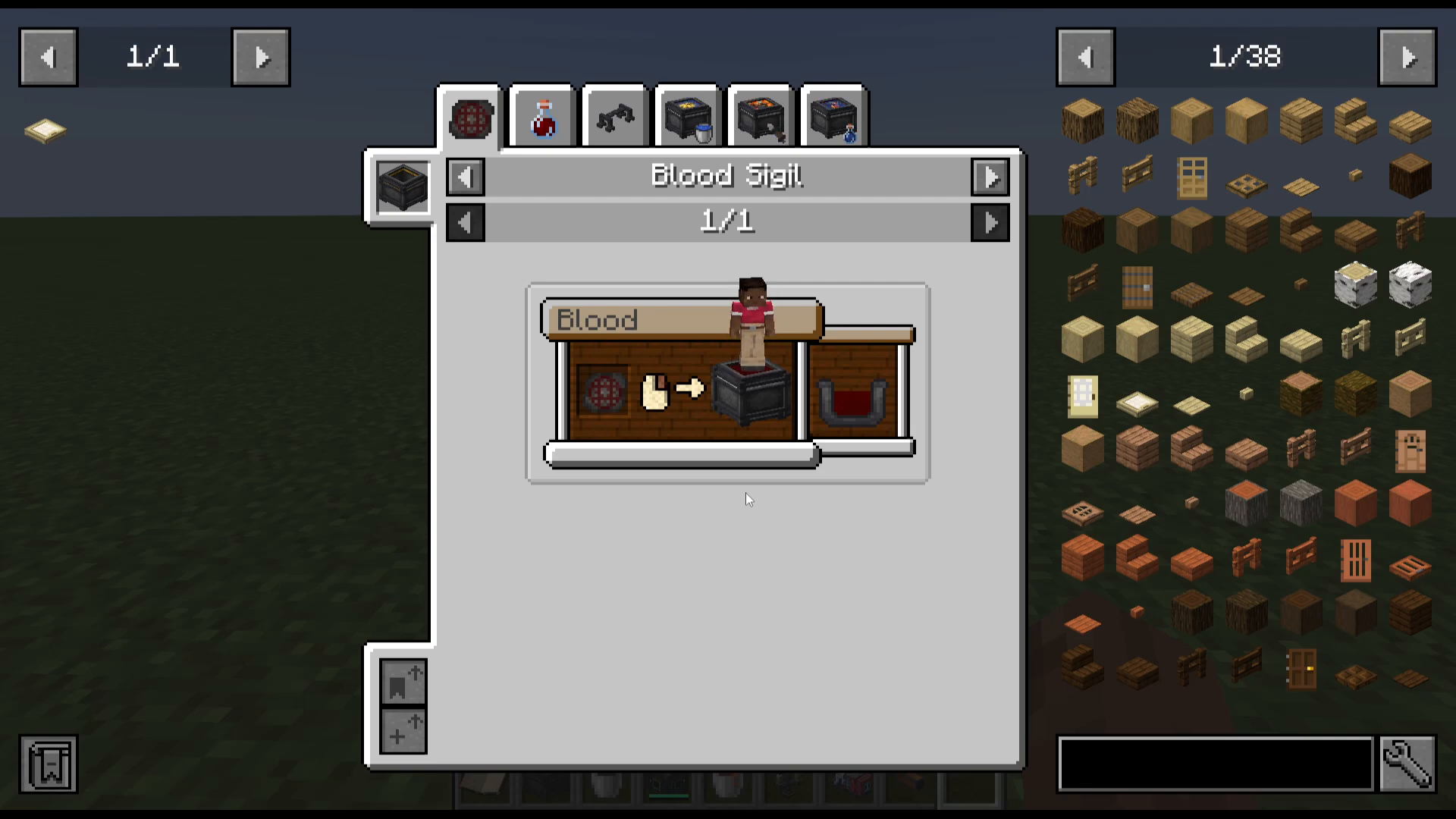
The cauldron can also be filled with blood. To do this, place a Blood Sigil into the top slot of the cauldron UI, then jump up and down inside the cauldron. Each jump will deal damage to you and fill the cauldron with blood. This is a unique mechanic required for certain advanced recipes.
Potion Mixing and Automation
The Mixing Cauldron can also brew potions directly. For example:
Add water, heat the cauldron, then add two Glowstone Dust to produce a Thick Potion or Awkward Potion.
Add an Awkward Potion and Golden Carrots to brew a Potion of Night Vision.
Automating with Tech Mods
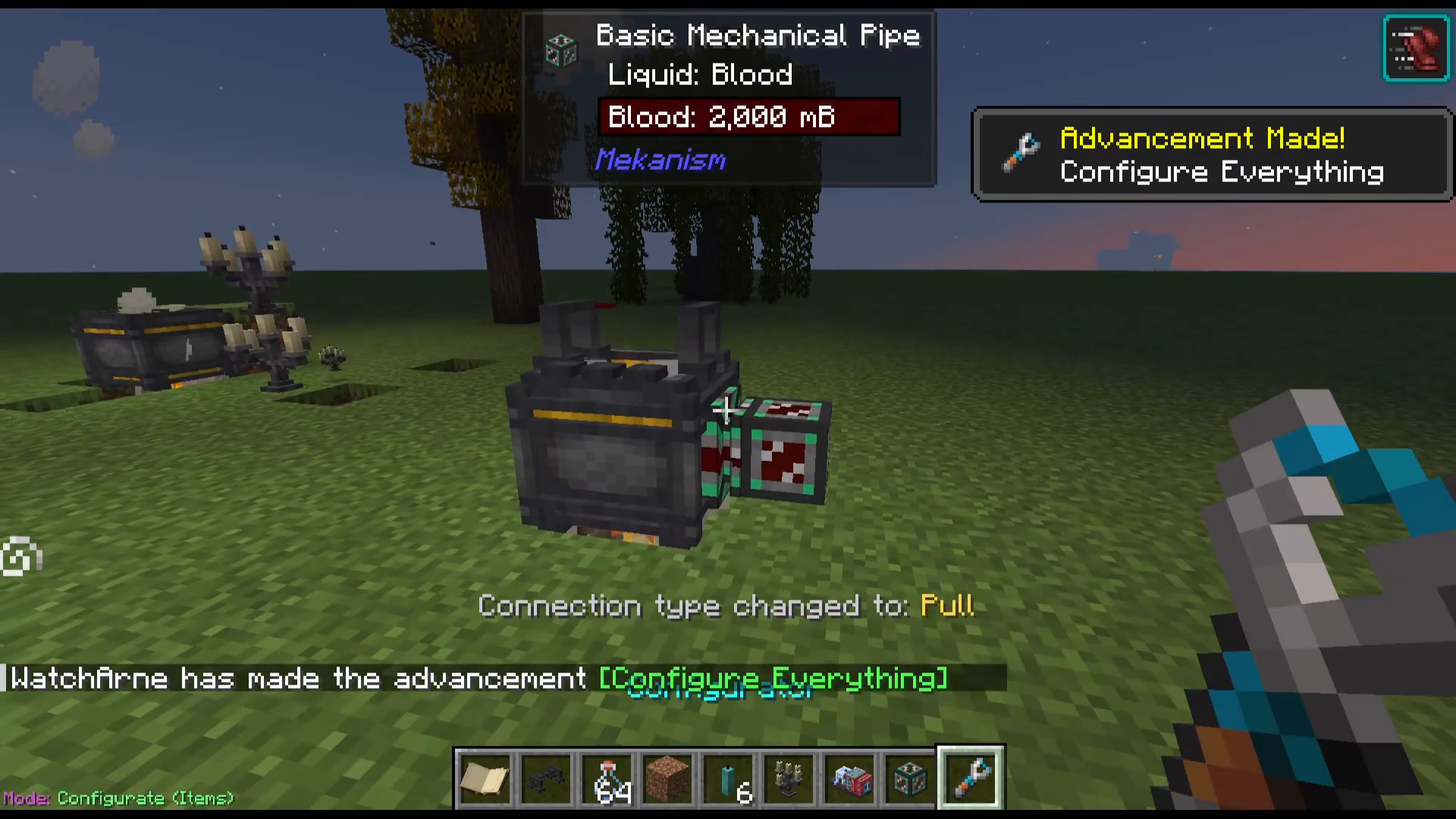
If you’re playing with tech mods such as Mekanism, you can use pipes to pull fluids out of the Mixing Cauldron and feed them into the next cauldron in a chain. This allows you to fully automate a potion production line — for example, brewing Awkward Potions in one cauldron and converting them to Night Vision Potions in the next. The same principle applies to item recipes and candle making as well.
Summary
The Hexerei Mixing Cauldron is a versatile and powerful block that sits at the heart of the mod. Here’s a quick recap of everything it can do:
Item Mixing — Craft Hexerei-specific items using water, lava, or other fluids.
Bottling — Fill glass bottles with fluids from the cauldron.
Candle Making — Render tallow, dip string, and infuse candles with potion effects.
Crystal Bowl — Track moon phases for special recipes.
Blood Filling — Use a Blood Sigil and take damage to fill the cauldron with blood.
Potion Mixing — Brew potions directly in the cauldron and automate with tech mods.
Master the Mixing Cauldron early and you’ll have a strong foundation for everything else Hexerei has to offer.
Want to Support?
If you would like to help us continue making these guides – please consider joining our patreon here – https://www.patreon.com/c/JaviHeals
Alternatively – we host a group of MC Servers you can join here – https://discord.gg/zD7Gjt6MHF