







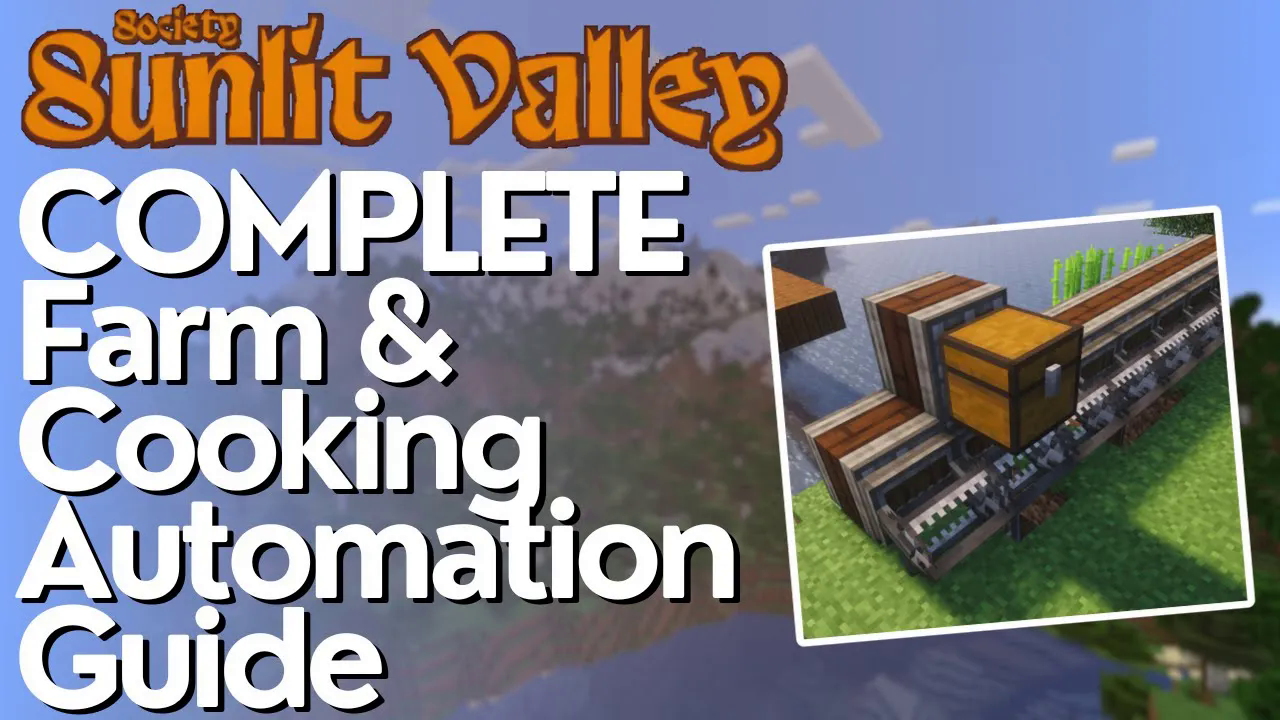
FULL Crop Automation Guide – Society Sunlit Valley
Complete Crop Automation Guide – Society Sunlit Valley
In this comprehensive guide, we’ll walk you through automating your entire crop production pipeline in Society Sunlit Valley. From harvesting crops automatically to cooking meals and selling the finished products, you’ll learn how to set up a fully automated food production system using Create and Refined Storage mods. This is a late-game automation project, but the payoff is significant—once set up, you’ll never have to manually harvest or cook again.
Step 1: Automated Crop Harvesting with Create
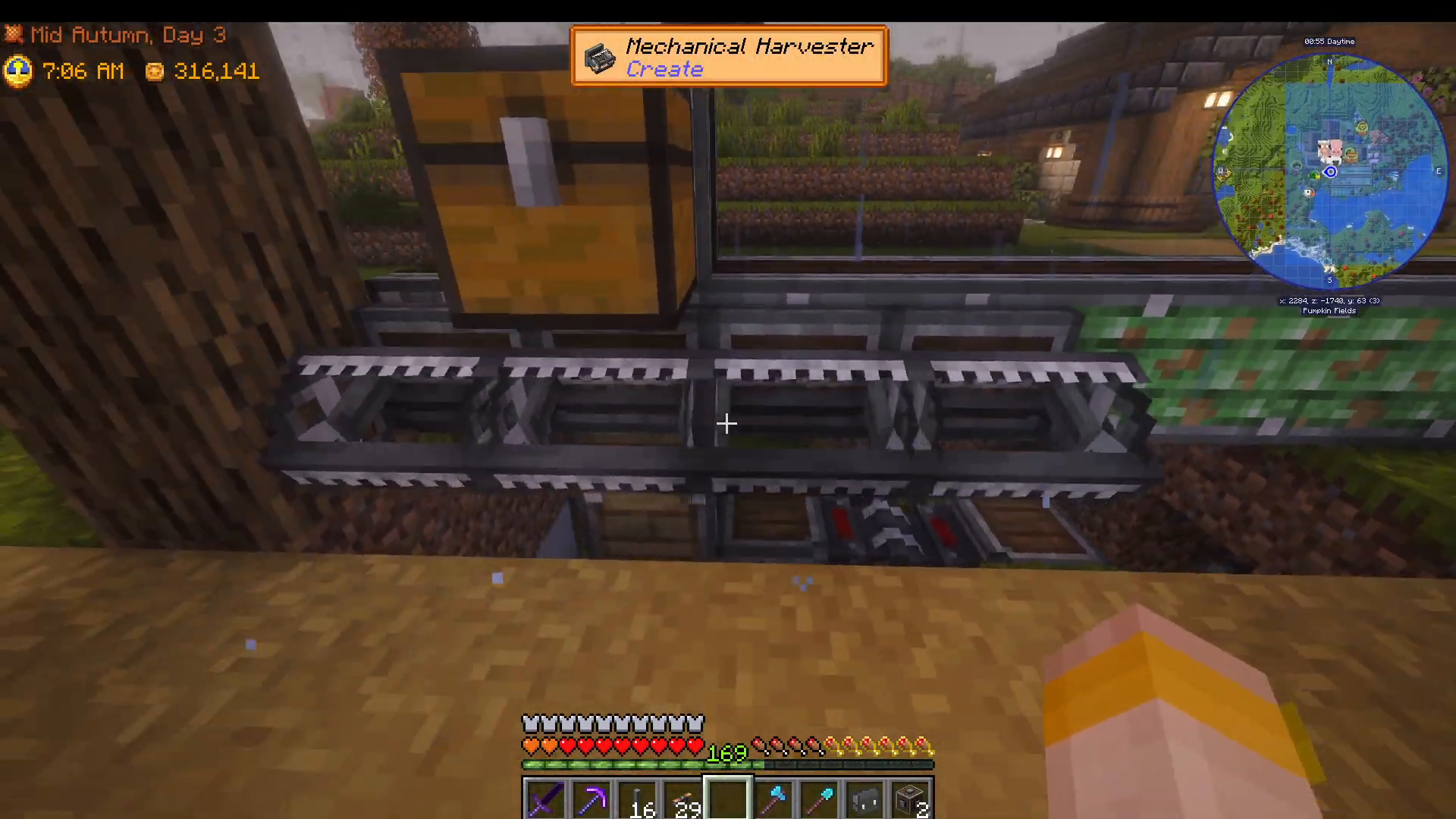
The first stage of automation is harvesting your crops. We’ll be using Create Harvesters to do this automatically. Keep in mind that harvesters are expensive—they cost 200,000 each, and the first one is even more costly since it requires being glued to a chassis.
In this setup, we’re using four mechanical harvesters positioned across the crop fields. Each harvester has an attached chest that collects all drops from the crops as they’re harvested. However, note that harvesters will not work on pumpkins, melons, and flax. You’ll need to move those crops and use a saw setup similar to a tree farm (we’ll cover this in a separate tutorial).
The harvested items are collected in a chest connected to a storage interface. From there, they travel via minecart along a rail system that winds through your crop fields. When you pull the lever, the minecart begins its cycle, harvesting all accessible crops and transporting them back to the central collection point where a Refined Storage importer picks them up.
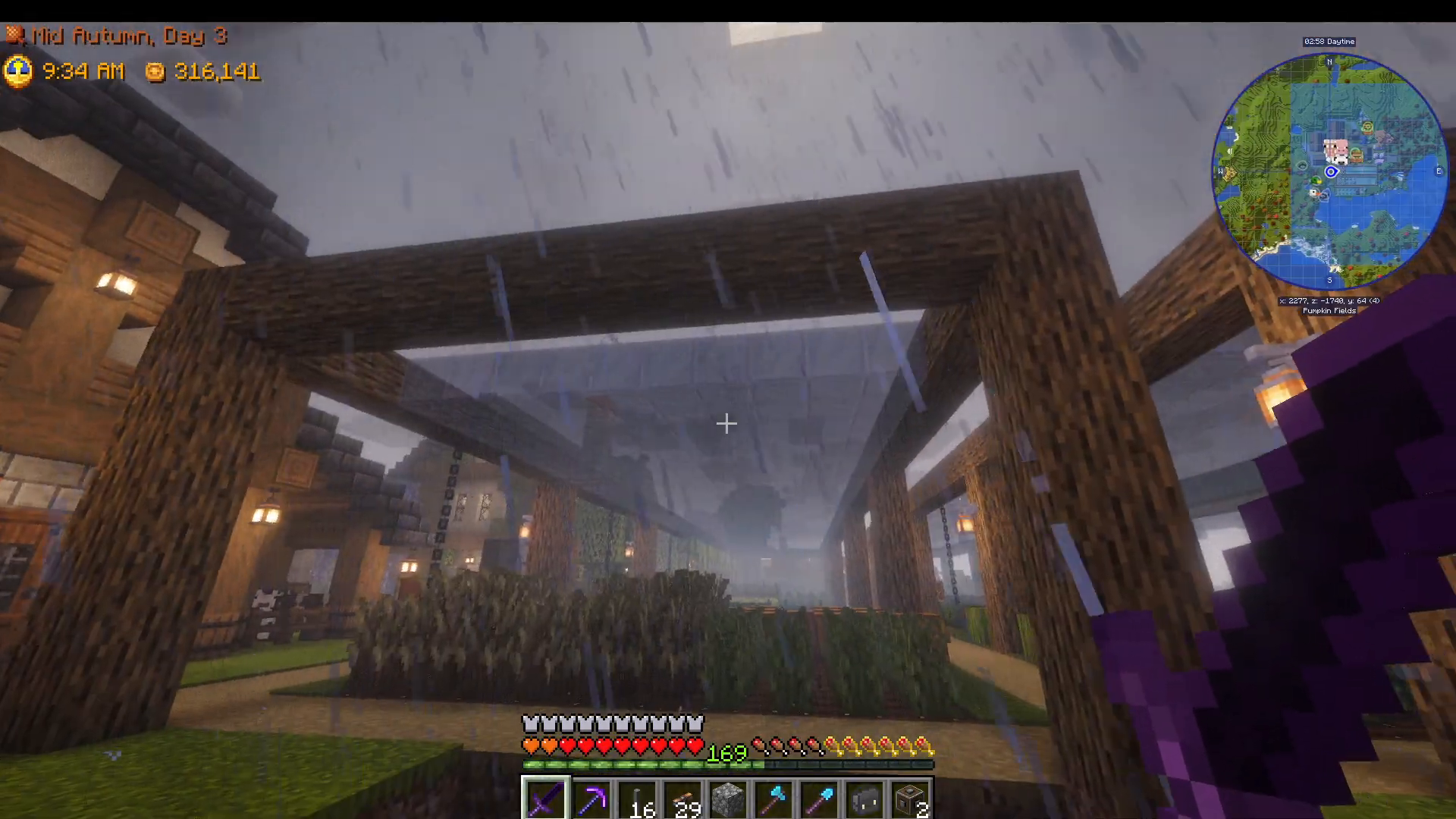
To ensure continuous growth regardless of season, build greenhouse glass above your crops. This allows them to grow in every season, ensuring your automated system always has something to harvest.
Once harvested, items are automatically fed into your Refined Storage system through the importer connected to a storage bus. Everything is now centralized and ready for the next stage of automation.
Step 2: Automated Cooking with Refined Storage
With crops now flowing into your Refined Storage system, the next step is cooking them into finished meals. In this example, we’re making Ratatouille using potatoes, tomatoes, onions, and beetroot. The cooking system uses a cooking pot connected to your Refined Storage network via cables.
To set up the cooking automation, you’ll need three Refined Storage components connected to the cooking pot on different sides:
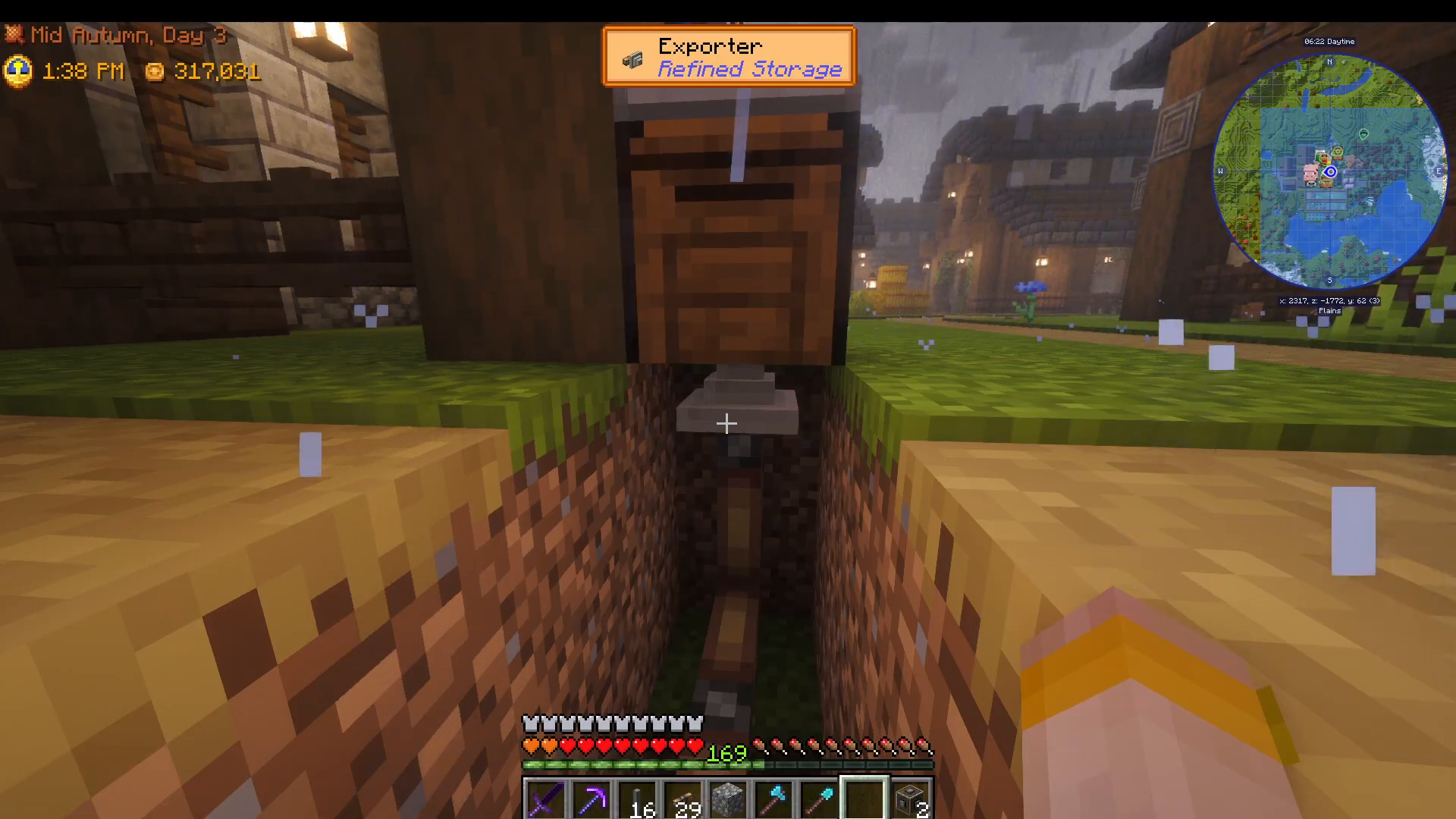
Component 1: Bowls Exporter
On one side of the cooking pot, connect an exporter that outputs bowls from your Refined Storage system into the pot. The only manual step in this entire process is crafting bowls in advance. We recommend making a large batch (around 10,000) or even setting up a tree farm to automate bowl production, then storing them in Refined Storage.
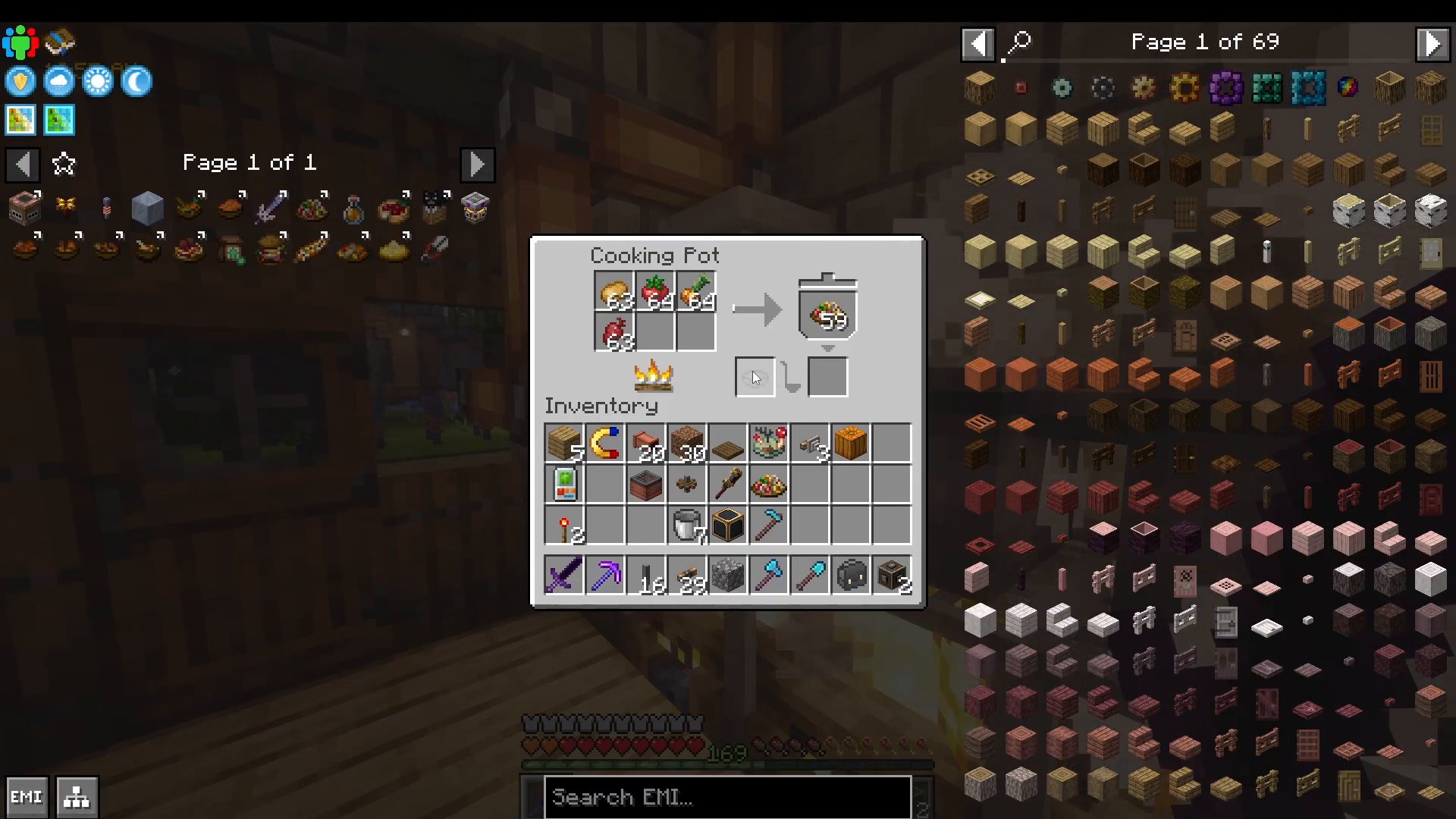
Component 2: Ingredients Exporter with Regulator Upgrade
On the top side of the cooking pot, connect another exporter that outputs your ingredients (potatoes, tomatoes, onions, and beetroot). This is the critical step: apply a regulator upgrade to prevent ingredient overflow.
Set the regulator to a value of 64 for the limiting ingredient (in this case, beetroot). This ensures that only 64 beetroot will be kept in the cooking pot’s inventory at any time. Without this, one ingredient could fill all available slots, preventing the recipe from executing.
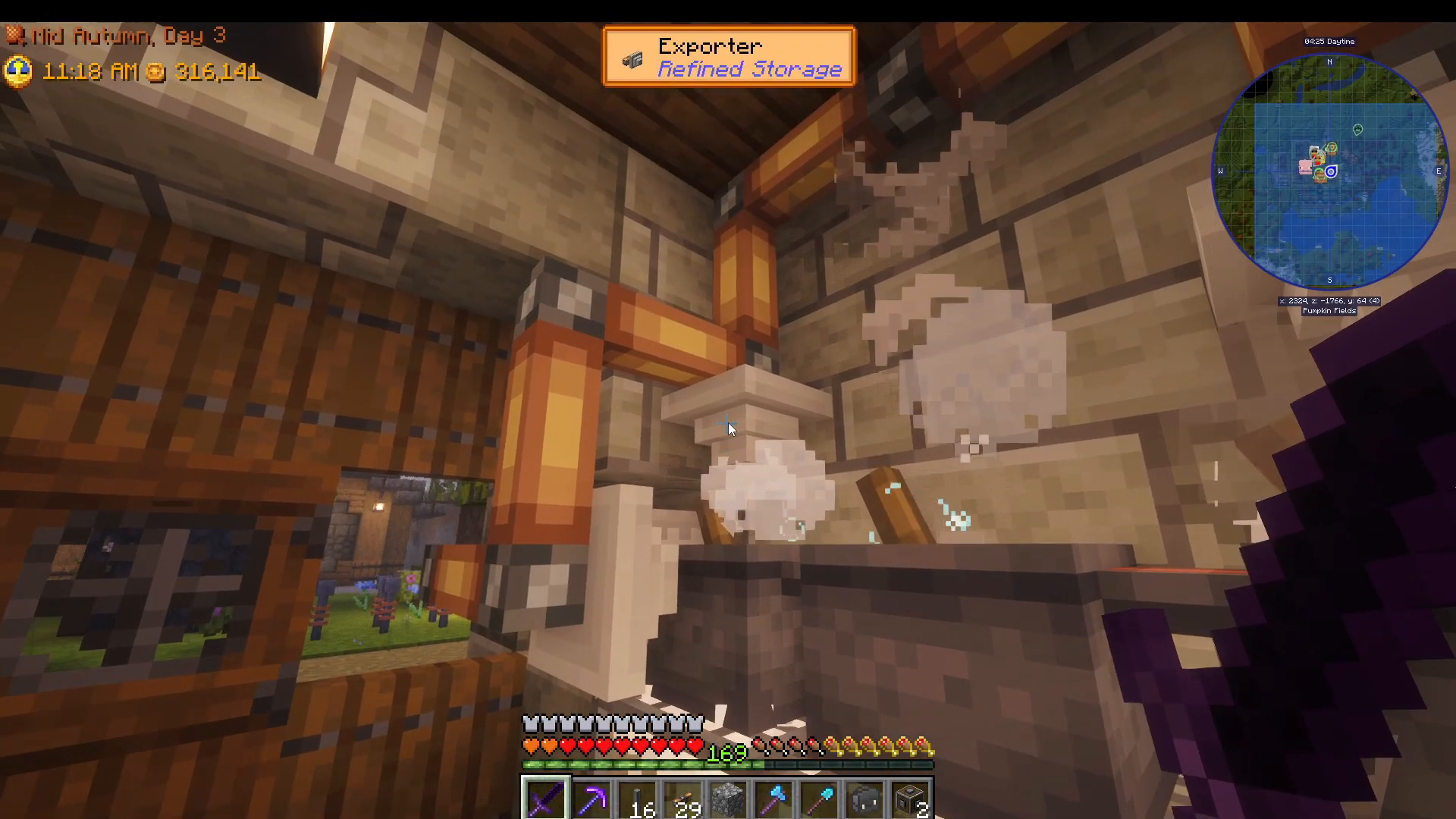
Component 3: Finished Meal Importer
On the third side, connect an importer set to import anything back into your Refined Storage system. The system is intelligent enough to only import the finished Ratatouille—it won’t reimport the raw ingredients.
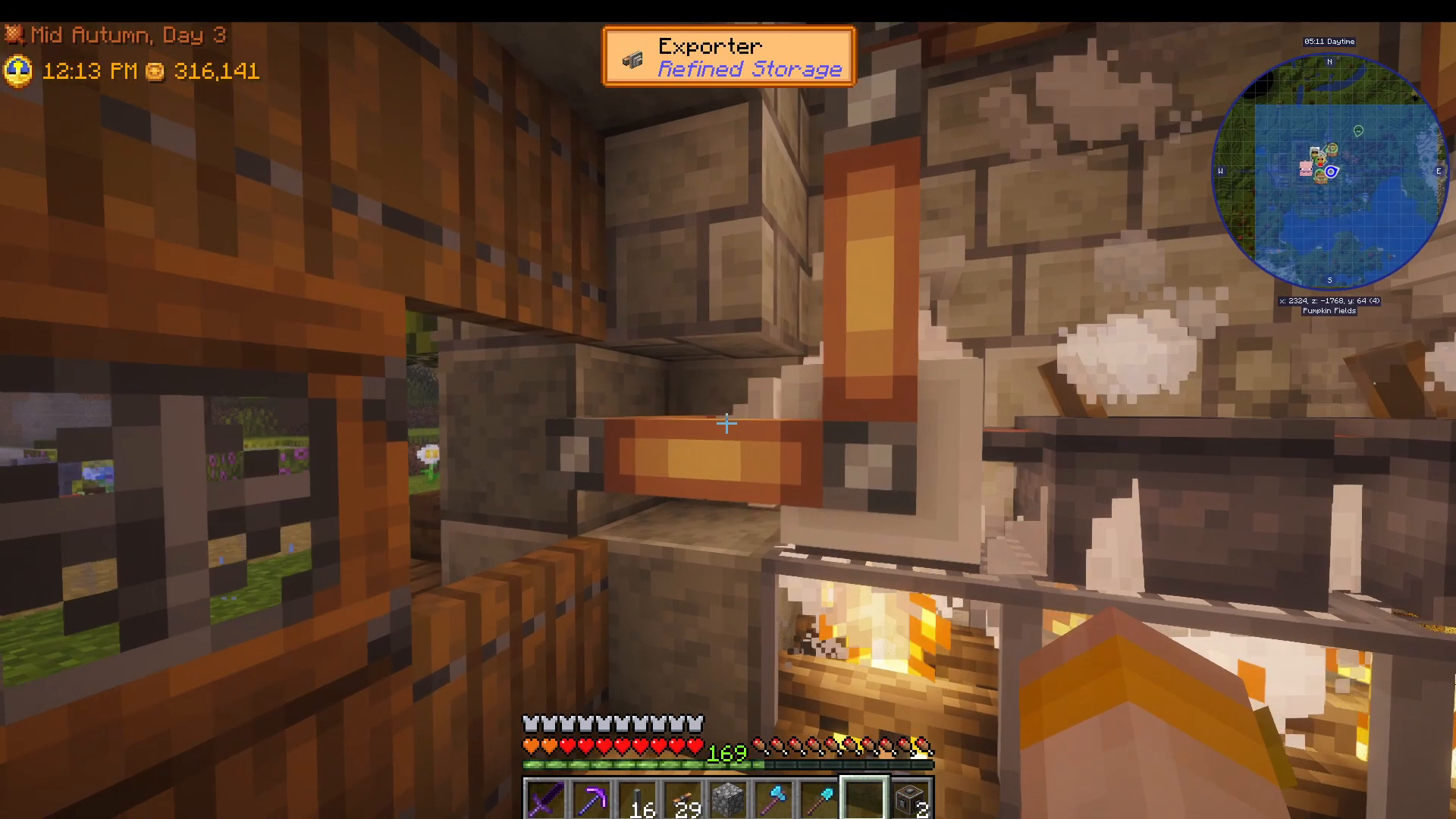
Once you place the first batch of bowls into your Refined Storage system, the exporter automatically feeds them into the cooking pot. Simultaneously, the ingredient exporters send potatoes, tomatoes, onions, and beetroot. The cooking pot prepares the Ratatouille, and the importer immediately brings the finished meal back into your Refined Storage network. The cycle repeats continuously.
Step 3: Automated Sales with Smart Shipping Bins
Now that you’re producing finished meals automatically, the final step is selling them. Connect another cable from your Refined Storage network to a smart shipping bin. Set up an exporter on the bin and configure it to filter for Ratatouille (or whichever meal you’re producing).
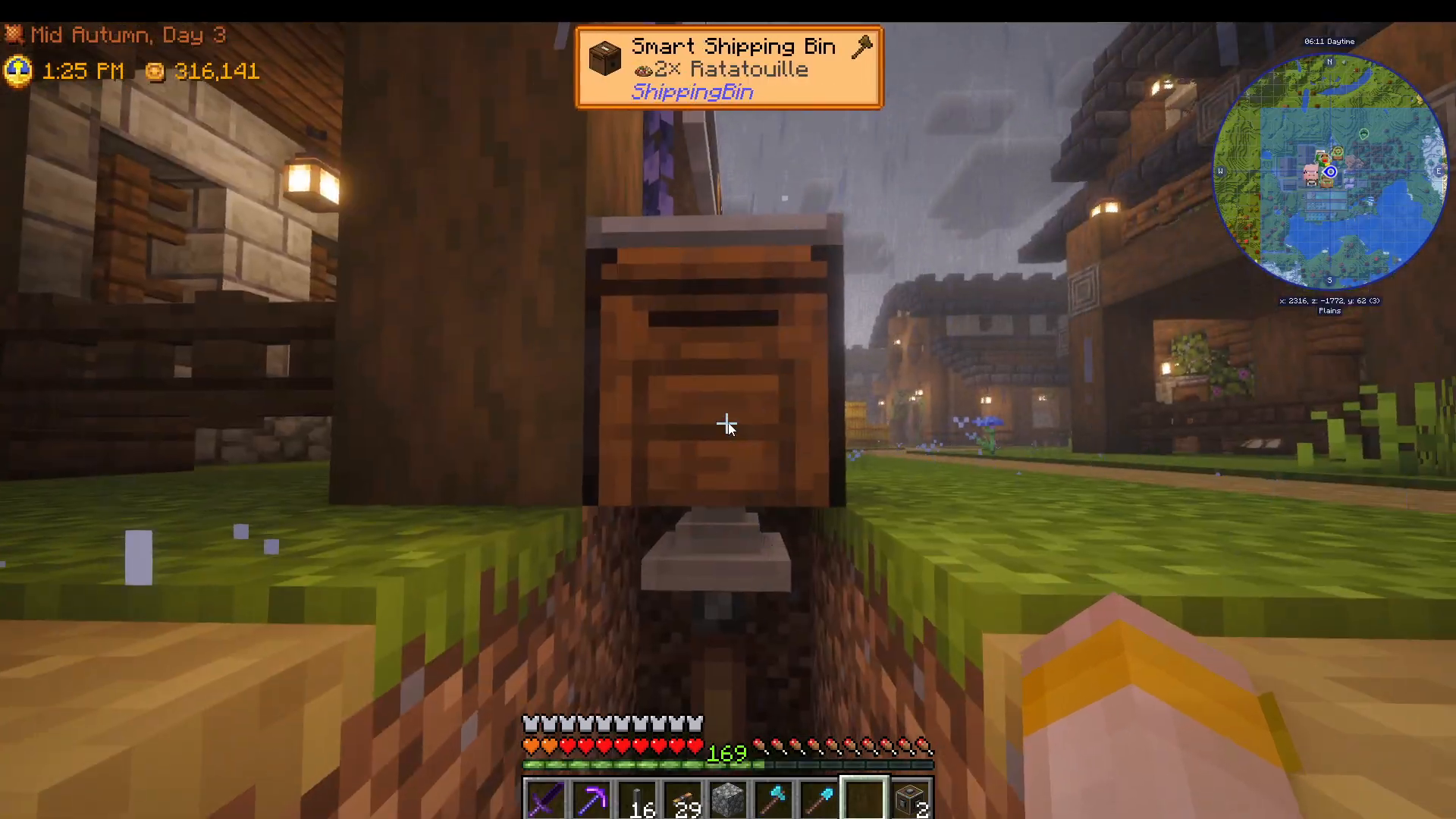
As your cooking pot produces Ratatouille, the exporter automatically transfers completed meals into the smart shipping bin. The bin handles the sale automatically, and you’ll see coins accumulate in real-time as your meals sell.
Scaling Your Automation
Once you’ve mastered one meal, you can replicate this setup for additional recipes. Different vegetables and proteins can be processed into different dishes. For example, you could set up another cooking pot for a chicken, milk, garlic, and vegetable recipe. By chaining multiple exporters to furnaces and other cooking stations, you can automate the preparation of secondary ingredients like cooked chicken, then feed those into higher-level recipes.
The key is to use Refined Storage’s importer and exporter system strategically. Each cooking station becomes a node in your larger production network, all feeding into a centralized storage system that automatically sells the finished products.
Summary
Congratulations! You now have a fully automated crop-to-sale system in Society Sunlit Valley. Here’s what we’ve accomplished:
Harvesting: Create Harvesters automatically collect crops year-round (thanks to greenhouse glass)
Storage: Refined Storage importers centralize all harvested items
Cooking: Exporters and importers automate meal preparation with proper regulator configurations
Sales: Smart shipping bins automatically sell finished meals
The only manual task remaining is crafting bowls in advance, which is a small price for completely hands-free farming and food production. For more details on setting up the harvester contraption itself, check out our dedicated harvester setup tutorial in the description.
Want to Support?
If you would like to help us continue making these guides – please consider joining our patreon here – https://www.patreon.com/c/JaviHeals
Alternatively – we host a group of MC Servers you can join here – https://discord.gg/zD7Gjt6MHF