







Mekanism Fusion Reactor Full Tutorial
Mekanism Fusion Reactor Full Tutorial
The Fusion Reactor is the ultimate end-game power generator in Mekanism. Unlike the Fission or Fissile reactors, you don’t have to worry about nuclear meltdowns. This comprehensive guide will walk you through everything you need to know to build and operate a fully functional Fusion Reactor, from gathering materials to igniting the reactor and optimizing its output.
Building the Fusion Reactor Structure
Required Materials
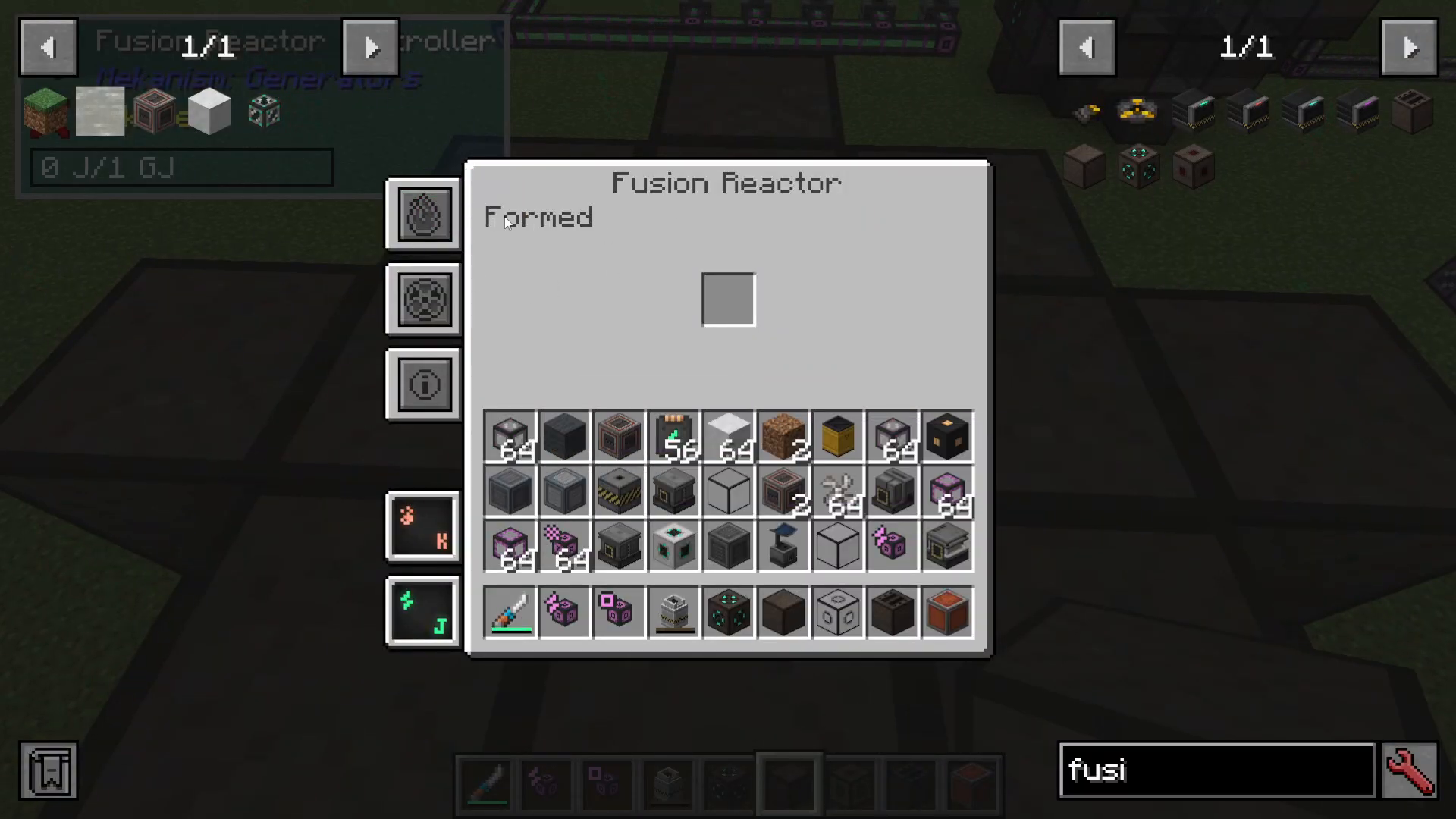
To build a Fusion Reactor, which is constructed in a star shape, you will need the following components:
Fusion Reactor Frames
Atomic Alloy Still Casing
Polonium Pellets
Glass (optional, for visibility)
Understanding Polonium Production
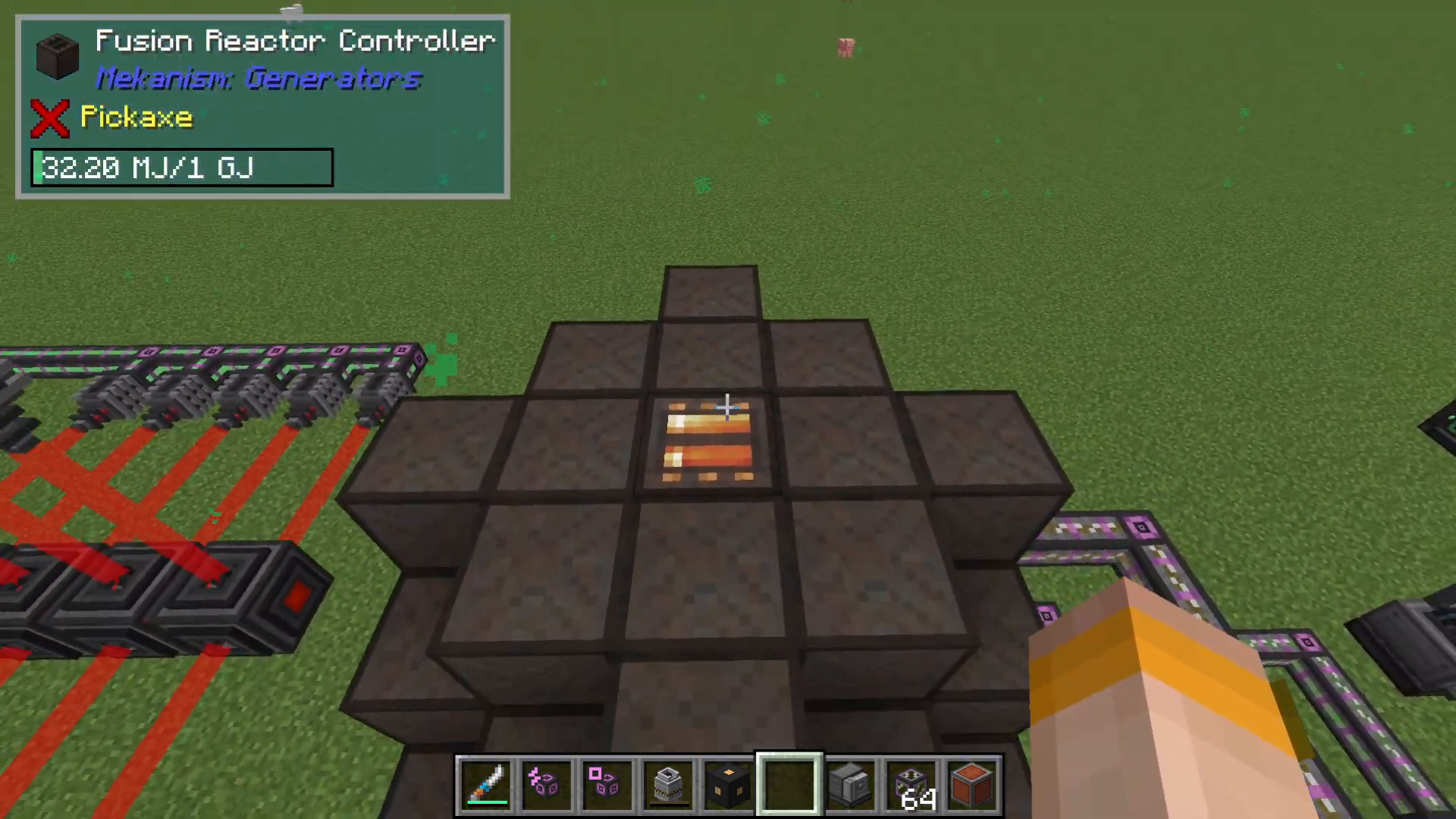
Polonium is the critical gating material for building Fusion Reactor frames. While this seems like a circular dependency, the process is straightforward once you understand it:
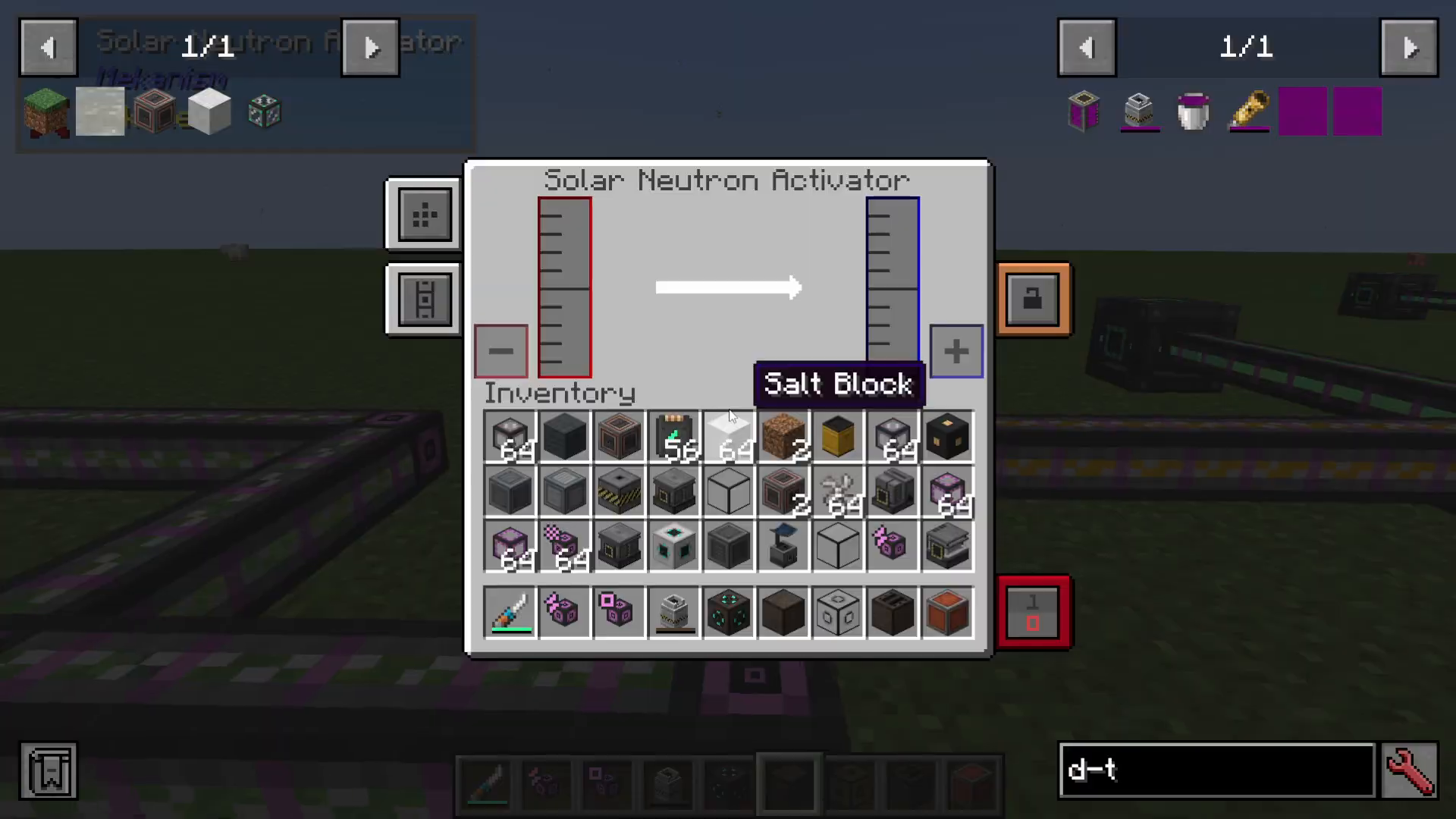
Nuclear waste from your Fusion Reactor is pumped into a Solar Neutron Activator to create Polonium. You’ll want to use a Hazmat suit and radioactive waste barrels when handling this material.
The Polonium is then pumped into a Pressurized Reaction Chamber along with:
Water
Fluorite Dust (made by crushing mined fluorite)
This process creates Polonium pellets and spent nuclear waste. The spent nuclear waste can be stored in nuclear barrels.
Reactor Structure Layout
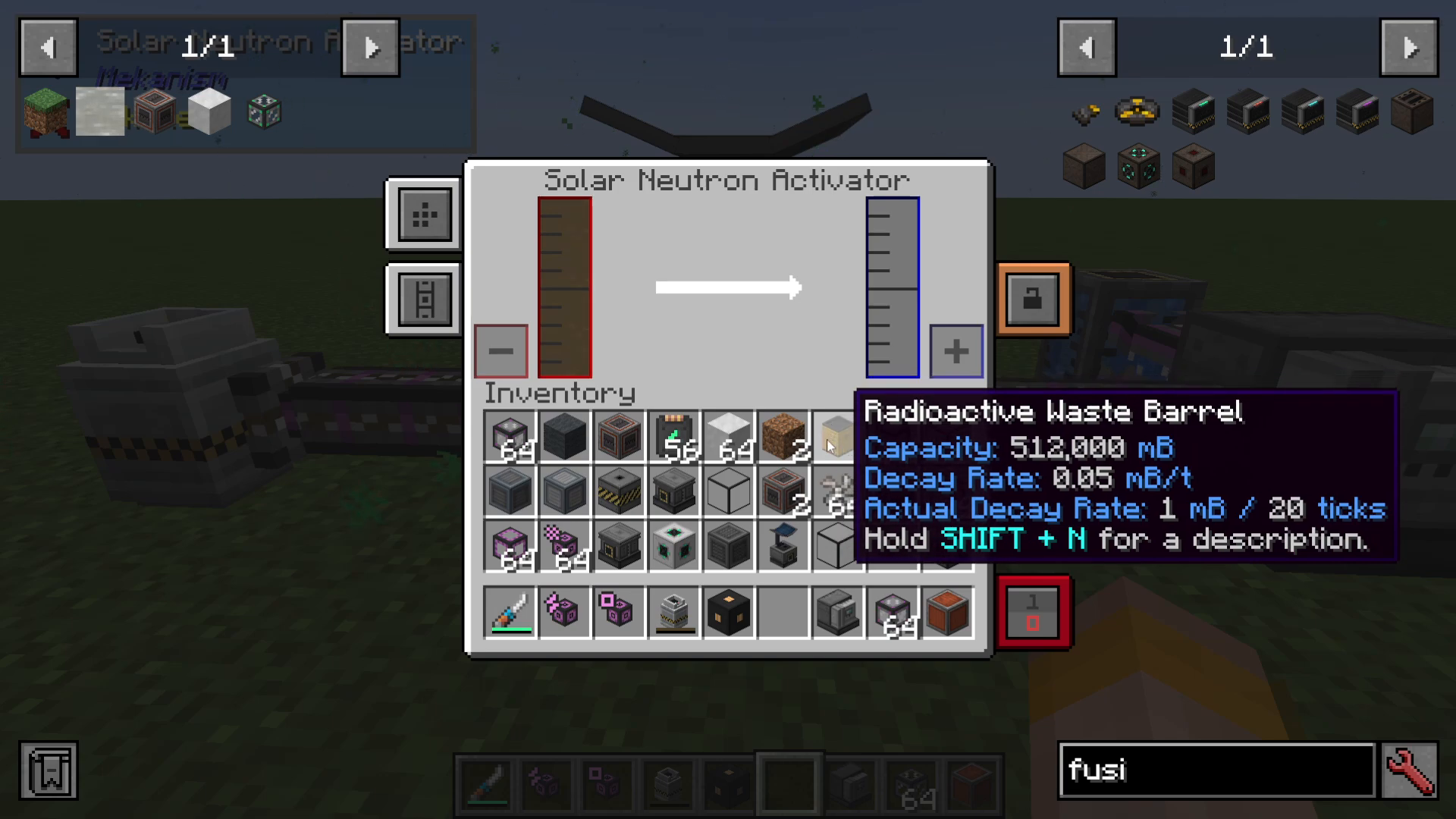
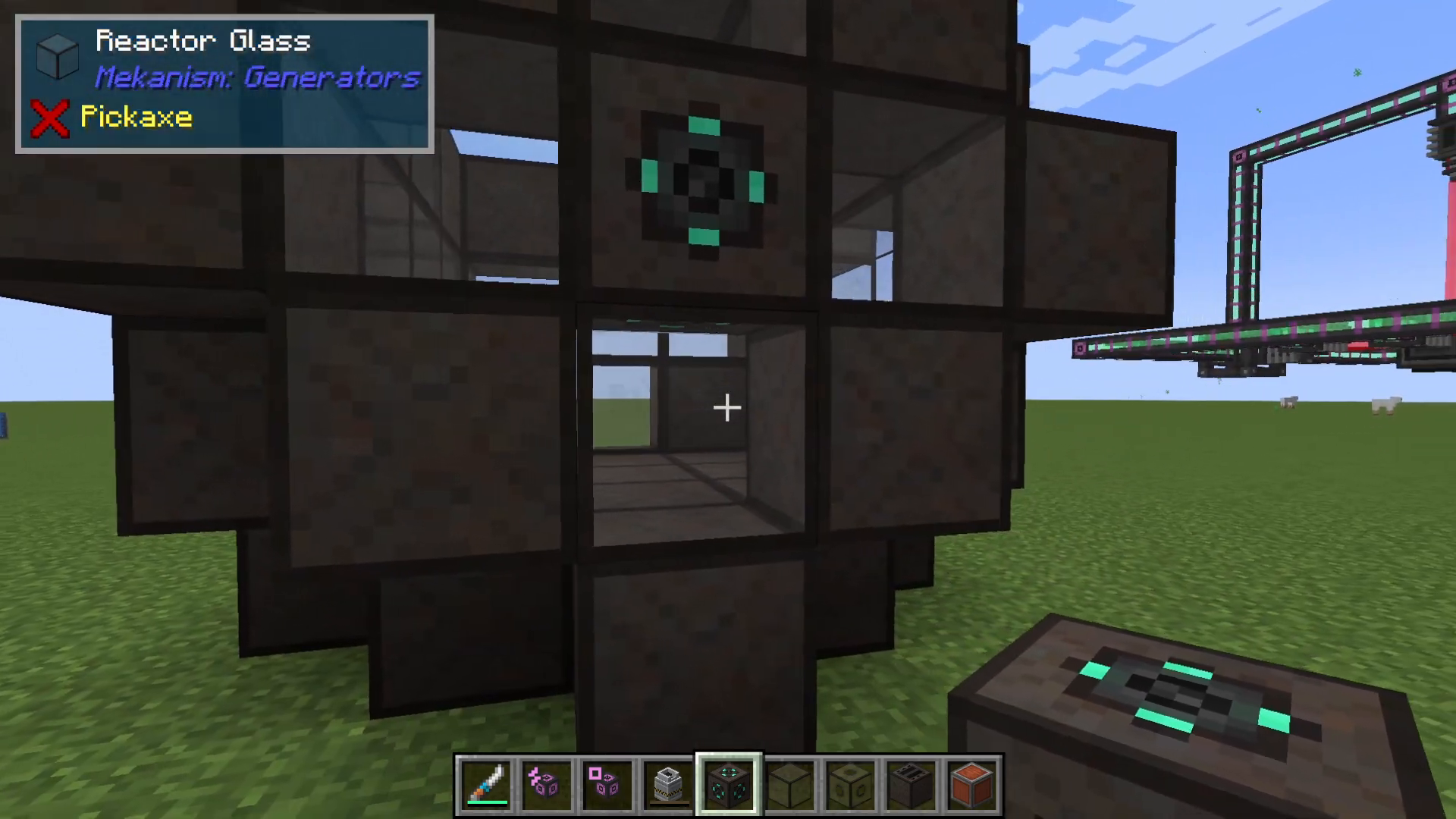
The Fusion Reactor is built in a distinctive star shape. The structure uses a pattern of 5×5×5 blocks with a 3×3 hollow center:
Create the base star pattern: arrange 5 blocks in each direction (5×5)
Fill in the bottom corners with Reactor Frames
Create a cross shape on each end using either casing or glass (glass is recommended for visibility)
Place Reactor Frames at the remaining corners
Fill in the top layer to complete the structure
Adding Ports and Controller
Once the basic structure is complete, you need to install several components:
Fusion Reactor Ports – You don’t need as many as shown in the example, but you’ll need at least:
Two ports for introducing different fuel types (Deuterium and Tritium)
One port for energy output
Laser Focus Matrix – Used for ignition (placed on one side)
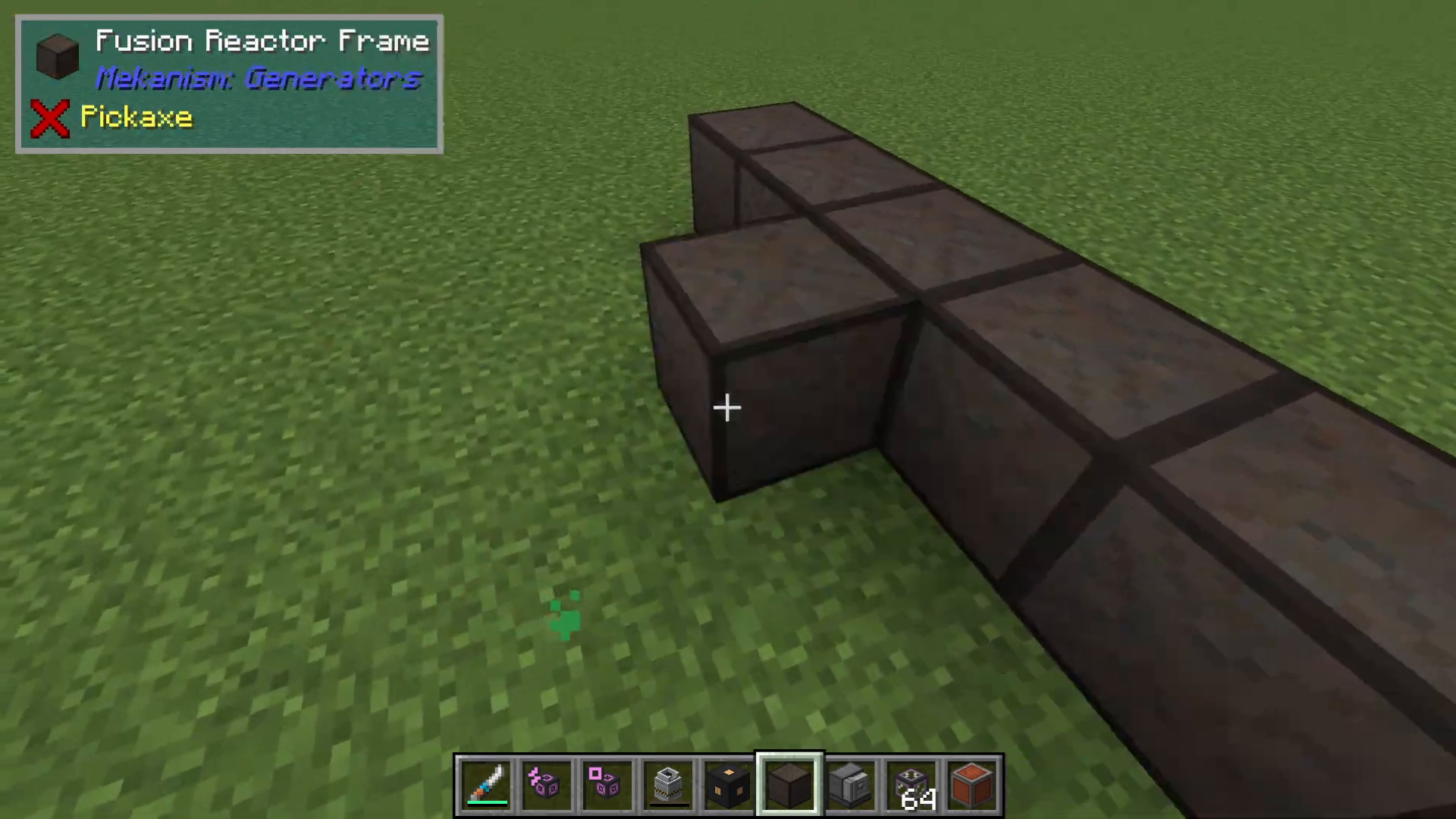
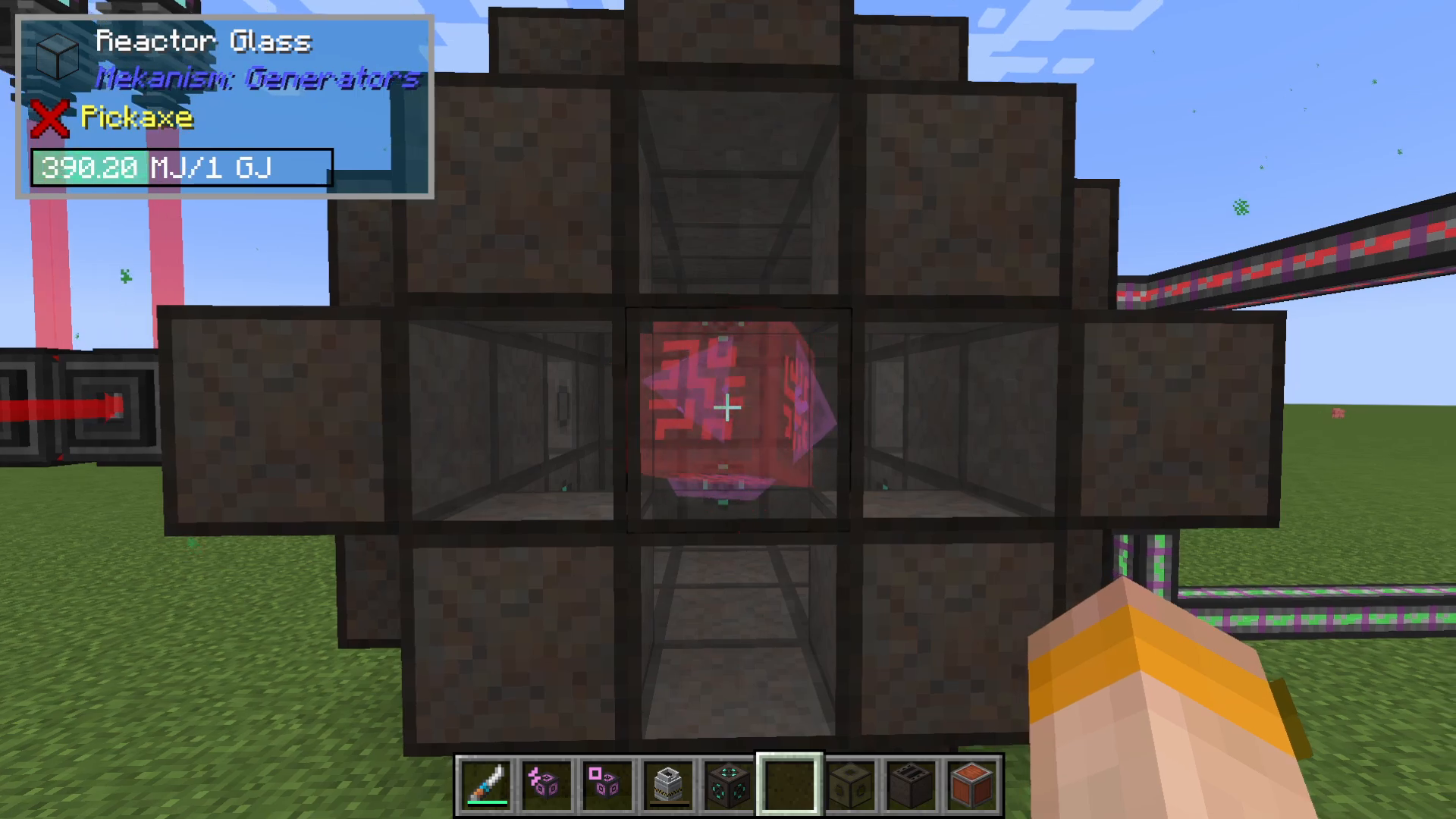
Fusion Reactor Controller – Placed on top of the reactor; you’ll know it’s properly installed when red specks appear
Preparing Fuel Components
Creating the Holoarmer
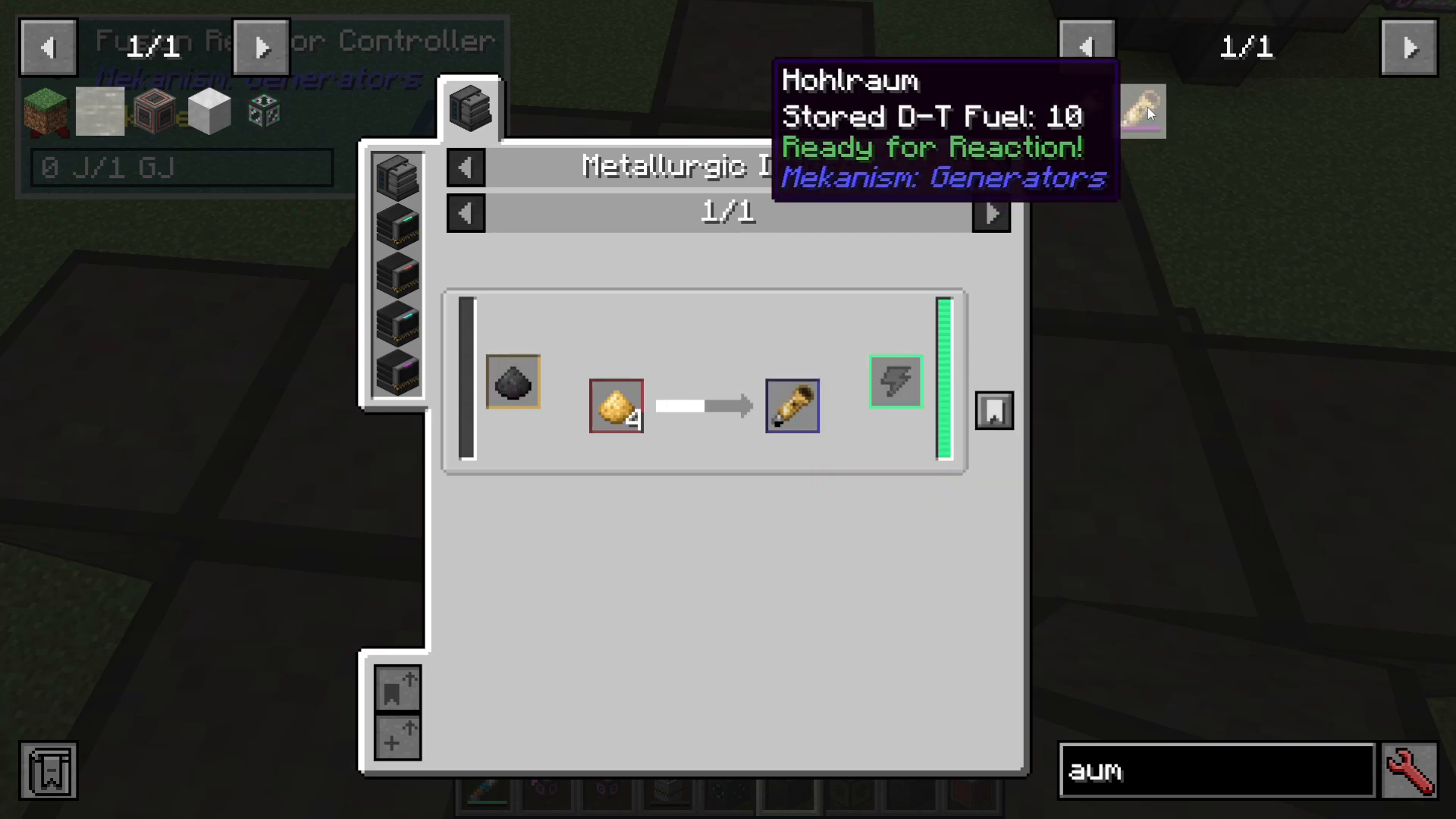
Inside the Fusion Reactor controller GUI, you must place a Holoarmer. This component is essential for jump-starting the reactor during ignition.
To create a Holoarmer, use a Metallurgic Infuser with:
Carbon (from coal)
Four Gold Dust
DT Fuel (for filling)
Understanding DT Fuel
DT fuel is a combination of Deuterium and Tritium. While you can pump these gases separately into the reactor, you’ll need DT fuel specifically for filling the Holoarmer during initial ignition.
Rather than setting up a complex DT fuel production line, the tutorial recommends a simple one-time approach: quickly make a Chemical Infuser, bucket in Deuterium and Tritium, and fill your Holoarmer just once. You’ll only need this fuel for the initial ignition.
Producing Deuterium
Deuterium is made from heavy water using an Electrolytic Separator:
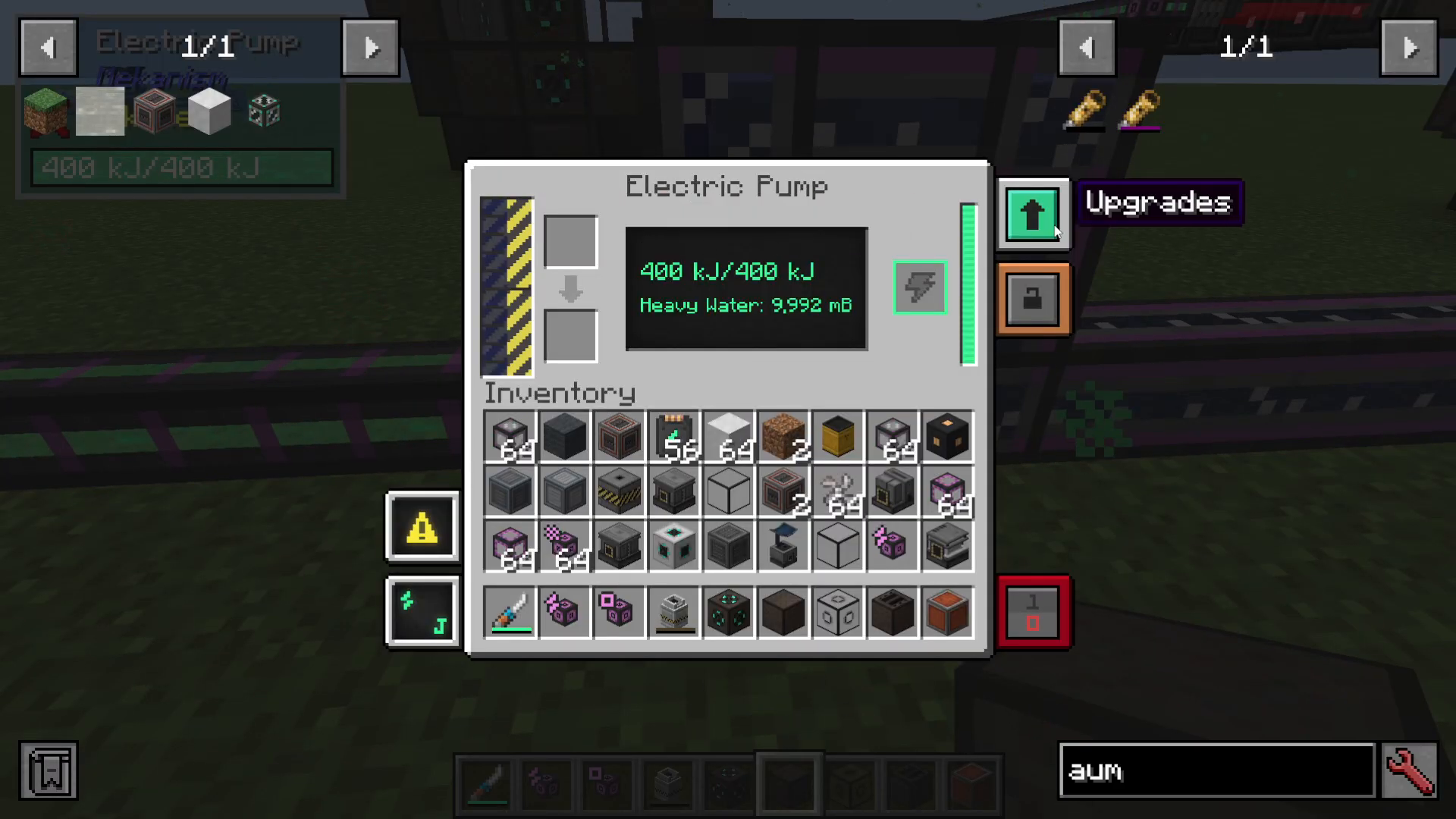
Set up an electric pump
Install a filter upgrade on the pump
The pump will now extract heavy water from water sources
Route the heavy water into an Electrolytic Separator
The separator will output Oxygen and Deuterium
Collect the Deuterium; excess Oxygen can be discarded
Producing Tritium
Tritium production is a multi-step process using the Thermal Evaporation Tower and Solar Neutron Activator:
Use a Thermal Evaporation Tower to convert water into brine
Continue using the tower to convert brine into liquid lithium
Use a Rotary Condenser to convert liquid lithium into lithium
Pump the lithium into a Solar Neutron Activator
The activator produces Tritium
If you’ve progressed this far in Mekanism, you likely already have the infrastructure for lithium production, so producing Tritium should be straightforward.
Igniting the Fusion Reactor
Setting Up the Laser System
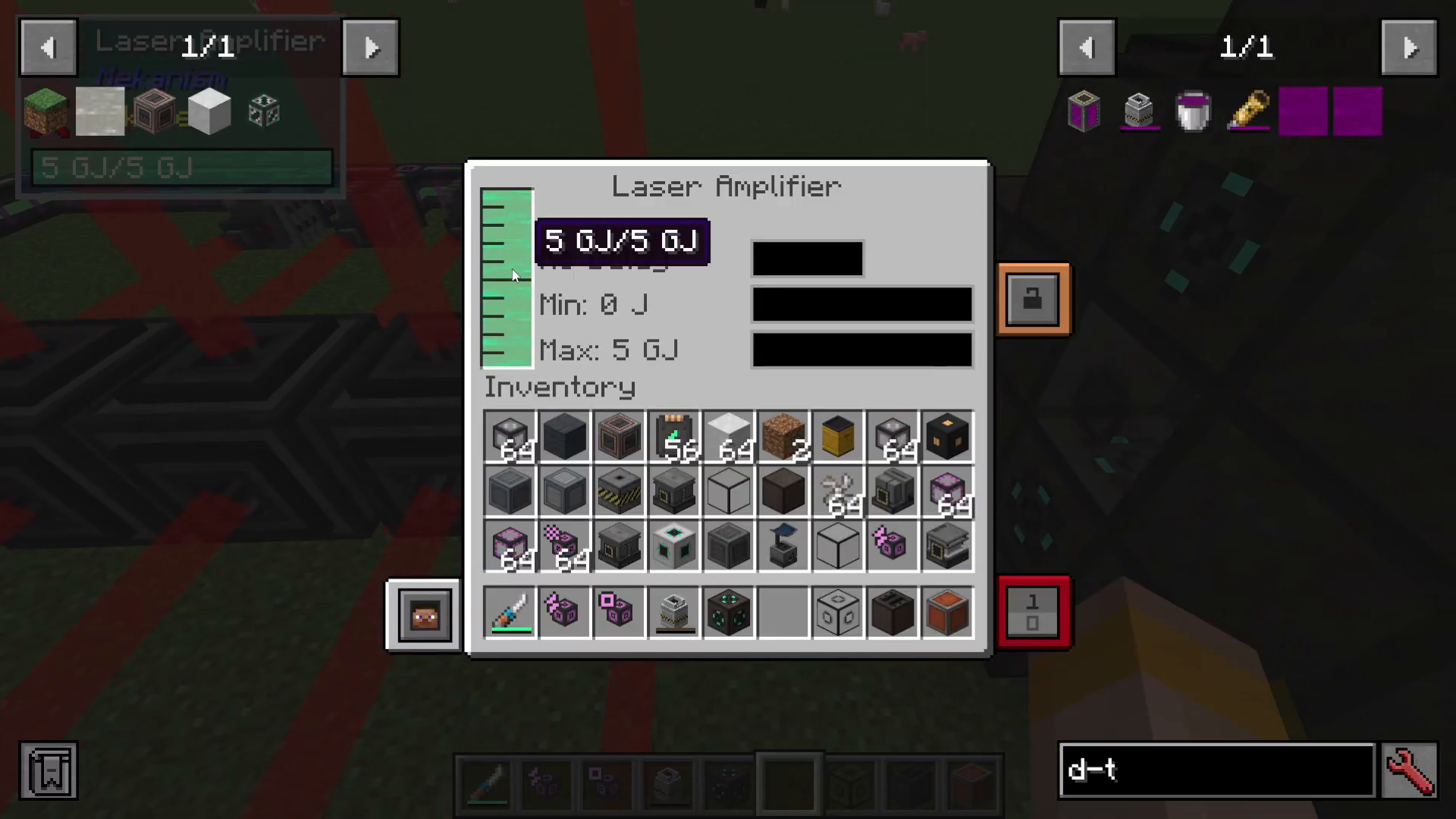
To ignite the reactor, you must fire a powerful laser into the Laser Focus Matrix with the filled Holoarmer inside. This requires a setup of Laser Amplifiers.
You’ll need a minimum of one giga-joule of energy in your laser amplifier to kickstart the reaction.
Configuring Laser Amplifiers
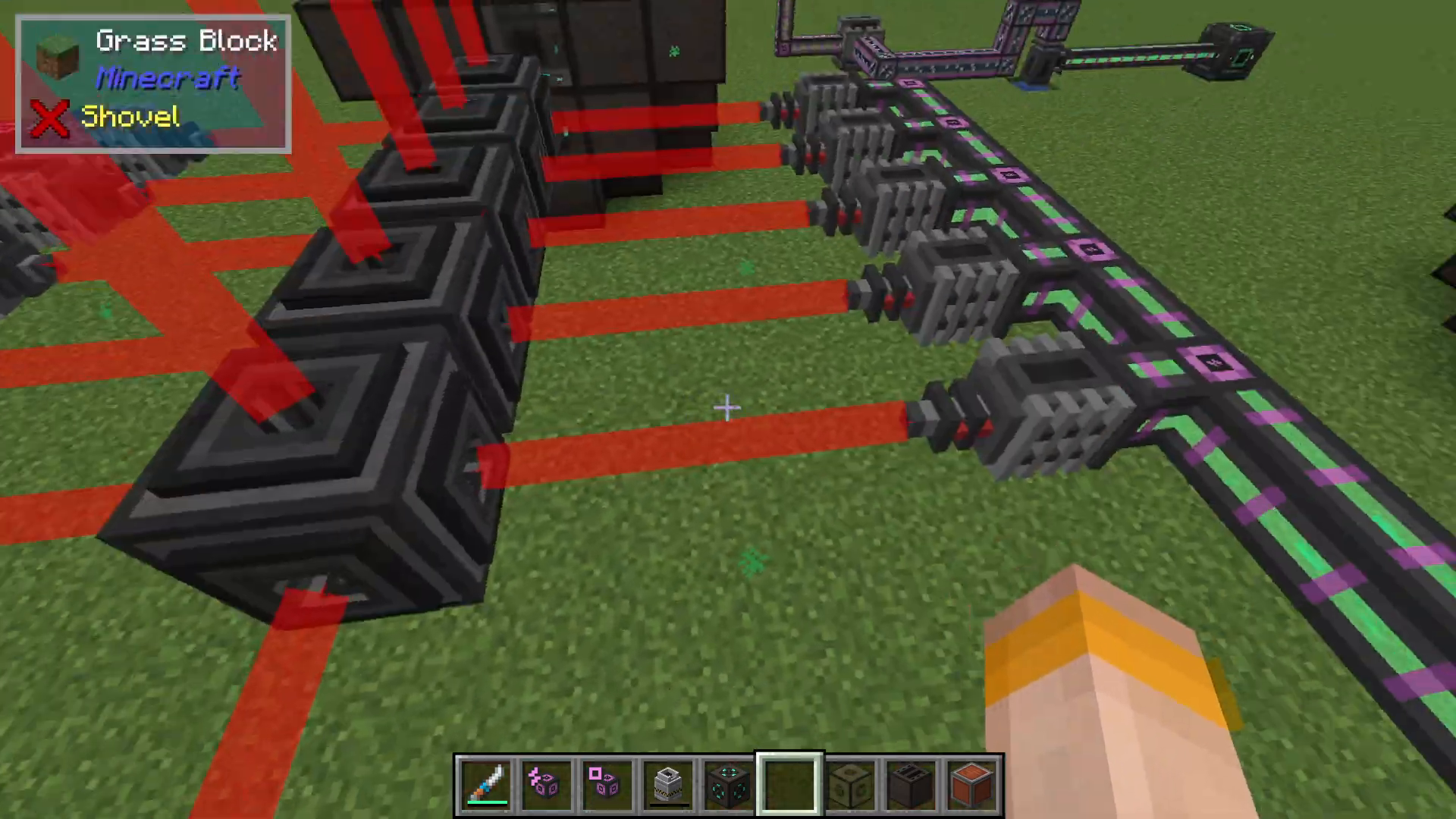
For faster energy accumulation, you can chain multiple laser amplifiers together:
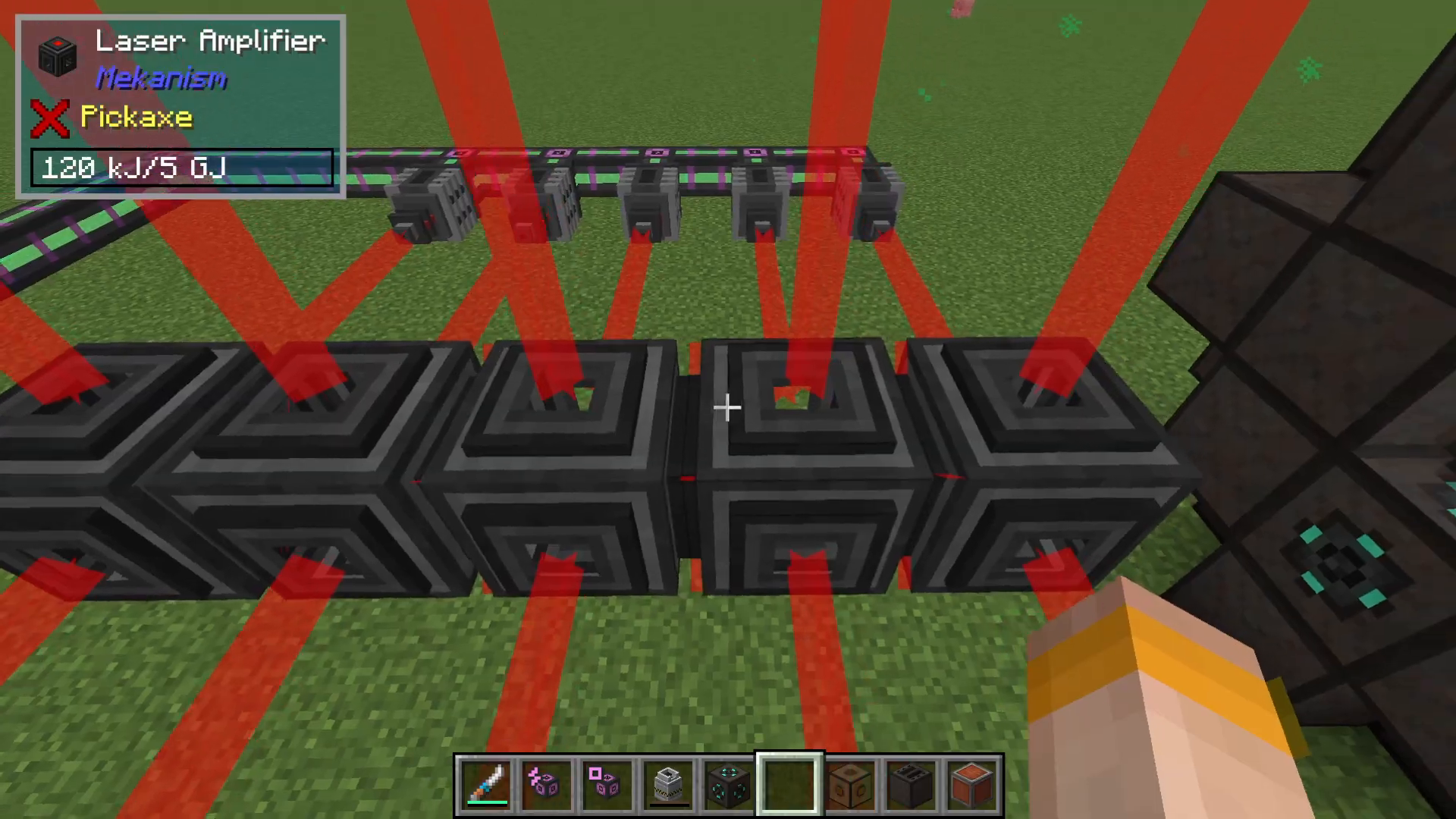
Line up laser amplifiers with their red faces aligned to direct the laser beam
Each laser can feed energy into the next laser in the chain
All lasers eventually feed into the front laser facing the Laser Focus Matrix
You can approach the setup from multiple sides (top, bottom, sides) if needed
Make sure the red face is pointing toward the next amplifier to ensure proper energy transfer
Alternatively, if you already have stored energy in an Induction Matrix or other storage, you can pump that energy directly into the laser amplifier without building an extensive setup.
Controlling Laser Fire
To prevent the laser from continuously firing before you’re ready, adjust the redstone settings on your laser amplifier:
Set the redstone detection to “Normal”
This makes the laser redstone-activated
When ready to ignite, activate the redstone signal to fire the laser
The laser will then fire into the Laser Focus Matrix containing your Holoarmer
Operating the Fusion Reactor
Initial Activation
Once you’ve fired the laser and the Holoarmer ignites, you’ll see spectacular energy production. The reactor will display:
Glowing effects inside the reactor chamber
Massive energy output on the top left of your screen
Real-time statistics in the controller GUI showing temperature and energy generation
Managing Injection Rates
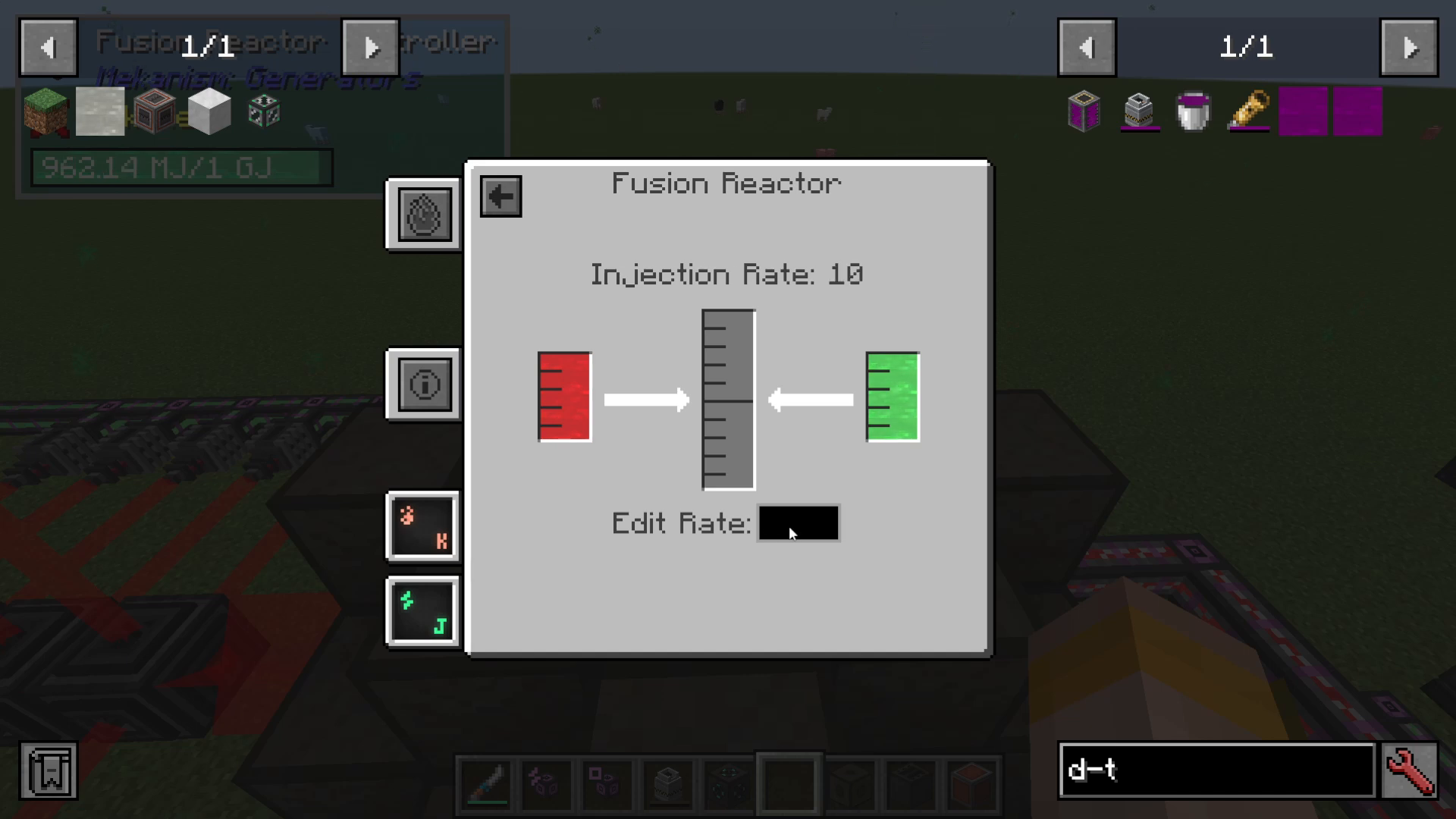
The injection rate determines how much fuel is consumed and, consequently, how much power is generated. Key points:
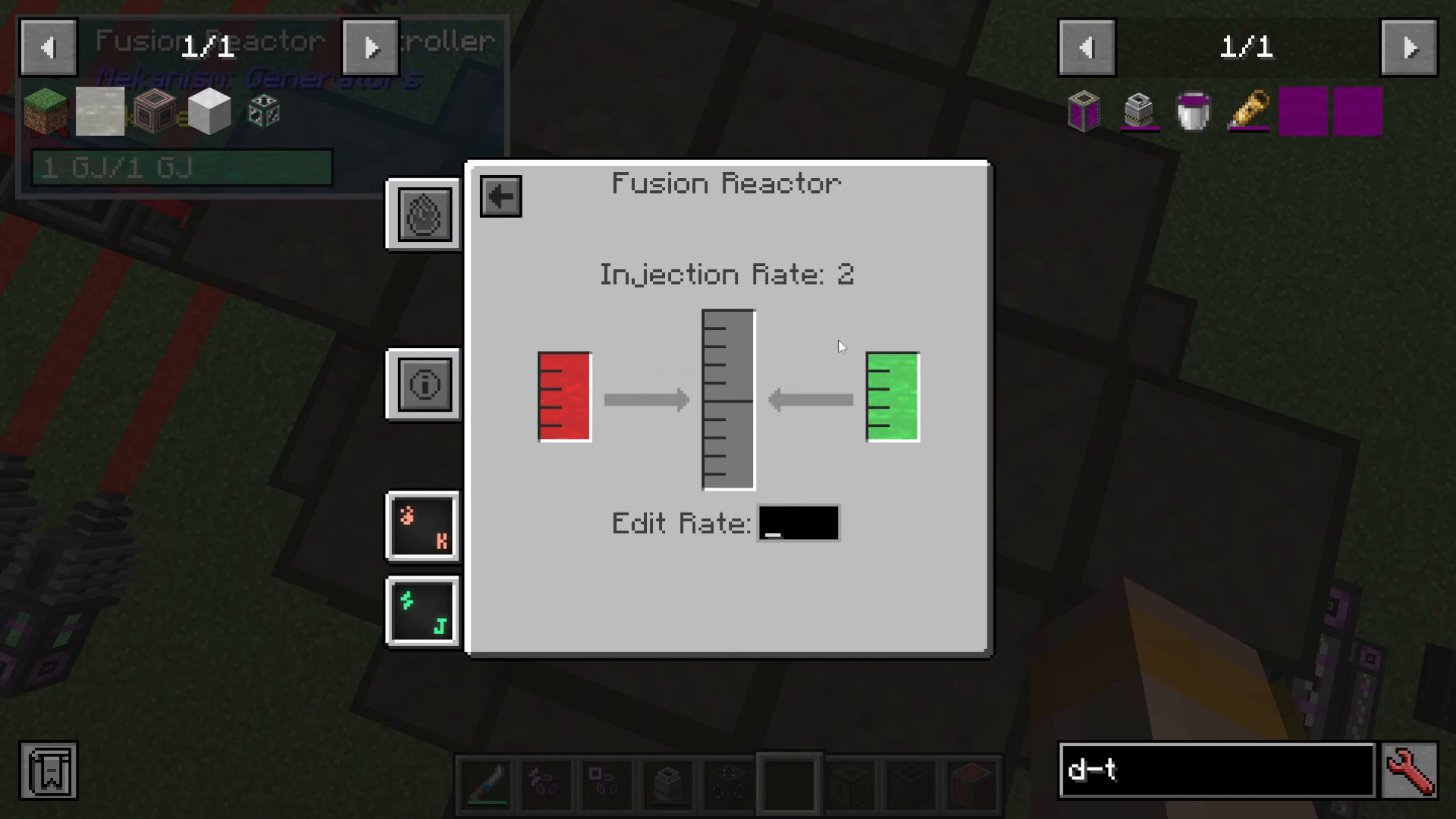
Minimum injection rate: 2 (if set below this, the reactor shuts down)
Higher rates = More fuel consumption – Be careful not to run out of fuel
If the reactor stops due to low fuel, you must install a new Holoarmer and refill the laser amplifier to one giga-joule to restart
Adjust injection rates based on your fuel supply capacity
Cooling Options
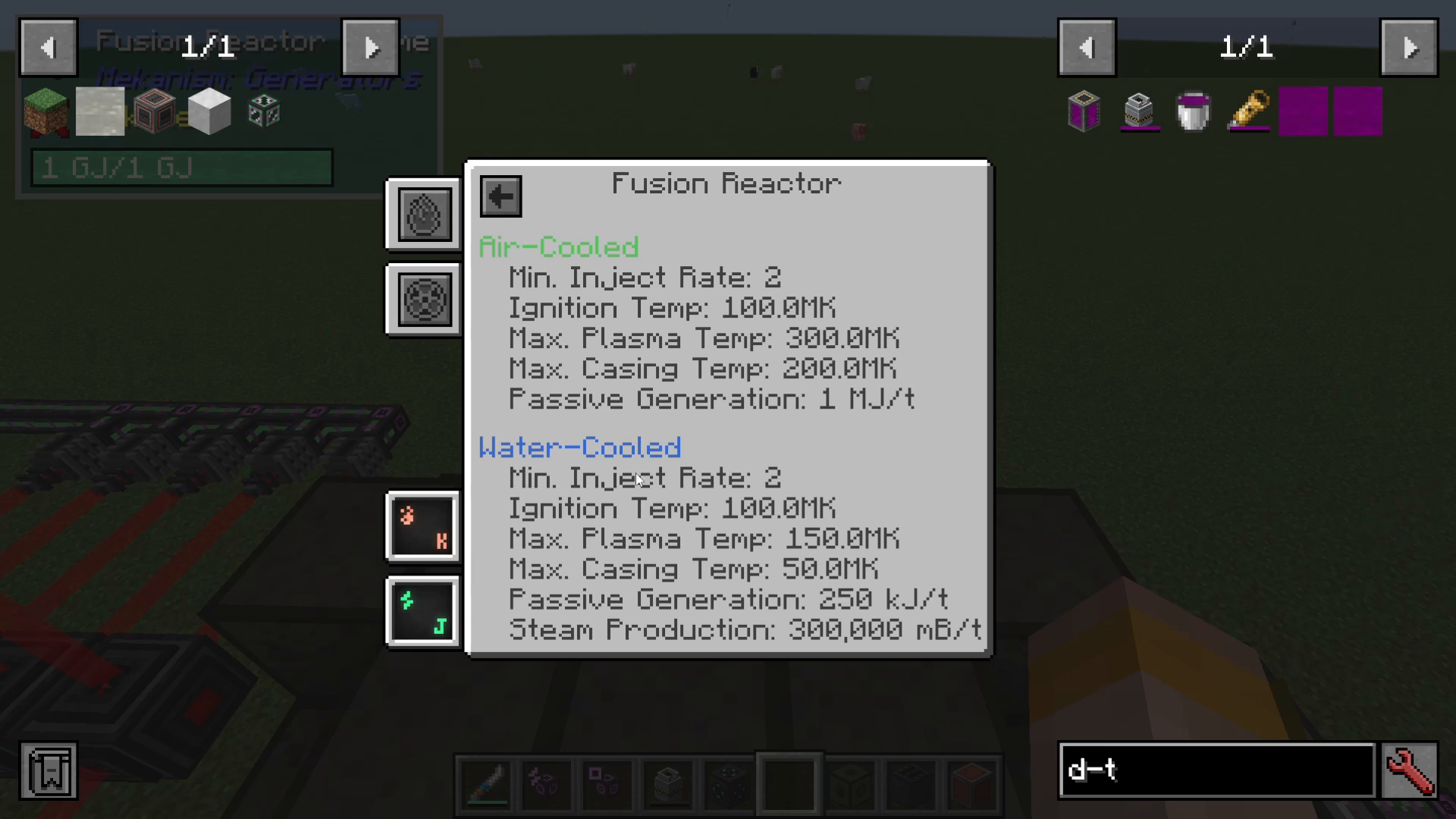
The reactor supports two cooling methods:
Air-Cooled (Default): Requires no additional setup, but provides baseline output
Water-Cooled: Produces significantly more steam, which can power turbines for additional energy generation. However, this requires an enormous number of turbines to handle the steam output
To water-cool, pump water into the reactor. If you have the infrastructure for massive turbine setups, water-cooling means you’re generating power from both the reactor and the turbines simultaneously.
Advanced Fuel Options
Using DT Fuel Directly
Instead of pumping Deuterium and Tritium separately, you can pre-mix them into DT fuel in a Chemical Infuser and pump the DT fuel directly into the reactor.
Important considerations:
DT fuel must be pumped in constantly and very quickly
The reactor consumes DT fuel at a rapid rate (roughly one bucket per cycle)
You must maintain an extremely high production rate to keep the reactor running
If you can sustain this rate, DT fuel produces absolutely massive amounts of energy
For most players, the recommended approach is pumping Deuterium and Tritium separately, allowing the reactor to combine them internally. This is more stable and easier to manage.
Summary
The Mekanism Fusion Reactor is the most advanced power generation system in the mod, offering phenomenal energy output for end-game players. Success requires:
Producing Polonium through nuclear waste processing
Building the distinctive star-shaped reactor structure
Establishing reliable Deuterium and Tritium production pipelines
Setting up a laser system with sufficient energy storage
Carefully managing injection rates to maintain fuel supply
Deciding between air-cooling and complex water-cooling setups
Once running, the Fusion Reactor produces more power than you’ll likely need, making it the ultimate power solution for any Mekanism-based factory.
— Want to Support? —
If you would like to help us continue making these guides – please consider joining our patreon here – https://www.patreon.com/c/JaviHeals
Alternatively – we host a group of MC Servers you can join here – https://discord.gg/zD7Gjt6MHF



