







How To Use The Stirling Generator In EnderIO
How To Use The Stirling Generator In EnderIO
The Stirling Generator is one of the most fundamental power generation tools in EnderIO. Whether you’re just starting out or looking to optimize your energy production, this guide will walk you through everything you need to know about crafting and using both the Simple and Normal versions of the Stirling Generator.
Crafting the Stirling Generator
Simple Stirling Generator
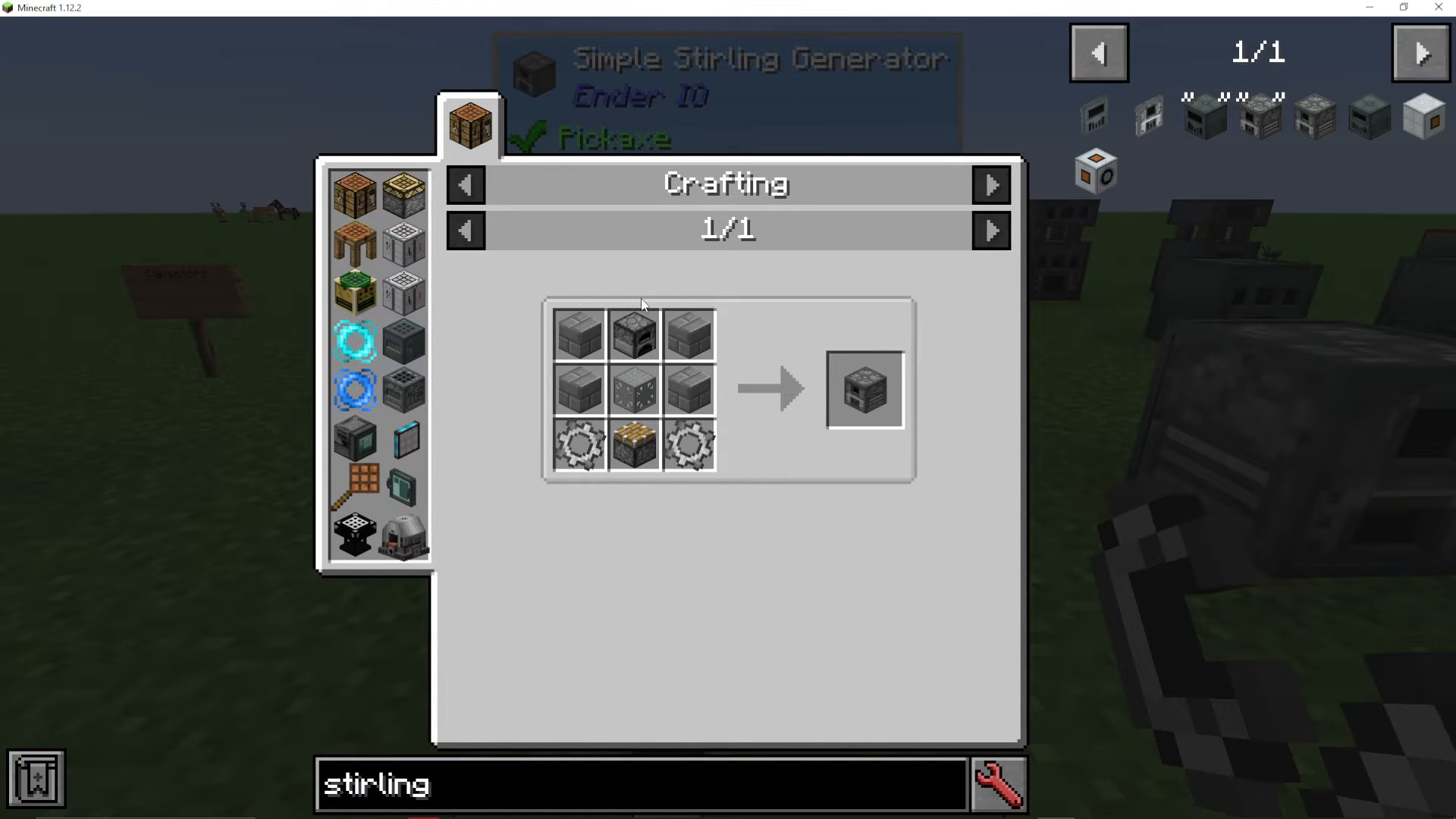
The Simple Stirling Generator is the easier version to craft and is perfect for beginners. To make one, you’ll need:
A Furnace
Stone Bricks
Simple Machine Chassis
Grains of Infinity
Infinity by Metal Gears
If you’re unfamiliar with crafting these individual components, be sure to check out the full EnderIO playlist for detailed instructions on each item.
Normal (General) Stirling Generator
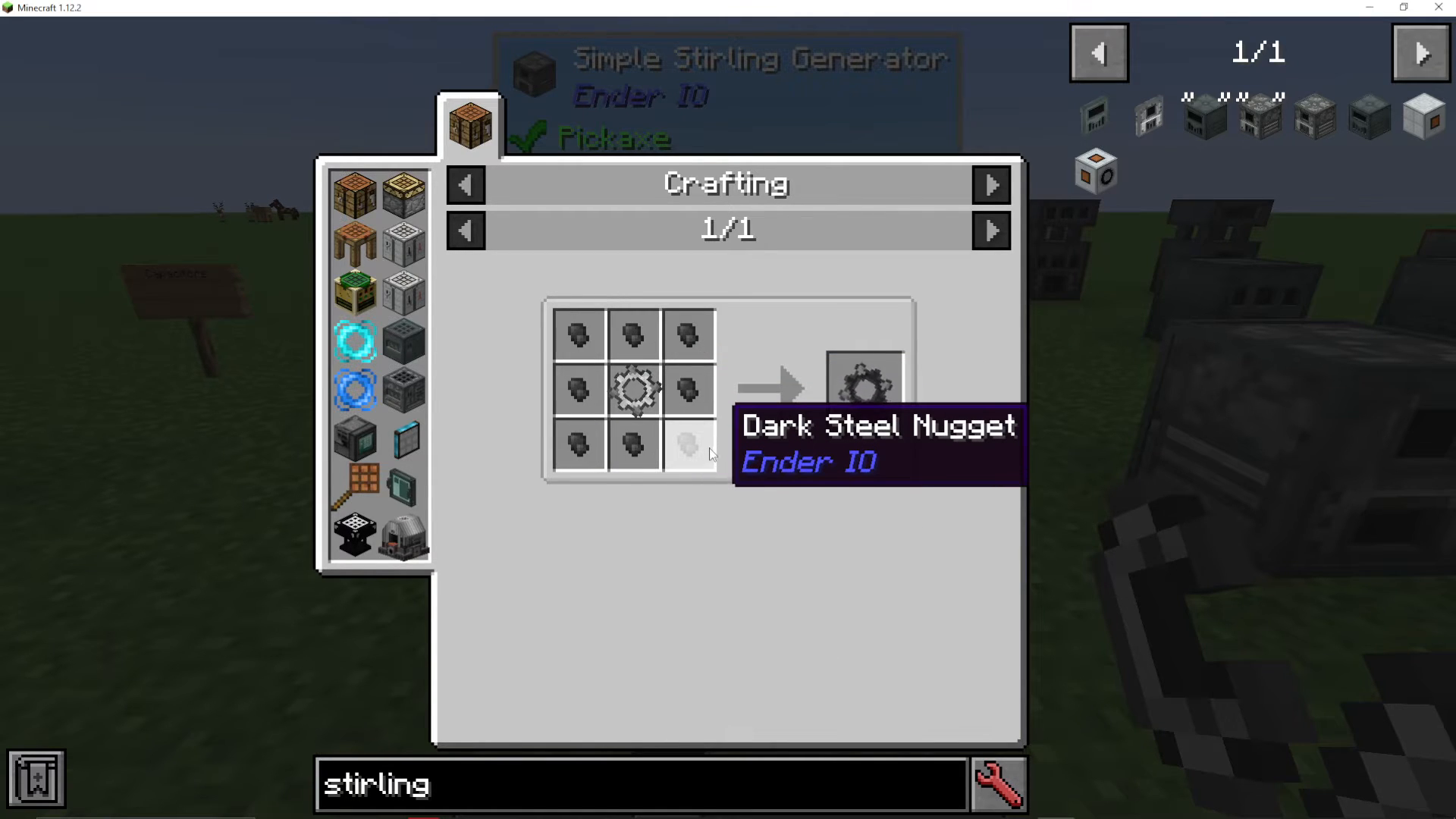
The Normal Stirling Generator is a more advanced version that requires better materials:
Dark Steel
Dark by Metal ones
Industrial Machine Chassis
Industrial Dive Blend
How Stirling Generators Work
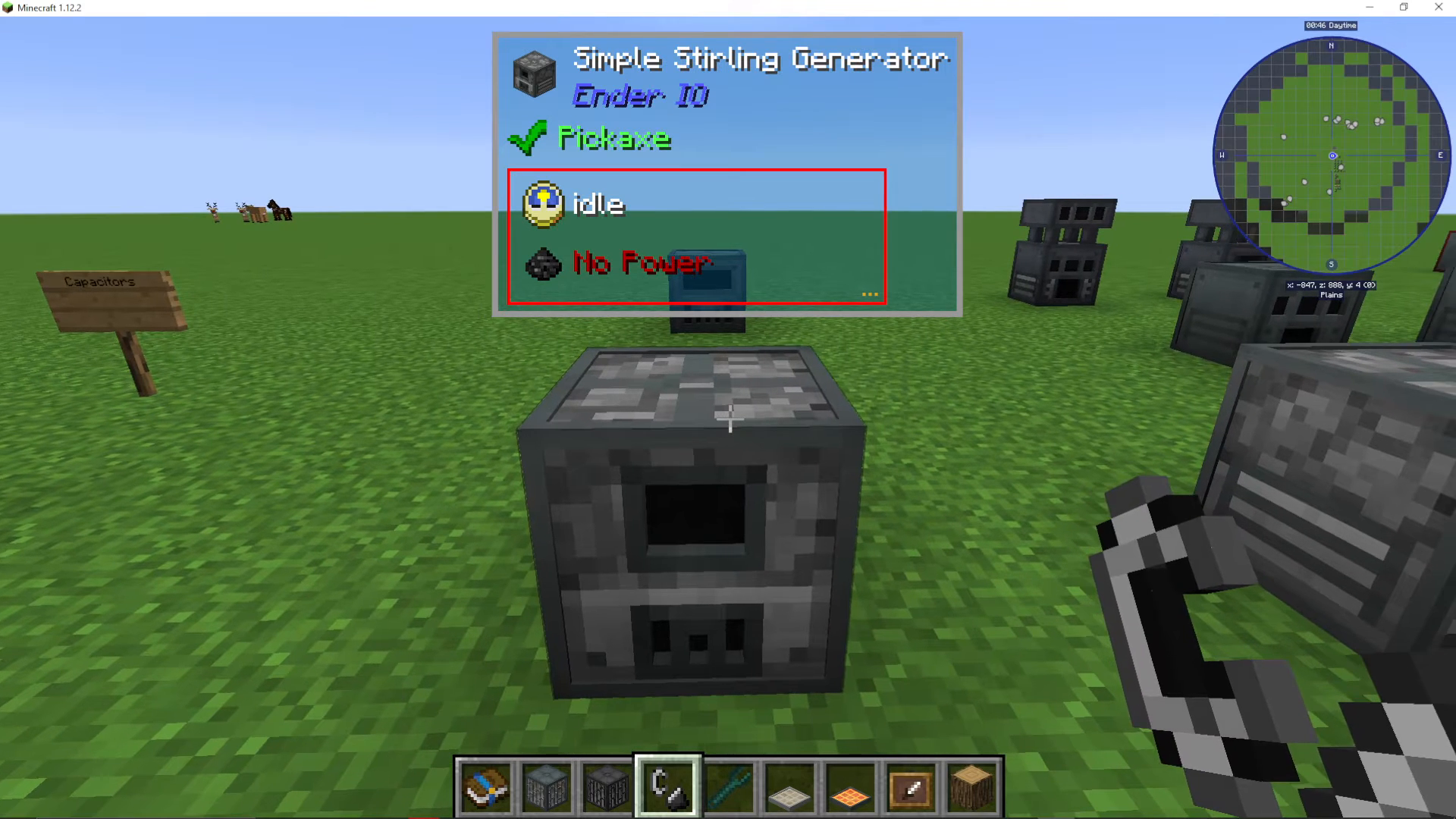
Right-clicking on any Stirling Generator opens its interface, which displays an energy bar and a fuel chamber. The generator burns combustible fuel to produce power. You can place fuel items directly into the chamber, and the machine will begin generating energy automatically.
Fuel Burning and Energy Output
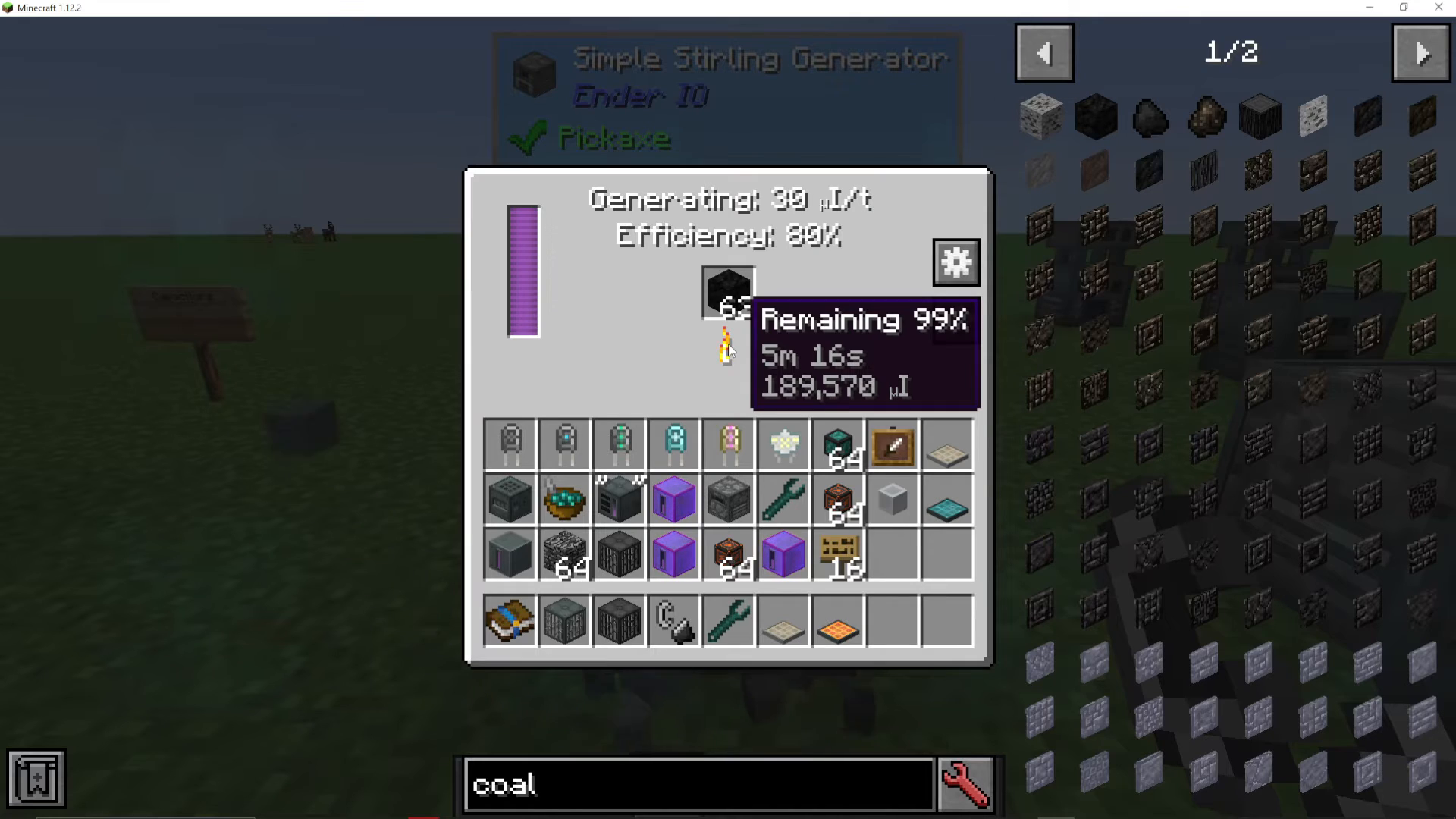
When you place fuel like blocks of coal into the generator, you’ll see several important details:
Remaining Burn Time: Shows how long each piece of fuel will last (for example, 5 minutes and 16 seconds)
Energy Generation: Displays the amount of Infinity Power being generated per tick
Current Efficiency: Shows the percentage efficiency at which the generator is operating
For the Simple Stirling Generator, you’ll notice an efficiency rating of 80% with a leakage penalty. This is a characteristic of all simple machines in EnderIO — they operate less efficiently than their normal counterparts.
Viewing Available Fuel Recipes
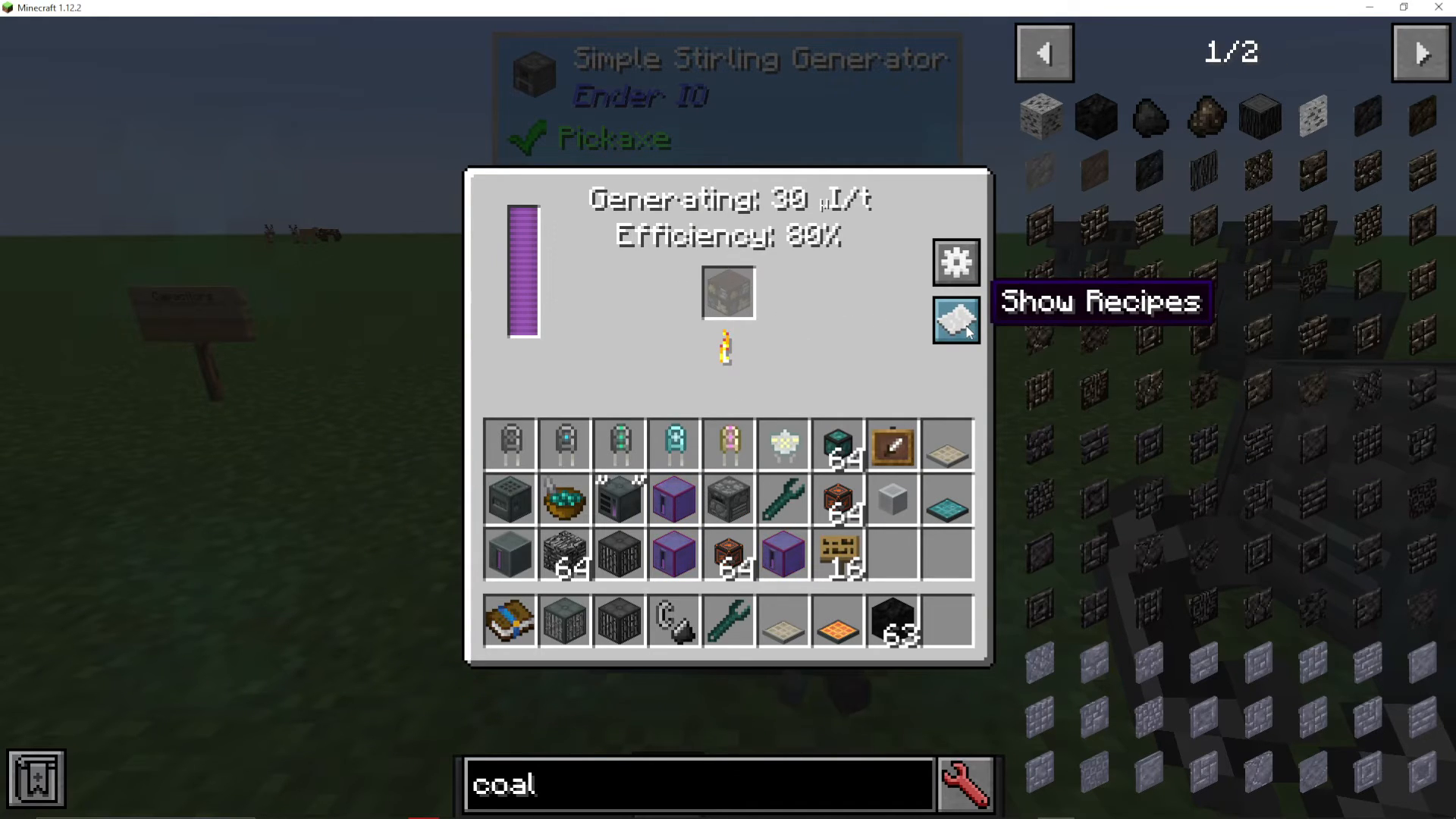
Press the recipes button in the generator’s interface to see all available fuel options. The ModPack may contain up to 28 different recipes, showing you exactly what materials you can burn and how much energy each one produces. This helps you plan your fuel strategy and find the most efficient power sources for your setup.
Configuring Input and Output
Using the Configure I.O. Menu
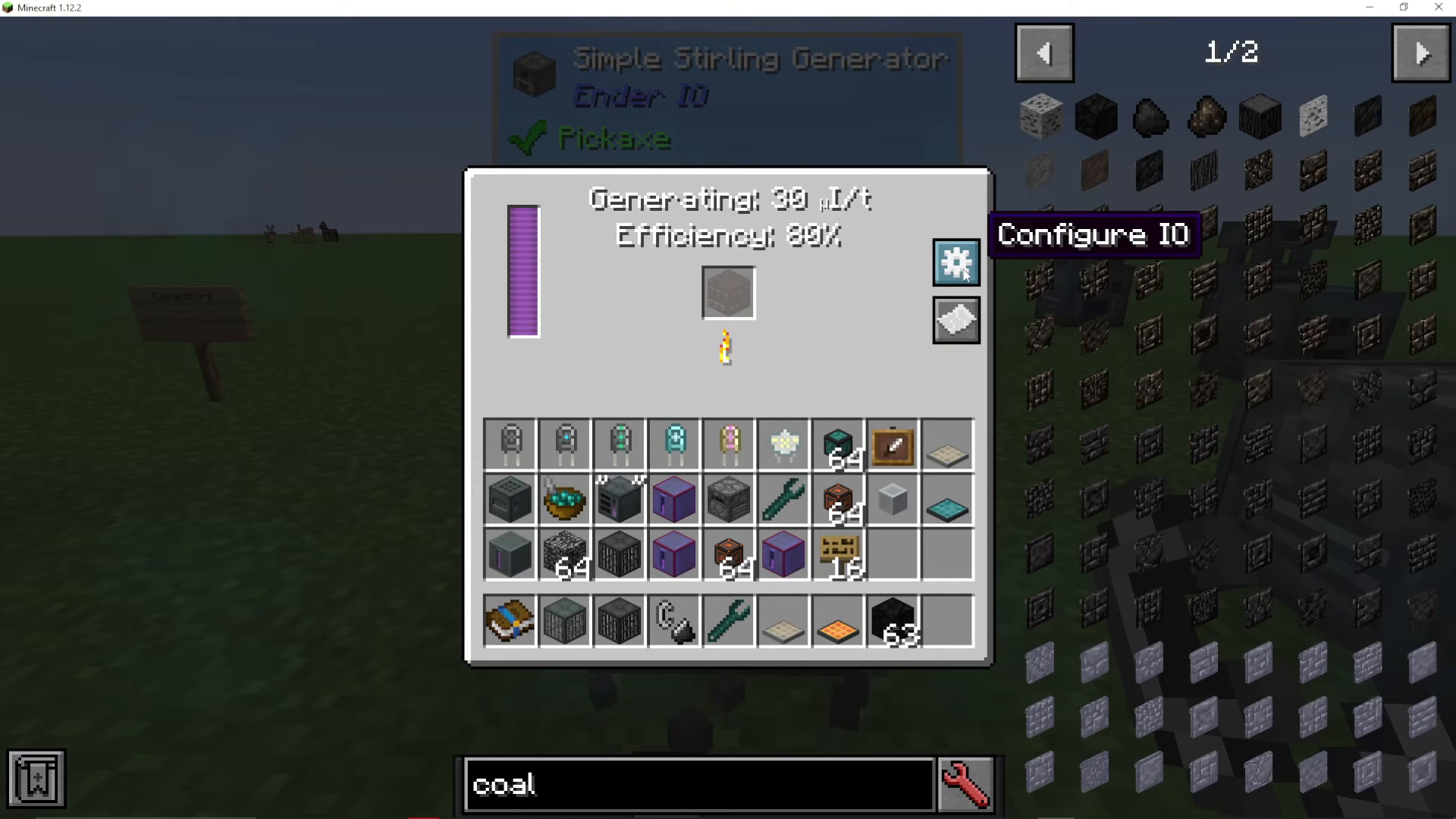
Click the gear icon to access the Configure I.O. settings. This menu allows you to:
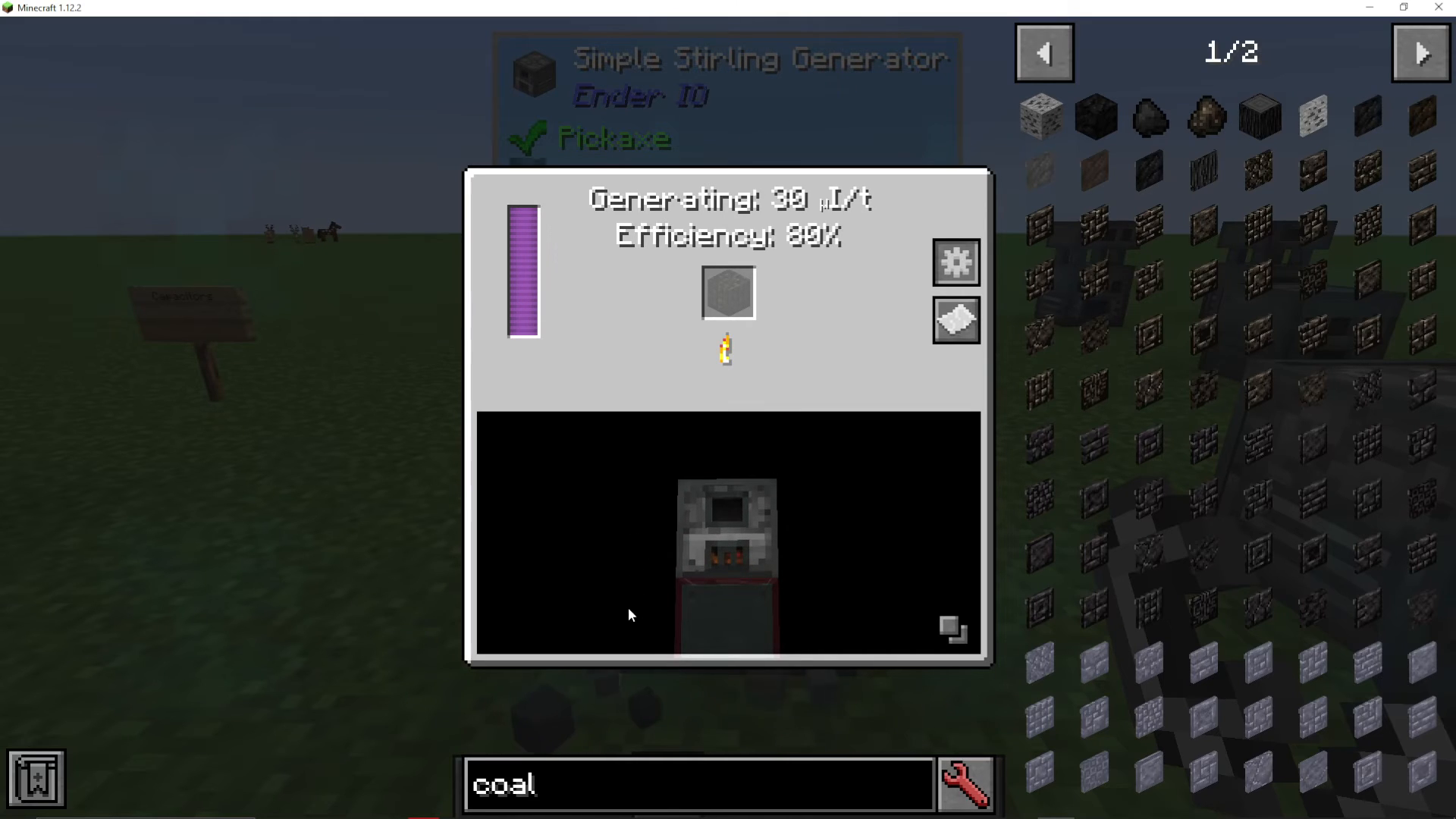
Click and drag around the configuration space
Click the two squares to display the blocks surrounding your generator
Assign specific faces of the generator to different functions
Setting Up Automatic Fuel Input
You can automate fuel delivery to your Stirling Generator by placing a chest on top and configuring that face to “pull.” For example:
Place a chest on top of the generator
Right-click on the top face in the Configure I.O. menu
Select “Pull” to automatically extract fuel from the chest into the machine
Once configured, the generator will automatically pull available fuel from the connected chest and begin burning it.
The Normal Stirling Generator: Capacitor Requirements
Why Capacitors Matter
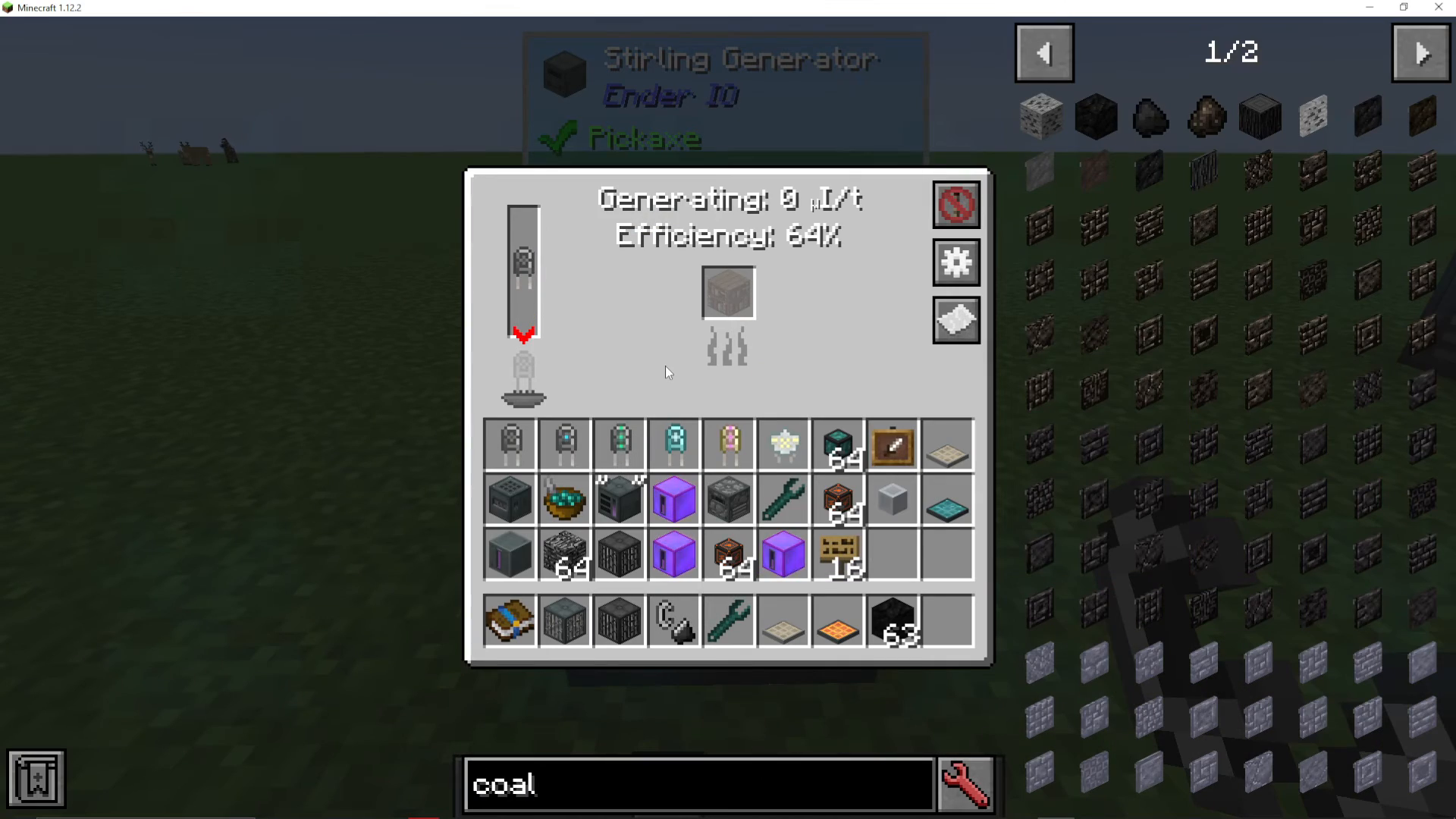
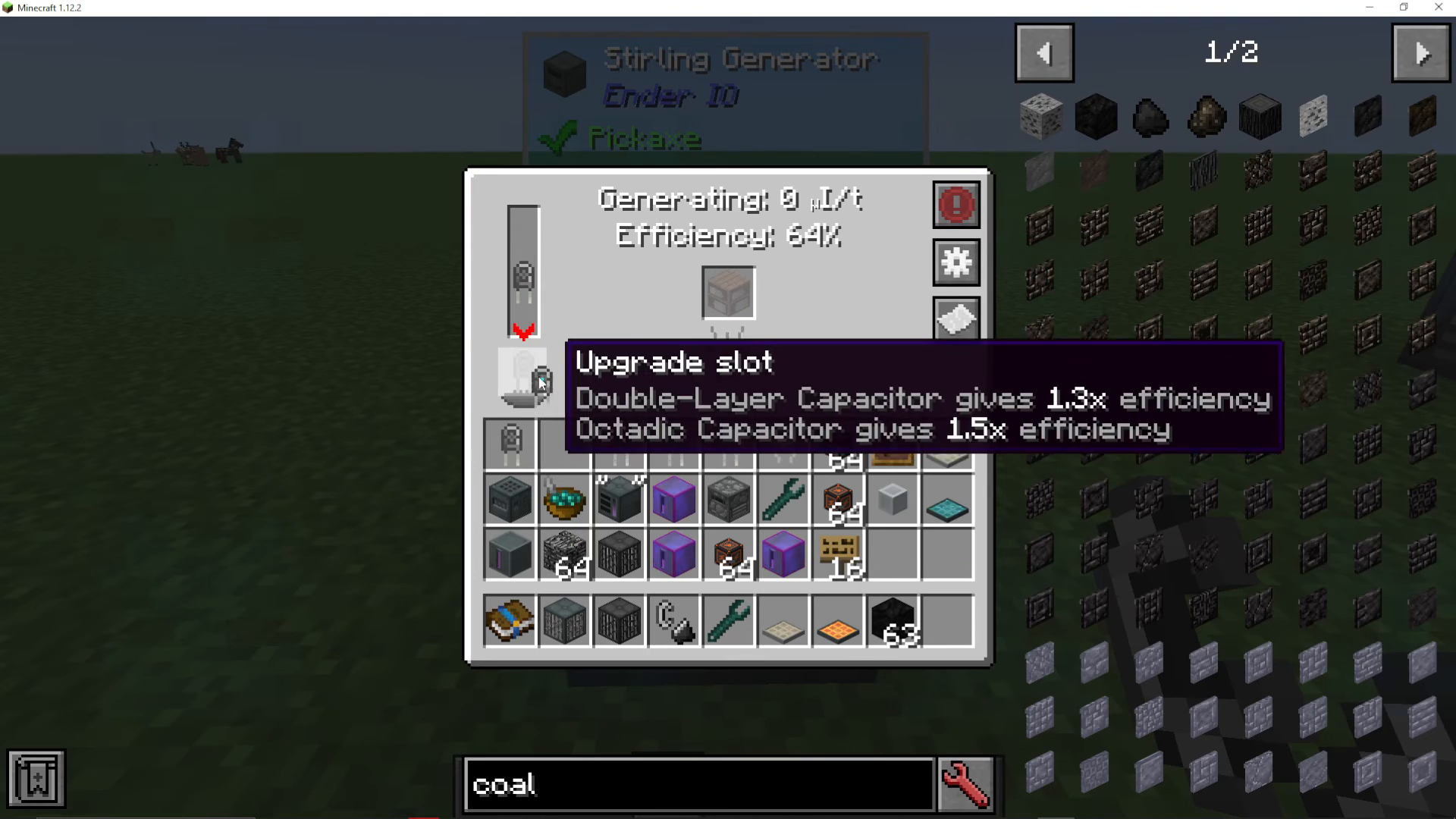
Unlike the Simple Stirling Generator, the Normal (General) version requires a capacitor to operate. The Simple version does not have this requirement, making it simpler to set up initially.
Capacitor Types and Efficiency
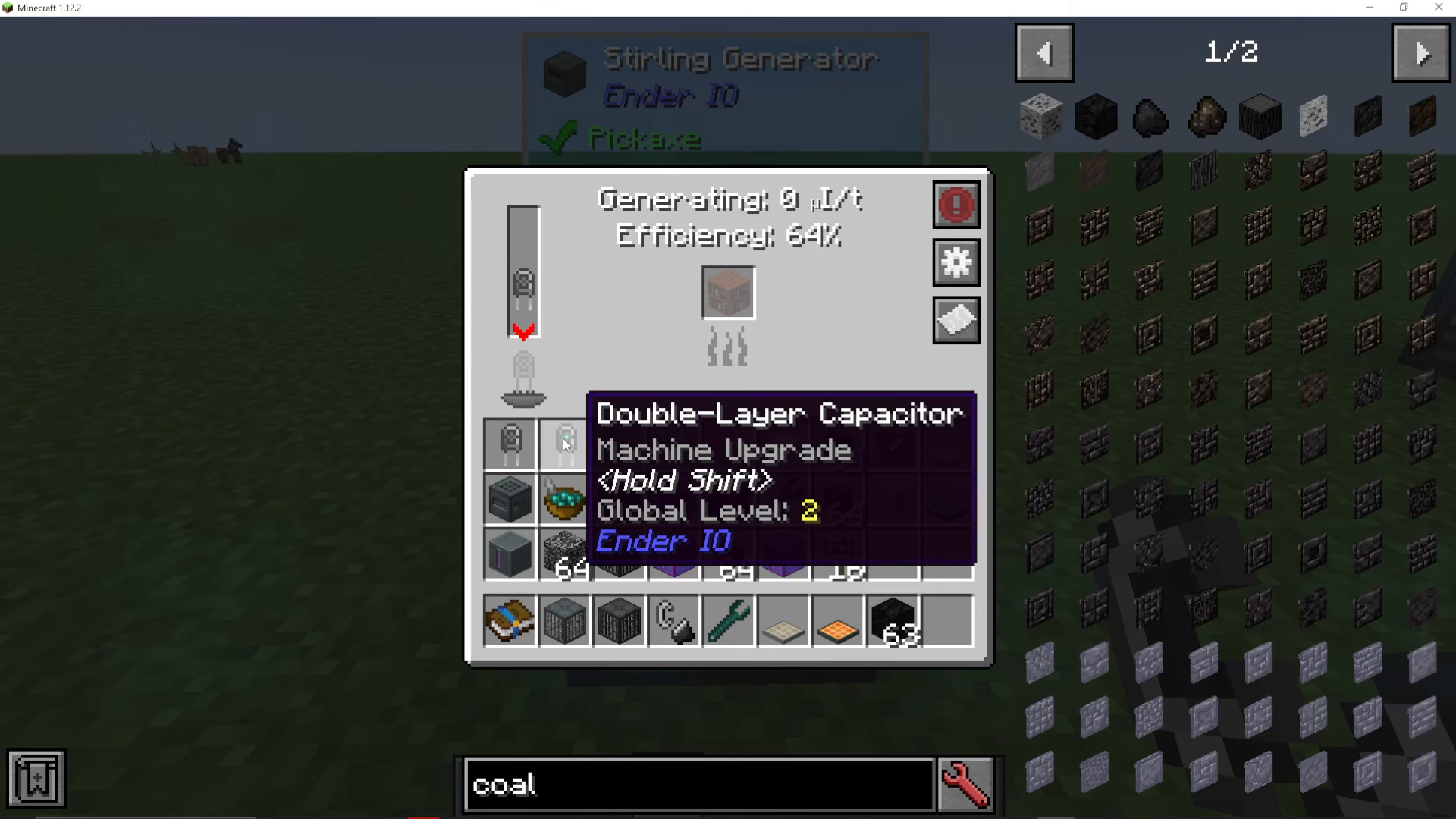
The capacitor you install directly affects the generator’s efficiency and energy storage capacity:
Basic Capacitor: 80% efficiency, 100,000 storage capacity
Double Layer Capacitor: 100% efficiency, 300,000 storage capacity
Octadic Capacitor: 120% efficiency
Upgrading to better capacitors will significantly improve your fuel burning efficiency and energy output. For detailed information on crafting capacitors, refer to the EnderIO playlist.
Redstone Control
The Normal Stirling Generator can be activated or deactivated using redstone signals. This allows you to automate your power generation based on your energy needs.
Summary
The Stirling Generator is a versatile and essential power generation tool in EnderIO. Whether you choose the Simple version for ease of setup or the Normal version for better efficiency, understanding how to craft, configure, and optimize these generators will give you a solid foundation for your modpack’s energy needs. Remember to explore different fuel types, invest in better capacitors, and automate your fuel supply to maximize your power output.
Want to Support?
If you would like to help us continue making these guides – please consider joining our patreon here – https://www.patreon.com/c/JaviHeals
Alternatively – we host a group of MC Servers you can join here – https://discord.gg/zD7Gjt6MHF



