







How To Use The Recycler In IC2
How To Use The Recycler In IC2
The Recycler is one of the most useful machines in Industrial Craft 2 (IC2), especially when paired with the Matter Fabricator. In this guide, we’ll walk you through everything you need to know about setting up and using the Recycler effectively, from power requirements to upgrade strategies.
Power Requirements and Voltage
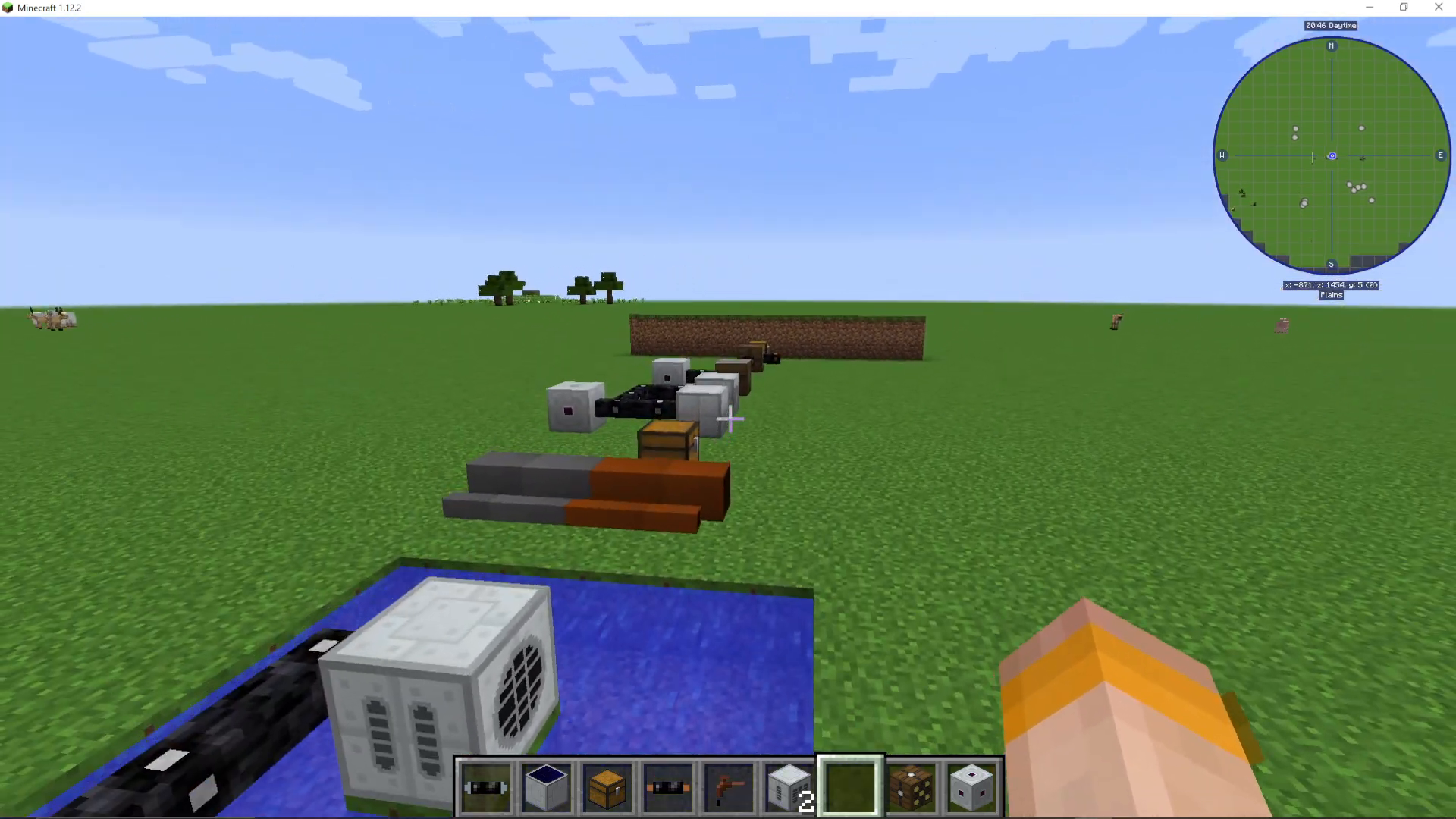
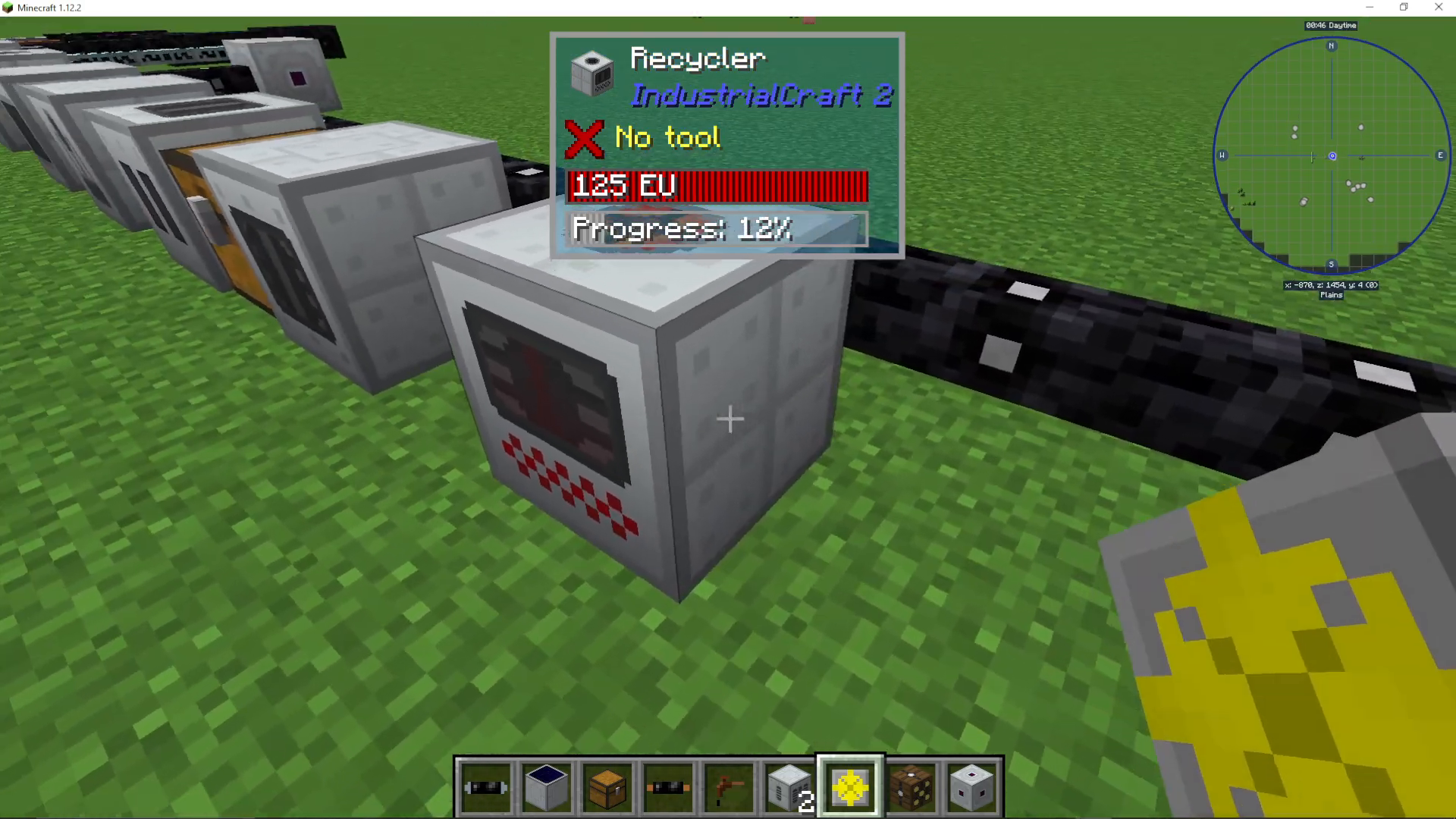
The Recycler requires low voltage to operate. The best option for powering it is to use tin cable, which delivers the appropriate voltage directly.
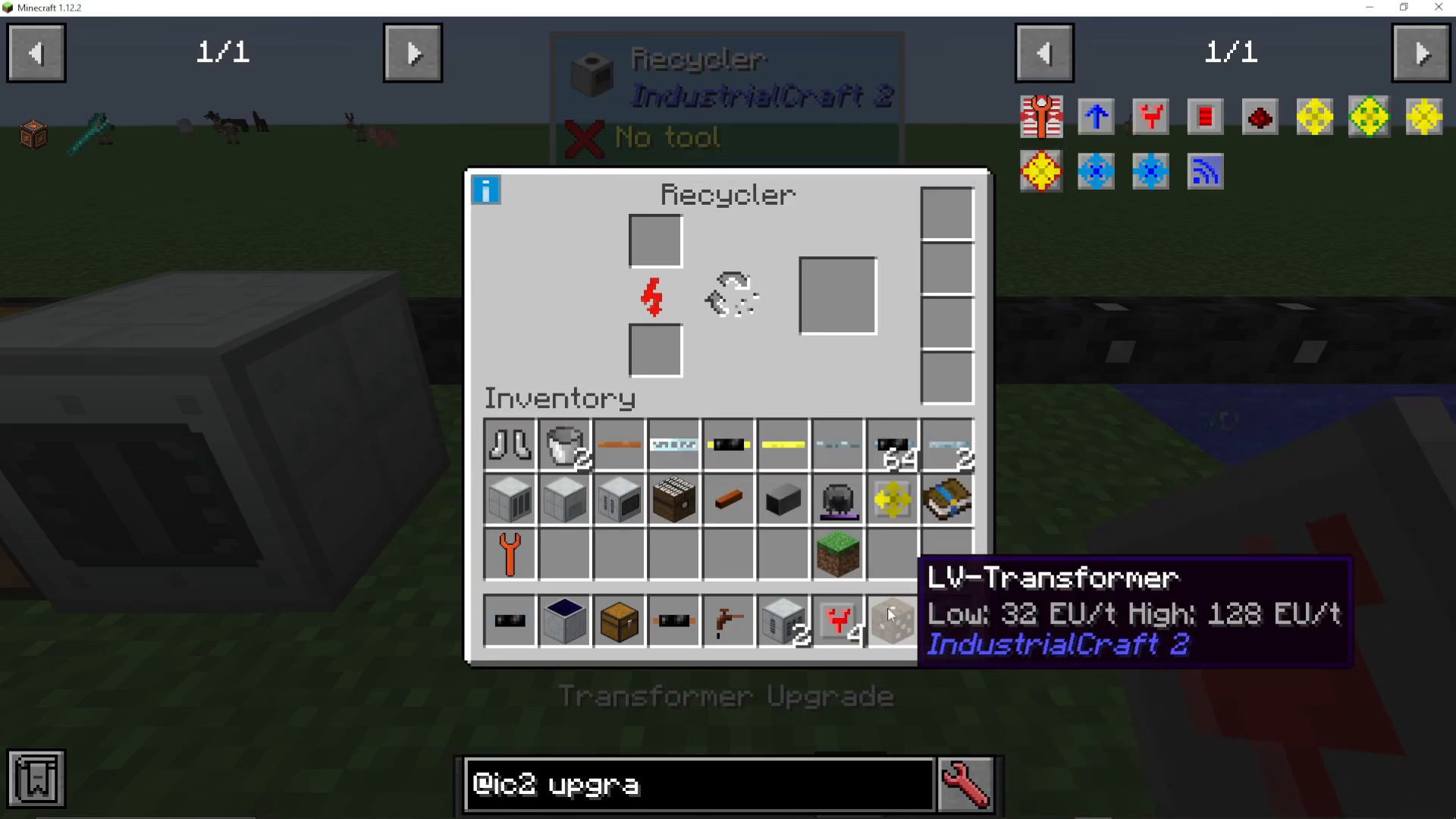
If you’re working with medium or higher voltage power sources, you’ll need a voltage converter. An LV transformer is a great solution—connect the high voltage input to the yellow slots and attach your Recycler to any other side of the transformer.
Transformer Upgrades
If you want to avoid using an external transformer, you can install transformer upgrades directly into the Recycler. These upgrades progressively increase the voltage the machine can handle:
No upgrades: Low voltage (4 EU max)
One upgrade: Copper cables
Two upgrades: Gold cables
Three upgrades: High voltage
Four upgrades: Glass (5 EU at 8000 voltage)
You’ll never need more than four transformer upgrades in a single Recycler.
What Does The Recycler Do?
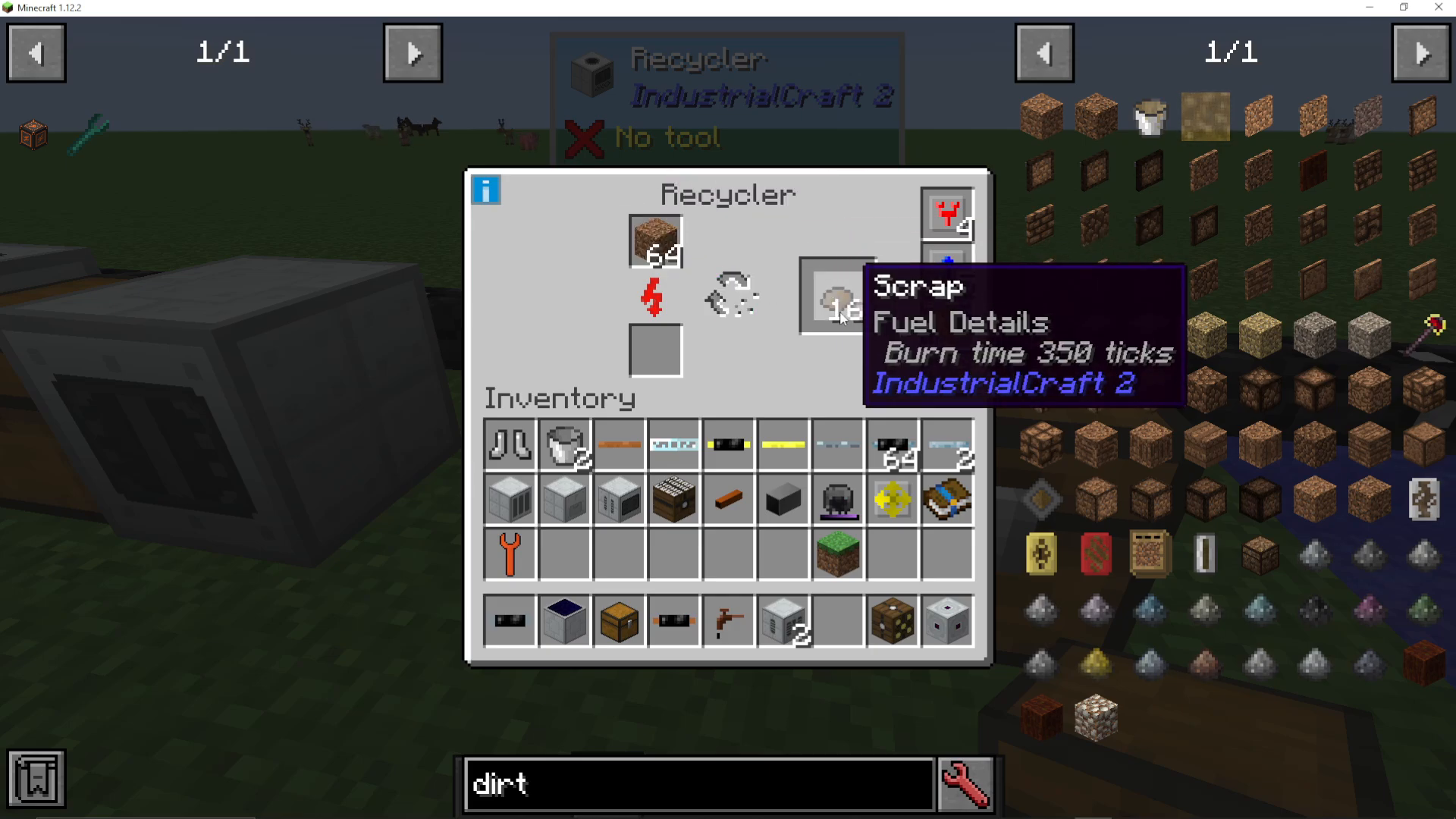
The Recycler’s primary function is to convert items into scrap. You can place virtually any item into the Recycler—it treats everything equally. Each item has a 12% chance to produce scrap, regardless of what it is.
The best items to recycle are cheap, easy-to-obtain materials like dirt, since you’ll be feeding the machine constantly and you want to minimize resource waste.
Upgrading Your Recycler
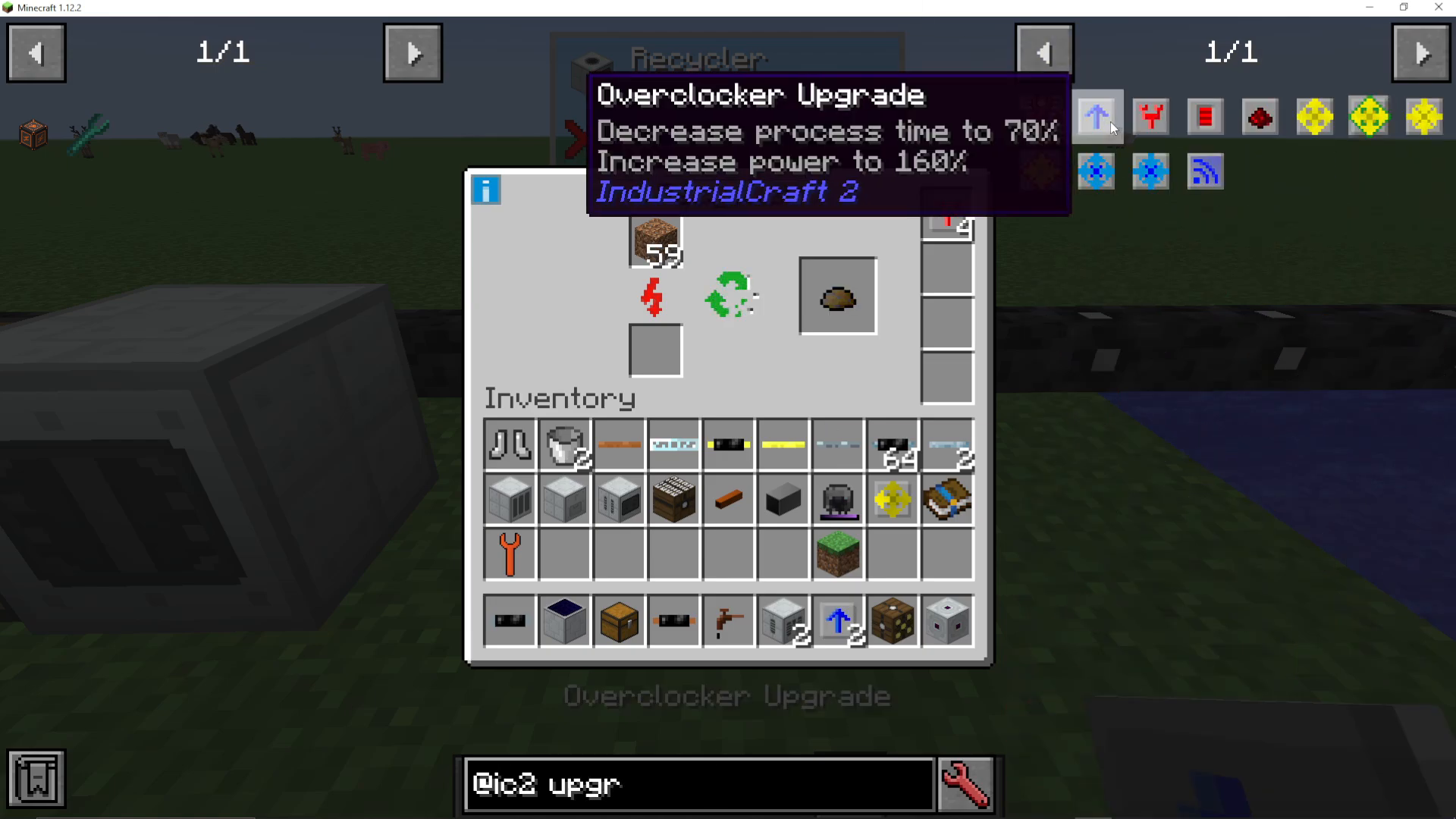
Overclocker Upgrades
To speed up the recycling process, install overclocker upgrades. You can add multiple overclockers to significantly increase processing speed. However, be aware that each additional overclocker uses substantially more power and provides diminishing returns due to multiplicative scaling. Adding too many without adequate power generation will cause problems.
Pulling Upgrades
To automate item input, use a pulling upgrade. Here’s how to set it up:
Craft a pulling upgrade
Shift right-click the upgrade on the side of the Recycler where you want it to pull from
Place the upgrade in the Recycler
Add a chest to the side you designated for pulling
The Recycler will automatically pull items from the connected chest
Storage Upgrades
You can also add storage upgrades to increase the energy buffer, allowing the Recycler to store more power between processing cycles.
What To Do With Scrap
Once you’ve produced scrap, you have several options:
Fertilizer: Combine scrap with bone meal to create fertilizer for use in crop advice E2
Scrap Boxes: Craft 9 scrap together to make a scrap box, which smelts for 15 items (compared to 1.75 items for raw scrap)
Fuel: Burn scrap in furnaces for energy
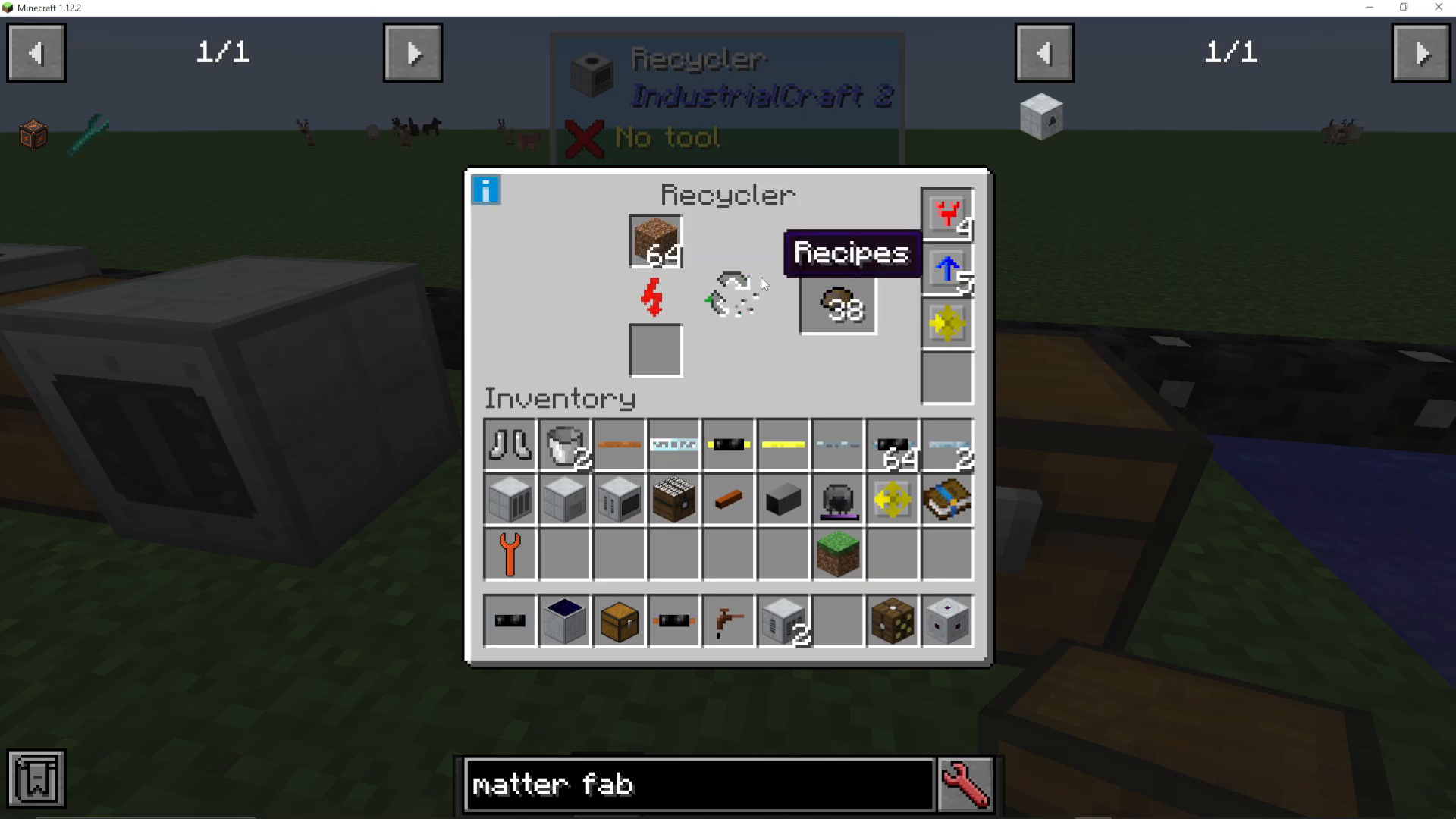
Matter Fabricator: Use scrap in the Matter Fabricator to create matter—this is the primary endgame use
Recommended Recycler Setup
Here’s the optimal configuration for most situations:
Use cheap, abundant junk items (like dirt) as input
Install 2-3 overclocker upgrades (more than this creates diminishing returns)
Add a pulling upgrade connected to a chest for automation
Include a storage upgrade to maintain consistent power
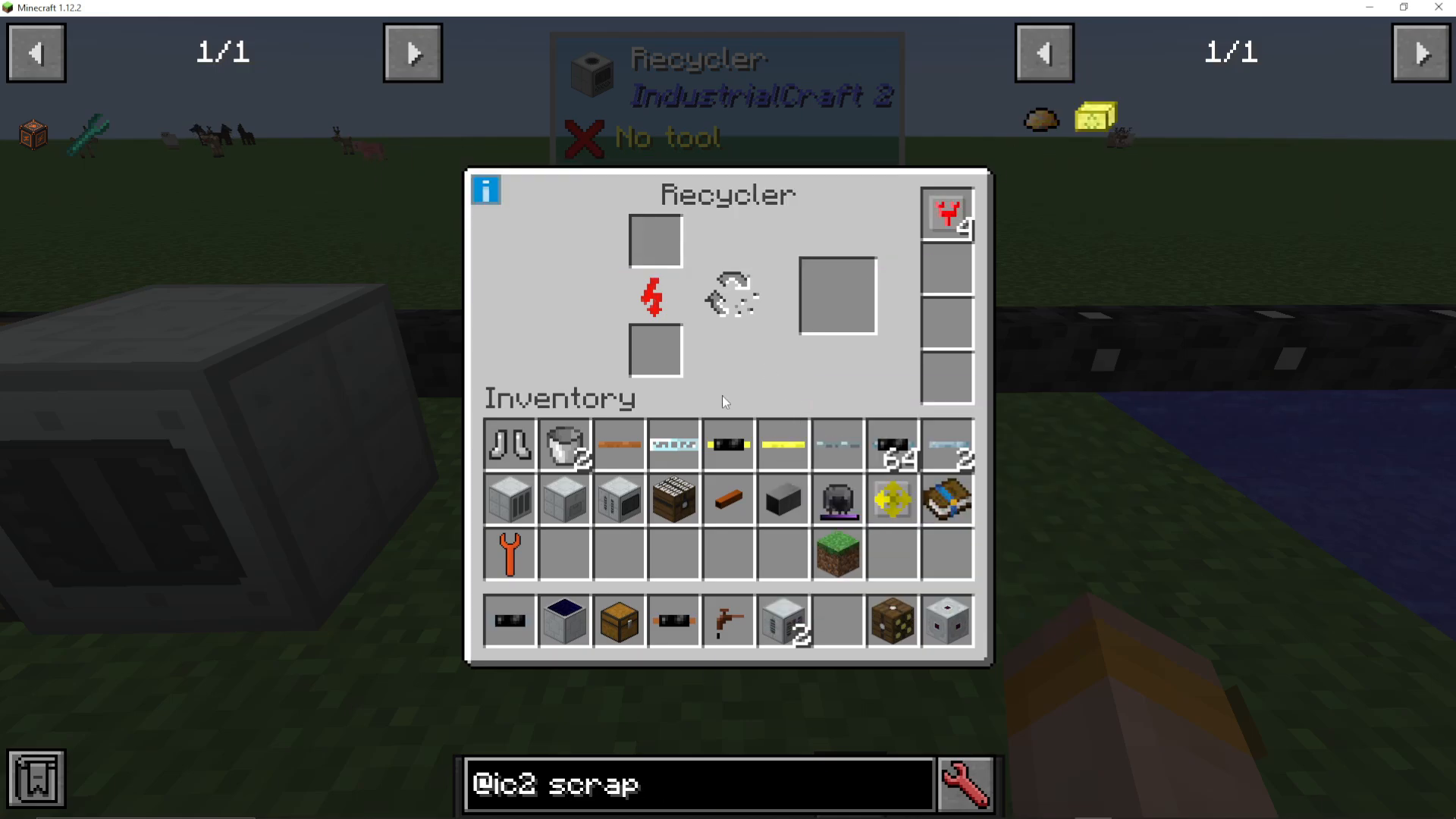
Hover over the blue upgrade icon in the GUI to see available upgrades
Keep in mind that feeding the Recycler requires a constant supply of junk items, so have a reliable source ready before you start the operation.
Summary
The Recycler is an essential machine for Industrial Craft 2 players looking to progress toward matter fabrication. Remember to power it with low voltage, feed it abundant junk items, use overclocker upgrades strategically, and automate the process with pulling upgrades. With the right setup, you’ll be producing scrap efficiently and moving toward creating matter in no time.
— Want to Support? —
If you would like to help us continue making these guides – please consider joining our patreon here – https://www.patreon.com/c/JaviHeals
Alternatively – we host a group of MC Servers you can join here – https://discord.gg/zD7Gjt6MHF



