







How To Schrödinger’s safe – Minecraft 1.21.1
How To Use Schrödinger’s Safe in Minecraft 1.21.1
Schrödinger’s Safe is one of the most amazing energy storage devices in the OriTech mod, and despite its complex appearance, it’s surprisingly simple to use. This tutorial will walk you through the crafting recipe, capacity mechanics, and how to maximize your storage potential with Enderic Lasers.
Crafting Schrödinger’s Safe
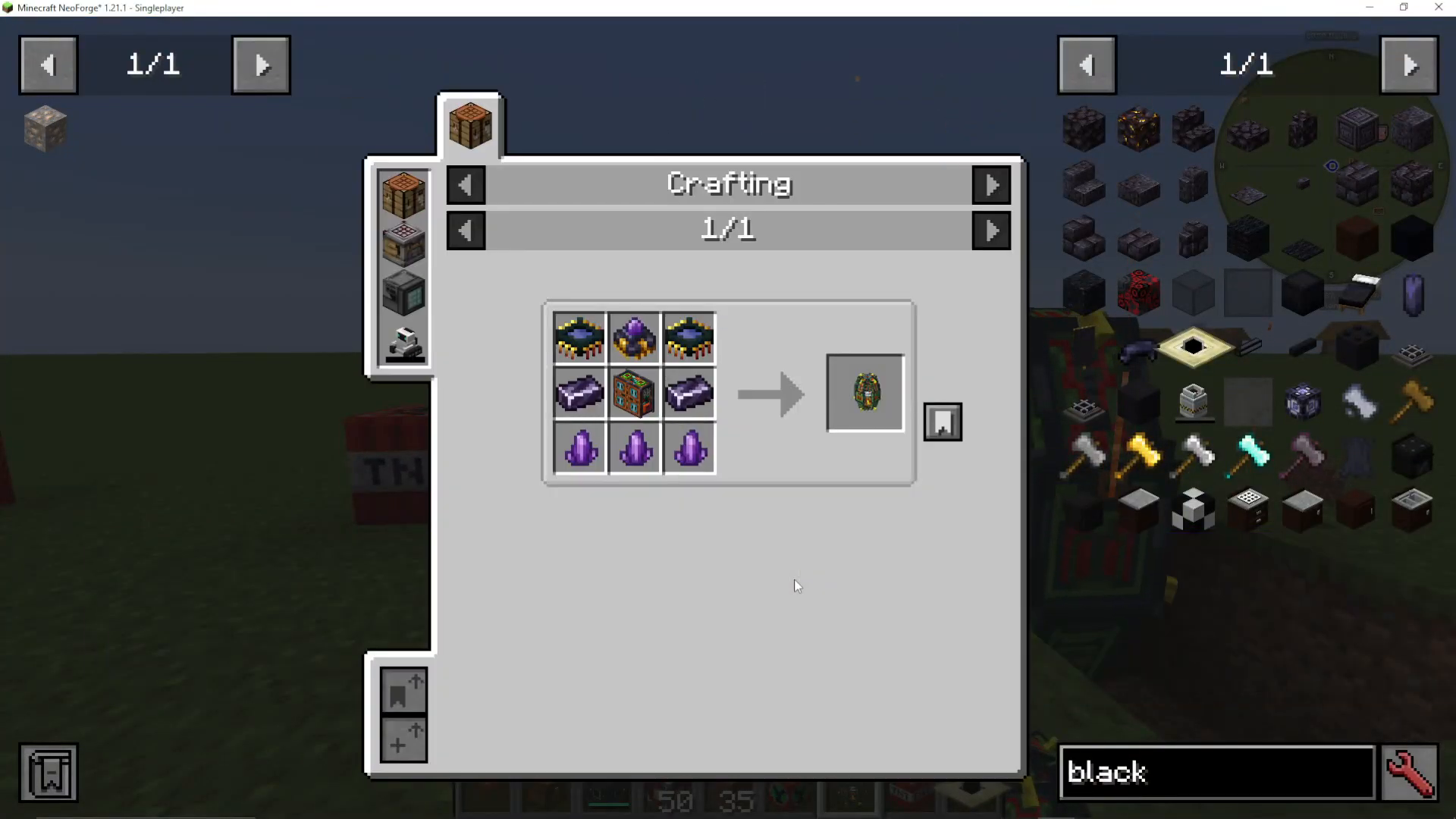
To get started, you’ll need to craft Schrödinger’s Safe using the standard recipe. If you need help gathering the ingredients, check out our other OriTech videos for detailed breakdowns of each component.
Understanding Block Capacity Tiers
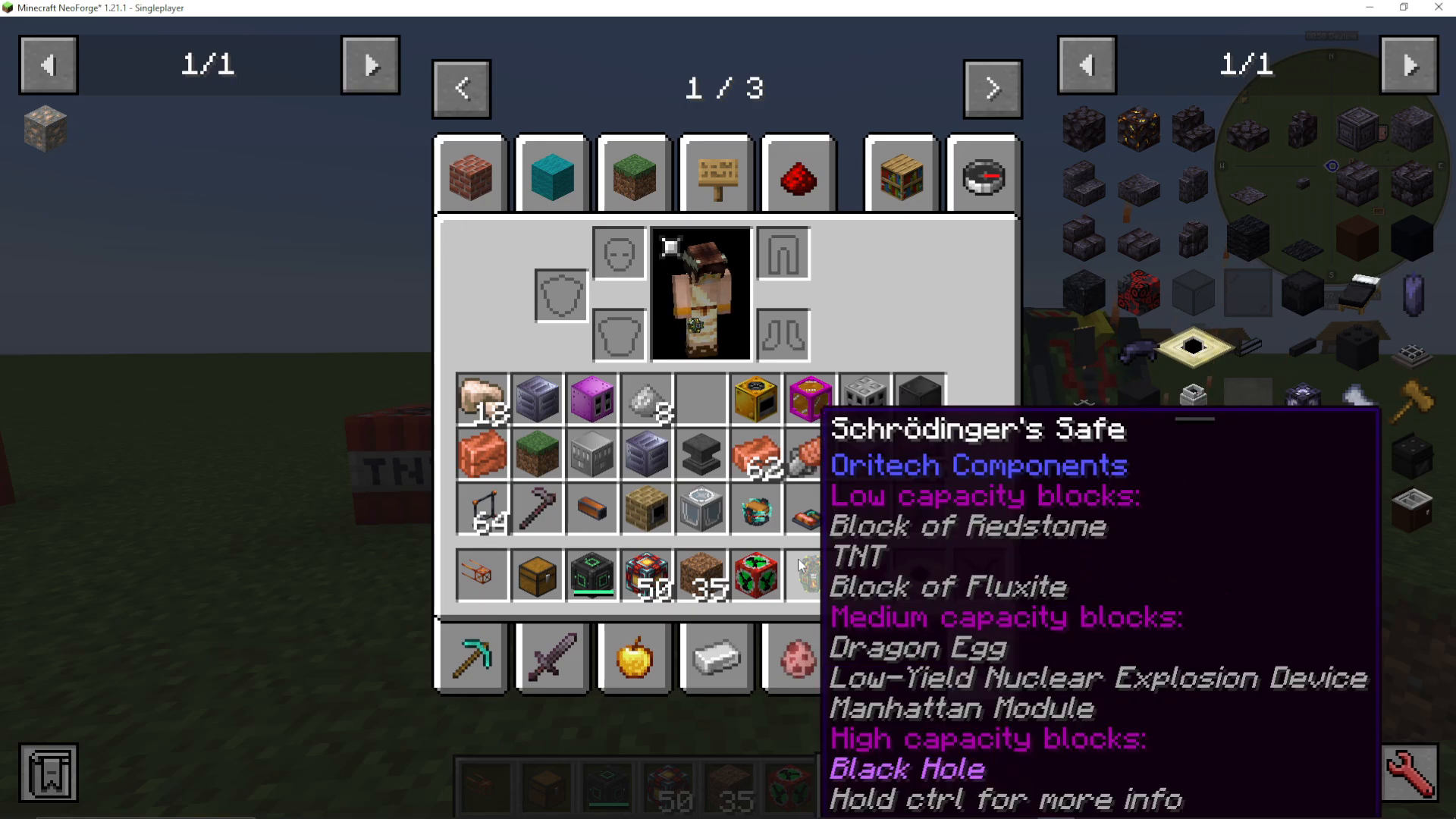
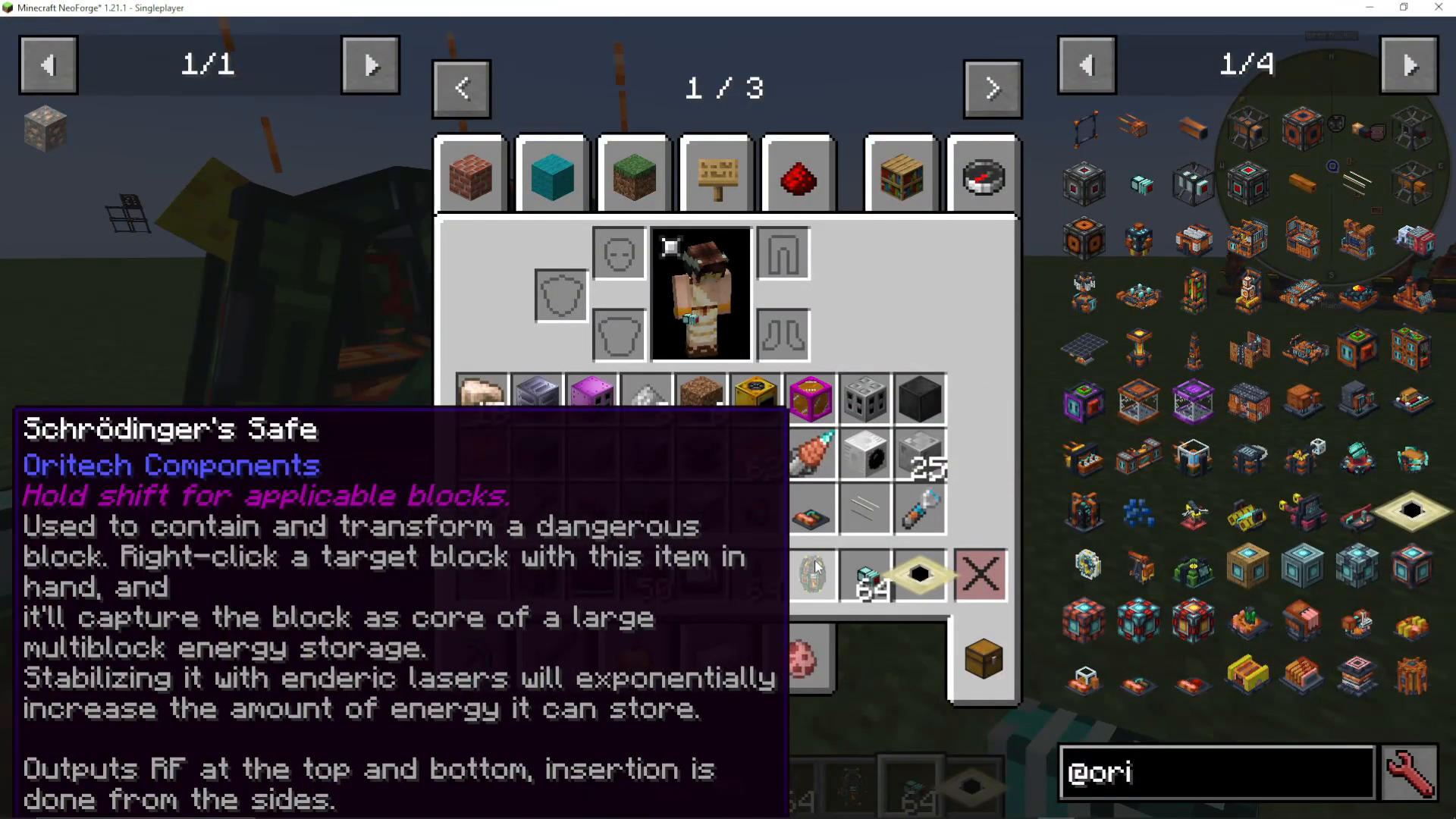
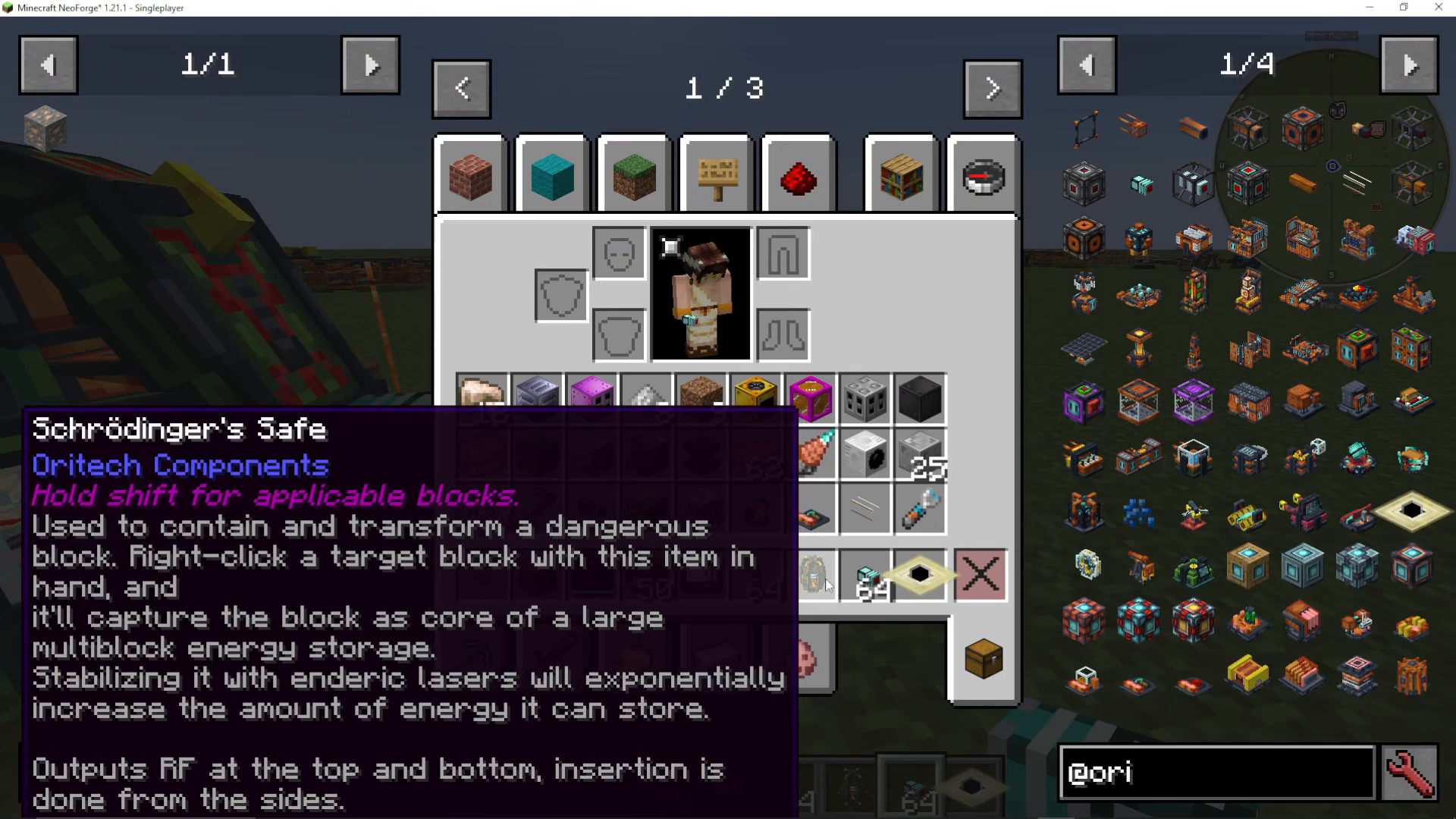
Hold Shift while hovering over the safe to see the tooltip that explains the three block capacity tiers:
Low Capacity Blocks
Medium Capacity Blocks
High Capacity Blocks
The key principle here is straightforward: the more dangerous a block is, the better the storage capabilities it provides to Schrödinger’s Safe.
Using TNT for Low-Tier Storage
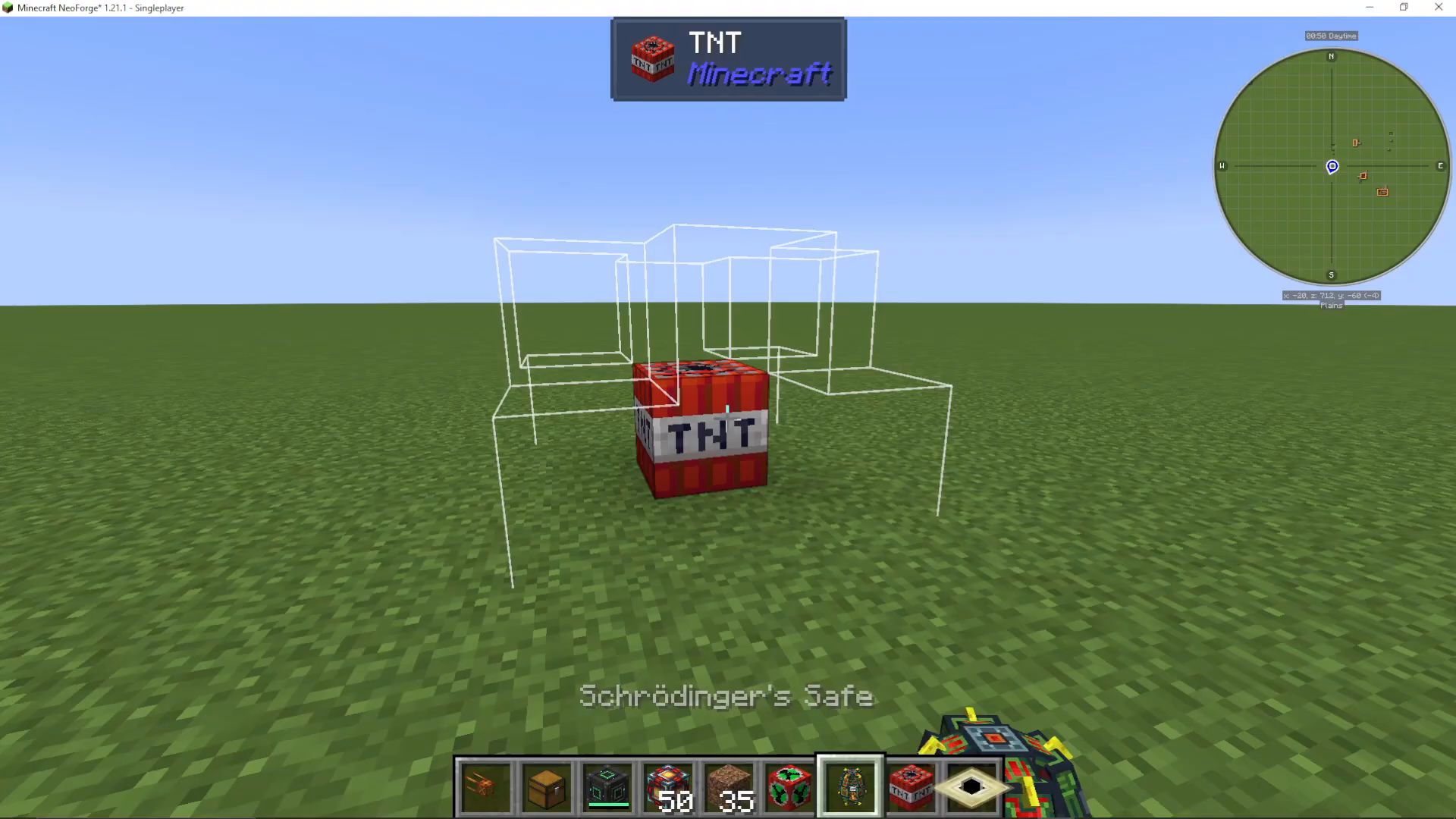
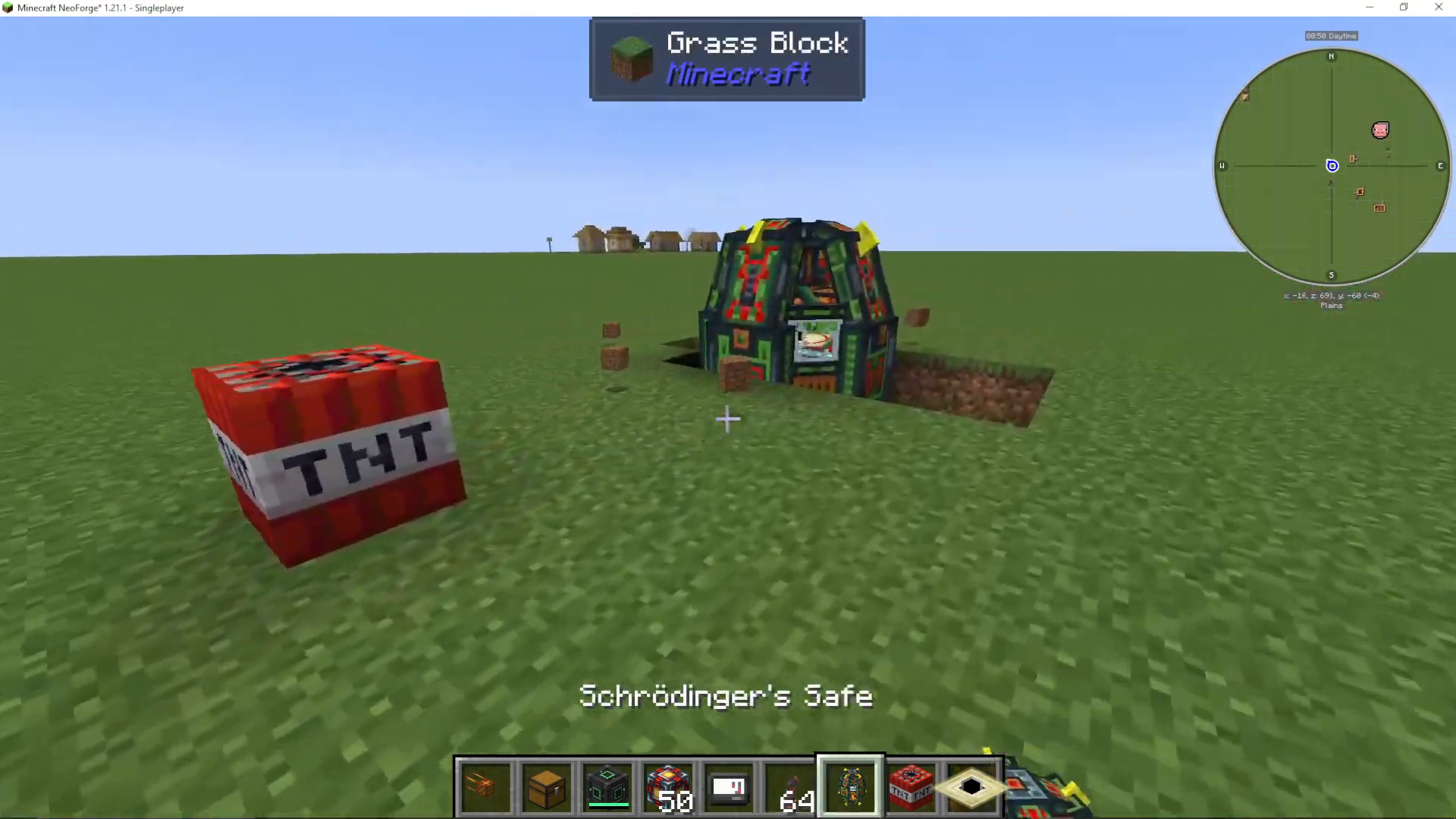
Let’s start with a simple example using TNT, which falls into the low-capacity category. Hold the Schrödinger’s Safe in your hand—you’ll notice it develops a shape that matches the target block. Right-click the TNT, and the safe will build itself around it automatically.
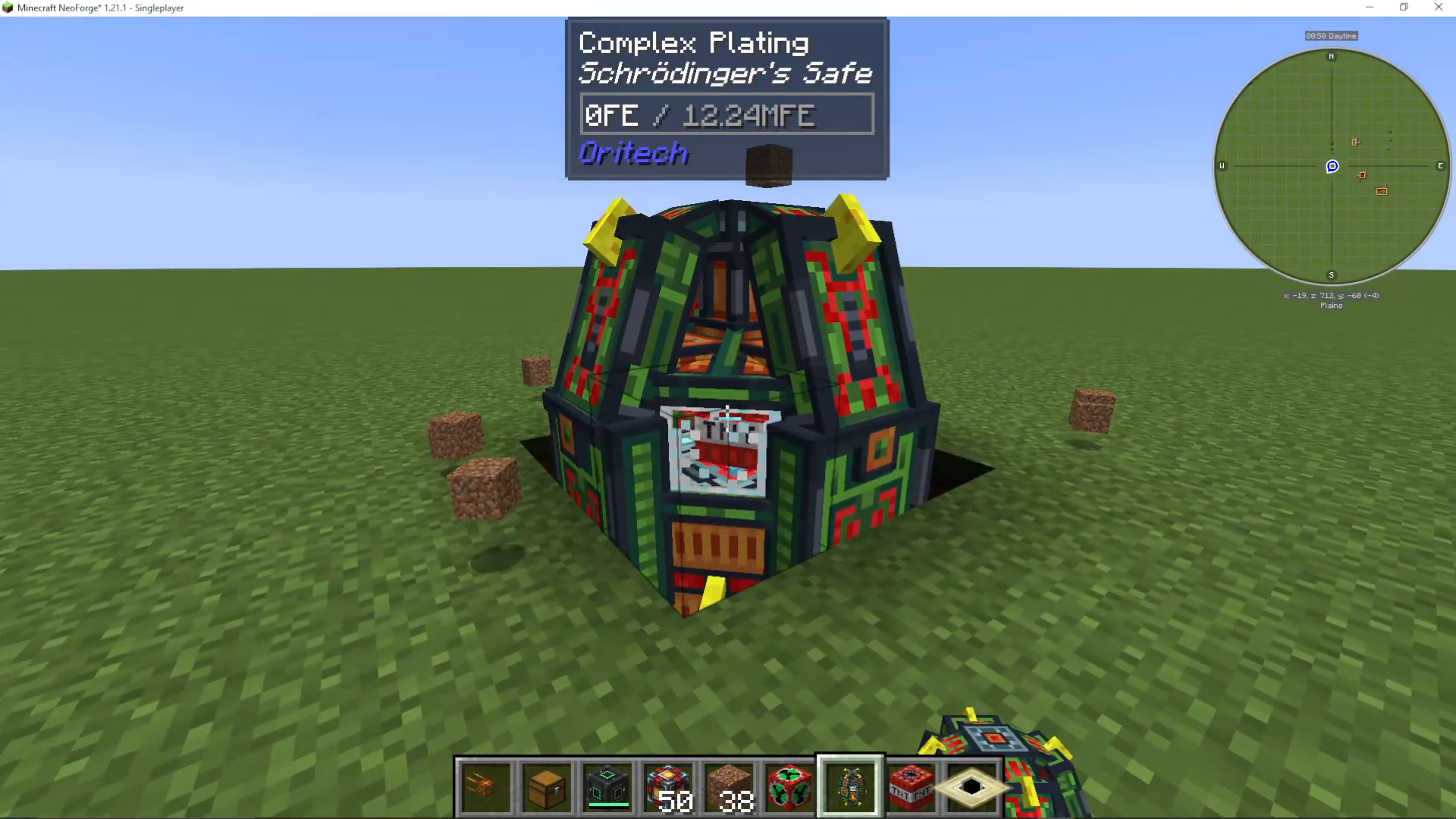
As you apply the safe, you’ll see the storage capacity increase (or decrease, depending on your display). You can monitor this using the One Probe mod, which shows real-time capacity updates at the top of your screen. TNT has a danger multiplier of 0.3, so it doesn’t provide massive storage, but it’s a great starting point to understand the mechanic.
Boosting Capacity with Enderic Lasers
The real power of Schrödinger’s Safe comes from adding Enderic Lasers. While lasers don’t directly add to the machine’s base capacity, they exponentially increase the storage capacity of the block. The multiplier scales exponentially, with a maximum of 5,000x.
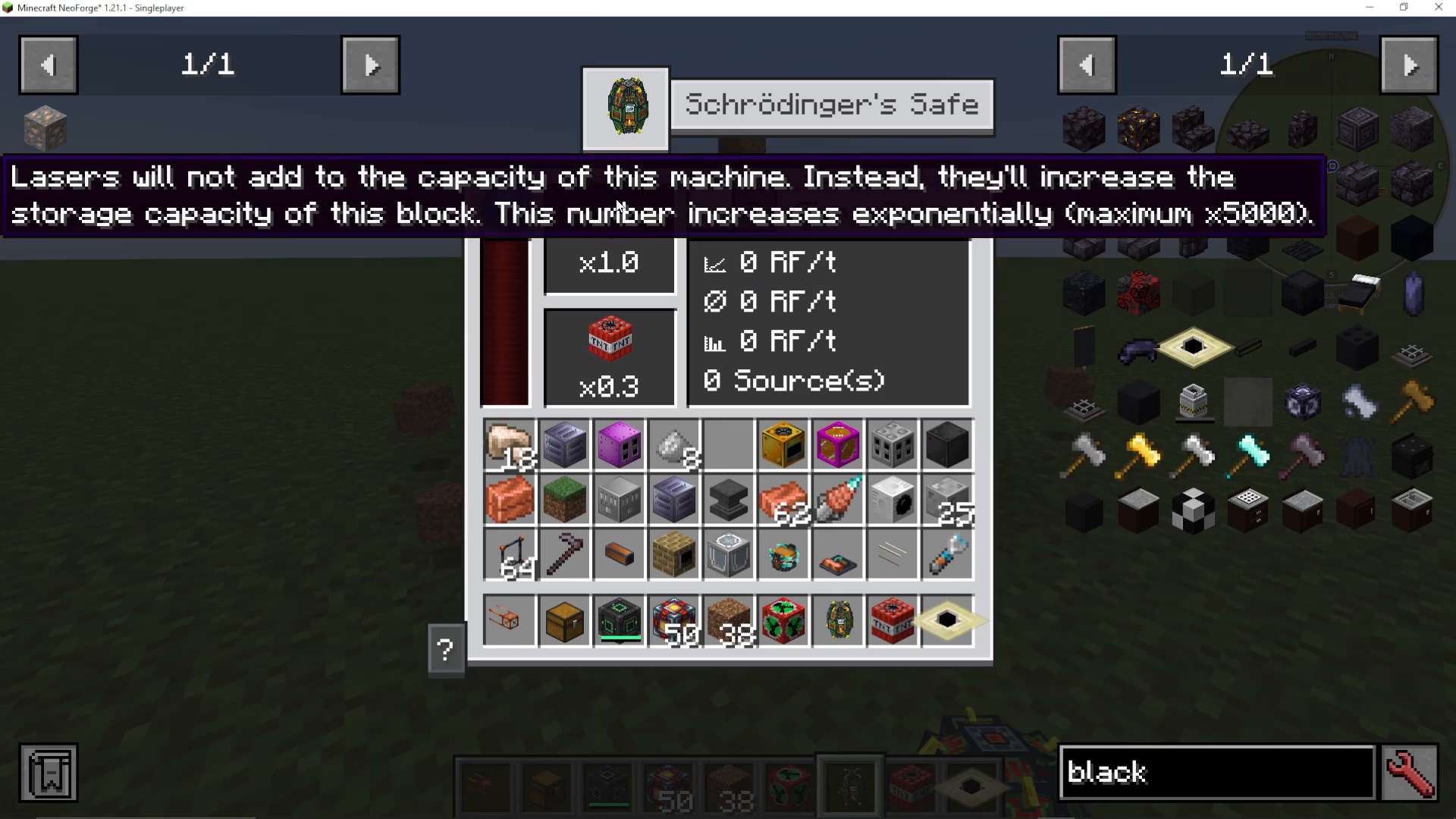
To add an Enderic Laser, grab your target designator and click on the safe. You’ll immediately see the storage multiplier increase (in this case, to 2x). The effect is exponential—each additional laser significantly boosts your capacity.
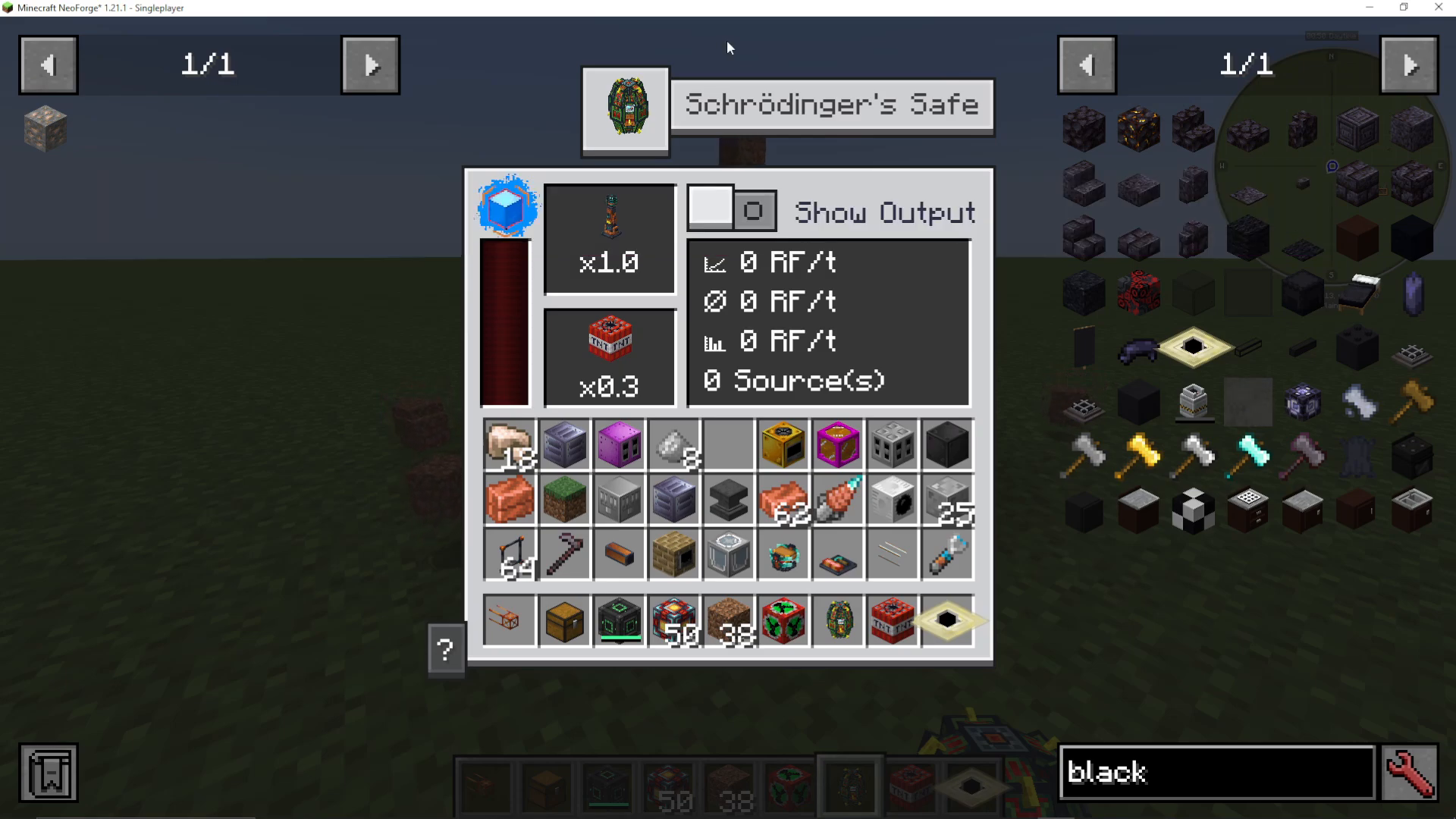
When five Enderic Lasers are applied, the storage jumps to over 1 million RF, with a maximum transfer rate of 156 million RF. The exponential growth is clear and dramatic.
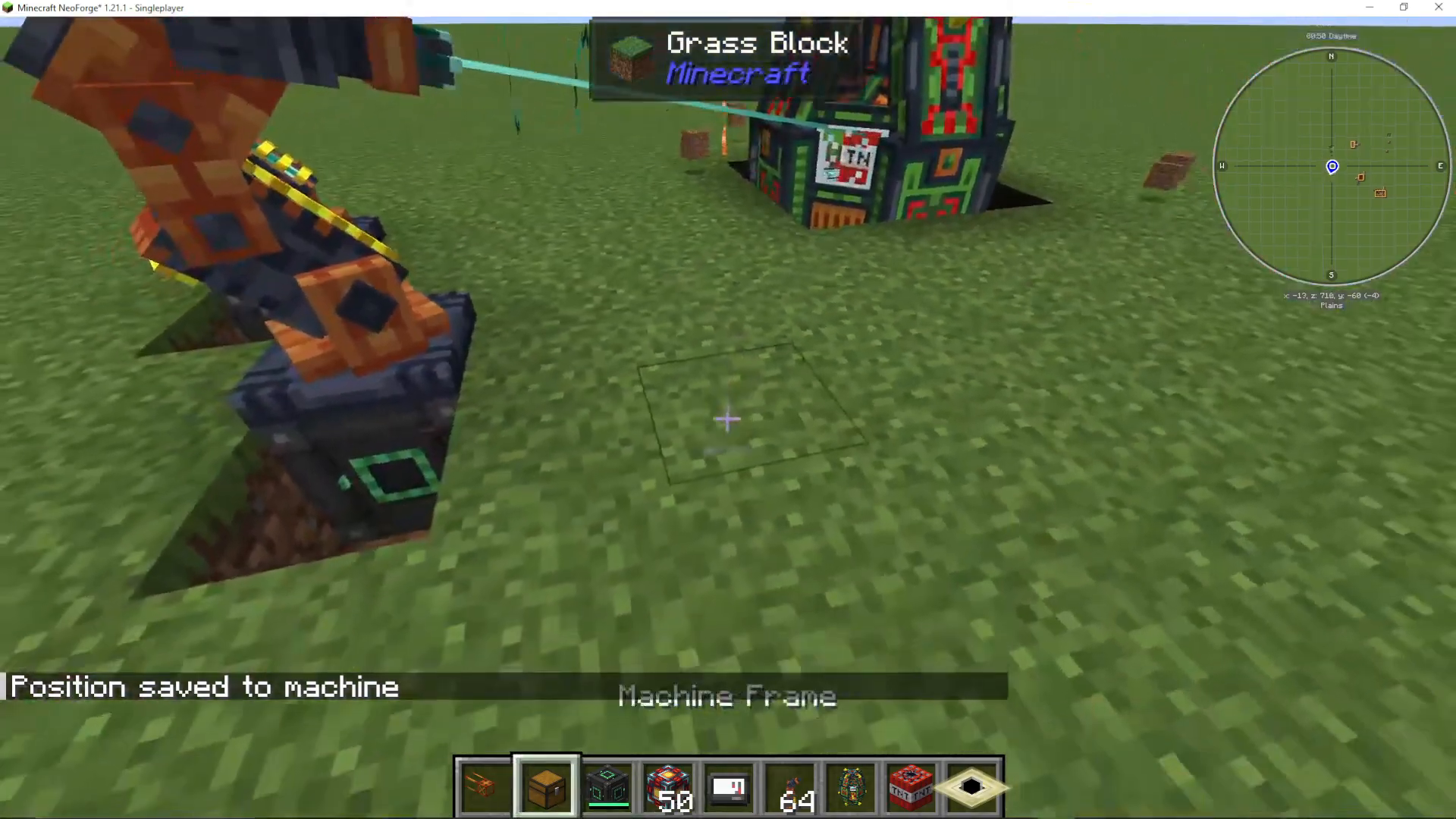
Medium-Tier Storage: The Black Hole Method
For even higher capacity, you can use medium-tier dangerous blocks like the Manhattan Module. However, the most dramatic results come from using a Black Hole, which is an ultra-high-danger block from OriTech.
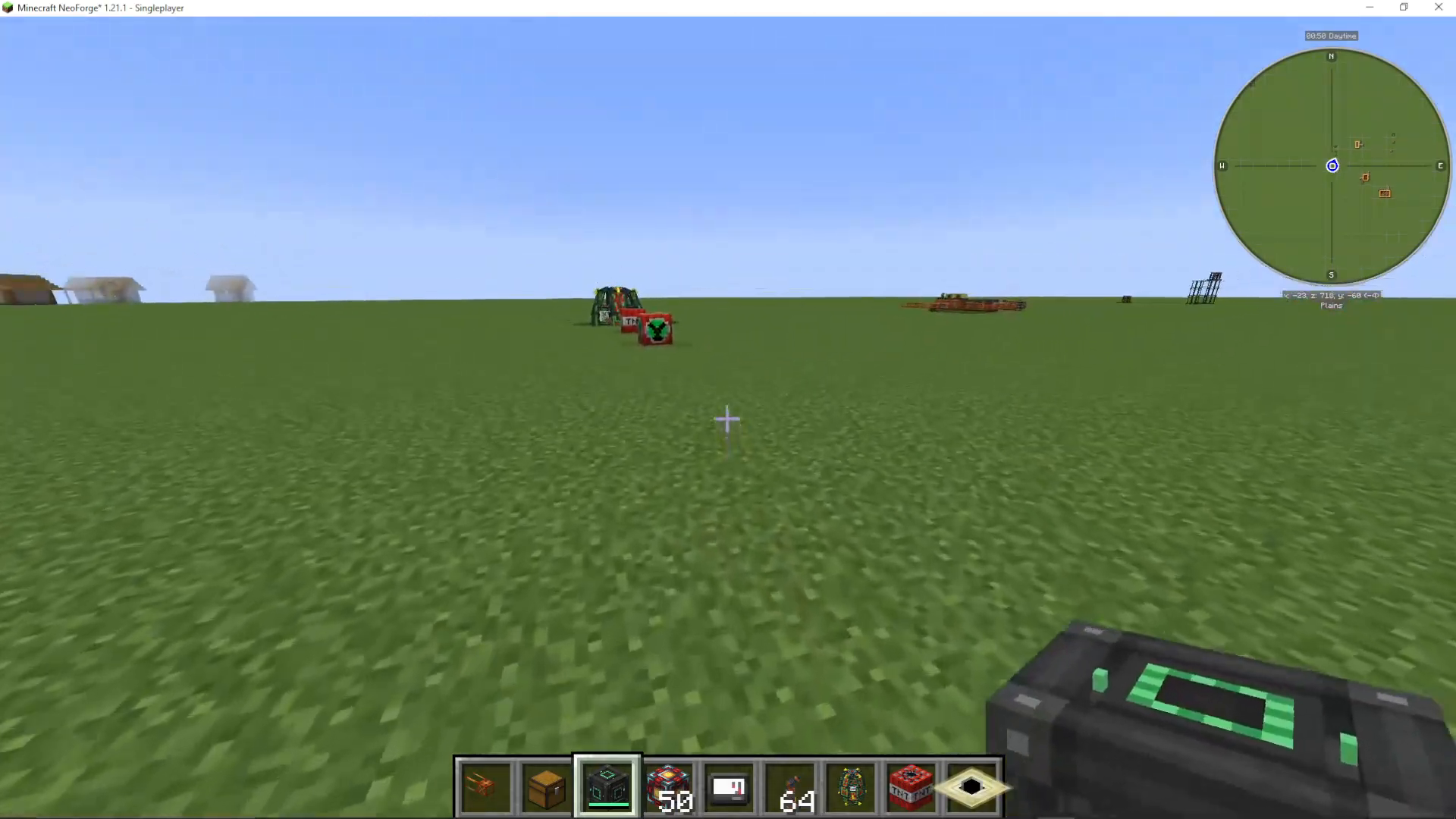
To use this method safely, place your Black Hole first, then immediately place your Schrödinger’s Safe on top of it before it gets out of control. Right-click to apply it. Even without any Enderic Lasers, a Black Hole-based safe will reach nearly 100 million RF capacity instantly.
Monitoring Analytics and Connections
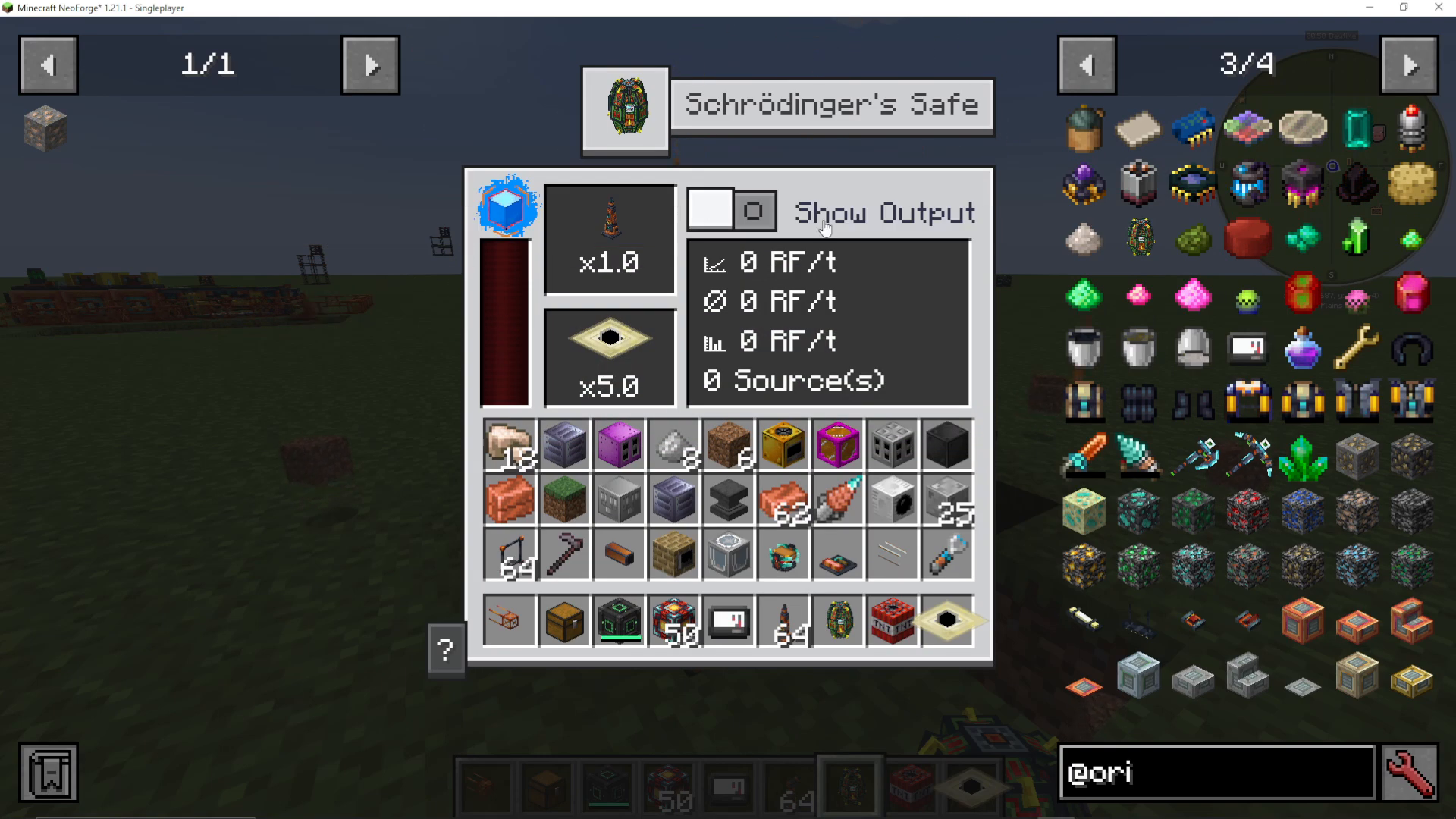
Once your Schrödinger’s Safe is set up, you can view important analytics on the machine’s interface:
Number of output sources attached
Highest RF received
Total RF received in the last game tick
These analytics help you understand your energy flow and optimize your system.
Power Input and Output Directions
Schrödinger’s Safe has specific sides for power insertion and output:
Power Insertion
You insert power through the sides of the machine. Connect your power cables here to feed energy into the safe.
Power Output
Power outputs are available at the top and bottom of the machine. You’ll see a small red dot indicating the output face. This is where you draw energy from the safe to power other systems.
Summary
Schrödinger’s Safe is an elegant and straightforward energy storage solution in OriTech. Start with low-capacity blocks like TNT to understand the basics, then scale up to medium-tier blocks and Black Holes for massive storage. Boost your capacity exponentially with Enderic Lasers, and remember to insert power from the sides while outputting from the top and bottom faces. With these fundamentals mastered, you’ll have a powerful energy storage system ready for your OriTech builds.
For more OriTech tutorials and guides, check out our complete playlist to explore other amazing features of this mod.
Want to Support?
If you would like to help us continue making these guides – please consider joining our patreon here – https://www.patreon.com/c/JaviHeals
Alternatively – we host a group of MC Servers you can join here – https://discord.gg/zD7Gjt6MHF



