







How To Oritech Fragment Forge – Minecraft 1.21.1
How To Use Oritech Fragment Forge – Minecraft 1.21.1
The Fragment Forge is a powerful machine in the OriTech mod that allows you to break down and process ores and materials in new and efficient ways. In this guide, we’ll walk you through everything you need to know about setting up and using the Fragment Forge, from initial machine construction to advanced ore processing strategies.
Introduction to the Fragment Forge
The Fragment Forge is a key machine in OriTech that requires basic familiarity with the mod’s core mechanics like Jai, flux gates, and motors. If you’re new to these concepts, be sure to check out the beginner’s guide before diving into this tutorial.
Building Your Fragment Forge
Placing and Constructing the Machine
Start by placing down your Fragment Forge block. To properly construct the machine, you’ll need to use machine cores. Place an Ori and then a core block to begin the build process. The machine will display primitive, basic, and higher tier options depending on which machine core you use.
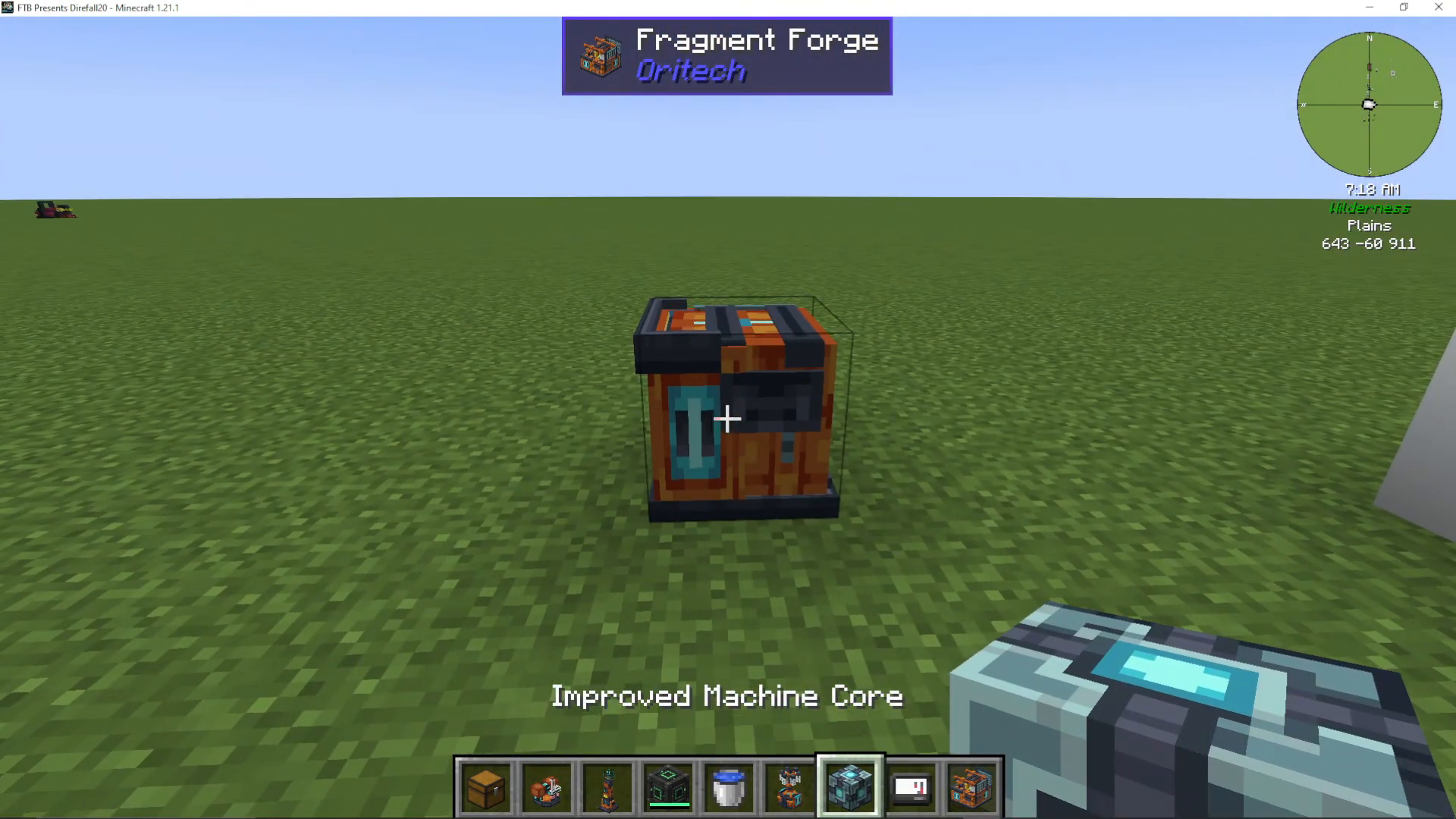
Continue right-clicking the core repeatedly until the Fragment Forge is fully constructed. You’ll notice blue plugs appearing on the machine—these are crucial for customization.
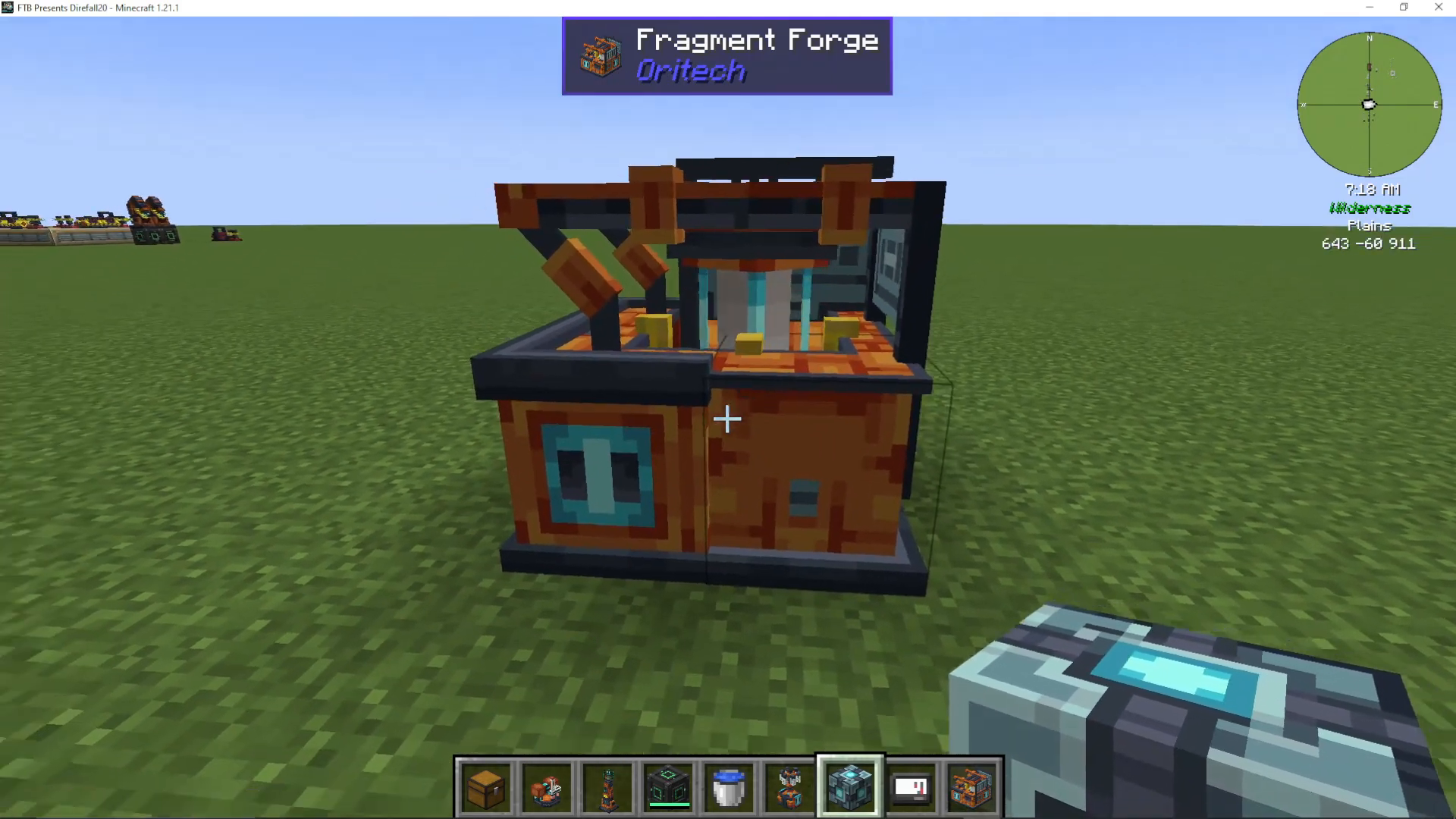
Understanding Machine Cores and Upgrades
The quality of the machine core you use determines how many upgrades your Fragment Forge can support. Better machine cores unlock more upgrade layers, allowing for greater customization and efficiency improvements.
Access the add-ons menu to view available upgrade slots. These slots (marked with plus symbols) are where you can plug in efficiency upgrades and other add-ons to enhance your machine’s performance.
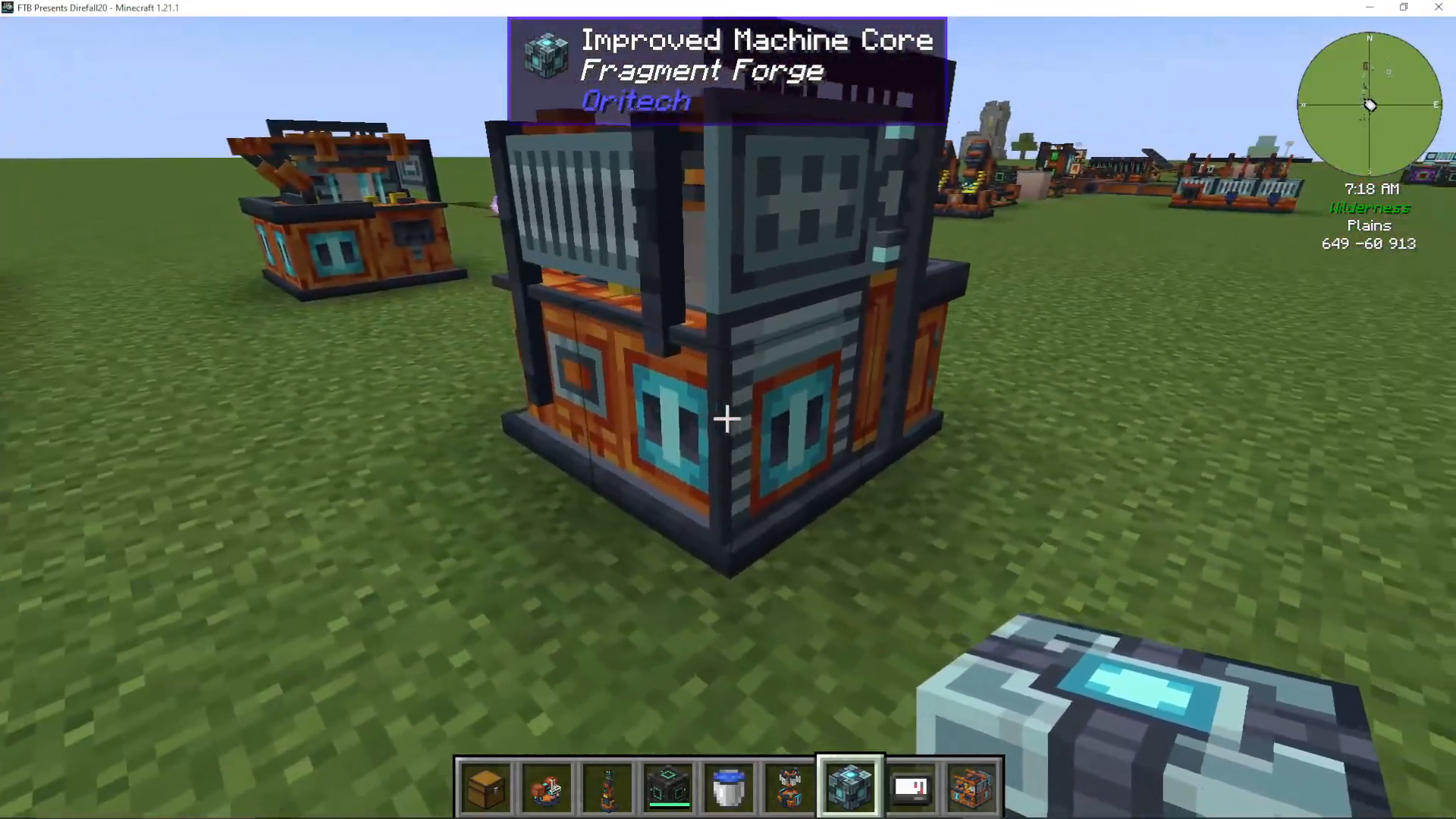
Adding Efficiency Upgrades
To boost your machine’s efficiency, take efficiency upgrades and plug them directly into the available plug sockets. When you check the add-ons menu afterward, you’ll see the upgrades installed and your efficiency rating displayed. For example, adding efficiency upgrades can push your machine to 111% efficiency.
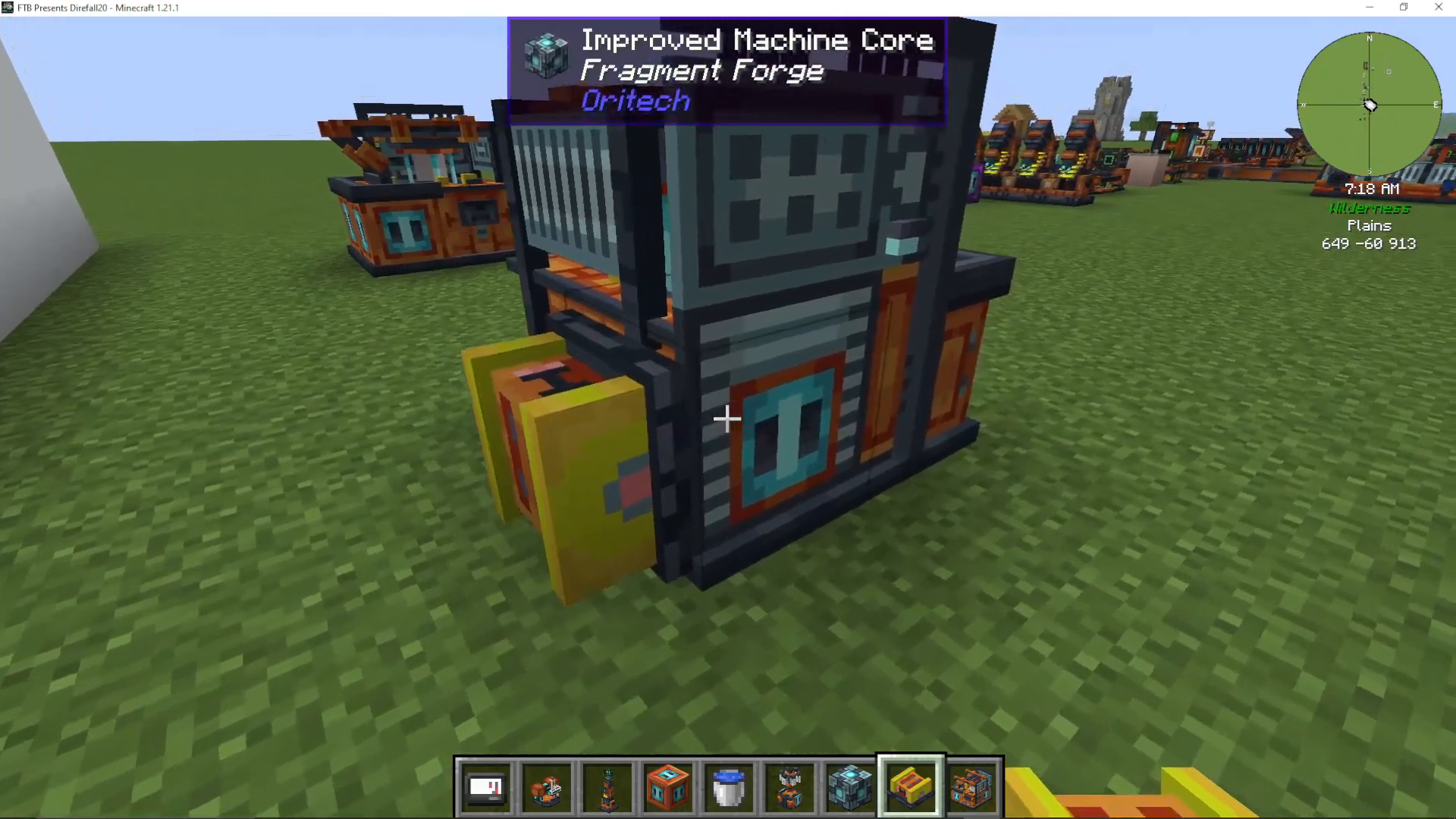
Expanding with Machine Extenders
If you want to add multiple upgrade layers, you can use machine extenders to expand the machine outward. However, the number of layers you can add is limited by your machine core’s quality tier. The tooltip on your core will show the maximum quality level available. Each upgrade tier of machine core allows one additional layer of add-ons.
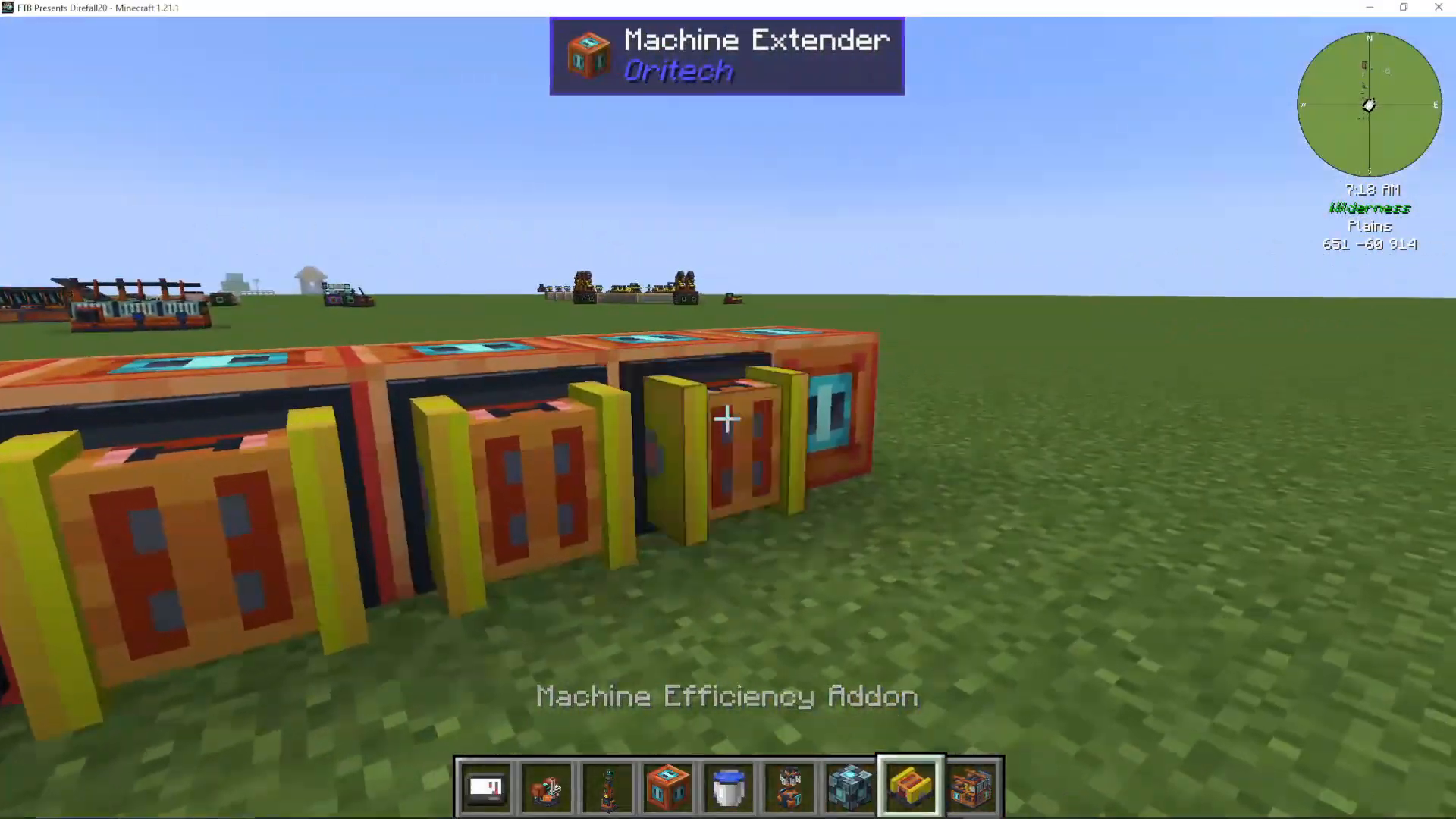
Powering Your Fragment Forge
Your Fragment Forge requires power to operate. You have two main options for supplying energy:
Energy Pipes: Connect energy pipes from your power source to any side of the machine
Enderic Lasers: Use wireless power transmission for a cleaner setup
Setting Up Wireless Power with Enderic Lasers
To use enderic lasers, first shift right-click the machine with your target designator to set it as the receiver. Then shift right-click your enderic laser to establish a wireless power connection. The machine will now automatically receive power without any visible cables.
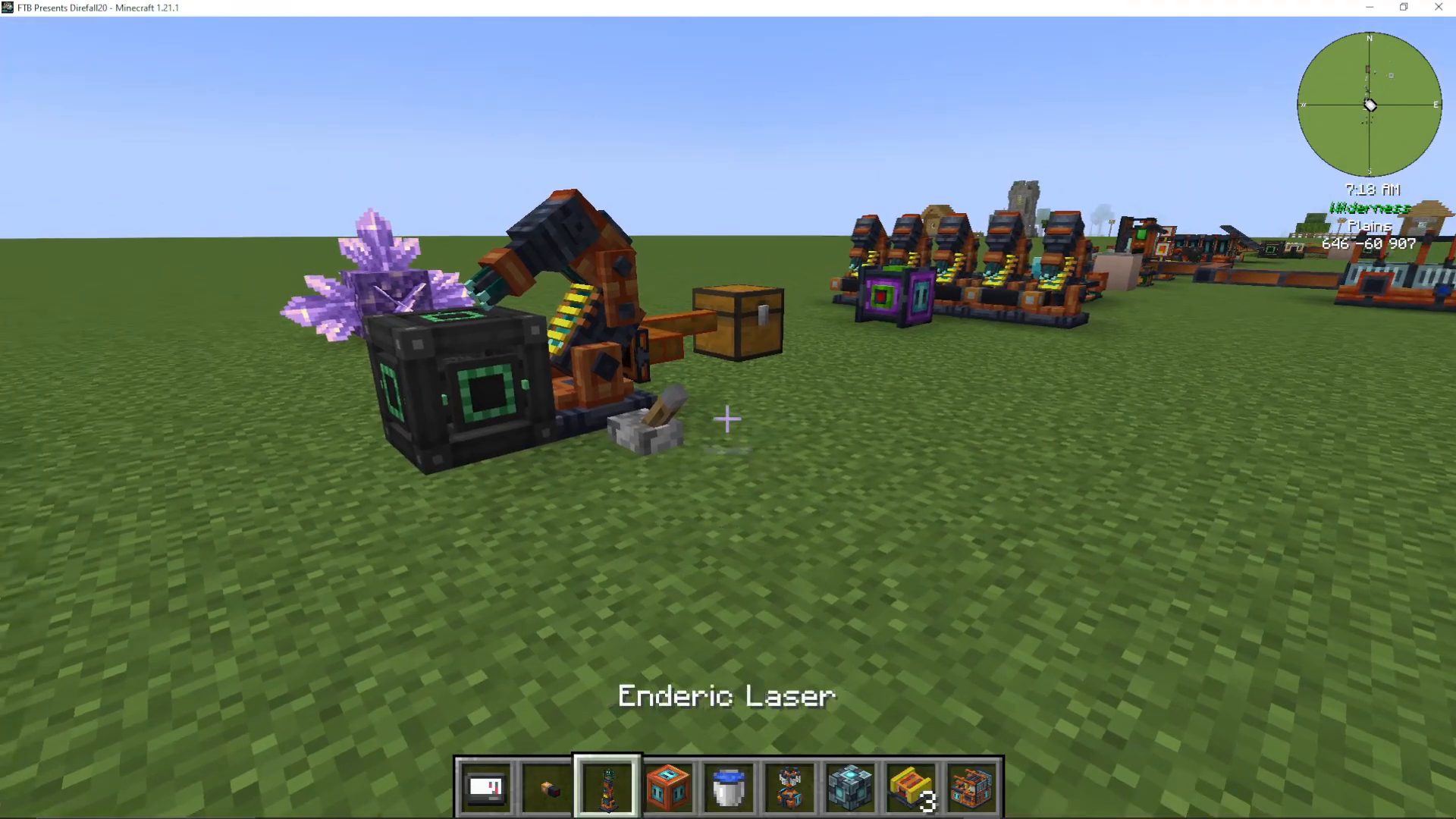
Using the Fragment Forge
Basic Fragmentation
Once powered, open the Fragment Forge interface to see available recipes. The machine can fragment various items into useful components. For example:
Bone → Bone Meal
Iron Ore → Raw Iron and Raw Nickel
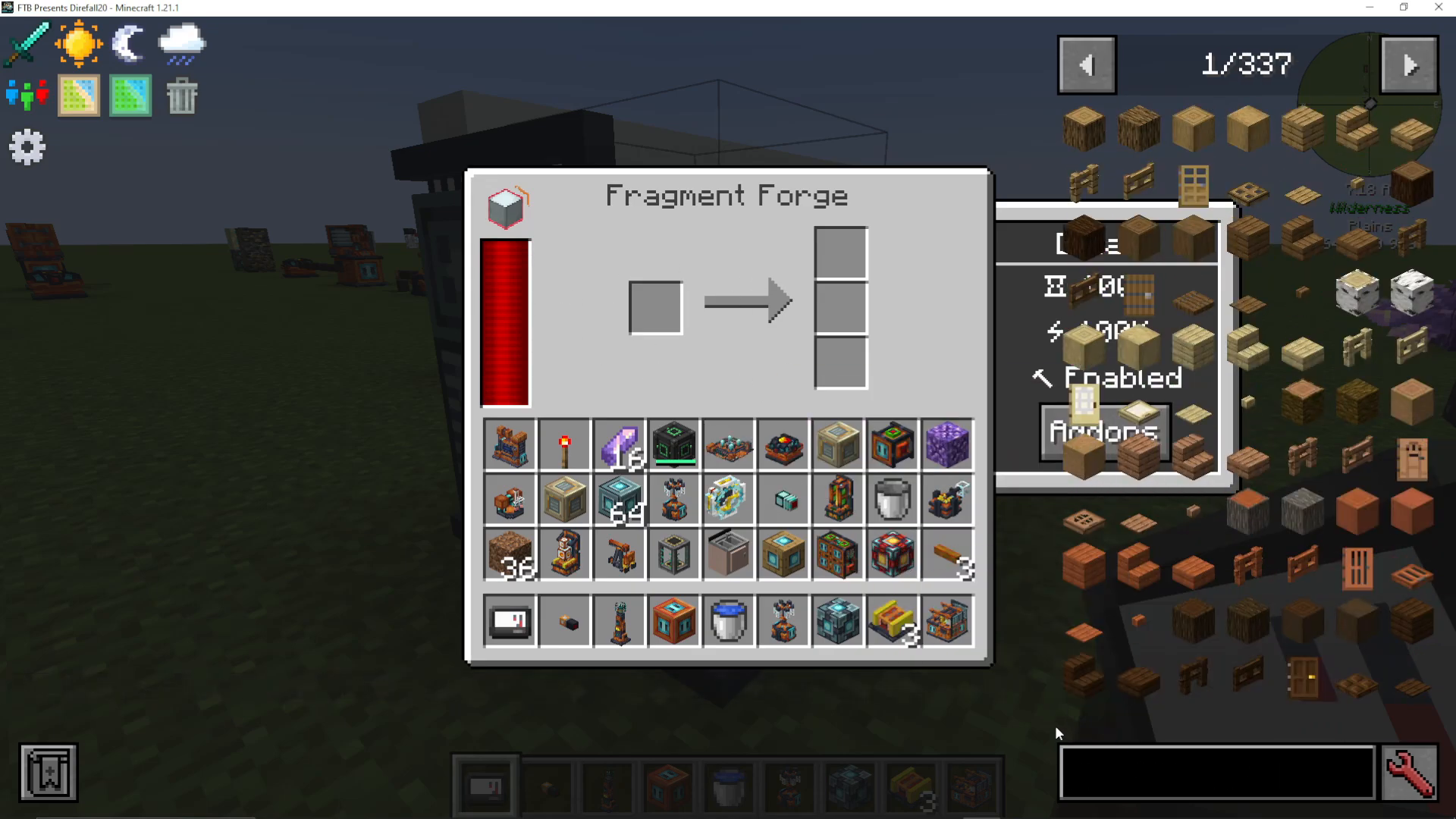
Advanced Ore Processing – The Efficiency Advantage
The Fragment Forge’s true power lies in its ability to maximize ore yields. Raw iron, which normally smelts into a single iron ingot, can be fragmented into an iron clump. This clump can then be processed in a centrifuge with water to produce two iron gems, with each gem making two iron ingots.
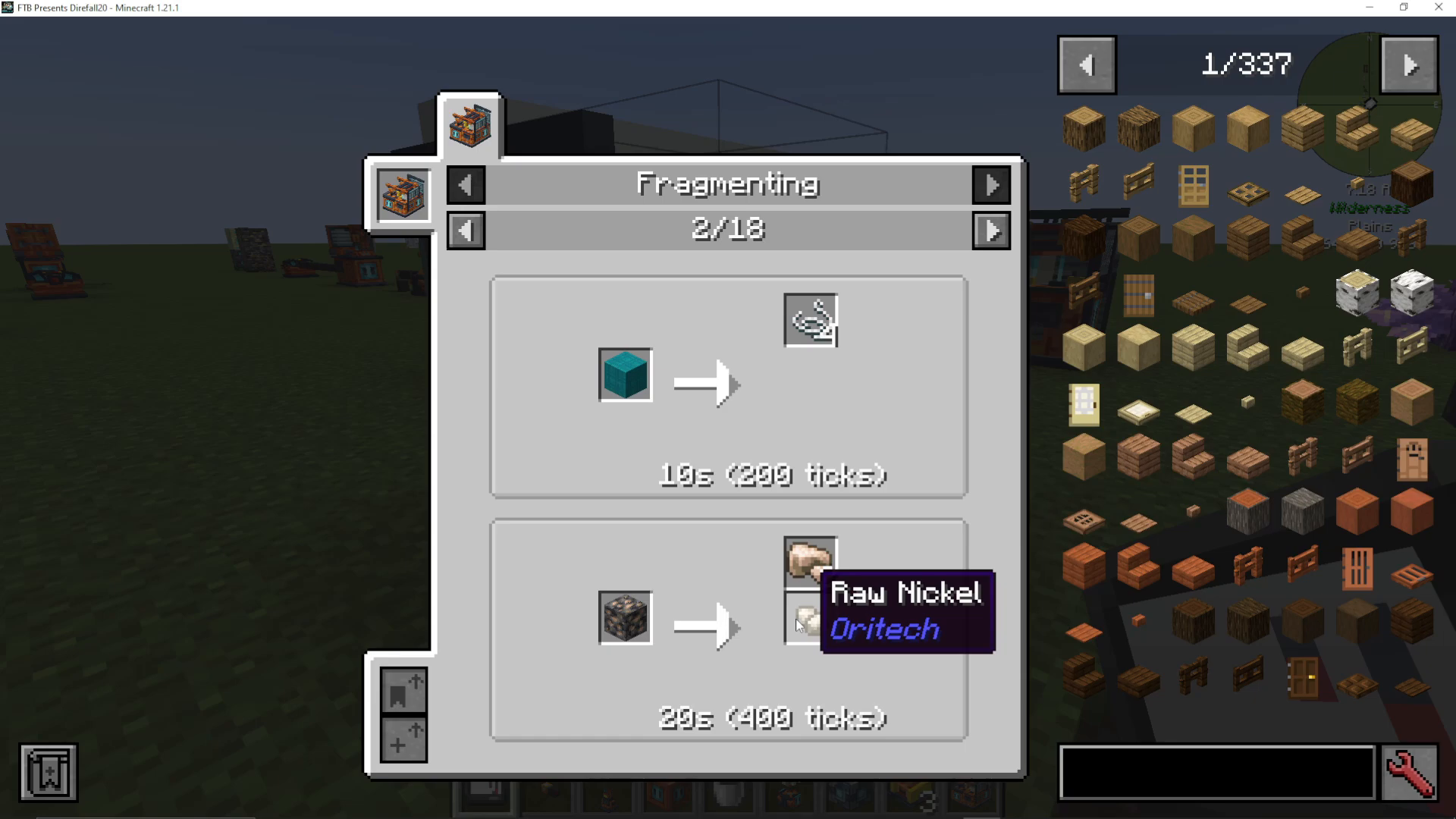
This means one raw iron can be turned into one iron clump, which yields two iron gems, resulting in four iron ingots total—compared to just one from smelting. Additionally, you’ll receive three small iron clumps as a byproduct. Every three small iron clumps combine into another full clump, yielding two more iron ingots.
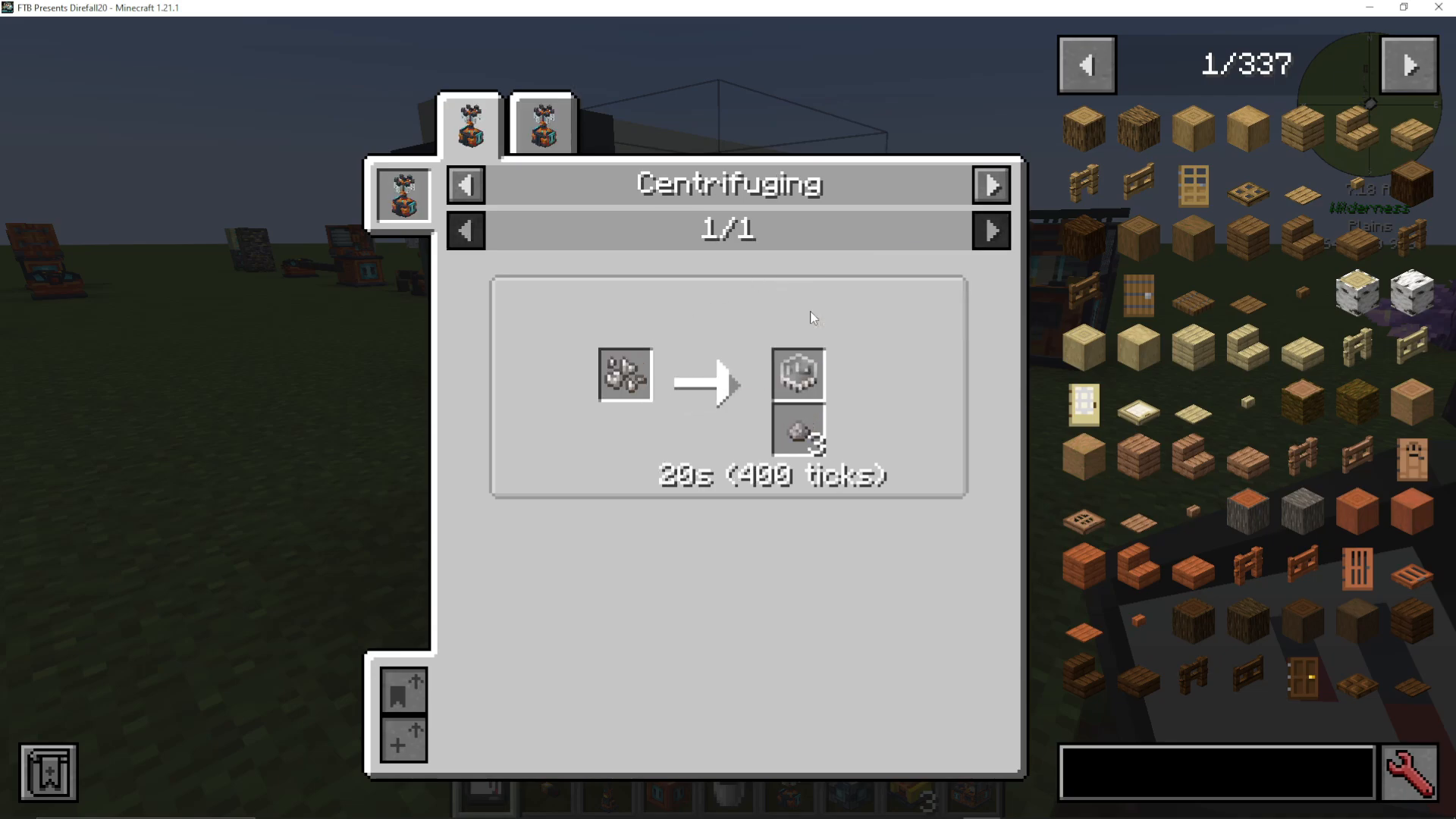
The same principle applies to nickel processing, meaning from every three raw iron you process, you can obtain additional nickel ingots as well. This makes the Fragment Forge incredibly efficient for ore processing.
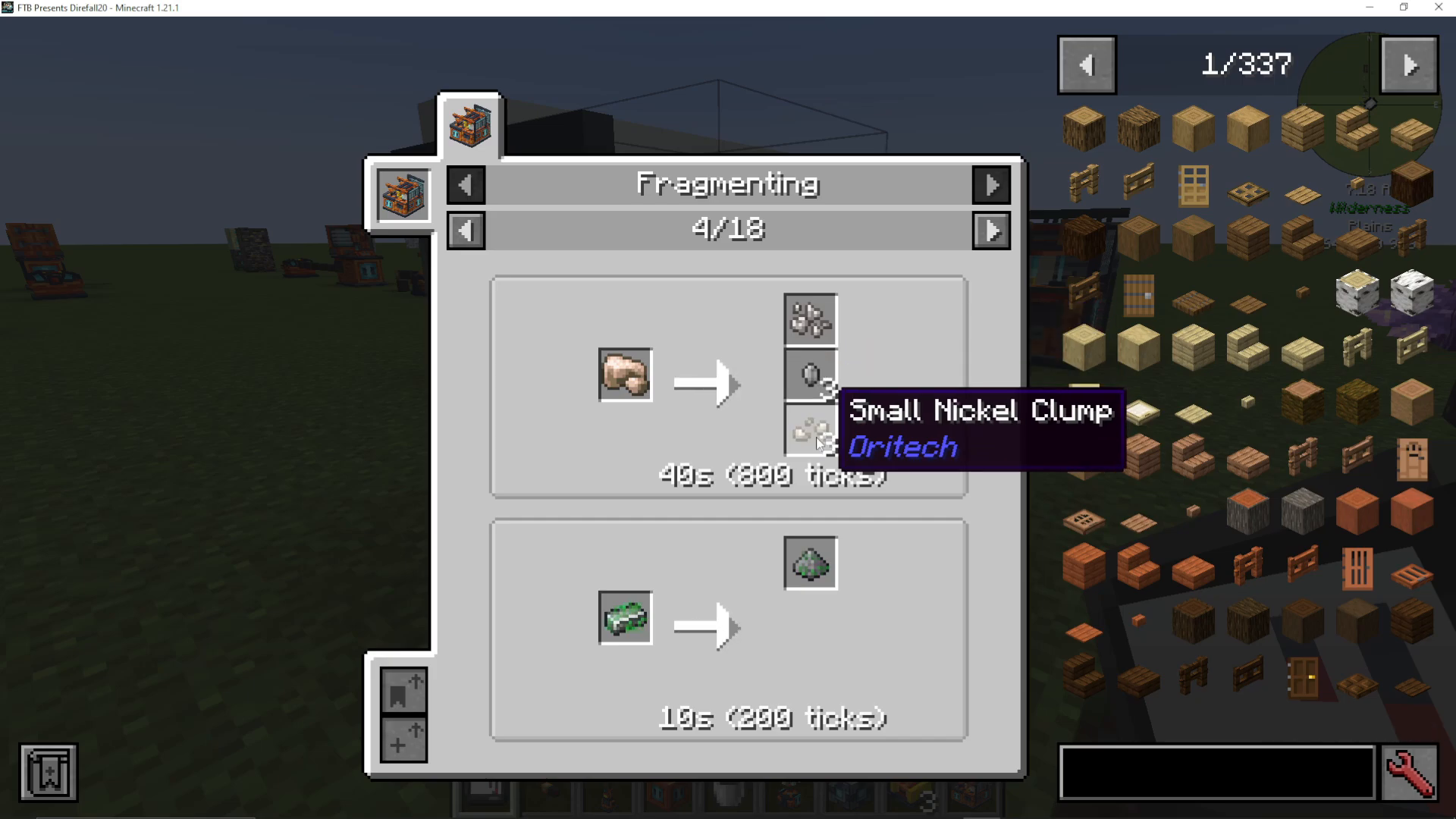
Special Materials and Recipes
Beyond ore processing, the Fragment Forge can create specialized OriTech materials. For instance, you can use an ender pole to create enderic compound, expanding your crafting possibilities within the mod.
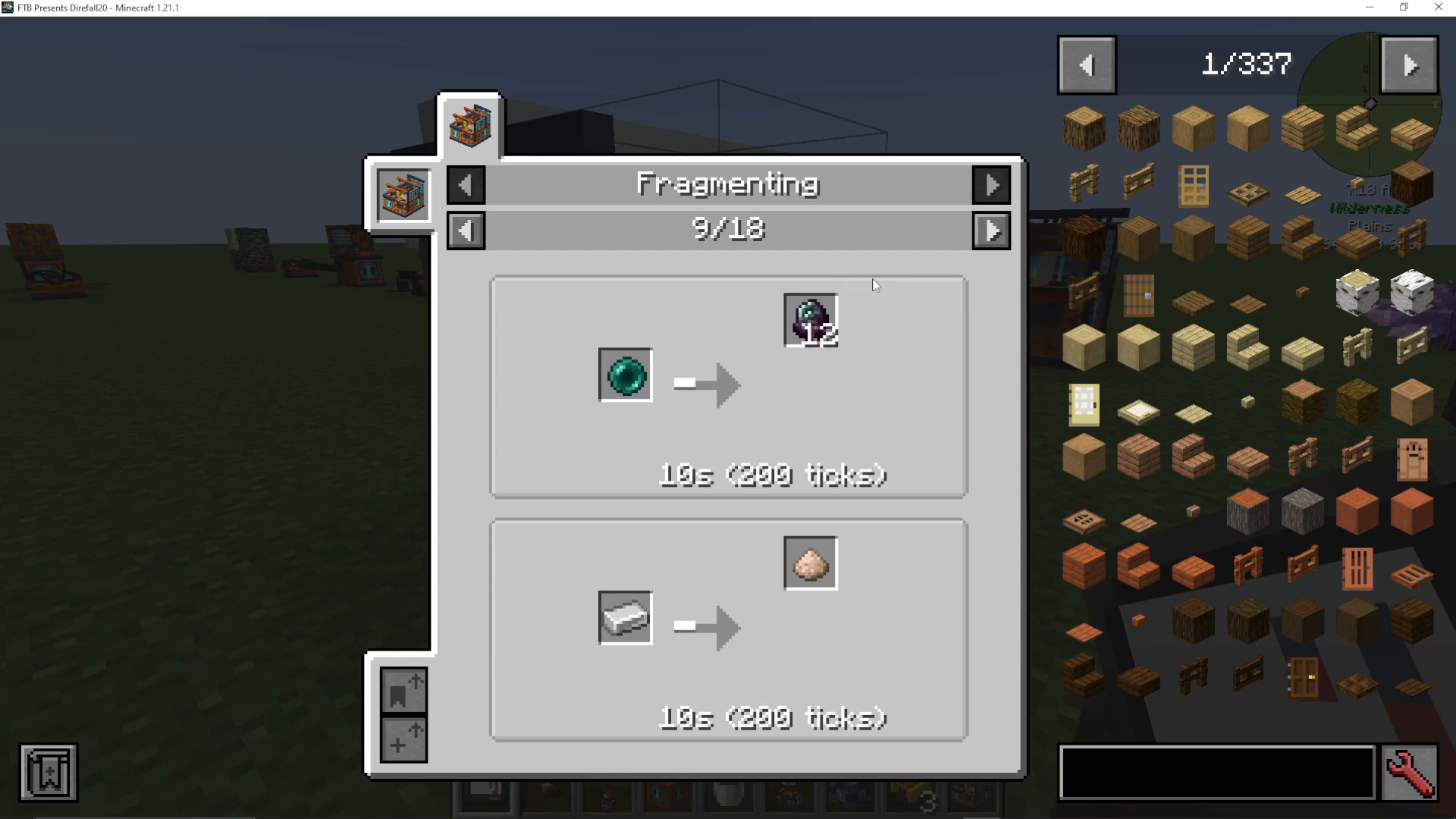
Summary
The Fragment Forge is an essential machine for anyone serious about ore processing in OriTech. By investing in quality machine cores and efficiency upgrades, you can significantly increase your ore yields and streamline your resource gathering. Whether you’re processing iron, nickel, or ancient debris, this machine will become a cornerstone of your OriTech setup.
For more OriTech guides and modded Minecraft tutorials, explore the full playlist of content available. Don’t forget to subscribe for regular updates and new guides covering the entire OriTech mod and beyond.
Want to Support?
If you would like to help us continue making these guides – please consider joining our patreon here – https://www.patreon.com/c/JaviHeals
Alternatively – we host a group of MC Servers you can join here – https://discord.gg/zD7Gjt6MHF



