







How To Oritech Enderic Laser – Minecraft 1.21.1
How to Use Oritech Enderic Laser – Minecraft 1.21.1
The Enderic Laser is a powerful tool in the Oritech mod that can mine blocks, grow crystals, and power machines. This guide will walk you through everything you need to know to set up and use Enderic Lasers effectively in your Minecraft 1.21.1 world.
Setting Up Your Enderic Laser
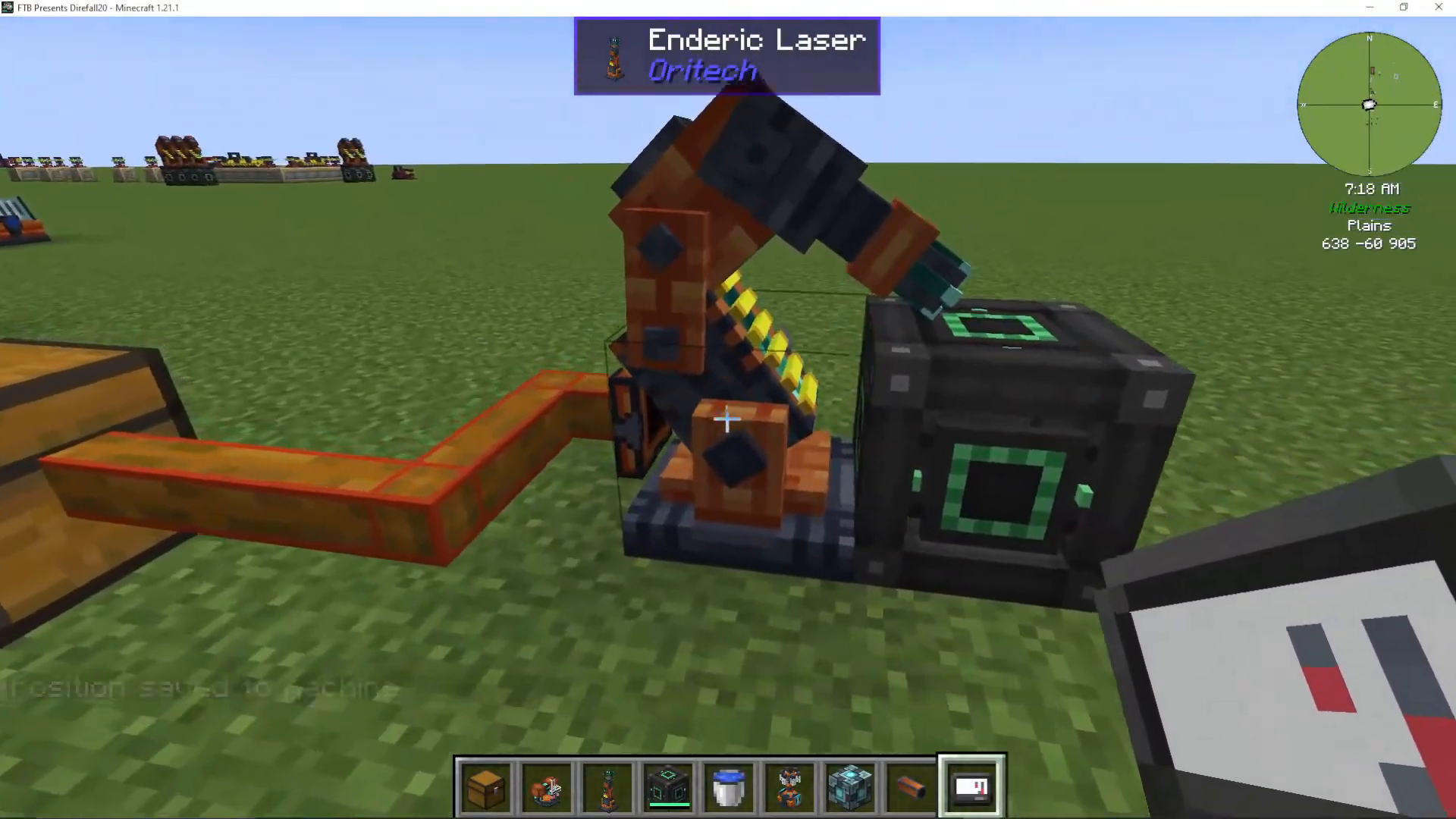
To get started with an Enderic Laser, you’ll need to place the laser block first. Once placed, you’ll need to power it. While you can use any Oritech power source, Mechanism is a reliable choice for powering your laser.
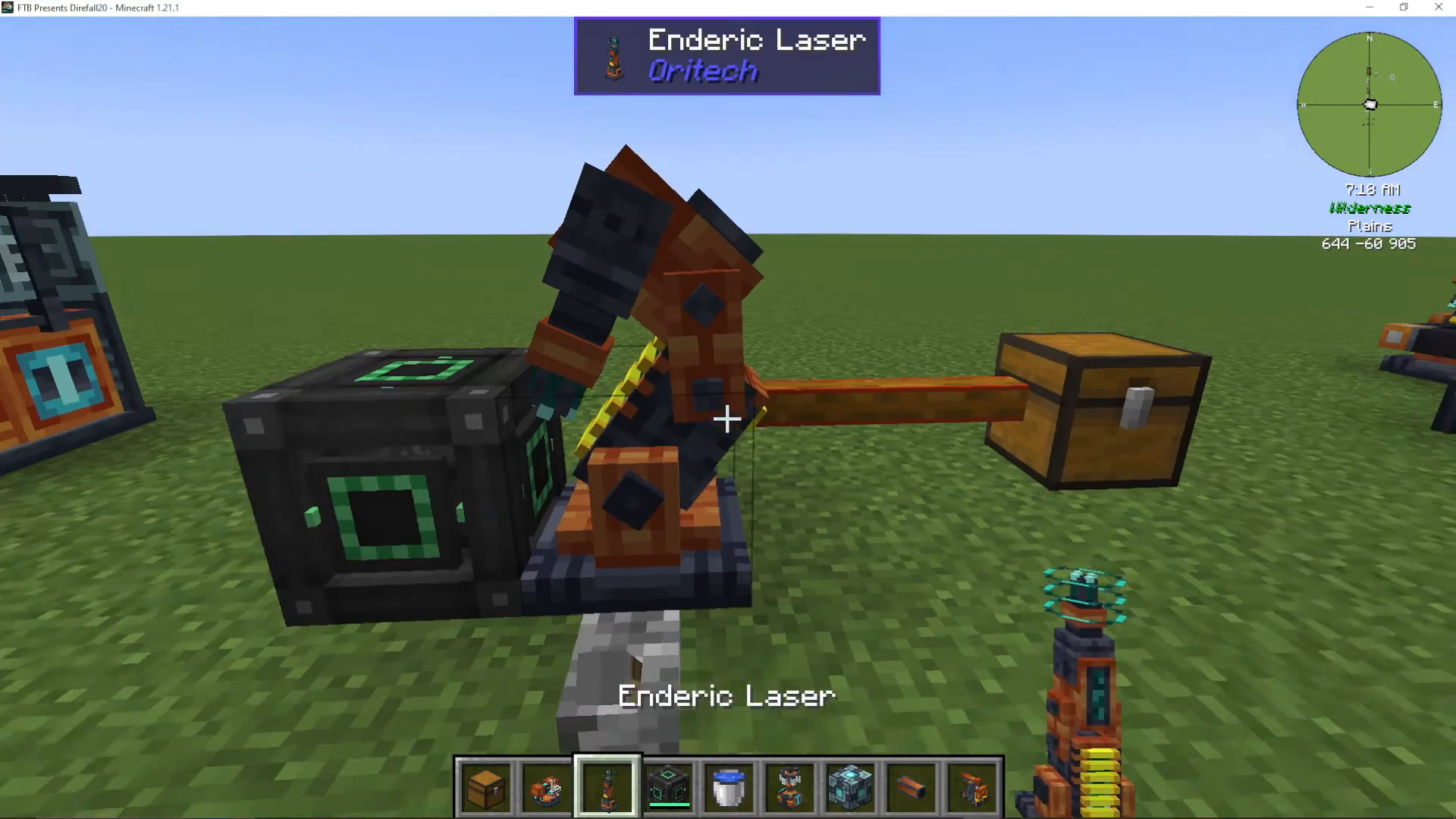
After powering your laser, you need to activate it by placing a machine call on top of it. An improved machine call works well for this purpose. Click the machine call, and your laser will come to life.
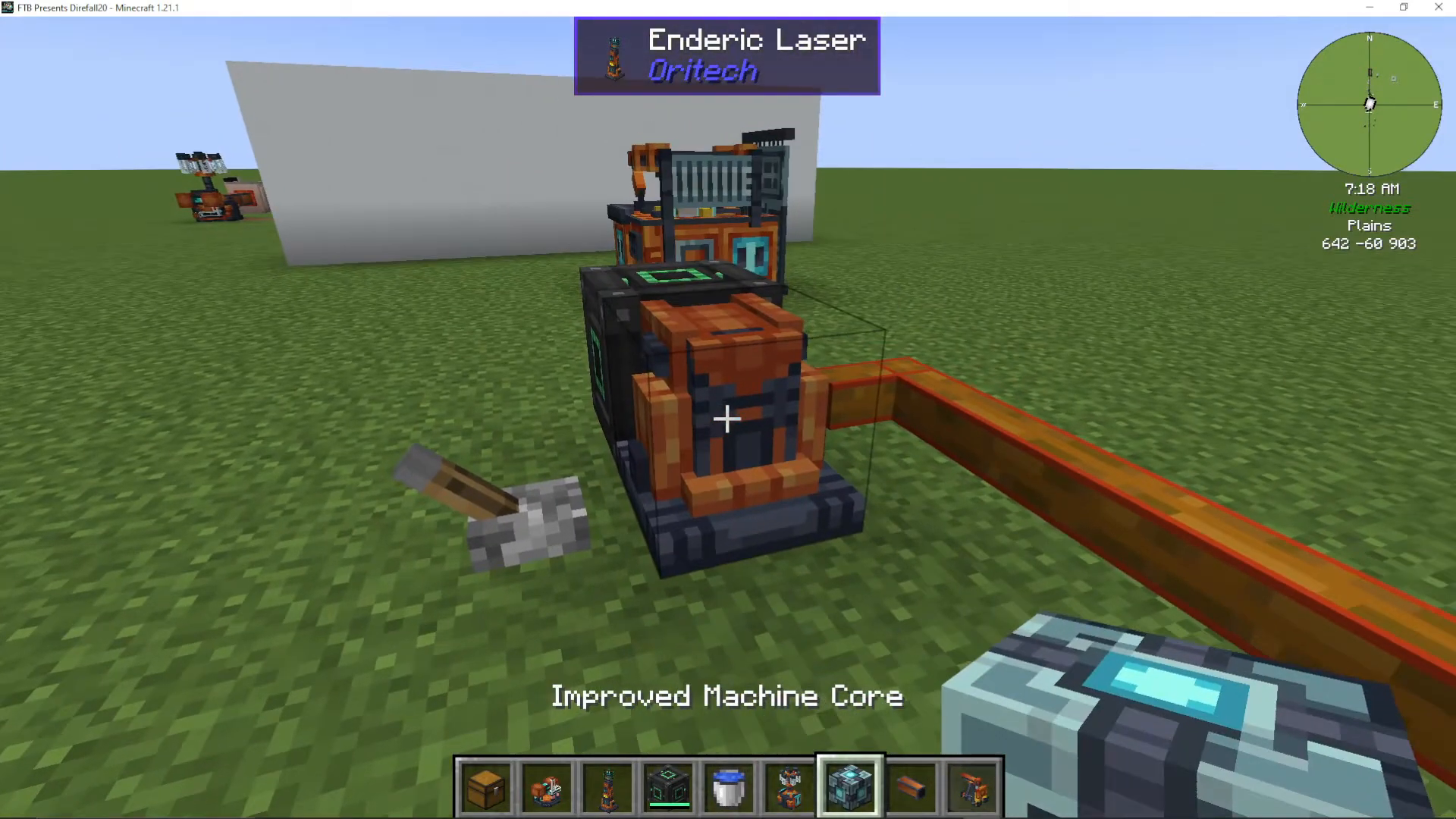
Using a Target Designator
The Target Designator is essential for controlling where your Enderic Laser fires. Once you have a Target Designator in hand, you can designate specific locations or blocks for the laser to target.
Designating a Target Block
To set a target location, Shift-Right click the block you want the laser to fire at with your Target Designator. You’ll see a “position stored” message confirming the action. Then, Shift-Right click the laser itself to activate targeting at that position.
Once configured, the laser will begin mining all blocks in its path. Mined blocks are automatically collected into the laser’s inventory.
Extracting Mined Materials
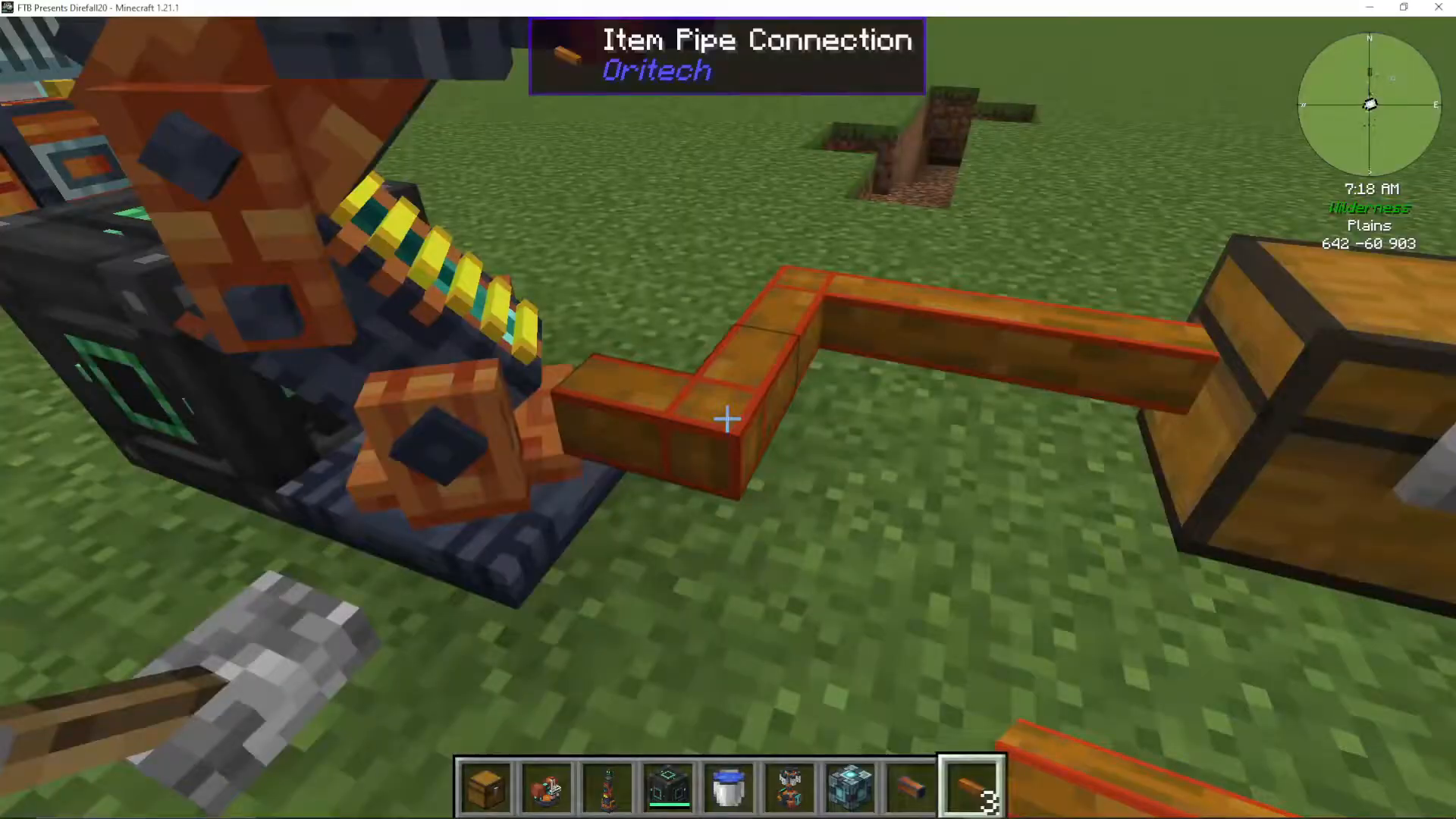
To extract mined blocks from your laser’s inventory, attach an item pipe to any side of the laser. Right-click the end of the pipe that touches the laser to configure extraction. The pipe will then transfer all collected materials into any connected inventory.
Growing Amethyst Buds with Lasers
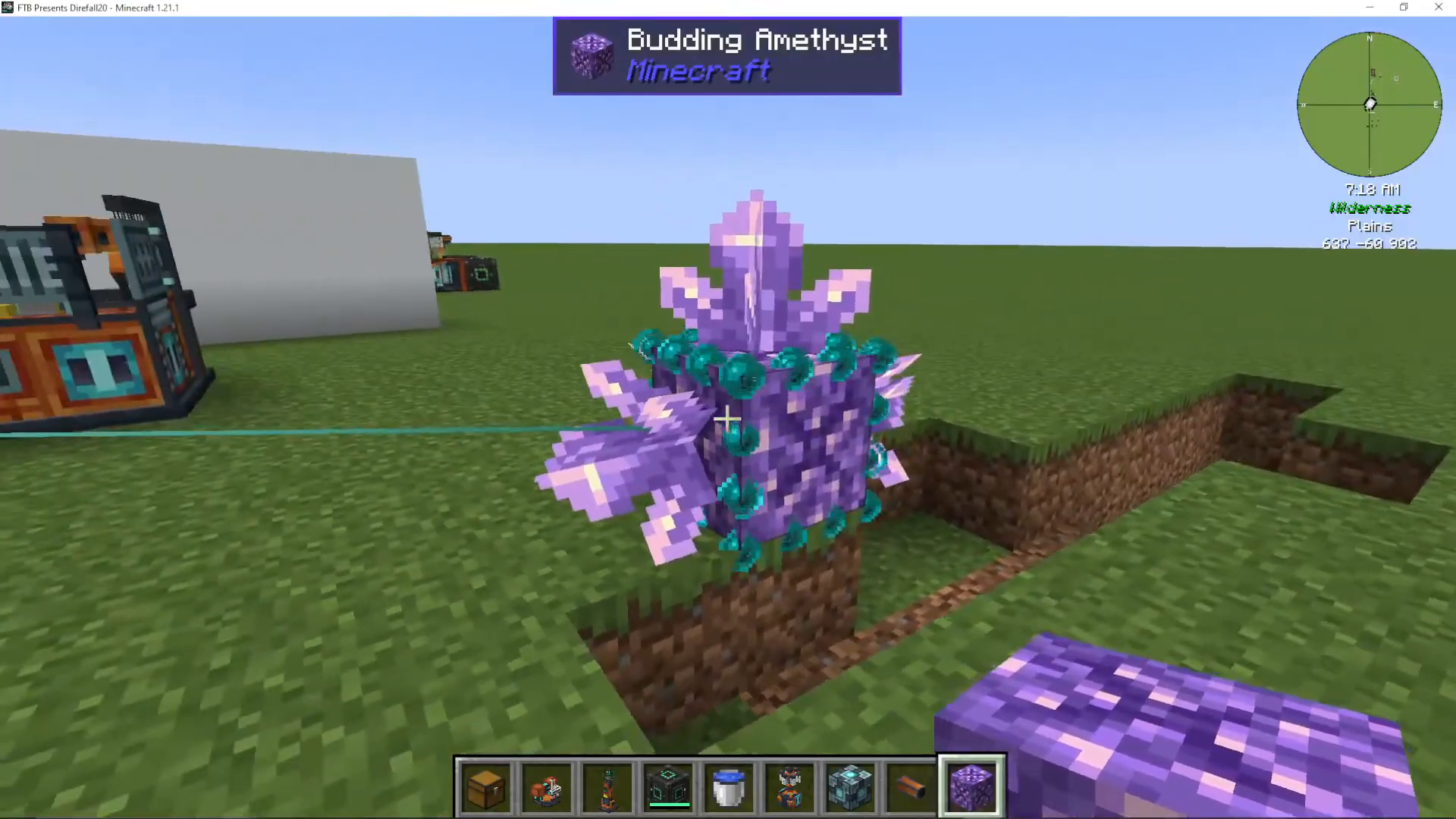
One of the most impressive features of Enderic Lasers is their ability to rapidly grow budding amethyst blocks. Simply place a budding amethyst in the laser’s target area, and it will automatically activate and begin firing.
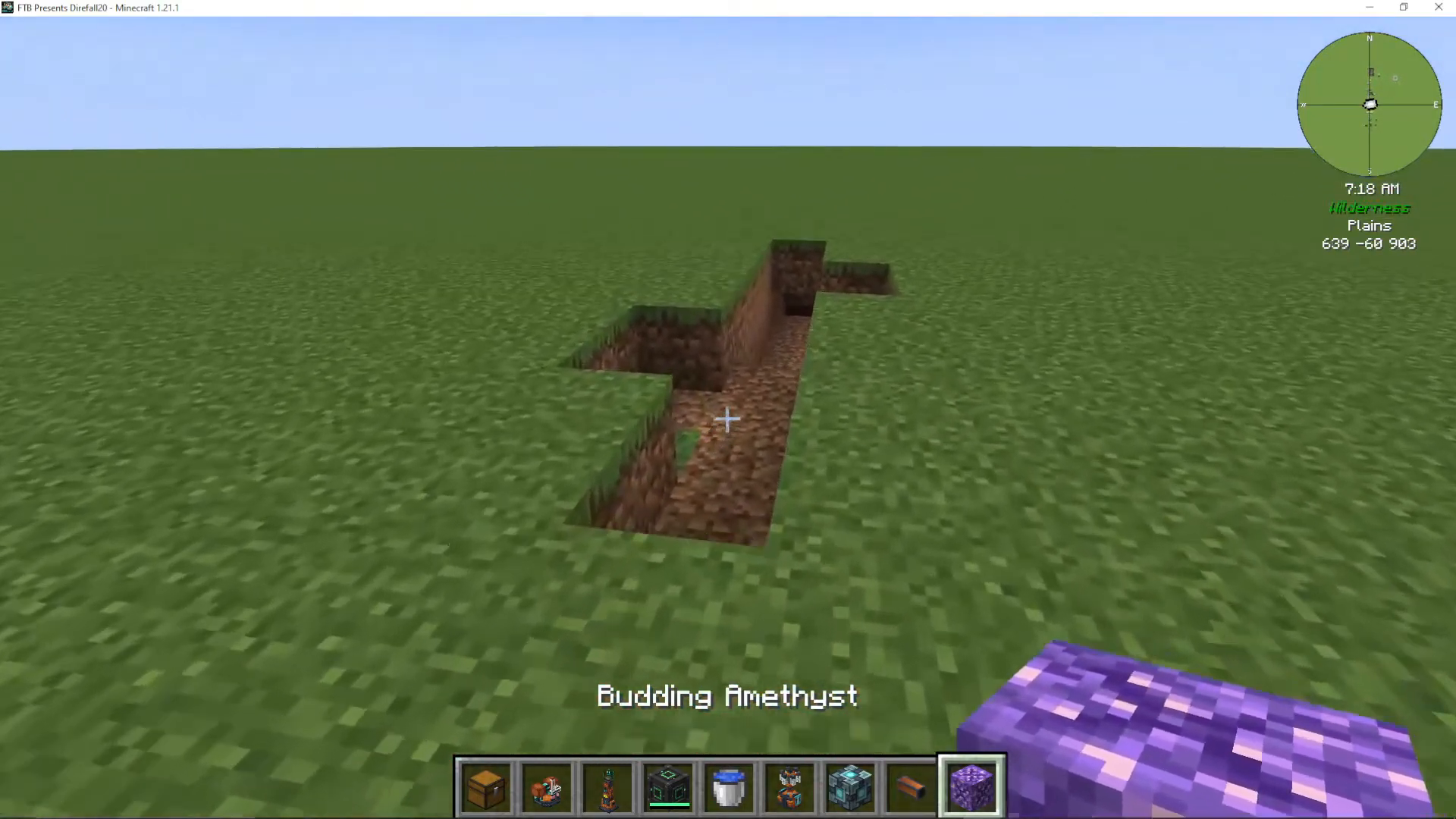
The laser will grow the amethyst buds extremely quickly. More importantly, when the laser overloads these buds, they will drop Fluxite—a valuable material created specifically when budding amethyst is overloaded by indirect lasers.
Using Multiple Lasers
You can use multiple Enderic Lasers together to increase growth and farming efficiency. This setup is particularly useful for mass-producing Fluxite from amethyst buds.
Powering Machines with Lasers
Beyond mining and farming, Enderic Lasers can power other machines in Oritech. To power a machine, use your Target Designator to Shift-Right click the machine you want to power, then Shift-Right click the laser.
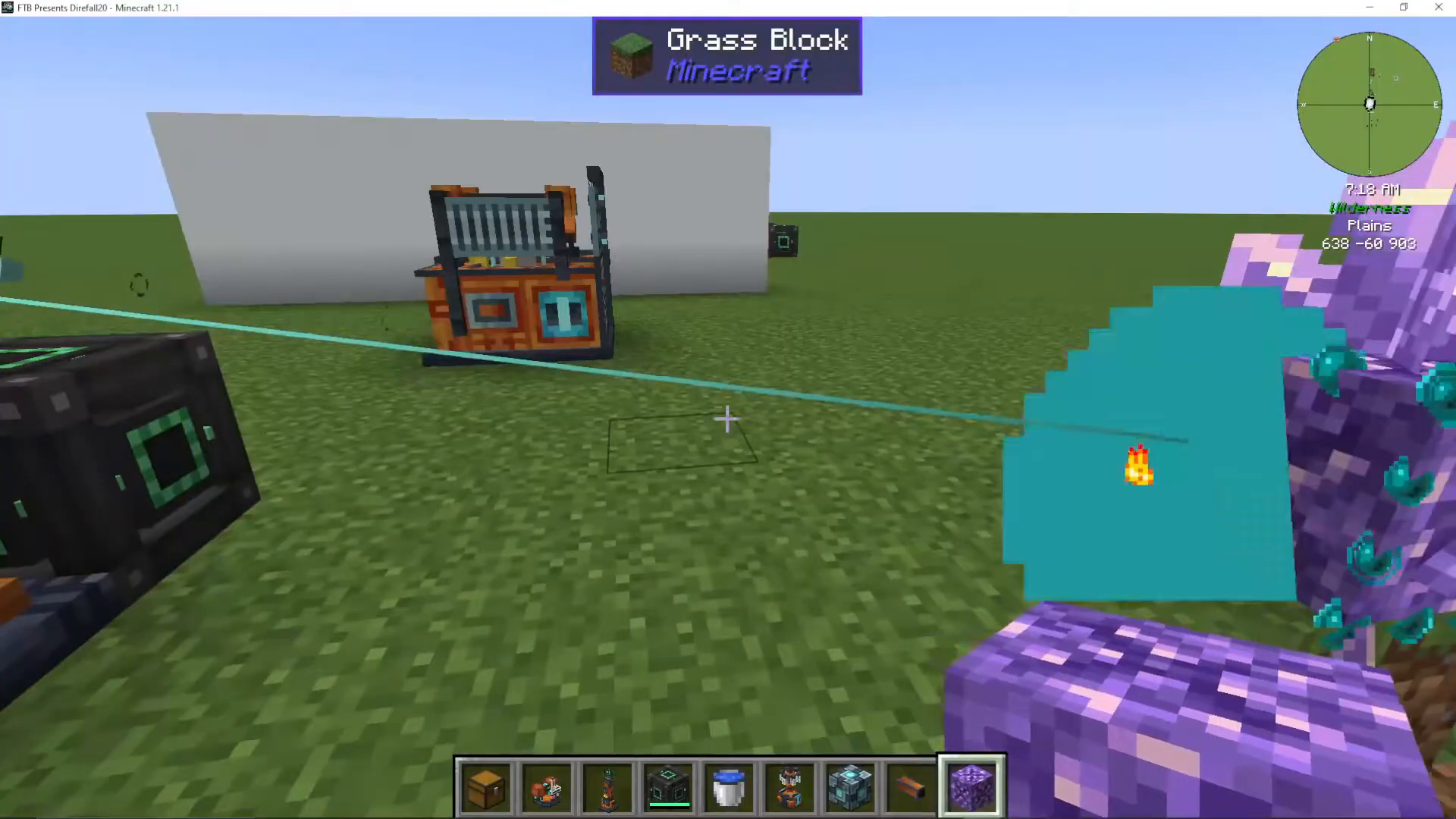
Note that the laser will only power machines that aren’t already fully powered. Some advanced Oritech machines require indirect laser power and cannot be powered by any other means, making lasers essential for late-game progression.
Summary
The Enderic Laser is a versatile tool for any Oritech player. Whether you’re mining blocks, growing amethyst for Fluxite, or powering advanced machinery, mastering the laser will significantly enhance your modpack experience. Remember to always use a Target Designator for precise control and item pipes for efficient material extraction.
— Want to Support? —
If you would like to help us continue making these guides – please consider joining our patreon here – https://www.patreon.com/c/JaviHeals
Alternatively – we host a group of MC Servers you can join here – https://discord.gg/zD7Gjt6MHF



