







How to Make & Use the Coke Oven In Modern Industrialization
How to Make & Use the Coke Oven in Modern Industrialization
The Coke Oven is an essential machine in Modern Industrialization that converts coal into coke, a crucial component for steel production. This guide will walk you through building and operating a Coke Oven from scratch. This tutorial is based on Minecraft 1.21, but the instructions should work across all versions of the Modern Industrialization mod.
Understanding the Coke Oven Structure
The Coke Oven is a multi-block machine composed of several components working together. When you access the GUI of a completed Coke Oven, you’ll see a status message indicating whether the shape is valid or invalid. The core of the machine is the Coke Oven block itself, which acts as the controller.
The rest of the structure is built primarily from vanilla Minecraft bricks. The machine requires four essential component hatches to function:
Bronze Item Input Hatch
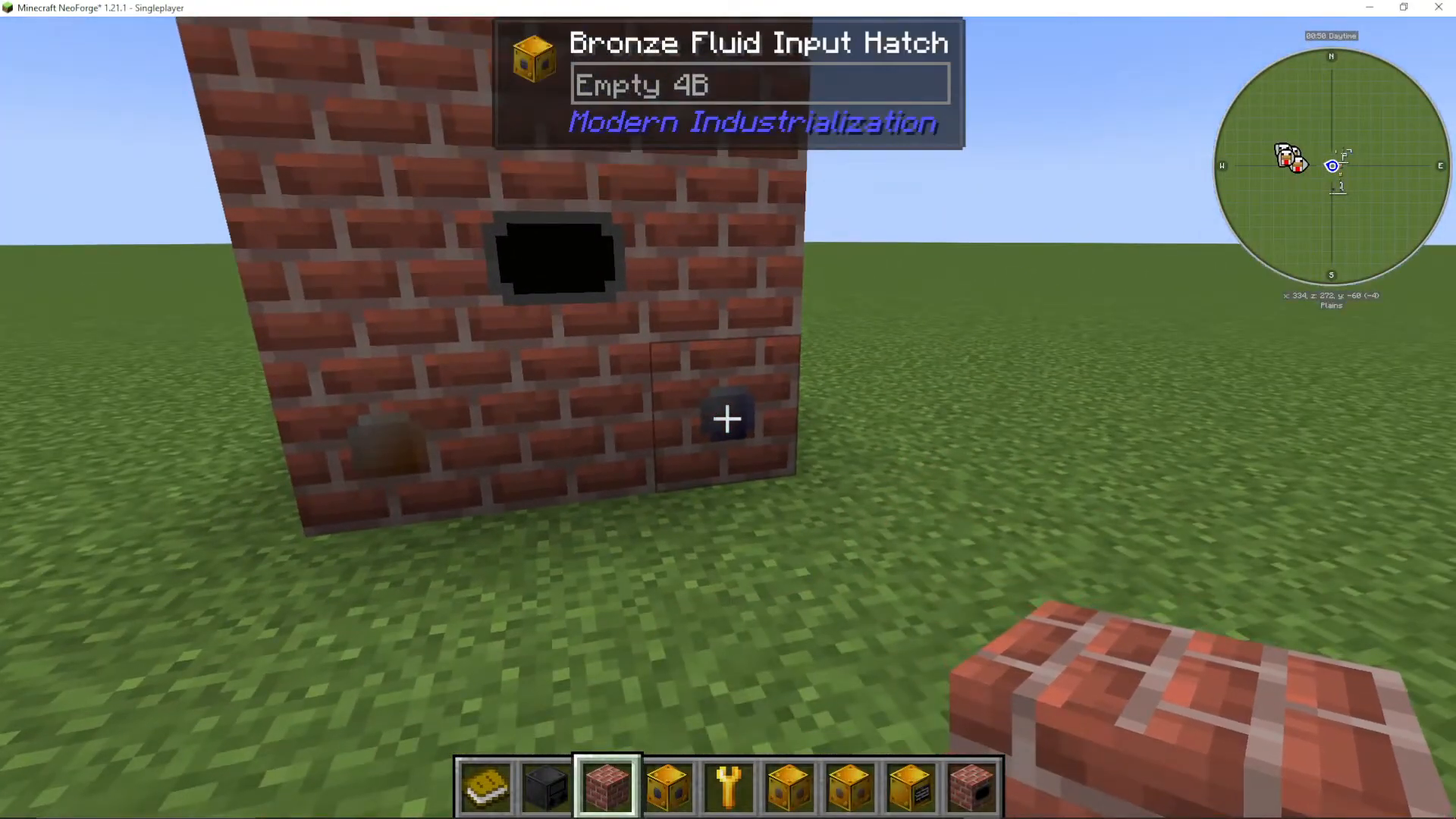
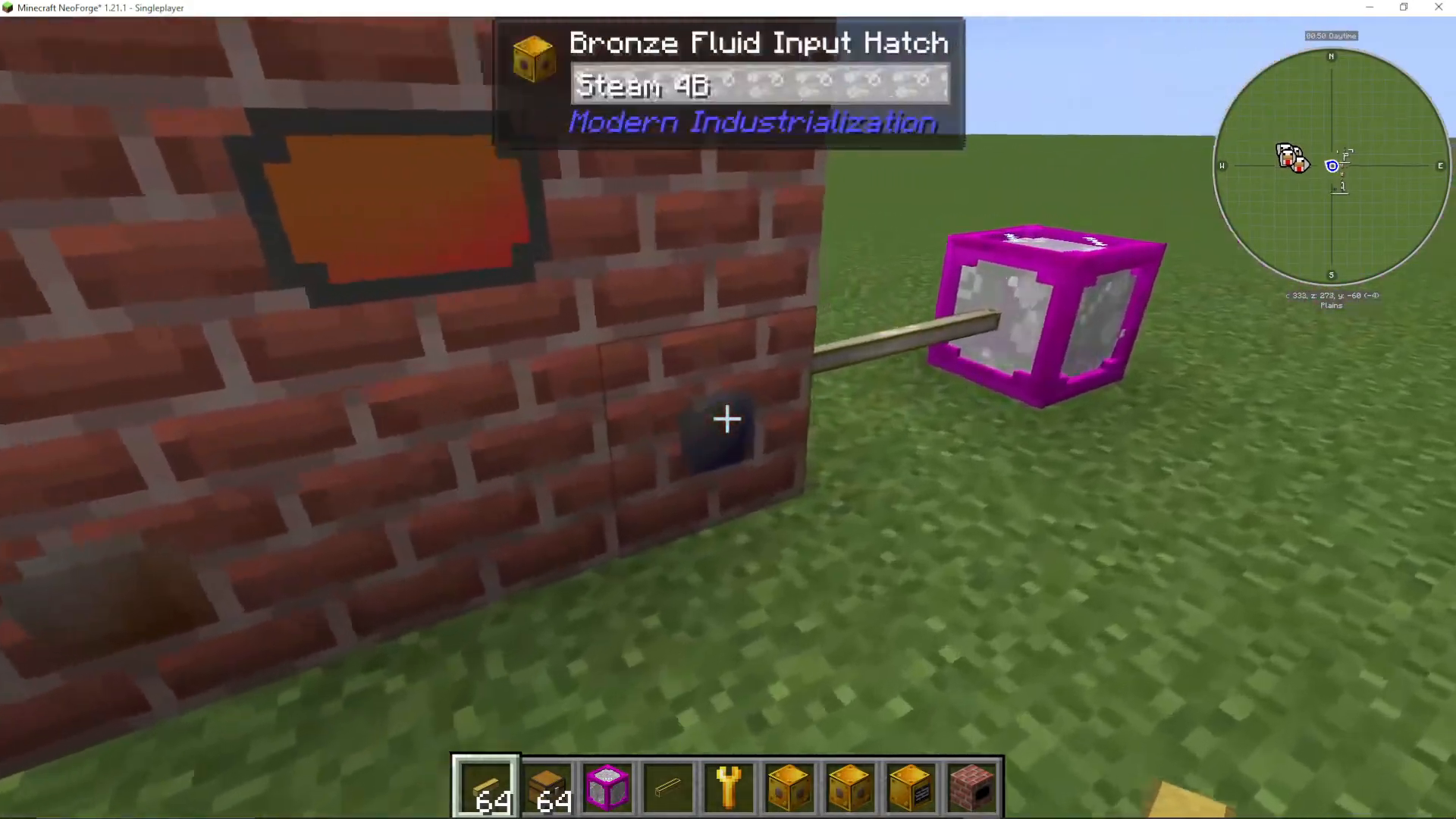
Bronze Fluid Input Hatch
Bronze Item Output Hatch
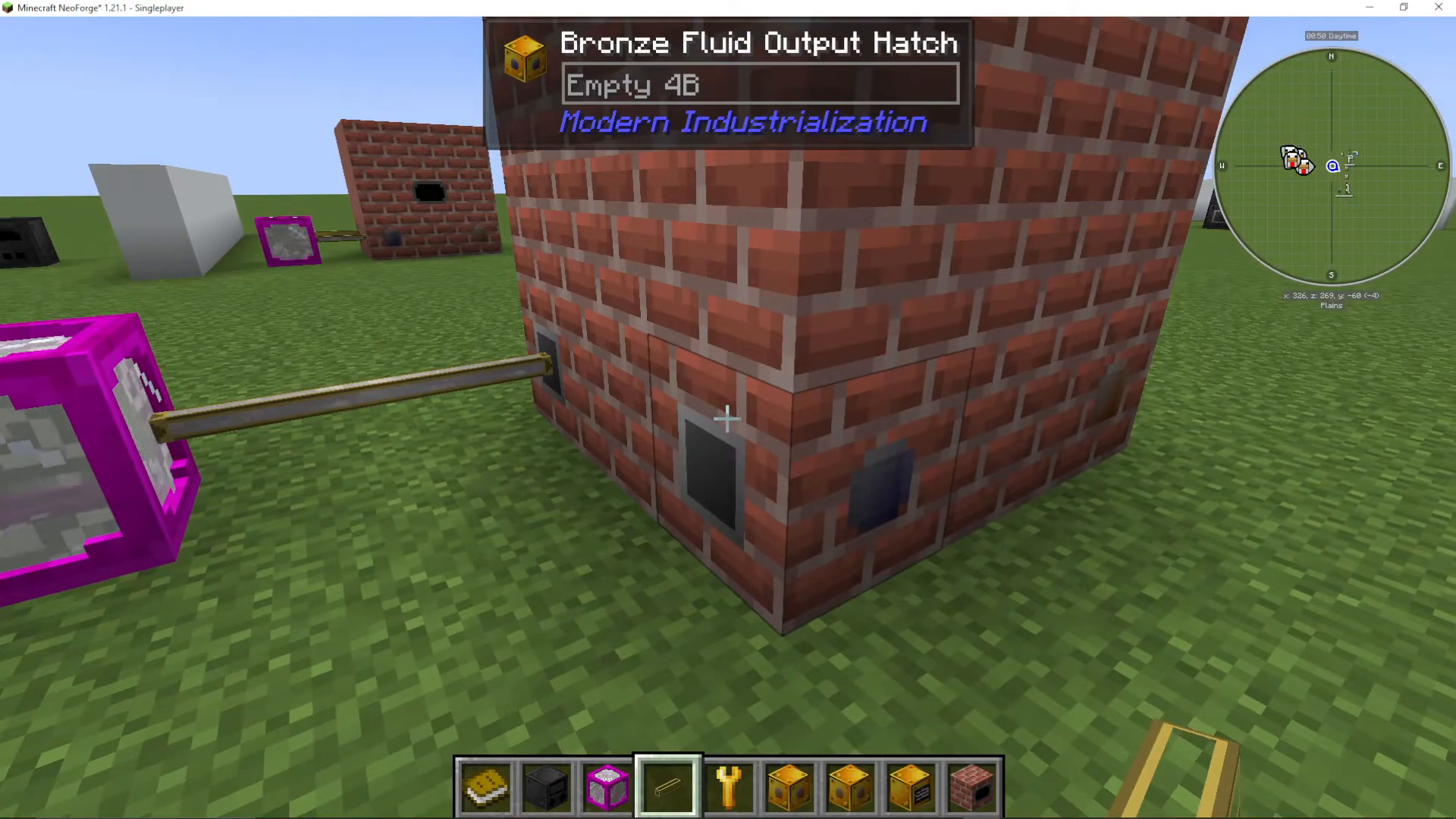
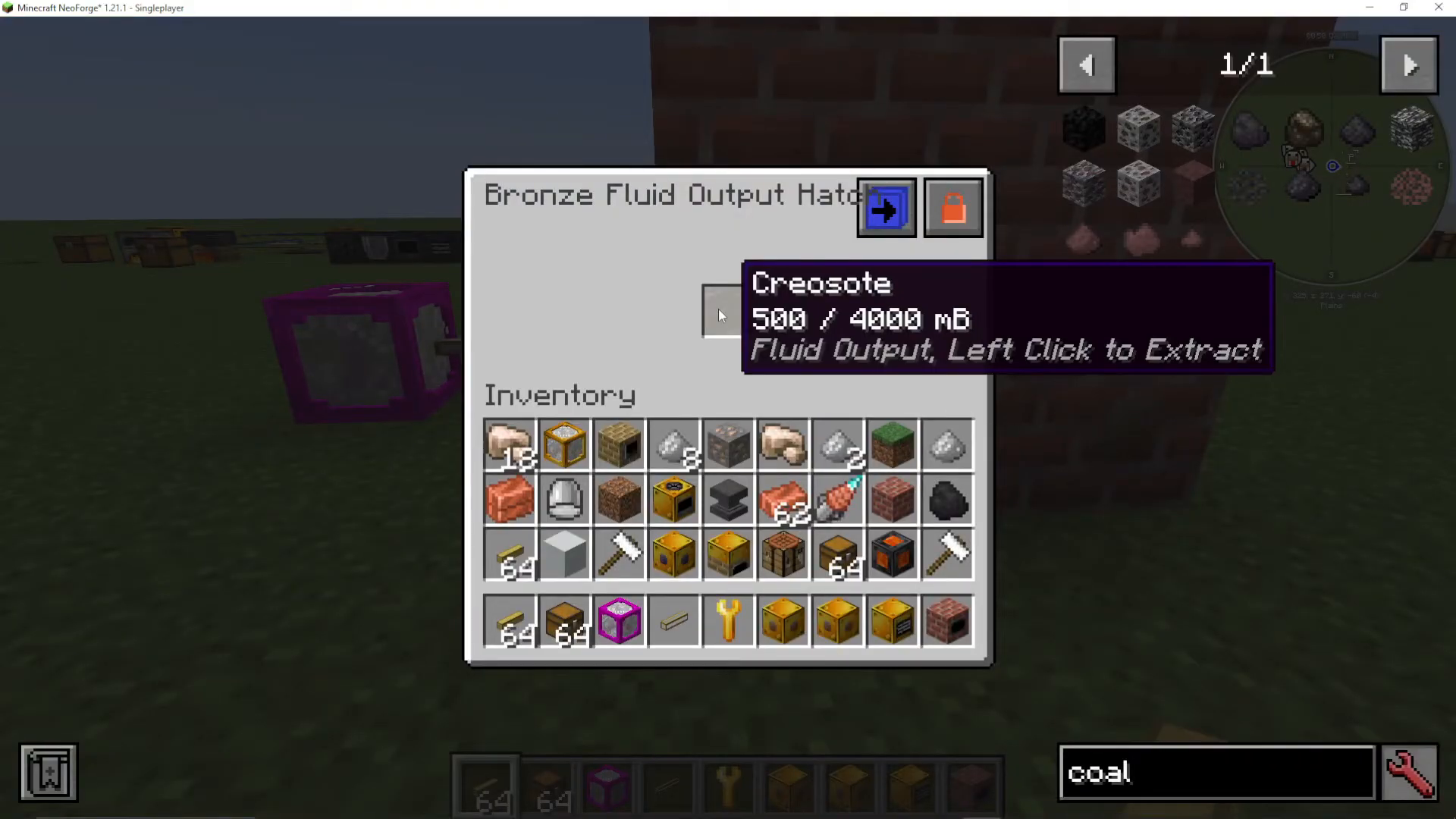
Bronze Fluid Output Hatch
Building the Coke Oven
Basic Structure Layout
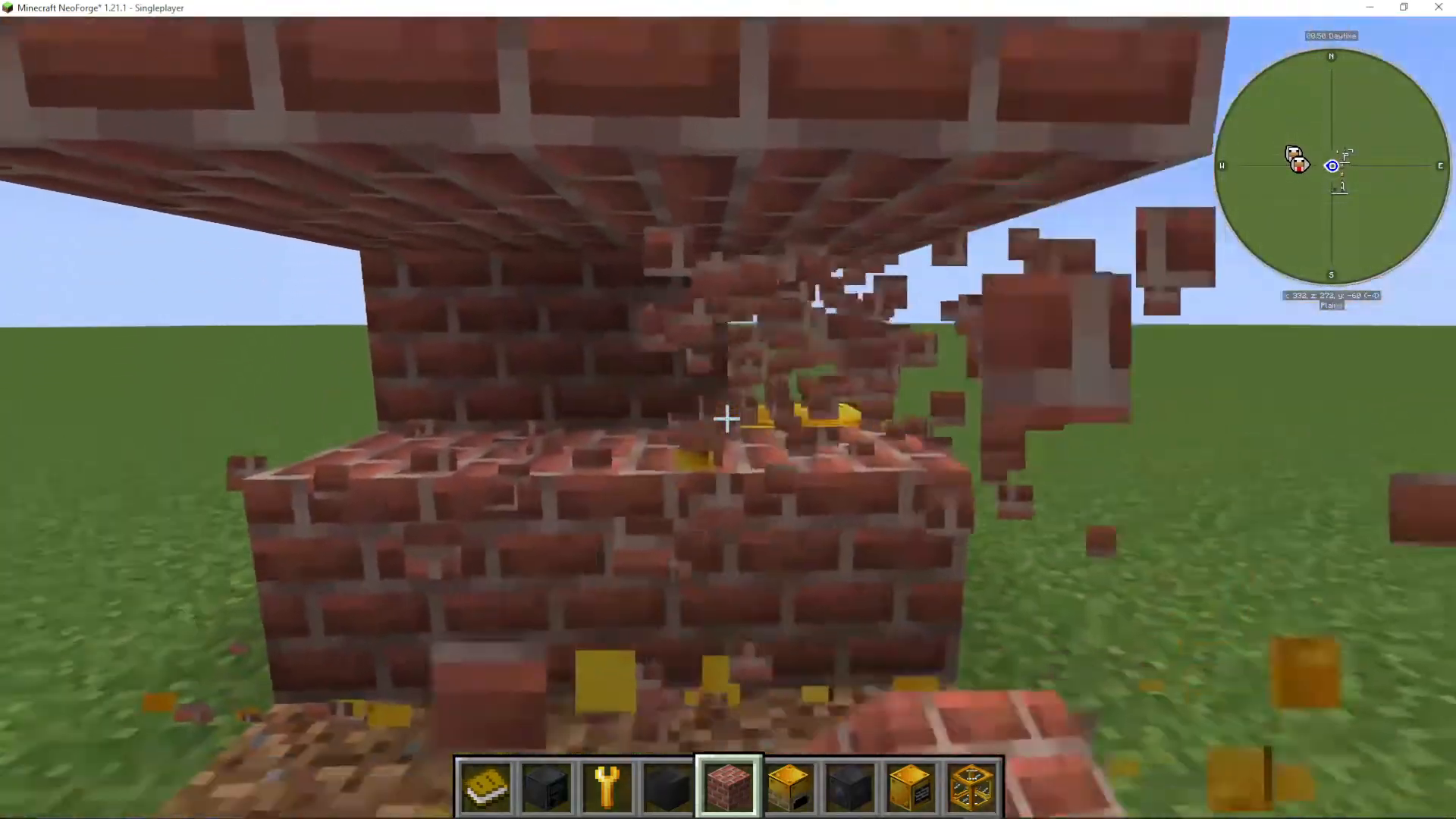
The Coke Oven is built as a 3x3x3 hollow cube. Here’s how to construct it:
Create a 3×3 base layer using vanilla bricks
Build upward, stacking brick layers to form the middle and top rows
Leave the interior completely hollow—this is critical for the machine to function
Place the Coke Oven block (controller) in the middle of the structure
The controller can technically be placed anywhere within the structure, but the middle is conventional and recommended.
Adding Input and Output Hatches
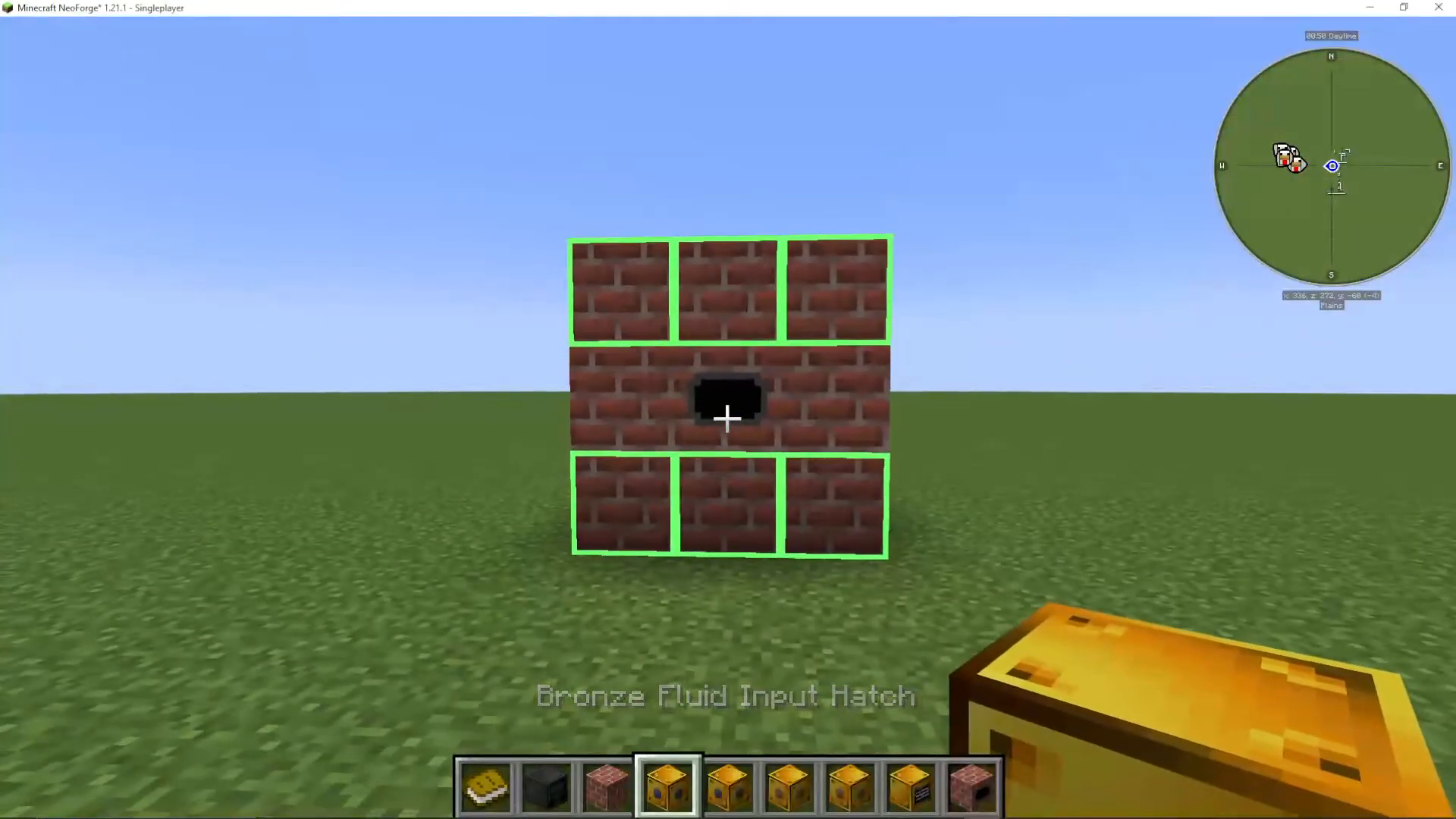
Once your hollow cube is built, you need to attach your input and output hatches. When you hover over valid placement locations, the machine will highlight them for you. You can place the hatches on any of the top or bottom rows, but never on the middle layer.
Recommended placement:
Fluid Input Hatch: Position on top or bottom row
Fluid Output Hatch: Position on a different top or bottom row
Item Input Hatch: Position on top or bottom row
Item Output Hatch: Position on top or bottom row
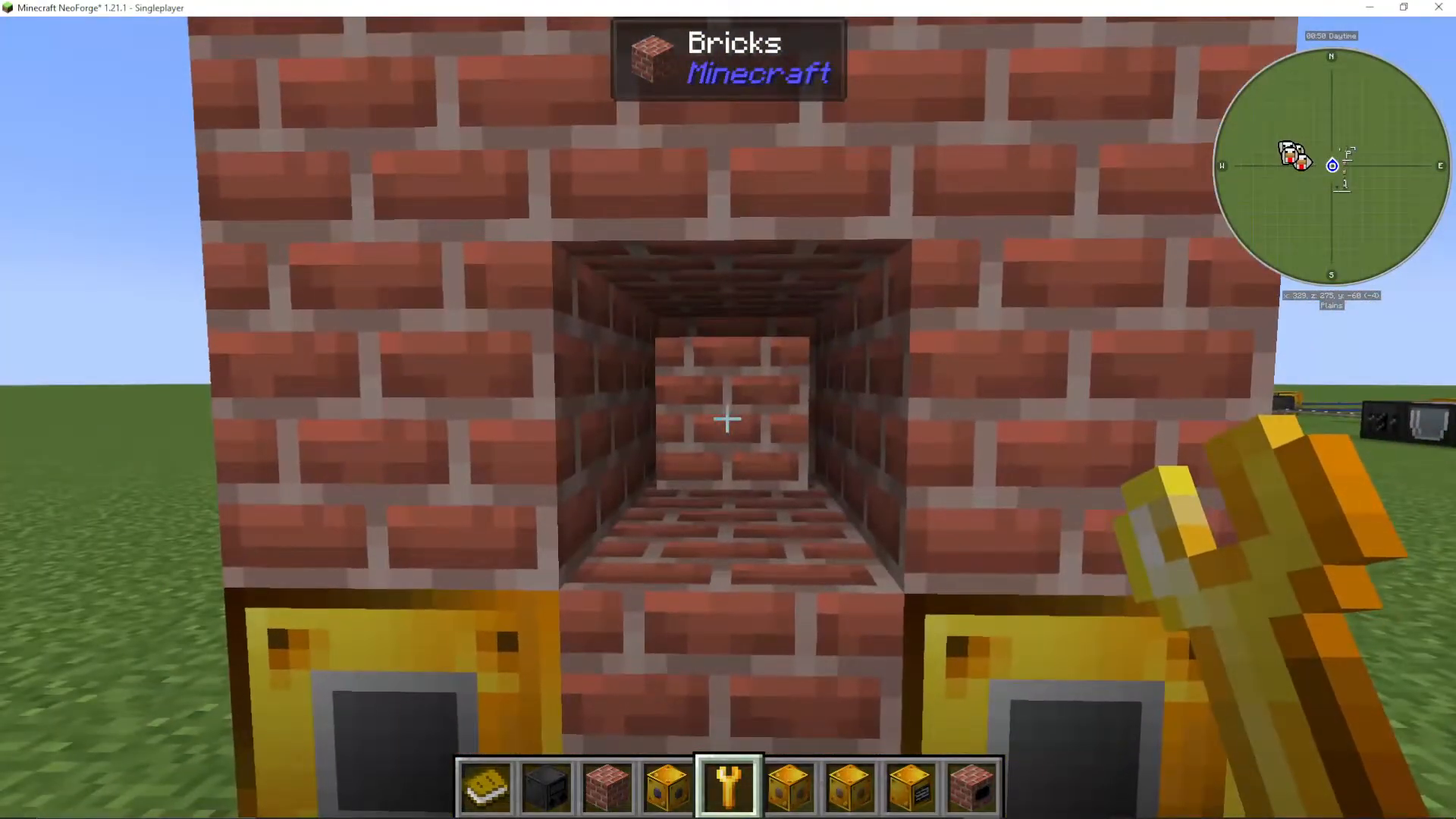
If you have a wrench, you can use it to check which components are missing. The machine will display missing items in the GUI, helping you complete the setup.
Setting Up Inputs and Outputs
Configuring Fluid Input (Steam)
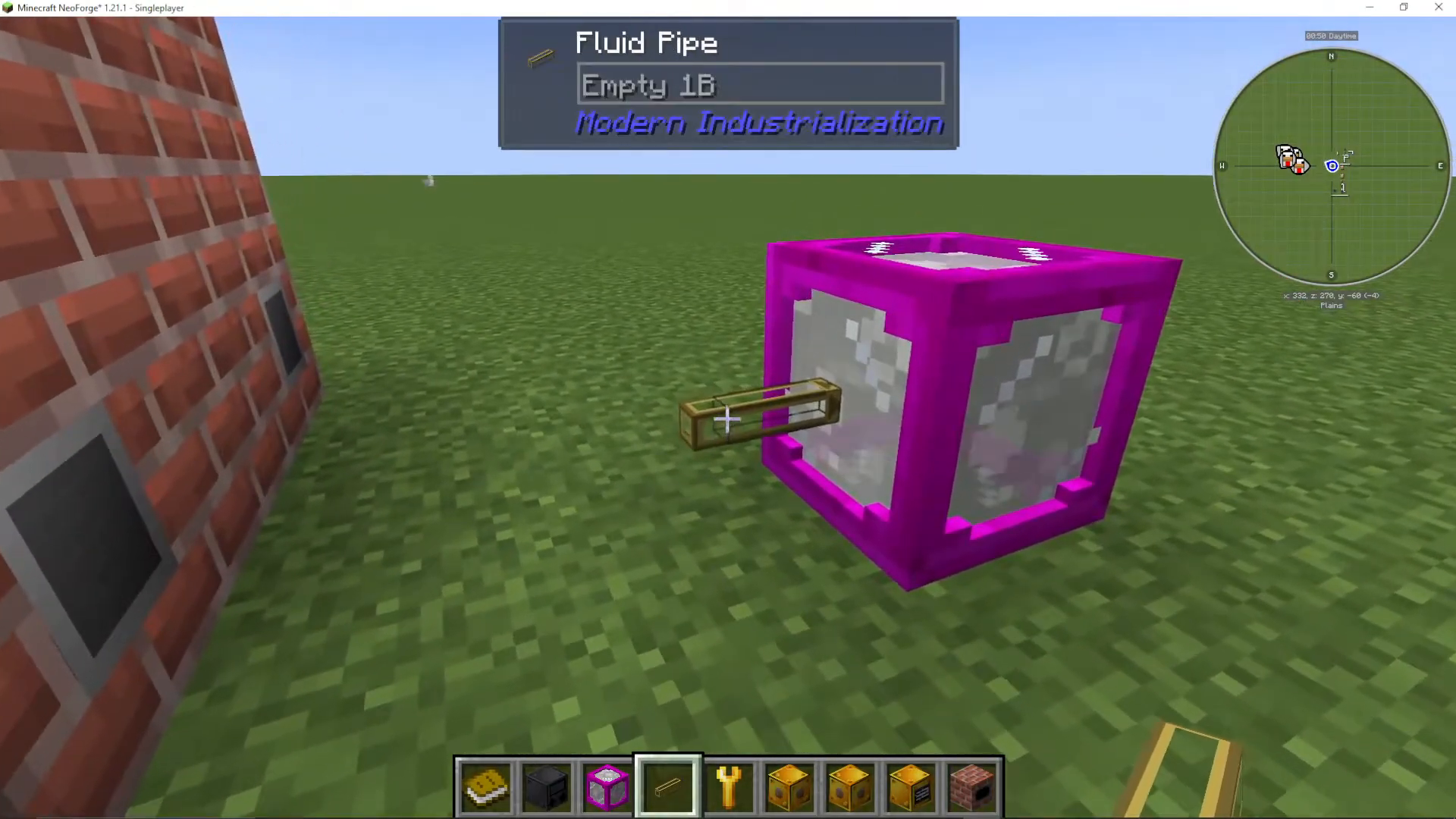
The Coke Oven requires steam to operate. Steam must be supplied through the fluid input hatch. To automate this process, use fluid pipes with the following configuration:
Attach fluid pipes using Shift+Right-click
Ensure the pipe connecting to the fluid input is set to insert mode
The source pipe should be set to extract mode
You can also manually place buckets of steam into the fluid input if you don’t have automated piping set up yet. However, since the Coke Oven processes slowly, automation is highly recommended.
Note: If you’re unsure how to make steam, the creator has a separate tutorial available on their channel, as well as guides in the Beginner and Ultimate Modern Industrialization playlists.
Configuring Item Input (Coal)
Coal is the fuel that gets converted into coke. To set up item input:
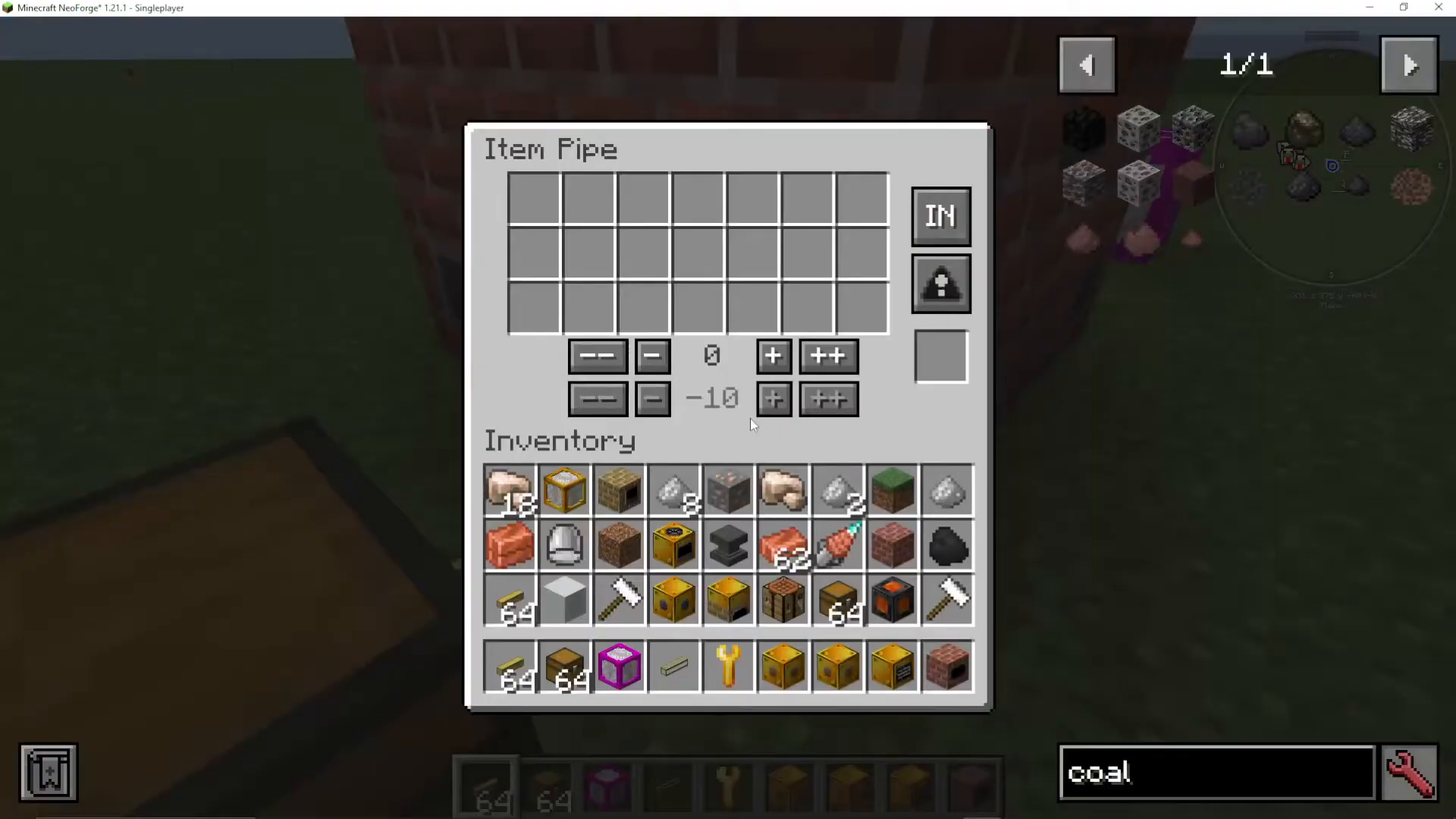
Use item pipes connected to your item input hatch
Attach them using Shift+Right-click
Set the hatch connection to insert mode
You can filter items using the item pipe’s filter system. The pipe will display an “empty filter” by default. To whitelist coal:
Click on the filter setting
Place coal in the filter
This ensures only coal enters the Coke Oven
Alternatively, you can use blacklist mode, which allows any item except those explicitly blacklisted. If nothing is blacklisted, it will accept any item.
Once properly configured, coal will automatically flow into the machine and begin processing.
Configuring Item Output (Coke)
The Coke Oven produces Coke, which is the primary output. This valuable material is used to craft steel in other machines. Set up item output pipes the same way as input pipes—using Shift+Right-click and setting them to extract mode so the coke can be piped elsewhere in your factory.
Configuring Fluid Output (Creosote)
The Coke Oven also produces Creosote as a byproduct through the fluid output hatch. While not required for coke production, creosote has useful applications:
Can be used in the Mixer to create Lubricant
Lubricant is essential for operating cutting machines in Modern Industrialization
To extract creosote, attach fluid pipes to the fluid output hatch and set them to extract mode. You can then transport it to storage or directly to a mixer for processing.
Powering the Coke Oven
The Coke Oven operates on steam power. The Bronze Steam Boiler provides sufficient power to run the machine—no additional power sources are needed. Once steam is supplied and coal is loaded, the machine will light up red and display a progress indicator showing the conversion process in action.
Summary and Next Steps
You now have a fully functional Coke Oven that converts coal into coke. The basic workflow is:
Supply steam through the fluid input hatch
Feed coal into the item input hatch
Collect coke from the item output hatch for steel production
Optionally extract creosote from the fluid output for lubricant production
Once you’ve mastered the Coke Oven, you’re ready to progress to steel production and other advanced Modern Industrialization machines. The creator has separate tutorials available for making steam, crafting steel, and operating other mod machines—check their channel for the complete tech mod progression guide.
Want to Support?
If you would like to help us continue making these guides – please consider joining our patreon here – https://www.patreon.com/c/JaviHeals
Alternatively – we host a group of MC Servers you can join here – https://discord.gg/zD7Gjt6MHF



