








How to Increase Speed With Gearshifts in Create
How to Increase Speed With Gearshifts in Create
In this guide, we’ll show you how to dramatically increase your speed in the Create mod without relying on traditional Cogs. Instead, we’ll use Chain Gearshifts and Gearshifts to build efficient, compact speed multiplication systems. This method is far more space-efficient than conventional Cog setups while achieving impressive speeds with minimal components.
Basic Gearshift Speed Multiplication Setup
To get started with speed multiplication using gearshifts, you’ll need to set up a chain-based system. Begin with your power source (in this tutorial, we’re using Creative mode for demonstration purposes, but any power source works).
Here’s the fundamental building sequence:
Place an Adjustable Chain Gearshift in front of your power source
Next to it, place an Encased Chain Drive
In front of that, add another Adjustable Chain Gearshift
Beside it, place another Encased Chain Drive
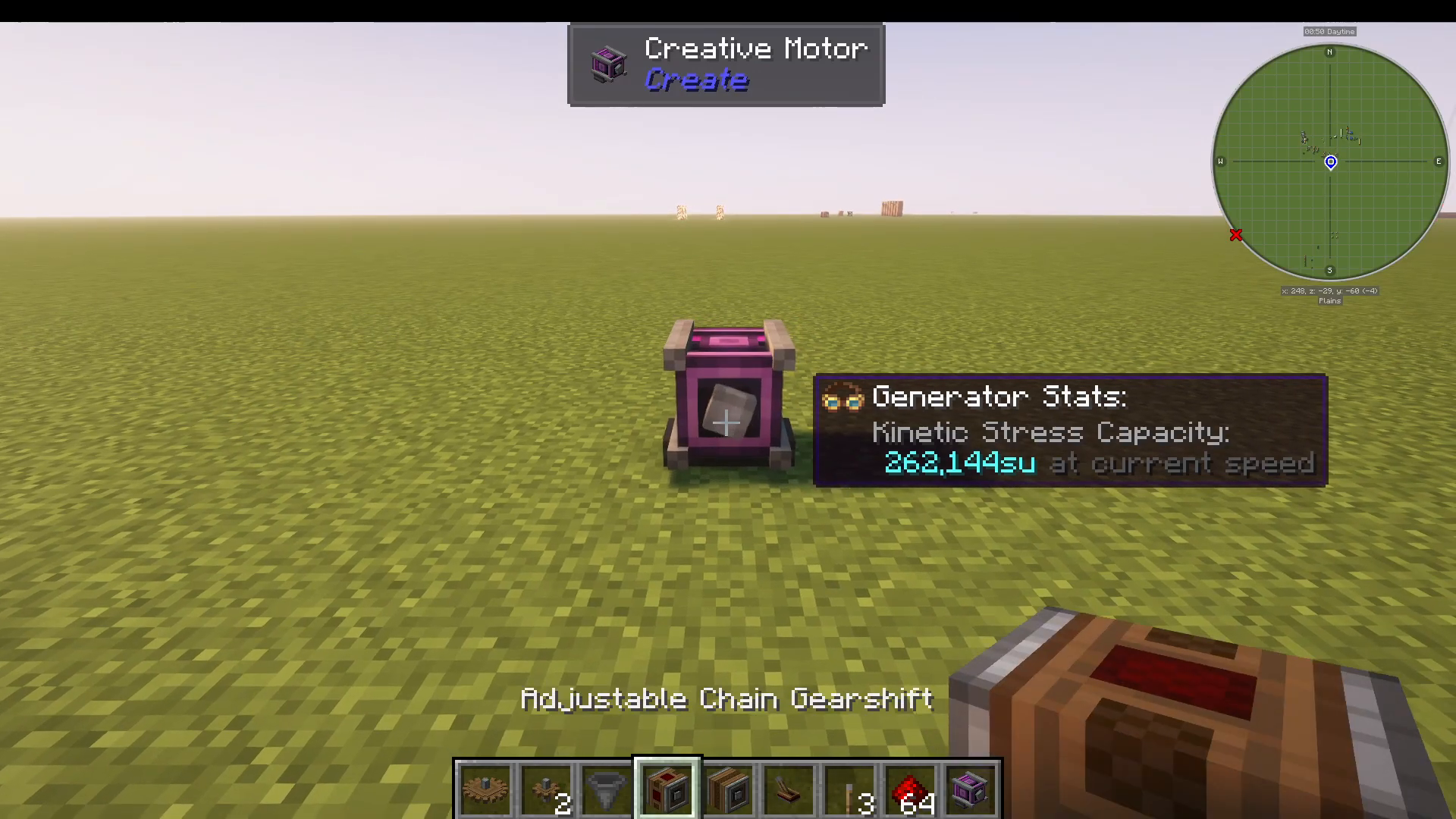
You can repeat this pattern indefinitely—gearshift, chain drive, gearshift, chain drive—to achieve progressively higher speeds.
Adding Control with Levers
To control each stage of speed multiplication, add a lever on top of each gearshift. When activated, each lever increases the rotation speed of that particular stage.
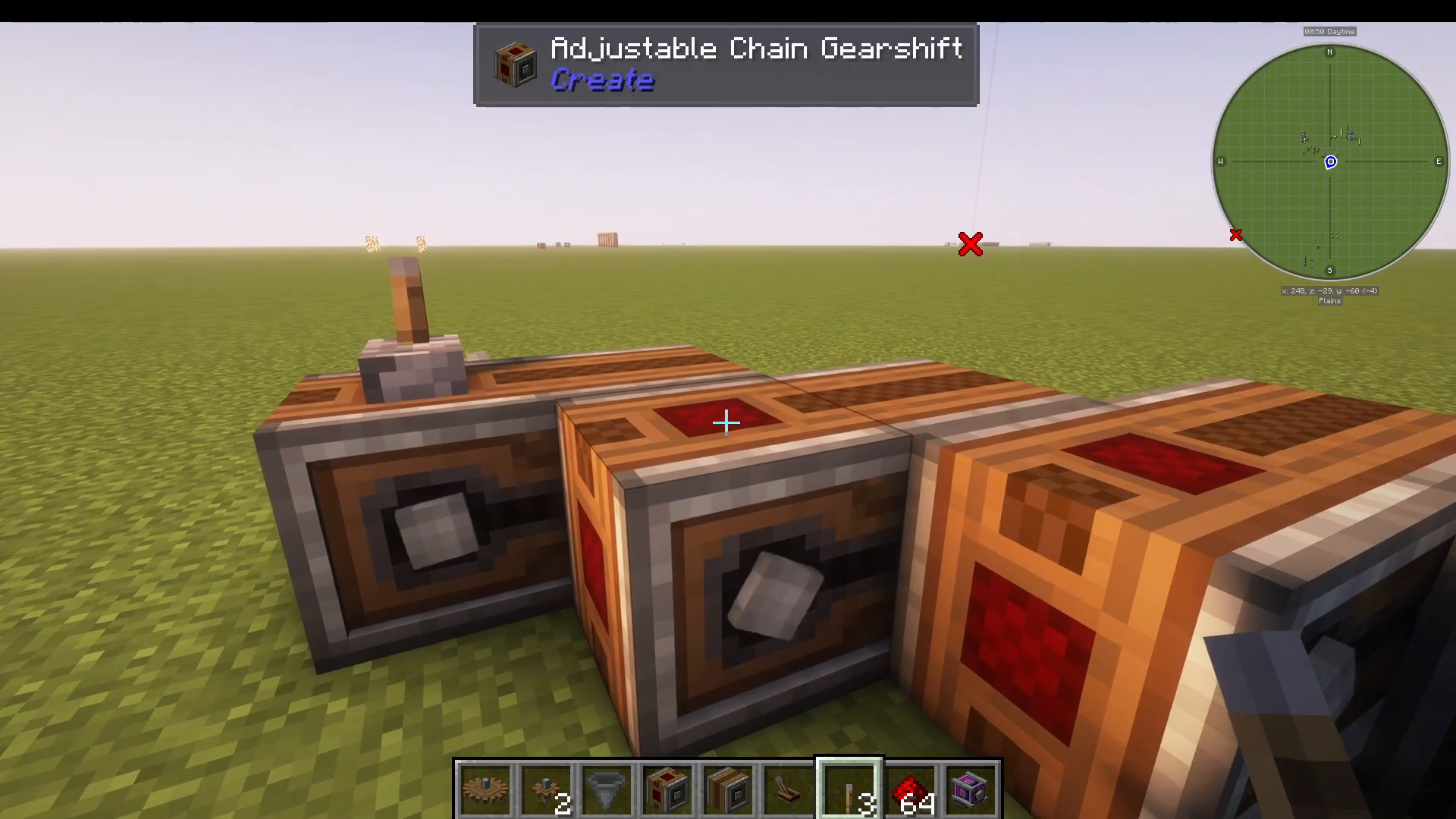
When you activate all levers, you’ll notice the system reaches extremely high speeds very quickly—exactly as intended for a speed multiplication setup.
Compact Gearshift Configuration
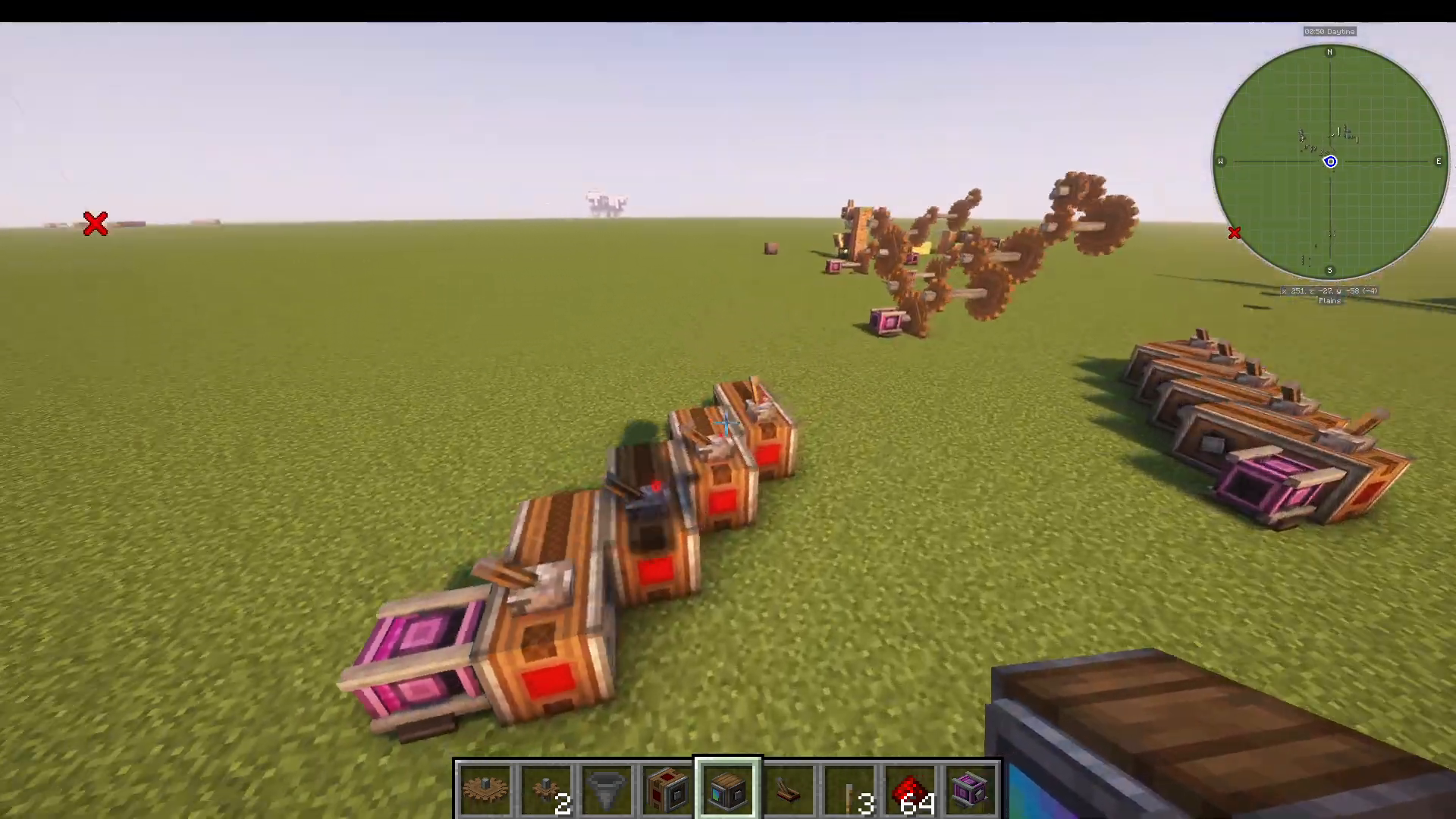
If you want to maximize efficiency and minimize space usage, the Create mod allows for a much more compact design. Instead of building linearly, you can arrange your components in a snake-like pattern.
Building the Compact Pattern
Follow this layout pattern:
Place a Gearshift
Place a Drive above it
Place another Gearshift to the right or left
Place the next Drive continuing in that direction
Add another Gearshift and turn back
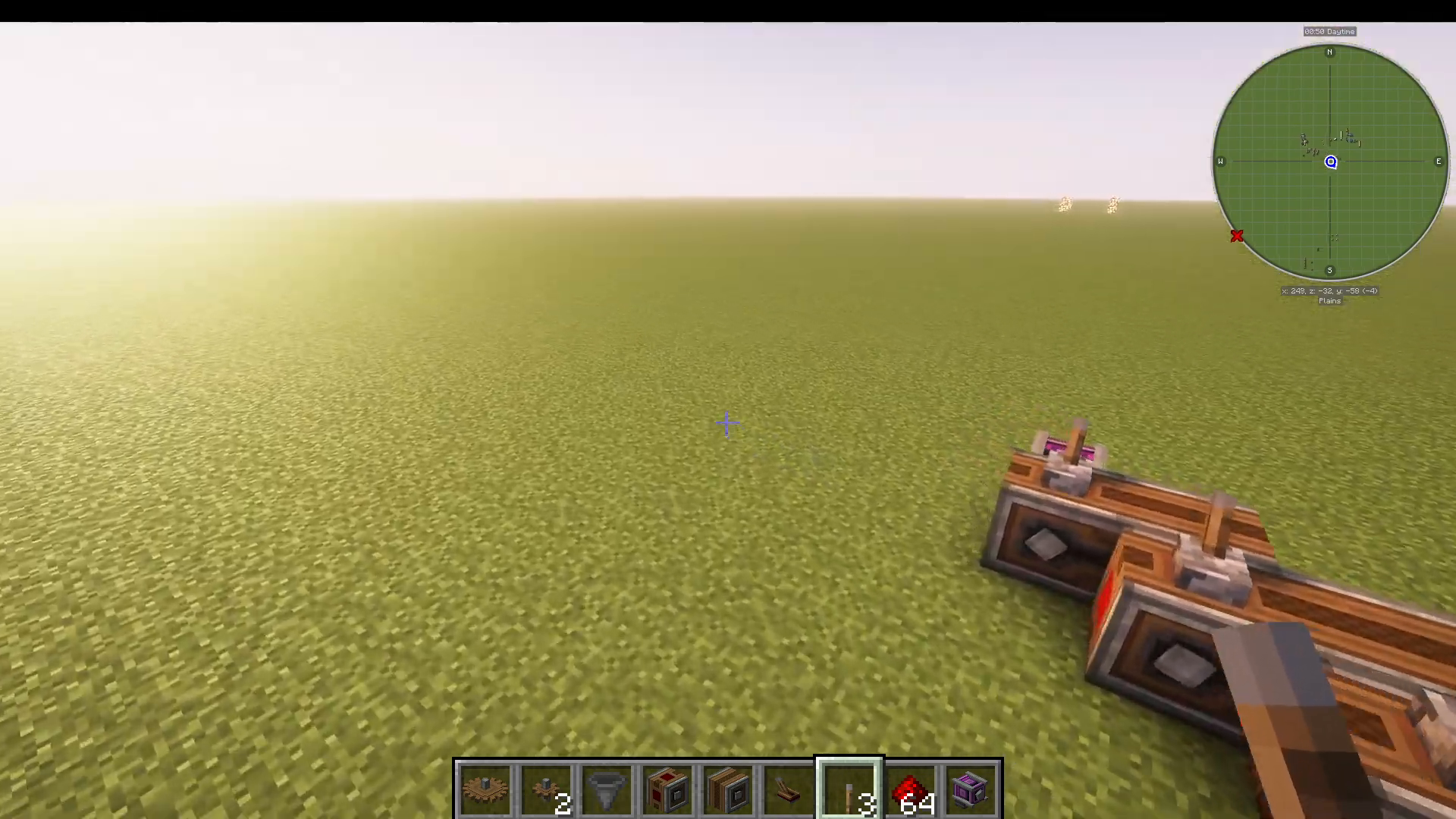
Essentially, you’re creating a path that goes: forward, up/down, right/left, down/up, and then forward again. This creates a compact footprint while maintaining full functionality.
Lever Placement for Compact Systems
The beauty of the compact design is that you only need two levers to control multiple stages:
One lever controls the first gearshift and drive pair
The second lever controls the second gearshift and drive pair
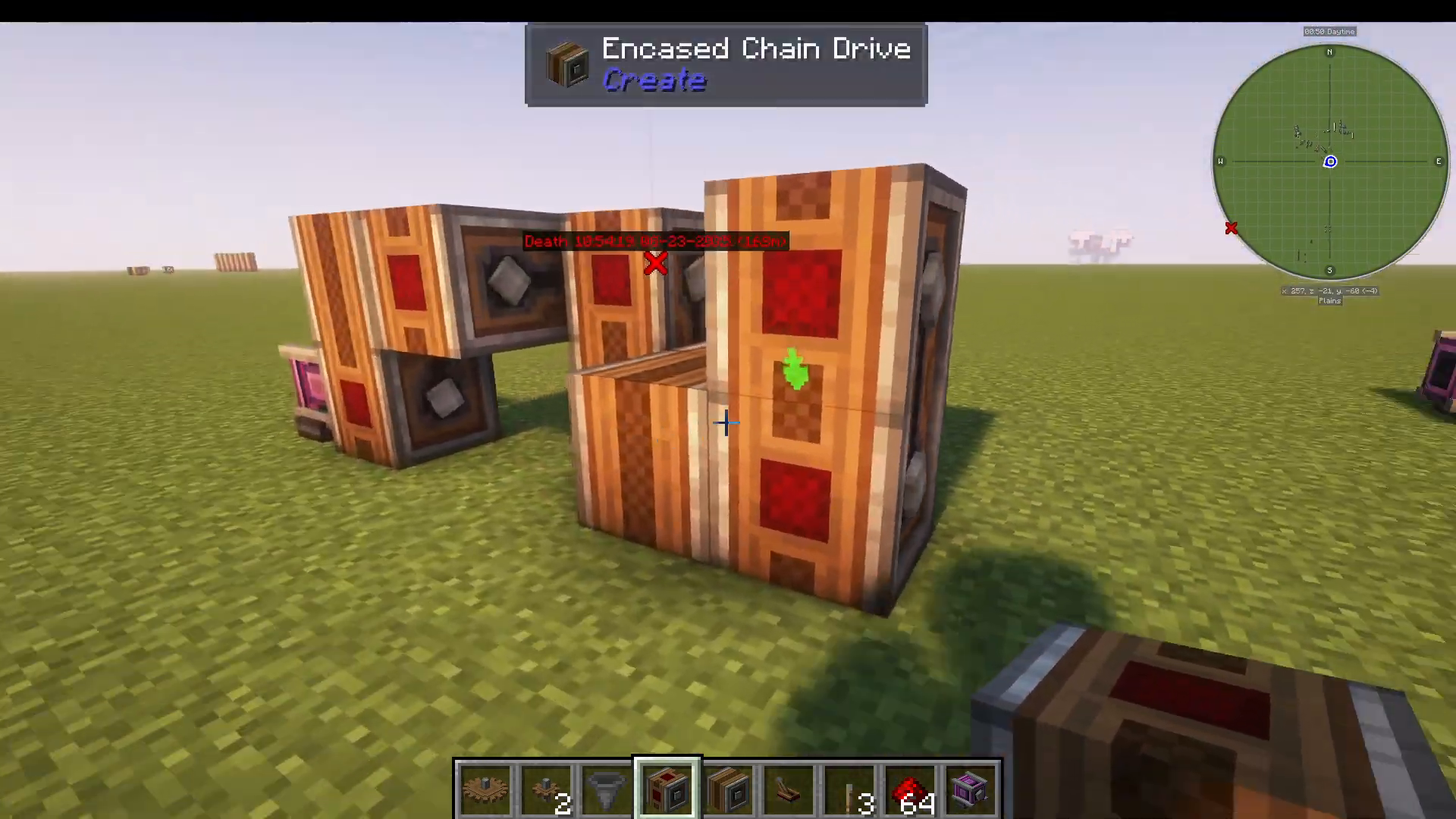
This dual-lever system achieves impressive speeds with minimal space requirements.
Speed Comparison: Gearshifts vs. Cogs
Let’s compare the performance and efficiency of these two methods:
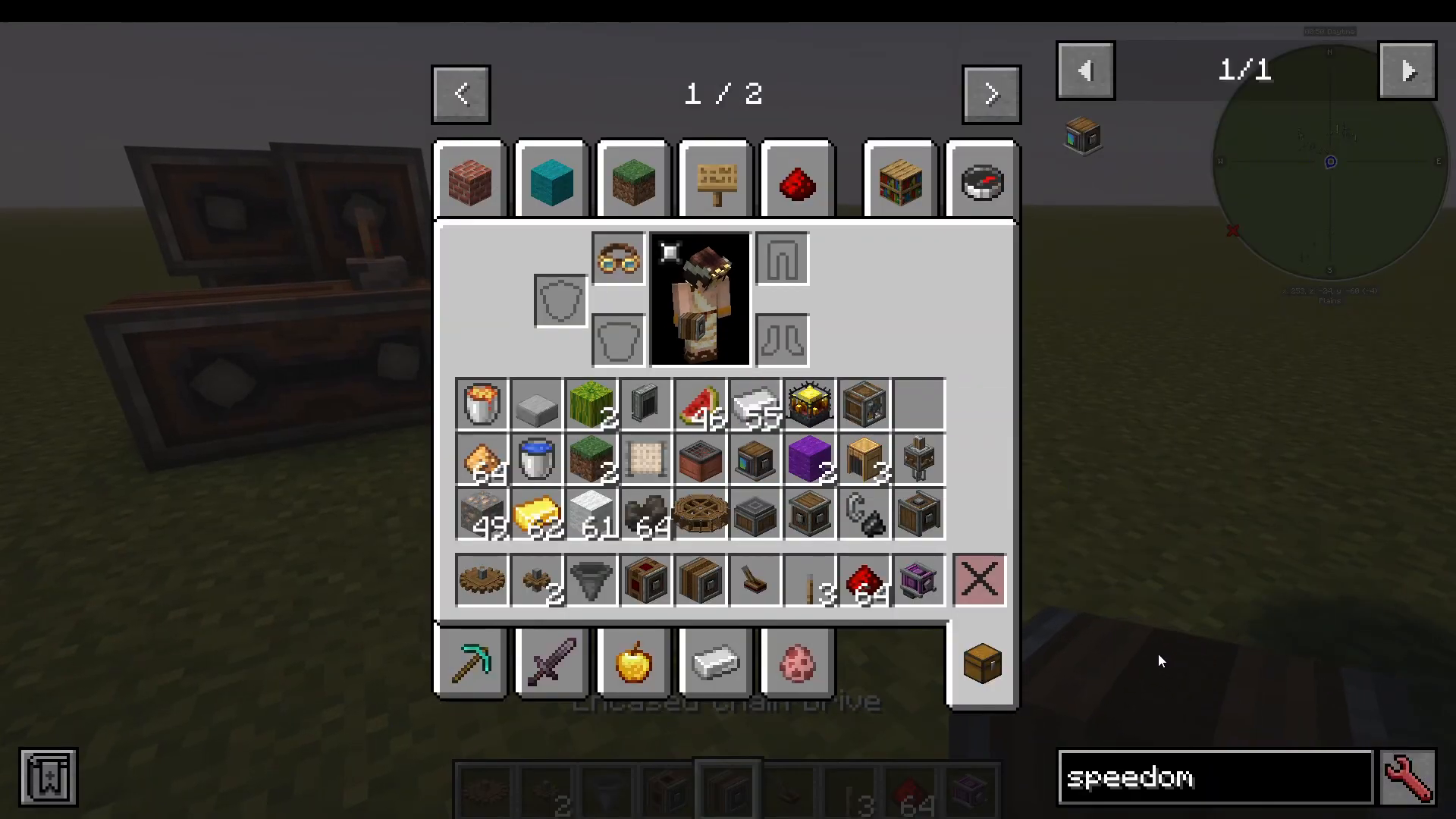
Compact Gearshift Setup Performance
Using the snake-pattern compact configuration with just two levers:
Measured Speed: 256 RPM
Space Required: Minimal footprint
Component Count: 4-6 components
Extended Gearshift Configuration
When extended further with additional stages:
Measured Speed: 256 RPM (with extended configuration)
Space Required: Moderate
Traditional Cog Setup
For comparison, a traditional Cog-based setup achieving similar speeds:
Measured Speed: 236 RPM
Space Required: Significantly larger footprint, occupying substantially more area
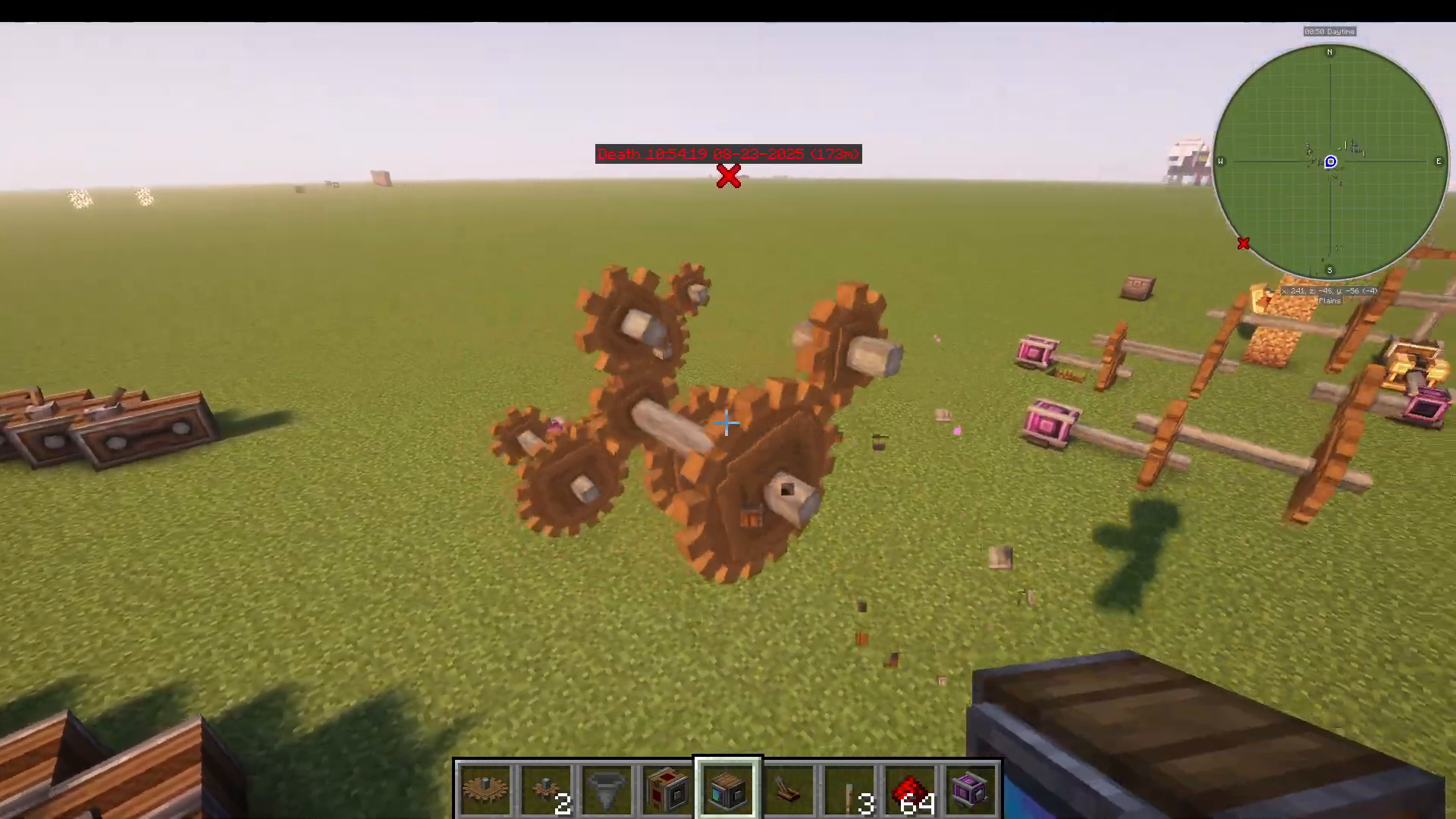
Verdict: Gearshift-based systems outperform Cog setups in both space efficiency and achievable speeds, making them the superior choice for most applications in the Create mod.
Summary
Speed multiplication in the Create mod is best achieved using Chain Gearshifts and Adjustable Gearshifts rather than traditional Cogs. The compact snake-pattern configuration offers an excellent balance between performance and space efficiency, achieving 256 RPM with just two control levers and a minimal footprint. Whether you’re building a sprawling industrial complex or a tight technical space, gearshift-based systems provide flexibility and superior performance.
Want to Support?
If you would like to help us continue making these guides – please consider joining our patreon here – https://www.patreon.com/c/JaviHeals
Alternatively – we host a group of MC Servers you can join here – https://discord.gg/zD7Gjt6MHF



