







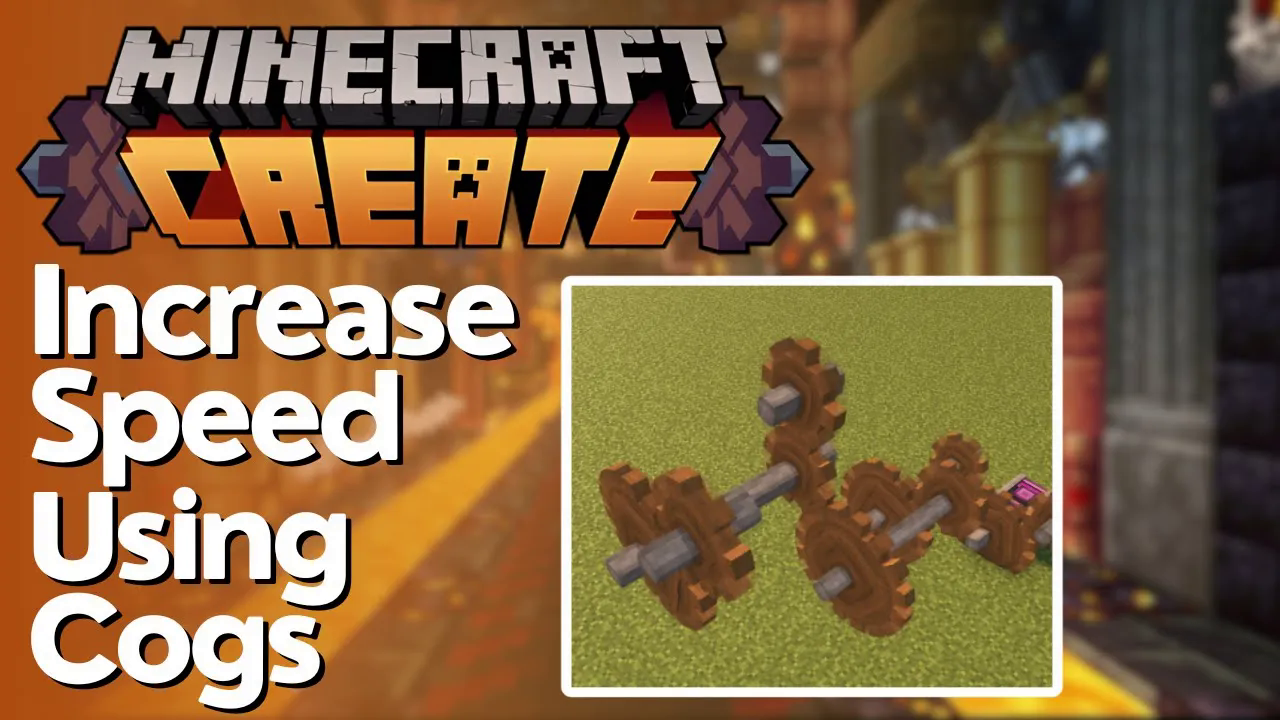
How to Increase Speed EASILY in Create
How to Increase Speed EASILY in Create Mod
Learn how to get things spinning really fast in the Create mod with this beginner-friendly guide. This tutorial covers the basic method for increasing rotational speed using cogs and shafts, a fundamental technique for powering your Create machinery efficiently.
Getting Started with Speed Multiplication
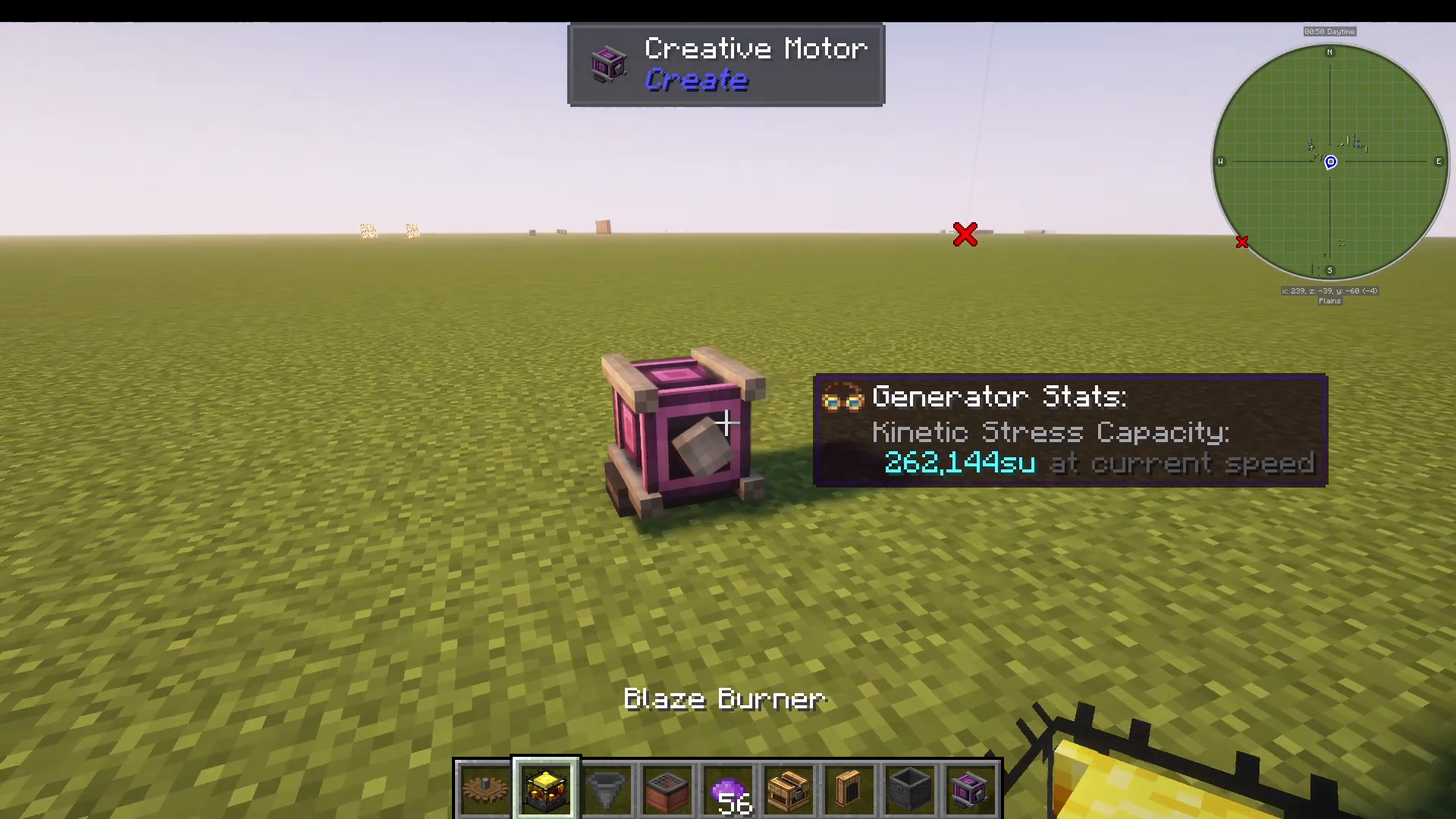
First, you’ll need to have power being generated from a source such as a windmill or waterwheel. Once your power source is set up and running, you’re ready to begin the speed multiplication process.
The Basic Speed Multiplication Pattern
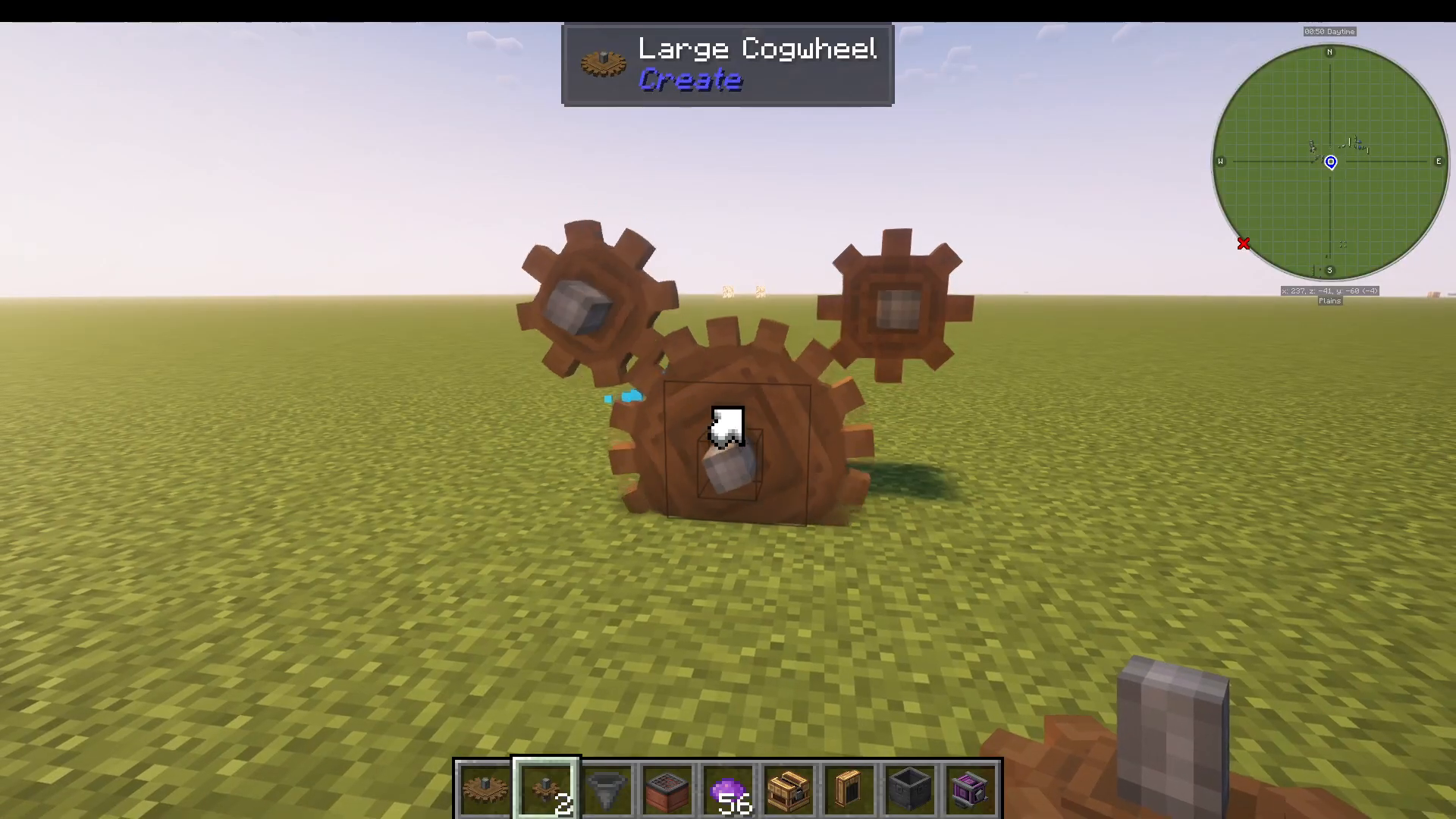
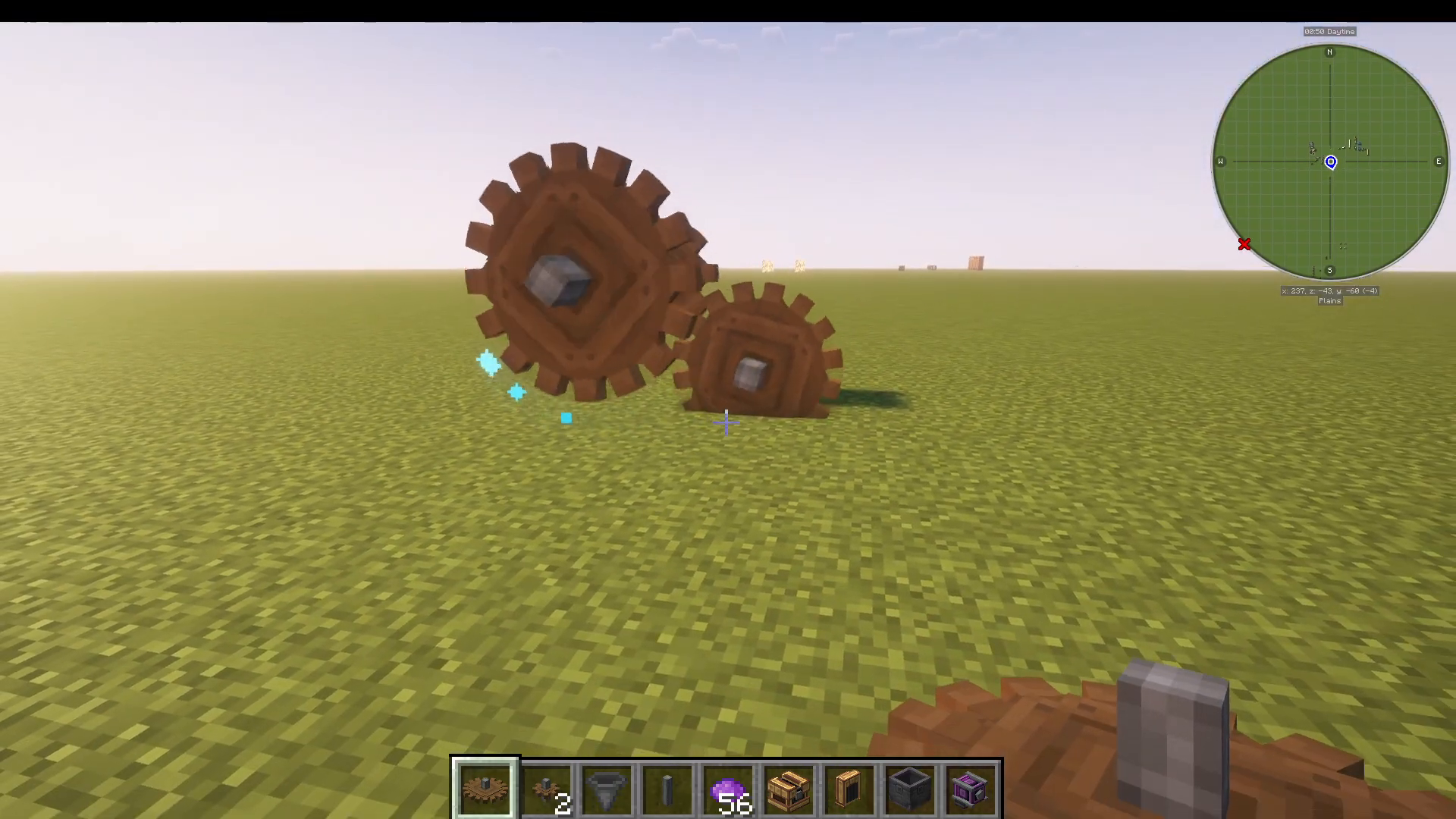
Step 1: Place a Large Cog
Start by adding a large cog to your power generation setup. This will serve as your starting point for the multiplication sequence.
Step 2: Add a Small Cog Diagonally
Place a small cog diagonally on the side of the large cog. This diagonal placement is important for the rotation mechanics to work properly.
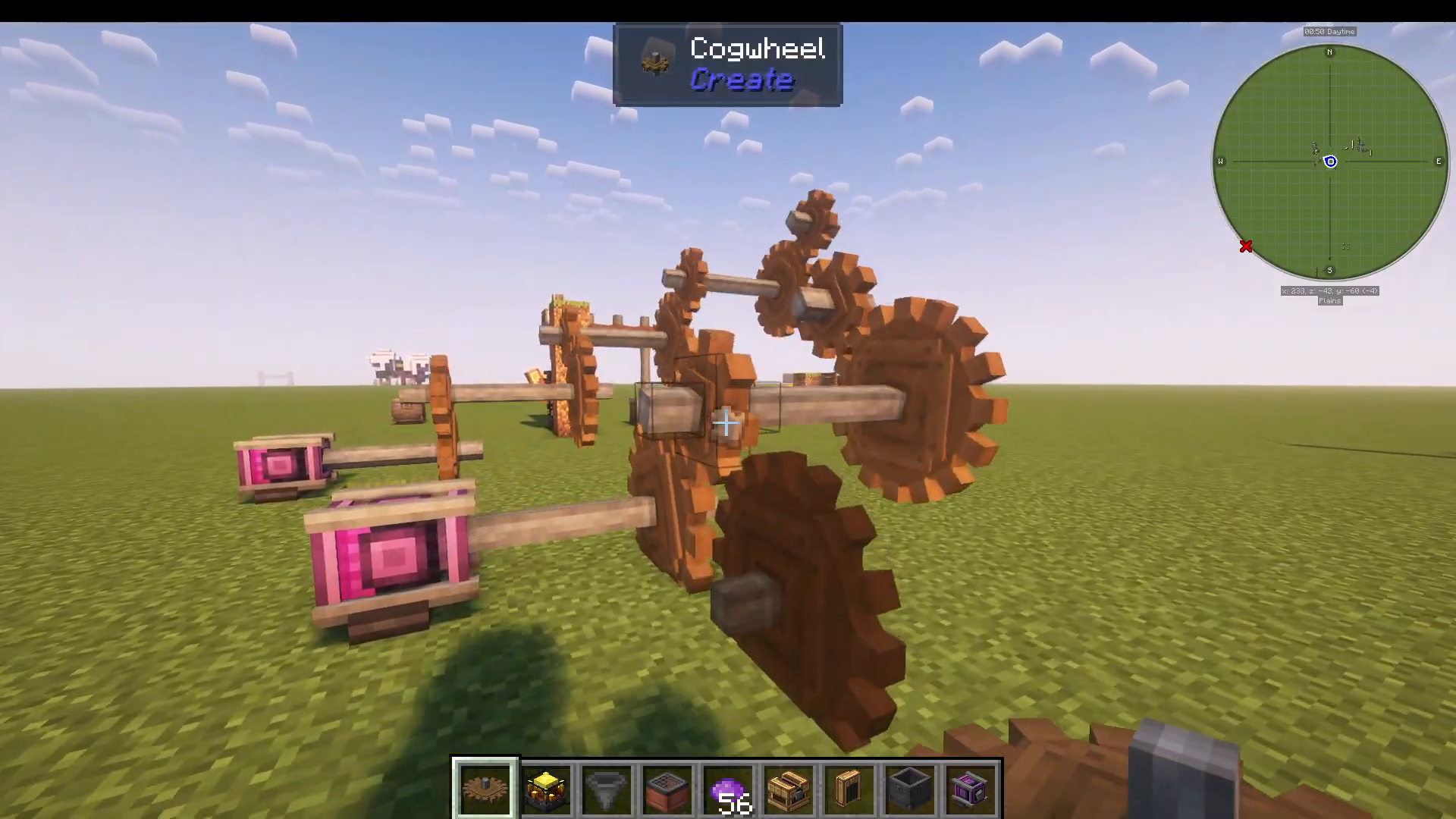
Step 3: Attach a Shaft
From the small cog, you need to attach a shaft that extends outward. This shaft is critical—many beginners forget this step, which breaks the speed multiplication chain.
Step 4: Add Another Large Cog
To the shaft, attach another large cog. At this point, you’ll notice your rotation speed has doubled. This is the core mechanism of speed multiplication in Create.
Repeating the Pattern for More Speed
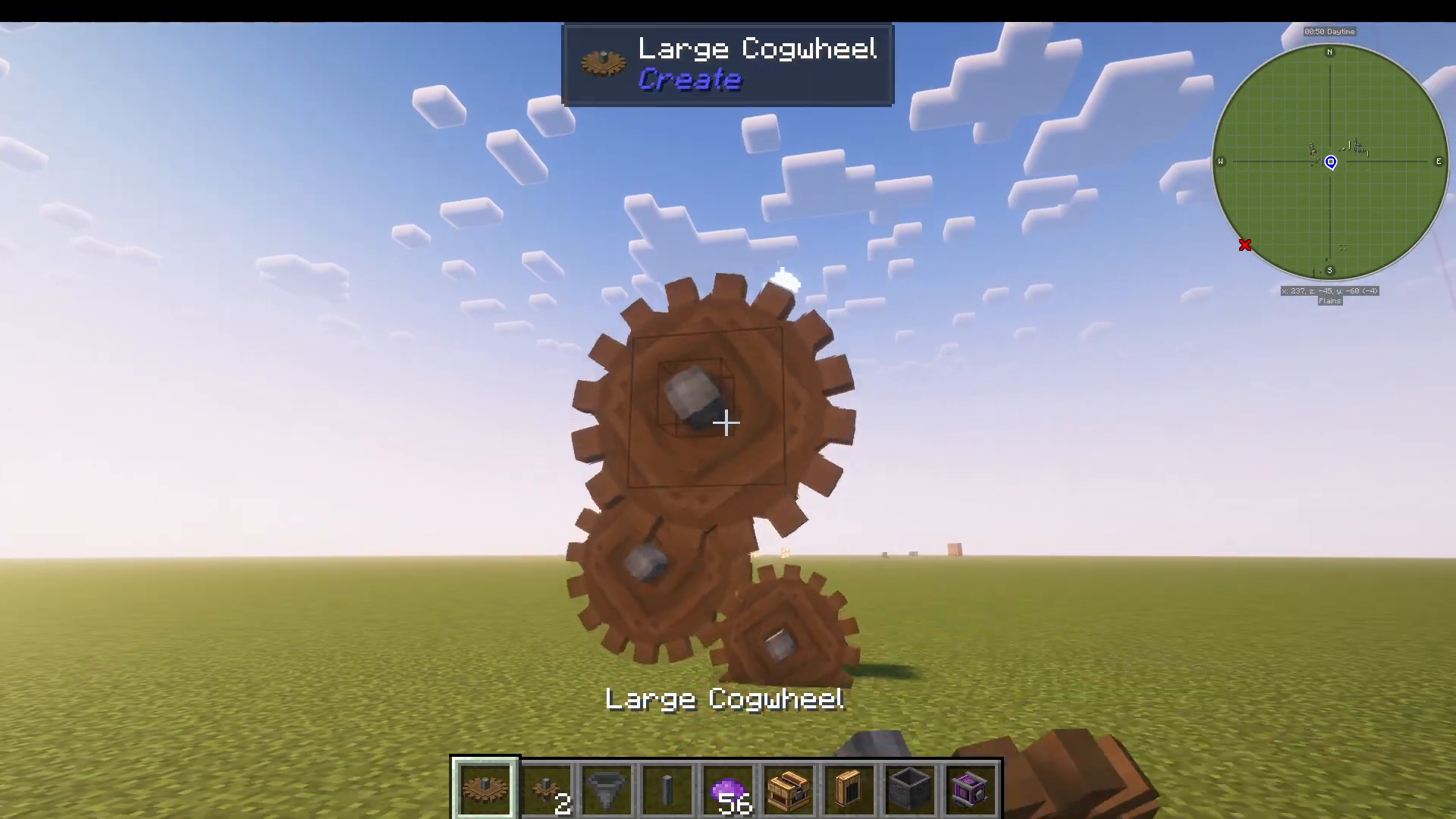
You can continue this pattern indefinitely to increase speed even further. The sequence is always the same:
Small cog (placed diagonally)
Shaft (extending from the small cog)
Large cog (attached to the shaft)
Repeat this three-step pattern as many times as you want. Each repetition will continue to double your rotational speed, allowing you to reach impressive velocities for your Create machinery.
The Critical Mistake to Avoid
The most common error beginners make is forgetting to add the shaft when transitioning between cogs. For example, if you place a small cog directly onto a large cog followed by another small cog without the shaft in between, your speed will not increase. You will remain at the same rotation speed.
Always follow the pattern: large cog → small cog → shaft → large cog → small cog → shaft, and so on. The shaft is absolutely essential for each multiplication step.
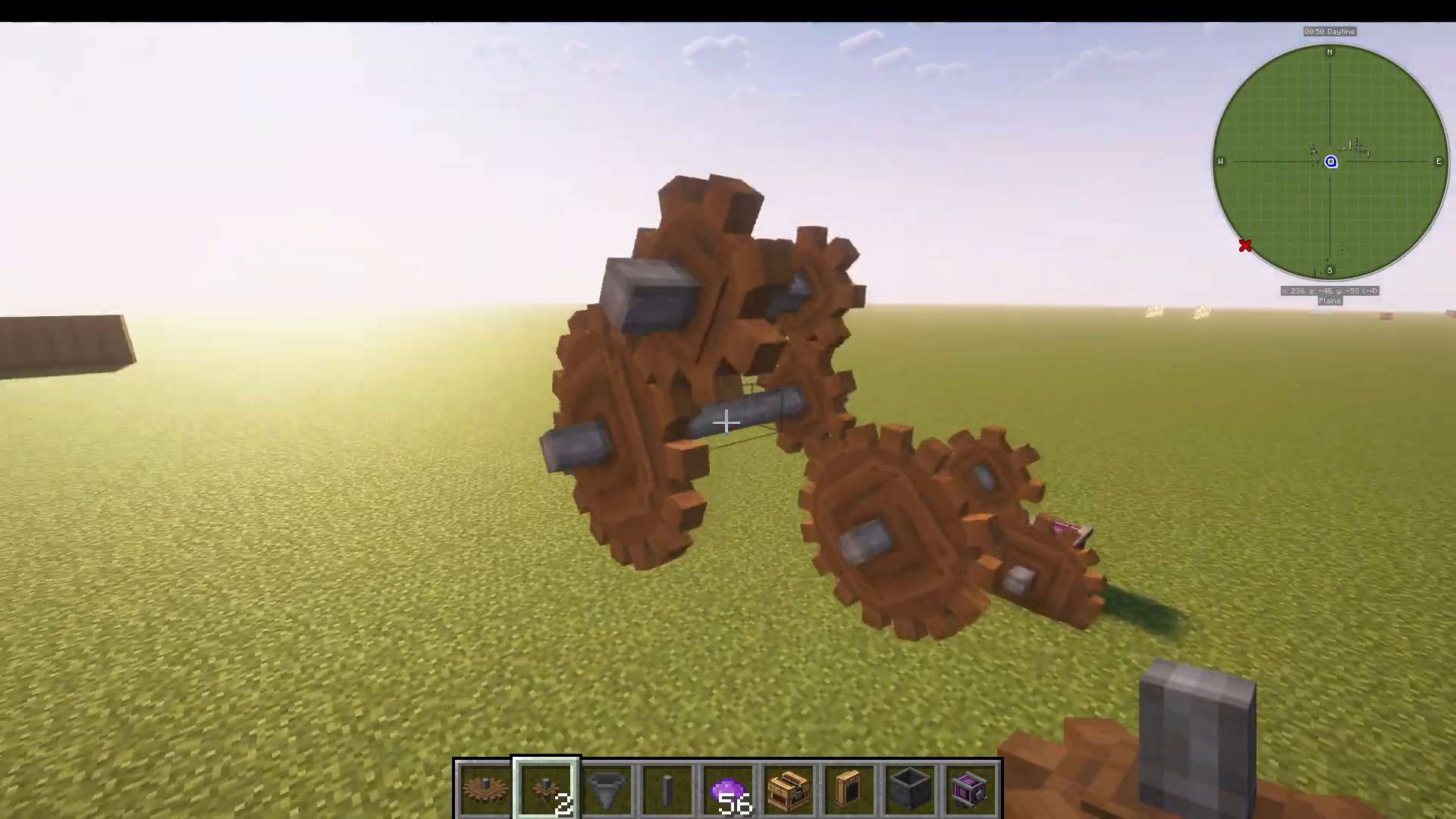
Multiple Speed Networks
An advanced tip: you can create multiple independent networks coming off your main power source, each with different speeds. This allows you to power various machinery at different rotational velocities simultaneously, giving you more flexibility in your Create builds.
Summary
Increasing speed in the Create mod is straightforward once you understand the pattern. By alternating small and large cogs with shafts between them, you can easily multiply your rotational speed to power even the most demanding machinery. Remember: never skip the shaft step, and you’ll have perfectly functioning speed multipliers every time.
Want to Support?
If you would like to help us continue making these guides – please consider joining our patreon here – https://www.patreon.com/c/JaviHeals
Alternatively – we host a group of MC Servers you can join here – https://discord.gg/zD7Gjt6MHF



