







How To Give Energy To Induction Smelter Thermal Expansion
How to Give Energy to Induction Smelter in Thermal Expansion
Powering machines in Thermal Expansion can seem complex at first, but it’s straightforward once you understand the basic energy system. This guide will walk you through the process of connecting an Induction Smelter to a power source using Redstone Flux (RF) energy. Whether you’re a beginner modder or looking to refresh your knowledge, you’ll have your Induction Smelter running in no time.
Setting Up the Energy System
Understanding the Components
To power an Induction Smelter in Thermal Expansion, you’ll need three key components:
A power generation source (such as a Stirling Dynamo)
An energy storage cell (such as a Redstone Flux Cell)
A Flux Duct to transfer the energy
Connecting the Power Generator
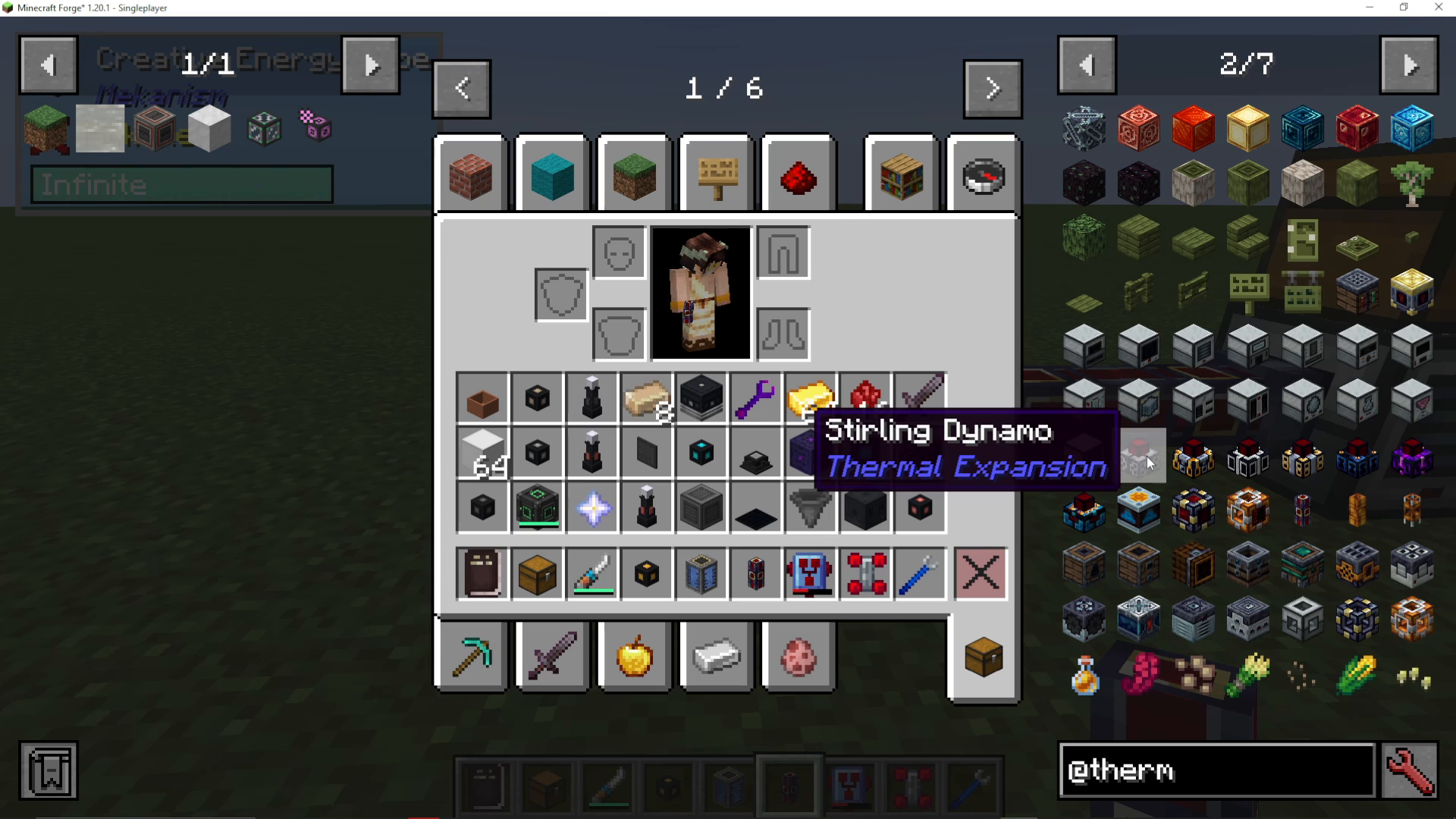
Start by setting up your power generation. If you’re using Thermal Expansion, a Stirling Dynamo is an excellent choice. This dynamo generates energy by consuming burnable materials such as blocks of coal or regular coal.
Connect your Stirling Dynamo to a Redstone Flux Cell. This cell will store the energy produced by your dynamo and distribute it throughout your system.
Configuring Input and Output Sides
Configuration is essential for proper energy flow. You need to designate which sides of your machines handle input and output.
For your Redstone Flux Cell, access the configuration menu and set the side connected to the Stirling Dynamo to blue (input). This tells the cell to accept energy from the dynamo.
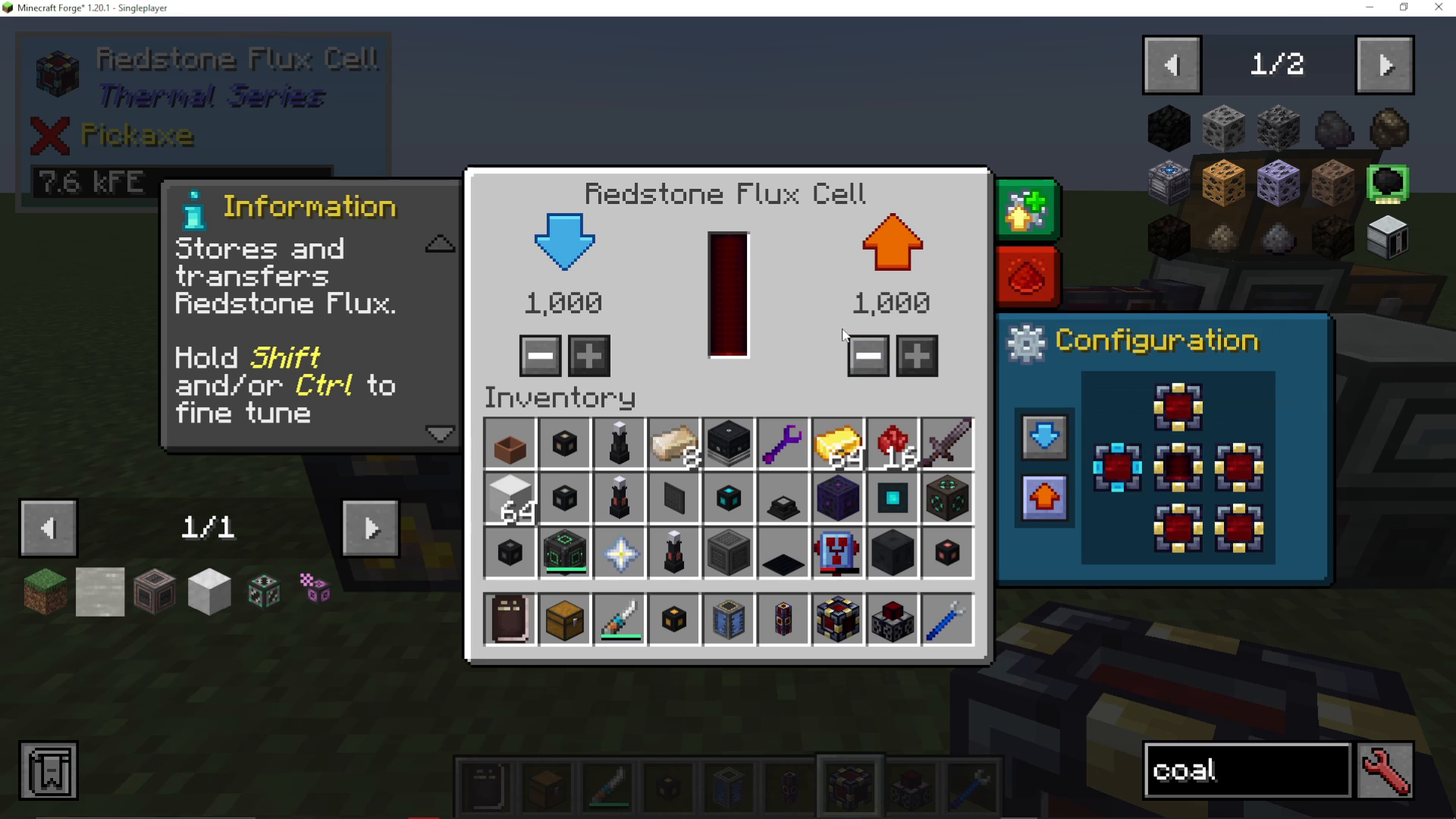
Set the opposite side (where your Flux Duct will connect) to orange (output). This side will send energy out through the ducts to your Induction Smelter.
Connecting the Induction Smelter
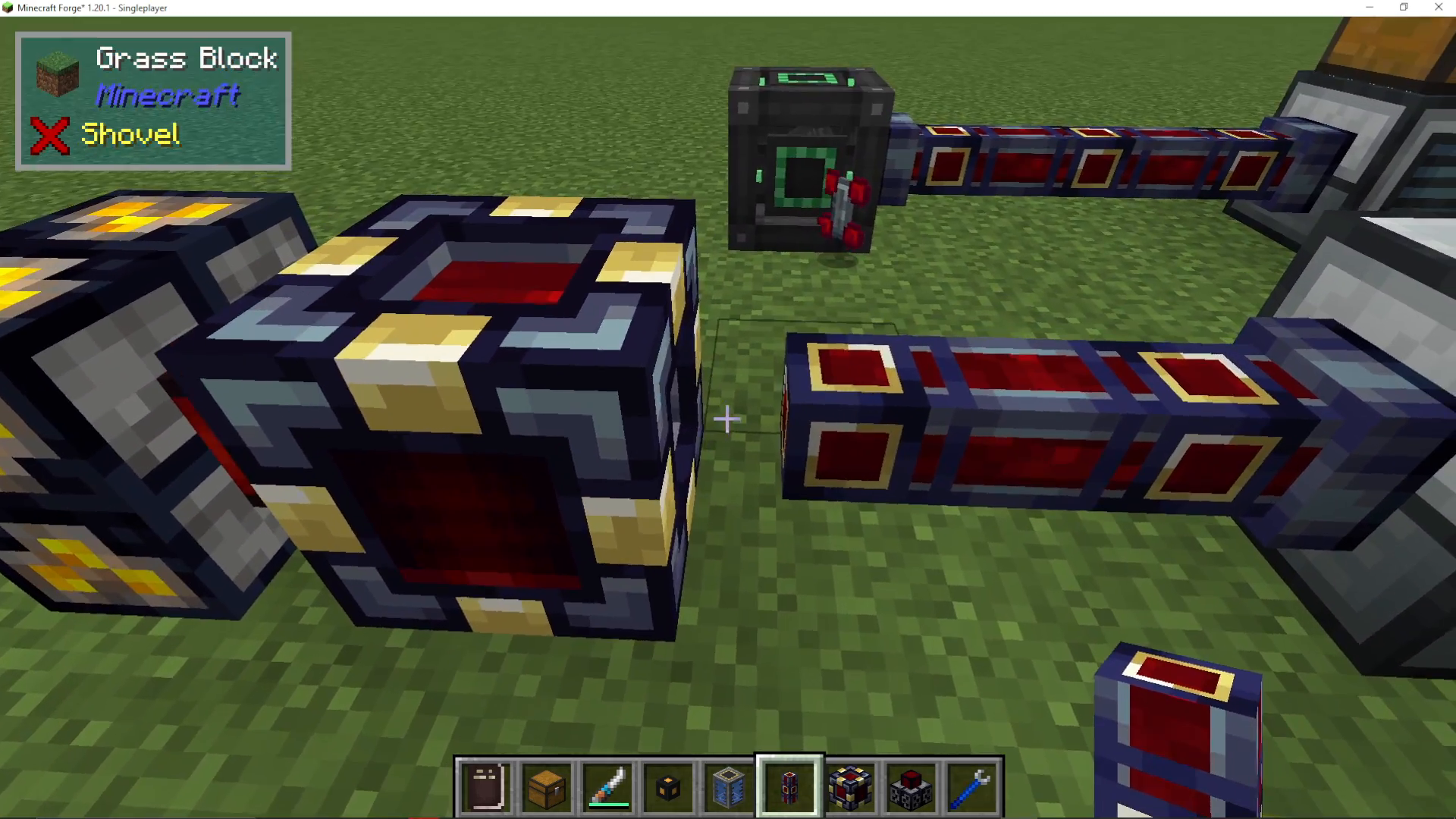
Attach a Flux Duct to the output side of your Redstone Flux Cell (the orange side). Run this duct to your Induction Smelter.
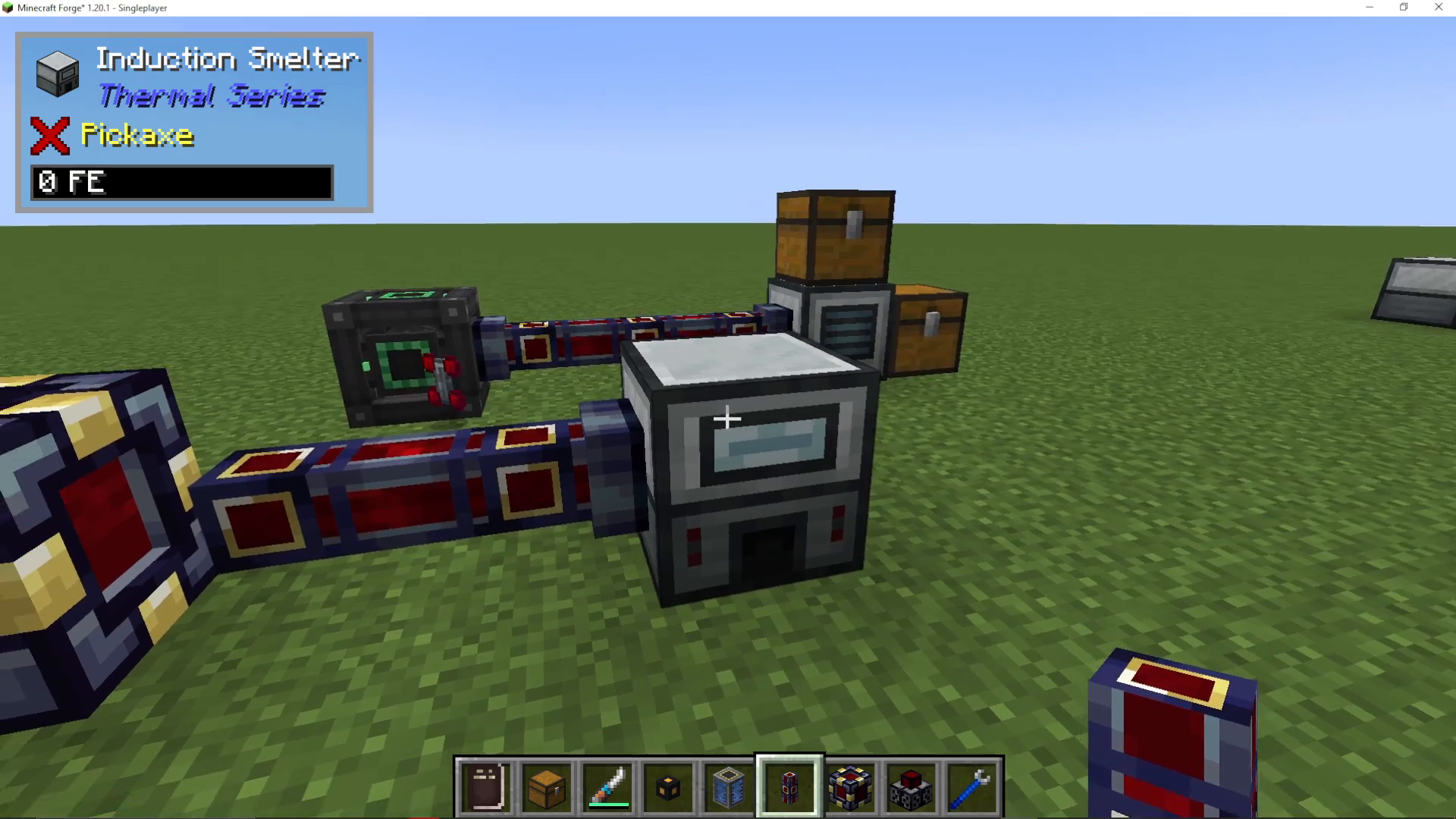
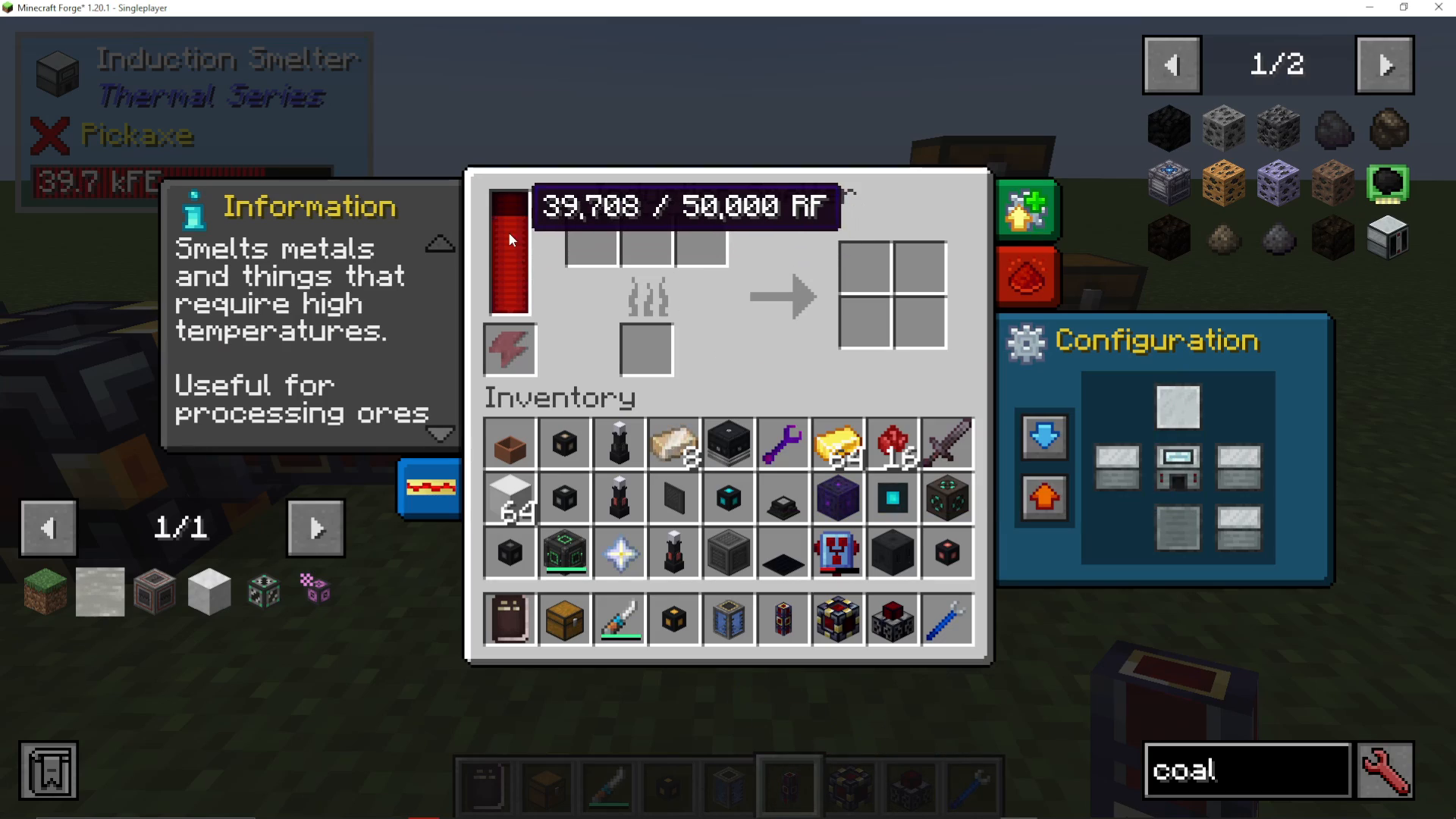
Unlike the energy cell, the Induction Smelter doesn’t require configuration for energy input. It will accept Redstone Flux energy from any side automatically. Simply connect your Flux Duct, and energy will flow into the machine.
Handling Items
While the Induction Smelter accepts energy from any side without configuration, you will need to configure input and output for the items you’re smelting. Set up separate ducts or pipes to handle item input and output on appropriate sides of the smelter.
Summary
Powering an Induction Smelter in Thermal Expansion follows a simple path: generate energy with a Stirling Dynamo → store it in a Redstone Flux Cell → transfer it through Flux Ducts → input it into the Induction Smelter. Remember to configure your energy cell with blue for input and orange for output, and your smelter will be ready to process materials. With this setup, you’ll have a functioning Induction Smelter that can handle all your smelting needs.
Want to Support?
If you would like to help us continue making these guides – please consider joining our patreon here – https://www.patreon.com/c/JaviHeals
Alternatively – we host a group of MC Servers you can join here – https://discord.gg/zD7Gjt6MHF



