







How to Charge Drills & Batteries in Tech Reborn
How to Charge Drills & Batteries in Tech Reborn
Charging items in Tech Reborn is a fundamental skill for any player using this popular Minecraft tech mod. In this guide, we’ll walk you through the simple process of charging batteries and drills using a Battery Box—the entry-level charging solution in Tech Reborn.
Getting Started: What You’ll Need
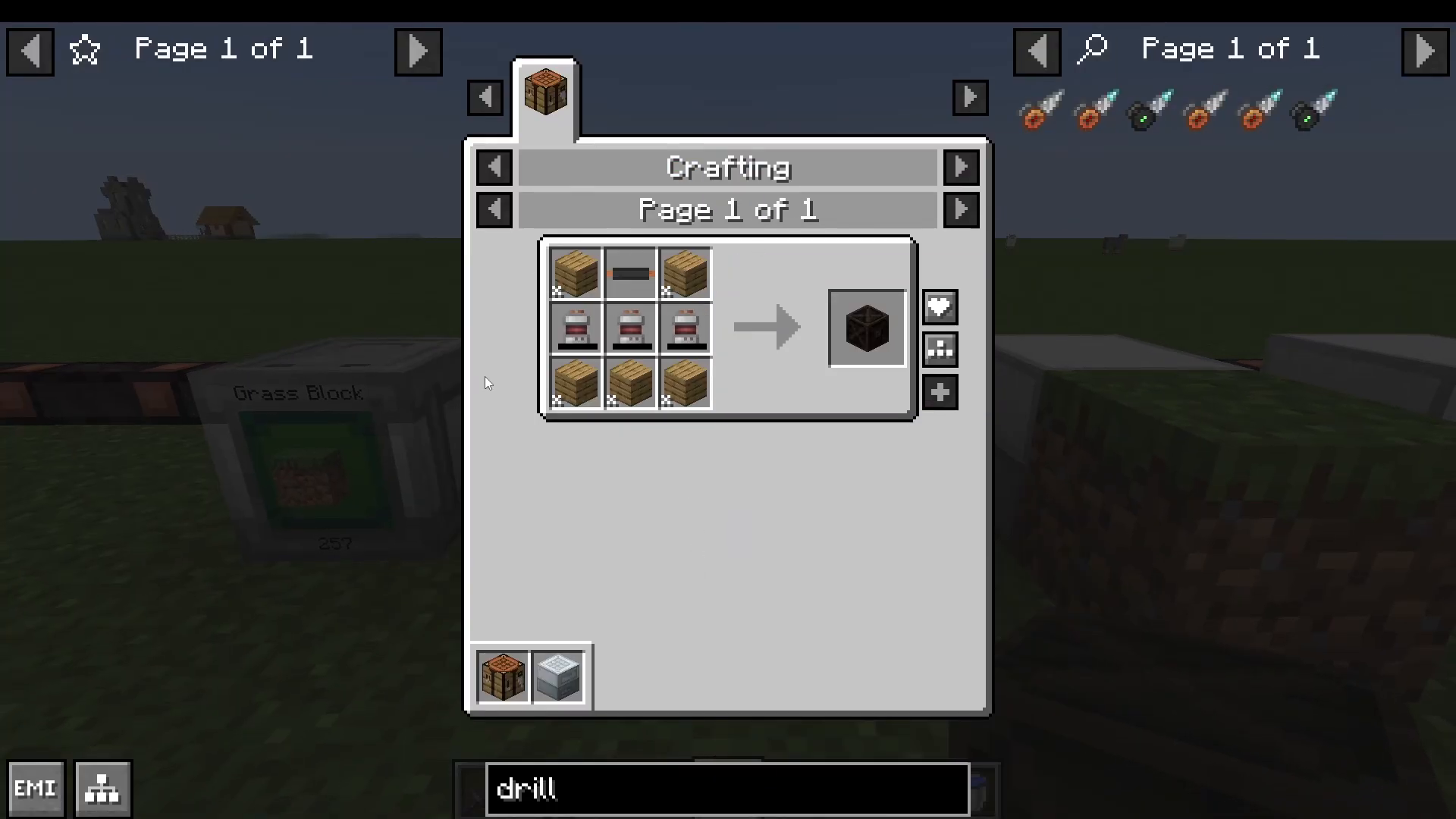
To begin charging items in Tech Reborn, you’ll need a Battery Box. A Battery Box is a large battery block constructed from three batteries and various other components. It serves as the basic power storage and charging solution for new players.
Setting Up Your Battery Box
Place your Battery Box down in your desired location.
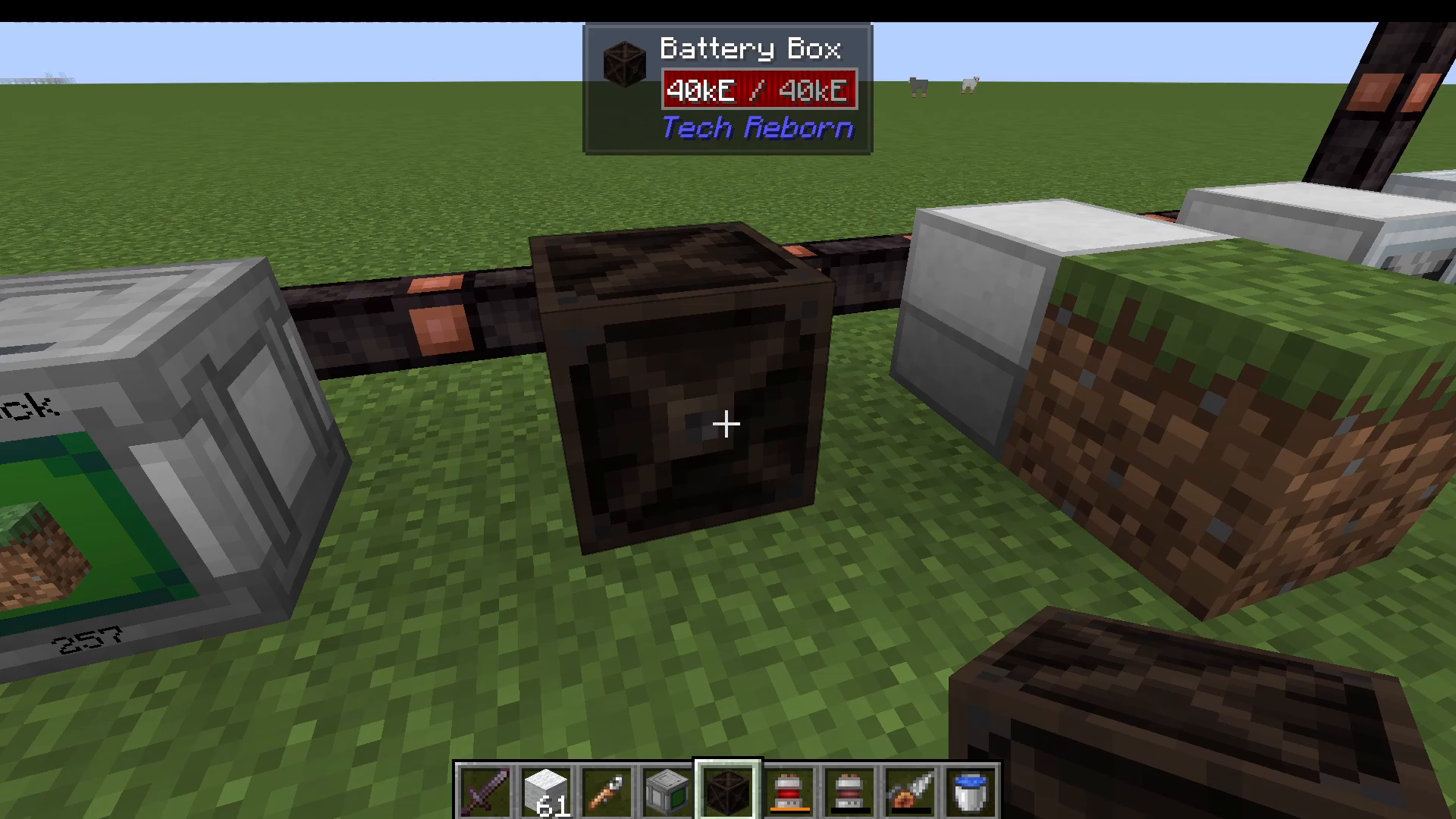
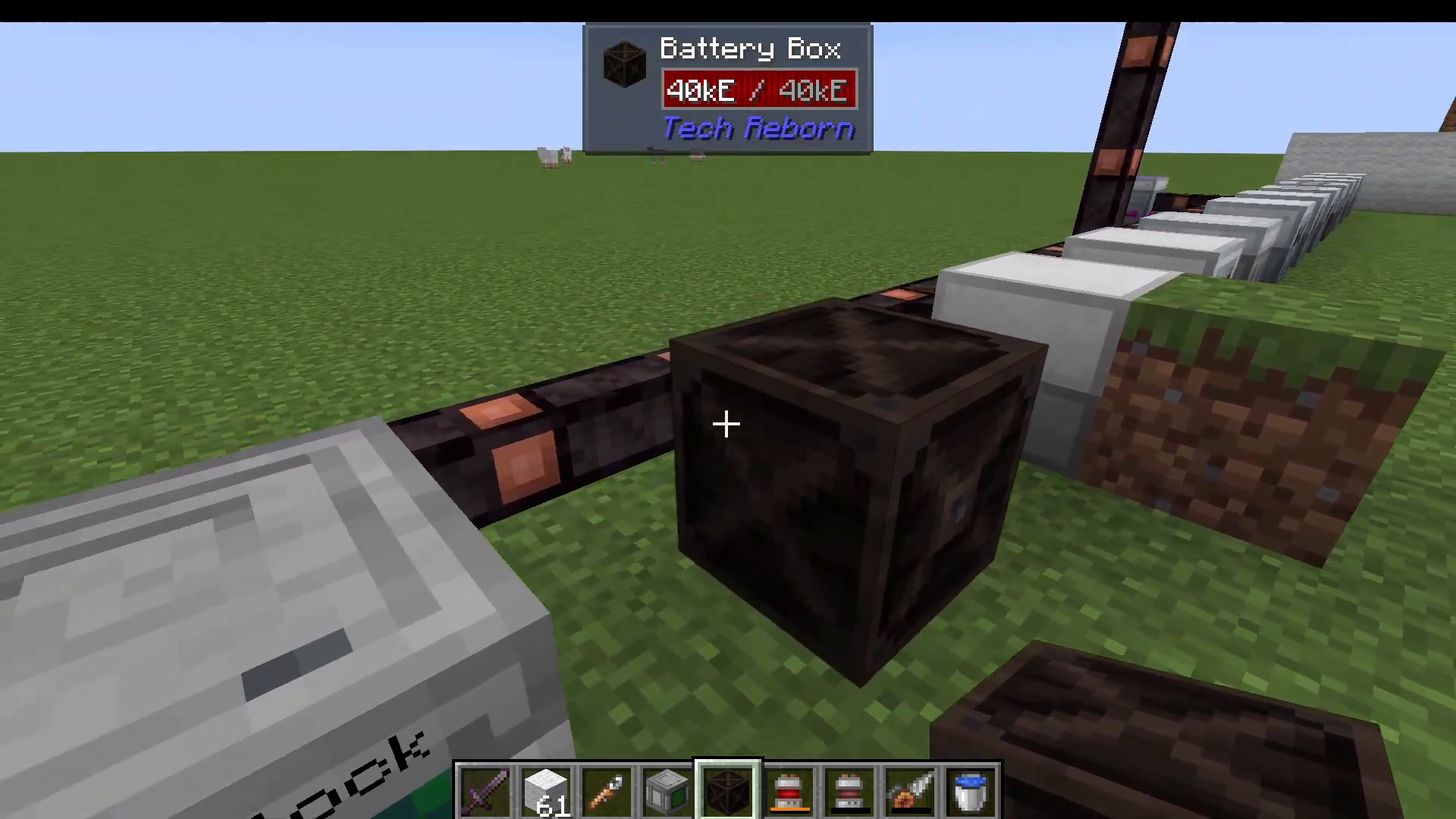
Next, connect it to a cable to supply power. You’ll notice there’s a small dot on the front of the Battery Box—this is the power output port. The remaining sides of the block are for power input, so make sure your cable connects to one of these input sides.
Charging Batteries and Drills
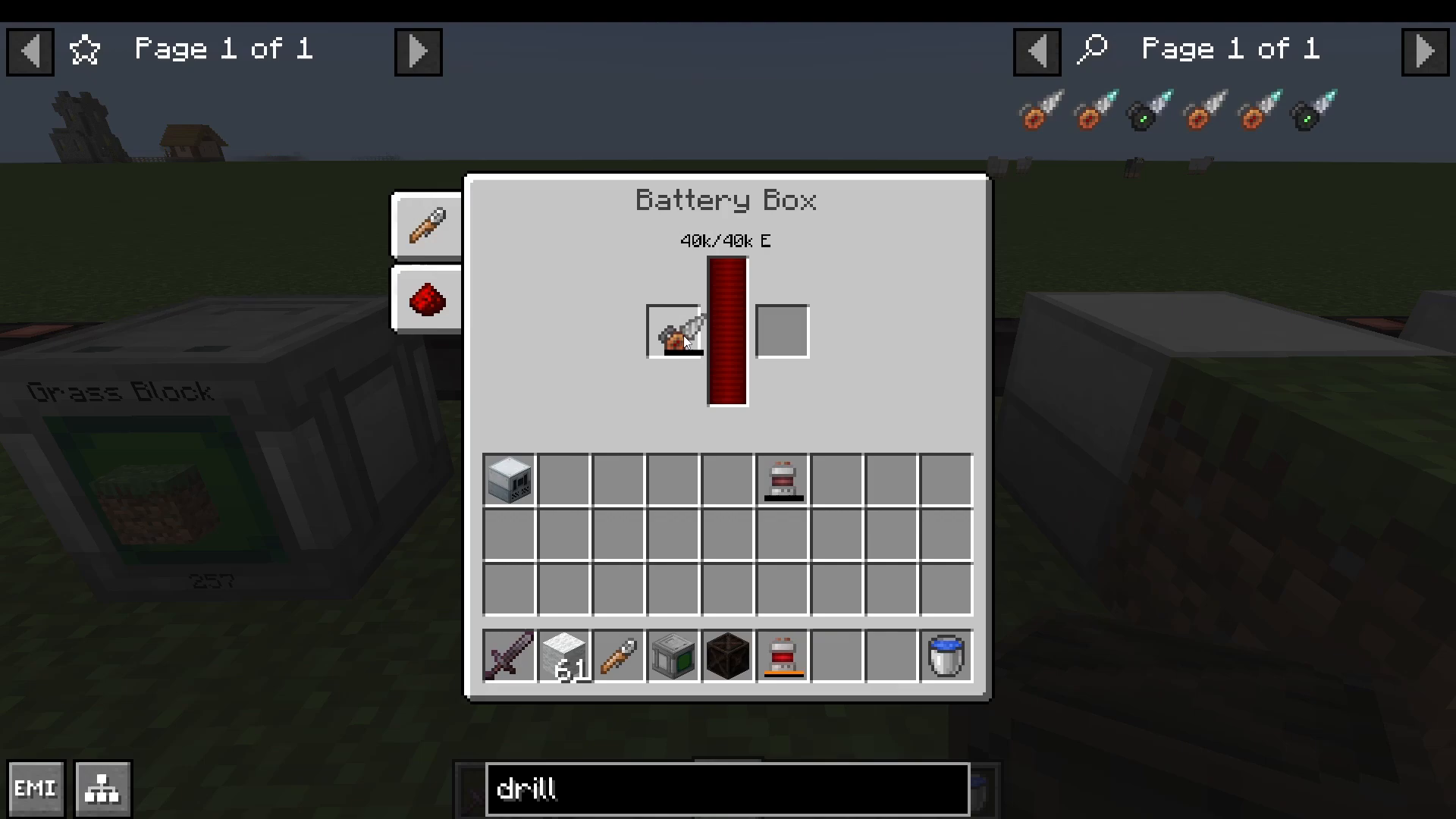
Right-click on the Battery Box to open its interface. You’ll see two slots available for charging items.
Charging a Drill
To charge a drill, simply place it into the left slot of the Battery Box. You can use any drill model, including a basic drill. Once placed, the charging process will begin automatically, and you’ll see the drill’s energy bar fill up.
Charging Batteries
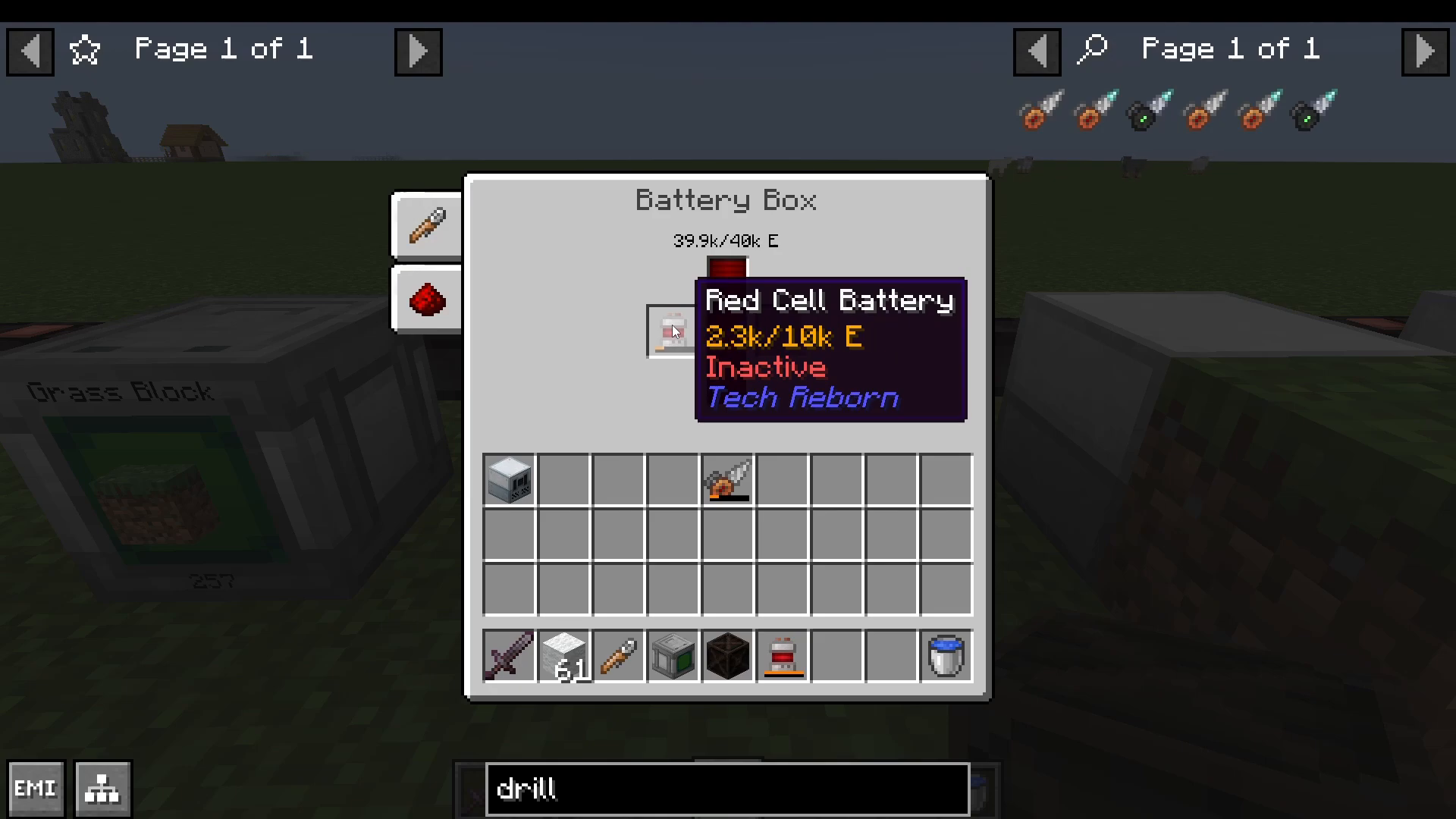
Charging standalone batteries like a Red Battery works exactly the same way. Place the battery into the left slot, and it will begin charging immediately.
Advanced Charging Options
As you progress in Tech Reborn, you’ll unlock more advanced battery storage blocks. Later-game alternatives include the MFEU (Multi-Functional Energy Unit), which offers greater storage capacity and faster charging speeds. However, the Battery Box remains the most accessible entry-level solution for new players.
Summary
Charging items in Tech Reborn is straightforward: craft or find a Battery Box, place it down, connect it to a power source via cable, and use the two slots in its interface to charge your drills and batteries. This simple system is the foundation for all your Tech Reborn power management needs. Once you’re comfortable with the basics, explore advanced charging options like the MFEU to optimize your power infrastructure.
Want to Support?
If you would like to help us continue making these guides – please consider joining our patreon here – https://www.patreon.com/c/JaviHeals
Alternatively – we host a group of MC Servers you can join here – https://discord.gg/zD7Gjt6MHF



