







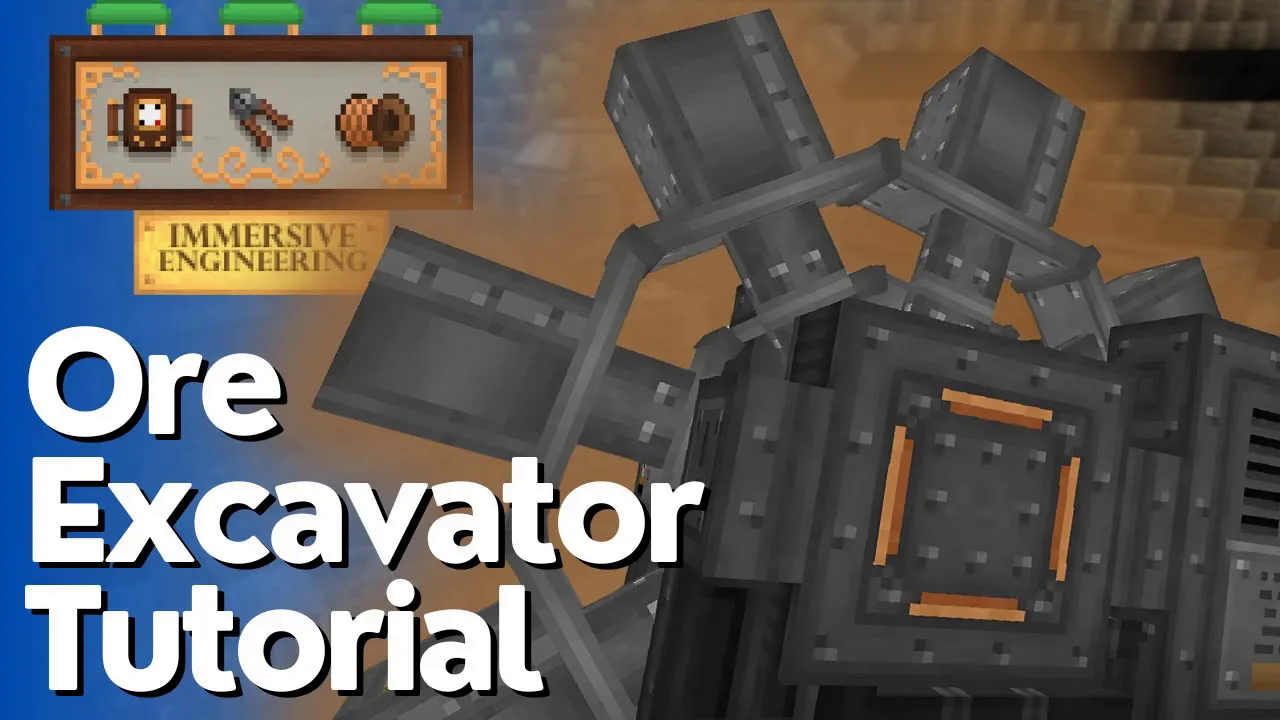
How To Build An Ore Excavator (Immersive Engineering)
How To Build An Ore Excavator (Immersive Engineering)
Introduction
The ore excavator is one of Immersive Engineering’s most powerful mining machines. This guide will walk you through building and operating this multi-block structure, including how to set it up properly with a core sample drill to efficiently extract ore veins from your Minecraft world.
Understanding the Ore Excavator Structure
Multi-Block Components
The ore excavator consists of two separate multi-blocks that work together as one machine. The large central wheel is one multi-block, while the main excavator body is the other. Both must be constructed and activated to create a fully functional ore extraction system.
The Excavator Wheel
The wheel component is built primarily from blocks of steel and steel scaffolding. This wheel slots directly into the center of your excavator structure. To properly assemble it, you will need to build the wheel in the middle of where your full excavator will be positioned.
The Excavator Body
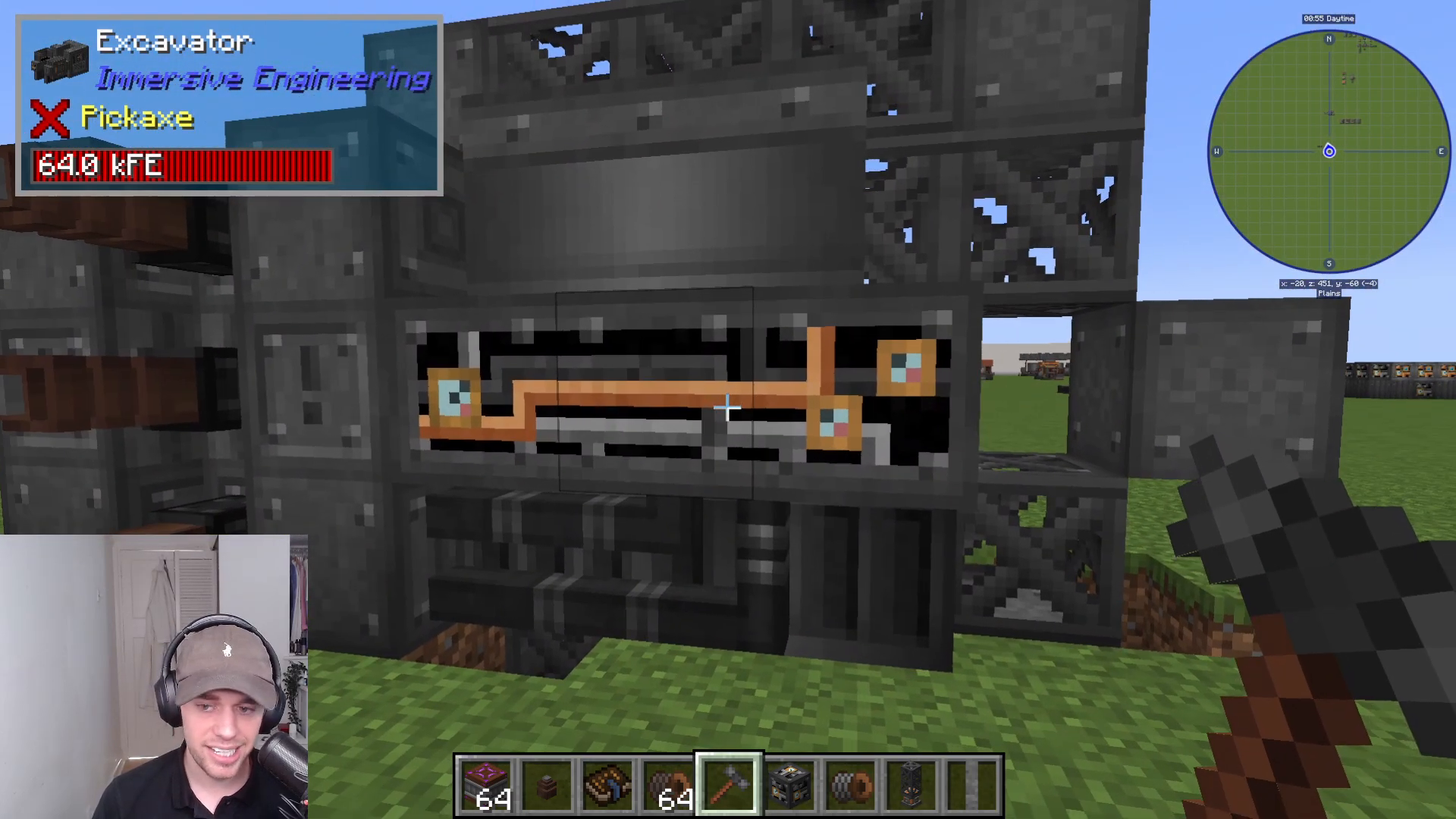
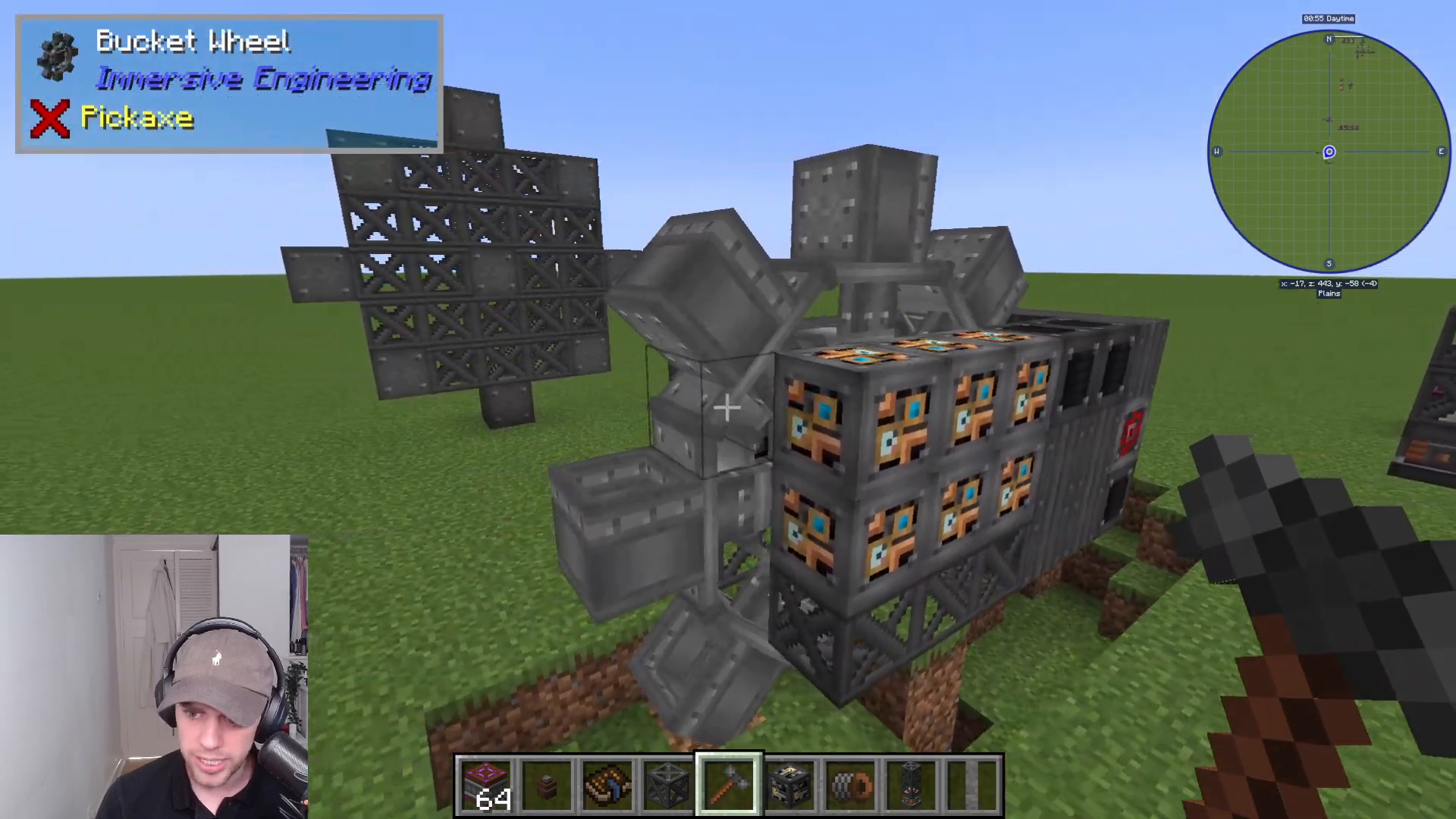
The main excavator body is constructed from heavy engineering blocks on the sides, steel scaffolding, and sheet metal. The structure is relatively straightforward despite its imposing appearance. Once your wheel is in place, you’ll build the rest of the excavator around it, with the wheel’s block of steel visible in the center.
Building and Activating Your Excavator
Constructing the Wheel
Begin by gathering the necessary materials: blocks of steel and steel scaffolding. Build the wheel structure in the location where your excavator will operate. The wheel serves as the functional heart of the machine.
Activating the Wheel Multi-Block
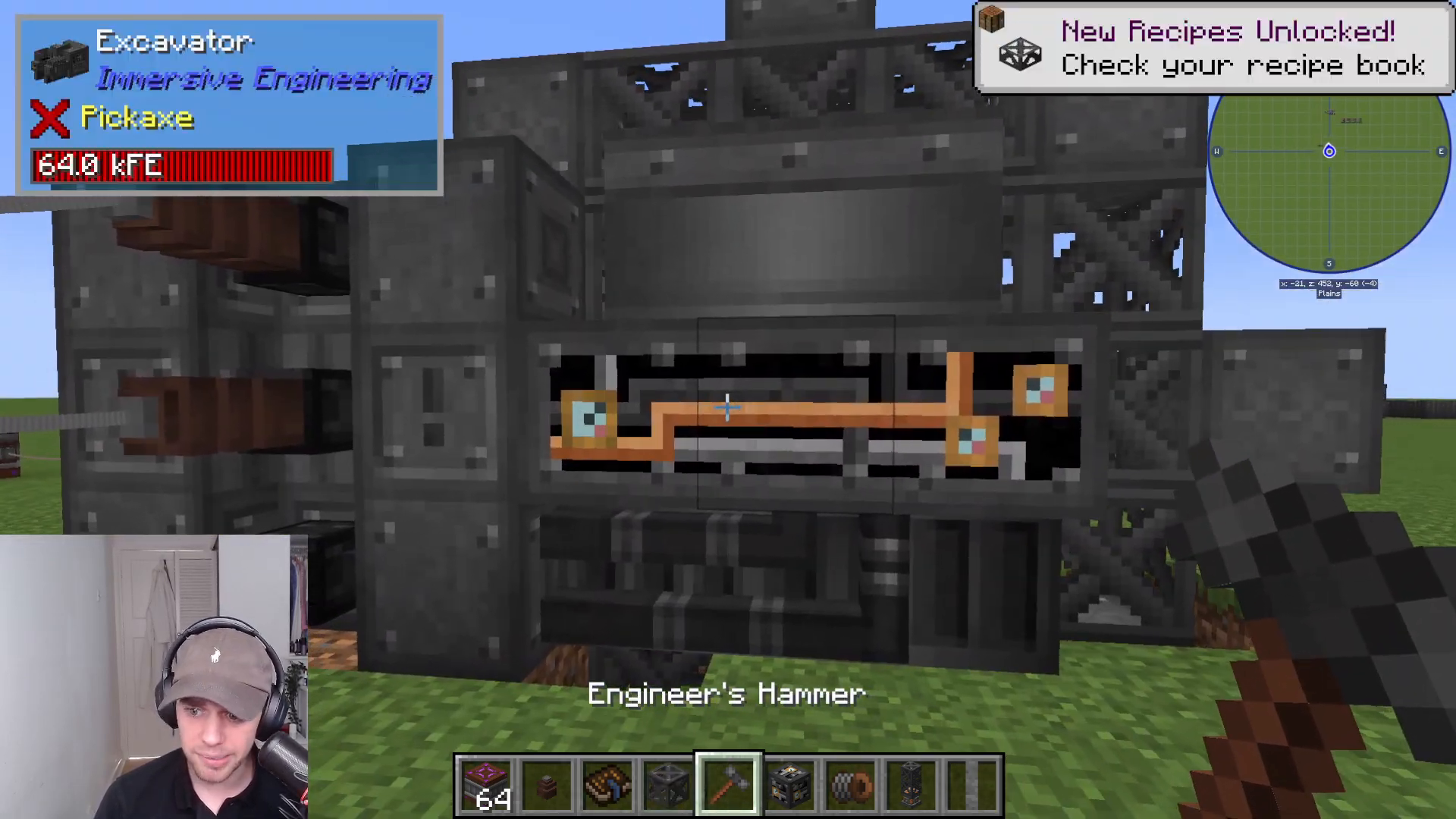
To activate the wheel into a functional multi-block, right-click on the center steel block. This action will transform the wheel into its active state, allowing it to function as part of your excavator system.
Constructing and Activating the Excavator Body
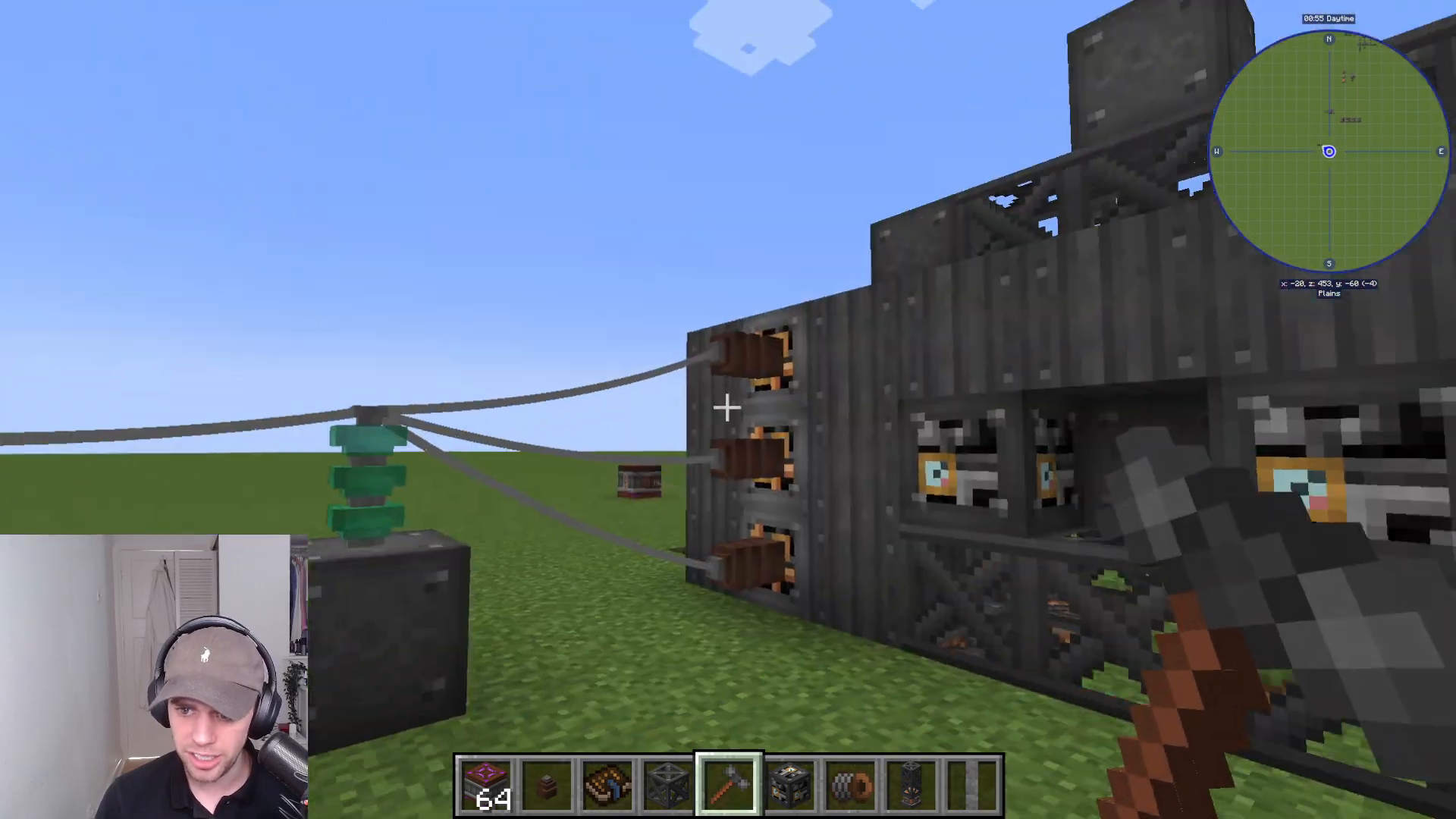
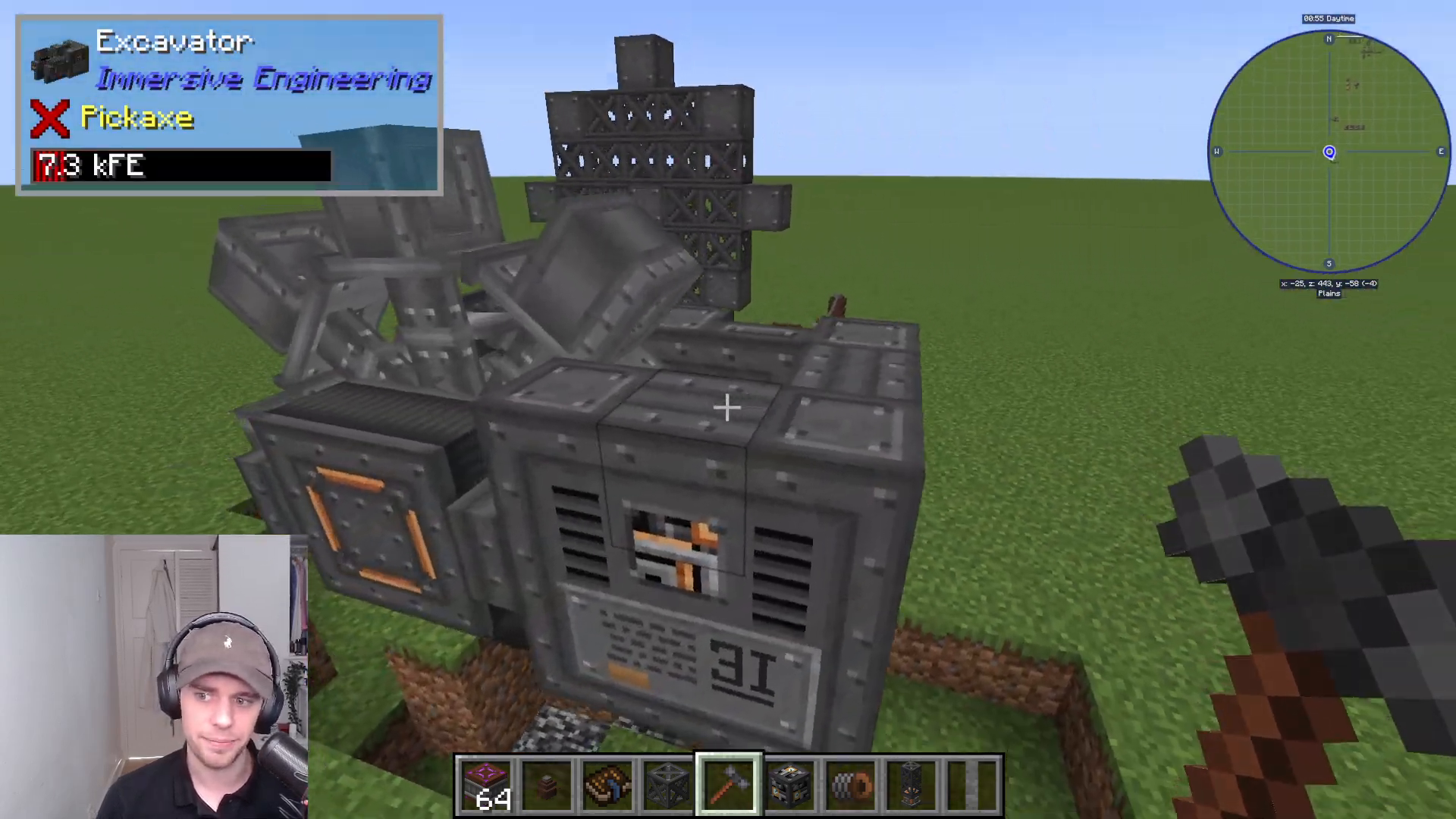
After your wheel is in place, construct the rest of the excavator around it using heavy engineering blocks, steel scaffolding, and sheet metal. Once the body is complete, right-click on the heavy engineering block at the back of the structure to activate the full excavator multi-block.
Locating Ore Veins with the Core Sample Drill
Understanding the Core Sample Drill
The excavator cannot automatically find ore veins for you. To locate mineable resources, you must craft and use a core sample drill. This device performs geological surveys to identify ore deposits in the world.
Operating the Core Sample Drill
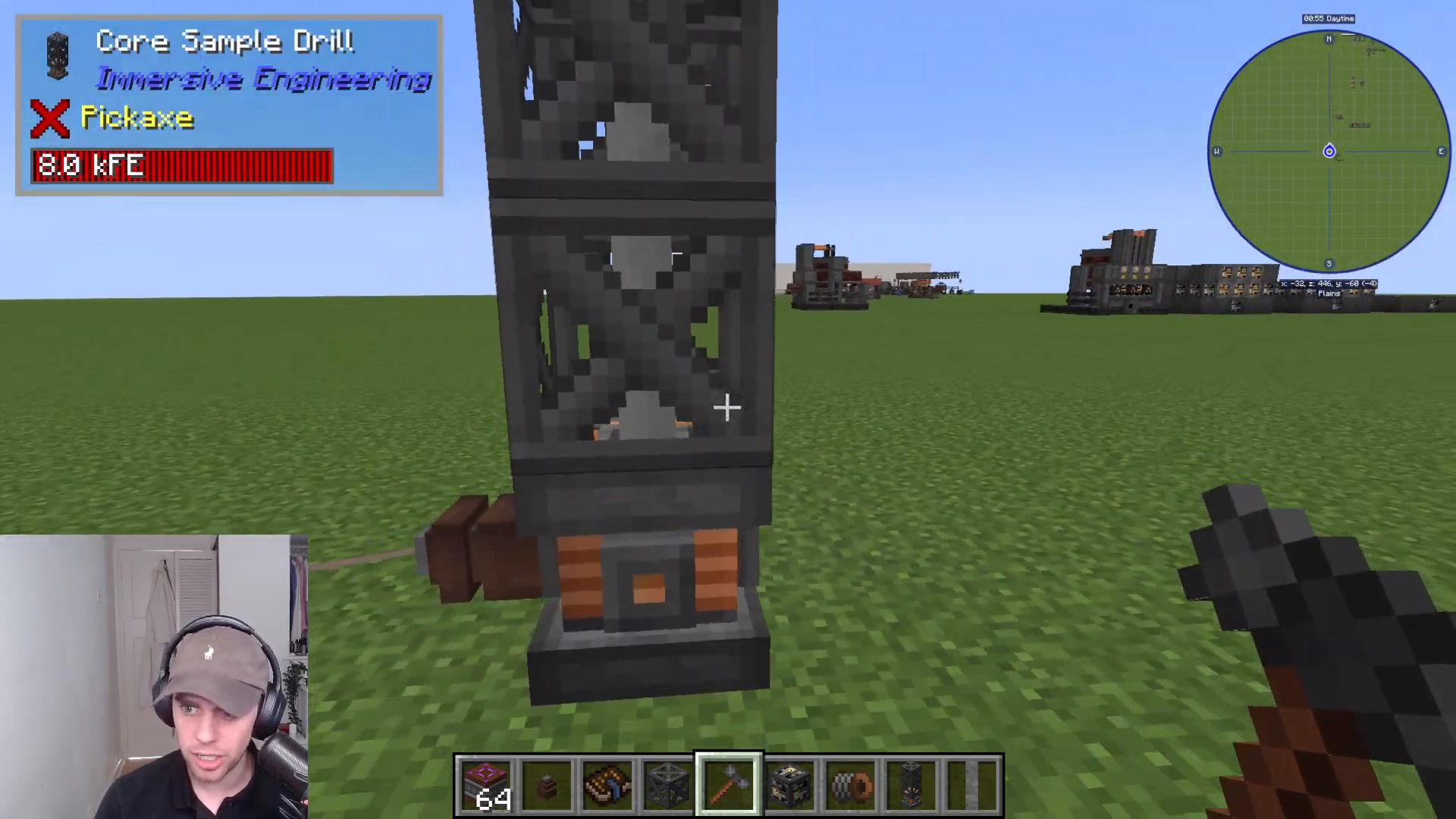
Place the core sample drill in the world and power it through one of the four small connection nodes on its structure. Right-click the drill to activate it. The drill will send a sample down into the ground and, when activated again, will return with a core sample.
Reading Core Sample Results
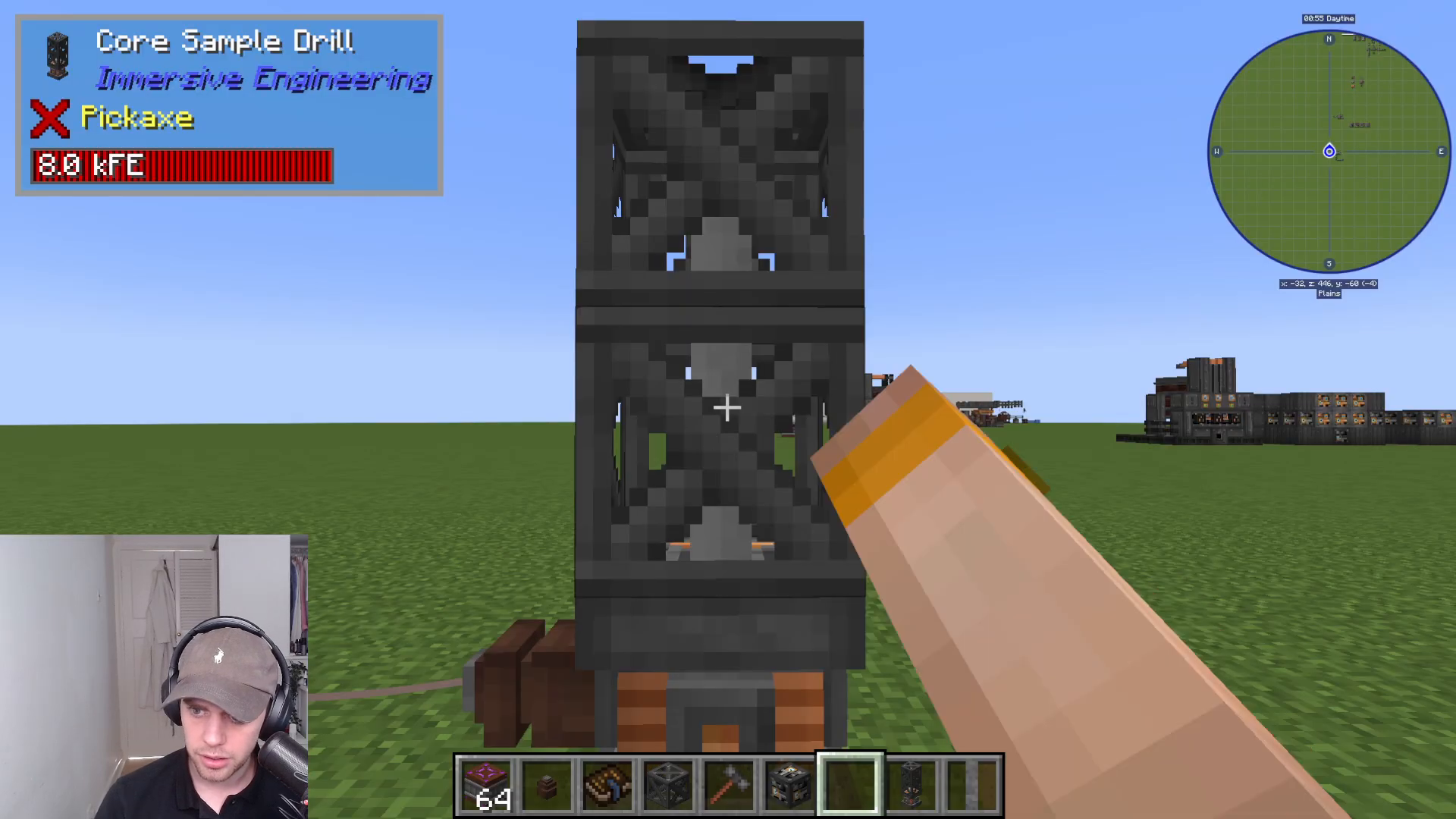
When you right-click the drill after it has completed its sampling cycle, you’ll receive a core sample item. Examine this item to see the results. The core sample will display important information including the mineral type found (if any), the location where the sample was taken, and the time of extraction. If the sample shows “no mineral,” you’ll need to relocate and try again in different chunks.
Setting Up and Operating the Excavator
Positioning Your Excavator
Once you’ve found a mineral vein using your core sample drill, position your excavator directly above that location. Each mineral vein contains approximately 38,000 ore blocks, which will be slowly depleted as the excavator operates.
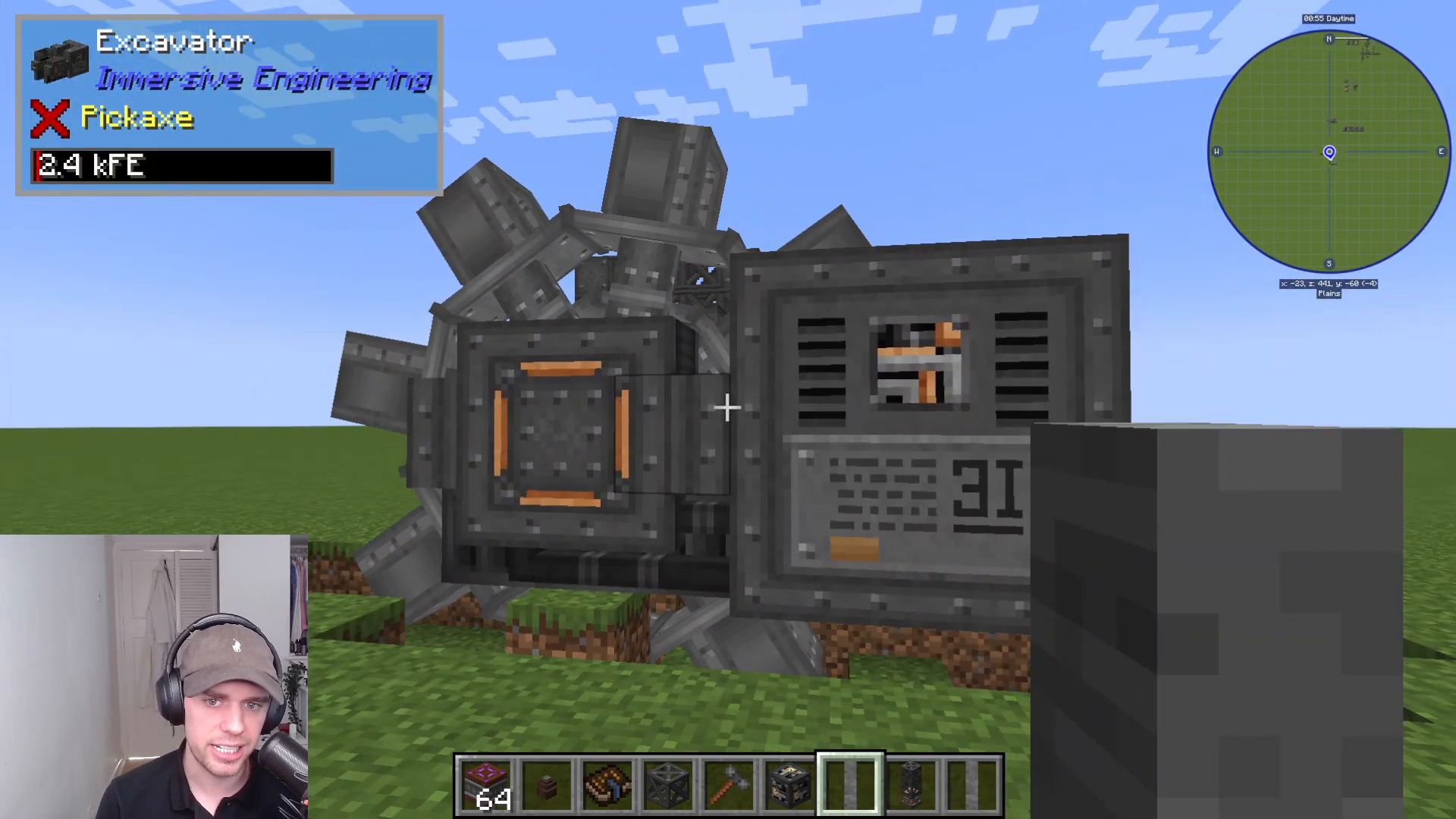
Connecting Output Pipes
The back section of the excavator is where you attach item pipes to collect the extracted ore. This is your primary output point for all mined materials.
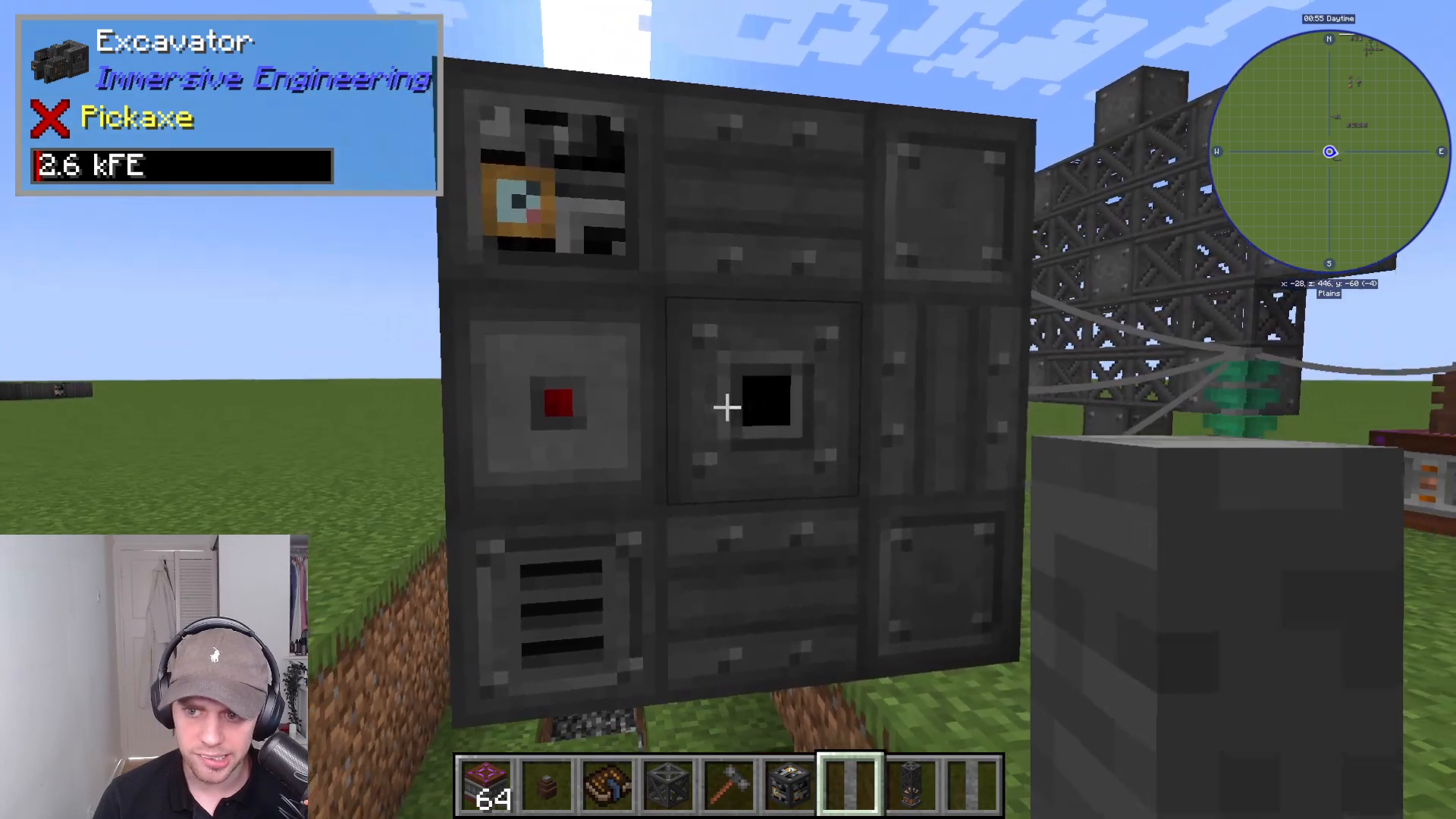
Adding Redstone Control
The red control section on your excavator allows you to turn the machine on and off using redstone signals. Connect redstone to this section to manage when your excavator operates.
Powering the Excavator
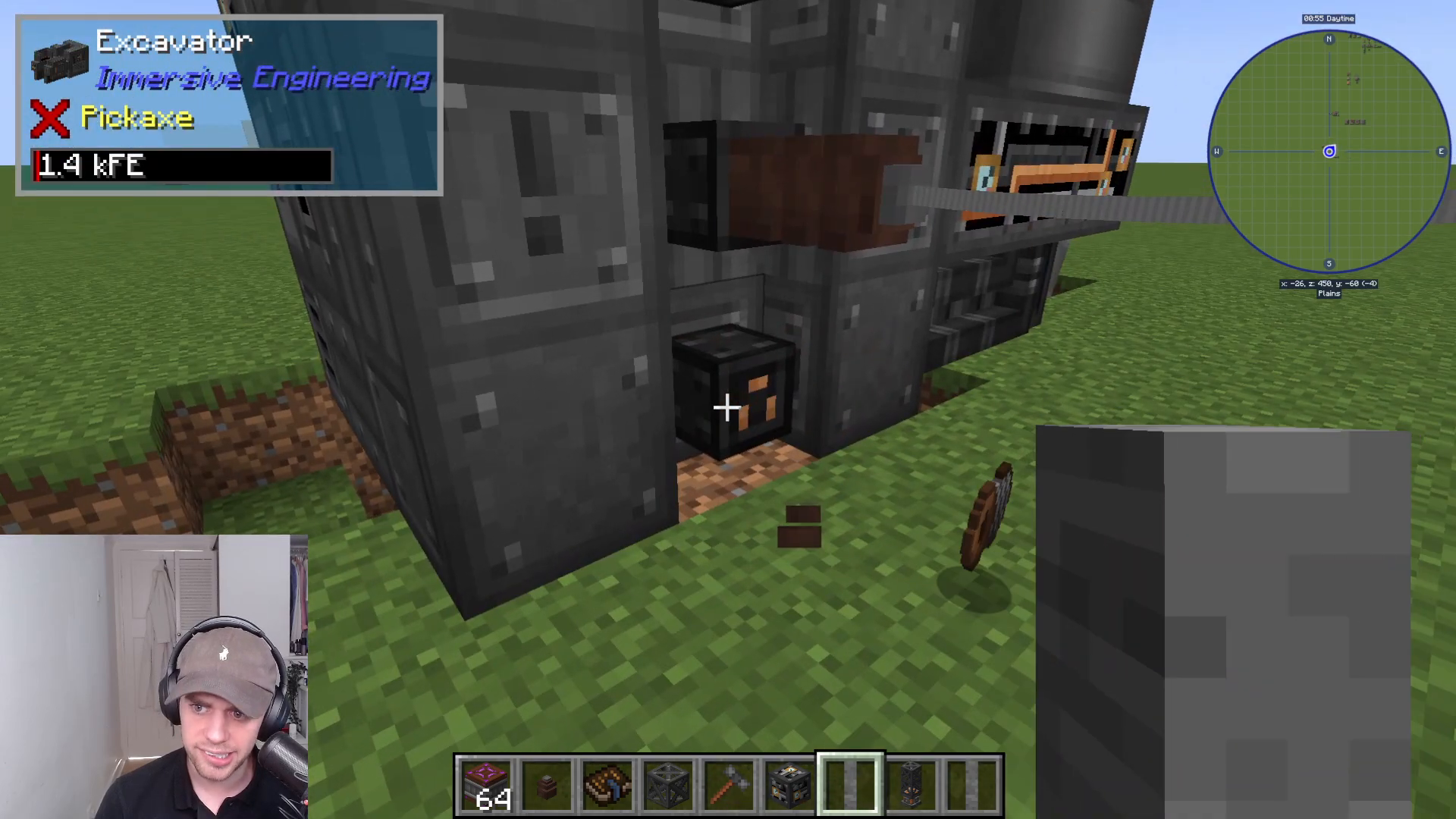
The excavator requires Immersive Engineering power to operate. You’ll find three power connection plugs on the machine where you can connect your HP (high-power) wire connectors. Simply attach your power cables to these plugs to supply energy to the excavator.
Summary
The ore excavator is a straightforward machine once you understand its components and operation. Build the wheel and excavator body, use a core sample drill to locate mineral veins, position your excavator above a vein, connect output pipes and power, and let it work. Despite its complex appearance, the excavator is an efficient and reliable method for extracting large quantities of ore from your Minecraft world using Immersive Engineering.
Learn More
For additional bite-sized tutorials on Immersive Engineering machines and an ultimate complete guide to the mod, check out our full video playlist dedicated to Immersive Engineering content.
Want to Support?
If you would like to help us continue making these guides – please consider joining our patreon here – https://www.patreon.com/c/JaviHeals
Alternatively – we host a group of MC Servers you can join here – https://discord.gg/zD7Gjt6MHF



