







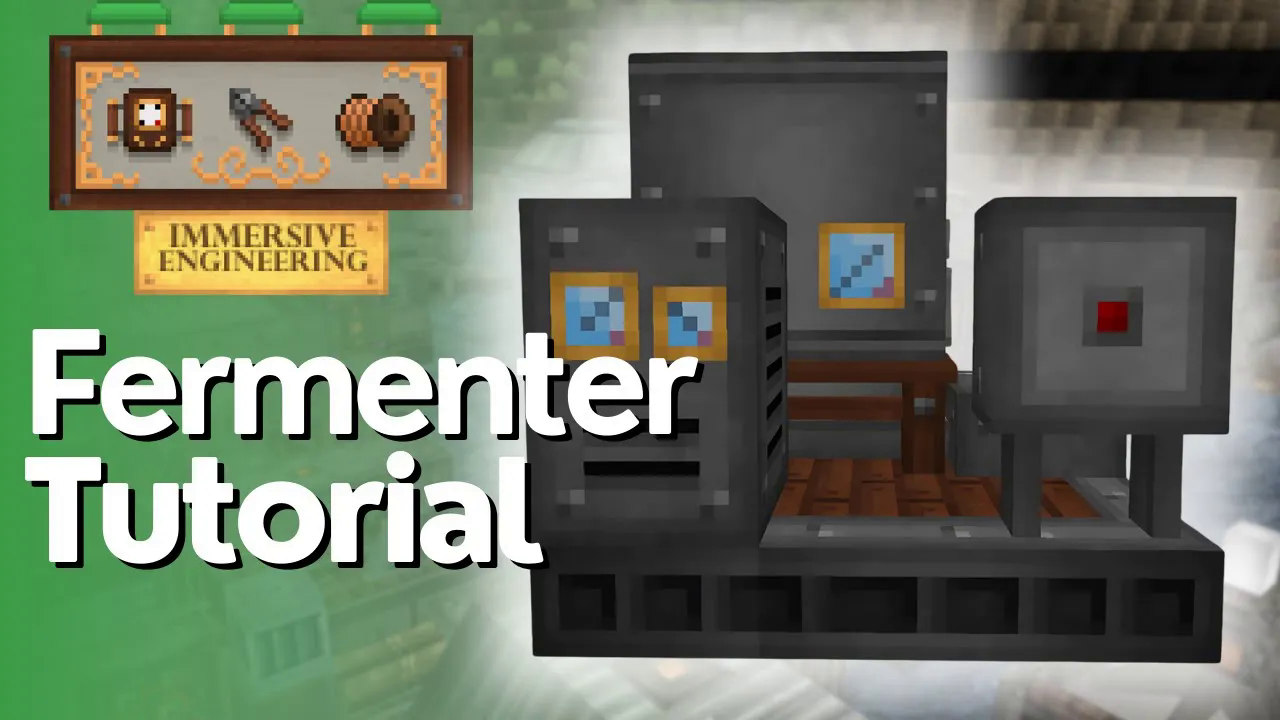
Fermenter Full Tutorial – Immersive Engineering
Fermenter Full Tutorial – Immersive Engineering
The Industrial Fermenter from Immersive Engineering is a powerful multiblock machine that allows you to convert organic materials into useful fluids. This comprehensive guide will walk you through building and operating the Fermenter, from initial construction to fluid extraction and item management.
Building the Fermenter Multiblock
To construct the Fermenter, you’ll need to assemble the following components in the correct order:
Base Layer
Start with Steel Scaffolding on the bottom layer. This serves as the foundation for the entire structure.
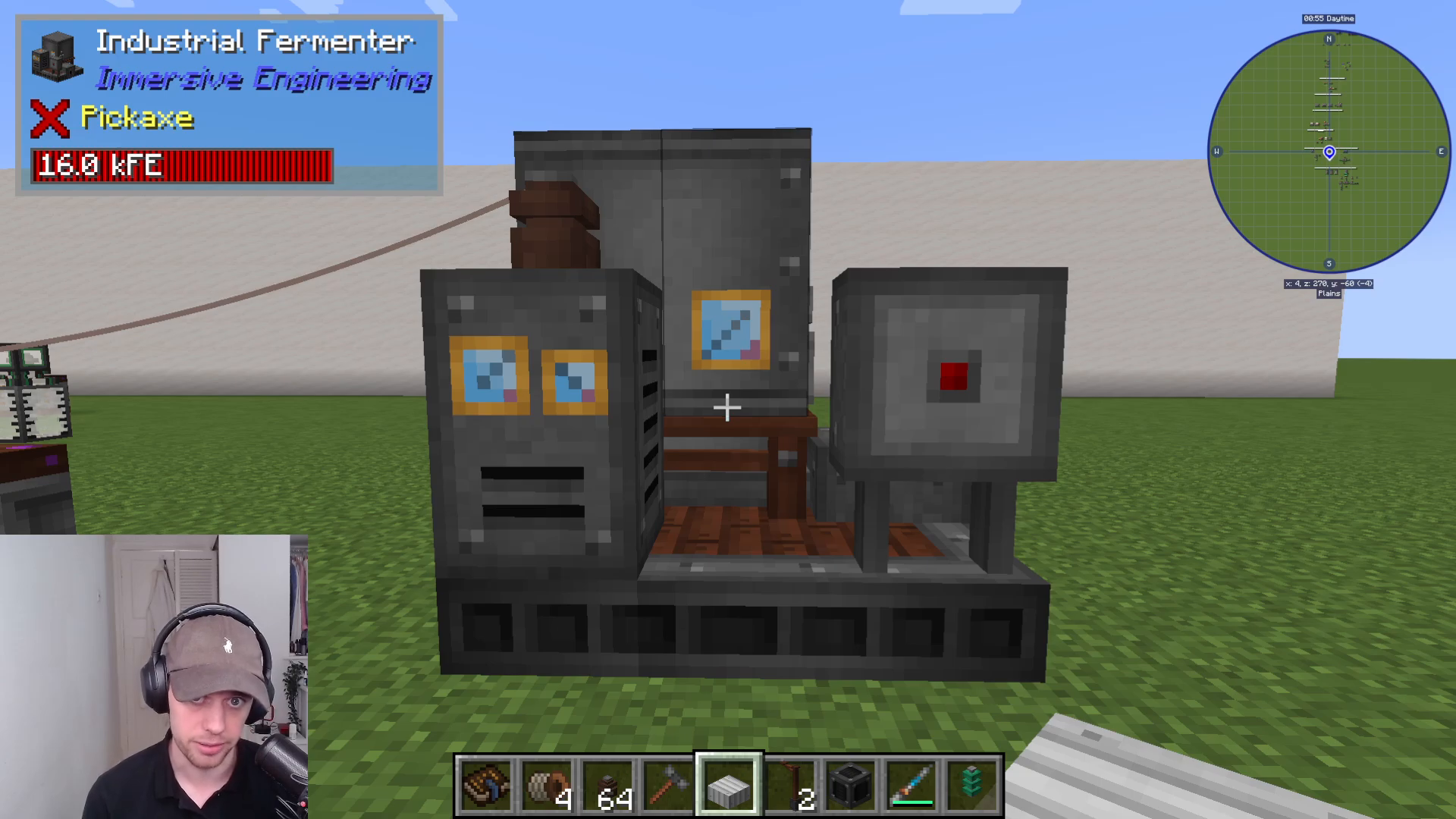
Middle Layers
Above the scaffolding, place Light Engineering Blocks to form the main body of the machine. In the center of this layer, you’ll install two Fluid Pipes.
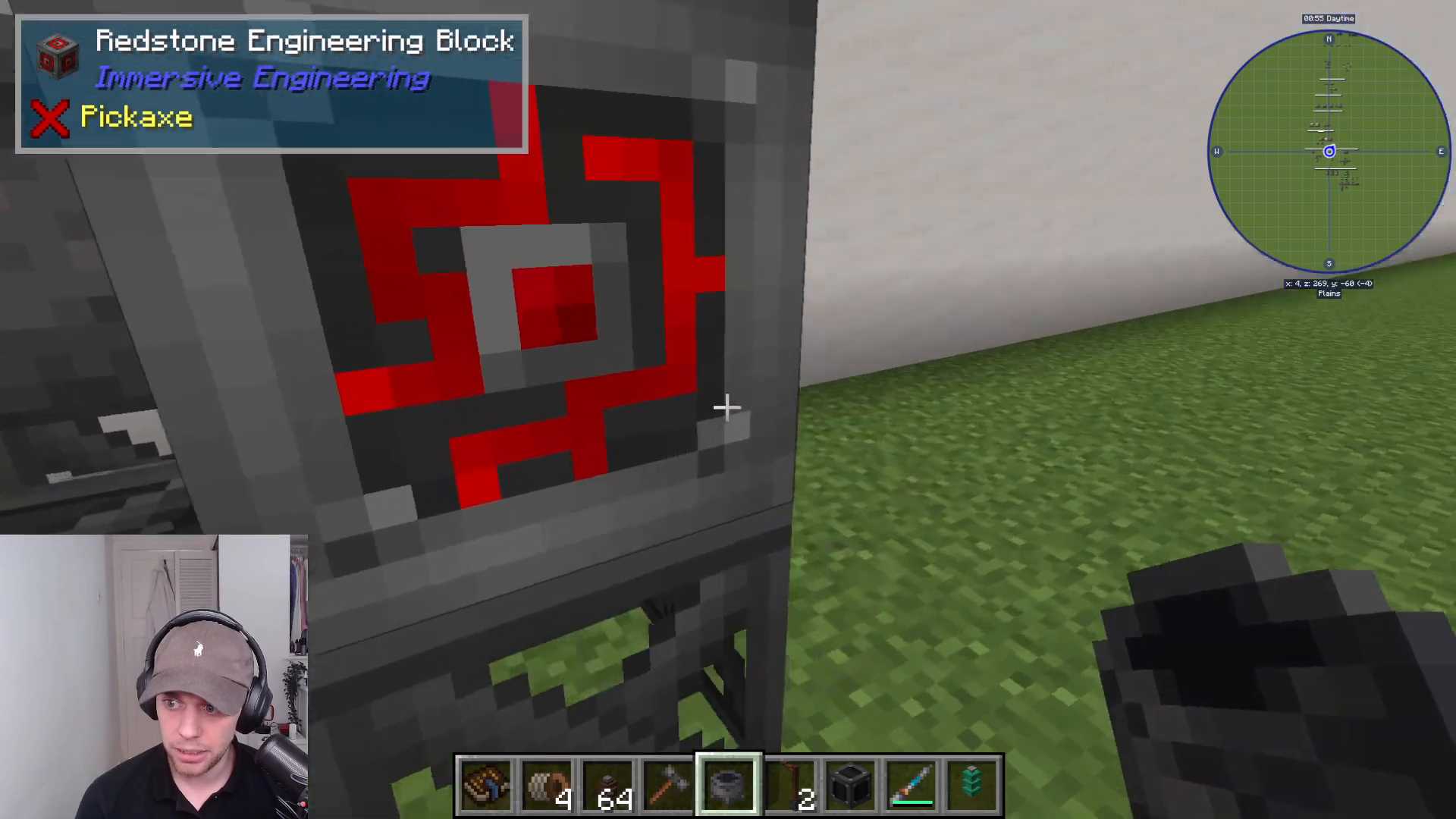
Top Layer
The top of the Fermenter consists of four Cauldrons arranged in a square pattern, with four Iron Sheet Metal blocks surrounding them.
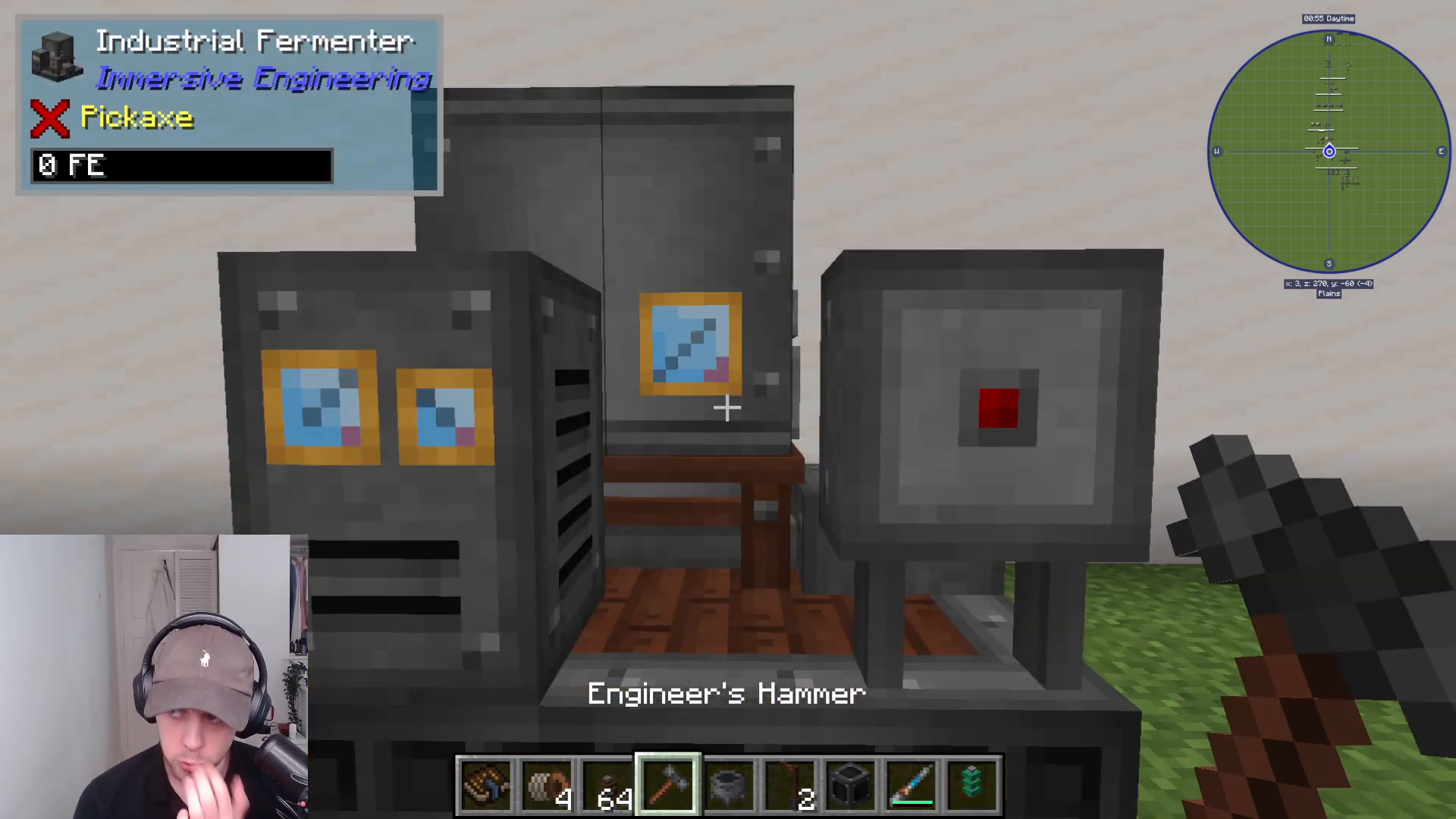
Activating the Multiblock
Once all components are in place, right-click on one of the Cauldrons to convert the structure into a functional Fermenter multiblock.
Power and Redstone Control
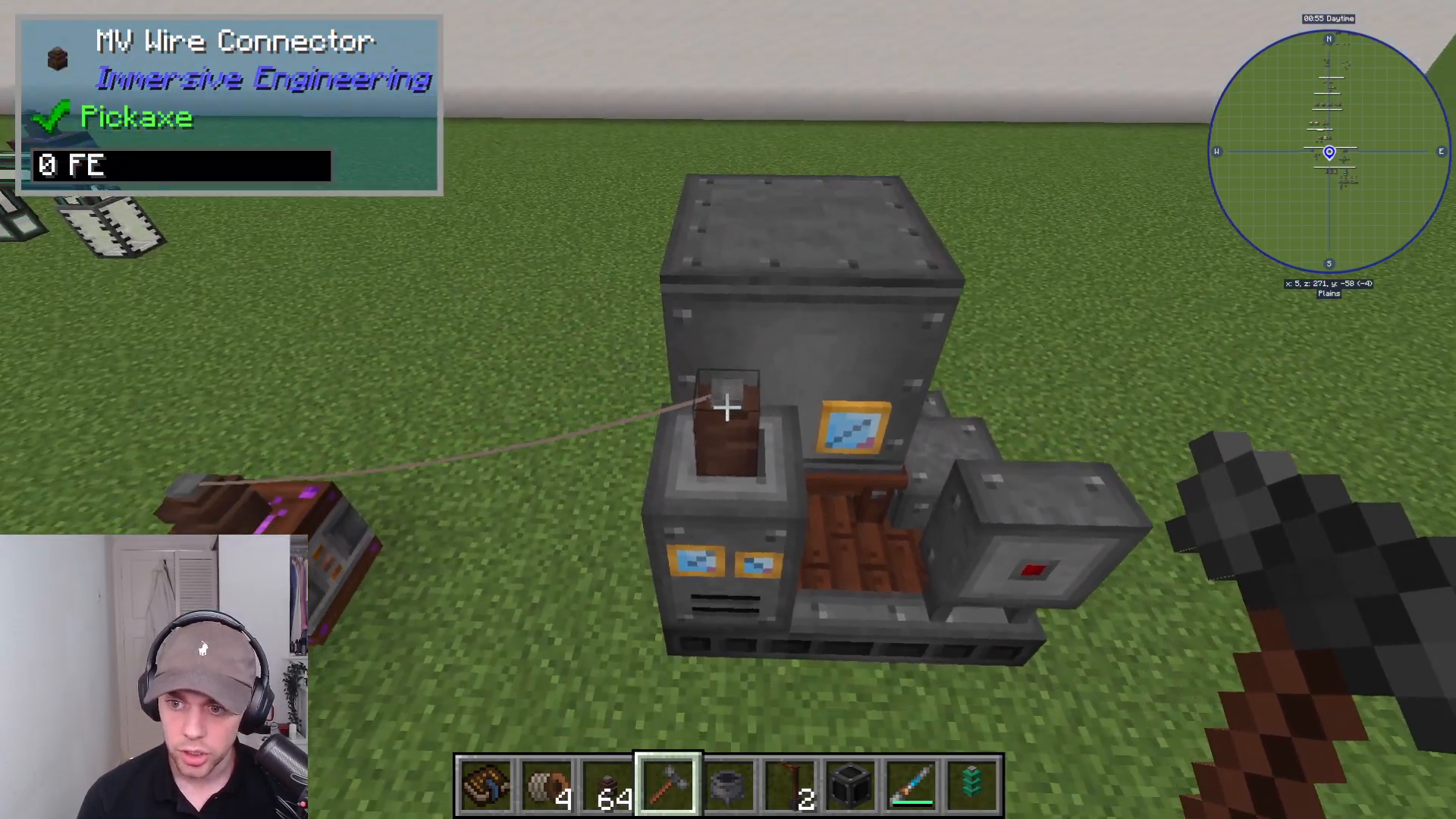
Power input is located on the top left section of the Fermenter. You can supply energy from any Immersive Engineering power source to this location.
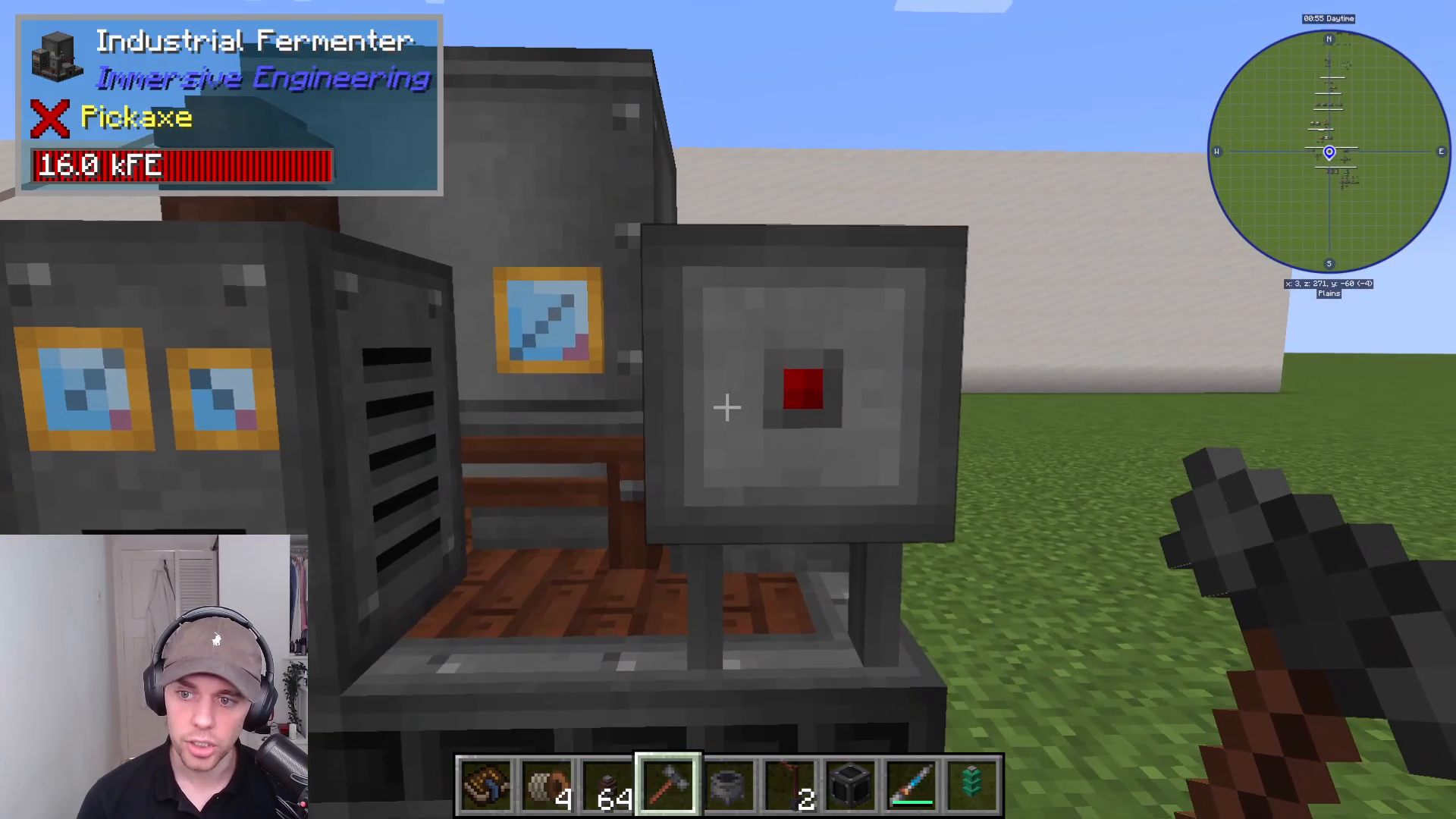
To control the machine with Redstone, place a Lever on the front of the Fermenter. This allows you to toggle the machine on and off using any Redstone signal.
Item and Fluid Management
Input Ports
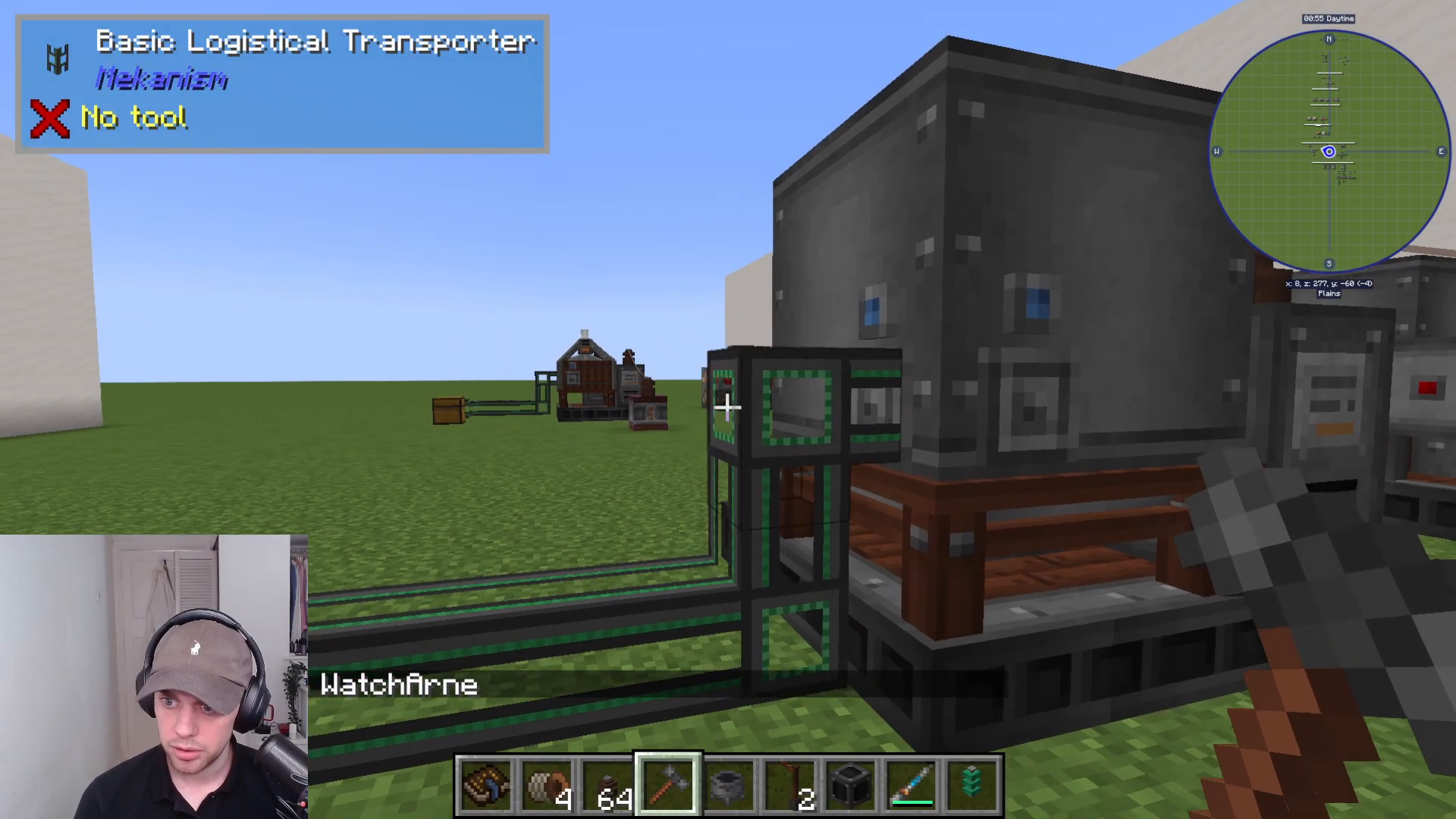
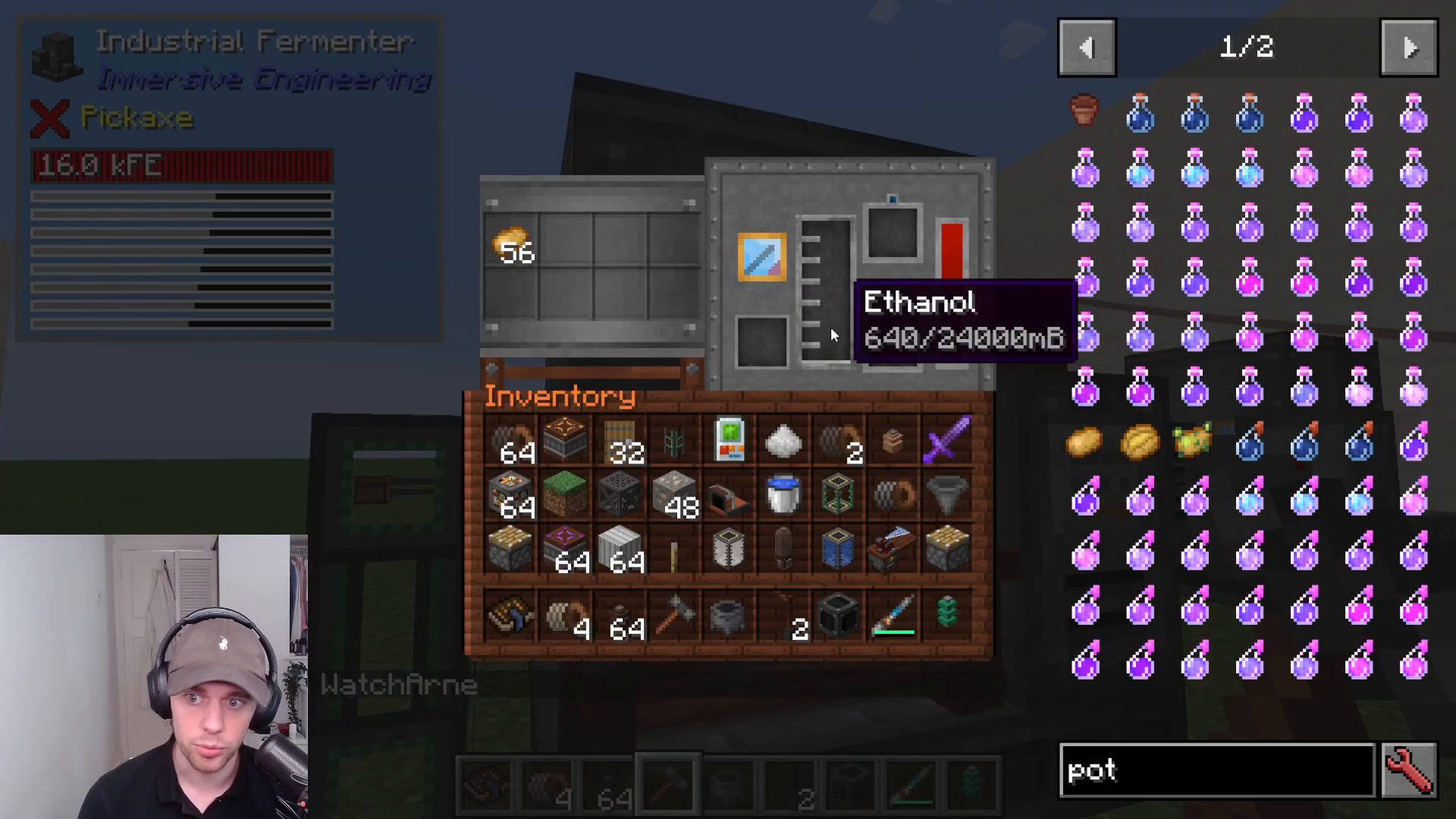
The Fermenter has two blue input slots where organic materials enter the machine. You can insert items manually or connect Item Pipes directly to these ports for automated input.
Output Ports
The Fermenter features multiple output locations:
Red Slot (Item Output): Any byproducts or item outputs from the fermentation process exit here. Connect Item Pipes to transport these items elsewhere.
Bottom Slot (Fluid Output): Finished fluids like E-Phenol exit through this port. Attach Fluid Pipes to direct the output to tanks or other machines.
Bucket Collection Method
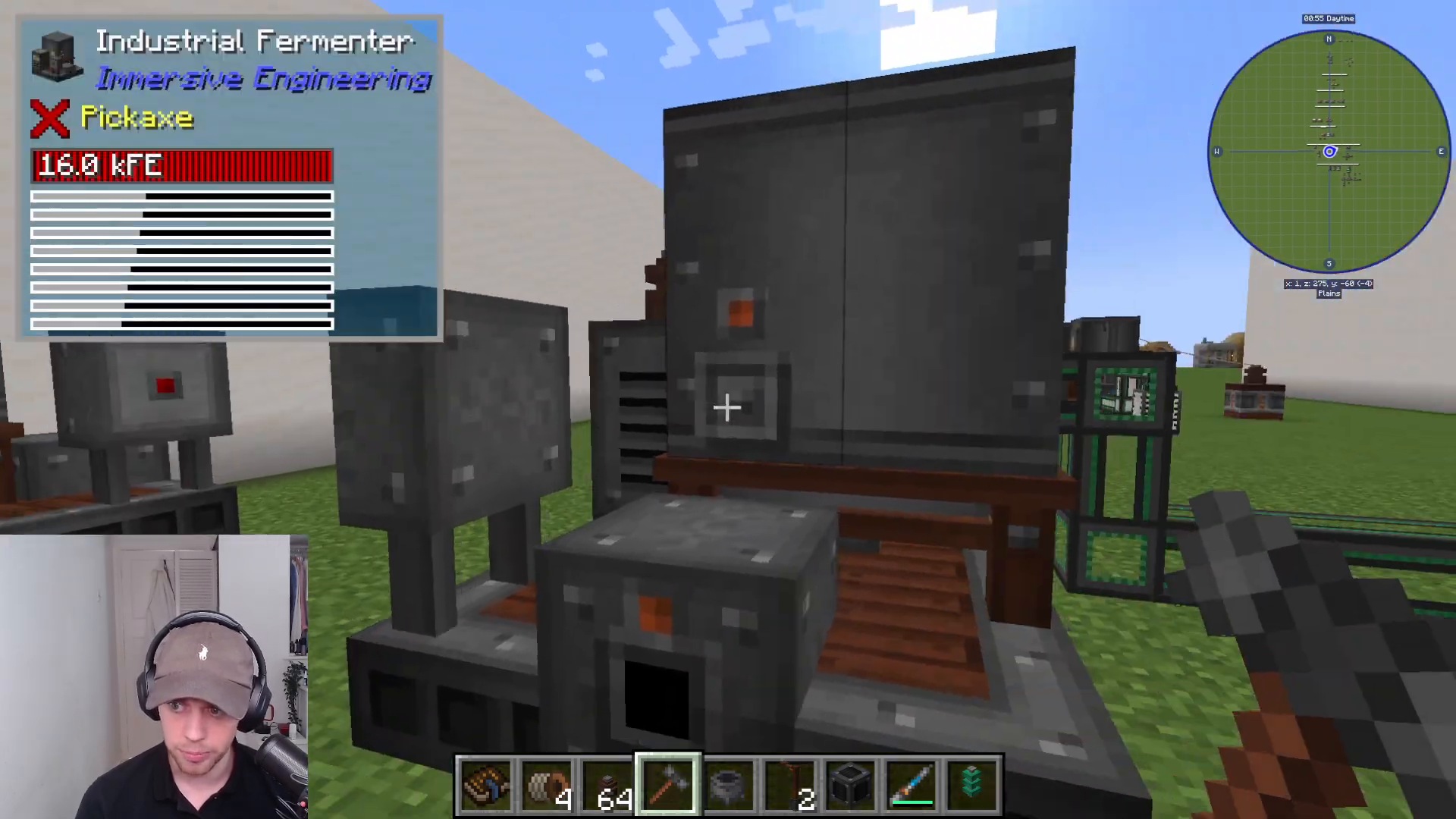
As an alternative to piping, you can manually collect fermented fluids using buckets. Place a bucket into the blue slot, and the Fermenter will fill it with E-Phenol or other fermented liquids. You can then remove the filled bucket from the output slot.
Practical Example: Fermenting Potatoes
To demonstrate the Fermenter in action, Potatoes can be fermented into E-Phenol. Simply insert potatoes into the two blue input ports (either manually or via Item Pipes), and the machine will begin the fermentation process, producing E-Phenol fluid as output.
If your chosen ingredient has an item byproduct, that byproduct will exit through the red item output slot while the primary fluid output (E-Phenol) flows from the bottom slot.
Summary
The Industrial Fermenter is an essential multiblock machine in Immersive Engineering for converting organic materials into valuable fluids. By following this guide, you can successfully construct, power, and operate the Fermenter to create E-Phenol and other fermented products. Whether you choose to automate your setup with pipes or collect fluids manually with buckets, the Fermenter offers flexibility in how you integrate it into your factory.
For tutorials on other Immersive Engineering multiblock machines, be sure to check out the complete playlist of guides available on this channel.
— Want to Support? —
If you would like to help us continue making these guides – please consider joining our patreon here – https://www.patreon.com/c/JaviHeals
Alternatively – we host a group of MC Servers you can join here – https://discord.gg/zD7Gjt6MHF



