The Ultimate Guide to ForceCraft
The Ultimate ForceCraft Mod Guide: Everything You Need to Know
ForceCraft is a comprehensive Minecraft mod that adds a deep progression system built around Force Ore, Force Gems, and a tiered infusion mechanic. If you’ve heard of DartCraft before, this is the same mod — simply recoded for newer Minecraft versions. This guide walks you through absolutely everything, from mining your first Force Ore to unlocking all seven infusion tiers and crafting every major item the mod has to offer.
Getting Started: Force Ore, Gems, and Ingots
The very first thing you need to do is head underground and mine Force Ore. This is the foundational resource that powers the entire mod. Once you have it, smelt it in a furnace to produce Force Gems.
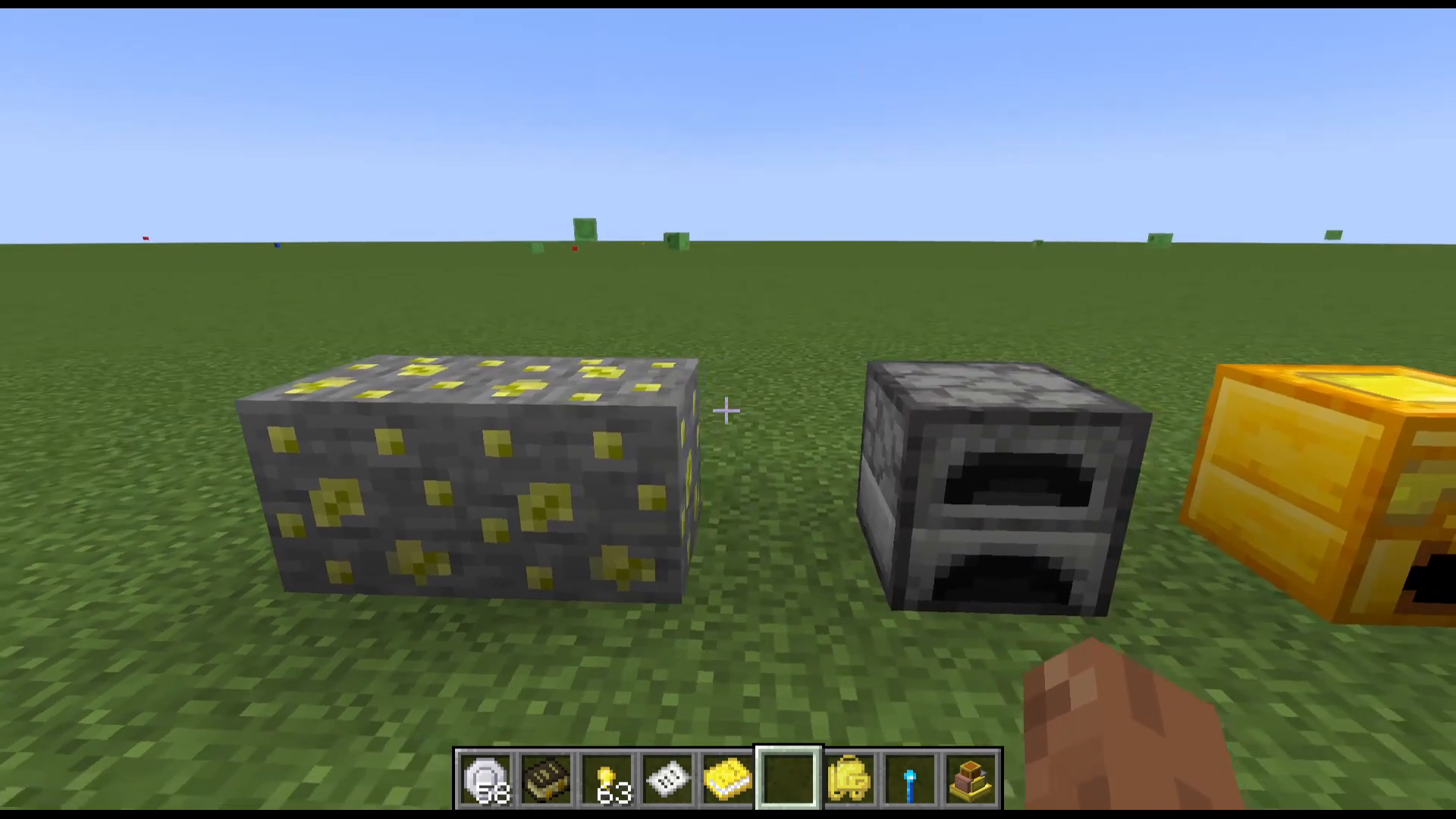
Force Gems can then be combined with Iron Ingots in a furnace to produce two Force Ingots. If you substitute Gold Ingots instead of Iron, you’ll get three Force Ingots from the same recipe — a worthwhile trade when you can afford it.
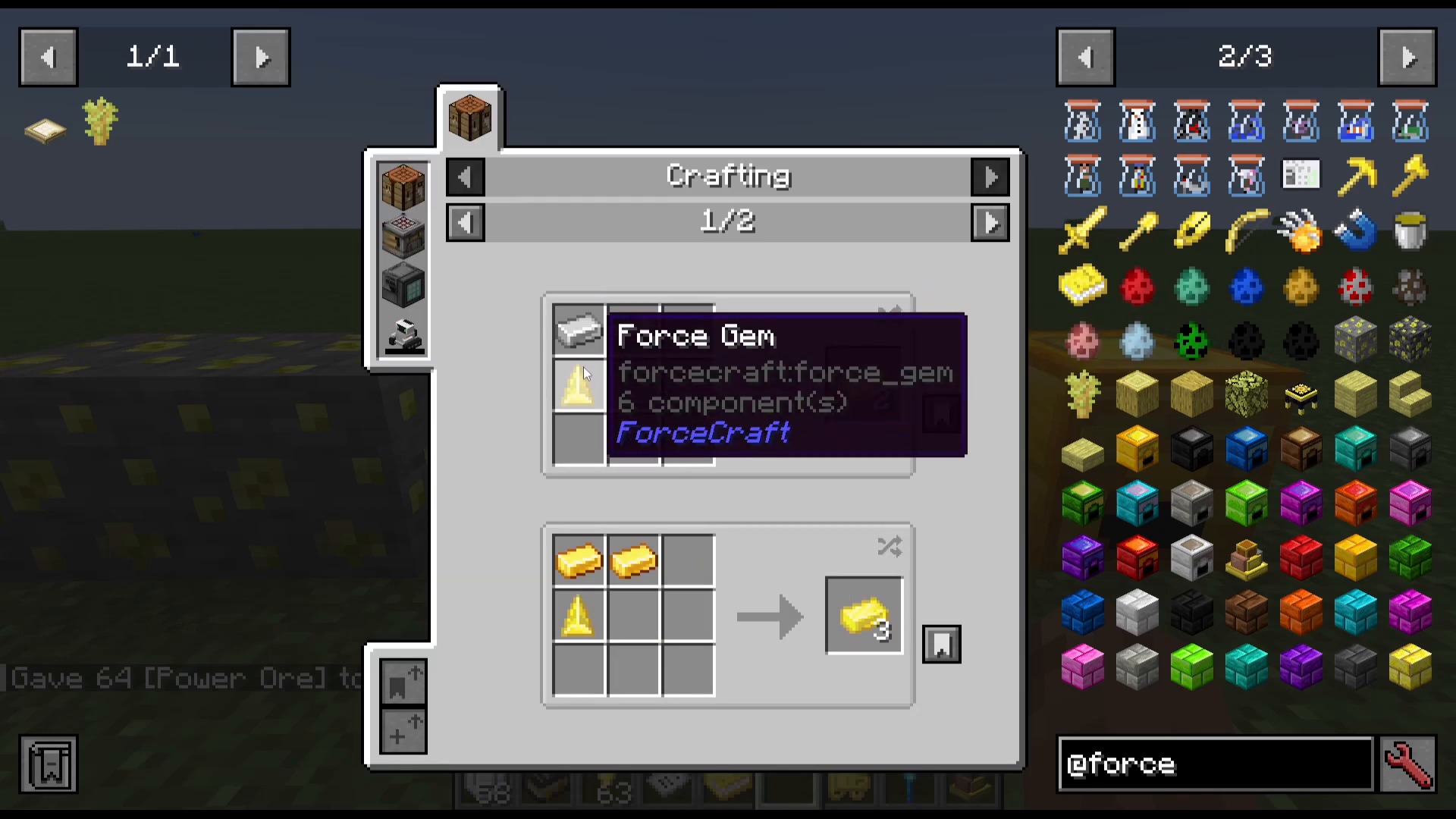
With your Force Gems you can also craft a few early utility items:
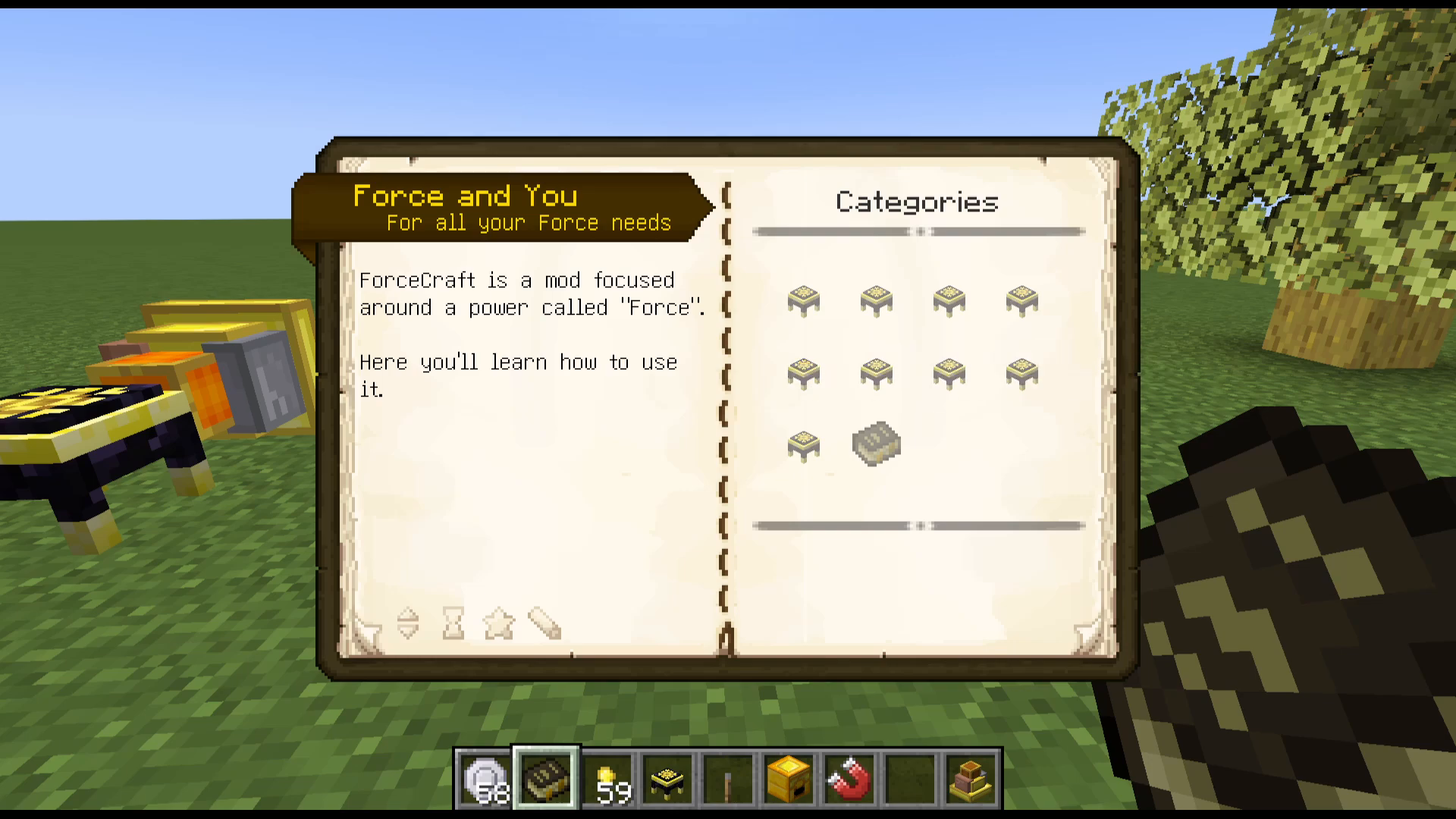
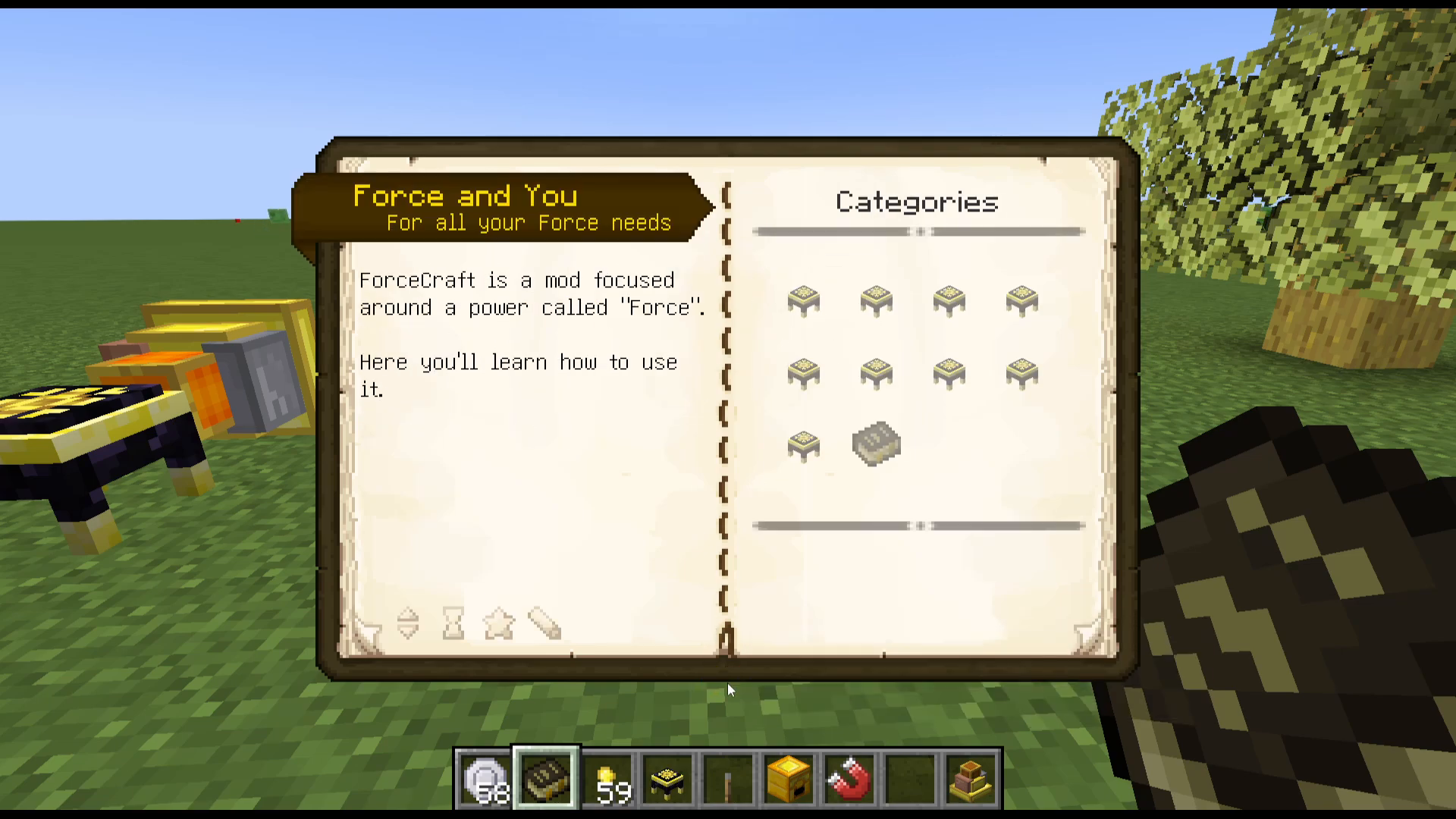
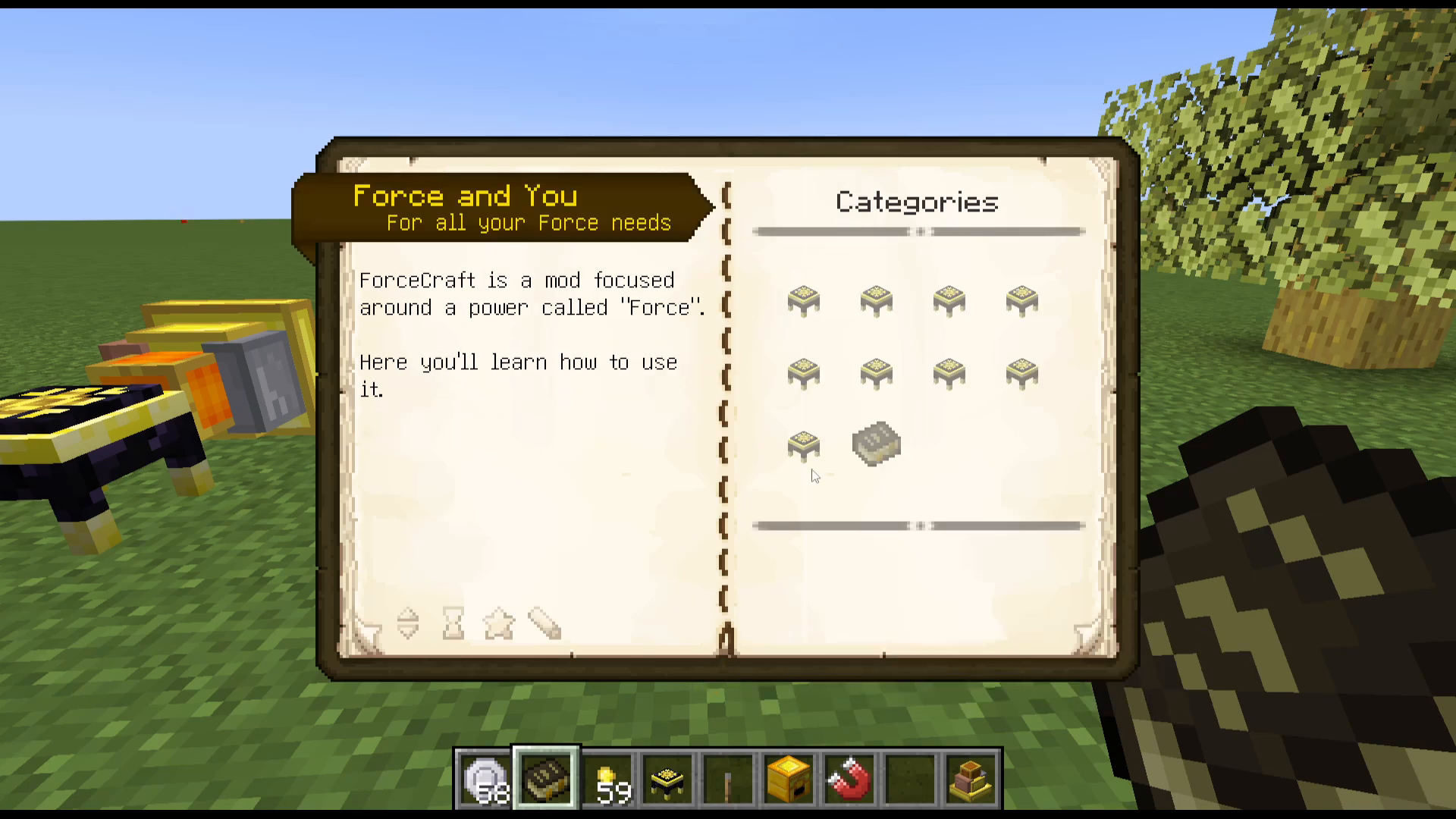
Combine a Force Gem with a Book to craft the Force and You Guide — your in-game reference manual for the mod.
Craft Force Bricks for decoration if you like the aesthetic.
The Force Furnace
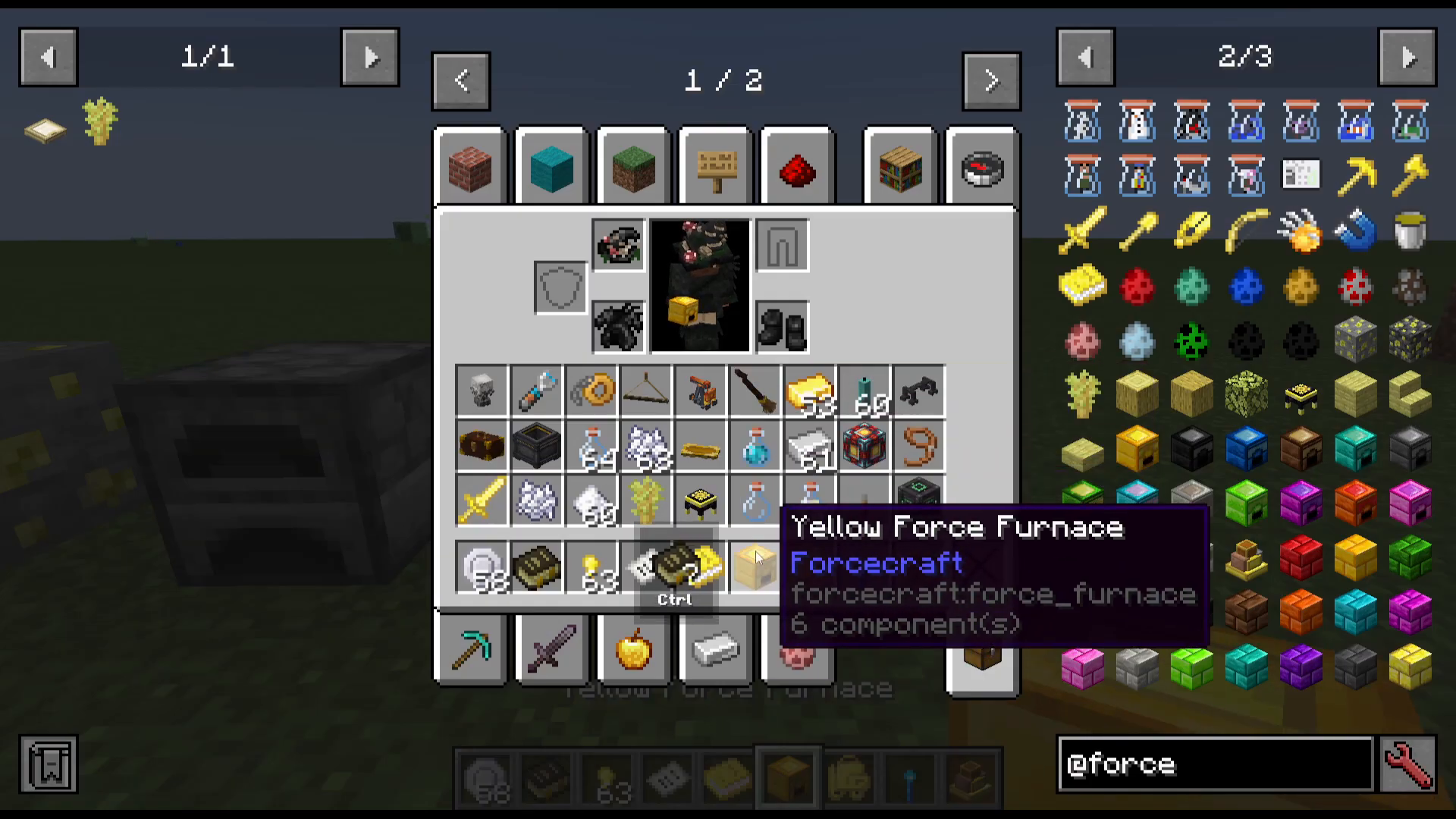
Using a few Force Ingots you can craft a Force Furnace. This functions just like a normal furnace but smelts at twice the speed. It can also be dyed any color you like for a personal touch.
The Force Furnace has a dedicated upgrade slot on its interface. This slot accepts special upgrade cores — such as the Experience Core, Freezing Core, and others — which are unlocked at higher infusion tiers. Be careful: if you shift-click an upgrade core out of the slot, the item will be permanently voided and cannot be recovered.
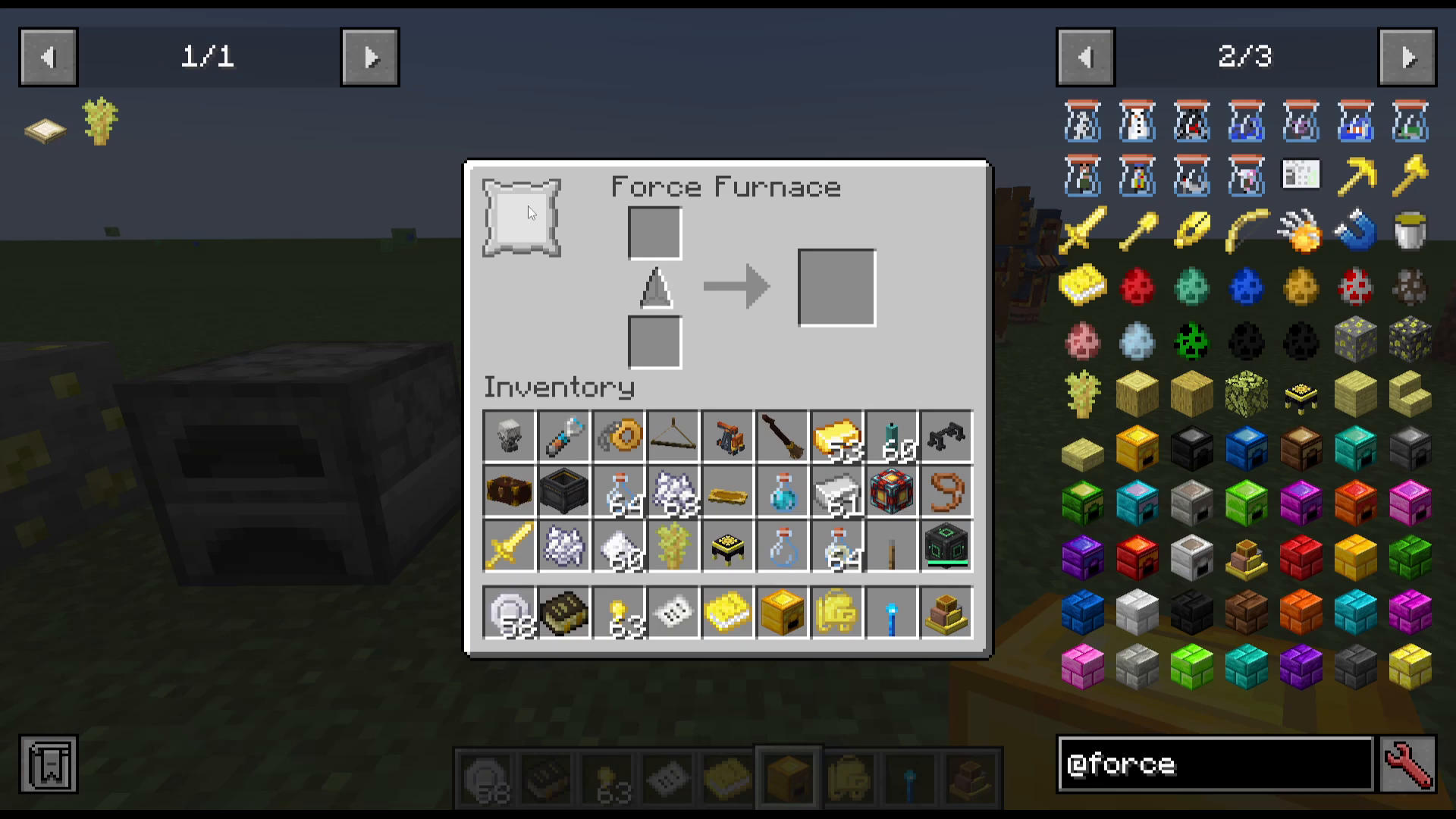
Here is a summary of the upgrade cores and what they do when installed in the Force Furnace:
Speed Core — Increases furnace speed fivefold.
Heat Core — Doubles furnace efficiency (smelt twice as much per unit of fuel).
Grinding Core — Switches the furnace to grinding mode, enabling grinding recipes (e.g., one Bone into five Bone Meal).
Freezing Core — Switches the furnace to freezer mode for freezing recipes (e.g., a Blaze Rod into a Bone).
Experience Core — Doubles the experience obtained from smelting.
The Force Rod
Crafting the Basic Force Rod
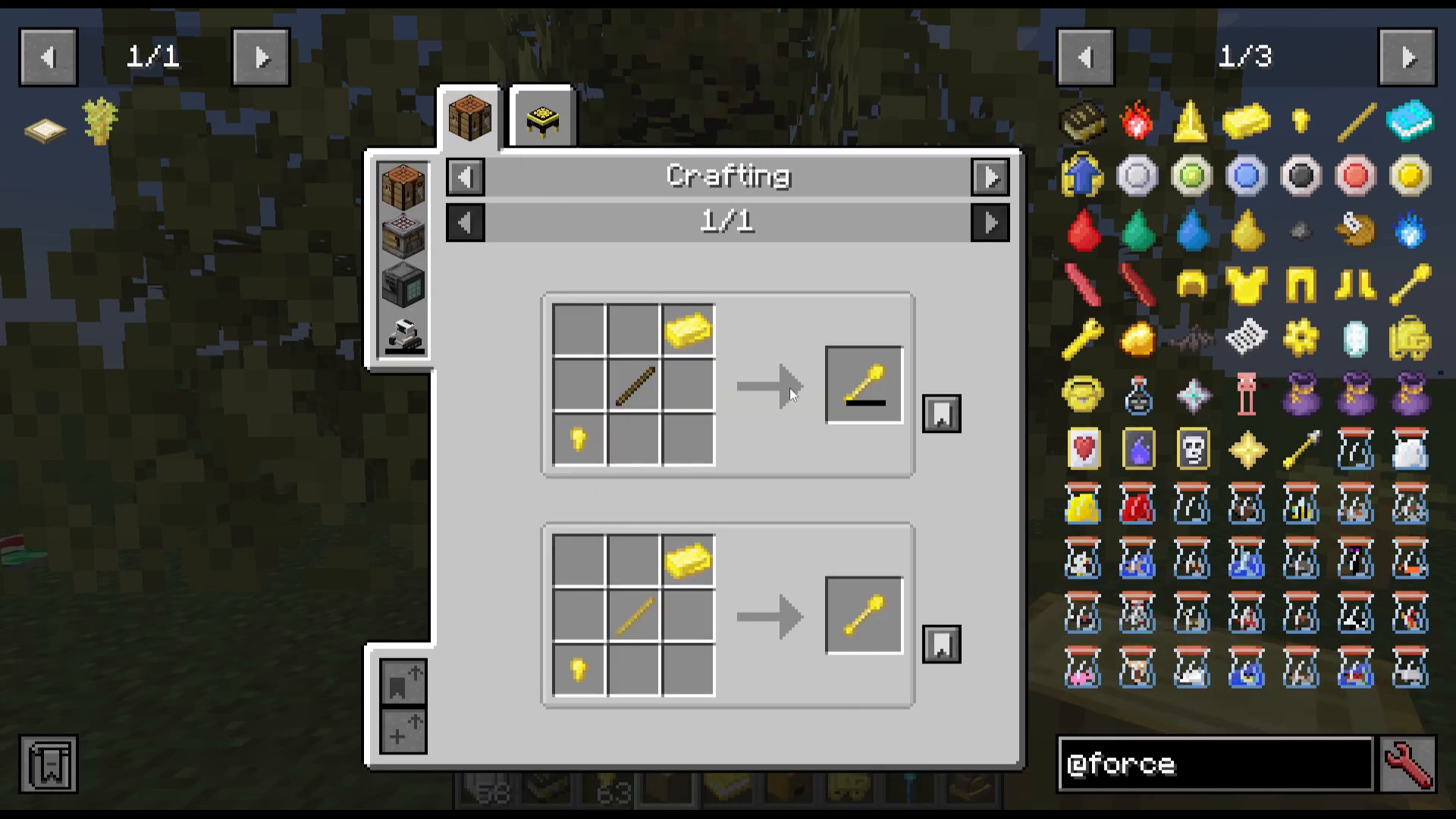
The Force Rod is one of the most important tools in the mod. The basic version is crafted from a Force Nugget (obtained by converting a Force Ingot), a Force Ingot, and a Stick. Note that this starting version has only two durability.
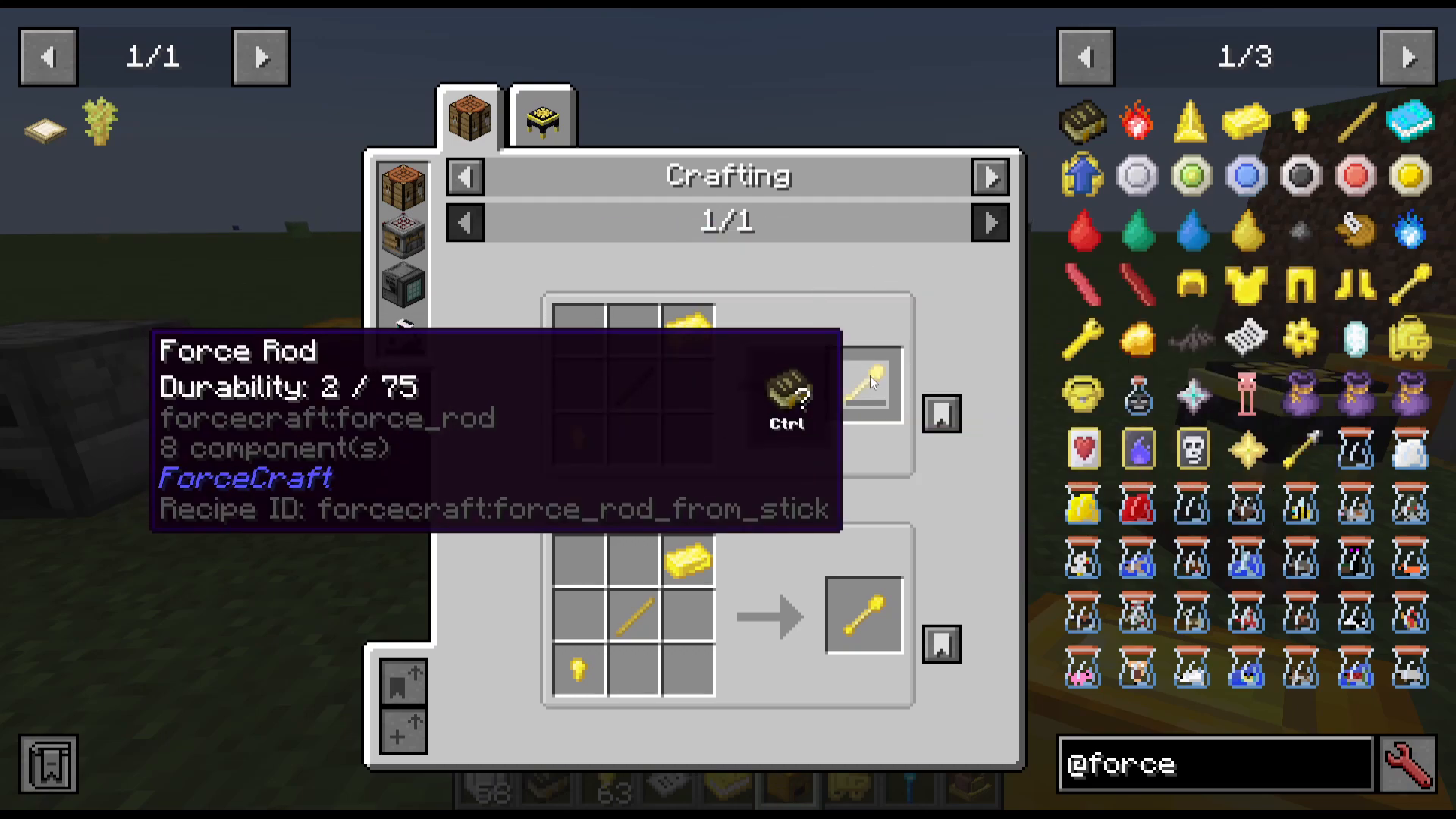
What the Force Rod Does: Transmutation
The Force Rod is used to transmute items directly from your inventory. Here are some examples of what you can transmute:
Diamond Shovel → Diamond
Bow → String
Mutton → Chicken
Horse Armor → Iron Ingots
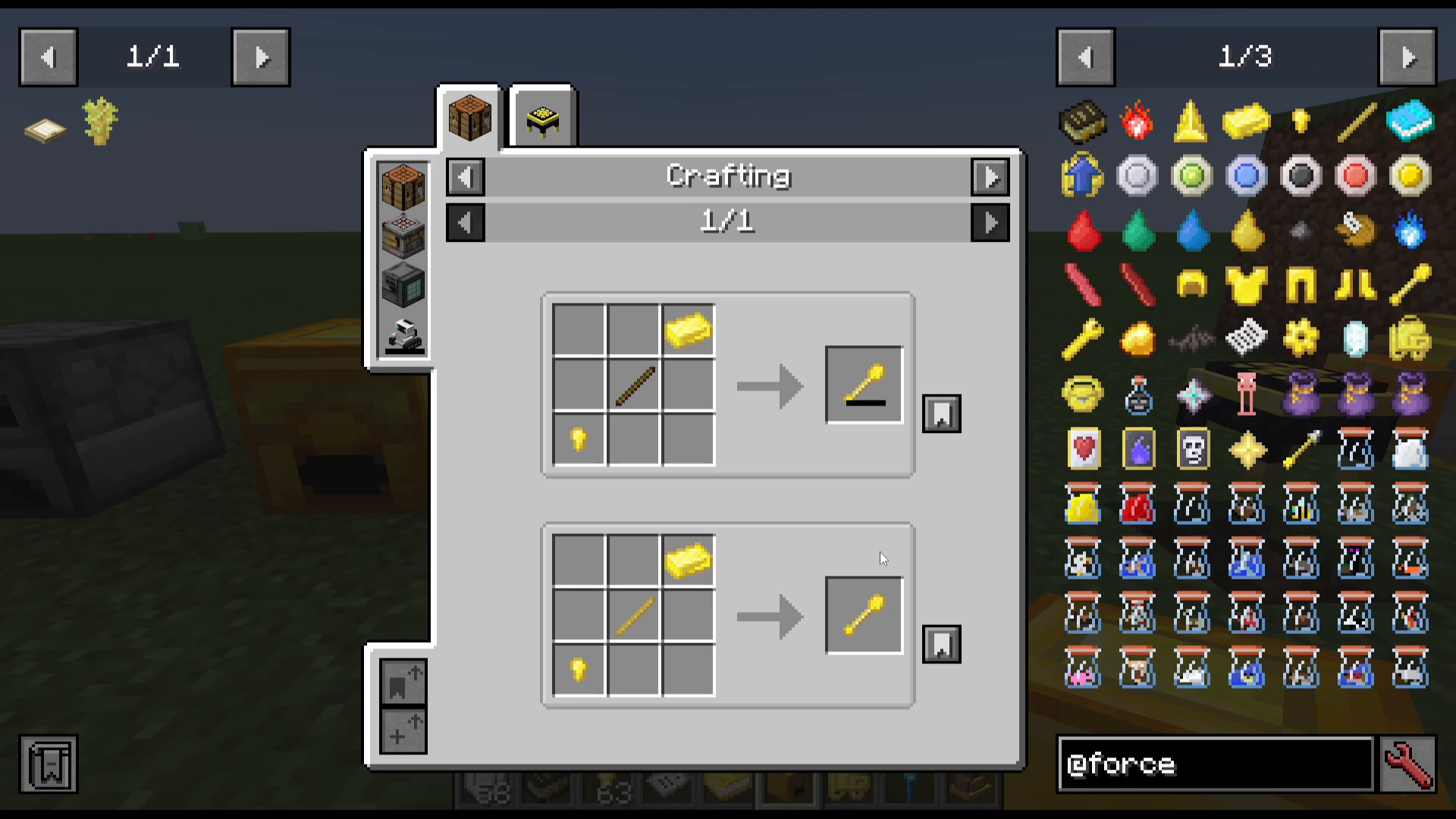
Crafting the Full-Durability Force Rod
To craft a full-durability Force Rod, you first need Force Sticks, which require working through the following chain:
Use a two-durability Force Rod on a Sapling in your crafting grid to create a Force Sapling.
Plant the Force Sapling and let it grow into a Force Tree.
Chop the tree down to collect Force Logs.
Place four Force Logs in your inventory crafting grid to get three Force Wood.
Place one Force Wood in your inventory crafting grid to get four Force Planks.
Arrange two Force Planks diagonally to get four Force Sticks.
Combine a Force Ingot, a Force Stick, and a Force Nugget to craft the full-durability Force Rod.
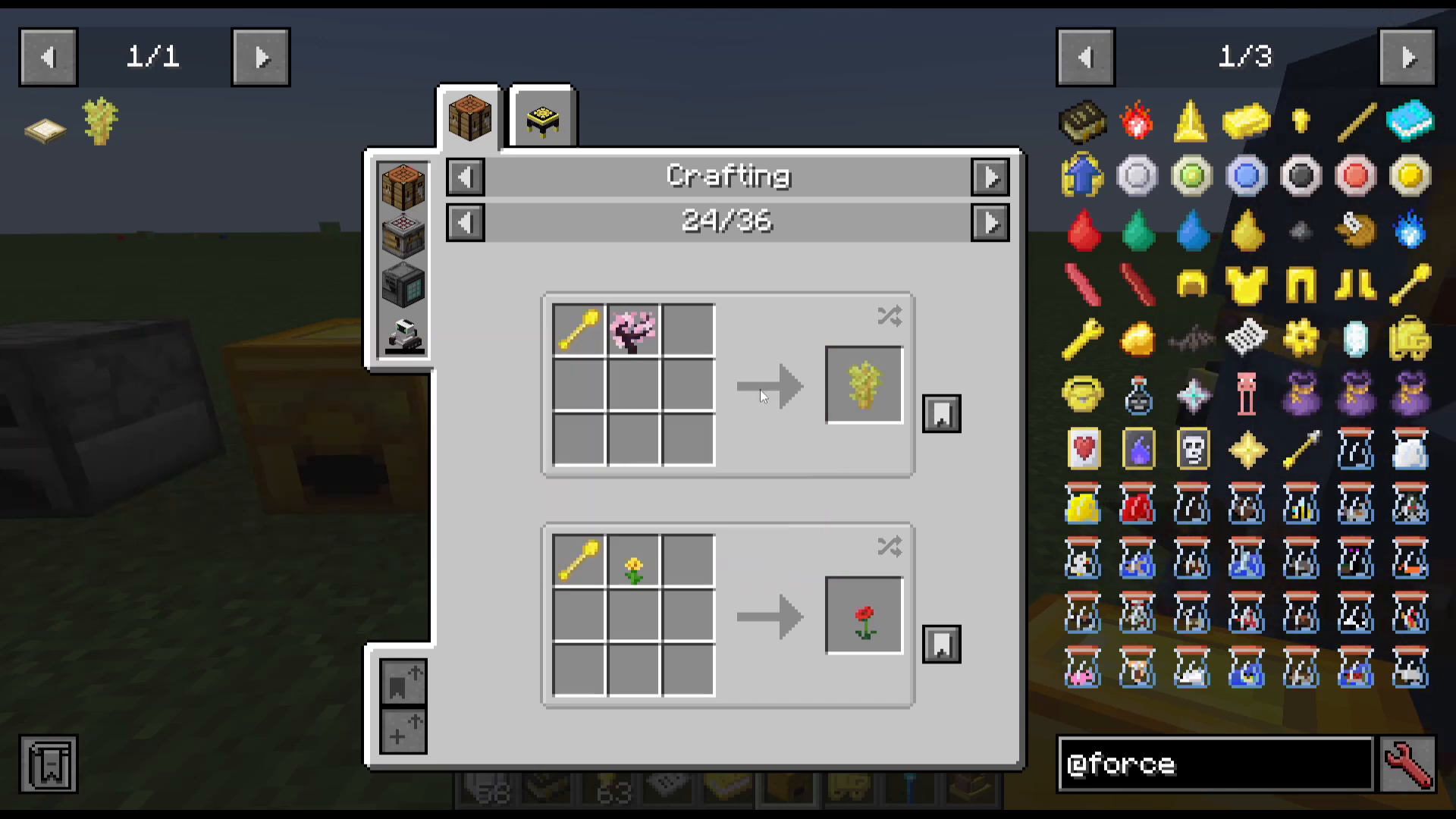
The Force Infuser
Crafting and Placing the Infuser
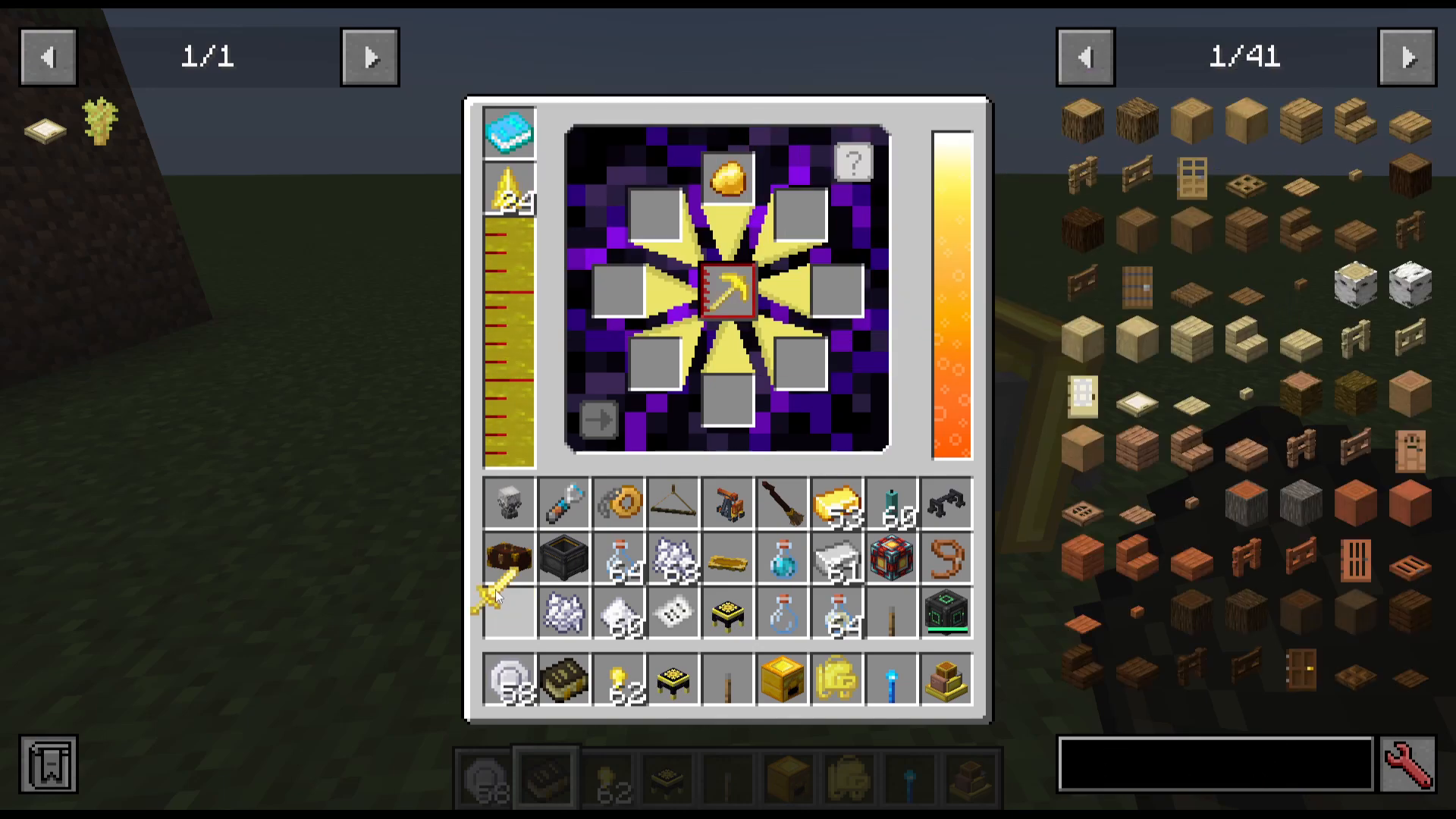
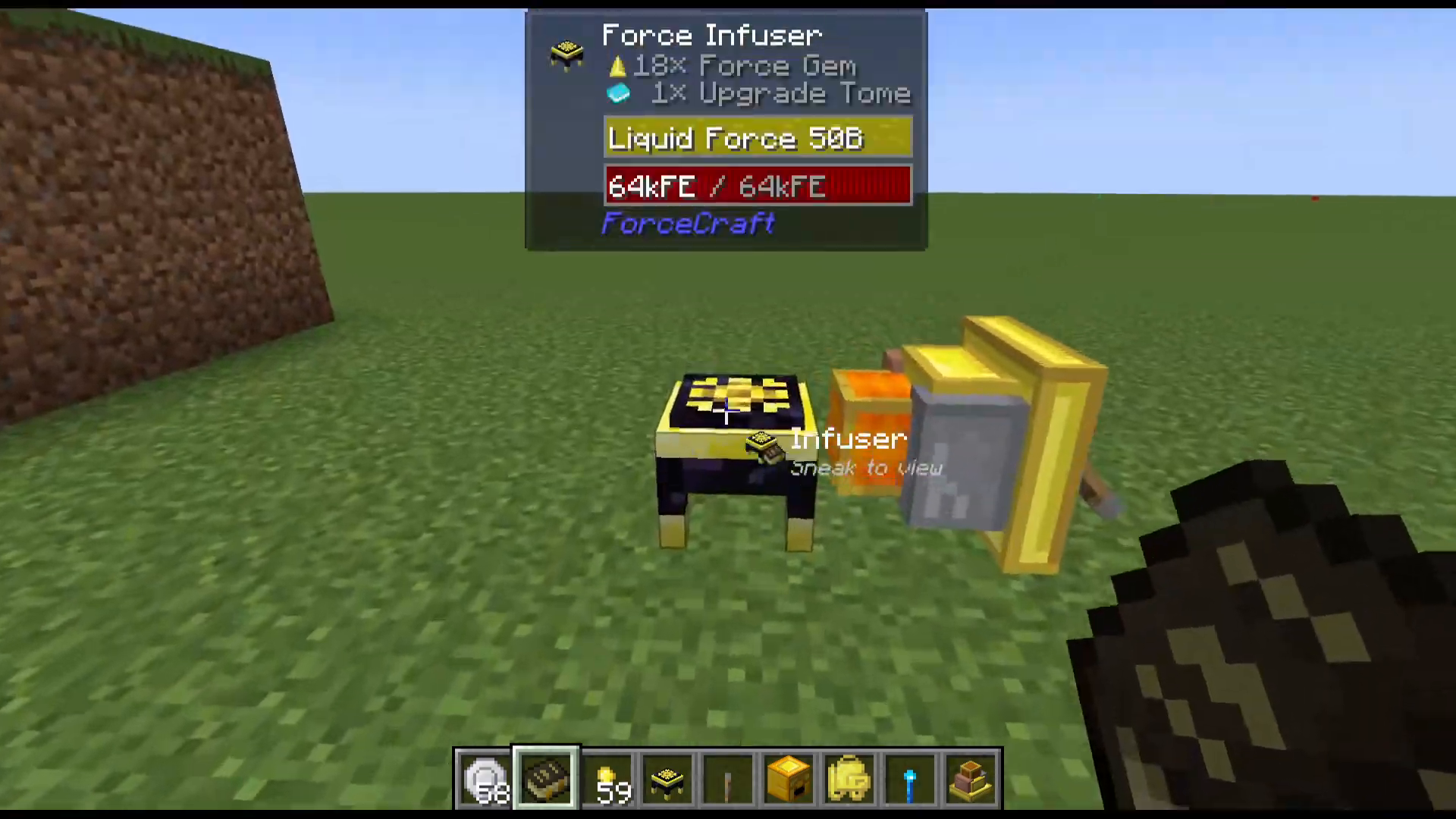
The Force Infuser is the heart of the ForceCraft progression system. To craft it, use your Force Rod on an Enchanting Table in the crafting grid. Place the Force Infuser down and right-click to open its interface.
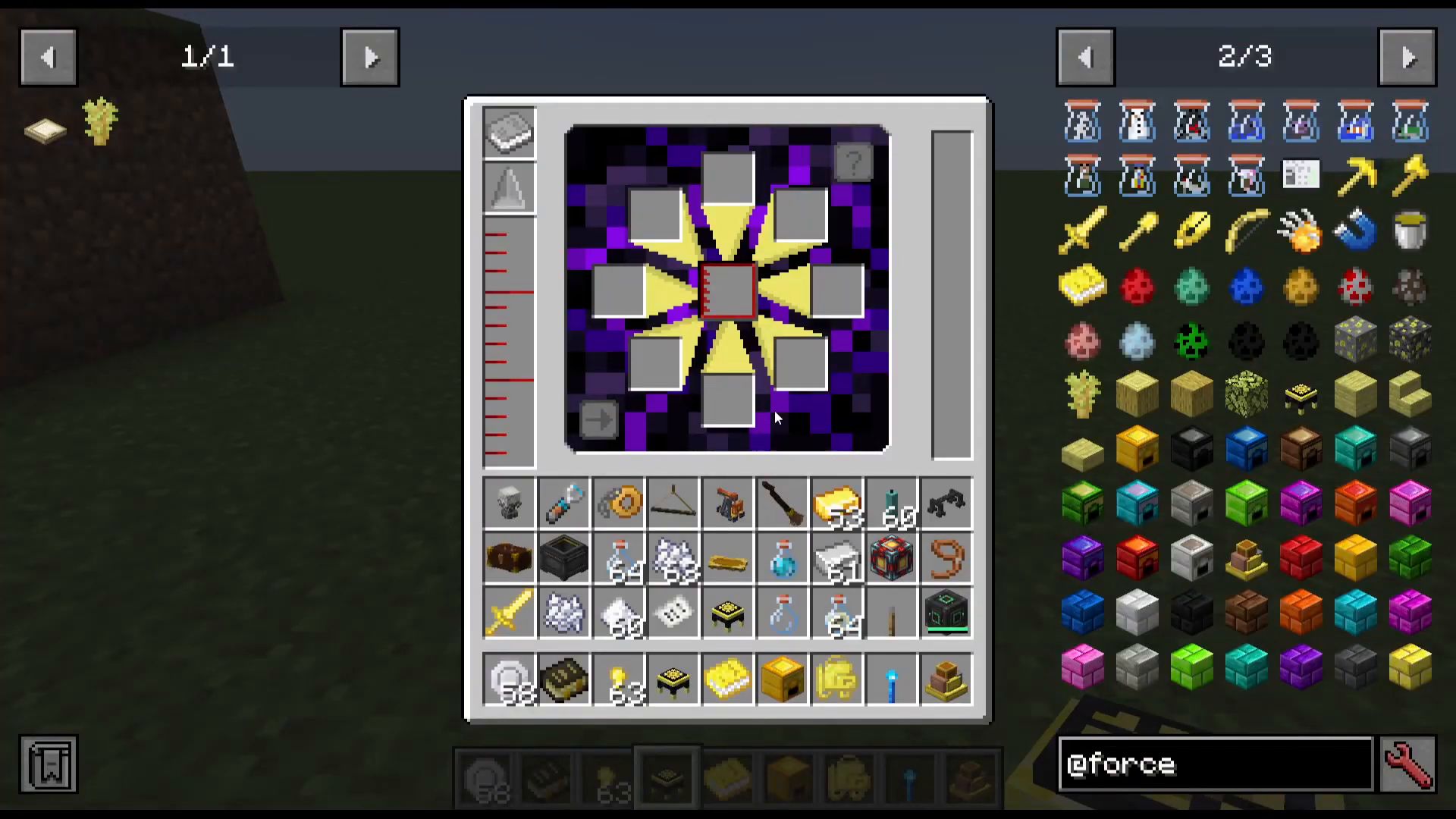
The interface has the following slots and bars:
Right side: A bar for Redstone Flux (RF) power input.
Left side: A liquid force bar that fills when Force Gems are inserted into the gem slot.
Top-left slot: For your Upgrade Tome (crafted from a Force Rod and a Book at the crafting table).
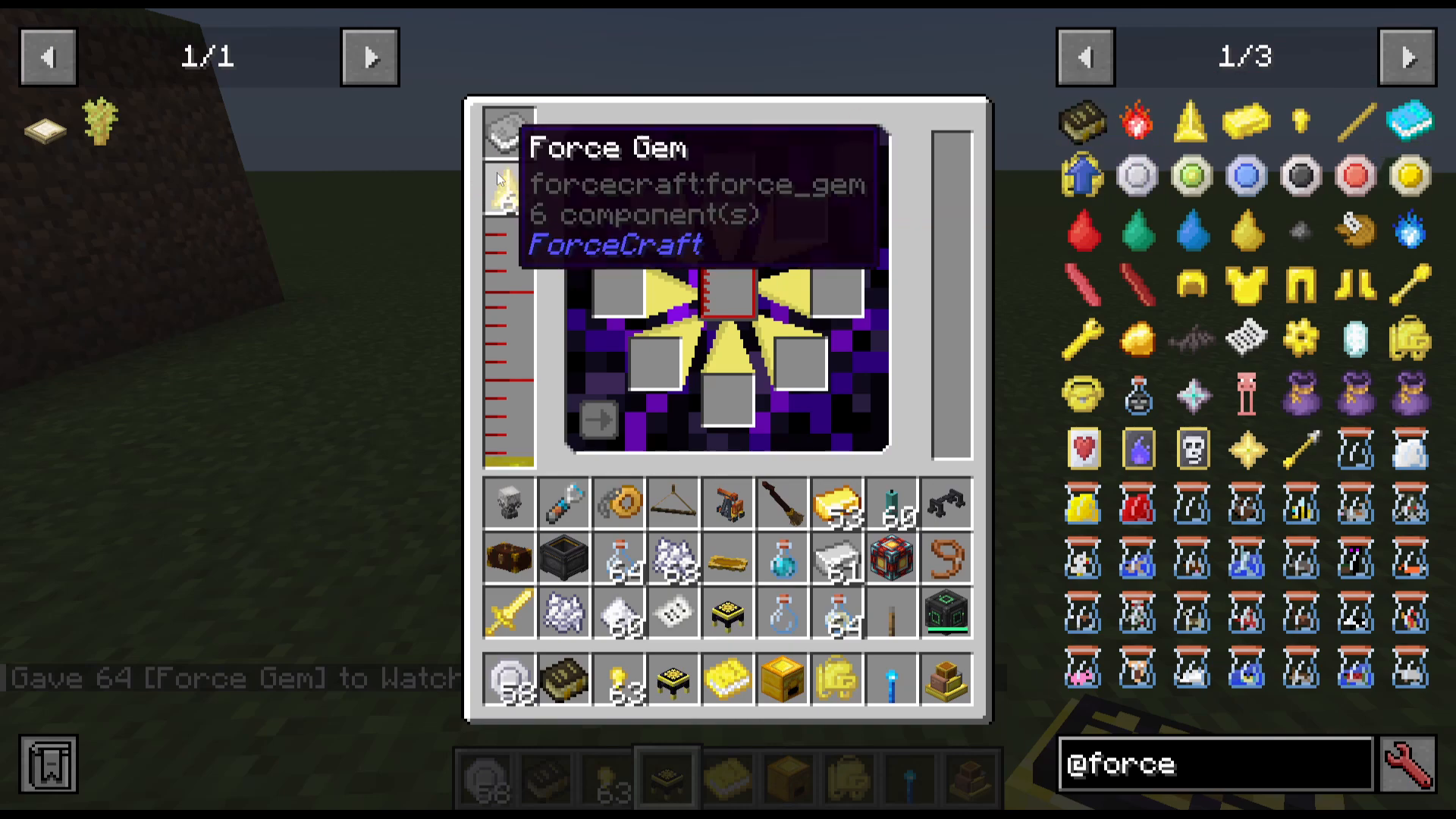
Place Force Gems into the gem slot to fill the infuser with Liquid Force. A full stack won’t completely fill the bar, but you won’t need a full bar to craft every item in the mod — so don’t stress about topping it up entirely.
Powering the Force Infuser
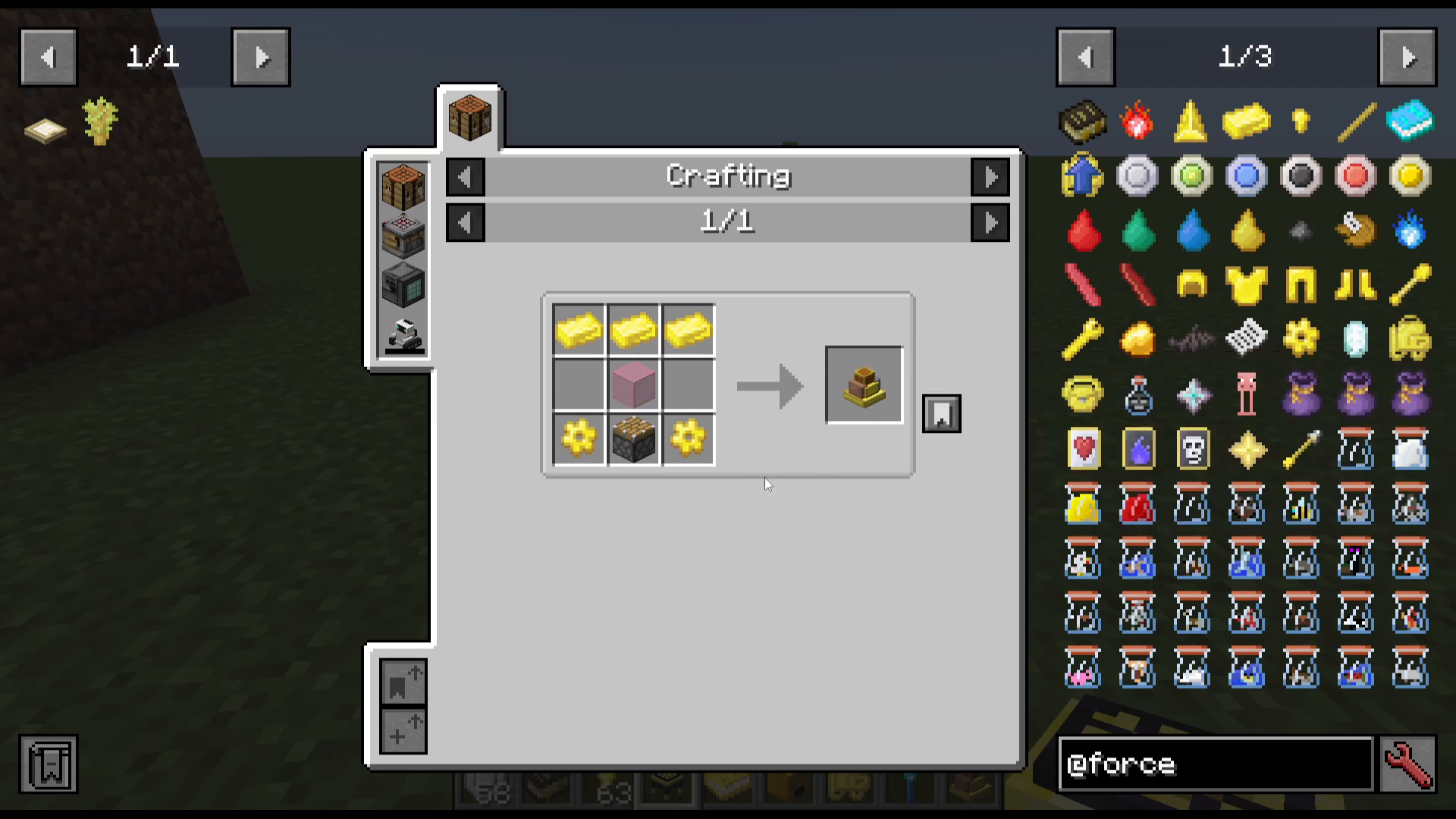
The Force Infuser requires Redstone Flux (RF) to operate. If you have tech mods installed (such as Mekanism), simply pipe RF in from any compatible generator. If you are running ForceCraft as a standalone mod, craft a Force Engine instead.
To connect the Force Engine, shift-click it against the Force Infuser so it faces the infuser directly. Then open the Force Engine interface — it has two tanks:
Left tank (fuel): Accepts Lava (5 RF/t), compatible mod fuel fluids (10 RF/t), or biofuels such as Immersive Engineering Bio Fuel.
Right tank (throttle fluid): Speeds up power generation. Water doubles output; Milk multiplies it by 2.5.
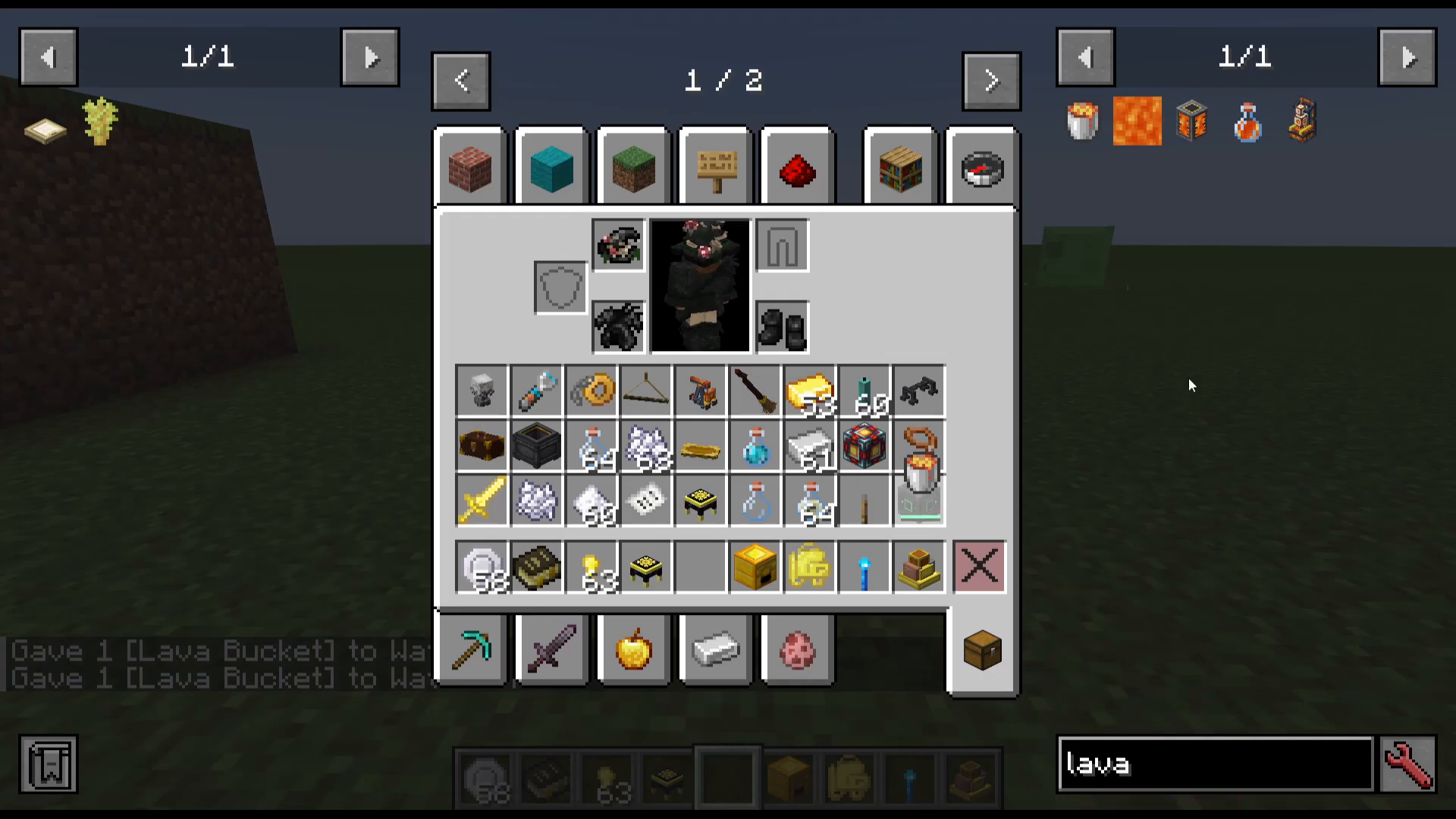
For a simple standalone setup, fill the left tank with Lava and the right tank with a Water Bucket. Then place a lever on the back of the Force Engine and flip it to start generating power. Based on crafting every item in the mod at least once, you won’t need a large supply of either fluid.
Miscellaneous Items Added by ForceCraft
Before diving into infusion tiers, here is a rundown of the extra items the mod adds:
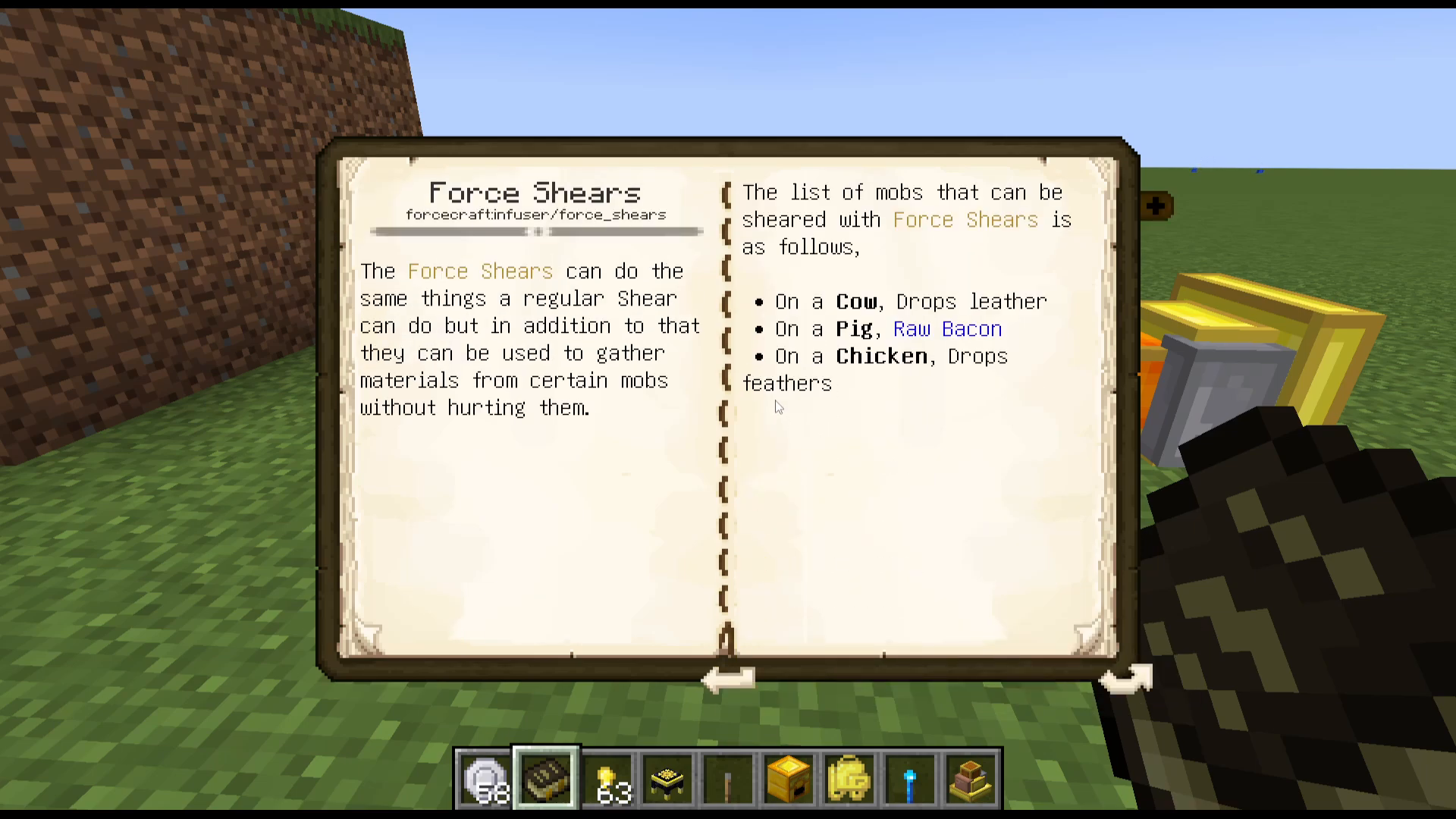
Force Shears: Won’t harm animals but yields Leather from cows, Raw Bacon from pigs, and Feathers from chickens.
Force Flask: Right-click to get Milk from a cow, or sneak and right-click to throw the flask at a mob and capture it. Place the flask back in your inventory to release the mob.
Claws: Now dropped by Bats.
Bottled Wither: A portable Wither that spawns when you right-click the ground with the bottle. Created by setting an Inert Core on fire, then right-clicking the fire with a Force Rod. The Inert Core is obtained by draining the power of a Nether Star using the Force Engine.
Baconator: Automatically feeds you as long as it has Bacon loaded. Craft from a pig captured in a Pig Flask, then right-click it with Cooked Bacon in your inventory.
Force Mitts: A melee weapon that deals extra Force Punch damage.
Magnet Glove: Shift right-click to activate. Draws experience and items toward you. Crafted from a Nether Star. Note: as of version 1.21.1, this item is not functioning as intended.
How the Infusion Tier System Works
Open your Upgrade Tome (placed in the top-left slot of the Force Infuser) to see your current tier and force point progress. The mod has Tiers 0 through 7. You start at Tier 0 and must work your way up by performing infusions.
To advance to the next tier you must:
Complete every infusion available at your current tier at least once.
Accumulate enough Force Points to meet the threshold for the next tier.
The only tier where you will likely need to repeat infusions multiple times to earn enough points is Tier 0 to Tier 1. From Tier 1 onward, completing each infusion once is generally sufficient to move up.
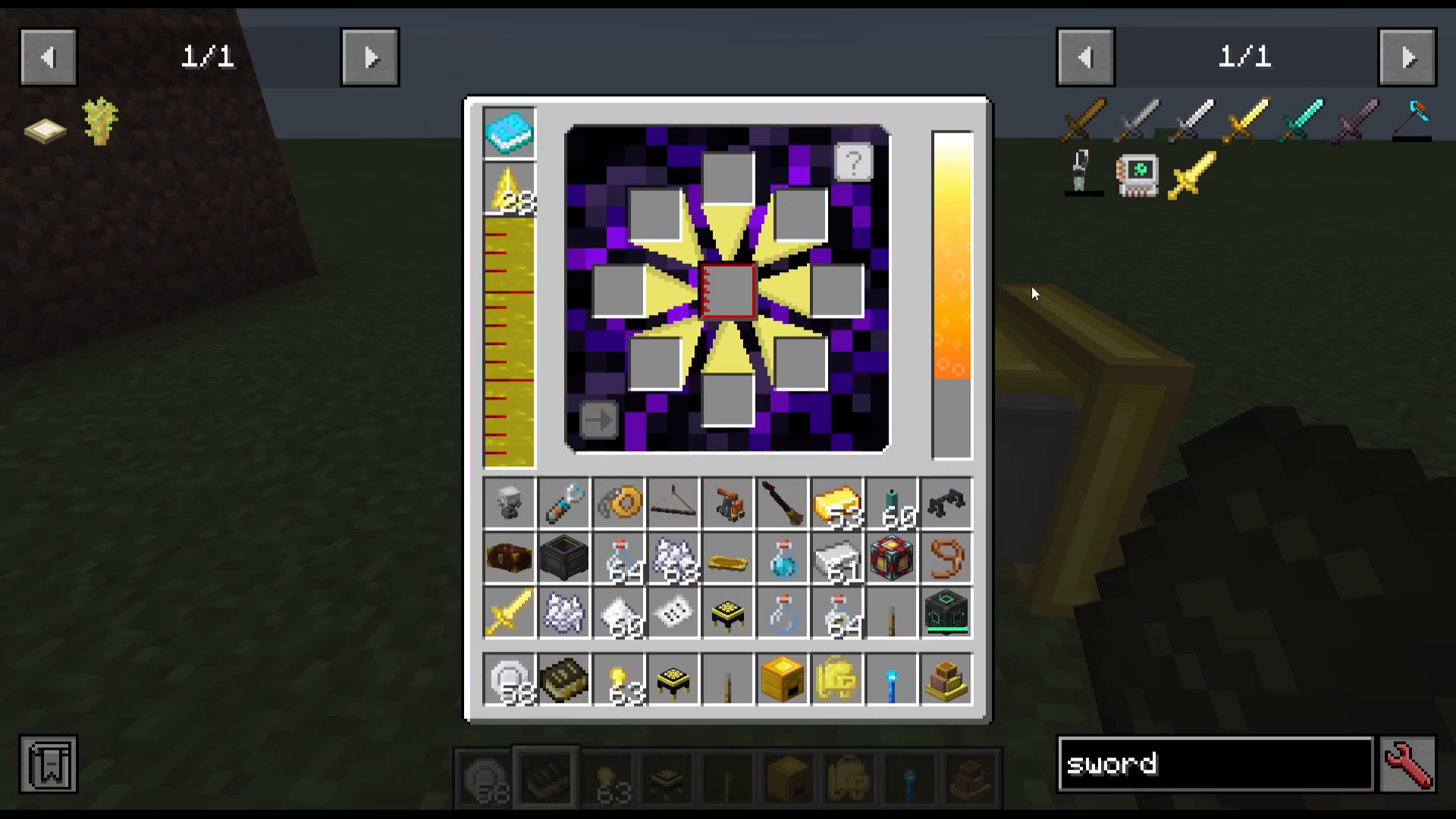
To perform an infusion, place the item you want to infuse in the center slot of the Force Infuser, add the required ingredient in the appropriate slot, and press Start Infusion.
Tier 0 Infusions
There are two infusions available at Tier 0:
Force Infusion (Force Nugget on a Force Sword): Adds one level of Knockback to the sword.
Damage Infusion (Claw on a sword/bow/Force Armor): Adds Sharpness to a sword, Power to a bow, or increases punch damage on Force Armor. Note: you must use a fresh, unmodified sword — you cannot stack this infusion on a sword that already has the Force infusion applied.
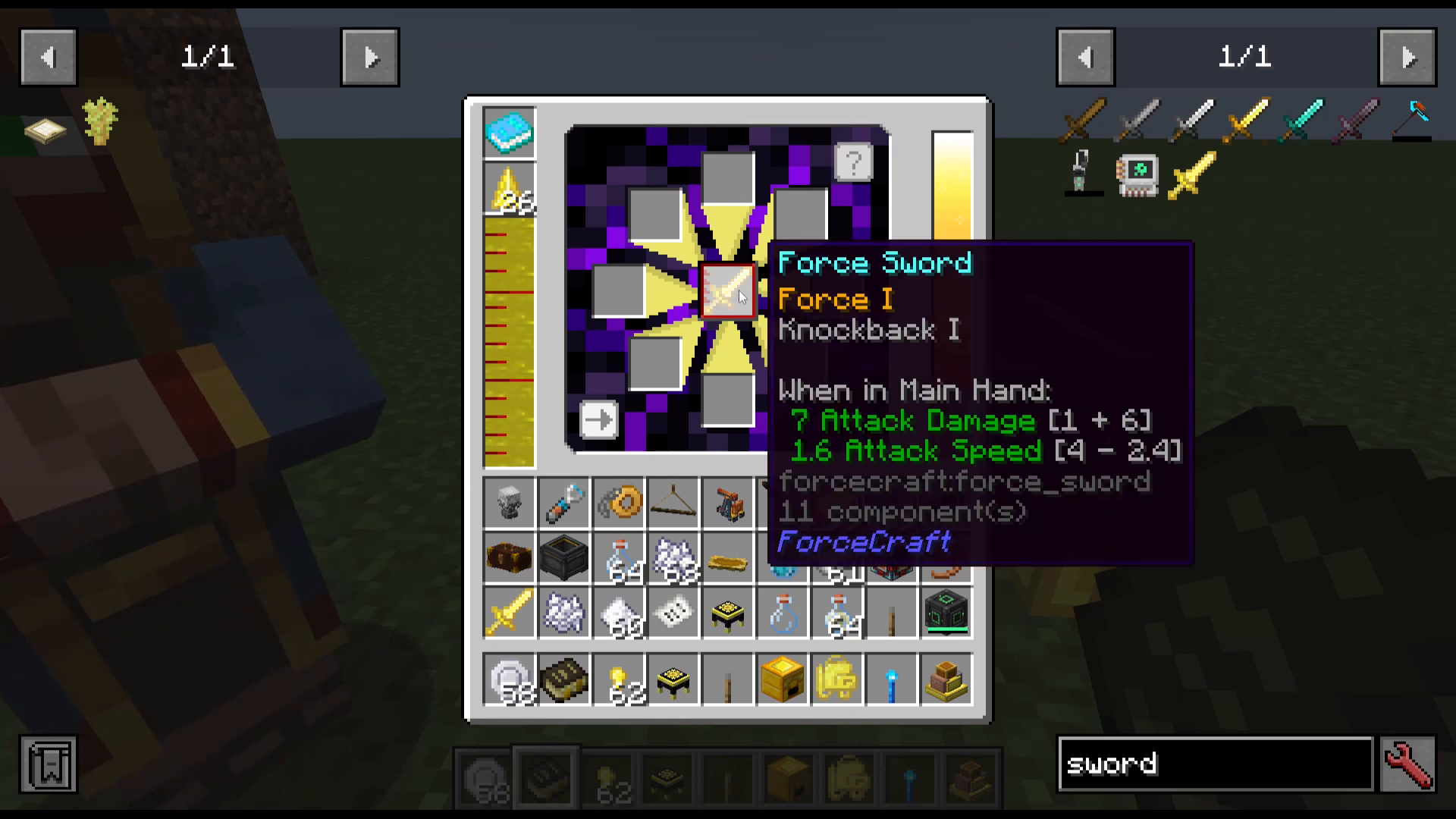
Repeat these infusions using new items until your Force Points reach 96 to unlock Tier 1.
Tier 1 Infusions
Tier 1 unlocks three infusions:
Heat (Golden Power Source): On Force Tools, attempts to auto-smelt any mined block. On Force Armor, increases Force punch damage by half and sets mobs on fire. Max level: 1.
Lumberjack (applied to a Force Axe): Causes the axe to cut every wooden block in a vertical pillar at once, using twice the normal durability per swing.
Speed (Sugar): On tools adds Efficiency; on a bow causes arrows to travel farther and faster; on armor increases player movement speed (one per armor piece); on an Upgrade Core, converts it into a Speed Core for the Force Furnace, increasing furnace speed fivefold.
Tier 2 Infusions
Tier 2 adds the largest number of new infusions:
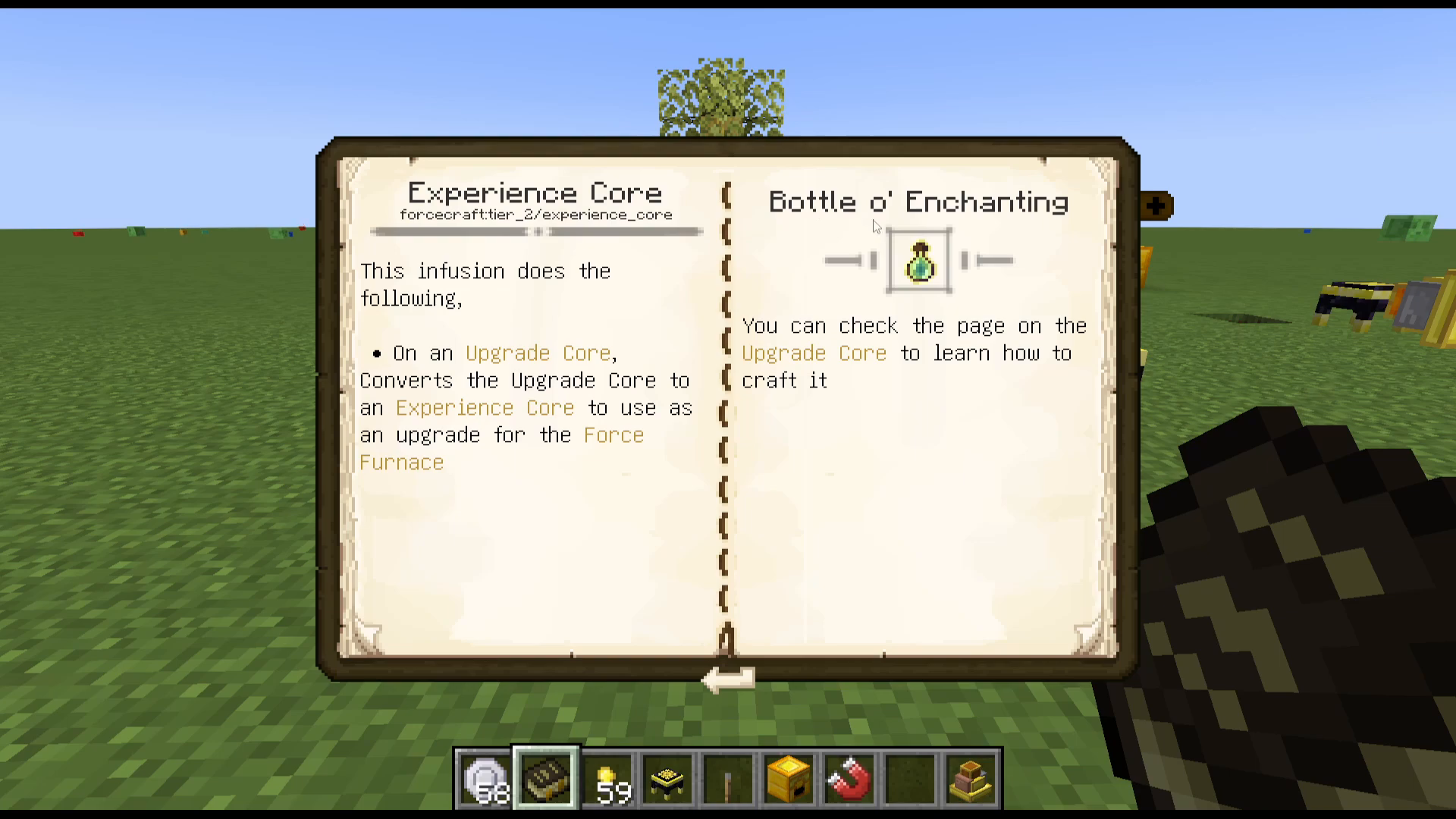
Experience (Bottle of Enchanting on an Upgrade Core): Creates an Experience Core for the Force Furnace, doubling XP gained from smelting.
Experience Tome (Bottle of Enchanting on a Book): Produces an Experience Tome that stores experience. Right-click to add XP; shift right-click to check the stored amount.
Freezing (Snow Cookie on a Force Bow): Adds a freezing effect to arrows fired. Also used to craft the Freezing Core for the Force Furnace.
Grinding Core: Converts the Force Furnace to grinding mode (e.g., one Bone into five Bone Meal, Force Ingots back into Iron Ingots).
Holding (Pack Upgrade on a Force Pack): Upgrades an 8-slot Force Pack to a 16-slot Force Pack. Higher holding tiers are unlocked at Tiers 3 and beyond.
Luck (Fortune Cookie): Adds Fortune to tools.
Rainbow (applied to Shears): Causes sheared sheep to drop wool in a variety of random colors.
Speed Core upgrade: Use Sugar on an Upgrade Core here to produce the Speed Core (unlocked in Tier 1 but crafted via this Tier 2 infusion slot).
Tier 3 Infusions
Bleeding (Arrow on a Sword/Bow/Armor): On a sword, improves Force Punch with a bleeding effect; on a bow, causes arrows to inflict bleeding on hit; on armor, curses any enemy that hits the wearer with bleeding.
Camo (applied to Force Armor): Makes the armor invisible, showing only the player’s skin. The Force Rod version is listed in the guidebook but reportedly has no effect.
Holding 2 (Pack Upgrade): Upgrades the Force Pack to 24 slots.
Silky (applied to Force Tools): Adds Silk Touch.
Tier 4 Infusions
Bane: Adds Bane of Arthropods. Additionally, Endermen and Endermites hit with a Bane-infused weapon lose the ability to teleport, and Creepers lose the ability to explode. This is one of the most powerful infusions in the mod.
Heat Core: Installs the Heat Core upgrade into the Force Furnace (doubles furnace efficiency).
Holding 3 (Pack Upgrade): Upgrades the Force Pack further.
Tier 5 Infusions
Holding 4 (Pack Upgrade): Next level of Force Pack upgrade.
Healing (applied to a Force Rod, up to 2 levels): Imbues the rod with a healing effect.
Wing (applied to a Sword): Allows you to repel enemies forward, consuming durability with each use.
Tier 6 Infusions
Ender (Ender Pearl or Eye of Ender):
On a Force Rod: turns it into a teleportation device.
On a Sword: lets you target a location and teleport there on hit.
On a Bow: causes struck enemies to teleport to a random location.
Sturdy (applied to Force Tools or Armor, up to 3 levels): Adds Unbreaking. Using three at once grants Unbreaking 1 (or higher depending on levels used). On armor, it reduces incoming damage.
Time (applied to a Force Torch): Converts it into a Time Torch that massively accelerates time in its area. Note: some servers and modpacks disable this item. If you cannot craft it, the guidebook will say so, and the recommended alternative is to complete the Sturdy and Ender infusions instead.
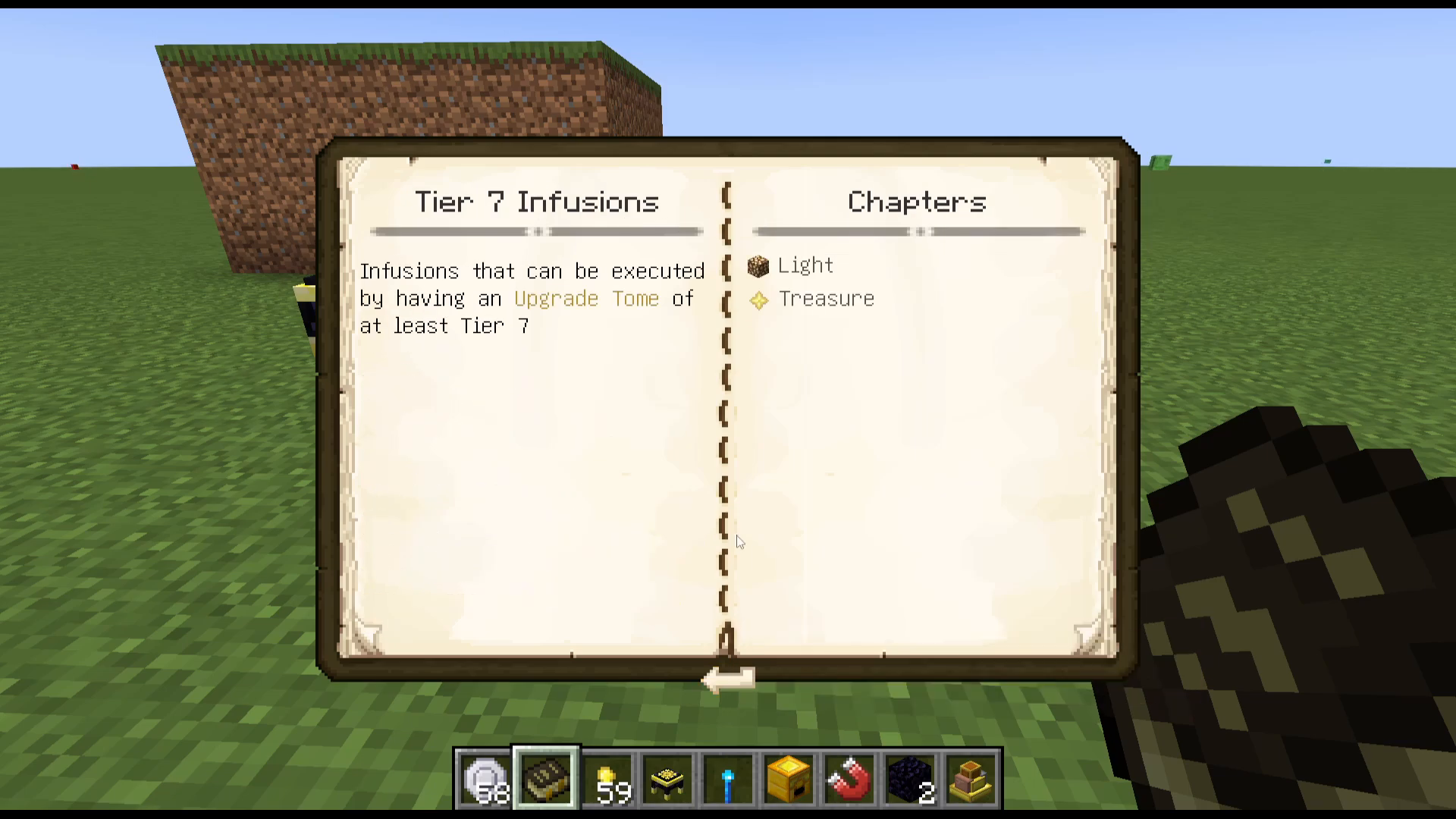
Tier 7 Infusions
Light:
On a Force Rod: makes enemies glow.
On a Force Bow: imbues projectiles so that any enemy struck begins glowing.
Treasure (applied to a Force Sword or Force Axe): Causes slain mobs to drop Treasure Cards. These cards can be crafted into Spoils Bags:
Tier 1 Spoils Bag — crafted from Life Cards
Tier 2 Spoils Bag
Tier 3 Spoils Bag
Additional Crafting Ingredients to Know
Several infusion recipes call for simple crafted ingredients that the guide doesn’t spell out in full detail. Here’s a quick reference:
Fortune Cookie: Crafted from Paper and a Cookie.
Snow Cookie: Crafted using a Snowball.
Soul Wafer: Simple recipe — check JEI/REI in-game.
Red Jelly / Gold Jelly / Green Jelly: Dropped by Slimes of the corresponding color.
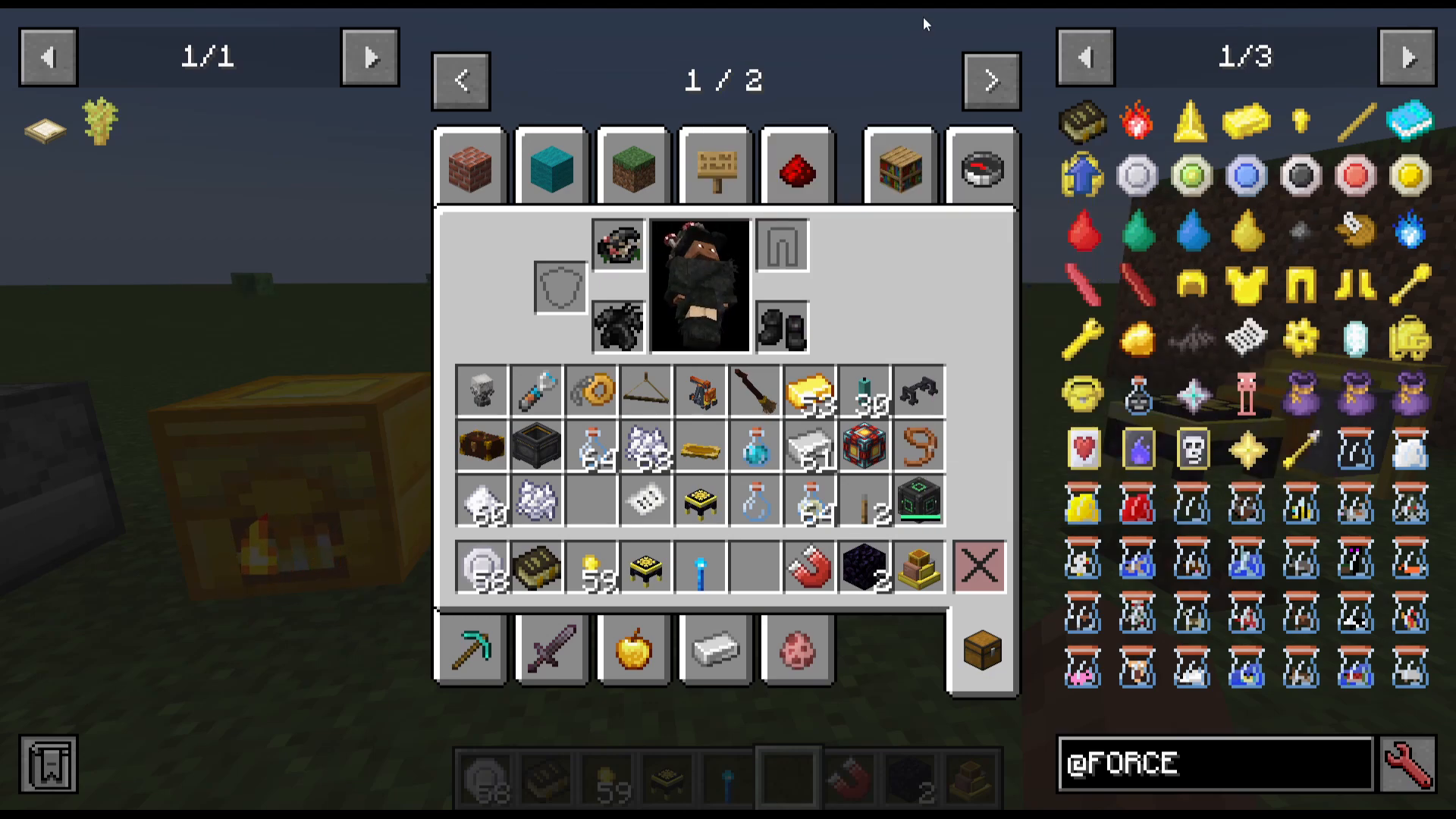
Force Pack: Crafted with Force Ingots — provides an 8-slot backpack that can be infused up to Tier 7 for maximum storage.
Summary and Final Tips
ForceCraft is a well-rounded standalone mod that offers a satisfying progression arc from basic ore-gathering to powerful tool enchantments and utility items. Here’s a quick recap of the key steps to get you started efficiently:
Mine Force Ore and smelt into Force Gems, then combine with Iron or Gold for Force Ingots.
Build a Force Furnace for doubled smelting speed.
Craft your starting two-durability Force Rod and work through the Force Sapling chain to get a full-durability rod.
Craft the Force Infuser from an Enchanting Table and power it with either a Force Engine (Lava + Water) or an existing RF-generating tech mod.
Complete Tier 0 infusions (Force and Damage) multiple times until you hit 96 Force Points to unlock Tier 1.
From Tier 1 onward, complete each infusion once per tier to advance — no grinding required.
Install upgrade cores into your Force Furnace as you unlock them to tailor it to your playstyle (speed, grinding, freezing, etc.).
Take your time exploring the guidebook (Force and You Guide) in-game for exact recipes, and use JEI or REI to look up any simple crafting recipes not covered here. Good luck with your ForceCraft playthrough!
“`