Tesseract Mod Tutorial
Tesseract Mod Tutorial: How to Send Items, Fluids and Energy in Modded Minecraft
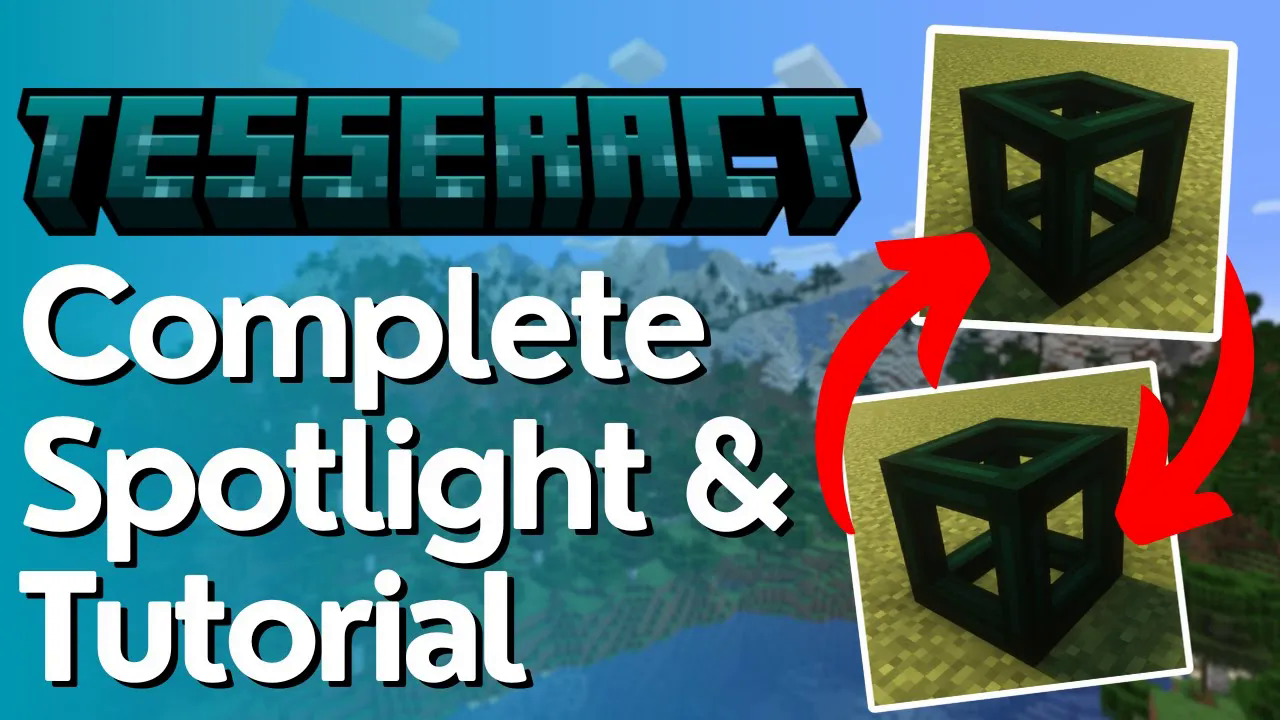
The Tesseract mod is one of the most straightforward and useful mods in modded Minecraft. It adds just a single item — the Tesseract — but that one item gives you the power to wirelessly transfer items, fluids, and energy across any distance in your world. In this guide, you’ll learn exactly how to craft it, configure it using channels, and get your first wireless transfer up and running.
What Is the Tesseract?
The Tesseract is the only item added by the Tesseract mod, but don’t let its simplicity fool you. It is an incredibly powerful tool for moving items, fluids, and energy between locations in modded Minecraft — no pipes stretching across your base required. You will need at least two Tesseracts to create a working connection: one to send and one to receive.
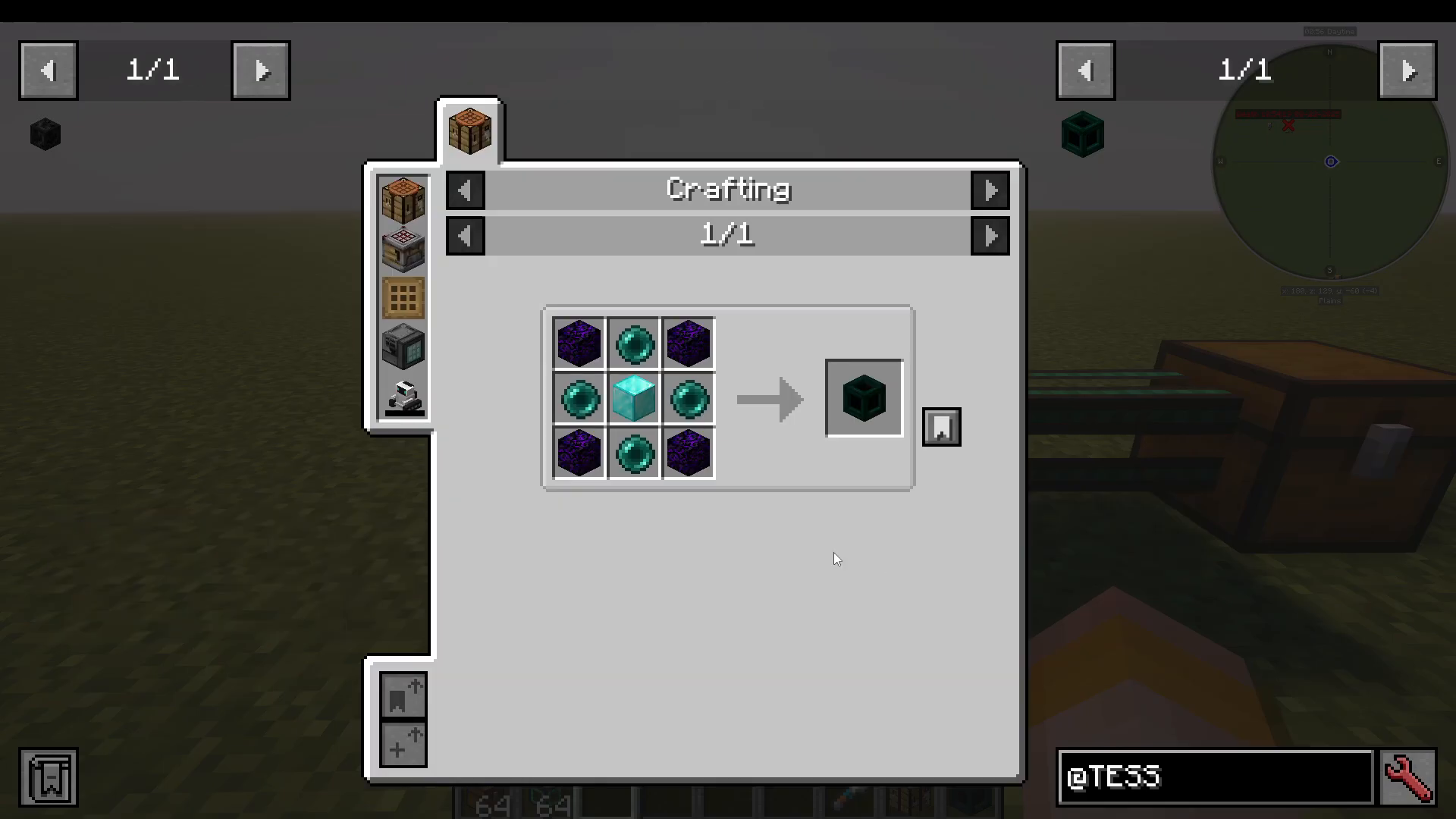
Crafting the Tesseract
Craft your Tesseracts using the in-game crafting recipe provided by the mod. As mentioned, make sure you craft a minimum of two so you have both a sender and a receiver ready to configure.
Understanding Channels (Networks)
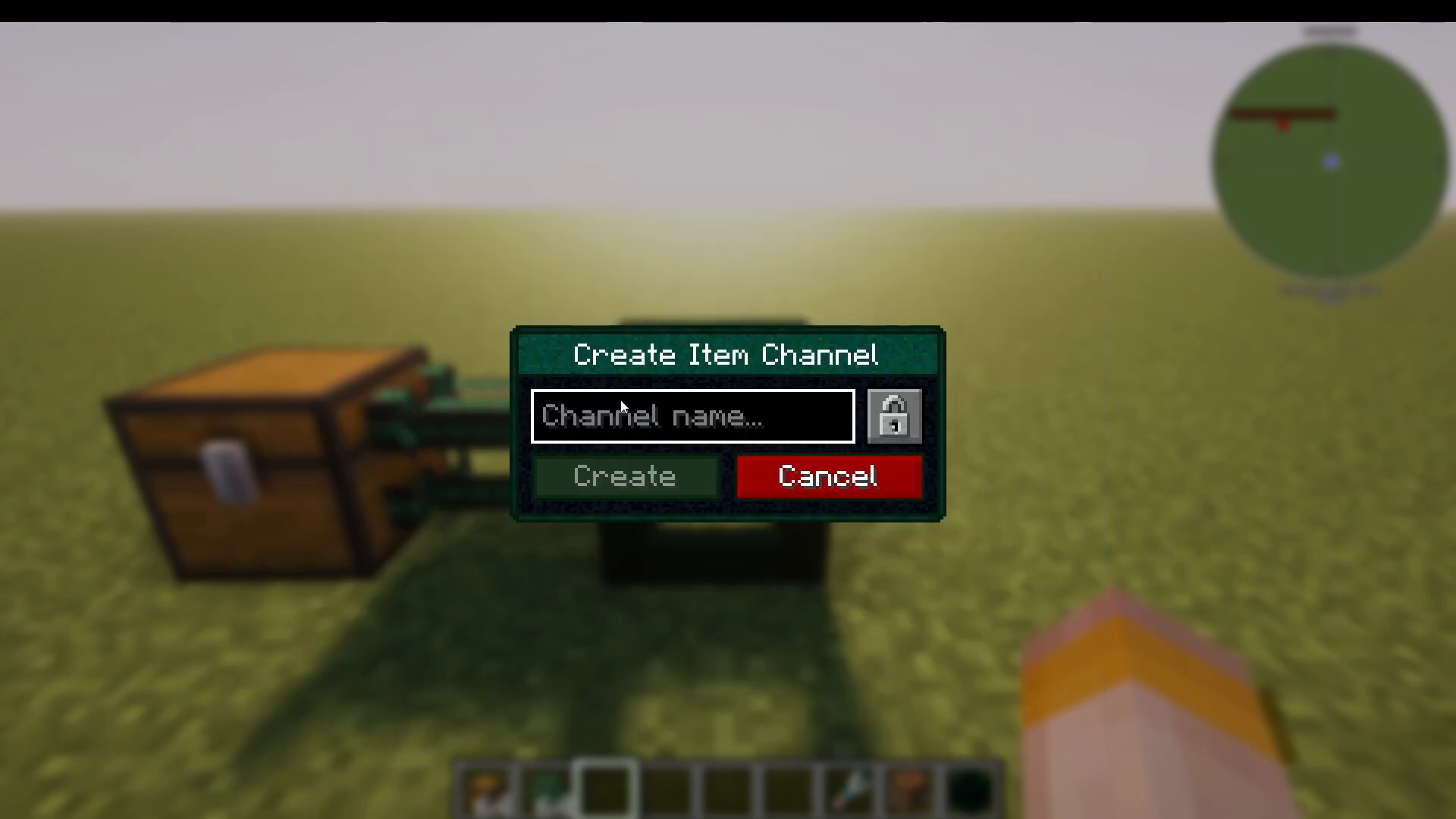
When you open a Tesseract’s UI, the first thing you need to do is create a channel. Think of a channel like a train route running from Station A to Station B — it defines the network your Tesseracts communicate on. Any Tesseracts sharing the same channel will be able to transfer content between each other.
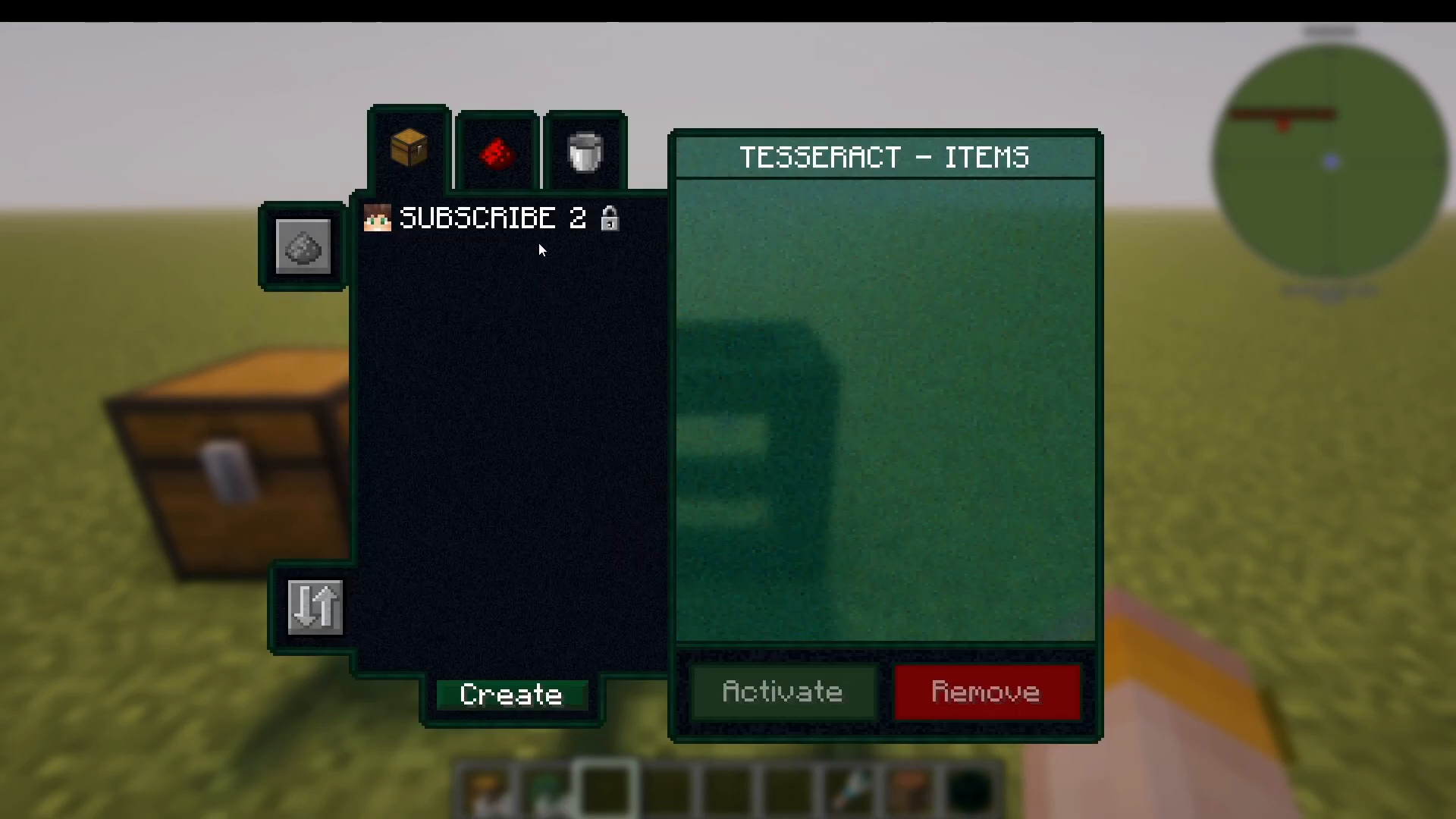
To create a channel, open the Tesseract UI and press Create. Give your channel a name — for example, “subscribe to”. Once created, you will see details about the channel including the creator name, the category (such as items), and the accessibility setting, which defaults to private. You can deactivate, remove, or delete channels from your network at any time.
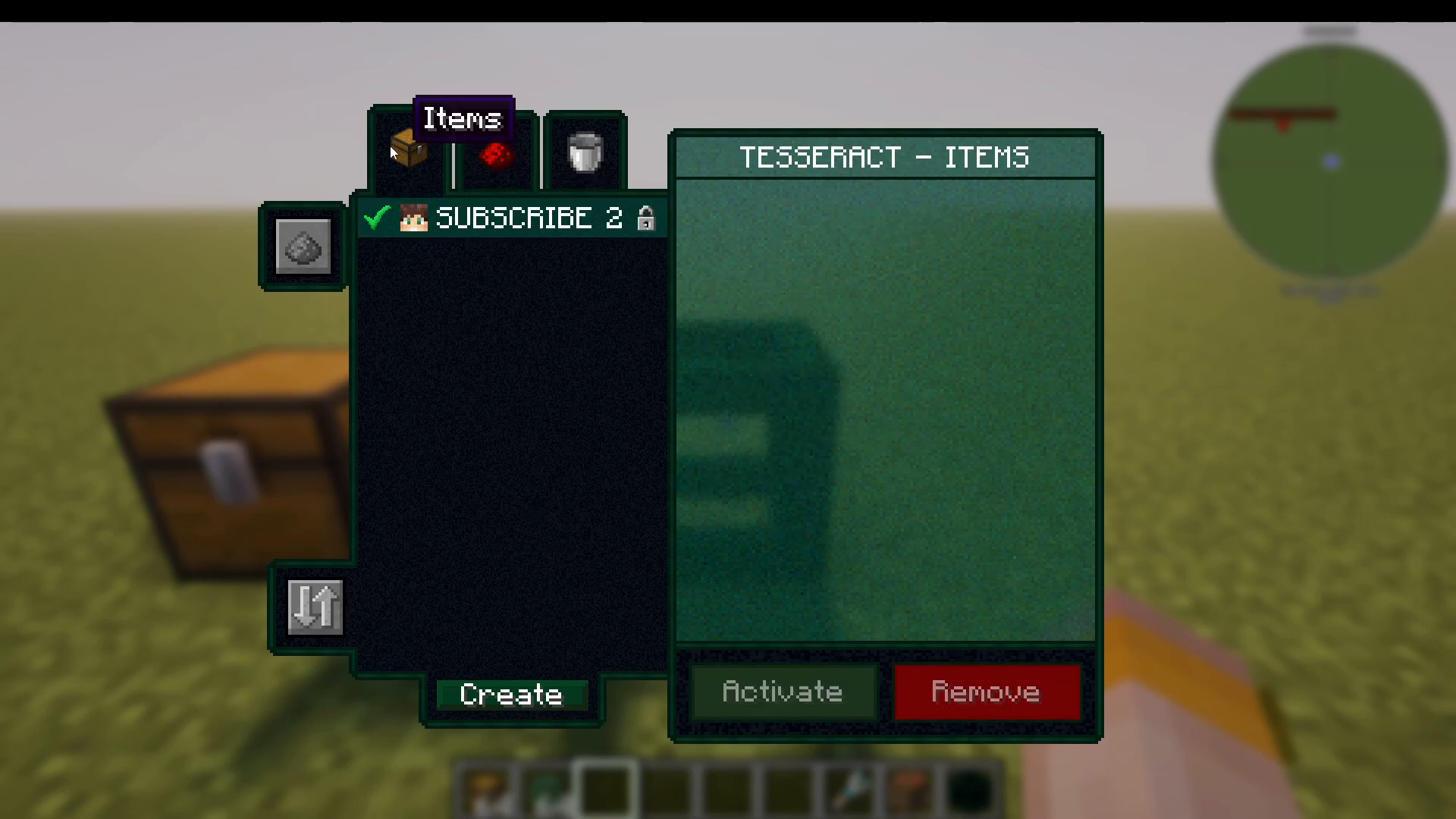
Once your channel is ready, press Activate to set that Tesseract to operate on your chosen network.
Running Multiple Channels
You are not limited to a single channel per Tesseract. For example, you can create a separate energy channel on the same Tesseract. This means items can still flow through the items channel while energy is handled on its own dedicated network simultaneously. The same logic applies to fluids — each transfer type can run on its own independent channel.
Configuring Your Tesseract: Items Example
For this walkthrough, items are used as the example, but the exact same steps apply to energy and fluids.
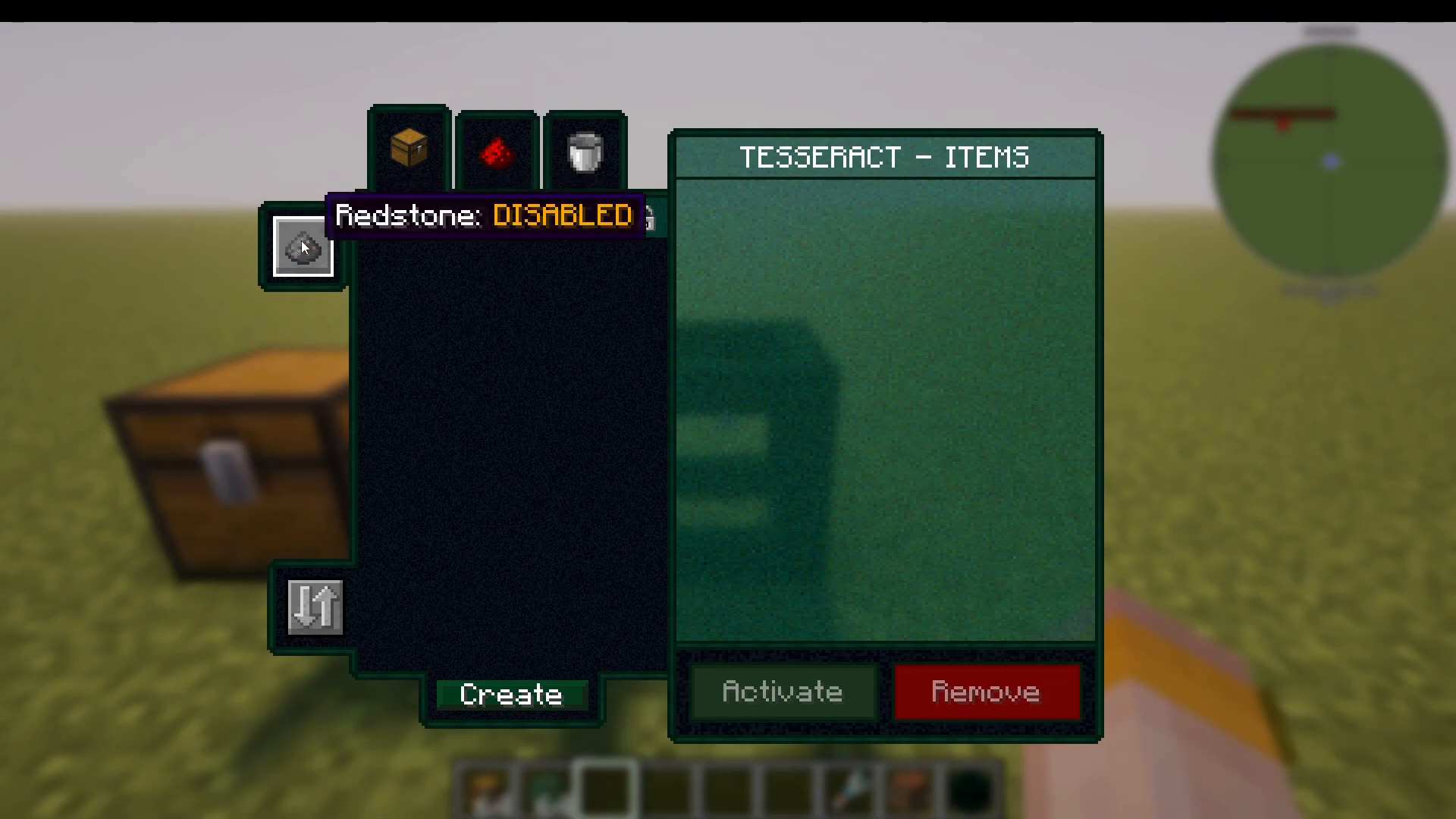
Redstone Control
Inside the Tesseract UI, you have the option to restrict operation to a redstone signal. If you do not need redstone control, simply leave it disabled.
Send, Receive, or Both
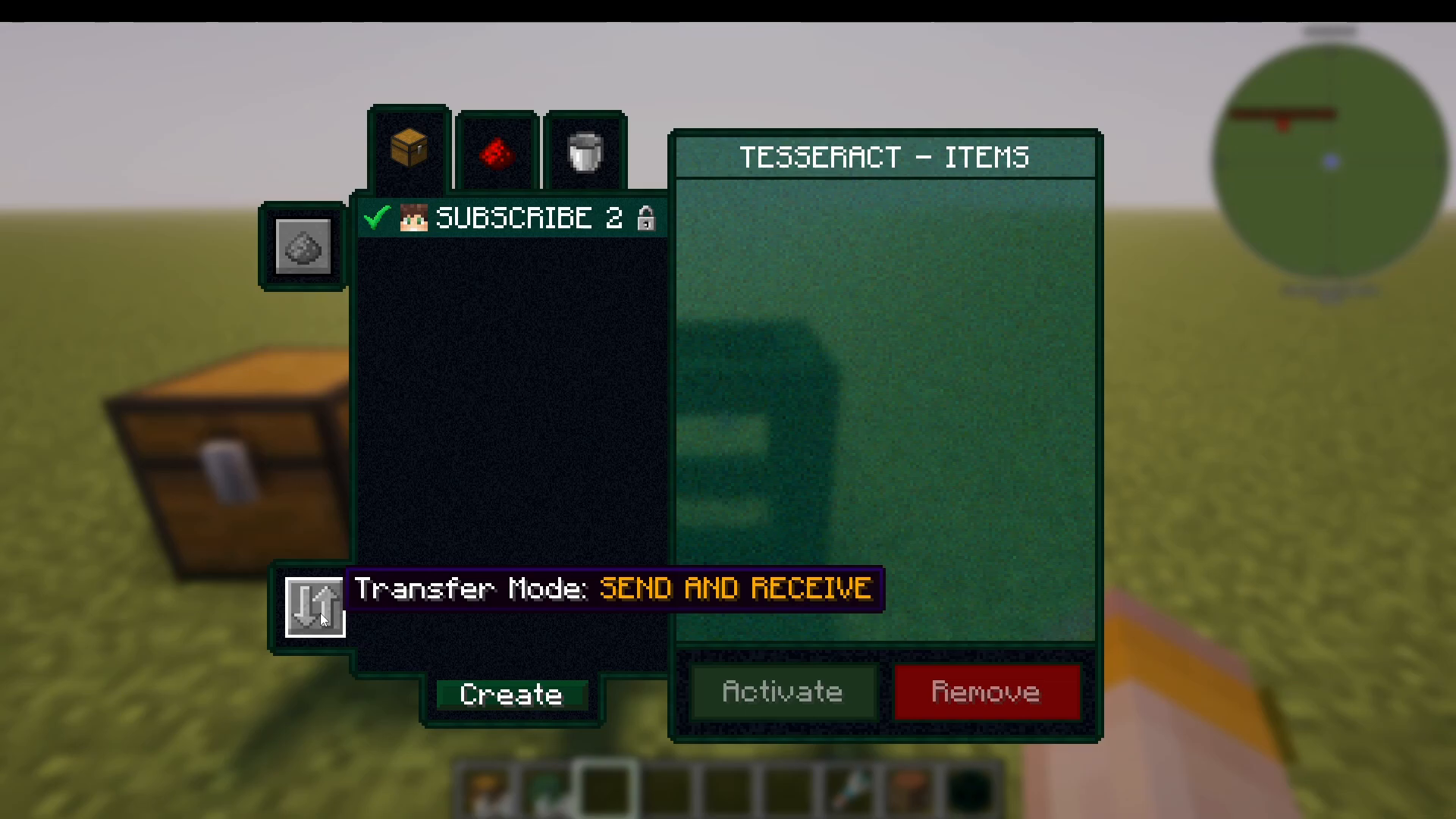
Each Tesseract can be independently set to one of three modes:
Send and Receive — the Tesseract will both push and pull items on the channel.
Send Only — the Tesseract will only push items out to the network.
Receive Only — the Tesseract will only accept items coming in from the network.
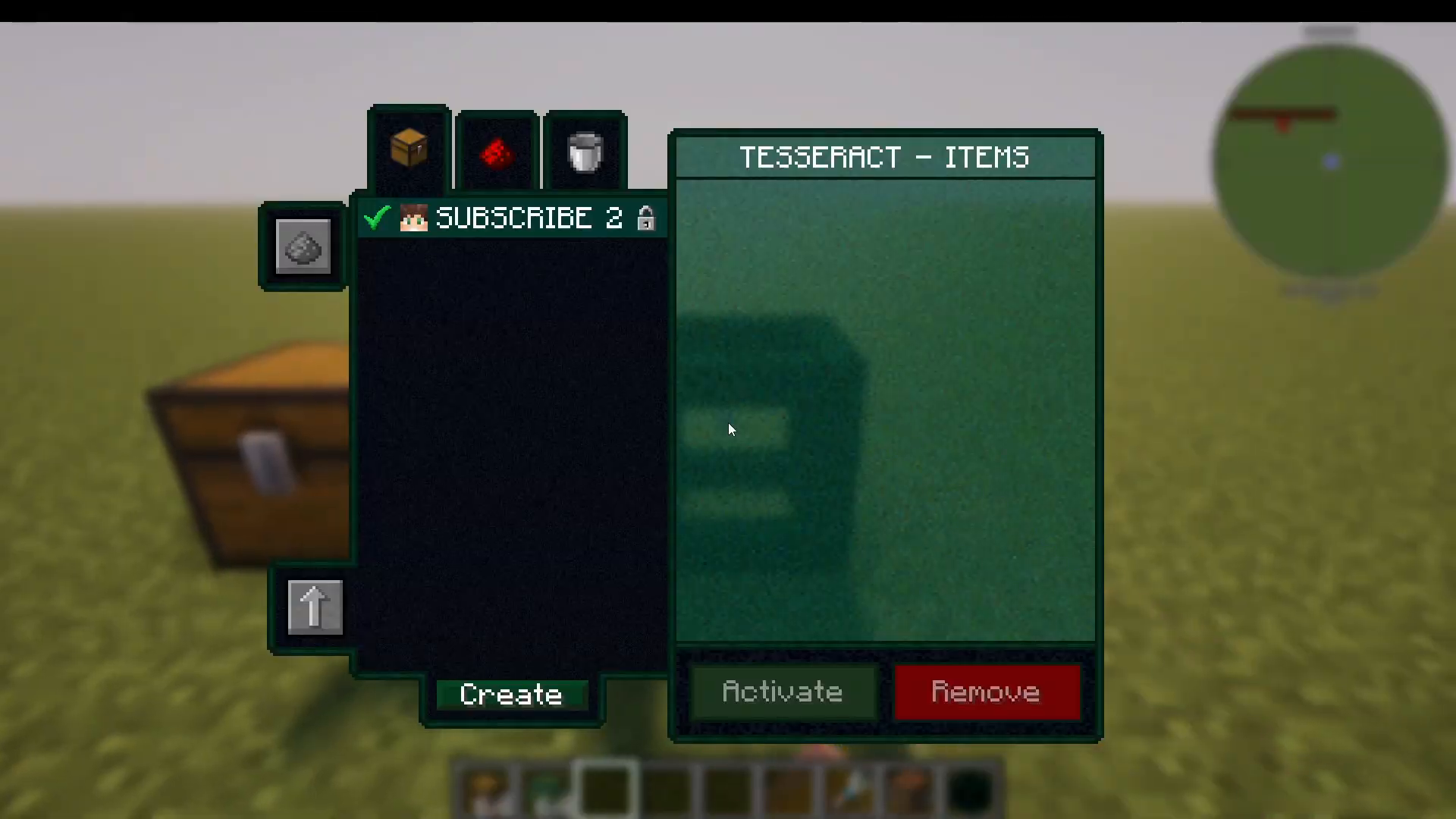
For the sending end of your setup, set the mode to Send Only.
Connecting Pipes to Your Tesseract
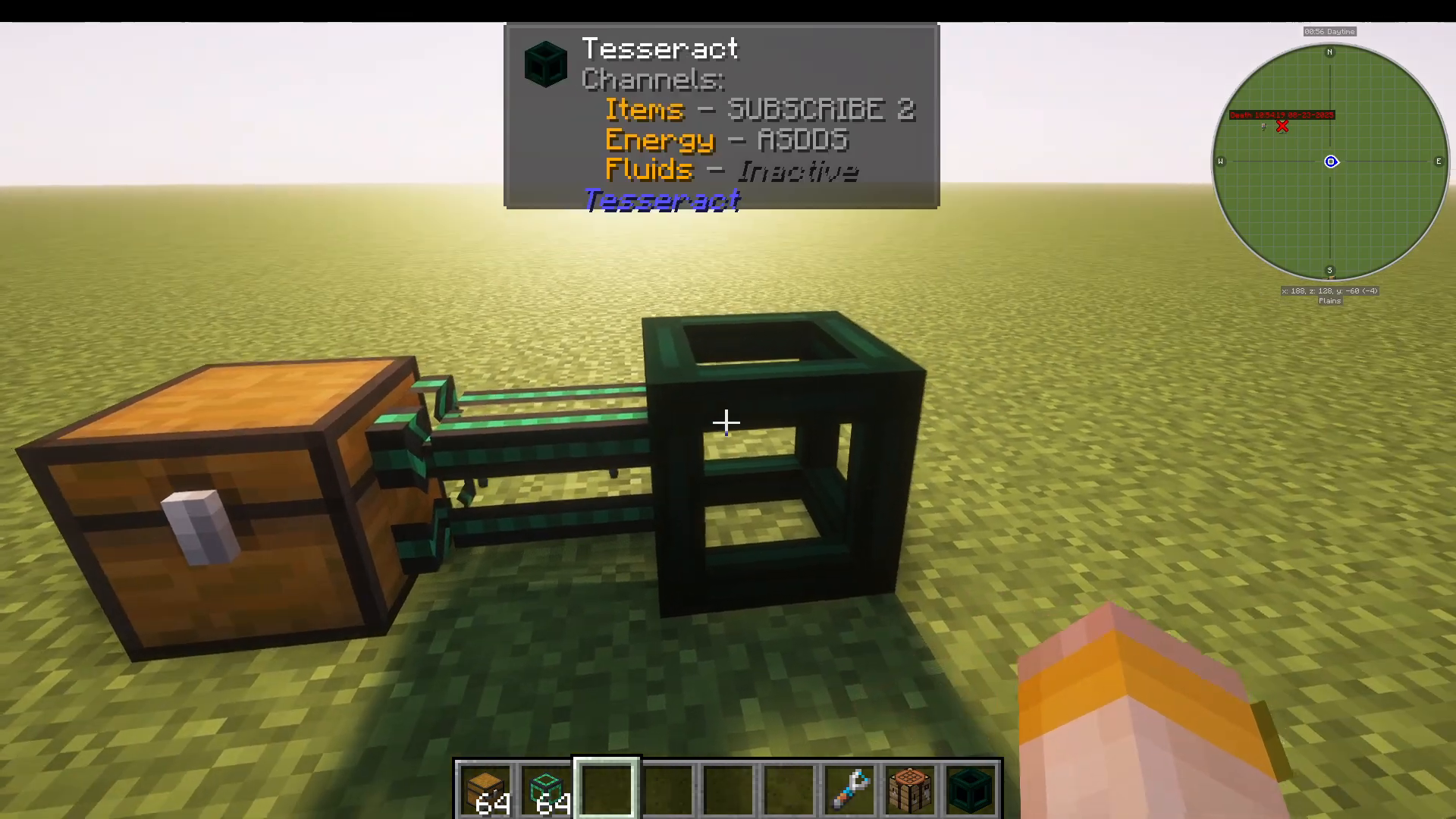
The Tesseract itself does not pull or push items on its own — you need a pipe from another mod to move items in or out of it. In this example, a pipe from Mekanism is used, configured to pull items from a connected inventory and feed them into the Tesseract.
With a stack of glow ink sacs placed in the source inventory and the pipe set to pull, you might notice at first that the items are not moving. This is expected — a sending Tesseract needs a receiving Tesseract on the same channel before items will actually travel.
Setting Up the Receiving Tesseract
Place your second Tesseract at the destination — next to a chest or whatever inventory you want items delivered to. Open its UI, find your channel (in this example, “subscribe to”), and press Activate. Leave this Tesseract in Send and Receive mode so it accepts the incoming items and pushes them into the connected chest.
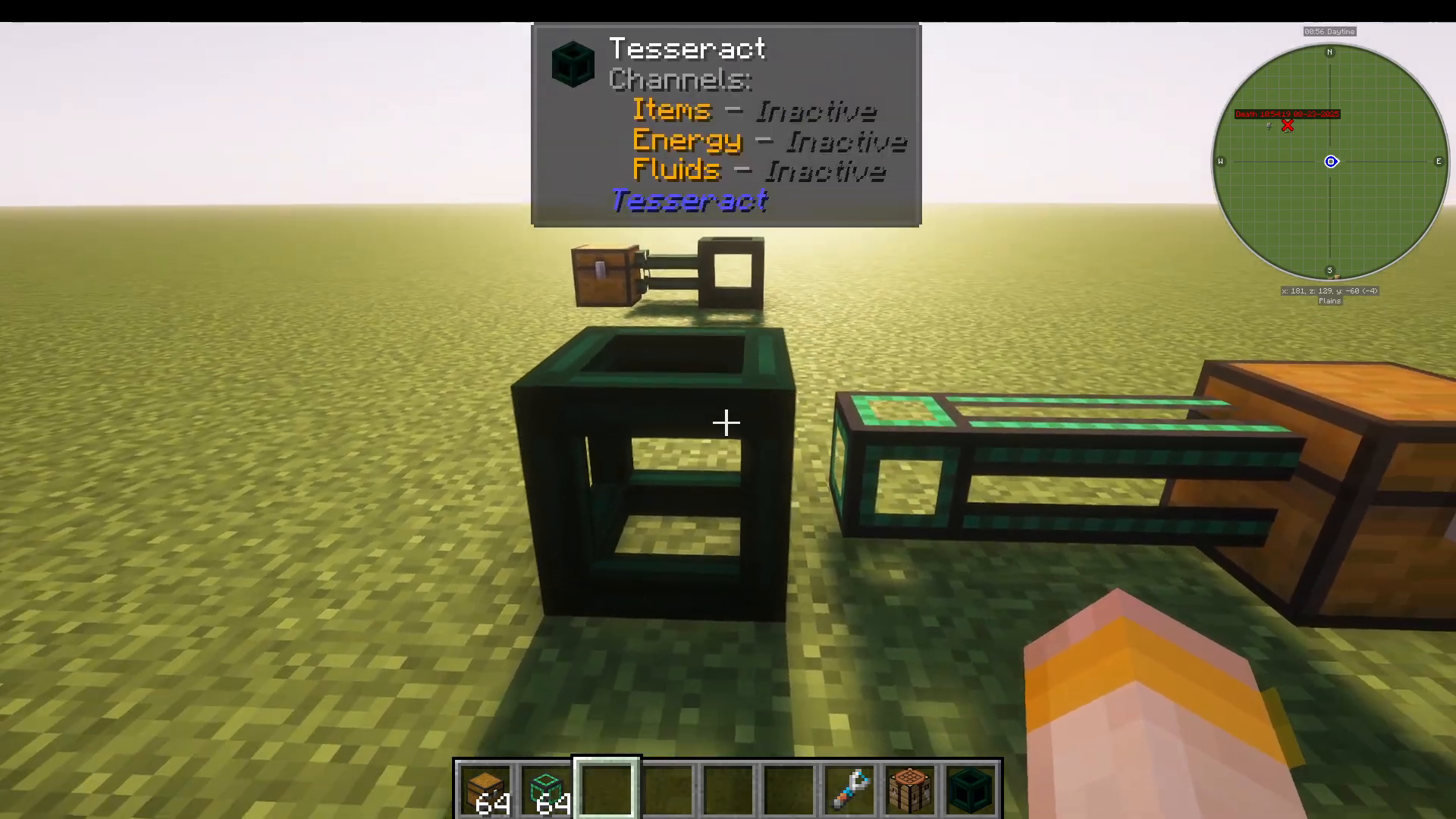
As soon as the receiving Tesseract is activated on the same channel, the connection is established. The items — in this case the glow ink sacs — will immediately begin flowing through the network and arriving in the destination chest automatically.
Summary
The Tesseract mod makes long-distance item, fluid, and energy transfer in modded Minecraft remarkably simple. Here is a quick recap of the process:
Craft at least two Tesseracts.
Open the UI on the first Tesseract, press Create, name your channel, and press Activate.
Set the sending Tesseract to Send Only and connect a compatible pipe (e.g., from Mekanism) to feed items in.
Place the second Tesseract at your destination, activate it on the same channel, and connect it to a receiving inventory.
Items (or fluids or energy) will now transfer wirelessly between the two Tesseracts.
Whether you are moving power from a reactor, fluids between tanks, or sorting items across your base, the Tesseract mod offers a clean and easy solution that works with pipes from virtually any other mod.
“`