
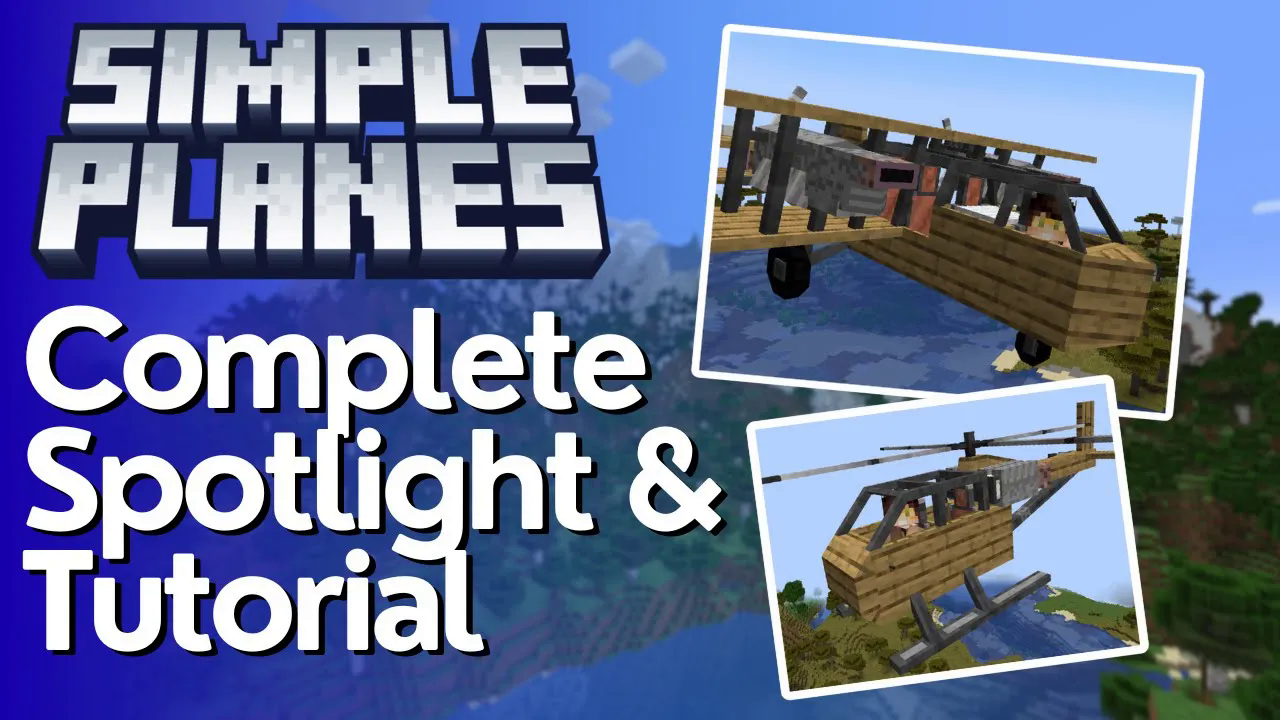
Simple Planes Complete Mod Tutorial
Simple Planes Mod for Minecraft: The Complete Tutorial
The Simple Planes mod for Minecraft lets you craft, upgrade, and pilot a variety of aircraft — from nimble small planes to powerful helicopters. Whether you want to zip across the map solo or drop TNT payloads from altitude, this complete guide covers every plane type, engine option, upgrade slot, and flight control you need to know to get airborne with confidence.
Crafting Your First Plane: The Plane Workbench
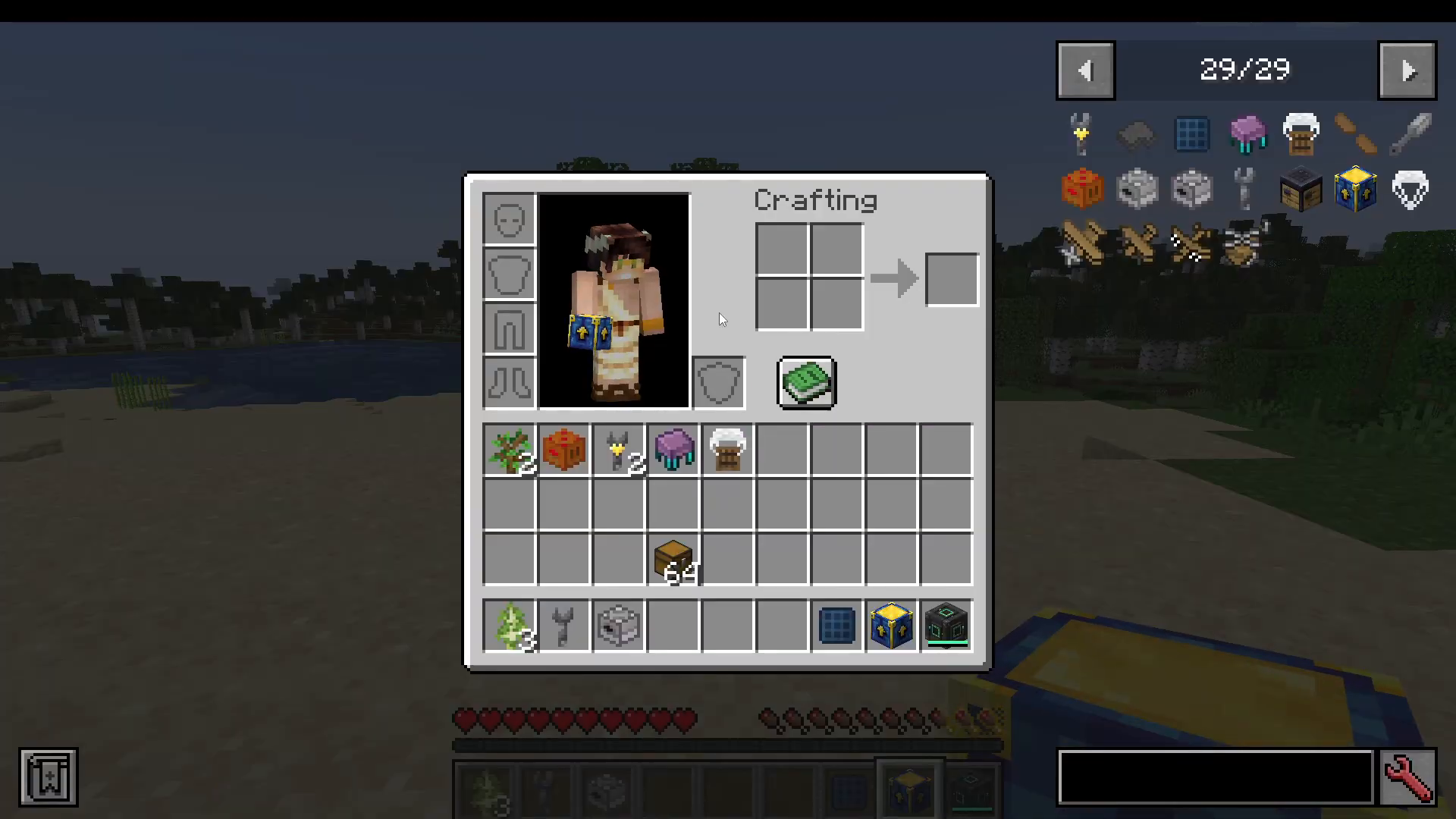
The first thing you need to do is craft a Plane Workbench. Place it down to access all the aircraft available in the mod. Inside the workbench, you will need to insert a propeller and then select the type of wood you want your plane built from — for example, Acacia Planks. Use the arrows on the right-hand side of the interface to cycle through the available plane types.
Plane Types: Which Aircraft Should You Choose?
Small Plane
Also simply called “a plane,” the small plane is the most fuel-efficient option and is the fastest aircraft in the mod. The trade-off is that it can only carry one player. It is ideal for solo exploration or fast travel.
Large Plane
The large plane uses more fuel than the small plane but can seat two players and supports large upgrades. It also has the ability to drop payloads such as TNT, making it a versatile mid-to-late-game choice.
Cargo Plane
The cargo plane is the heaviest on fuel consumption, but it compensates by supporting multiple players and a large number of upgrades. Use this when you need to transport a group or carry a heavily modded loadout.
Helicopter
The helicopter offers significantly more steering precision than fixed-wing aircraft and behaves similarly to the large plane in terms of capacity and upgrade support. It is the best choice when you need to hover, navigate tight spaces, or land in awkward locations.
To place any aircraft, left-click to take it out of the workbench and then right-click to place it in the world. The plane’s appearance will reflect the wood type you chose during crafting.
The Wrench: Accessing Upgrade Slots
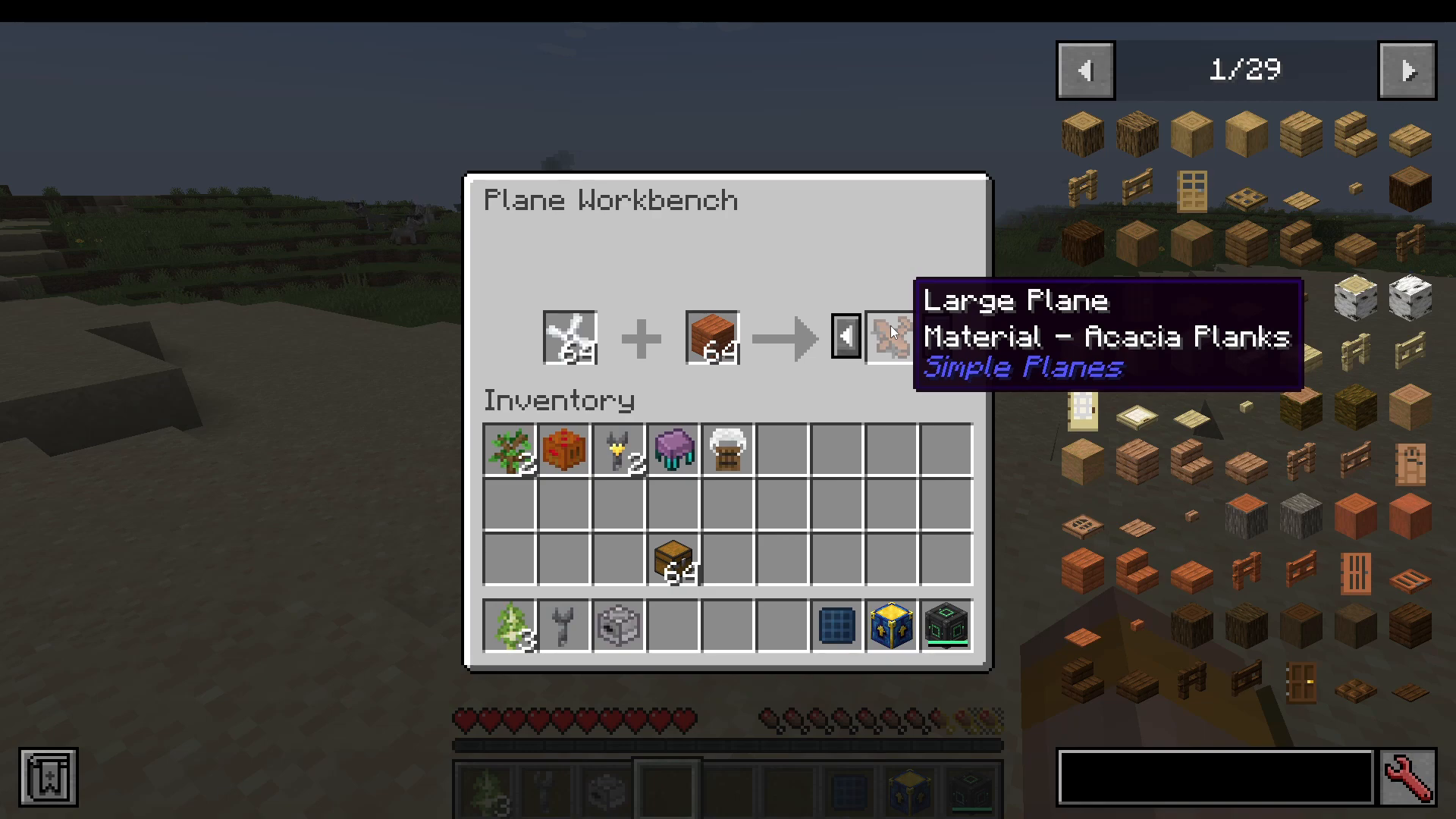
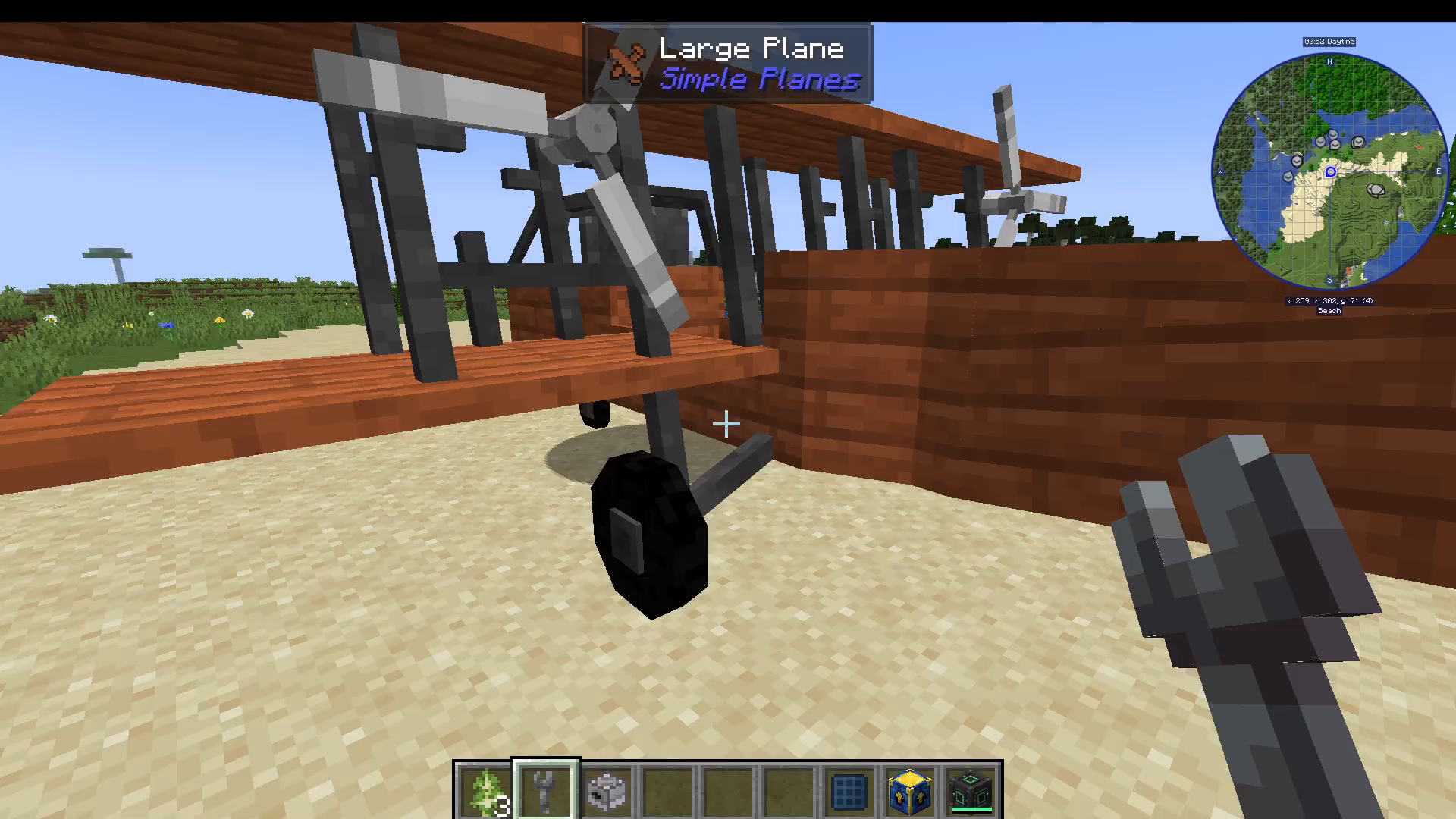
You do not strictly need a wrench, but it is strongly recommended. Craft a wrench and right-click any placed plane with it to open the upgrade slots interface. This is how you install and remove all engines and upgrades.
Engine Types: Powering Your Plane
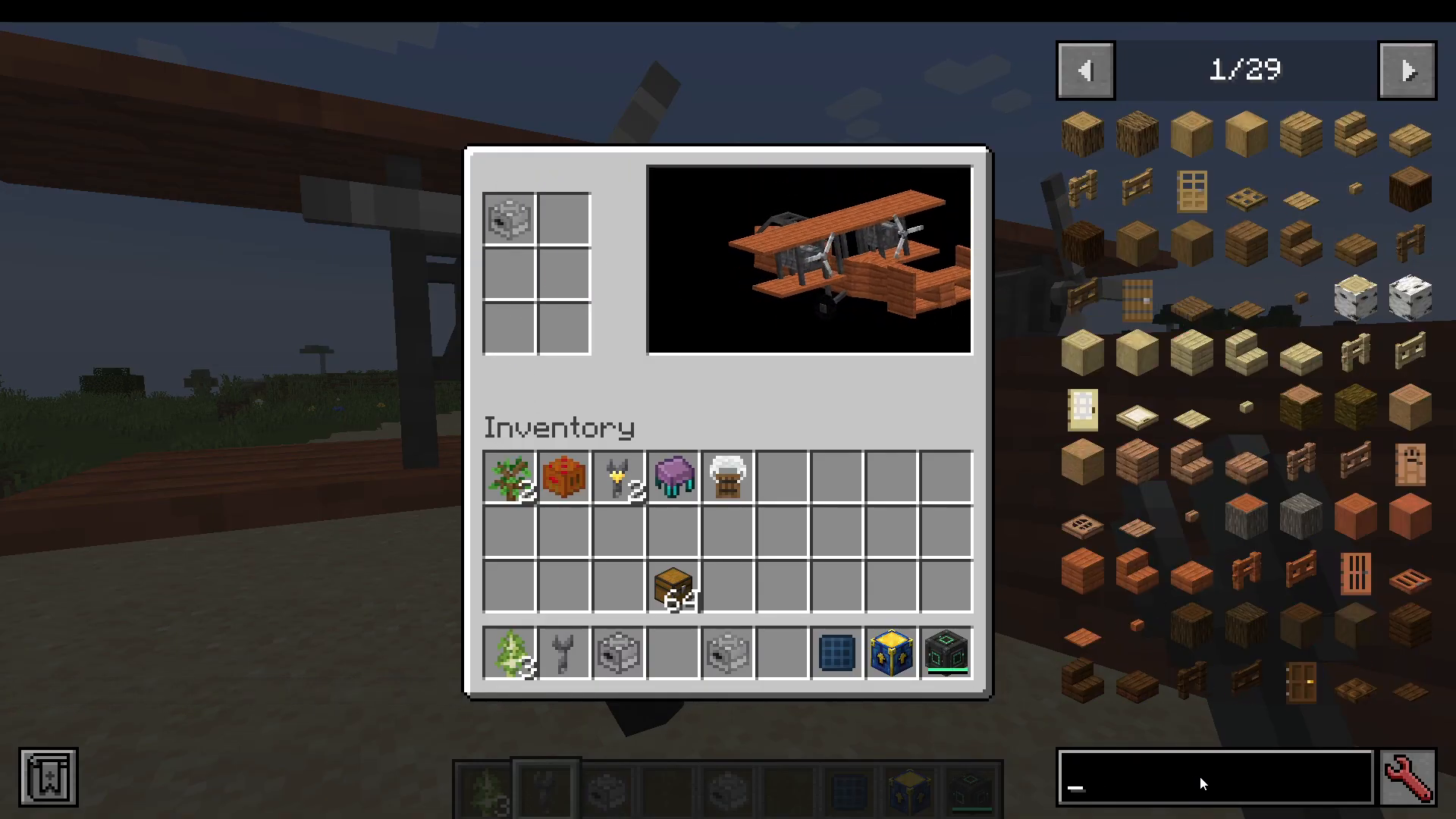
You can only have one engine installed at a time. Installing a new engine will push the existing one out. Choose the engine that best fits your available resources.
Furnace Engine
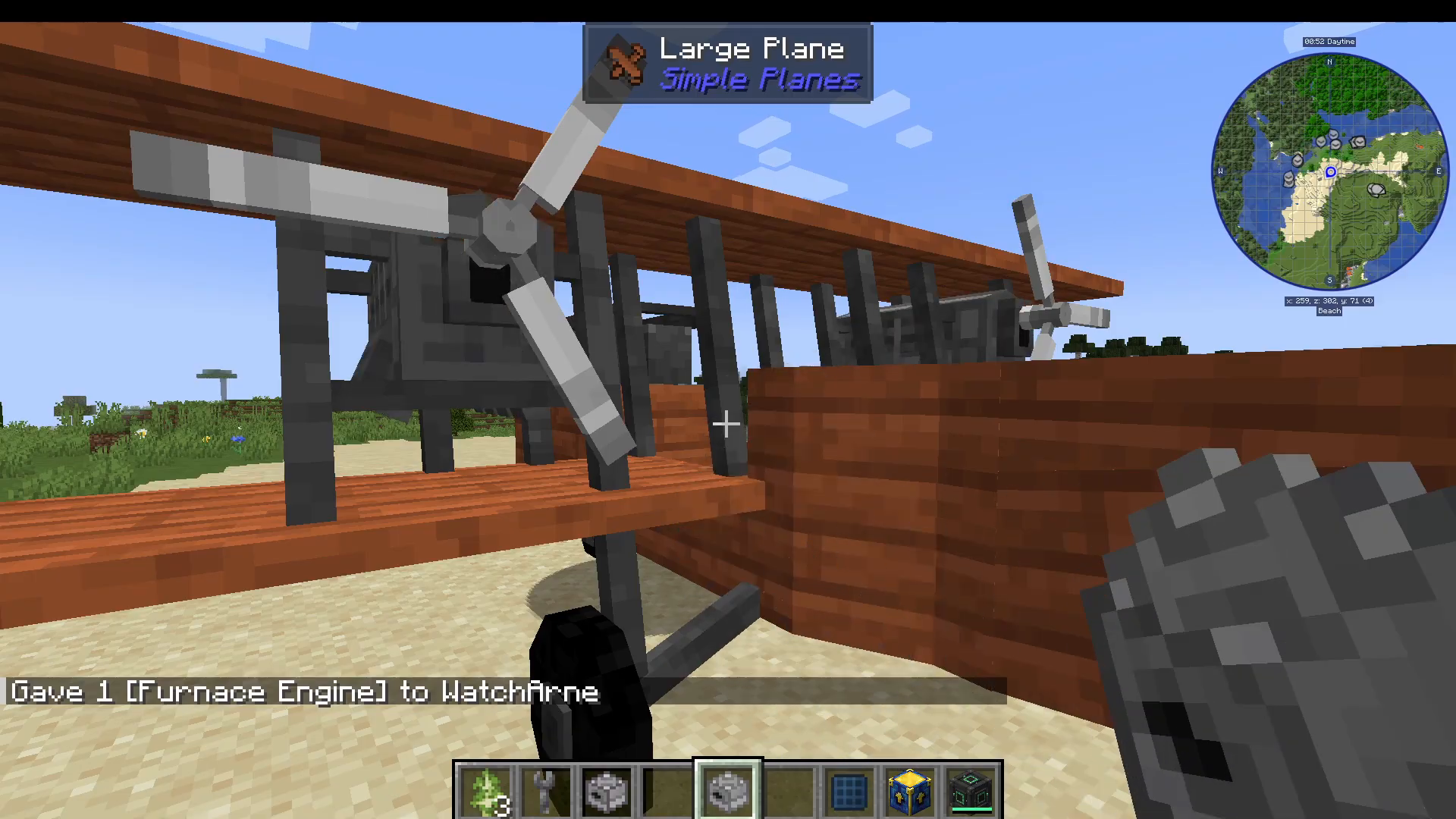
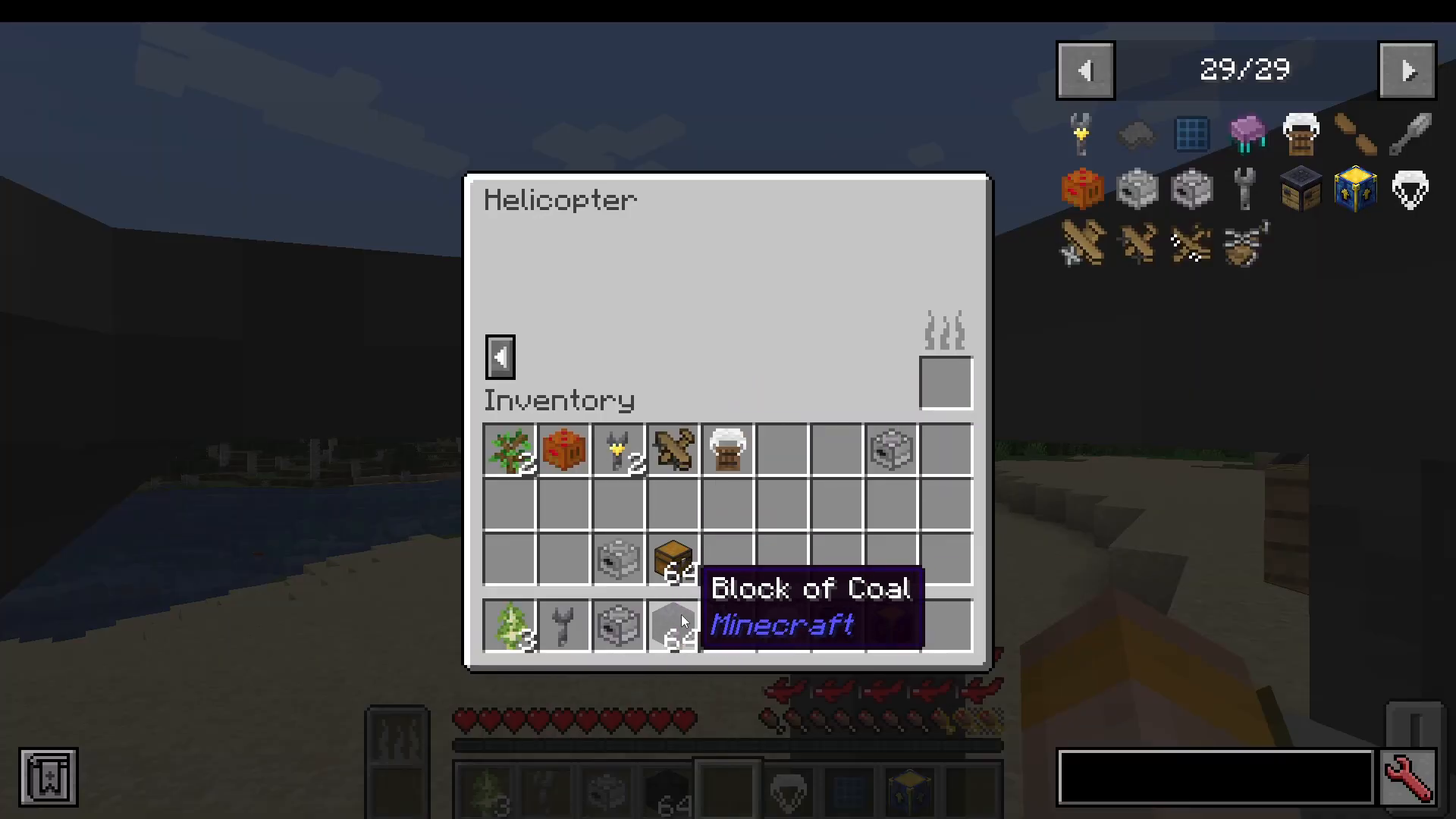
Craft a Furnace Engine and right-click it onto the plane to install it. Once installed, get into the plane, press X to open the interface, and add coal as fuel. The plane will then be ready to operate.
Liquid Engine
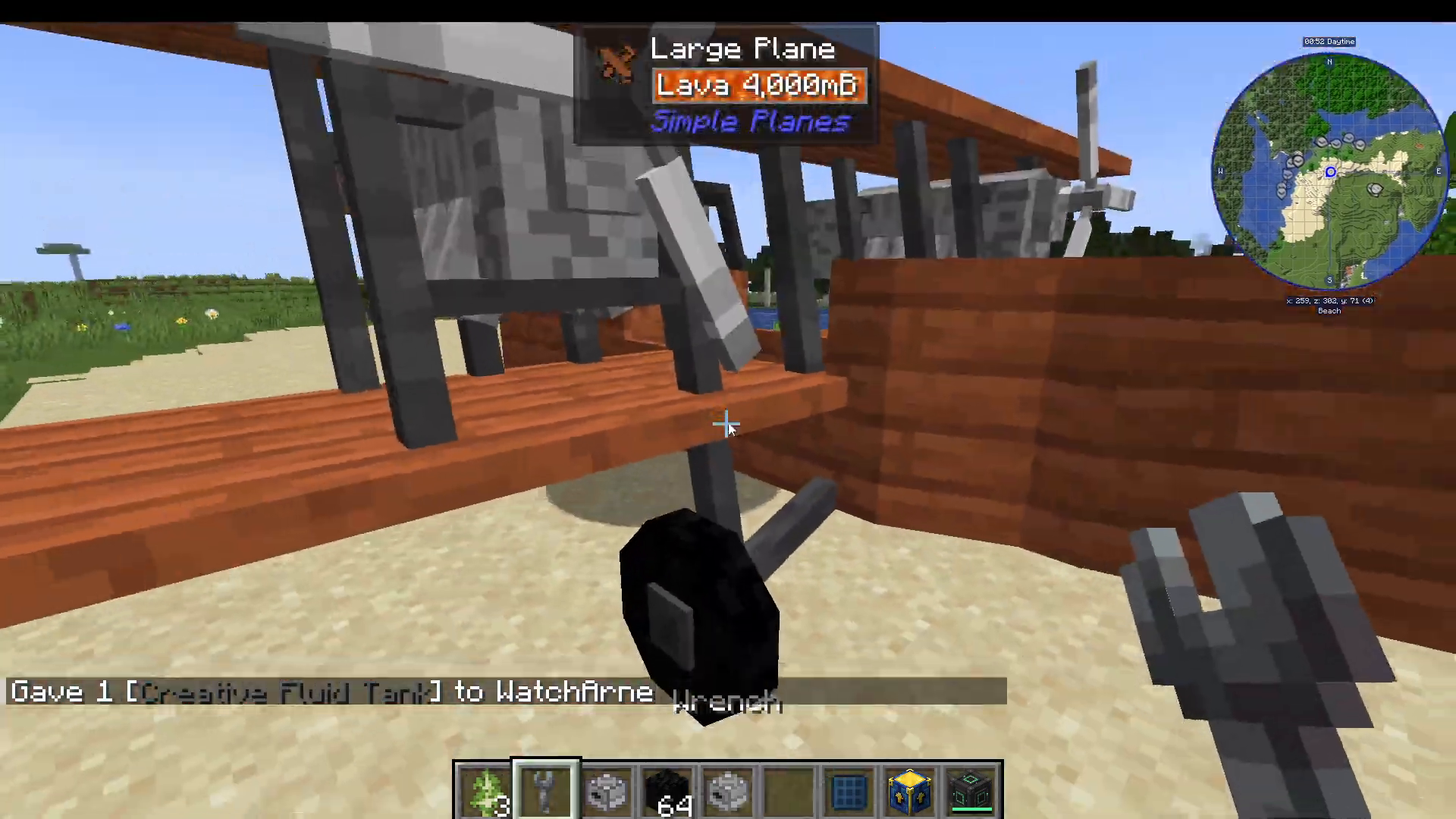
The Liquid Engine is fuelled by liquid resources. After installing it and pressing X to open the interface, you can fill the top tank slot with a bucket of lava to power the plane.
Electric Engine
The Electric Engine adds an electricity bar to the interface. For a fully renewable power setup, it is recommended that you also install a solar panel via the engine’s upgrade slots. This provides a sustainable, fuel-free way to keep your plane running.
Upgrades: Customising Your Aircraft
Beyond engines, the Simple Planes mod offers a wide range of upgrades to expand what your aircraft can do. Access all upgrade slots by right-clicking the plane with your wrench.
Floaty Bedding
The Floaty Bedding upgrade adds two large floats to the sides of the plane, allowing it to land and float on water. This is useful for ocean exploration or emergency water landings.
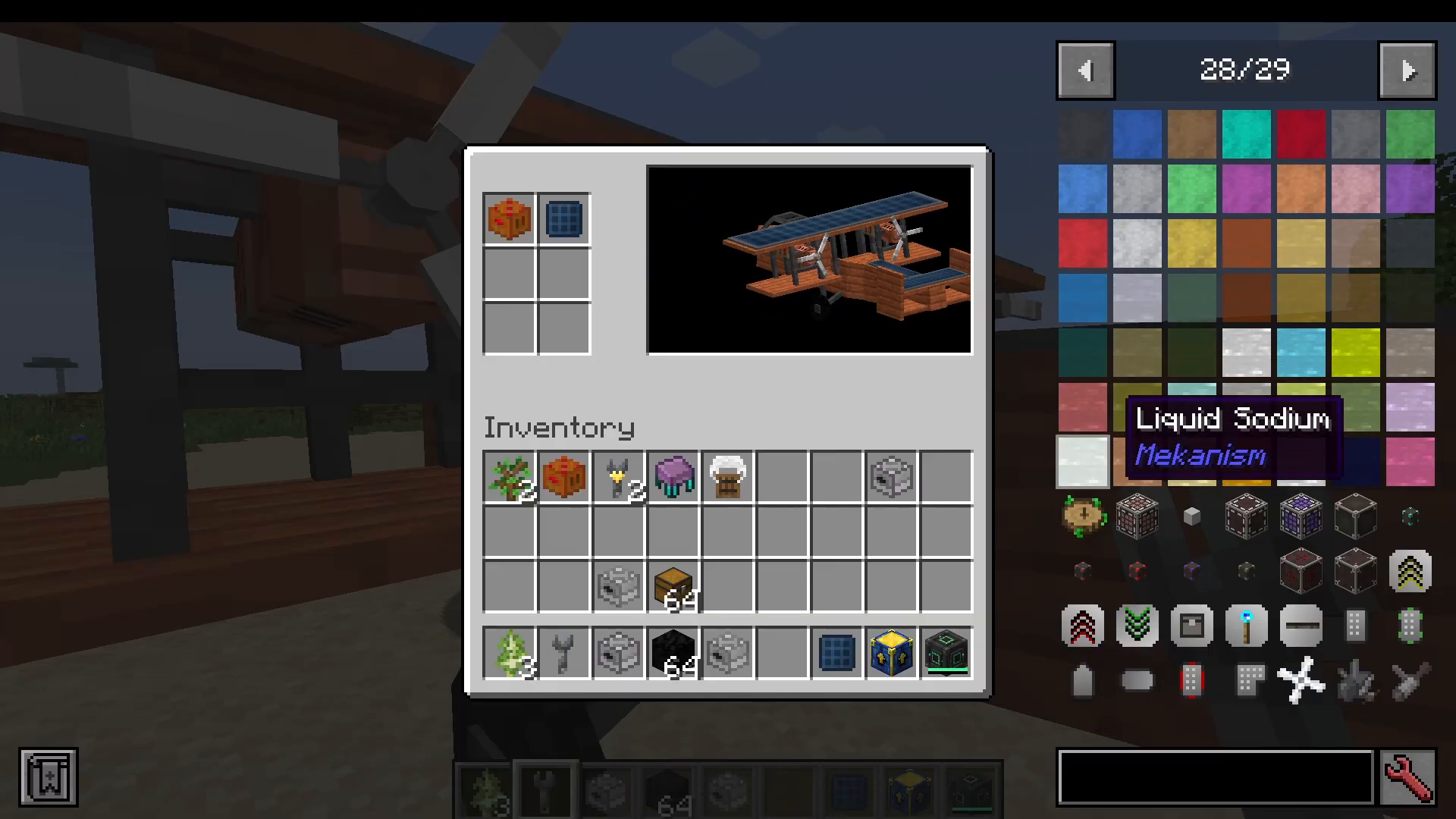
Rocket Booster
Adding a Rocket Booster increases the maximum engine throttle, allowing your plane to reach higher top speeds than normal.
Plate Armor
Plate Armor reinforces the plane’s hull, increasing its durability and making it more resistant to damage.
Folding Upgrade
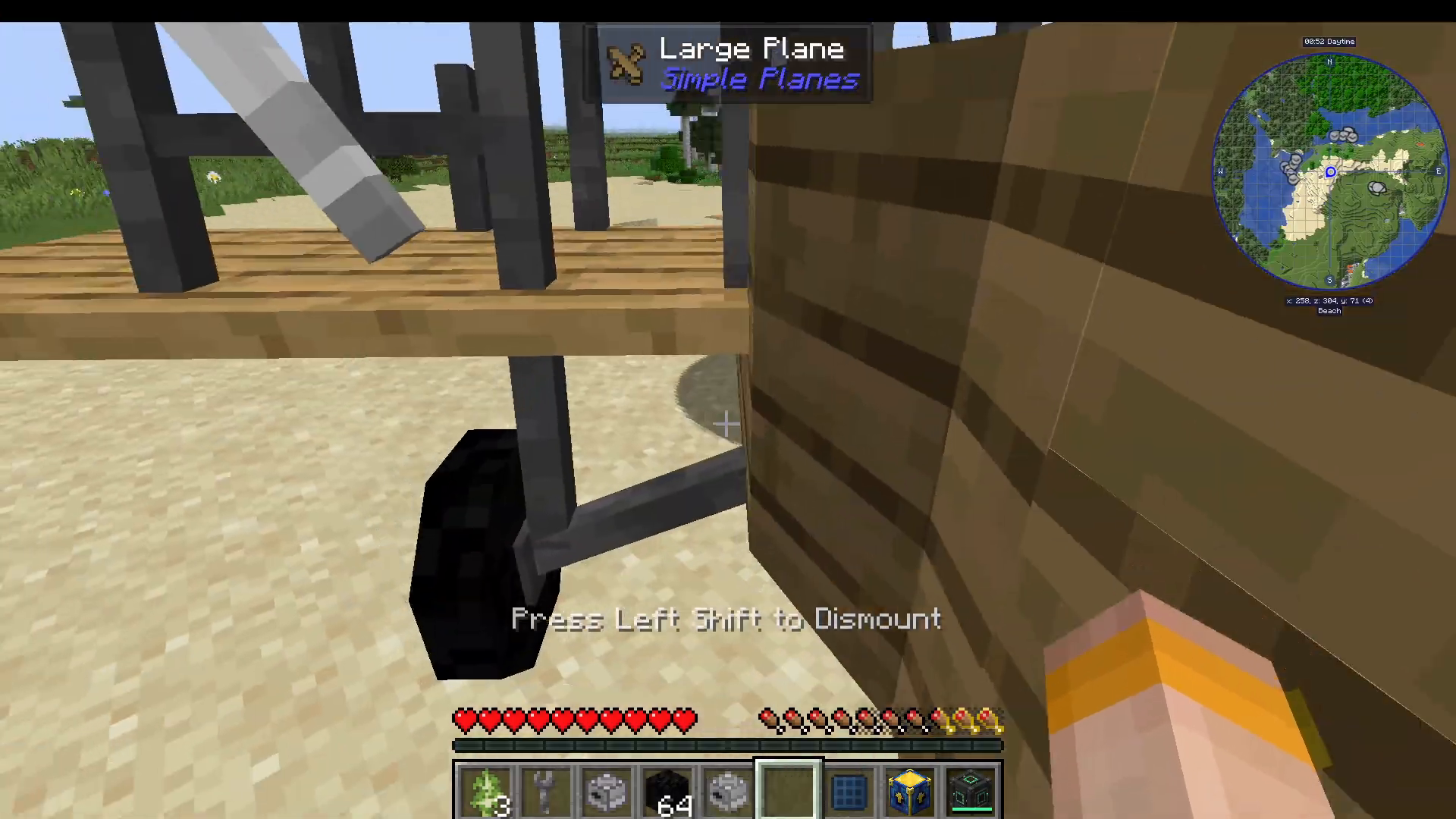
The Folding Upgrade adds a shulker box-like attachment to the back of the plane. When active in Survival mode (note: this upgrade does not function in Creative mode), the plane will automatically fold into your inventory when you exit it. Simply right-click to place it back down again. This makes it extremely convenient for on-the-go travel.
Supply Crate
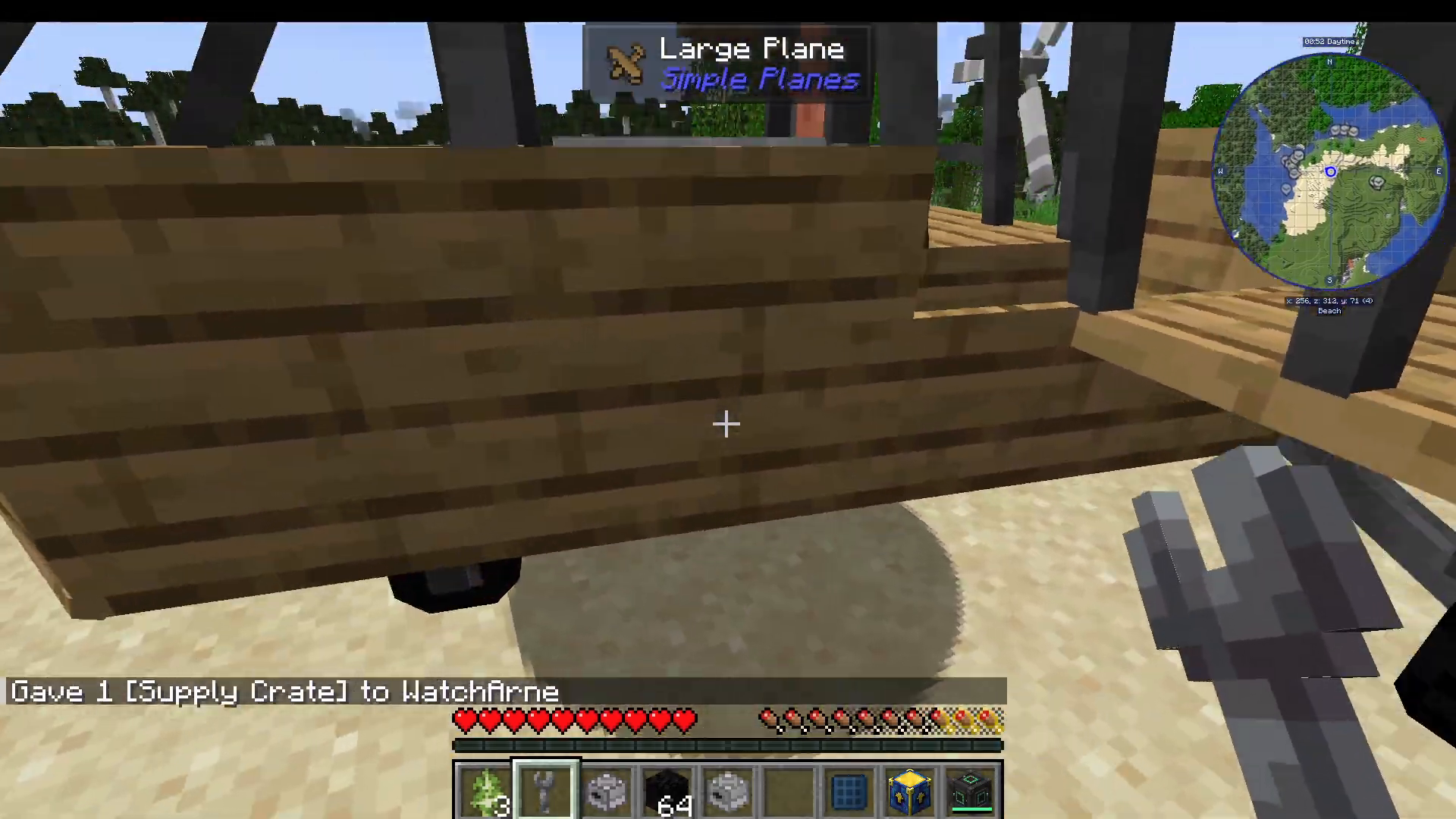
The Supply Crate can be installed as an upgrade and dropped from mid-flight. To set the drop keybind, go to Options → Controls → Key Binds, scroll to the bottom, and look for the Simple Planes section. The default drop payload key is C. Press C while airborne to release the supply crate.
Chests and Storage
Large planes and helicopters support the addition of chests, including iron chests, for carrying items during flight.
TNT Payload
TNT can be loaded as a payload on large planes and helicopters and dropped mid-flight using the same C keybind used for the supply crate.
Jukebox
A jukebox can be added to large planes and helicopters only — perfect for adding some atmosphere to your flights.
Seats Upgrade
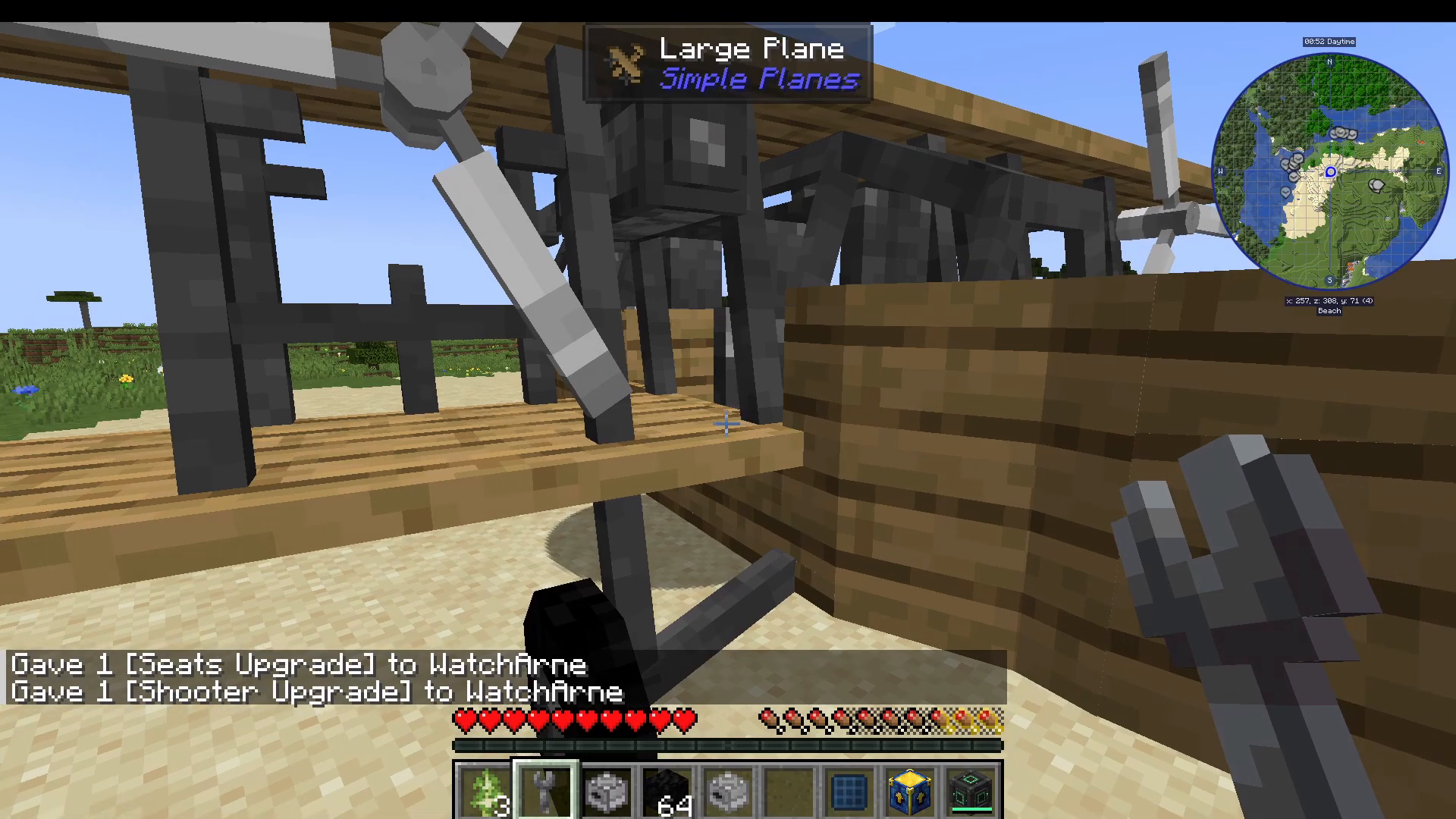
The Seats Upgrade adds additional passenger seats to your aircraft, allowing more players to ride along with you.
Shooter Upgrade
Install the Shooter Upgrade, then get into the plane and press X to open the interface. Navigate right to the arrow slot and load it with arrows. While flying, left-click to fire arrows from the plane.
Parachute
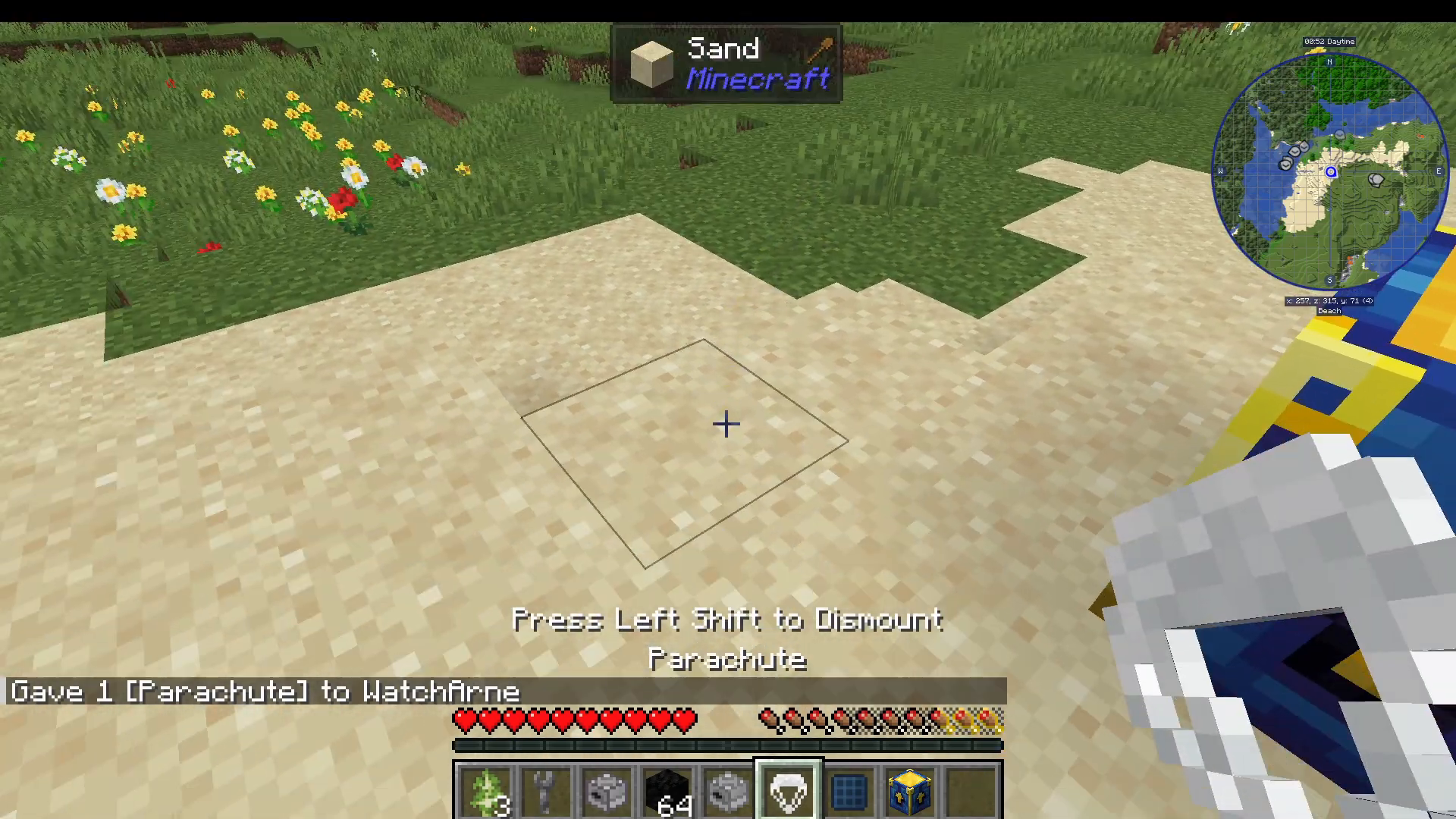
The Parachute is a critical safety item. If you find yourself falling or about to crash, right-click the parachute while in mid-air to deploy it and descend safely. Press Shift to detach from the parachute once you have landed. Remember: planes will explode on a hard crash, so always keep a parachute on hand.
Charging Station
A Charging Station block is available in the mod. It does not appear to have a direct inventory. Placing a compatible power-generating block (such as a Create mod block) adjacent to it will cause it to charge, though the exact mechanic for using it to charge the electric engine plane is currently unclear.
Flight Controls: How to Fly Your Plane
Once your plane has fuel or power, it is time to take off. Right-click the plane to get inside. Here is a full breakdown of the default controls:
Up/Down Arrow Keys — Increase or decrease engine throttle. You do not need to hold the arrow key continuously once the throttle is set.
W / S Keys — Pitch the plane up or down (nose up/nose down).
A / D Keys — Roll the plane left or right.
Left / Right Arrow Keys — Yaw left or right for turning.
Space Bar — Move the helicopter upward.
X — Open the plane’s internal inventory/interface.
C — Drop payload (supply crate, TNT, etc.).
Shift — Exit the plane.
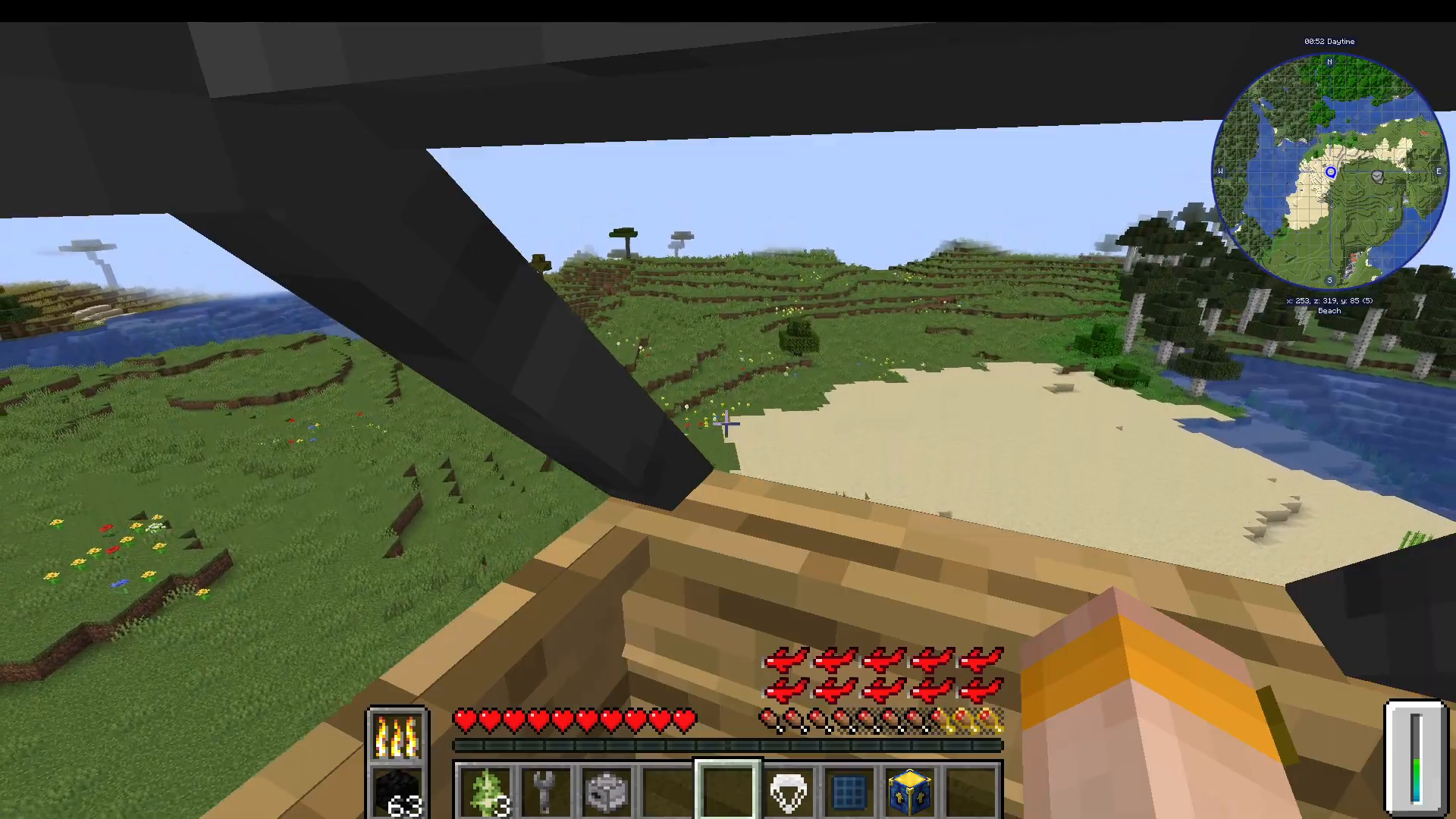
The small box in the bottom-right corner of the screen displays your current throttle level. Keep an eye on it when taking off and landing.
Tips for Taking Off and Landing
To take off, press the Up Arrow to increase throttle, then press W to pitch the nose up. For turning, use the Left and Right Arrow Keys for yaw, and A / D for rolling. When landing, make sure to reduce your throttle well in advance and approach slowly. Coming in too fast will cause the plane to explode on impact.
Flying the Helicopter
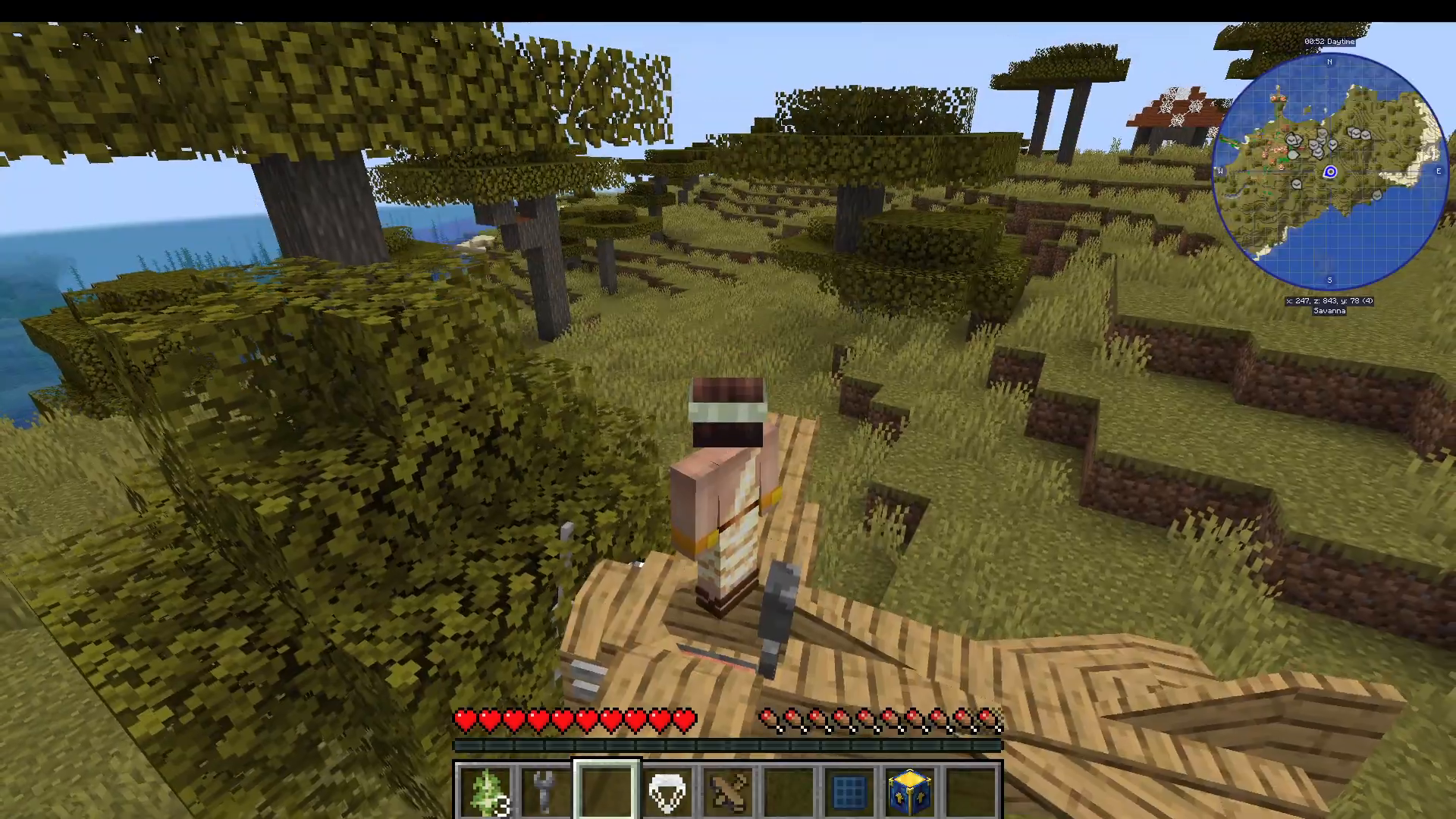
To fly the helicopter, install a Furnace Engine, open the interface with X, add coal, then press the Up Arrow to set the throttle and Space Bar to lift off. The helicopter is far easier to control precisely, making it the best aircraft for hovering and navigating tight terrain.
Summary: Everything You Need to Know About the Simple Planes Mod
The Simple Planes mod adds a full aviation system to Minecraft, complete with four aircraft types (small plane, large plane, cargo plane, and helicopter), three engine options (furnace, liquid, and electric), and a rich set of upgrades ranging from floaty bedding and rocket boosters to shooters, parachutes, and TNT payloads. Craft your Plane Workbench, choose your aircraft and wood type, install an engine using the wrench, fuel it up, and take to the skies. Master the arrow key throttle and yaw system, always carry a parachute, and land slowly to avoid an explosive end to your flight. Happy flying!
“`