Morph Mod Tutorial & Spotlight
Minecraft Morph Mod Tutorial: Kill Mobs, Absorb Powers & Transform
The Morph Mod for Minecraft lets you transform into any mob you kill — and inherit their unique abilities in the process. Whether you want to climb walls as a spider, fly as a bat, or breathe underwater as a squid, this mod opens up a whole new way to play. In this tutorial, we’ll walk you through exactly how the mod works, which mob forms are the most powerful, and how to find a version that works for modern Minecraft.
How the Morph Mod Works
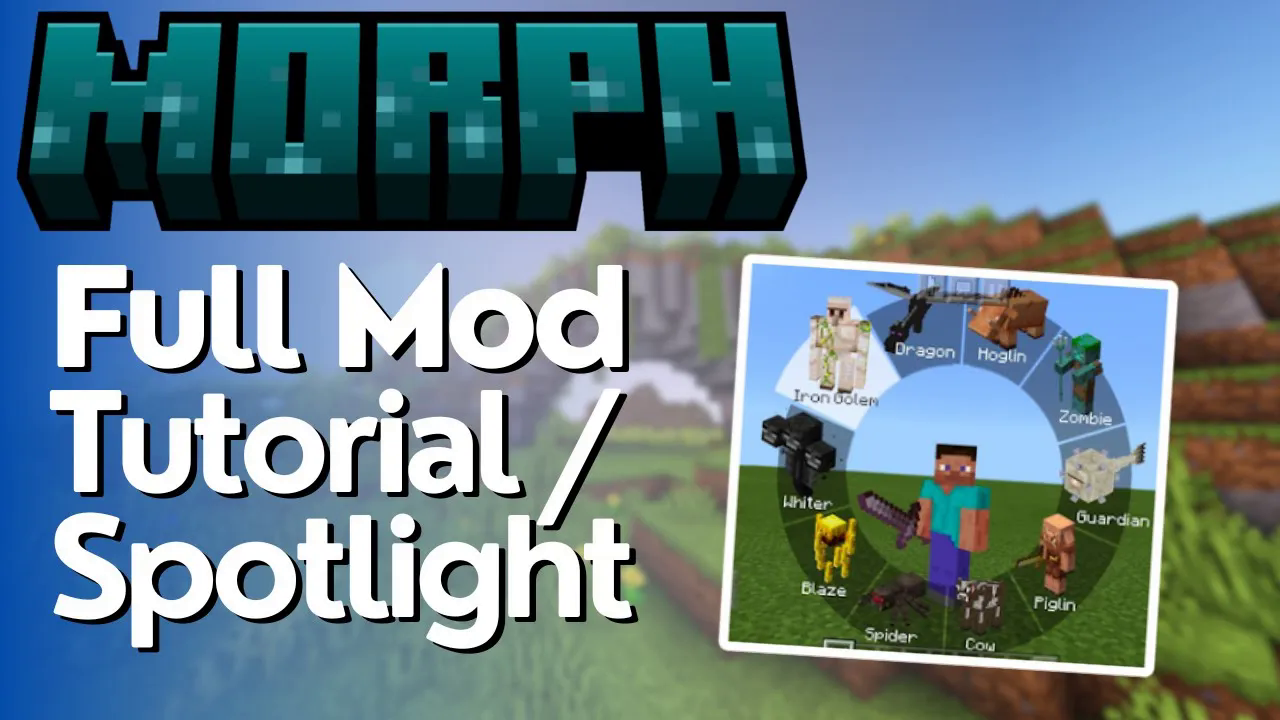
The core mechanic is simple: kill any mob and you automatically absorb its form. For example, after killing a witch, you’ll see a notification that her powers have been absorbed. From there, press the designated keybind on your keyboard, scroll through your list of collected forms, and left-click to select the one you want. You’ll instantly transform into that mob.
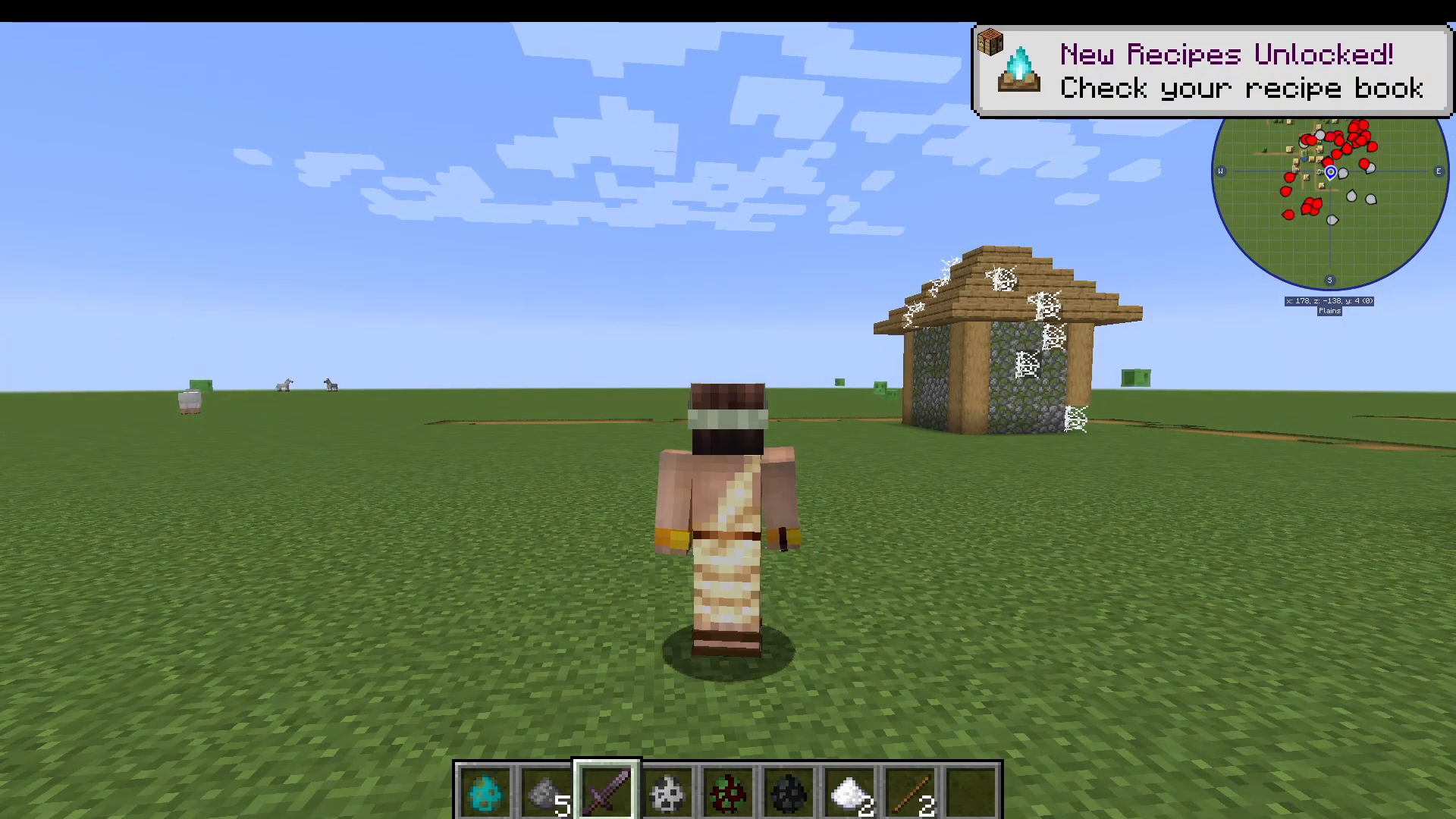
This works for all vanilla Minecraft mobs. On top of that, if a mod developer has added compatibility, it also works with modded mobs — giving you an enormous library of forms to collect over time.
The Best Mob Abilities to Unlock
While every mob form has its own traits, a few stand out as especially useful for survival gameplay. Here are the top picks:
Spider – Wall Climbing
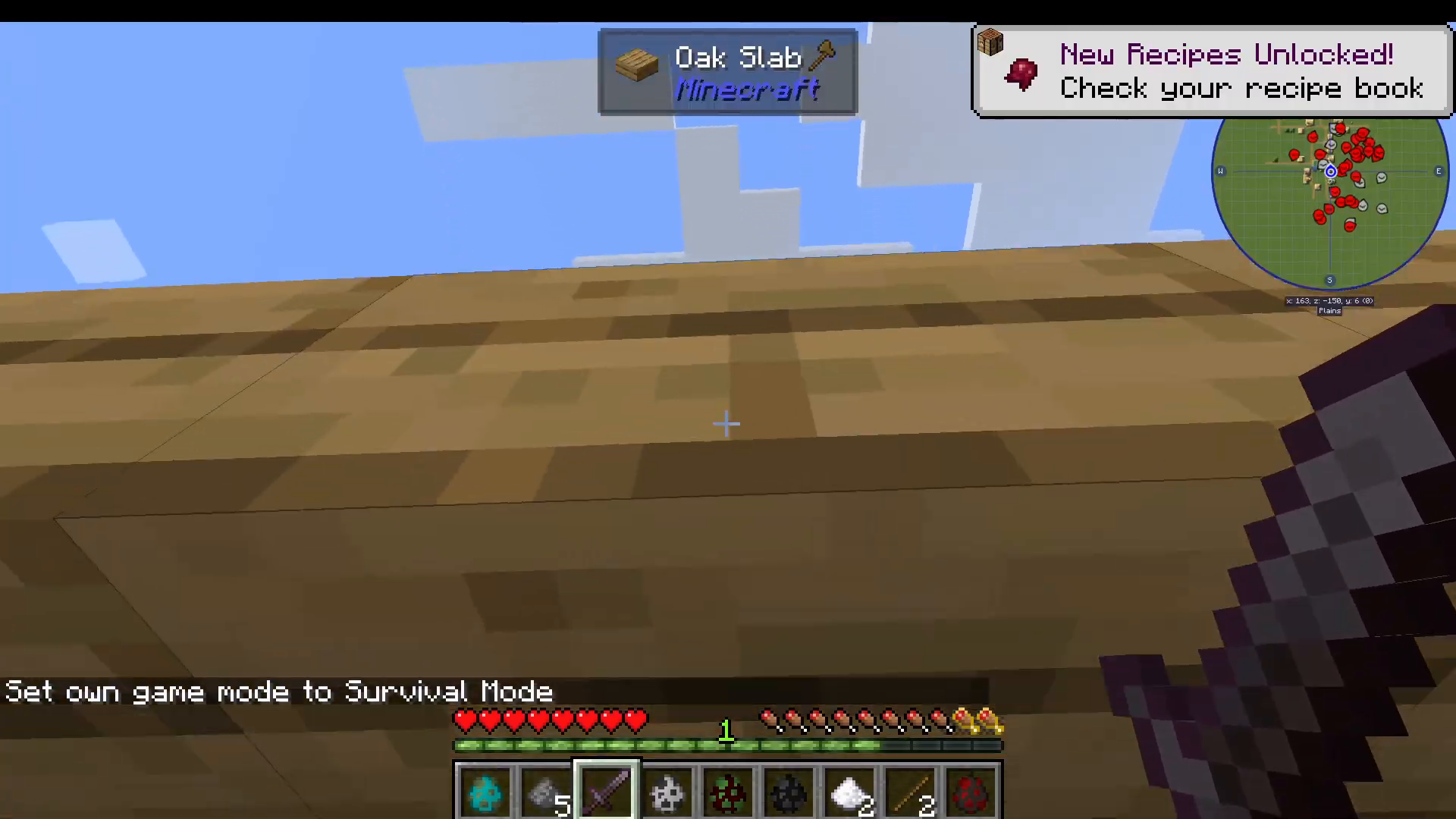
After killing a spider and selecting its form, you gain the ability to climb vertical surfaces. You can walk straight up walls and scale entire buildings with ease. Note that cobwebs will still slow you down, just as they do for a real spider — but the climbing ability itself is a huge mobility advantage.
Chicken – Fall Damage Immunity
In chicken form, you glide gently down to the ground and take absolutely no fall damage. This makes it a great utility form when exploring tall structures or mountains.
Bat – Flight
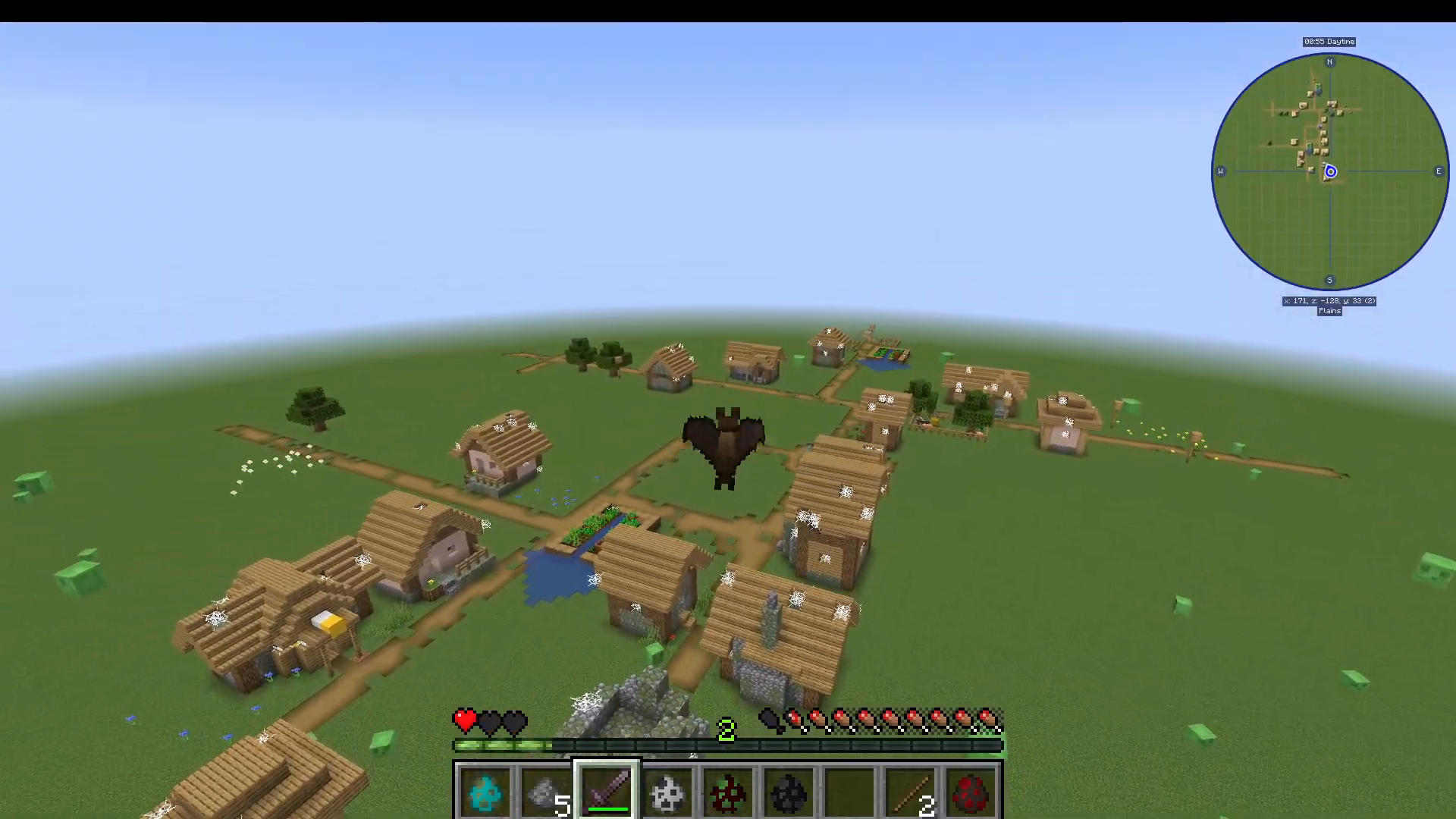
The bat form is one of the most exciting. To fly, simply keep pressing the jump (spacebar) key repeatedly to stay airborne. Be aware that in the current version of the mod, the bat form gives you fewer health hearts than your normal form. In older versions of the mod, bat flight functioned like creative mode flight, but in the current build it requires continuous jumping to maintain altitude. You can still gain significant height and maneuver freely, making it a strong choice for exploration.
Squid – Underwater Breathing
Transform into a squid and you’ll be able to breathe underwater indefinitely — perfect for ocean monuments, underwater caves, or any deep-sea exploration.
Zombie & Skeleton – Sunlight Immunity (Reversed)
Worth noting: if you take the form of a zombie or skeleton, you’ll inherit their weakness to sunlight and will catch fire when exposed to direct sun. Keep this in mind before morphing into undead mobs during the day.
How to Use the Keybind
To switch between your collected mob forms, press your assigned morph keybind (configurable in your Minecraft controls settings). A selection menu will appear showing all the forms you’ve unlocked. Scroll through the list to find the mob you want, then left-click to confirm the transformation. The keybind and menu work the same way regardless of which form you are currently using.
Minecraft Version Compatibility
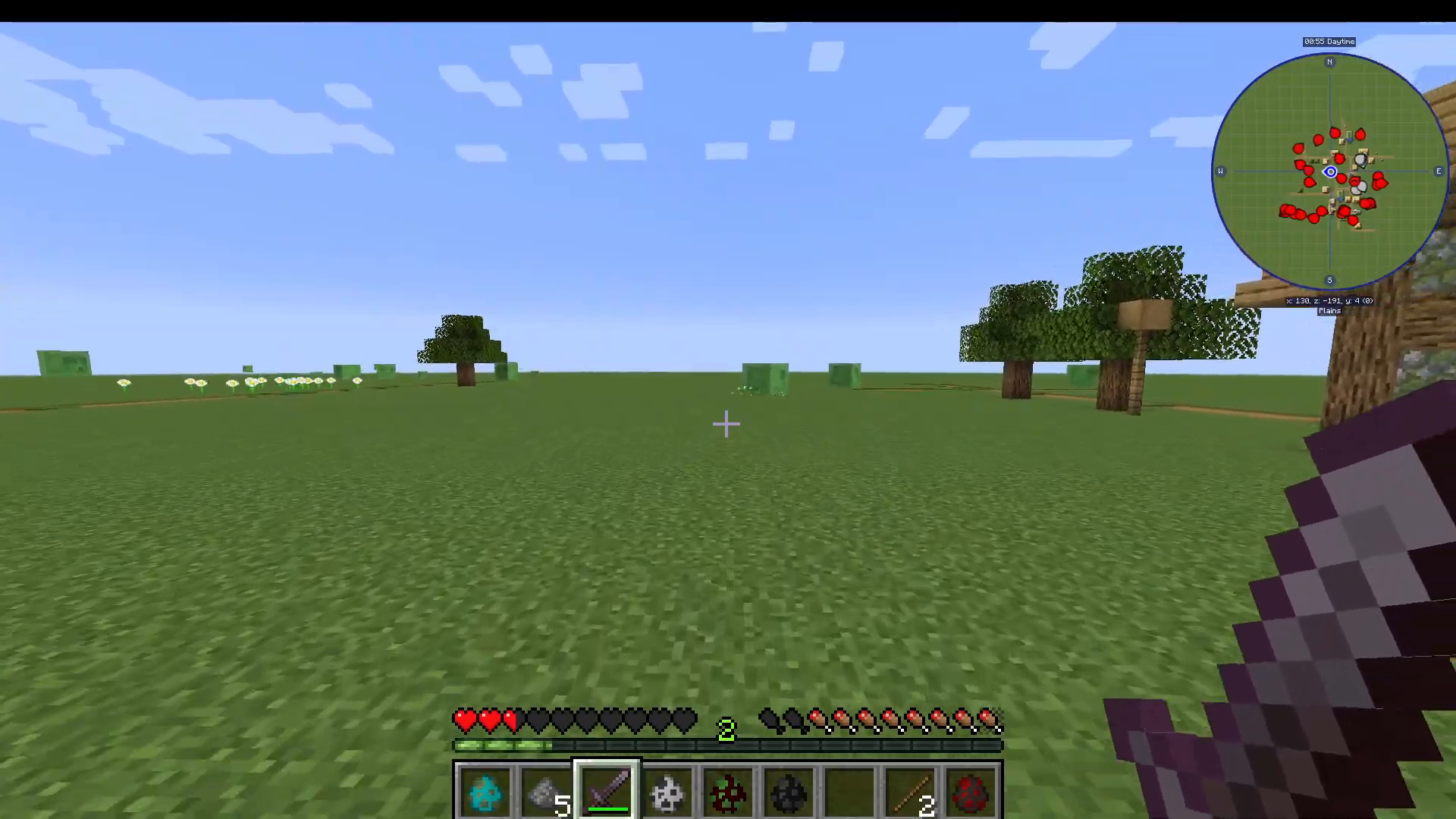
The original Morph Mod is currently updated to Minecraft 1.16.5. If you’re playing on a newer version of the game, don’t worry — there is an alternative mod called Identity (fix) [Morph] that delivers the same core experience and is available for Minecraft 1.20.1. It’s essentially the morph mod under a different name, so you won’t be missing out on the core gameplay loop.
Summary
The Morph Mod is one of the most creative and replayable mods available for Minecraft. Kill a mob, absorb its form, and use its unique abilities to your advantage in survival mode. Prioritize the spider for mobility, the bat for flight, the chicken for fall protection, and the squid for underwater exploration. If you’re on 1.16.5, grab the original Morph Mod. If you’re on 1.20.1, look for Identity (fix) [Morph] instead. Happy morphing!
“`