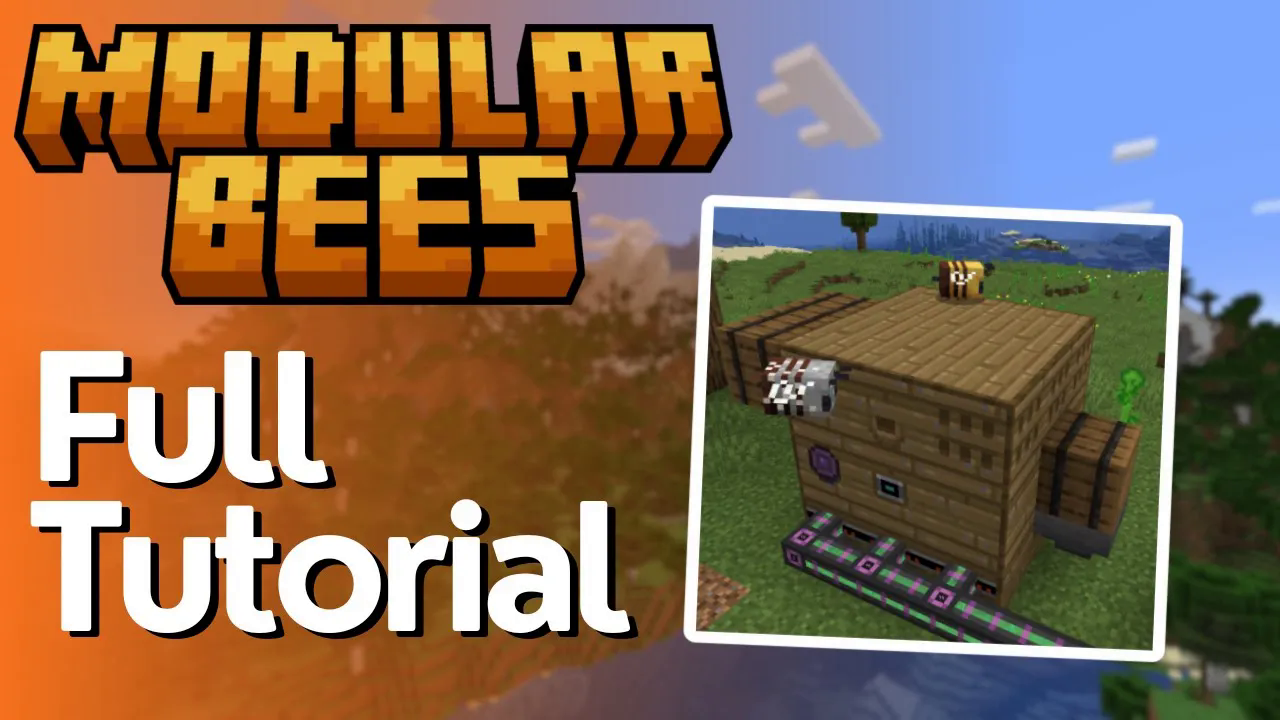
Modular Bees Mod Tutorial
Modular Bees Mod Tutorial: Everything You Need to Know
The Modular Bees mod is one of the most satisfying ways to automate bee farming in modded Minecraft — and it’s now included in All the Mods 10 (ATM 10). Whether you’re brand new to the mod or just need a clear breakdown of every block and its function, this guide walks you through the entire setup from scratch. By the end, you’ll have a fully automated, overclocked bee farm producing resources on autopilot.
Building the Modular Bee Hive Structure
To get started, you need to craft Bee Hive Structure Boxes. Arrange them in a 3×3 grid to form the Modular Bee Hive multiblock structure. On its own, the structure doesn’t do anything yet — the real power comes from swapping out the individual blocks inside it with functional components.
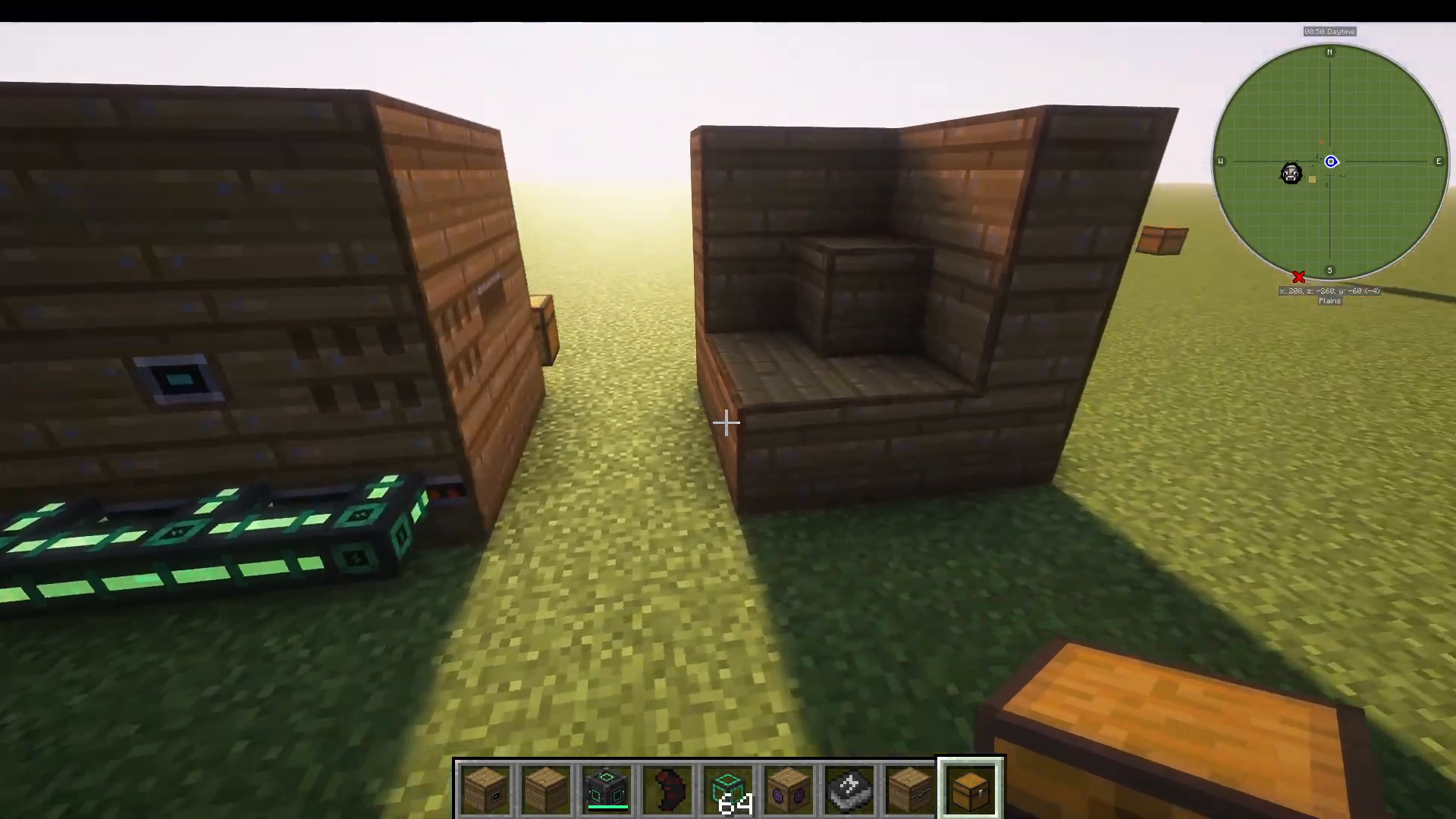
The key is that the middle block of the structure can be replaced with any of the mod’s functional blocks, such as the Alveary. Right-clicking on these functional blocks opens their respective interfaces, where all the action happens.
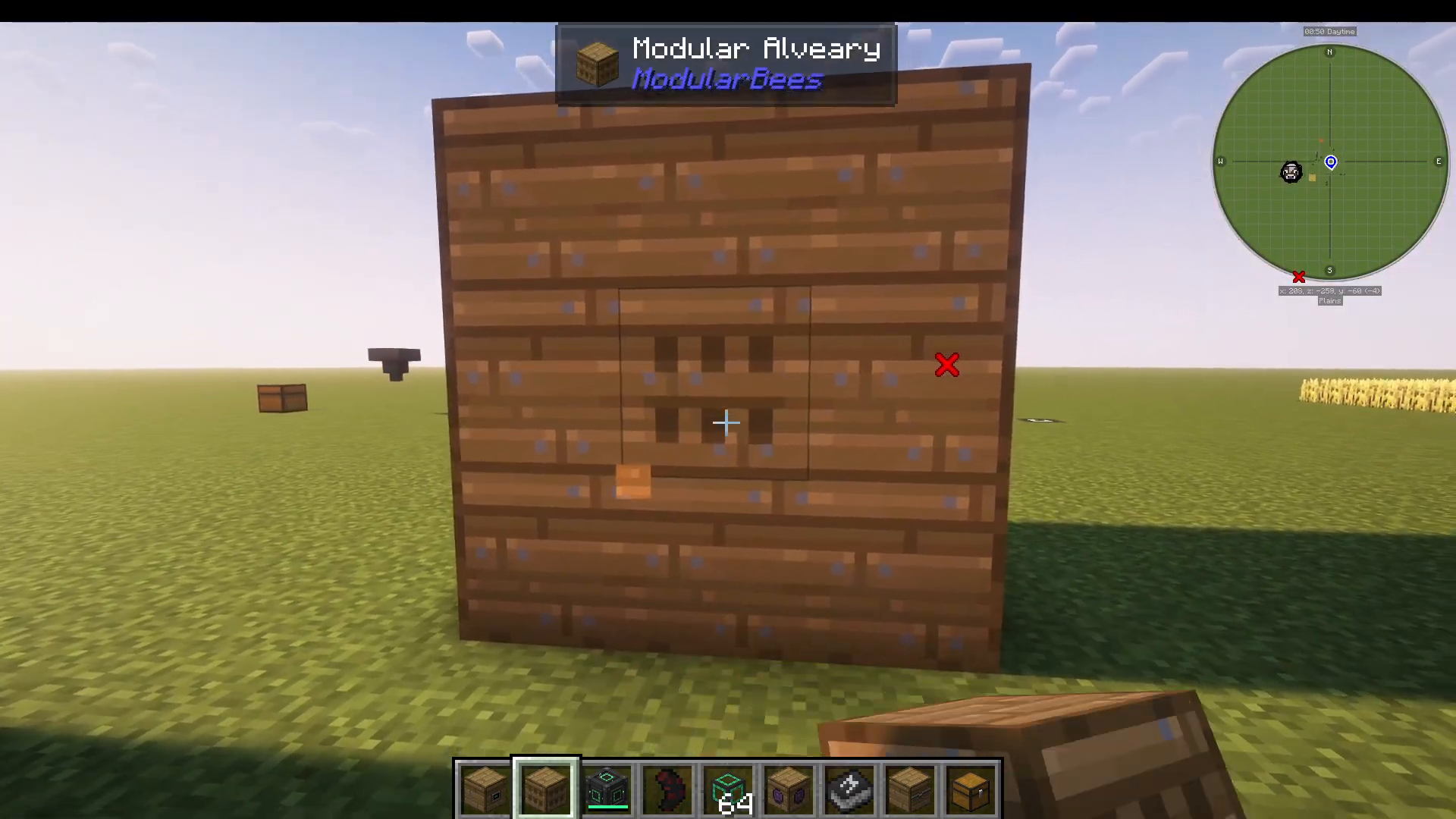
Every Block in Modular Bees Explained
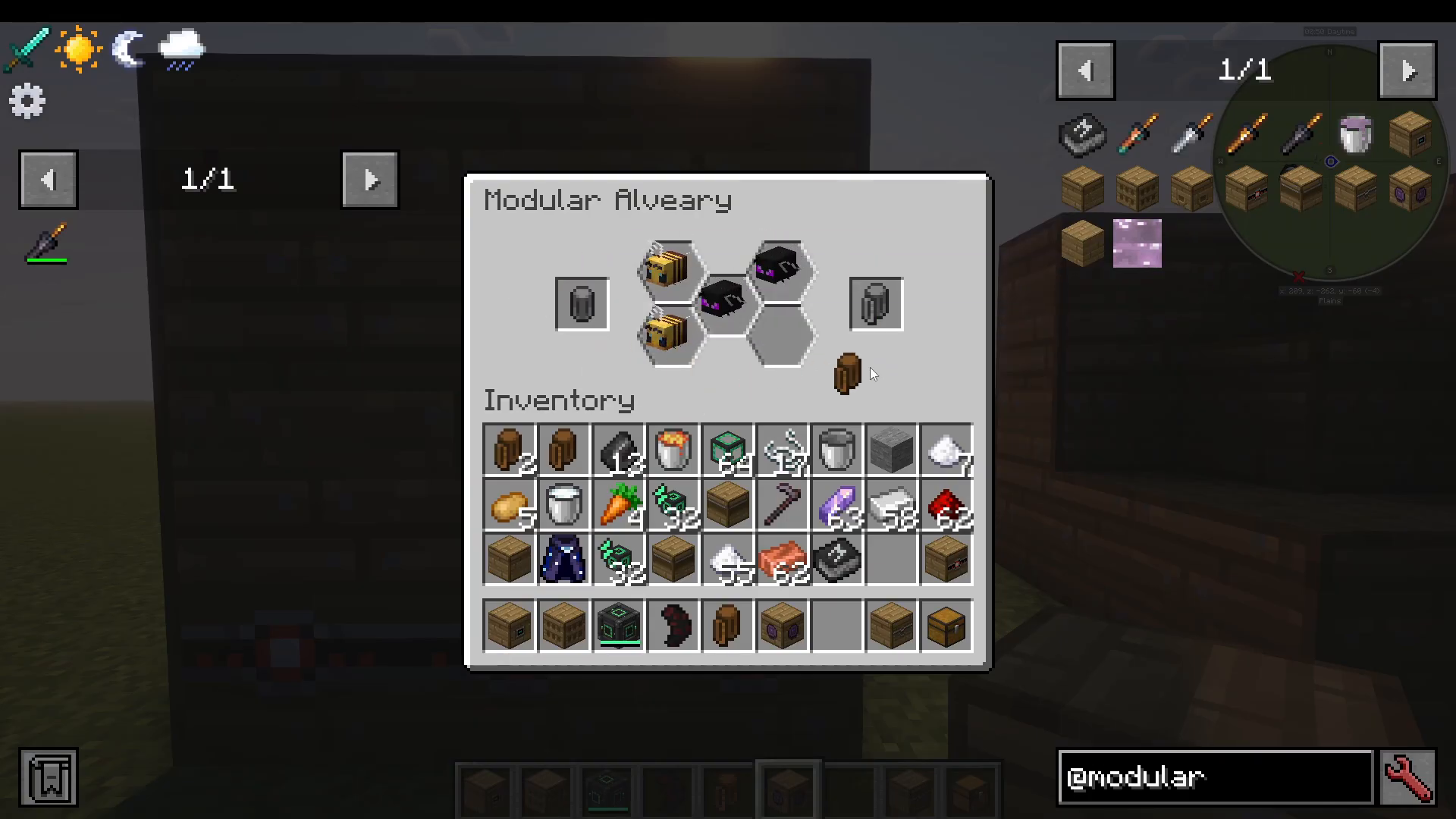
Modular Alveary — Where Your Bees Live
The Modular Alveary is the heart of your setup. This is the block where you input your bees. To do so, you’ll need a Studded Bee Cage (or any Bee Cage from Productive Bees). Right-click a bee in the world with the cage to capture it, and it will appear in your inventory as a named item — for example, a Studded Bee Cage: Draconic Bee. Then right-click the Alveary block and place the cage into the input slot.
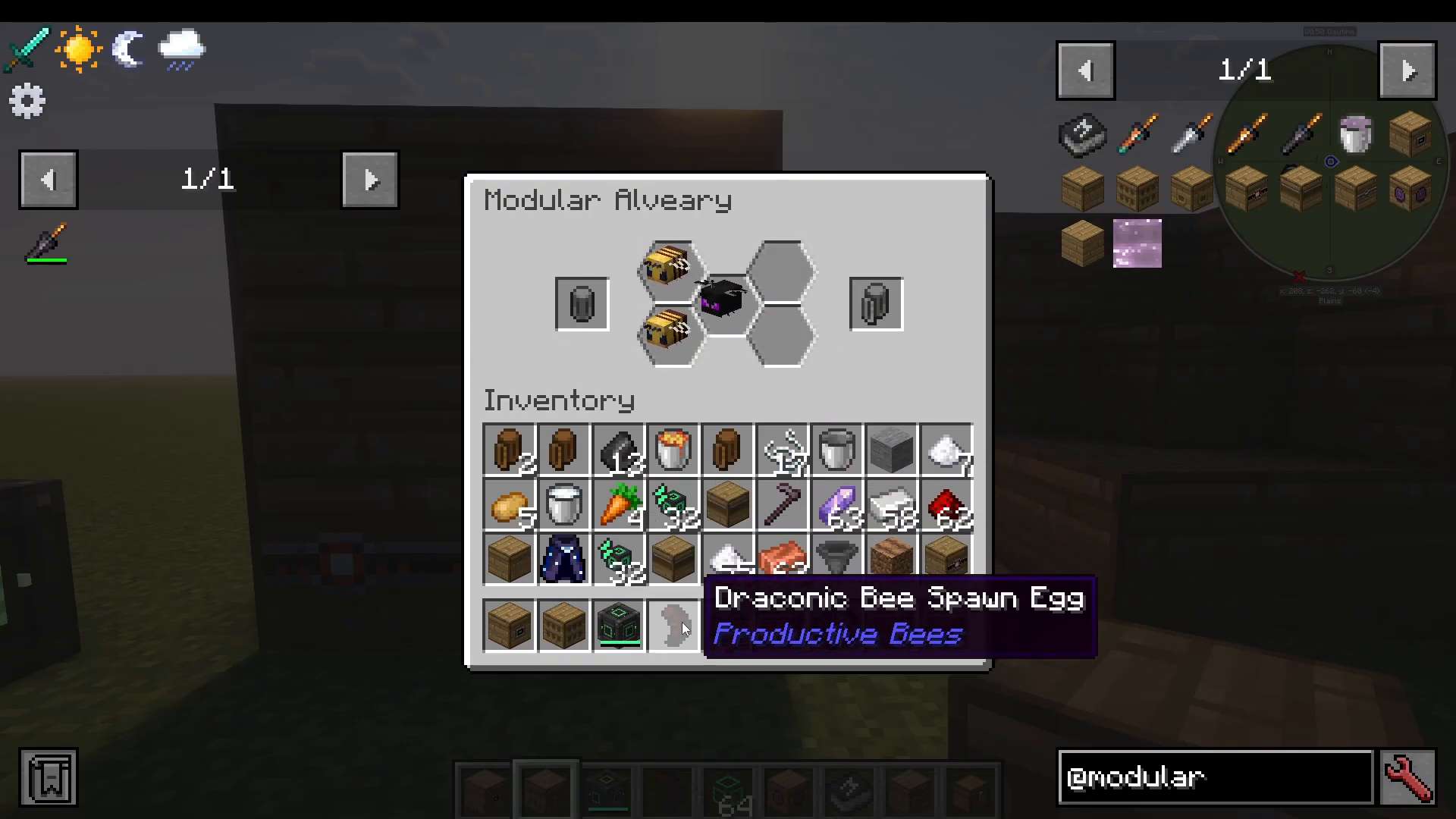
To retrieve a bee from the Alveary, use the right-hand slot in the interface and remove bees from right to left.
Modular Bee Hive — Your Output Block
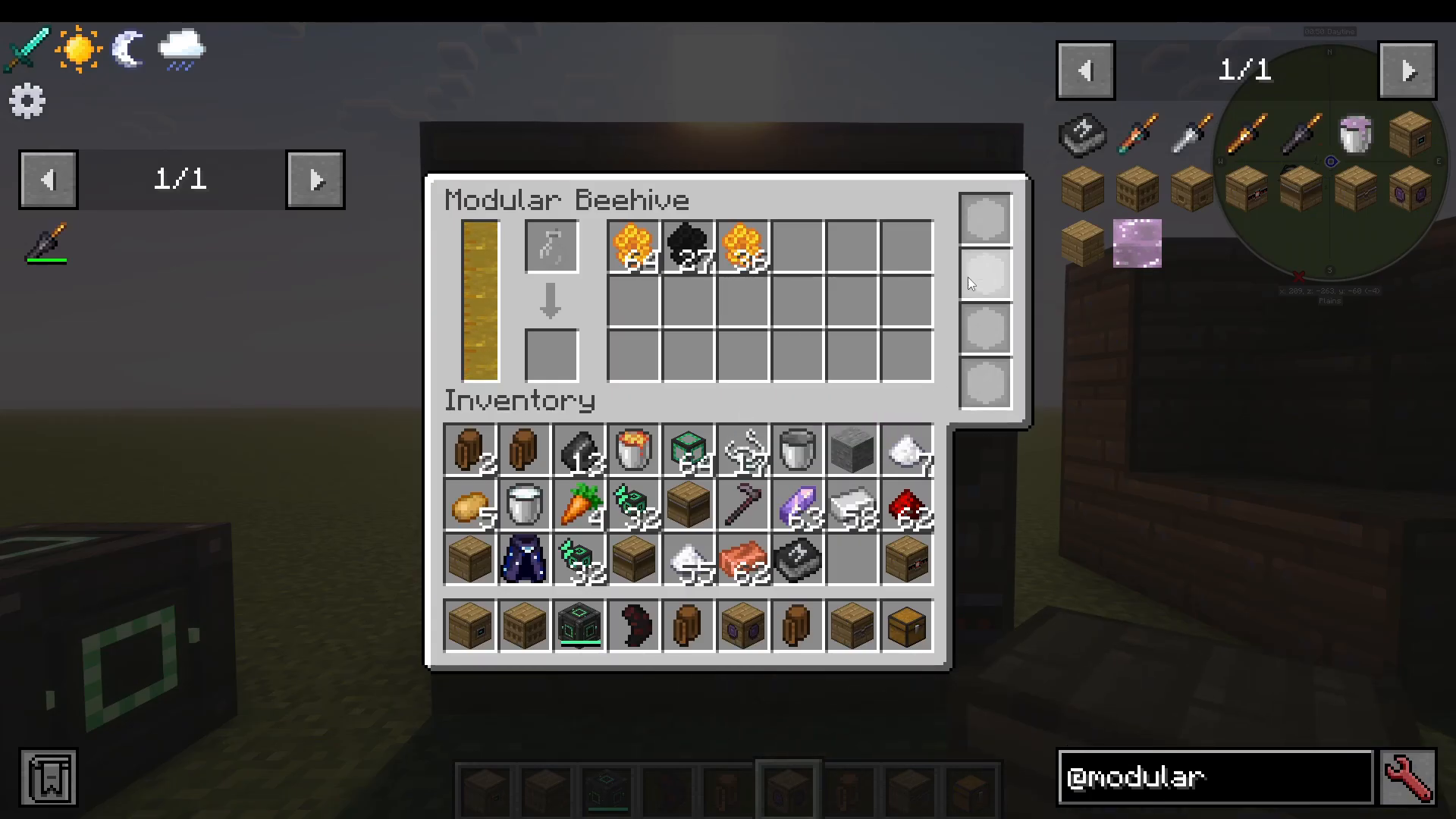
The Modular Bee Hive block is where all of your produce collects. This includes items like honeycombs, Draconic Combs, and honey (extractable with bottles). You can also add upgrades to this block directly. Think of it as the central storage point for everything your bees produce.
Bee Hive Export Hatch — Automating Your Output
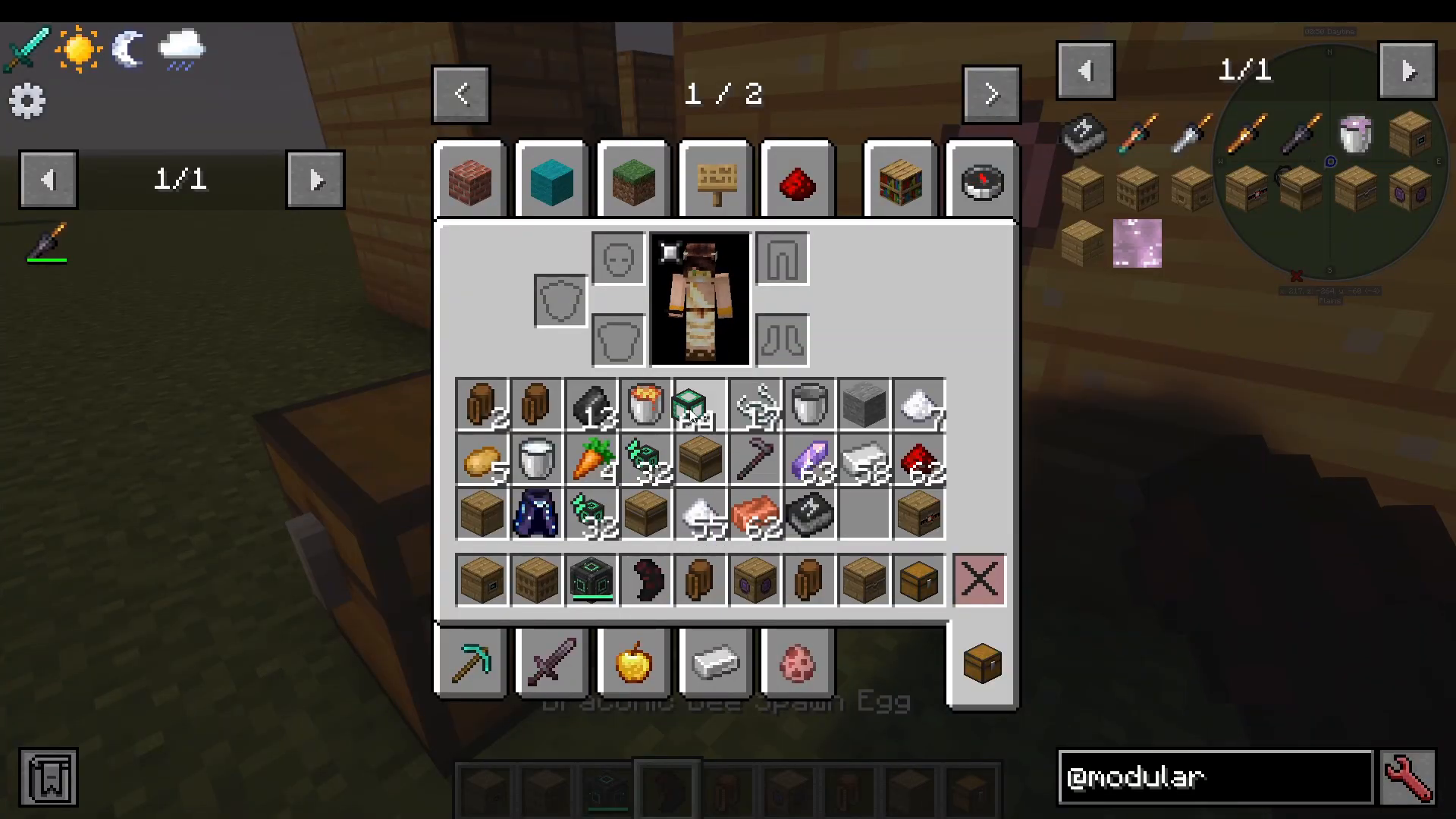
If you don’t want to manually collect items from the Bee Hive block, use a Bee Hive Export Hatch. Simply connect a pipe to it — such as a Logistical Transporter from Mekanism or pipes from any compatible mod — and items will automatically export into a connected chest or storage system.
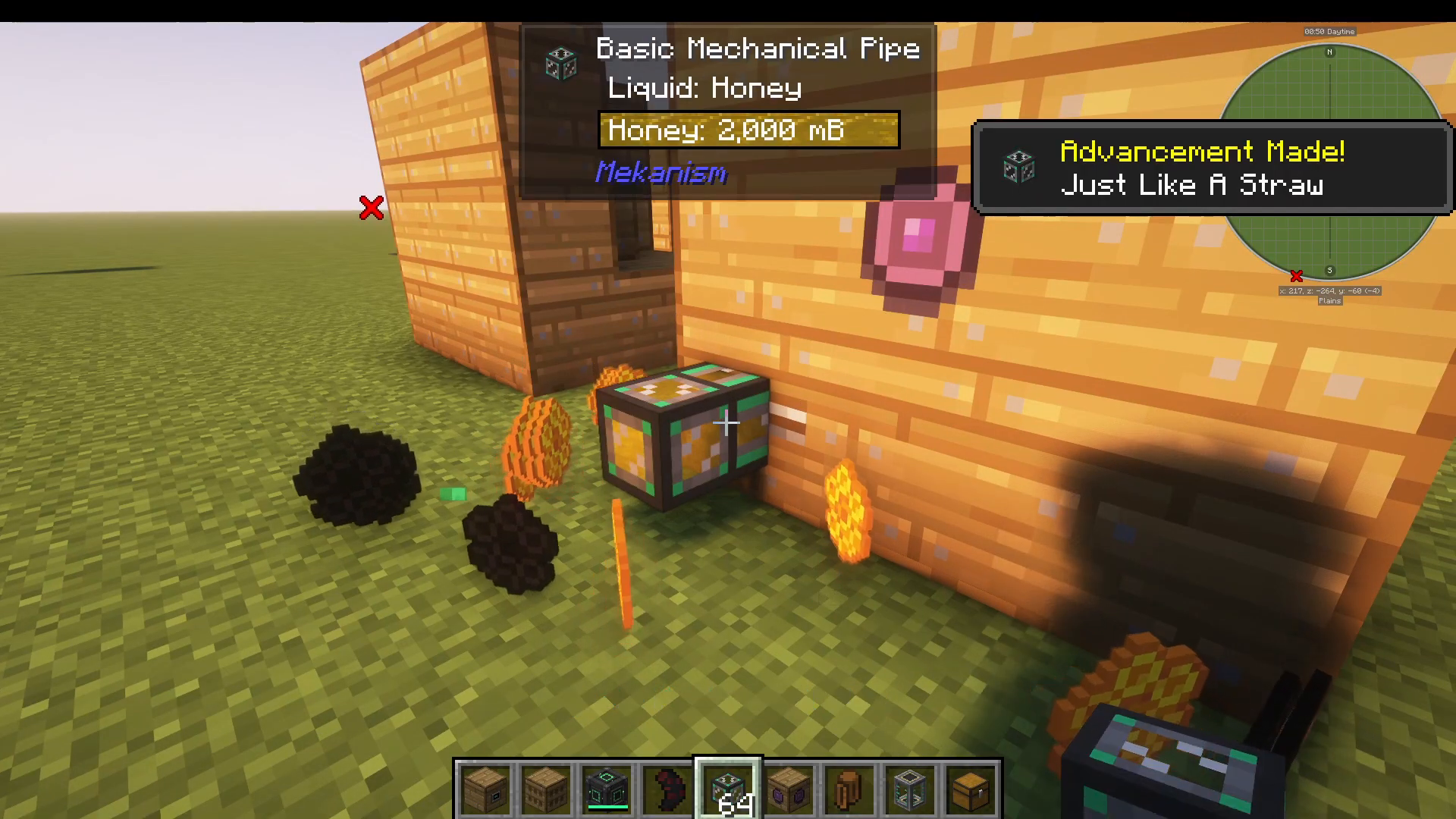
For liquid outputs like honey, connect a Mechanical Pipe from Mekanism to a connected tank. The honey will output automatically without any manual intervention.
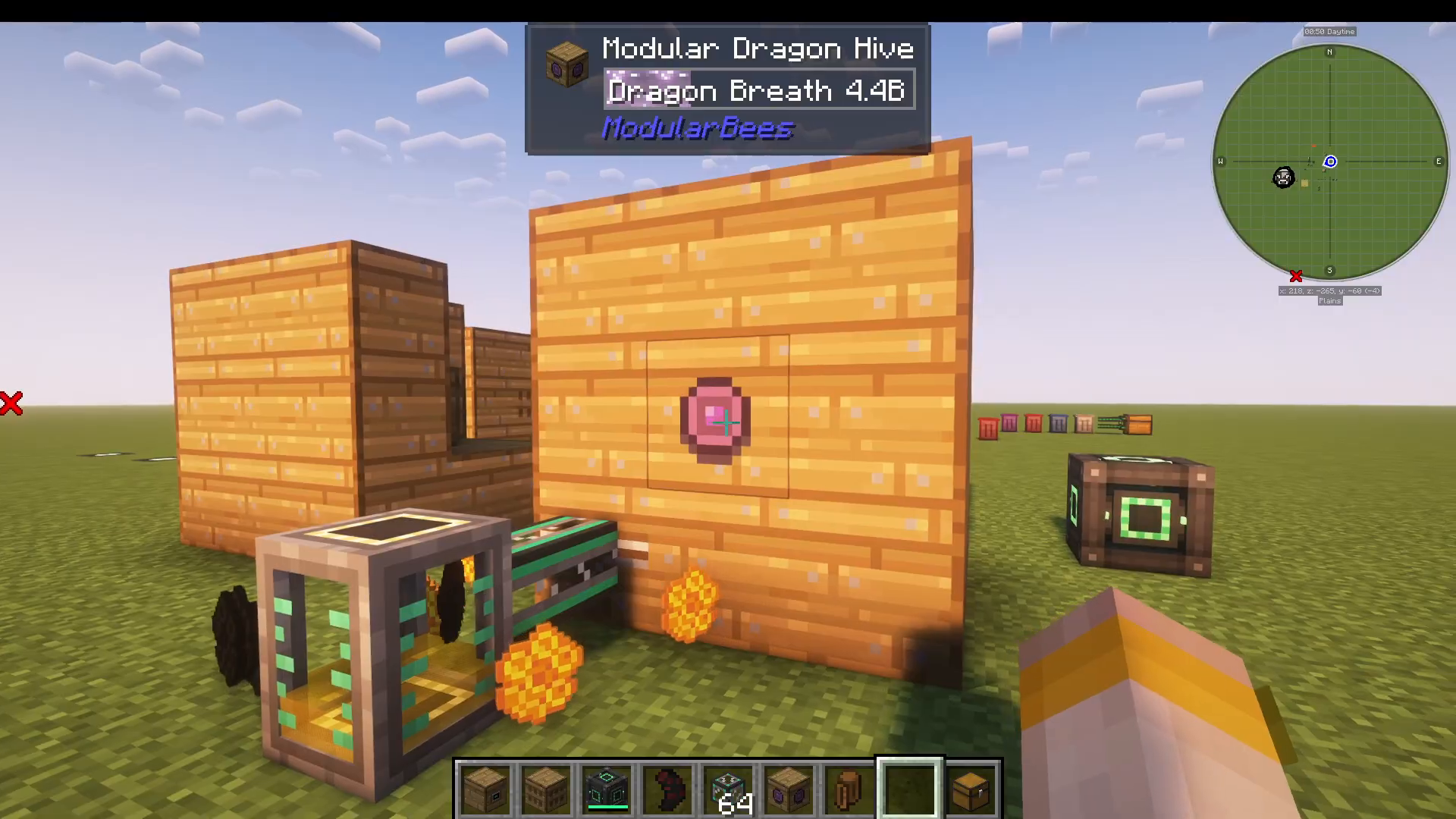
Modular Dragon Hive — For Draconic Bees
If you’re running Draconic Bees, there’s a dedicated block for their special output: the Modular Dragon Hive. This block automatically handles Dragon’s Breath, which can then be bottled or piped out like any other output. It’s purpose-built for Draconic Bee setups and handles that unique resource seamlessly.
Bee Hive Overclocker — Speed Up Your Bees
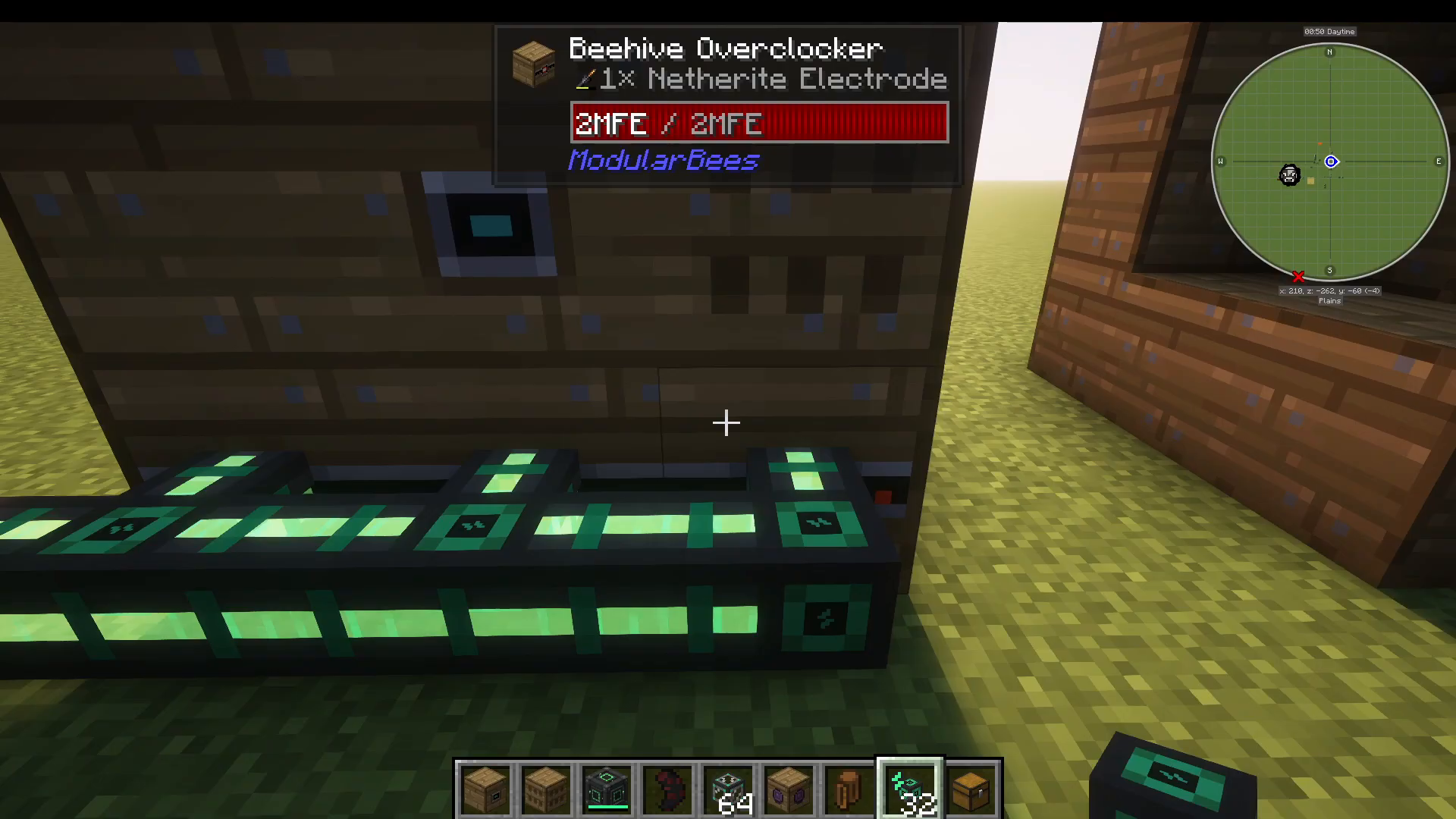
Want your bees to work faster? Add a Bee Hive Overclocker block to your structure. This block requires external power — the mod does not generate power itself, so you’ll need to hook it up to a mod like Mekanism. Inside the Overclocker, you place Overclocker upgrades (electrodes) which come in four tiers:
Copper Overclocker: 1.2× speed
Iron Overclocker: 1.5× speed
Gold Overclocker: 2.8× speed
Netherite Overclocker: 5× speed
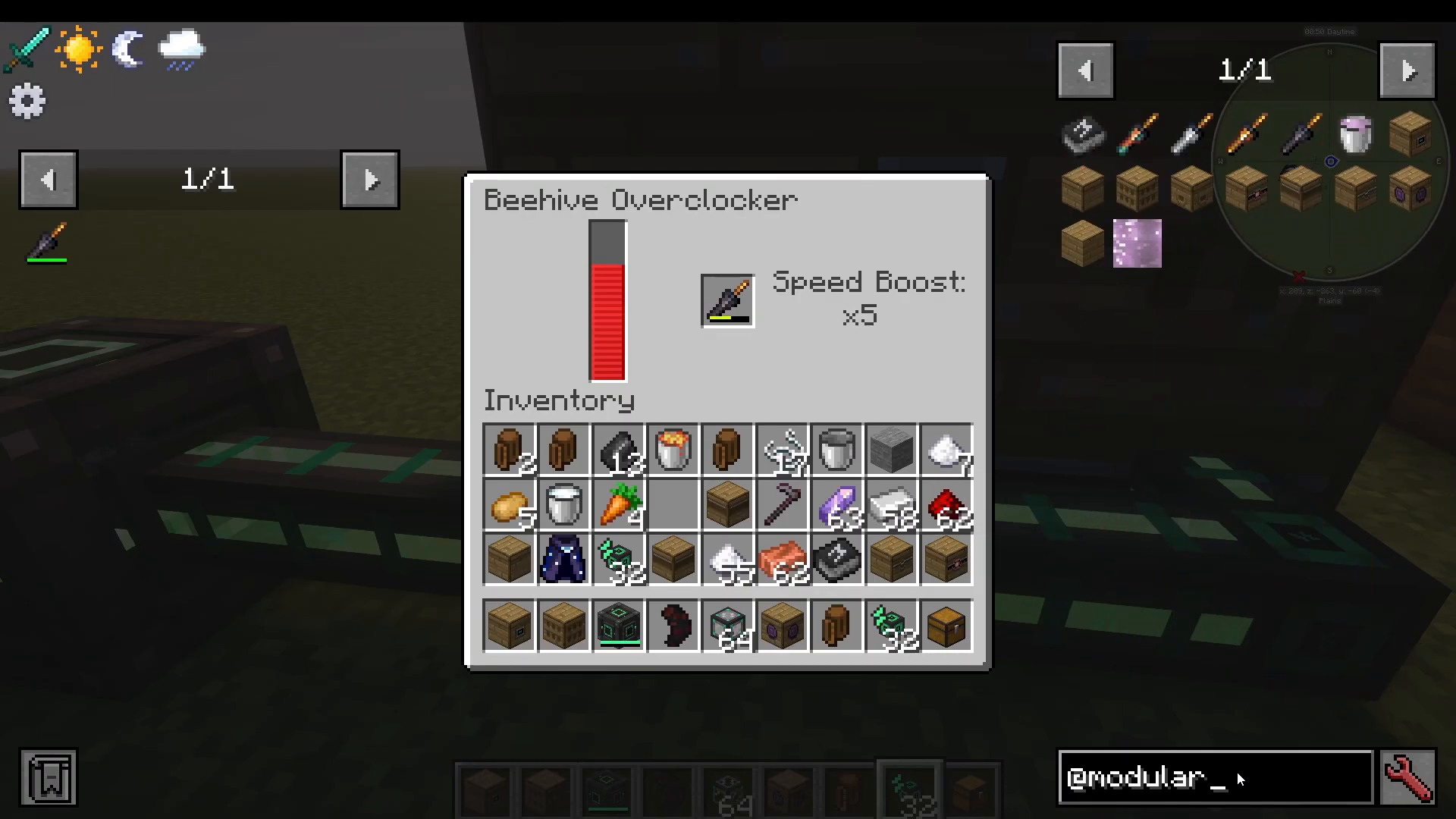
Importantly, the speed boosts are additive, not multiplicative. So if you stack three Netherite Overclockers, you get 5 + 5 + 5 = 15× speed, not 5 × 5 × 5 = 125×. You can add as many Overclocker blocks as you have available spaces in your 3×3 structure grid, so plan your layout accordingly.
Bee Hive Treater — Boost Productivity with Food
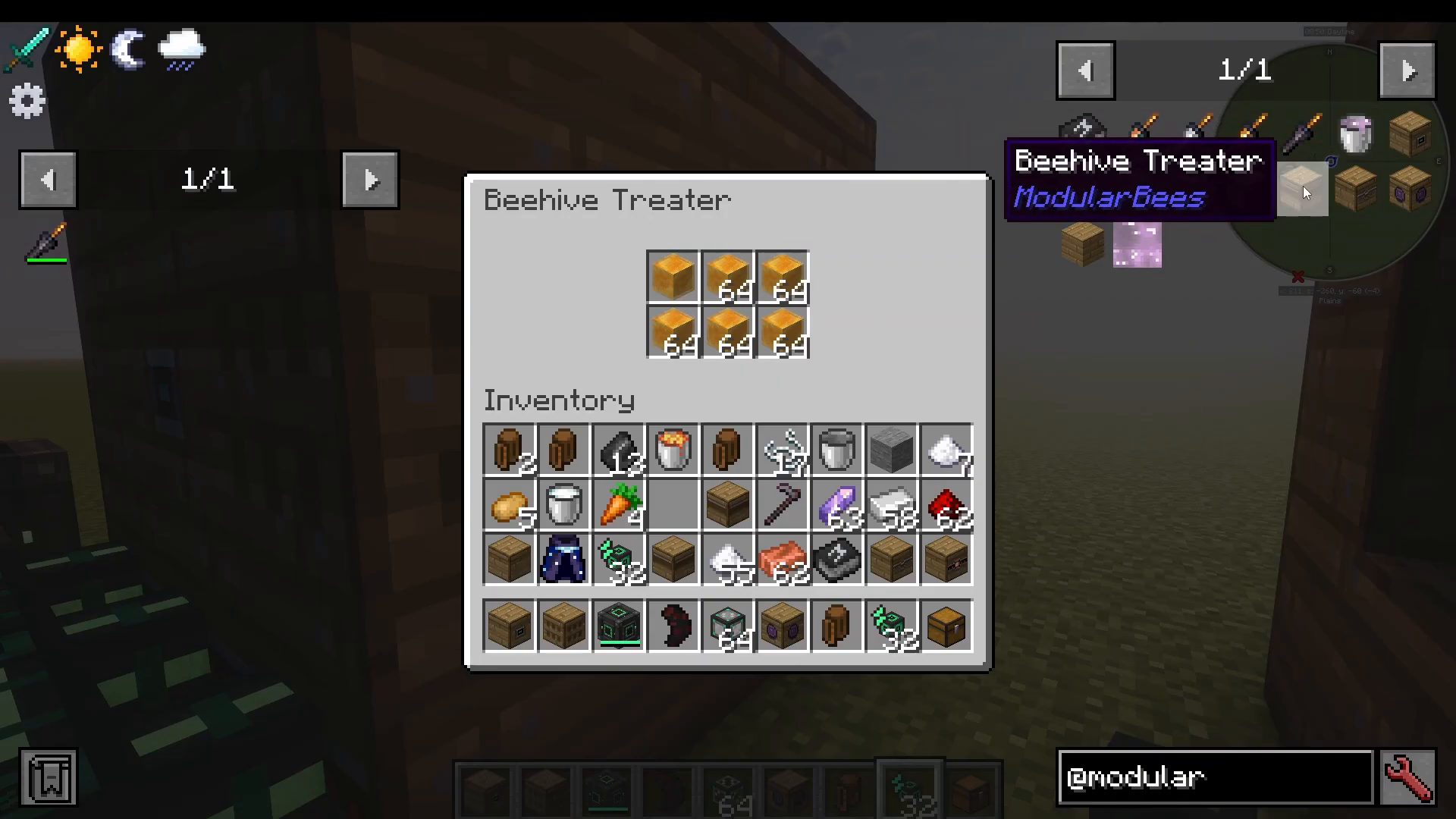
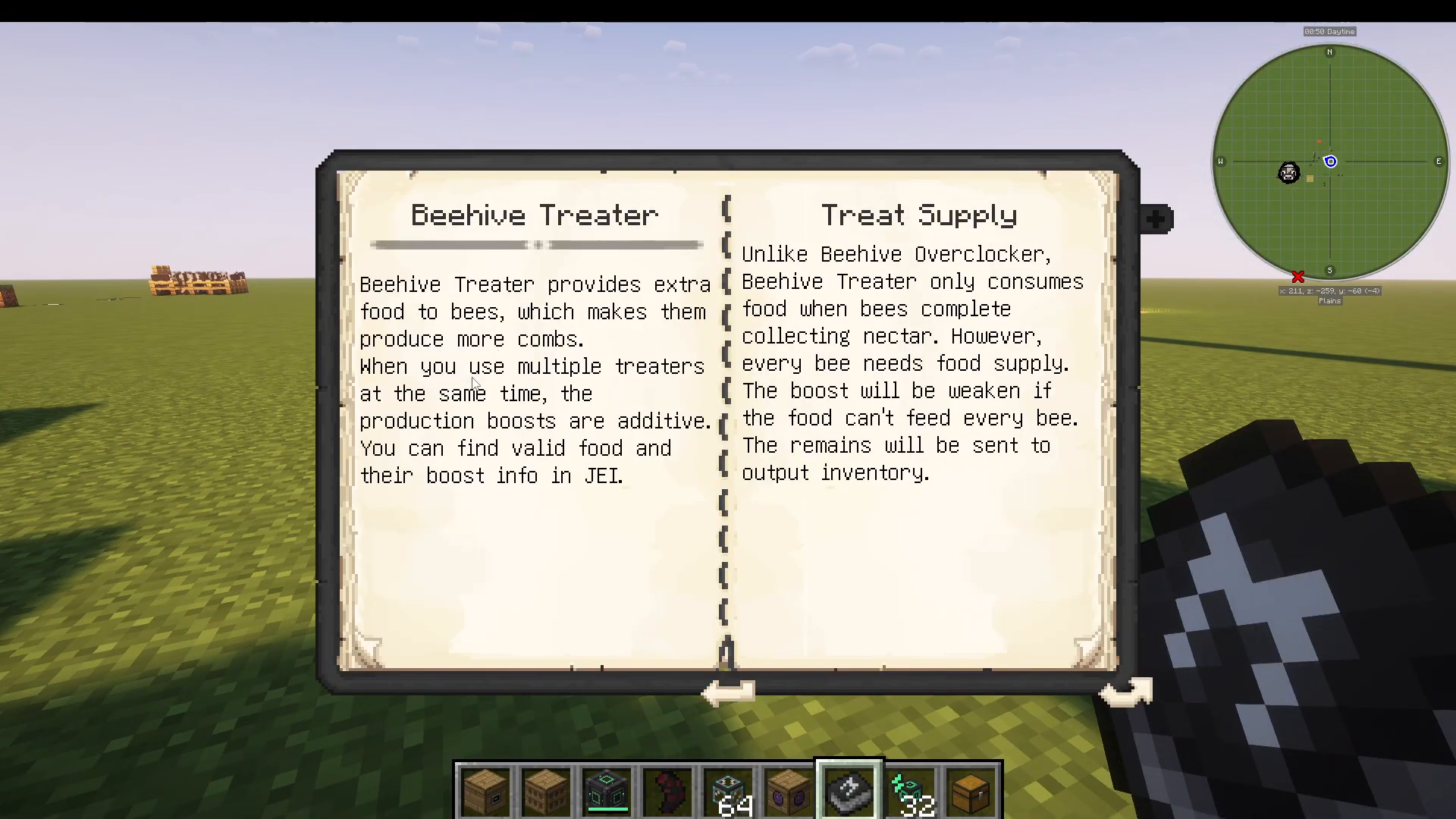
The Bee Hive Treater increases the productivity of your bees by feeding them special food items. You can discover valid food inputs using Just Enough Items (JEI) — simply look up the Treater in JEI to see the full list. As an example:
Honey Treats: +10% productivity
Honey Buckets: +350% productivity
A few important rules for the Treater, as documented in the Book of Modular Bees:
Multiple Treaters can be used at the same time, and their bonuses are additive.
Food is only consumed when bees complete a nectar collection cycle — not continuously.
Every bee in the Alveary needs its own food supply. If you have five bees, one food item feeds one bee — not all five. The boost will be weakened if food supply is insufficient.
Any leftover food is sent to the output inventory, such as your Export Hatch.
Bee Hive Feeder — Providing Flowers
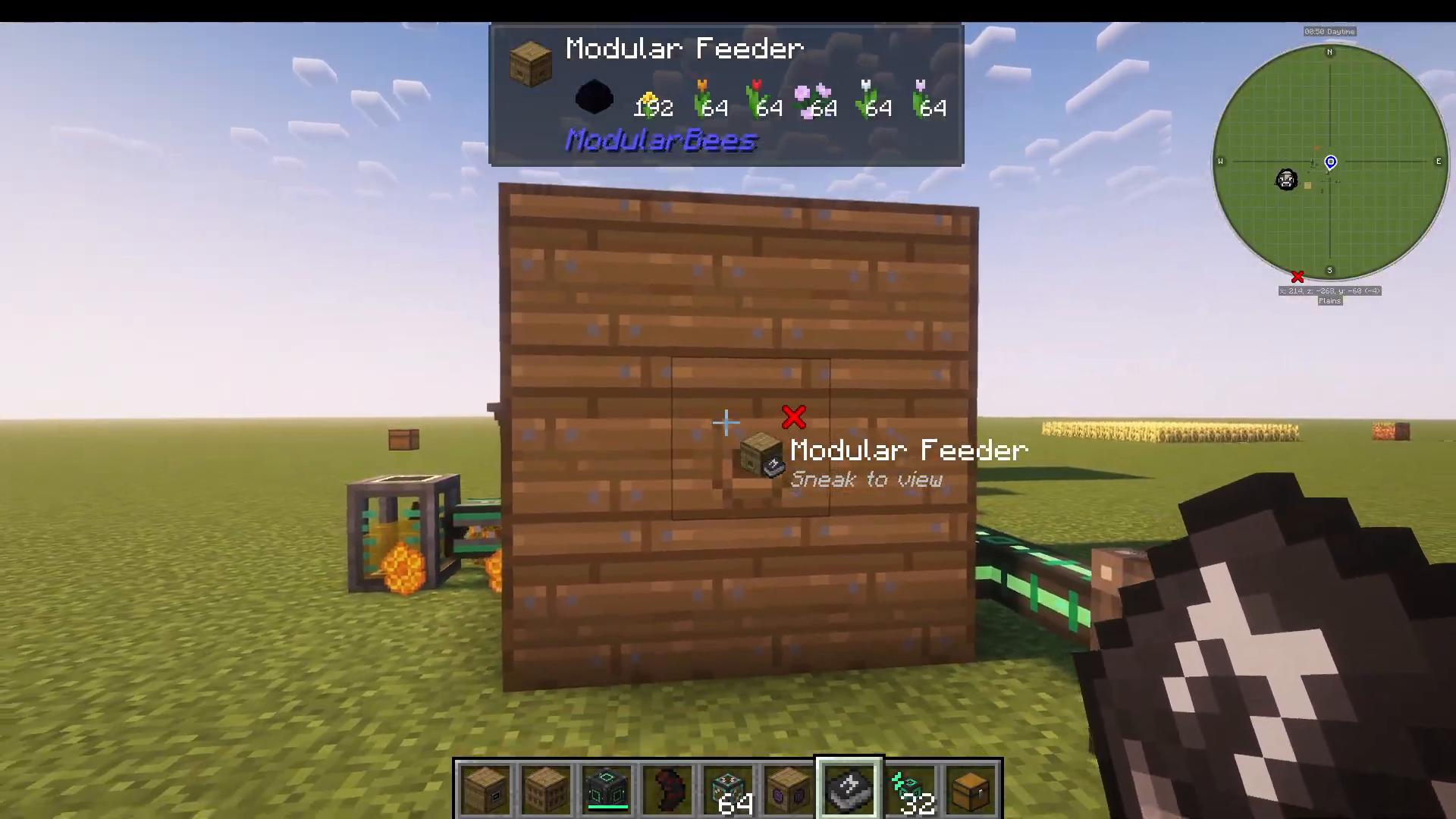
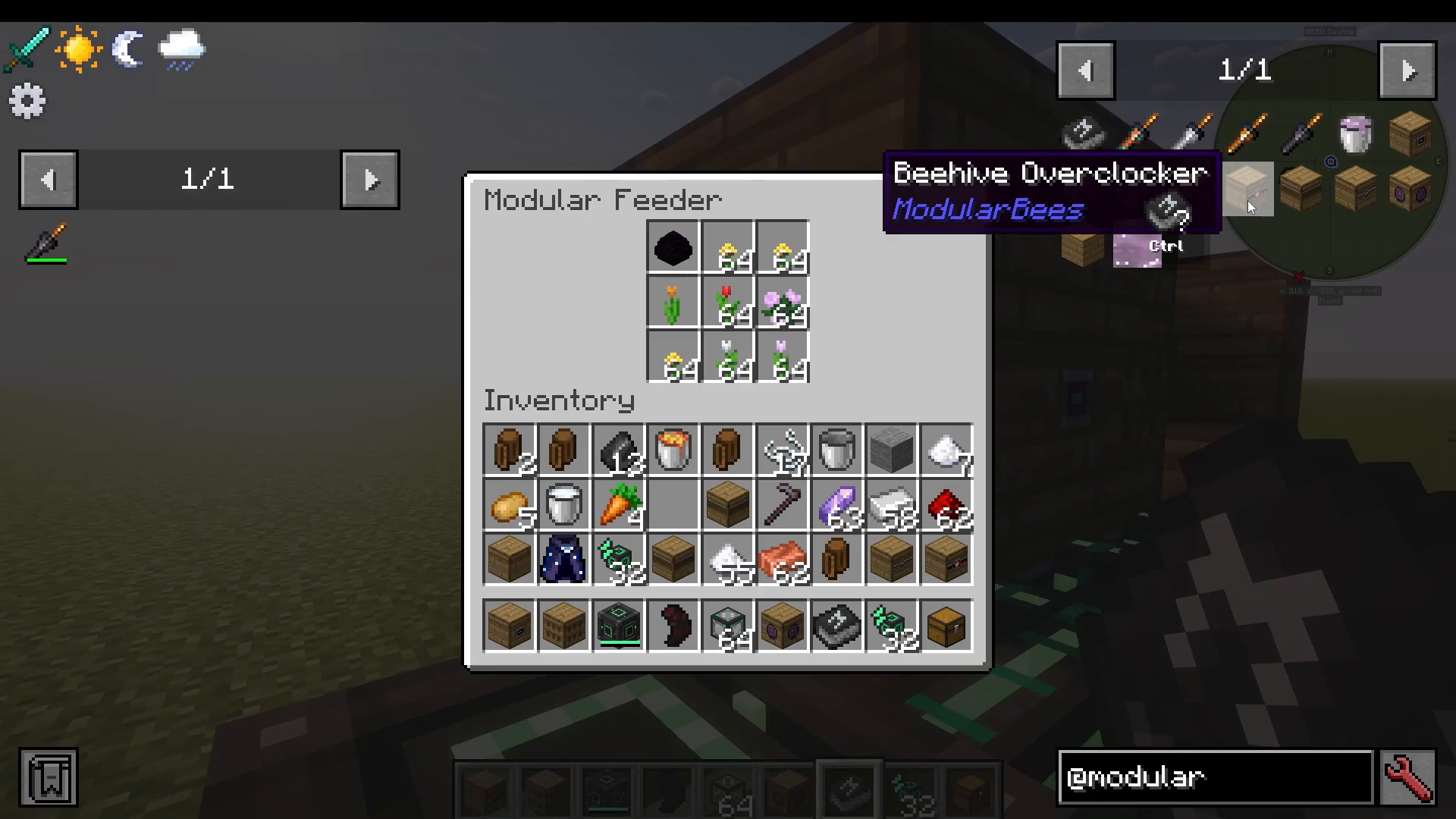
Bees need flowers to operate, and the Bee Hive Feeder is where you supply them. Place the appropriate flowers — or special blocks like a Dragon Egg for Draconic Bees — directly into the Feeder’s inventory. You can mix and match flower types in the same Feeder to support multiple different bee species living in the same Alveary at once.
Quick Reference: All Modular Bees Blocks
Here’s a fast summary of every block and its role:
Structure Box: The decorative outer shell of the multiblock structure.
Modular Alveary: Houses your bees. Input and output bees here.
Modular Bee Hive: Collects all produce (combs, honey, etc.) and accepts upgrades.
Export Hatch: Automatically exports items and liquids via connected pipes.
Modular Dragon Hive: Handles Dragon’s Breath output for Draconic Bees.
Bee Hive Overclocker: Speeds up bee cycles using power and Overclocker electrodes (additive stacking).
Bee Hive Treater: Increases productivity by consuming food items per bee, per cycle.
Bee Hive Feeder: Supplies flowers and special blocks required by your bee species.
Conclusion
The Modular Bees mod offers a clean, highly customizable system for automating bee-based resource generation in modded Minecraft. By combining the Alveary, Bee Hive, Export Hatch, Overclockers, Treaters, and Feeder into a single 3×3 structure, you can build a fully hands-off farm that scales with your needs. Since it’s included in ATM 10, there’s never been a better time to dive in. Use JEI and the in-game Book of Modular Bees as your go-to references for food inputs and valid flower types as you expand your setup.
“`