How to Make Spells in Iron’s Spells & Spellbooks
How to Make Spells in Iron’s Spells & Spellbooks
Found a few spell books in Iron’s Spells & Spellbooks and ready to start crafting your own spells? This guide walks you through everything you need — from setting up your Scroll Forge and Alchemist’s Cauldron to upgrading spells with the Arcane Anvil. Whether you’re a complete beginner or just filling in the gaps, you’ll be casting custom spells in no time.
What You Need to Get Started
To begin making your own spells, you’ll need two key crafting stations: a Scroll Forge and an Alchemist’s Cauldron. These two blocks work together to let you craft, upgrade, and bottle the inks required to create powerful spell scrolls.
Using the Scroll Forge
The Scroll Forge is where you’ll actually craft your spell scrolls. It requires three ingredients: ink, paper, and a specific item that determines the spell type. To browse available recipes, open your inventory, hover over the Scroll Forge, and press U to see all possible combinations.
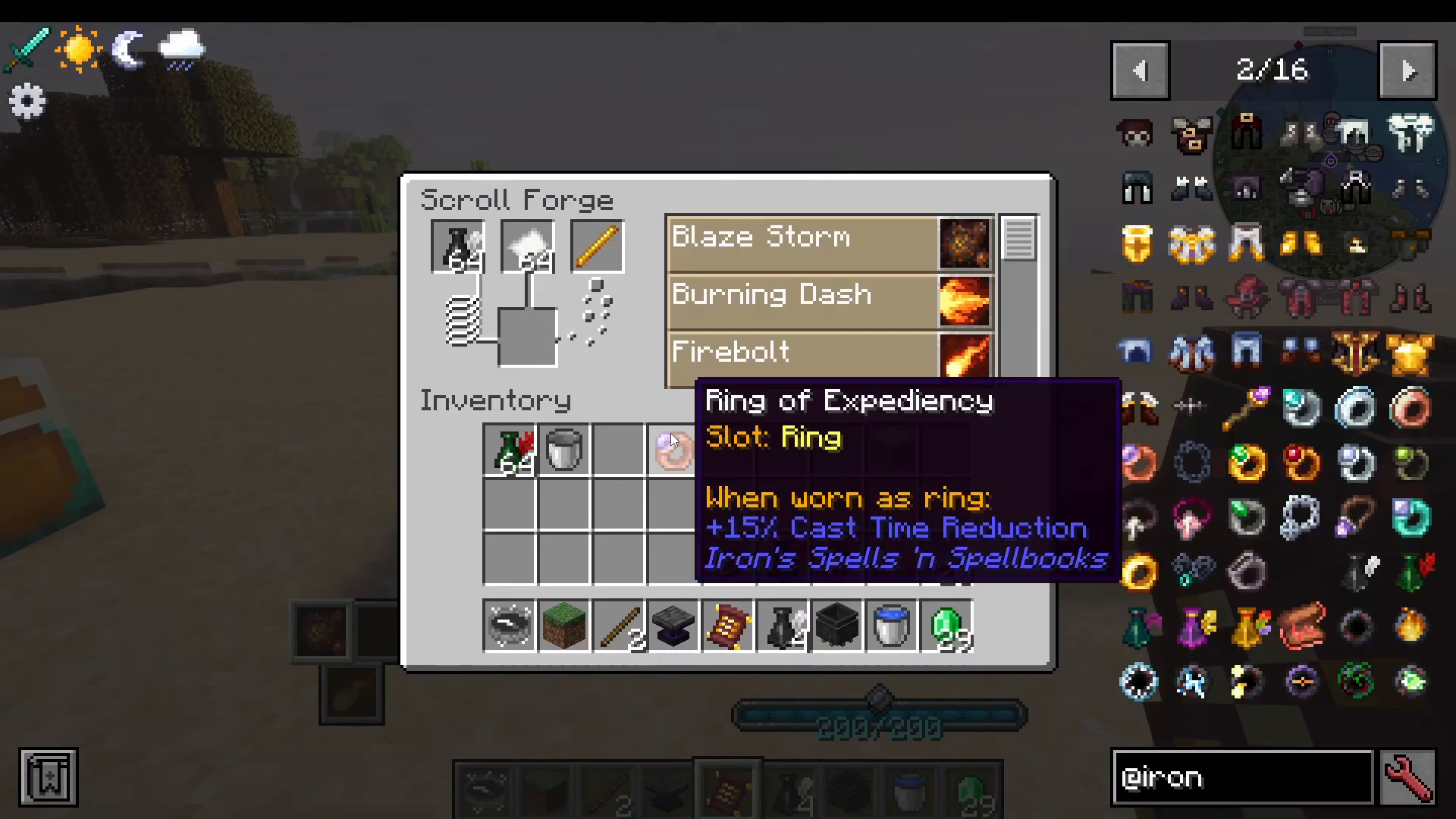
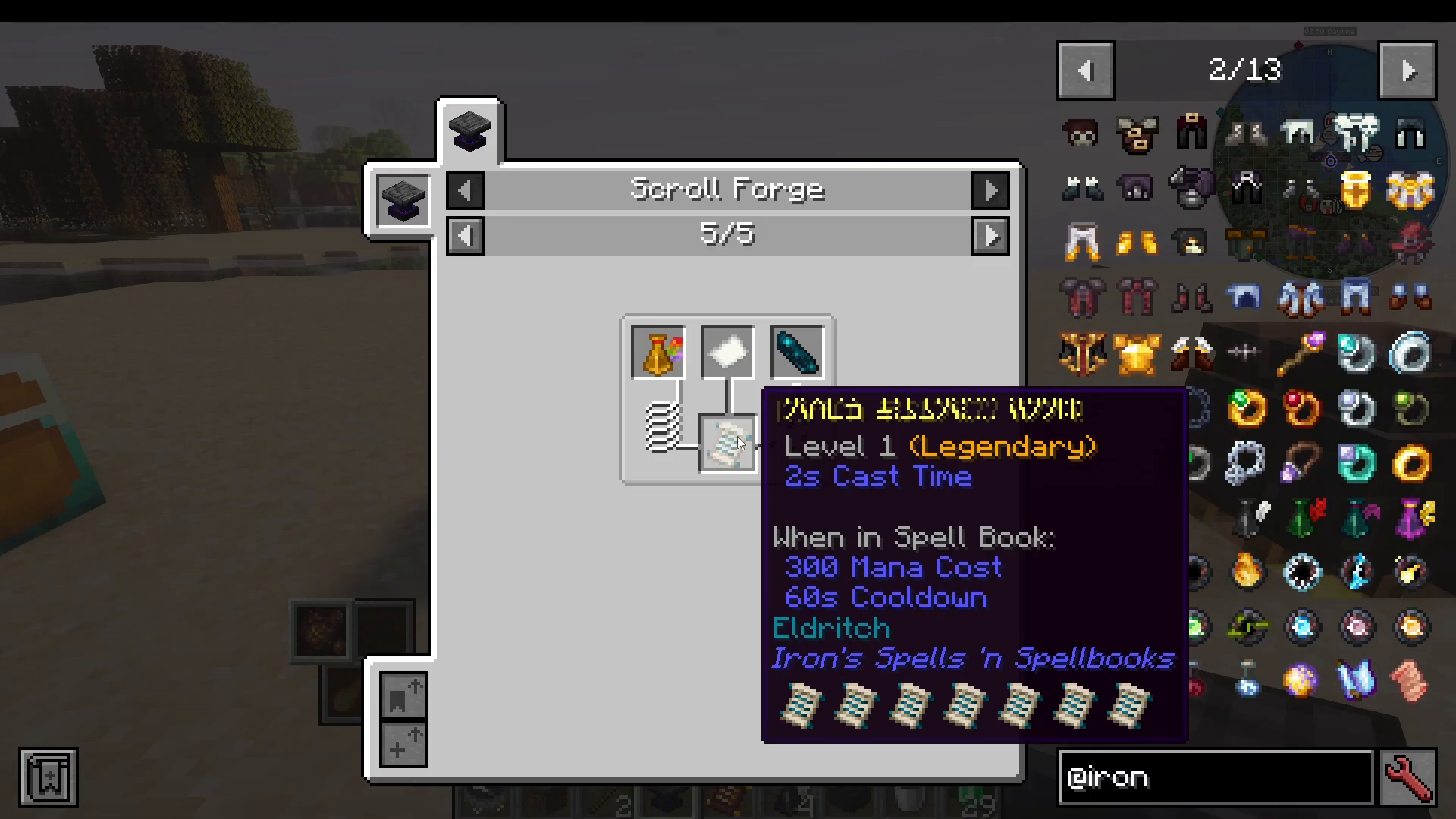
Different items unlock different spell schools. For example, a Blaze Rod combined with ink and paper allows you to craft fire spells, while a Frozen Bone unlocks ice spells. The mod includes the following spell schools:
Eldritch
Nature
Evocation
Blood
Ender
Holy
Lightning
Ice
Fire
How Ink Tier Affects Spell Power
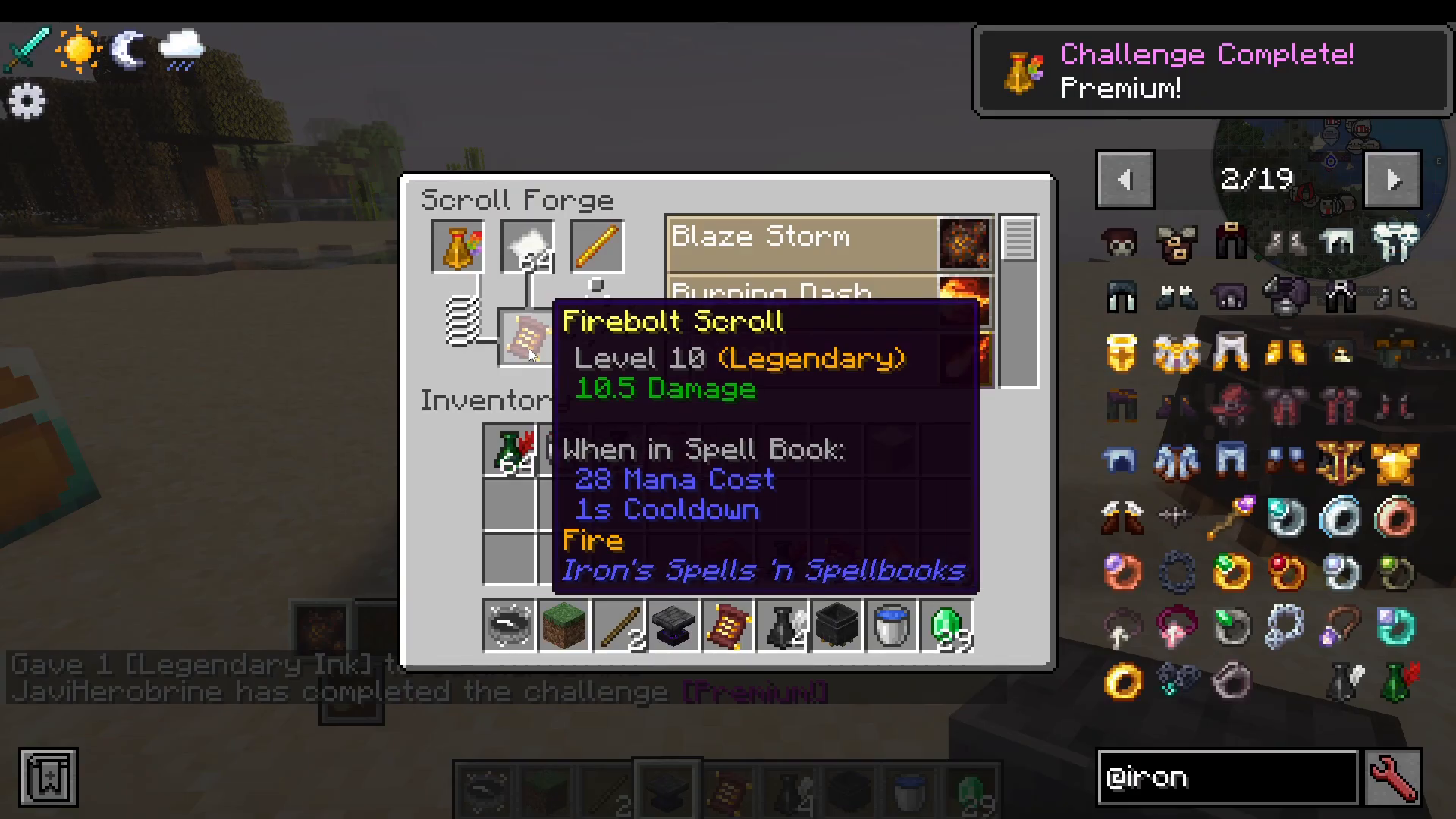
The tier of ink you use directly impacts the power and level of the spell scroll you produce. Using Common Ink with a Blaze Rod lets you craft basic fire spells like Blast, Burning Dash, and Fire Vault — but higher-tier spells will appear locked. As you upgrade your ink, more spells become available and existing ones hit harder. Here’s a quick comparison using Fire Vault as an example:
Common Ink: Fire Vault Scroll — Level 1, 6 damage
Uncommon Ink: Fire Vault Scroll — Level 4, 7.5 damage
Legendary Ink: Fire Vault Scroll — Level 10, 10.5 damage — all spells in the category unlocked
Using the Alchemist’s Cauldron to Get Ink
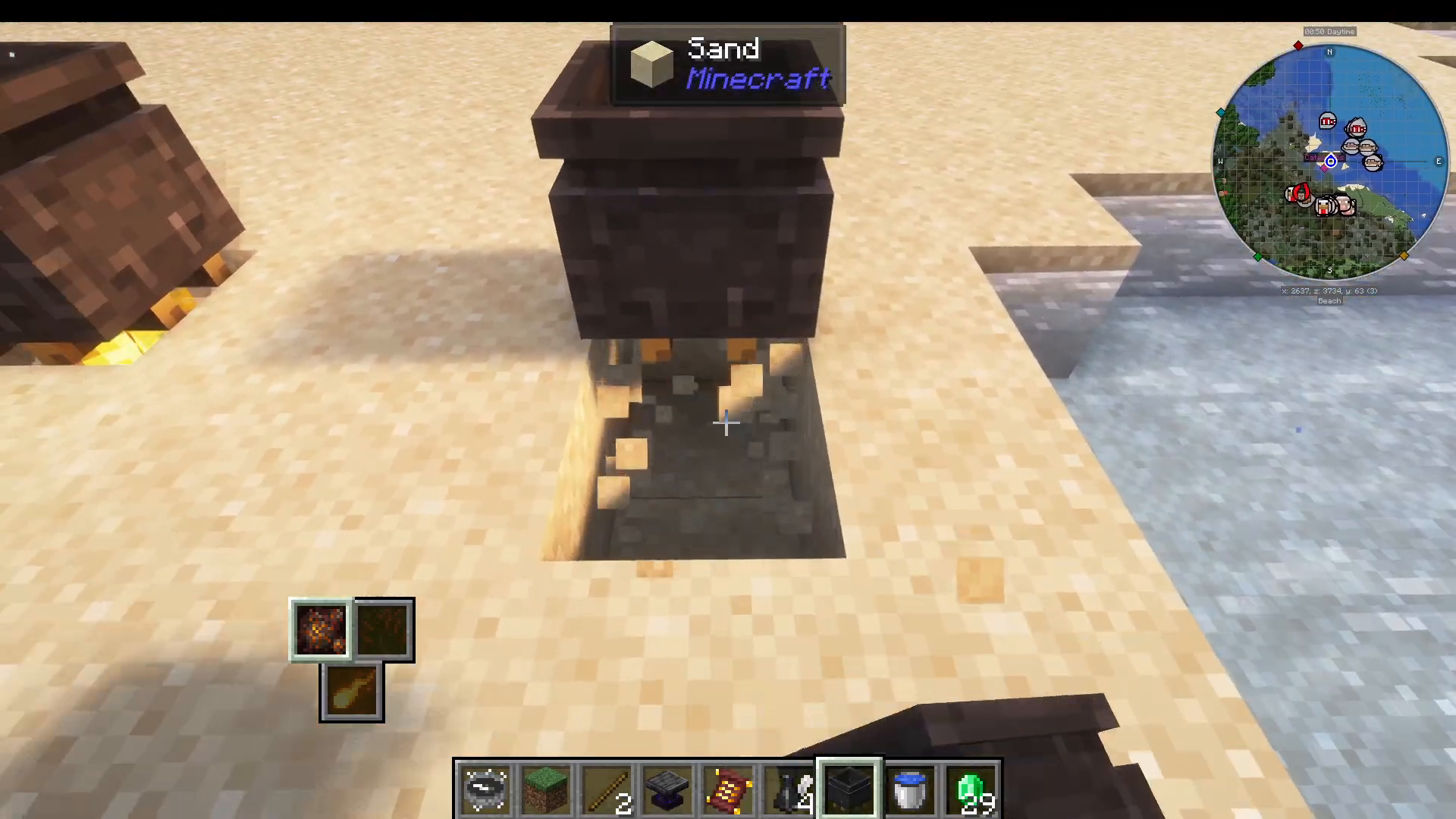
The Alchemist’s Cauldron is how you produce and upgrade your inks. Place it down, put a campfire (or similar heat source) beneath it, and fill it with water. Once it’s set up, you’re ready to start processing scrolls into ink.
Converting Scrolls into Ink
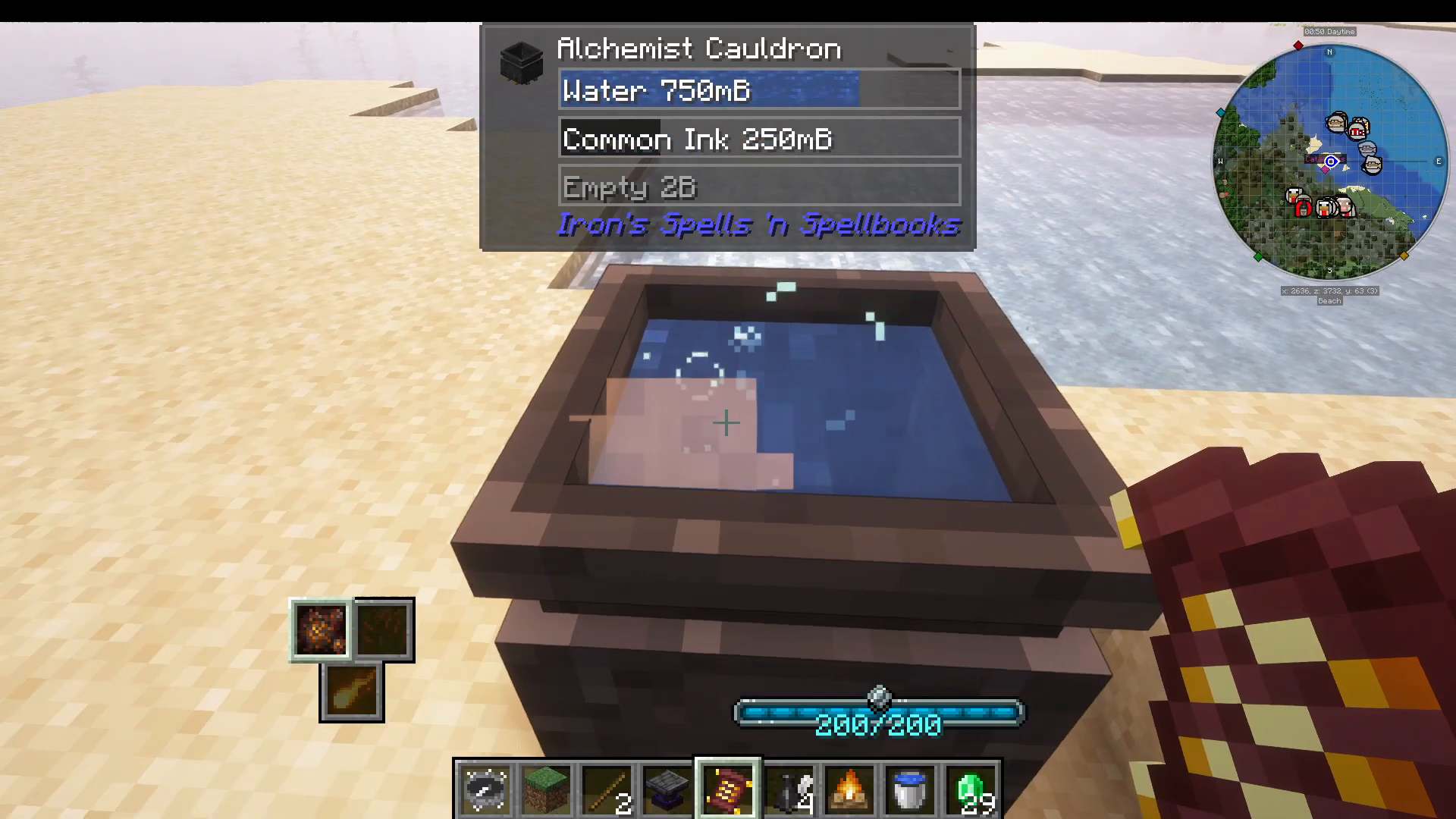
Right-clicking a spell scroll on the filled Alchemist’s Cauldron will give you a 50% chance to convert it into ink. The rarity of the scroll determines the rarity of the ink produced:
Common Scroll → Common Ink
Uncommon Scroll → Uncommon Ink
Rare Scroll → Rare Ink
You can right-click multiple scrolls in quick succession to fill up the cauldron — it holds up to 1,000 millibuckets of ink. Note that each scroll attempt has a 50% chance of success and the scroll is consumed either way.
Upgrading Ink Through the Tiers
Rather than relying on RNG from scroll conversion, you can upgrade your ink directly using metal ingots — and this method is guaranteed with no chance of failure. Starting from a full bucket of Common Ink in the cauldron, follow these steps:
Common → Uncommon: Add a Copper Ingot
Uncommon → Rare: Add an Iron Ingot
Rare → Epic: Add a Gold Ingot
Epic → Legendary: Add an Amorphous Shard
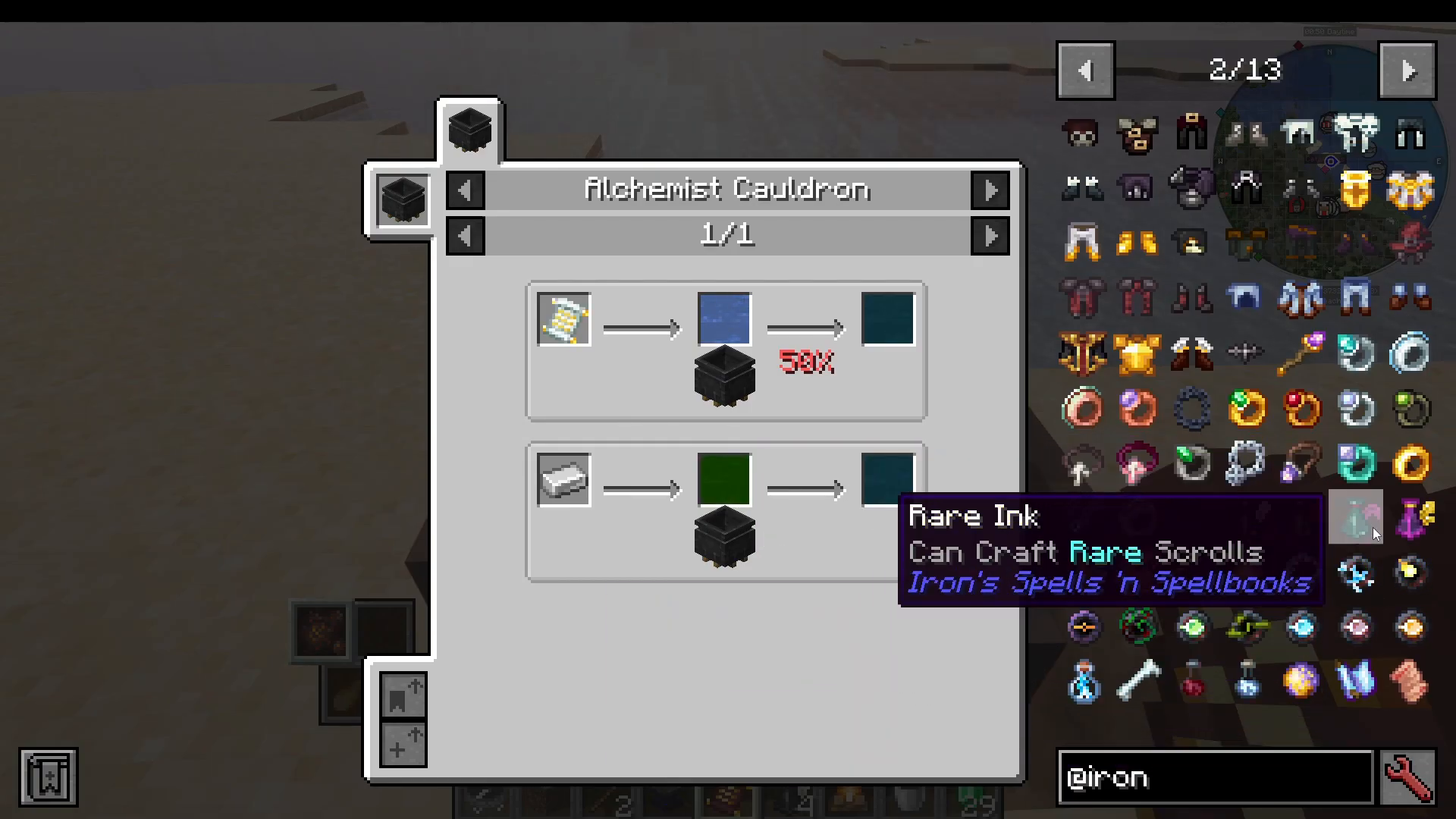
This makes it straightforward to work your way up to Legendary Ink, which is highly recommended if you have the resources.
Bottling Your Ink
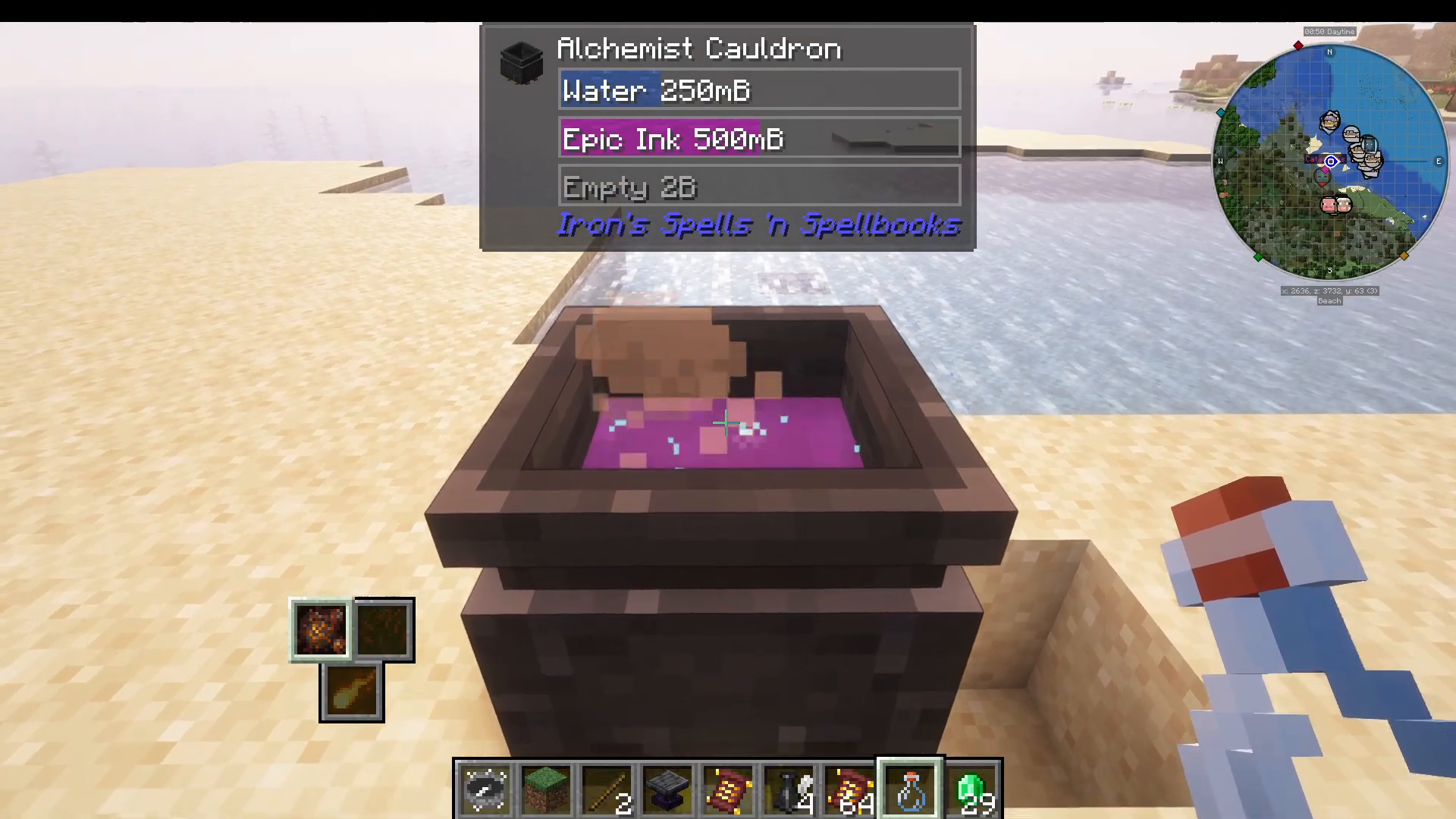
Once your ink is ready in the cauldron, right-click a Glass Bottle on the cauldron to bottle it up. Each bottle holds 250 millibuckets, so one full cauldron yields multiple bottles. For example, 250 millibuckets of Epic Ink produces one Epic Ink bottle.
Crafting and Inscribing Your Spell Scroll
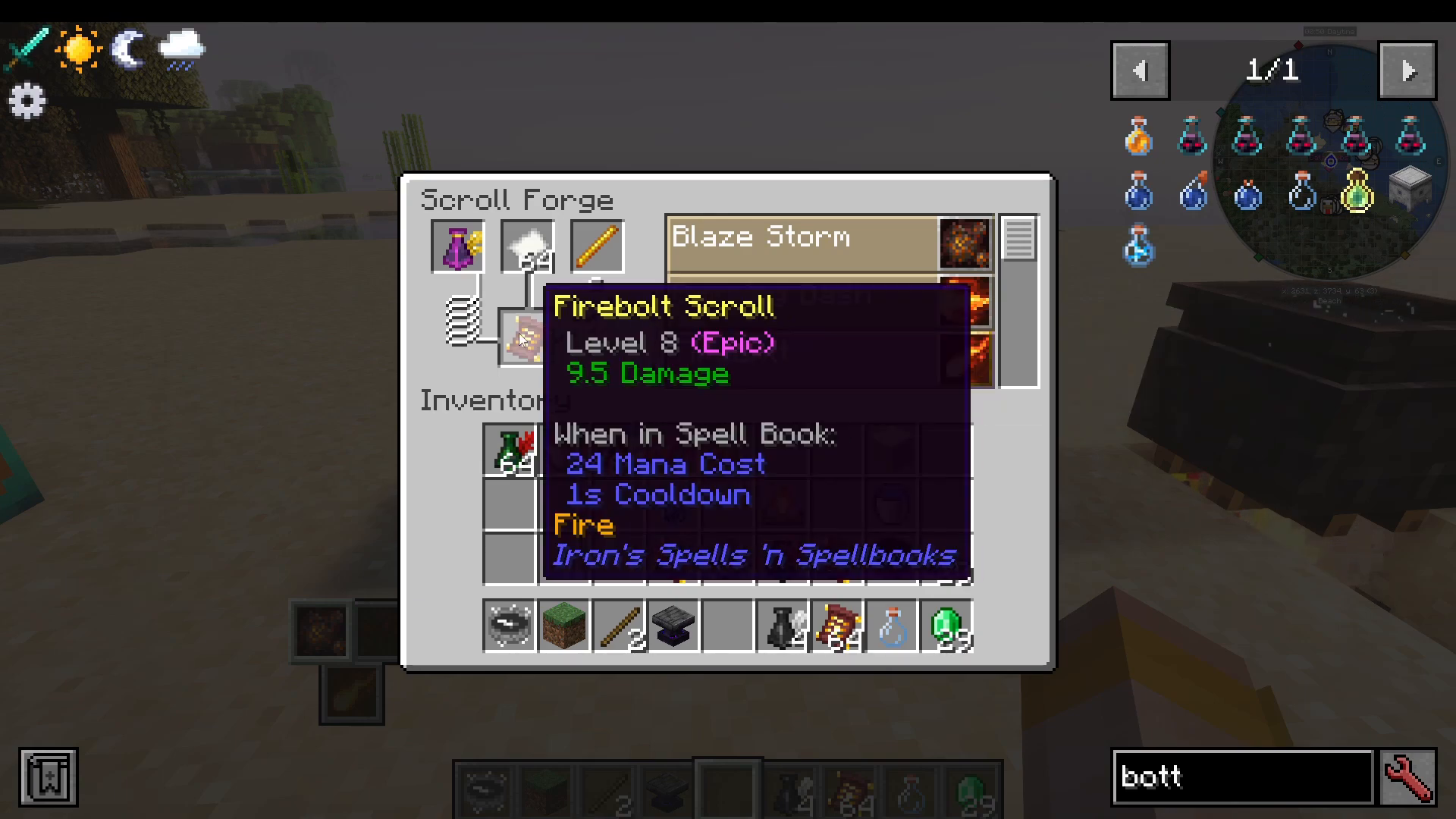
With your bottled ink ready, head back to the Scroll Forge. Insert your ink, select a spell — for example, Fire Bolt — and craft the scroll. An Epic Ink bottle will produce an Epic Fire Bolt Scroll.
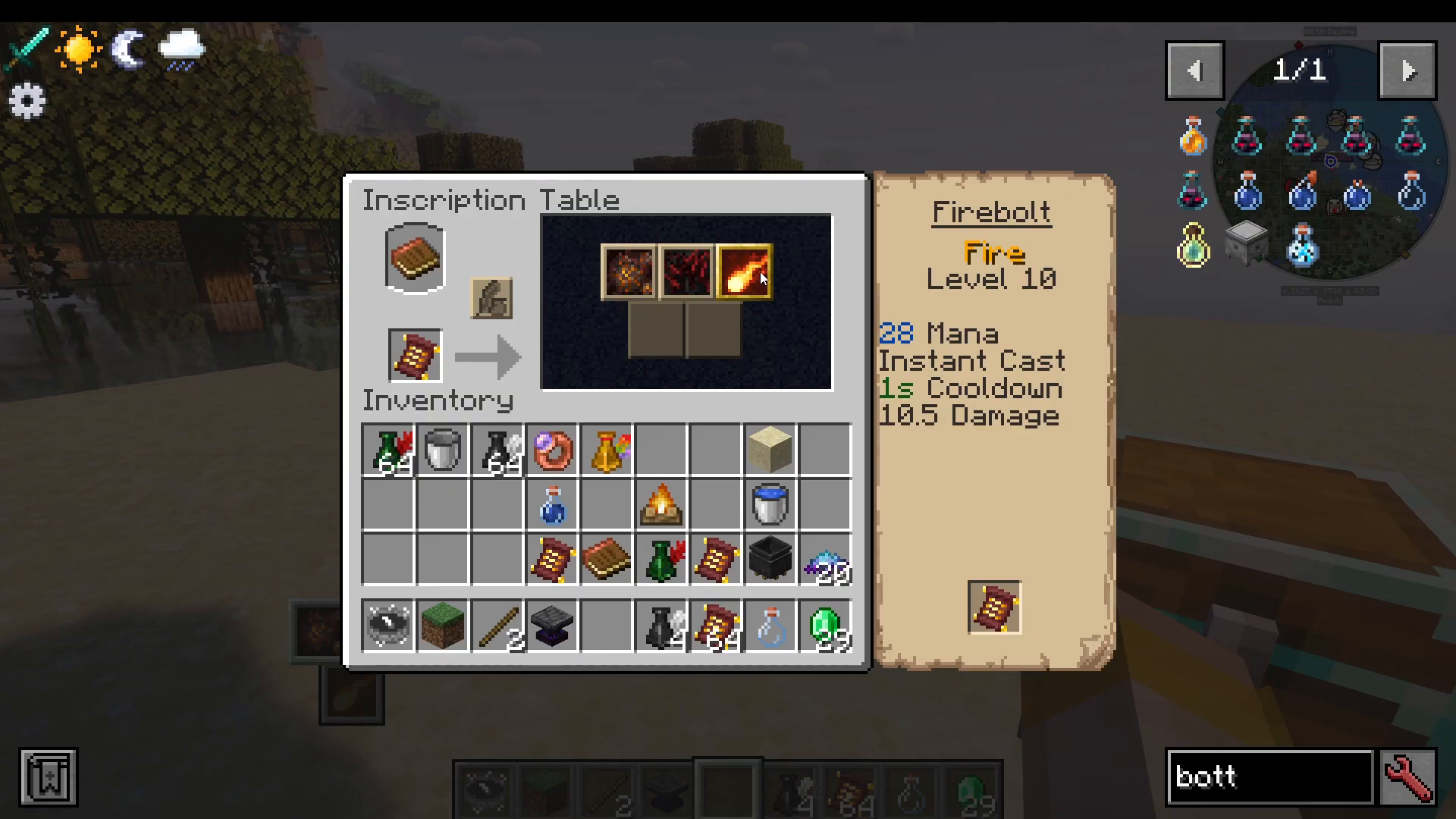
Next, take your scroll to the Inscription Table. Place the scroll in, press the button, and the spell will be inscribed into your spell book. If you already have a higher-tier version of the spell in your book, the lower-tier scroll won’t overwrite it — so always inscribe the highest tier you can.
Checking What a Spell Does
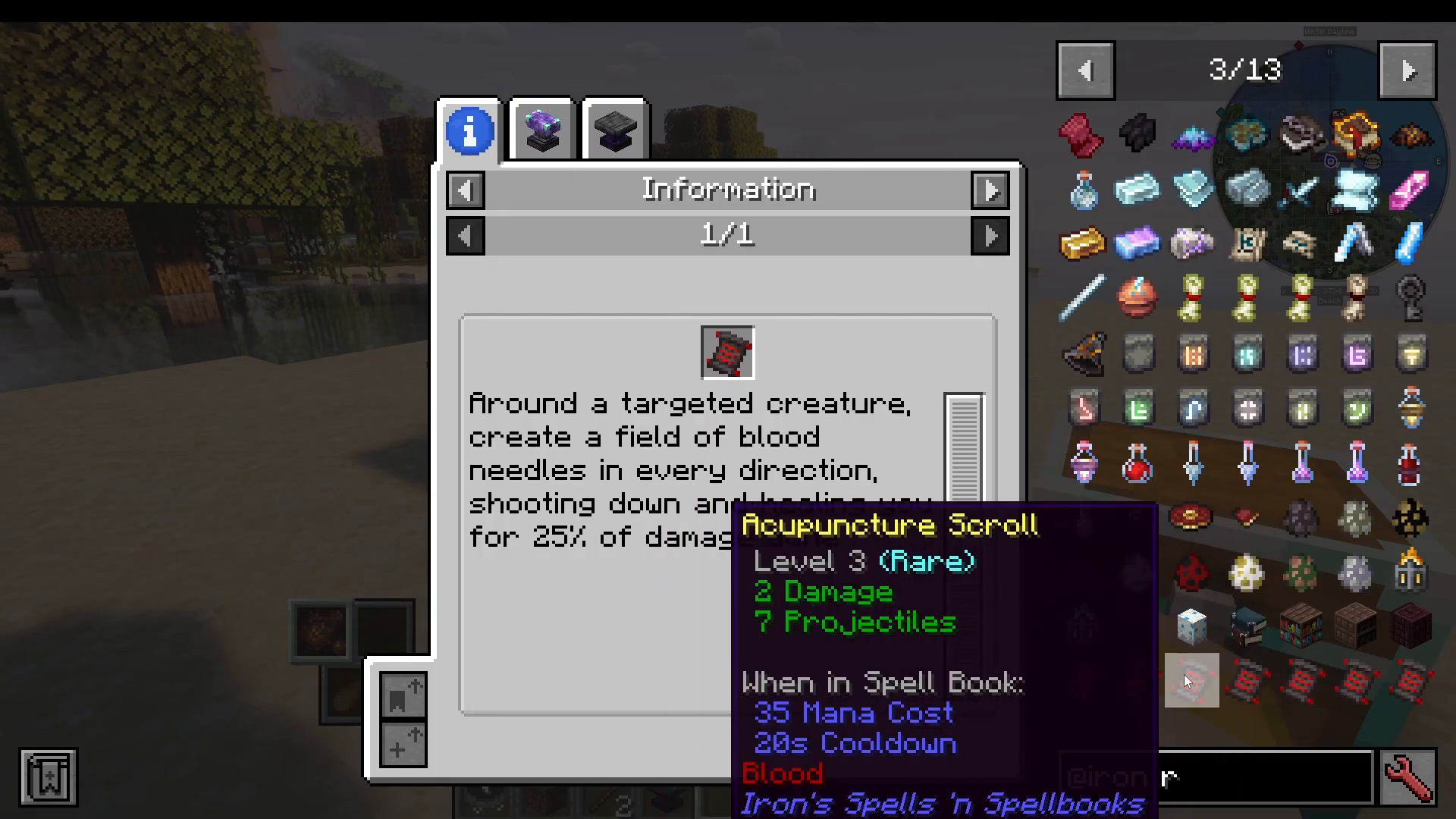
If you’re ever unsure what a spell does, you can look it up quickly in-game. With Just Enough Items (JEI) installed, hover over a spell and press R to bring up a full description of what it does, including damage values and effects.
Upgrading Spells with the Arcane Anvil
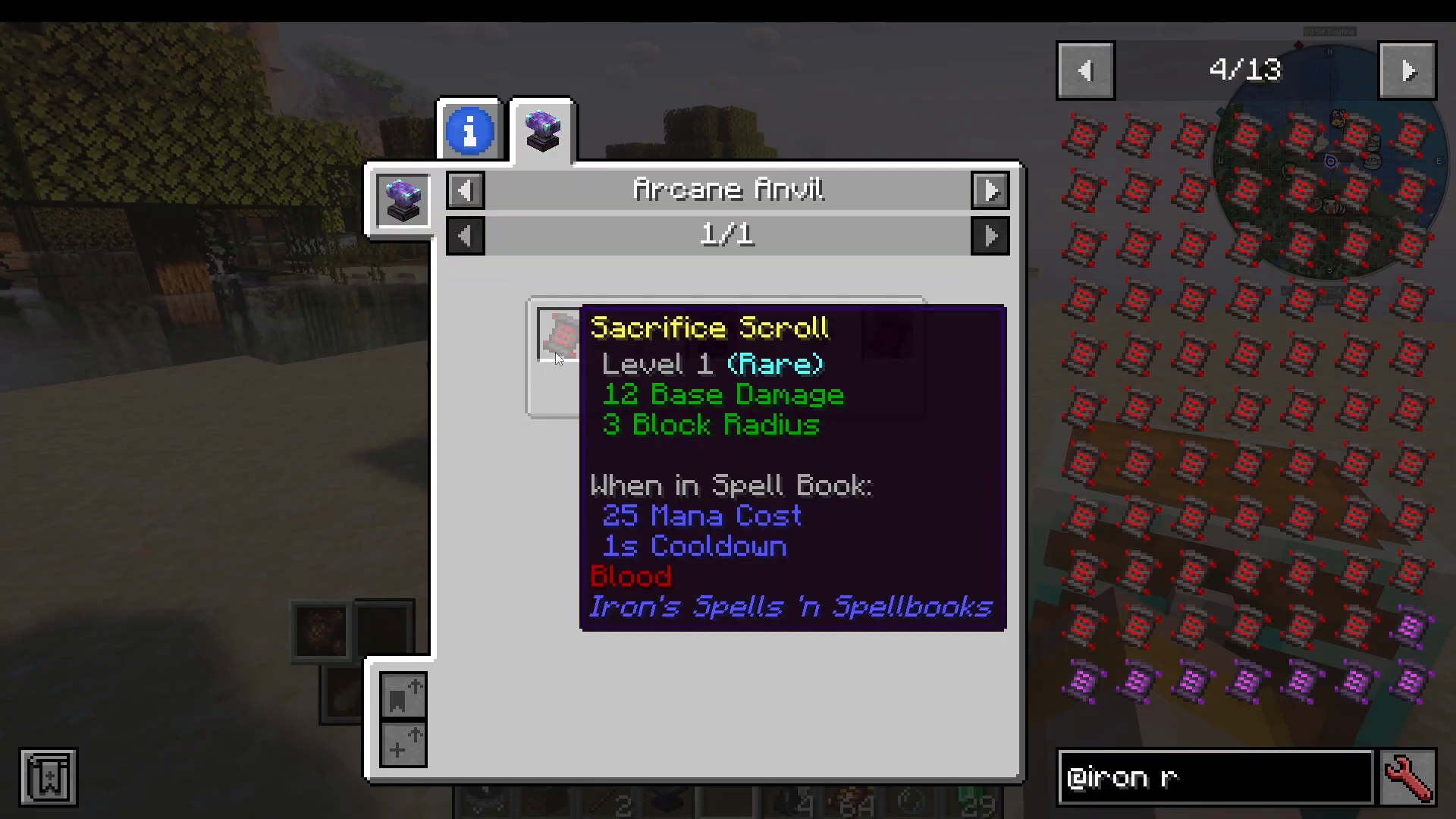
You don’t always need to craft a brand-new scroll to improve a spell. The Arcane Anvil lets you upgrade existing spells to higher levels. For example, place a Sacrifice Spell Scroll at Level 1 (Rare) into the Arcane Anvil, add some Rare Ink, and you’ll upgrade it to Level 2. This is a great way to incrementally improve spells you’ve already found in the world.
Summary
To recap: use the Scroll Forge to craft spell scrolls with ink and the appropriate item for your chosen spell school. Use the Alchemist’s Cauldron to produce and upgrade your ink — starting from Common all the way up to Legendary using ingots and an Amorphous Shard. Bottle your ink with a Glass Bottle, inscribe your scrolls at the Inscription Table, and use the Arcane Anvil to level up spells you already own. Work towards Legendary Ink as soon as possible for maximum spell power.
Want to Support?
If you would like to help us continue making these guides – please consider joining our patreon here – https://www.patreon.com/c/JaviHeals
Alternatively – we host a group of MC Servers you can join here – https://discord.gg/zD7Gjt6MHF