Sushi Go Crafting Mod Tutorial
Sushi Go Crafting Mod: The Only Guide You’ll Ever Need
The Sushi Go Crafting mod is one of the most creative food mods available for Minecraft. It lets you grow ingredients, process them using custom crafting stations, and roll your own sushi — each with unique in-game effects. Despite how impressive it sounds, it’s surprisingly easy to get started. This guide walks you through everything: gathering ingredients, using every crafting station, and rolling the perfect sushi every single time.
World-Generated Ingredients: What to Look For
The Sushi Go Crafting mod adds several new ingredients directly into the open world. Knowing where to find them is your first step.
Avocados
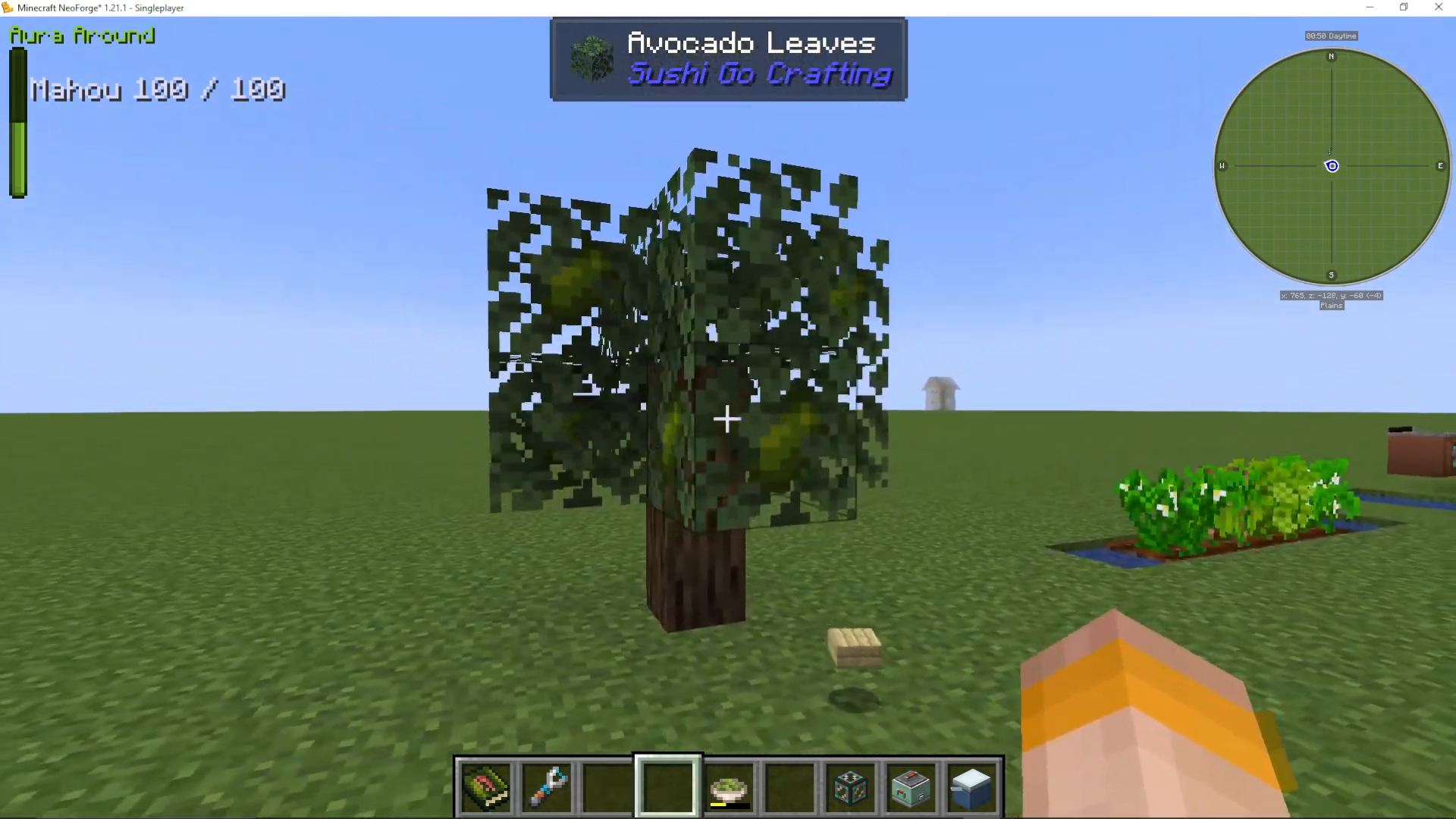
While exploring, you’ll come across avocado trees. The avocado is found in the leaves of the tree — simply right-click the leaf block to harvest one directly.
Wasabi, Cucumber, Soy, and Sesame Seeds
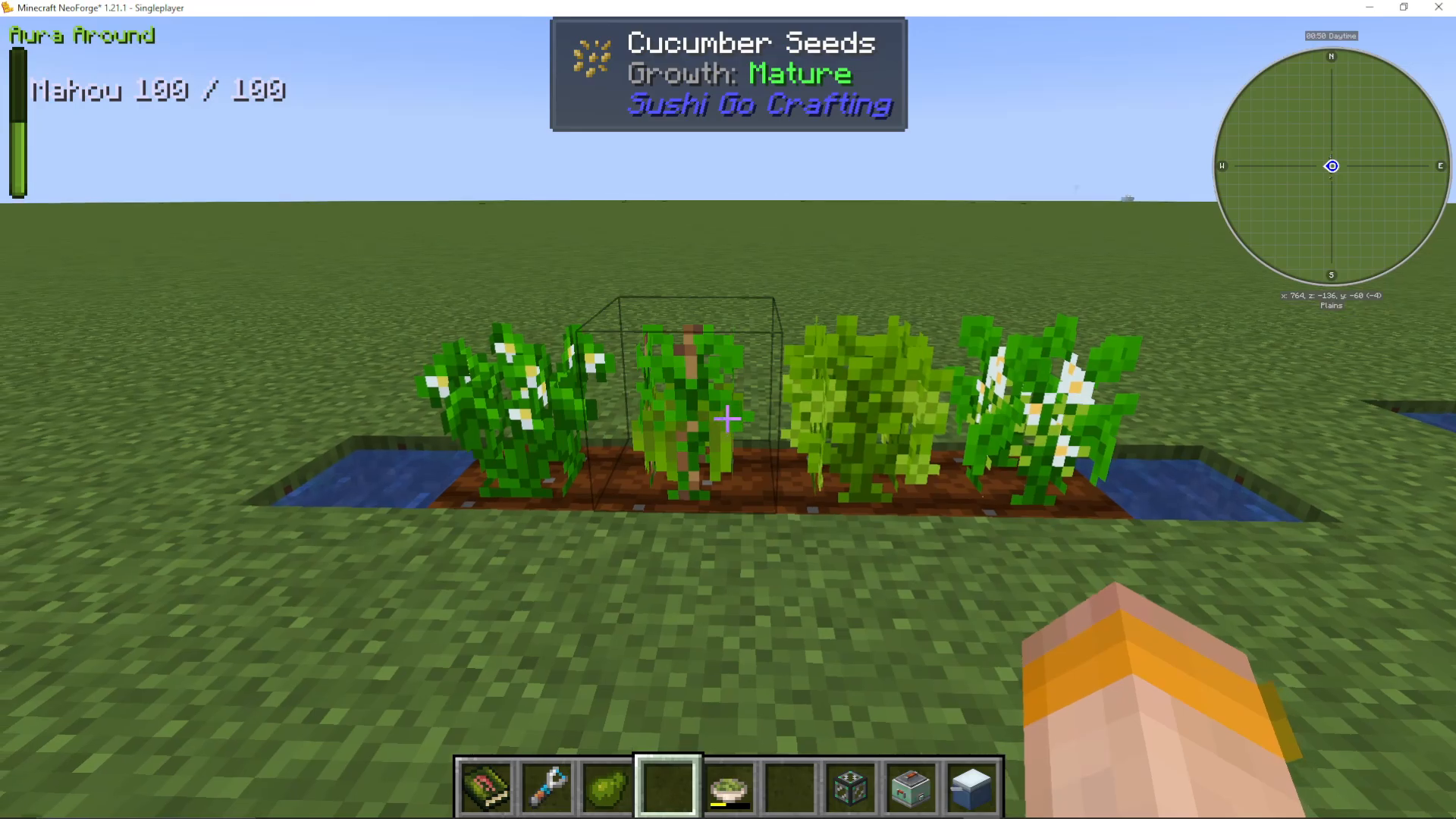
These four plants are obtained by breaking grass blocks, exactly the same way you would find wheat seeds in vanilla Minecraft. If you’ve played modded Minecraft before, this mechanic will feel very familiar — hitting grass can drop all four of these seeds at once.
Rice
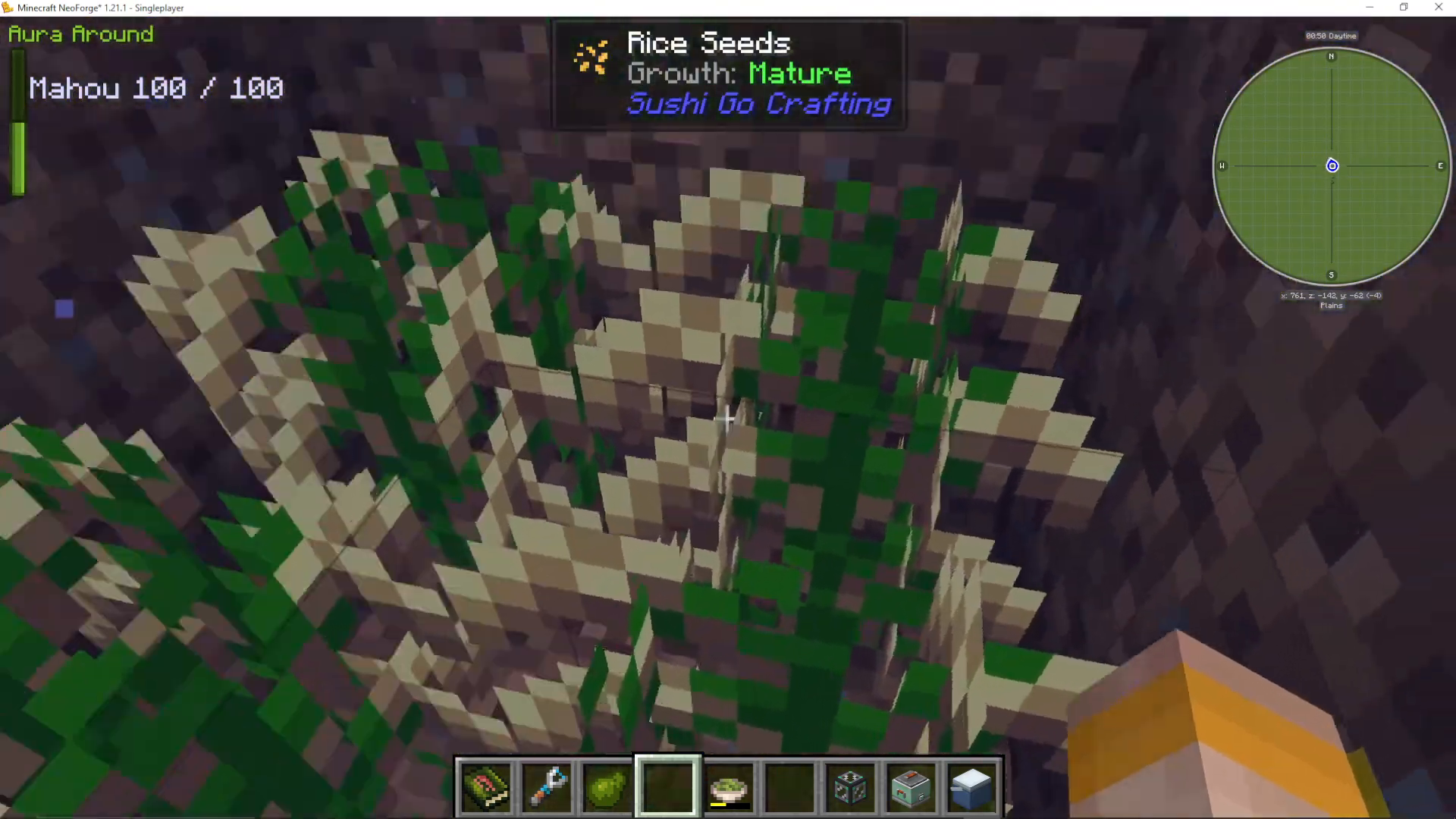
Rice works differently from the other crops. It must be planted underwater on a dirt block — no hoe required. Simply plant the rice seed directly onto a dirt block submerged in water. You can build a dedicated underwater rice farm to make harvesting easier and more efficient.
Fish: Shrimp, Tuna, and Salmon
The mod uses three types of fish. Shrimp and raw tuna are new additions found in ocean biomes. Salmon comes from the vanilla Minecraft salmon — no changes there. Two fish are added by the mod, and all three are used in various sushi recipes.
Crafting Stations Overview
Sushi Go Crafting introduces several dedicated crafting stations. Here is a breakdown of each one and what it does.
Making Nori Sheets: The Iron Block and Piston Method
Nori sheets are a core ingredient used in almost every sushi recipe. To make them, you first need dried kelp blocks. Collect kelp from the ocean, dry it in a furnace to get dried kelp, then craft it into dried kelp blocks.
To convert dried kelp blocks into nori sheets, place a dried kelp block on top of an iron block, then position a piston directly above it. Activate the piston with a button and it will compress the kelp block into nori sheets. To make this process easier, consider surrounding the setup with glass or using a dropper to feed blocks in automatically.
The Cutting Board and Cleaver Knife
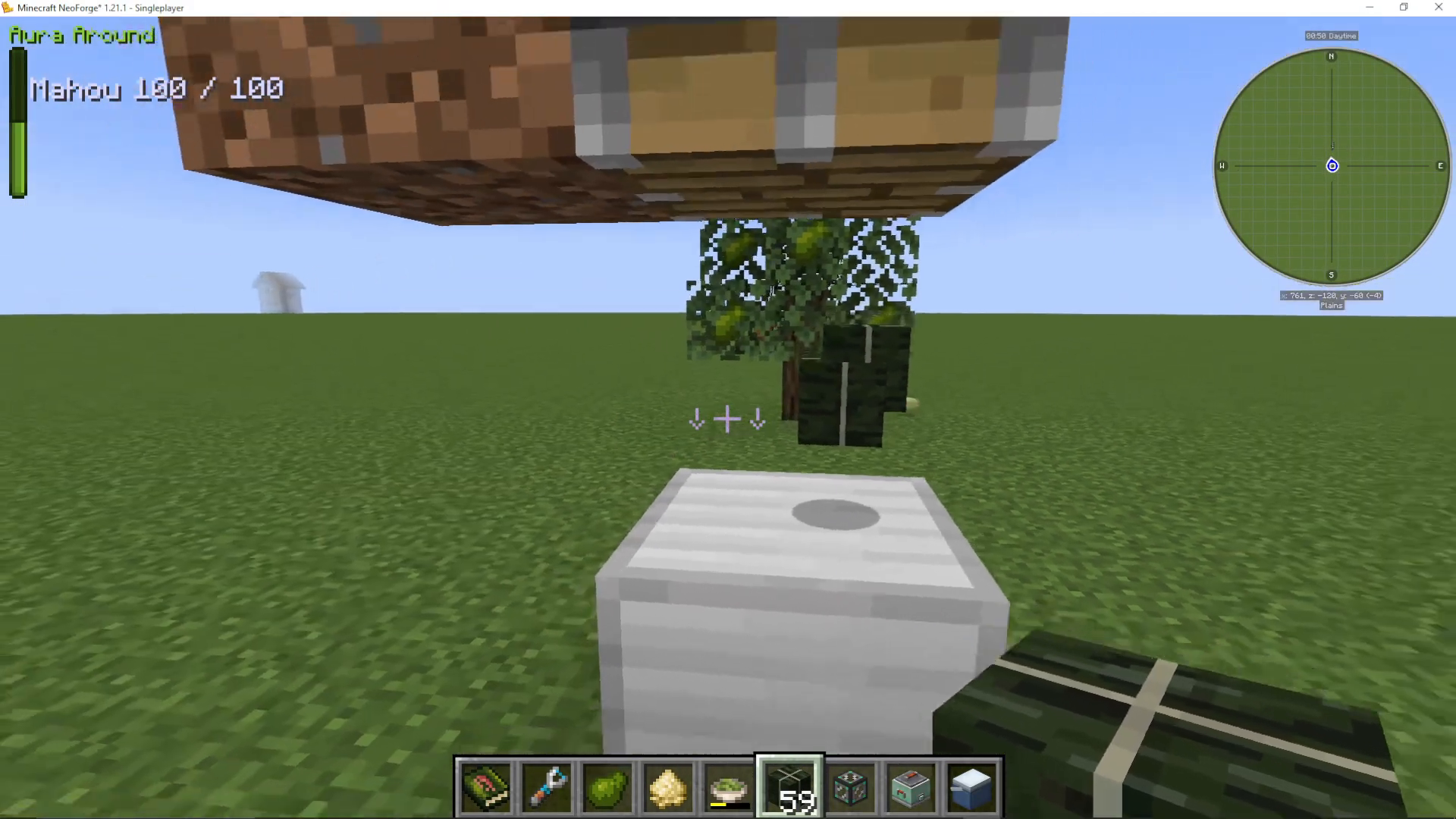
The cutting board is used to process ingredients like wasabi into paste. Place your ingredient onto the cutting board by right-clicking it, then right-click the cutting board repeatedly with the cleaver knife from Sushi Go Crafting to chop it down. The output — for example, wasabi paste — will appear in your inventory.
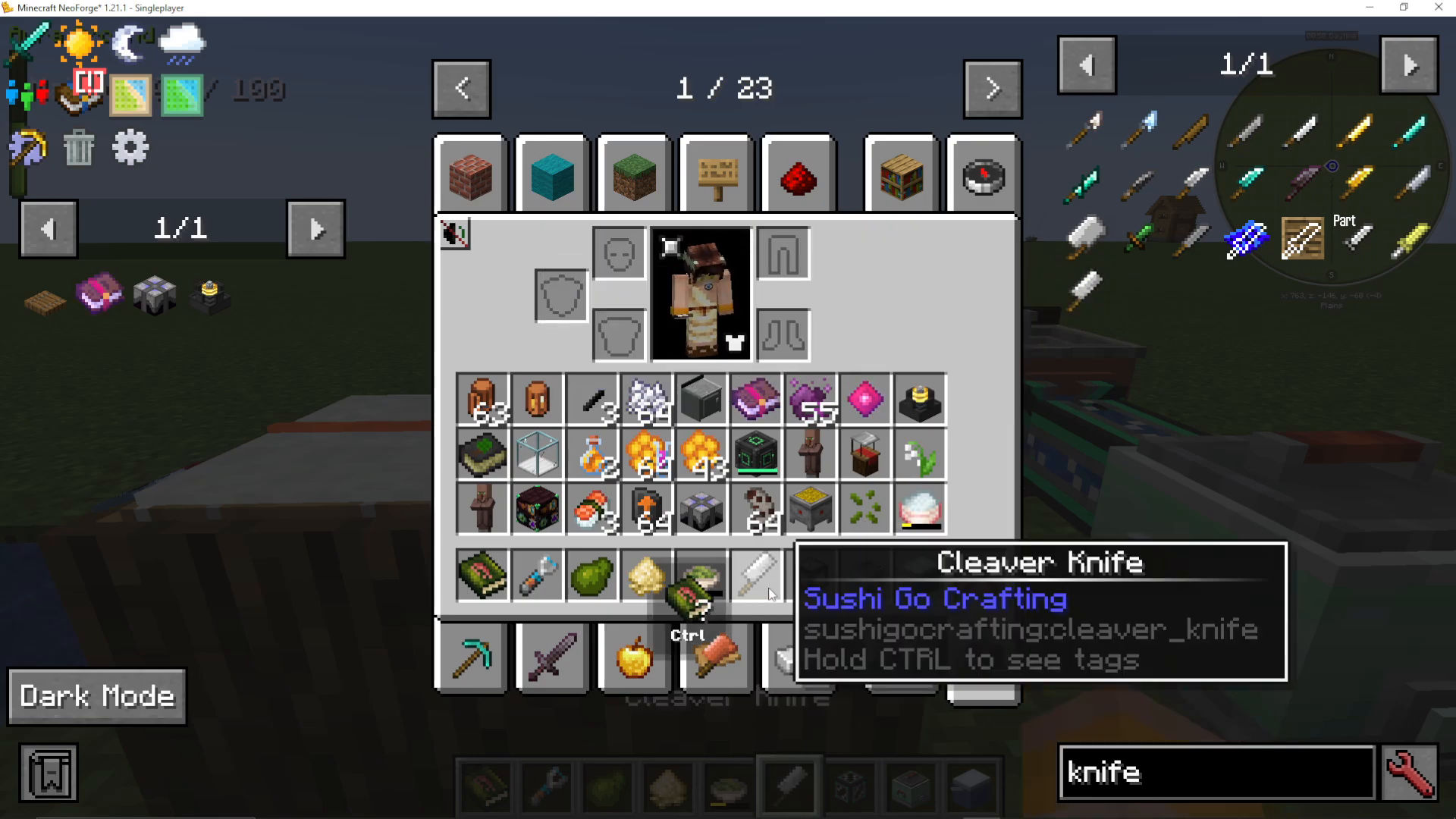
One important detail: processed items like wasabi paste have a weight in grams (for example, 21g or 38g). Different cutting sessions produce different weights. To consolidate multiple stacks of the same ingredient into one combined weight, place them all into the cooler box. The cooler box will automatically merge them into a single stack — for instance, combining several portions into 96 grams of wasabi paste.
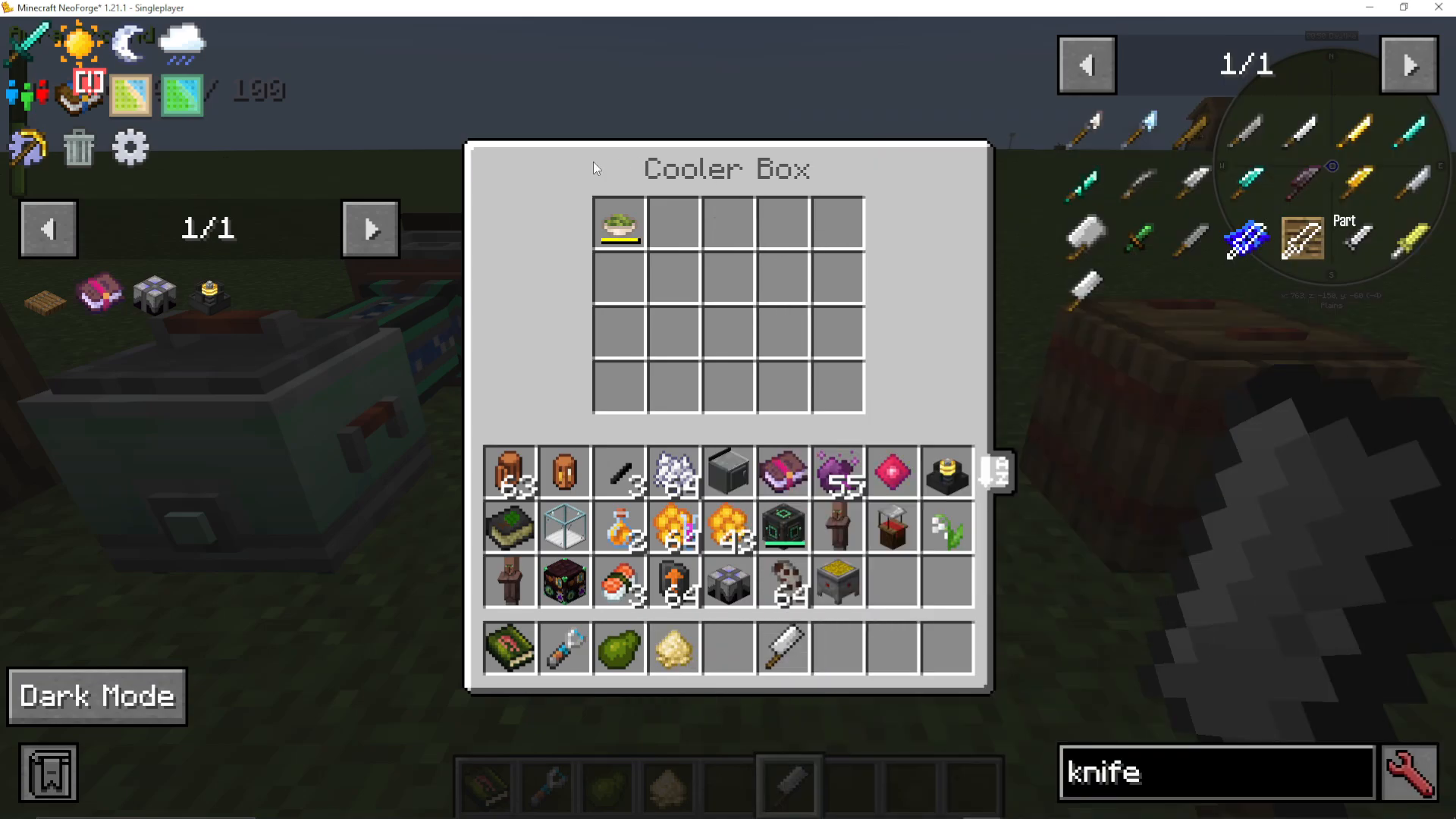
The Rice Cooker
To make cooked rice, place your raw rice seeds into the rice cooker along with some water and coal as fuel. The rice cooker will process it into cooked rice. Like wasabi paste, cooked rice is measured in grams — and just like before, you can combine different weight portions together using the cooler box.
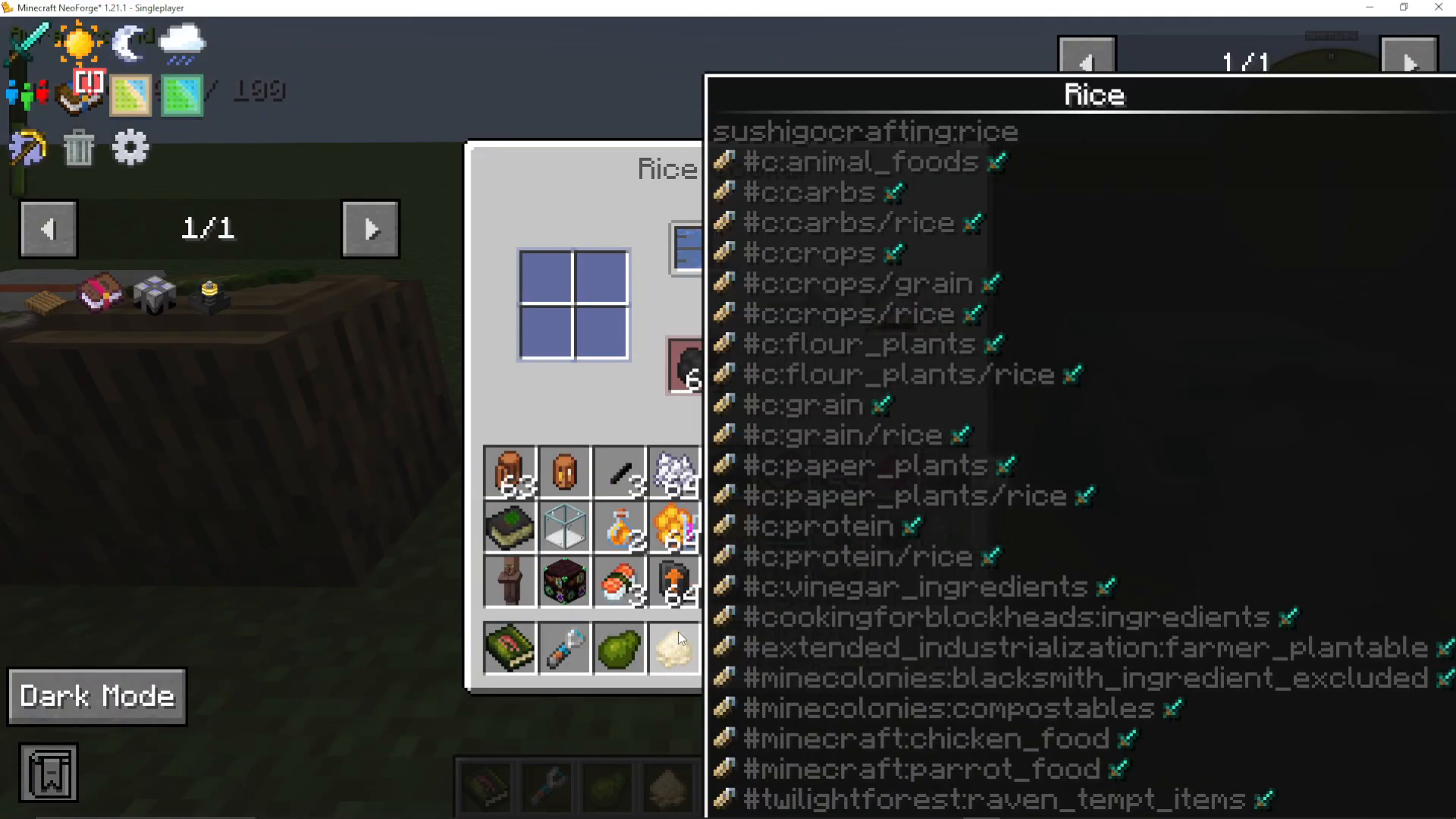
The Fermentation Barrel: Making Soy Sauce
Soy sauce is crafted in the fermentation barrel. Add soybeans and water to the barrel and it will ferment them into soy sauce over time. The mod itself does not add a built-in water input method, so you can either bucket water in manually or, if you have mods like Cooking with Blockheads (sink) and Mekanism (basic mechanical pipe) installed, use those to pipe water in automatically. Note that the barrel will accept soybeans from any compatible mod.
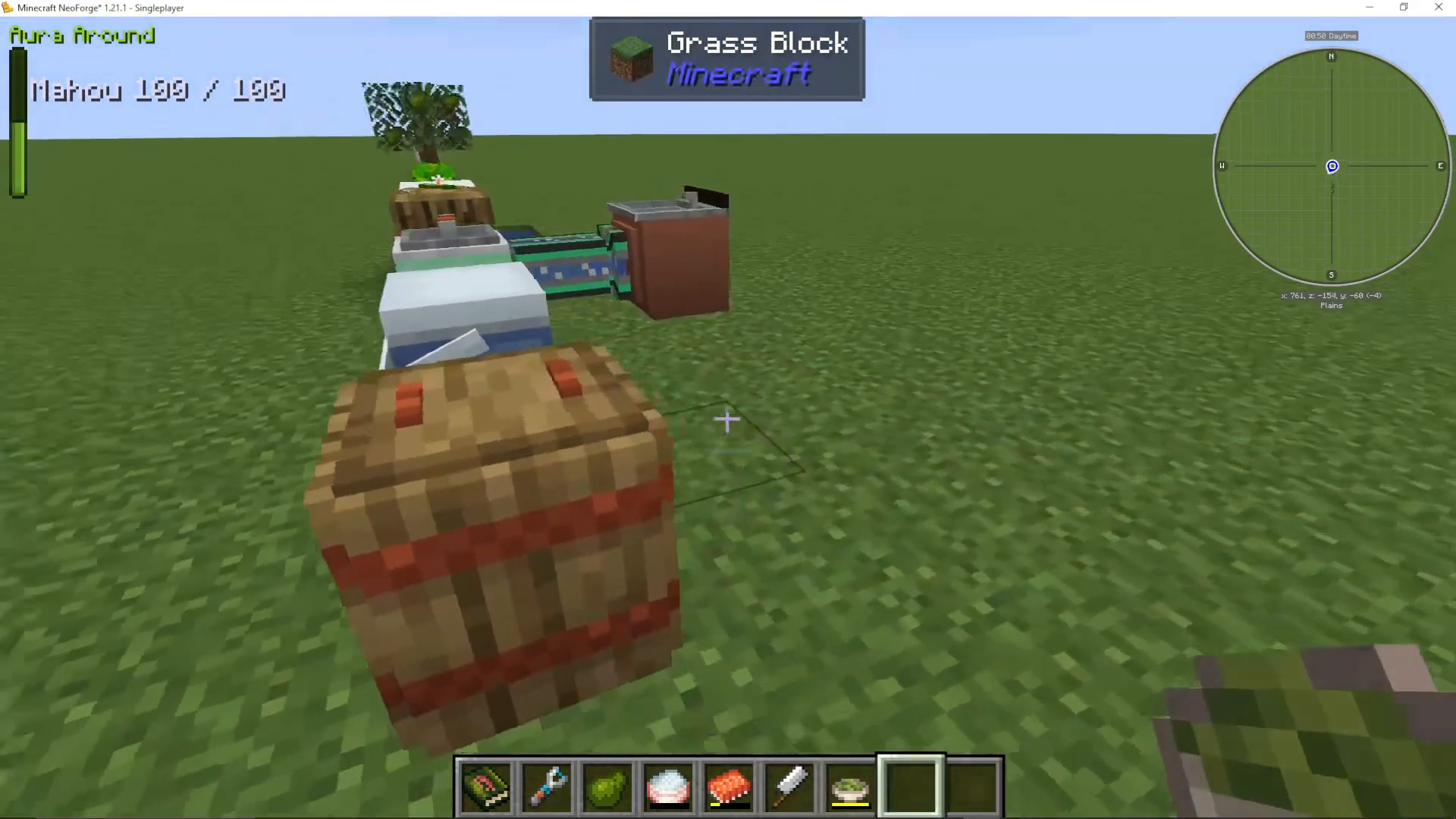
Using the Roller to Make Sushi
The roller is where everything comes together. This is the station where you actually craft your sushi rolls.
Choosing Your Sushi Type
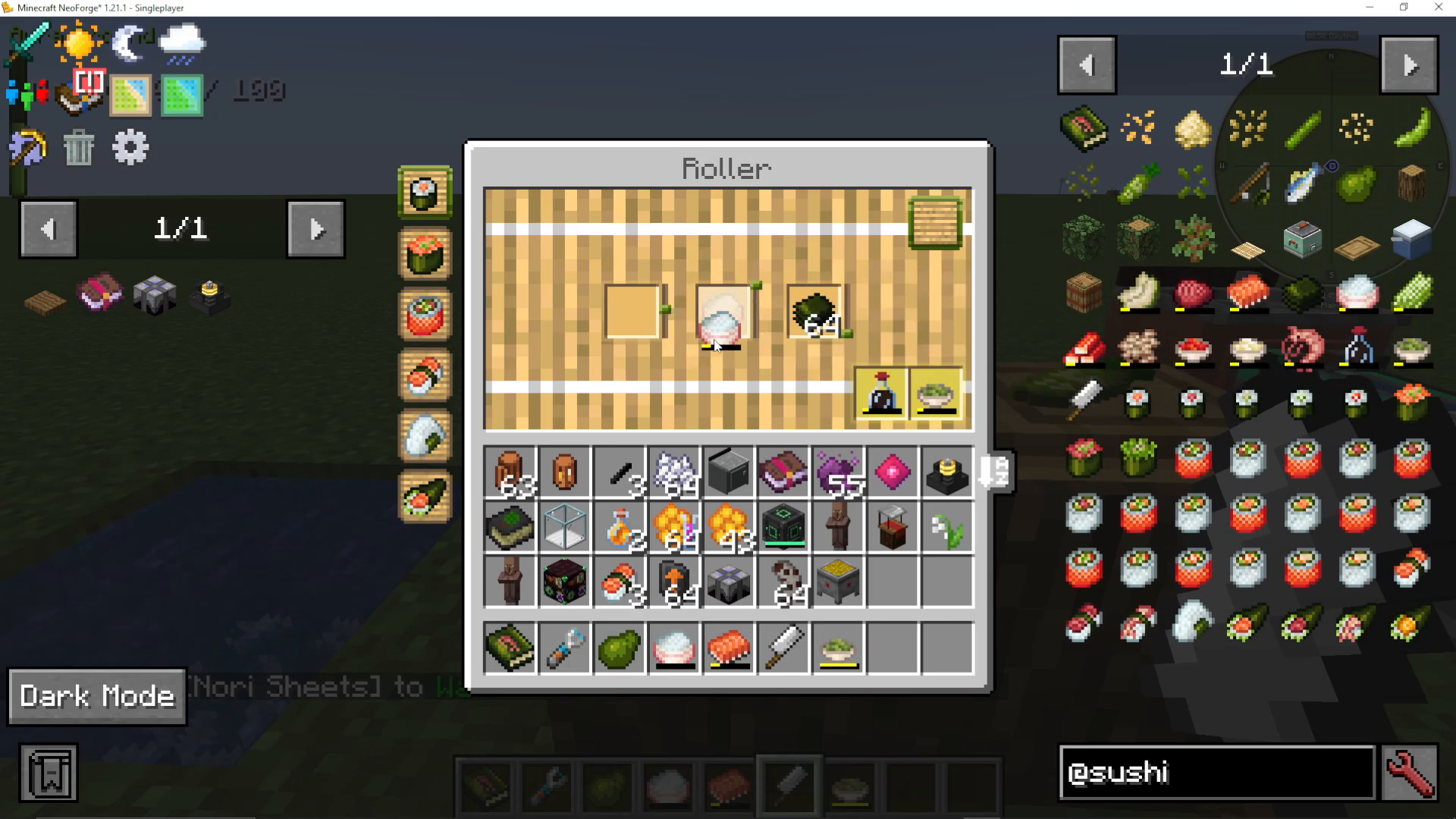
At the top-left of the roller interface, you can select which type of sushi you want to make. The available options include maki, gunkan, California rolls, nigiri, onigiri, and uramaki. Each type displays the required ingredients. If an ingredient slot appears blank, it means you can use any compatible ingredient of that category — such as crab, cucumber, avocado, or tuna — as long as it fits the slot type.
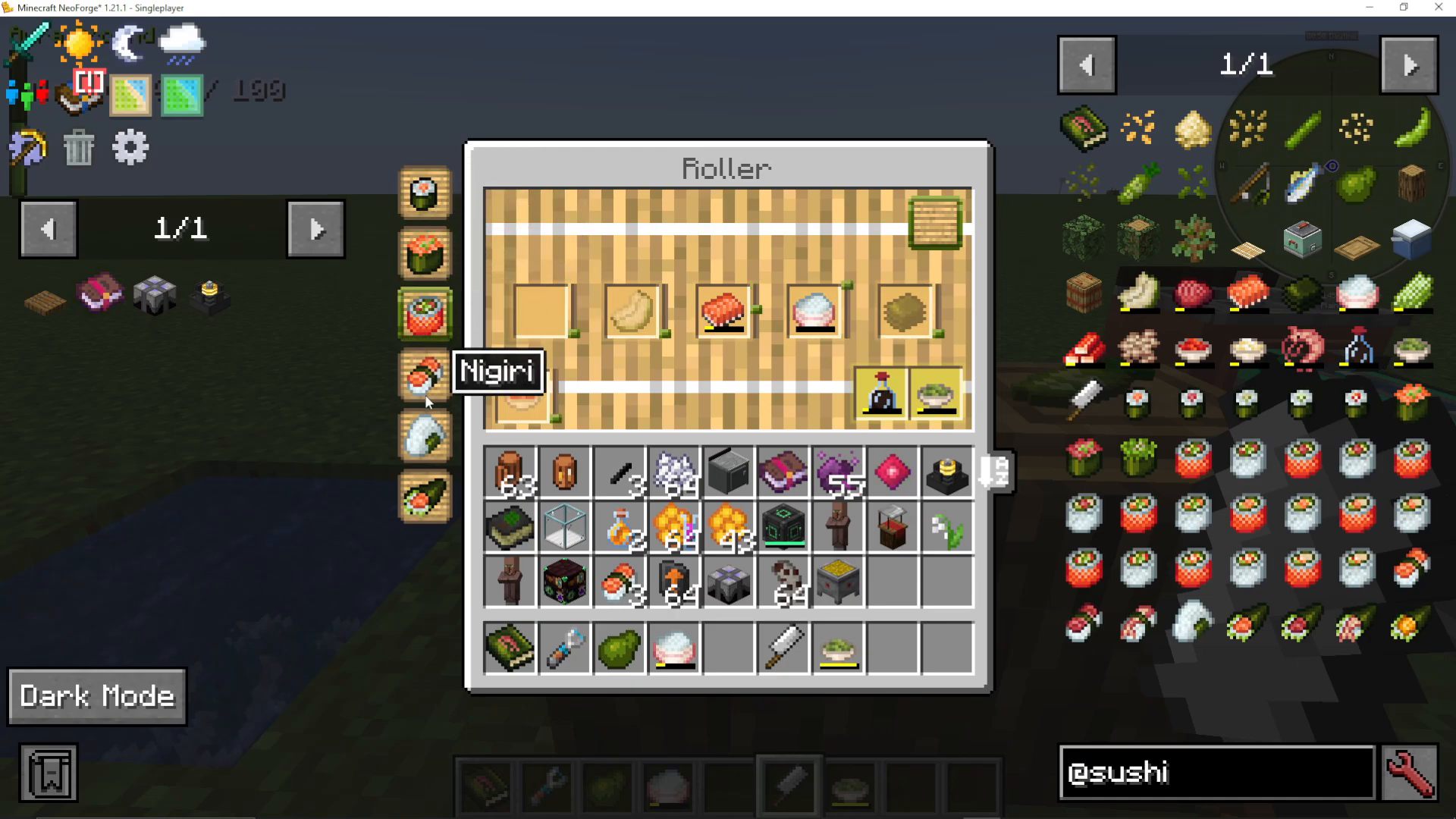
Ingredient Slots and Nori Sheets
Place your nori sheets into the nori sheet slot. For colour-coded slots that show a specific item icon, place that exact ingredient. For example, a salmon maki requires a salmon fillet, cooked rice, and nori sheets. Some recipes will also call for wasabi paste or soy sauce.
Balancing Ingredient Weights with the Sliders
This is the most important mechanic in the roller. Each ingredient has a slider that controls how much of that ingredient goes into your roll. When you press the Roll button in the top-right corner, the mod will evaluate whether your proportions are correct.
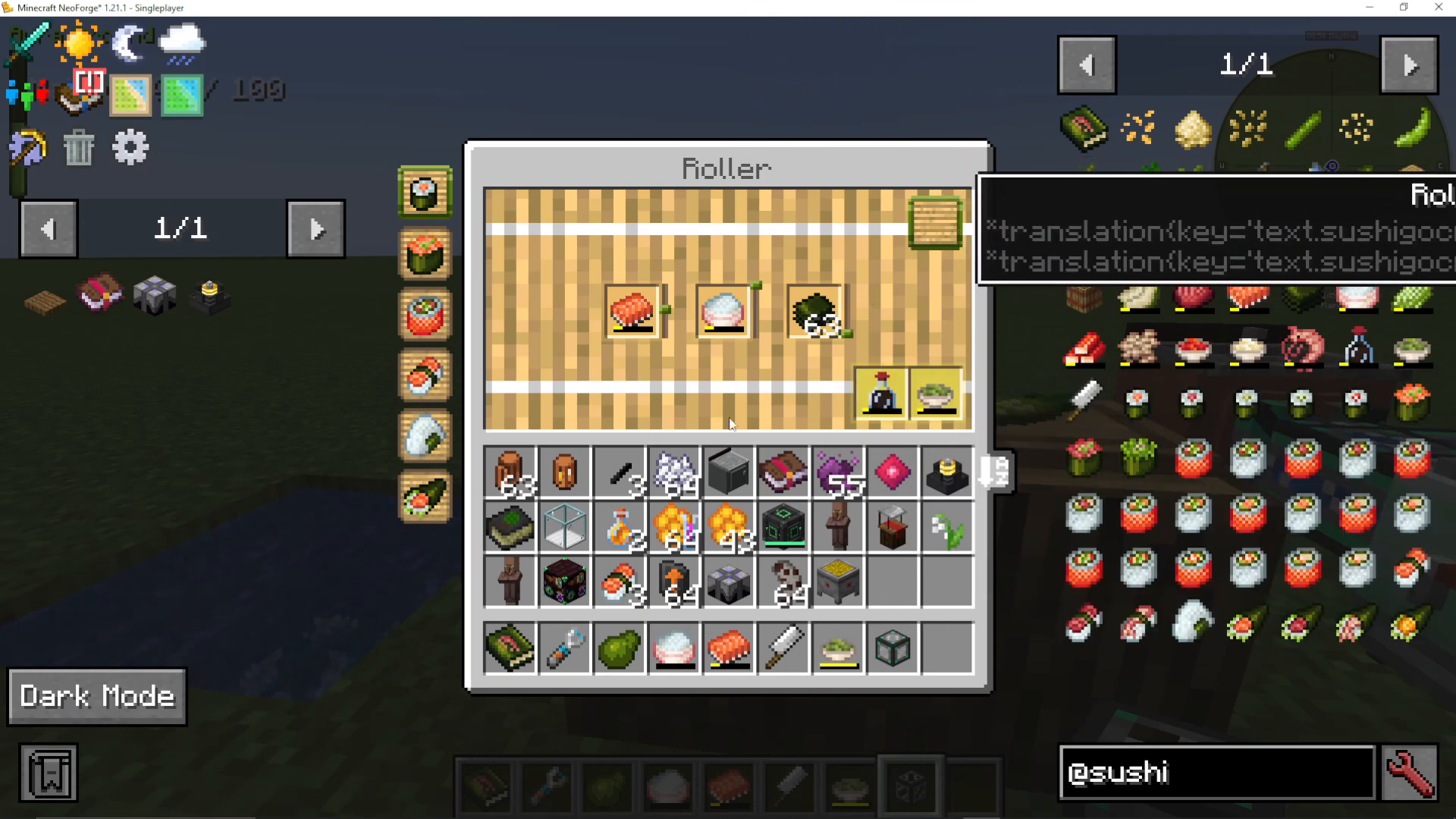
If the resulting sushi looks hollow or poorly filled, your ingredient ratios are off. The roller will show you small up arrows or down arrows next to each ingredient:
Up arrow — you need to increase the amount of this ingredient.
Down arrow — you need to decrease the amount of this ingredient.
Use left-click on the slider to move it up, and right-click to move it down. A good starting strategy is to set all sliders to the middle position before your first roll, then adjust up or down based on the arrows shown after each attempt.
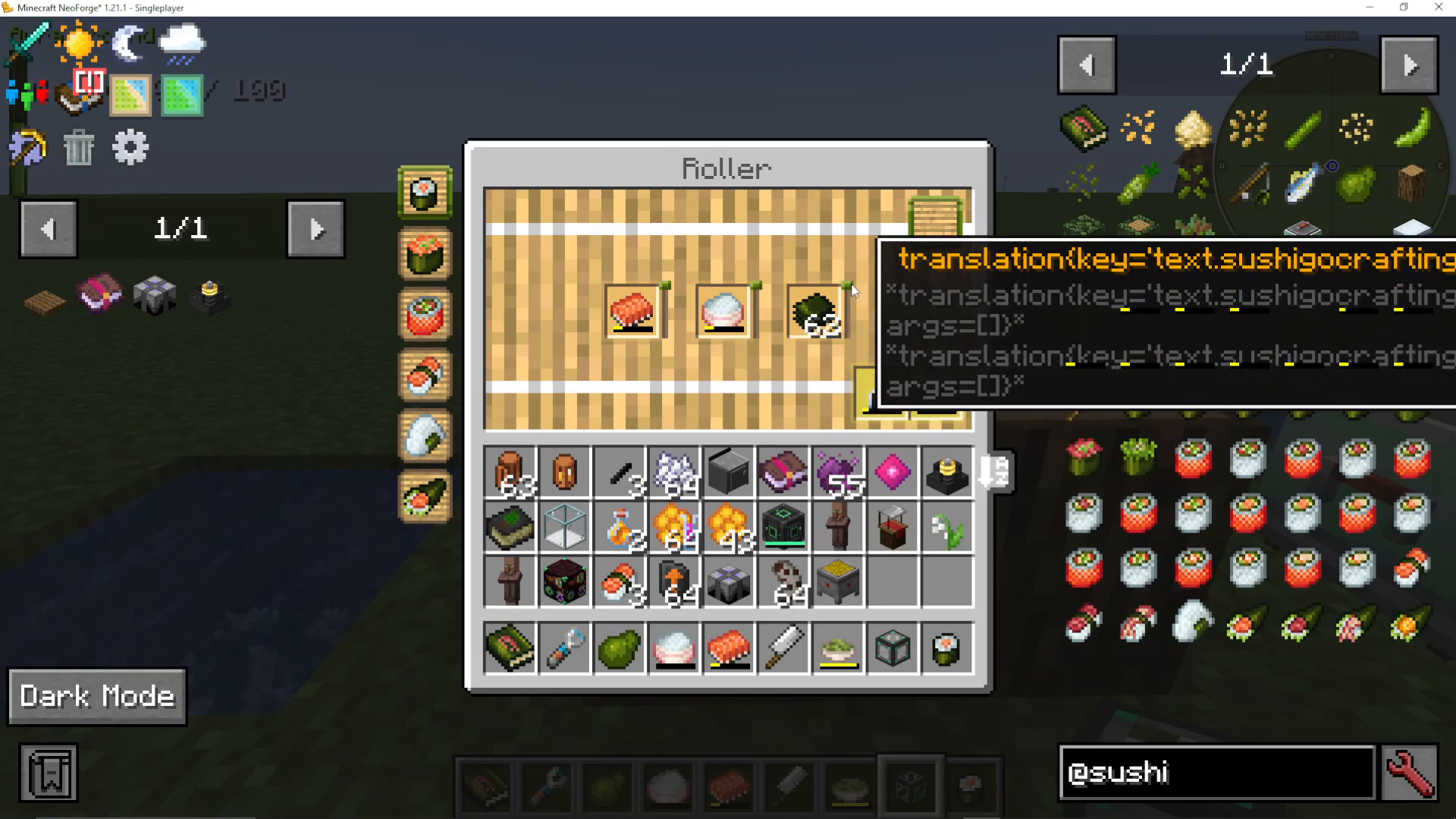
The Perfect Recipe Memory System
Once you’ve dialled in the correct proportions and produced a perfect roll, the roller will display small yellow marker lines on each slider. These yellow lines permanently mark the ideal position for each ingredient in that recipe. You only need to find the perfect balance once — after that, simply line your sliders up with the yellow markers every time you craft that recipe.
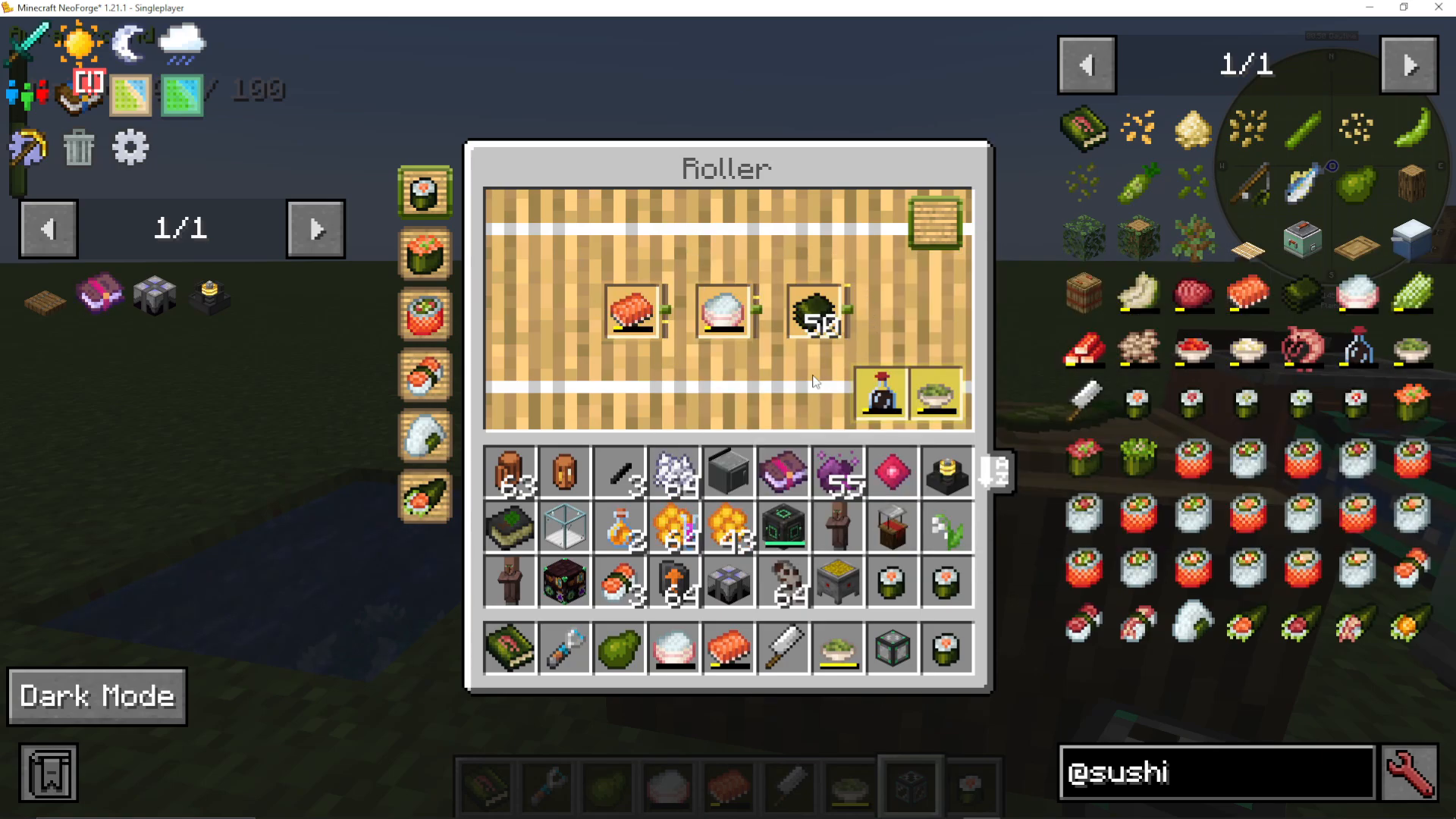
Sushi Effects and Modpack Variations
Each type of sushi grants different in-game effects when consumed. The exact effects you get can vary depending on whether you are playing the mod standalone or as part of a modpack, and whether the modpack creator has modified the default values. Some modpacks may offer powerful, game-changing effects while others may be more subdued.
Summary
The Sushi Go Crafting mod is a well-designed and rewarding food mod that adds real depth to Minecraft’s cooking system. Here’s a quick recap of the full workflow:
Gather avocados, wasabi, cucumber, soy, and sesame seeds from the world. Grow rice underwater.
Collect shrimp and tuna from oceans; use vanilla salmon as the third fish.
Compress dried kelp blocks into nori sheets using an iron block and piston setup.
Use the cutting board and cleaver knife to make pastes; consolidate weights in the cooler box.
Cook rice in the rice cooker with water and coal.
Ferment soybeans with water in the fermentation barrel to produce soy sauce.
Use the roller to assemble sushi — adjust the ingredient sliders until you achieve a perfect roll, and let the yellow markers guide you from then on.
Once you’ve worked out the perfect ratios for each recipe, the whole process becomes fast and satisfying. Now get rolling!
“`